
Vaishvi Desai
Page 20
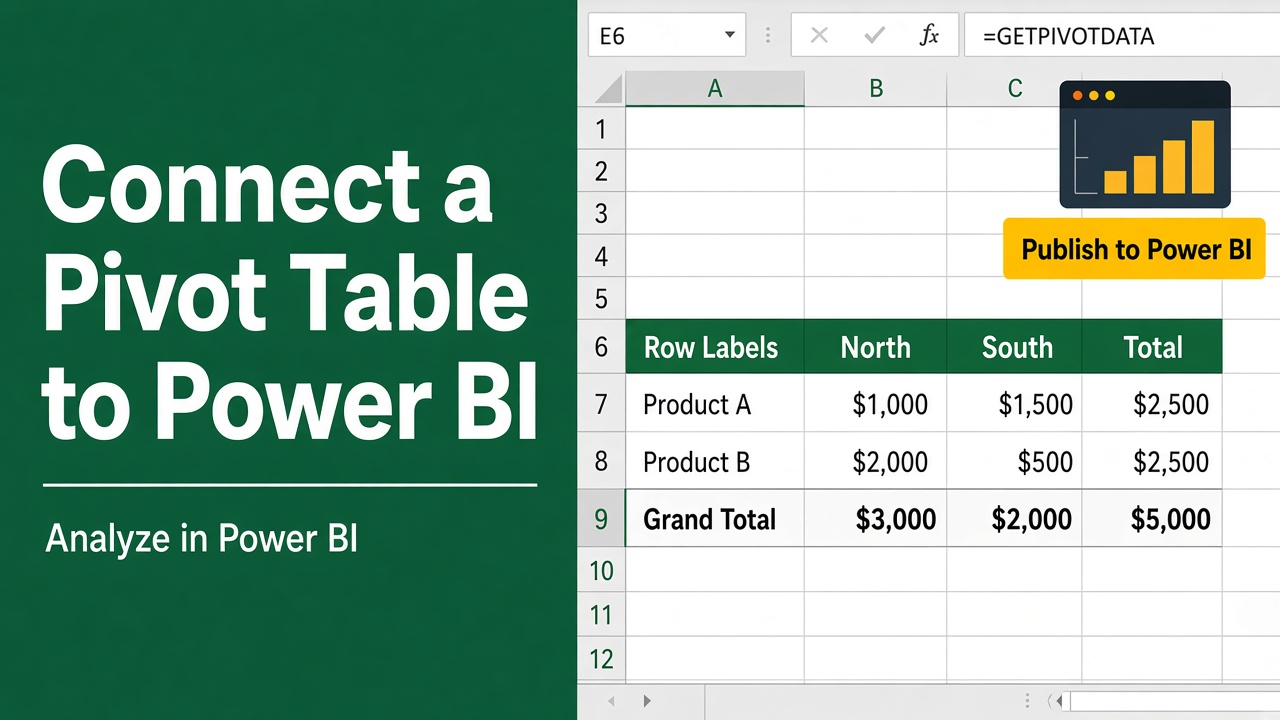
How to Connect Excel Pivot Table to Power BI: Expert Guide
Learn how to connect Excel Pivot Table to Power BI effortlessly. Follow our step-by-step guide for seamless data integration and enhanced visualizations.
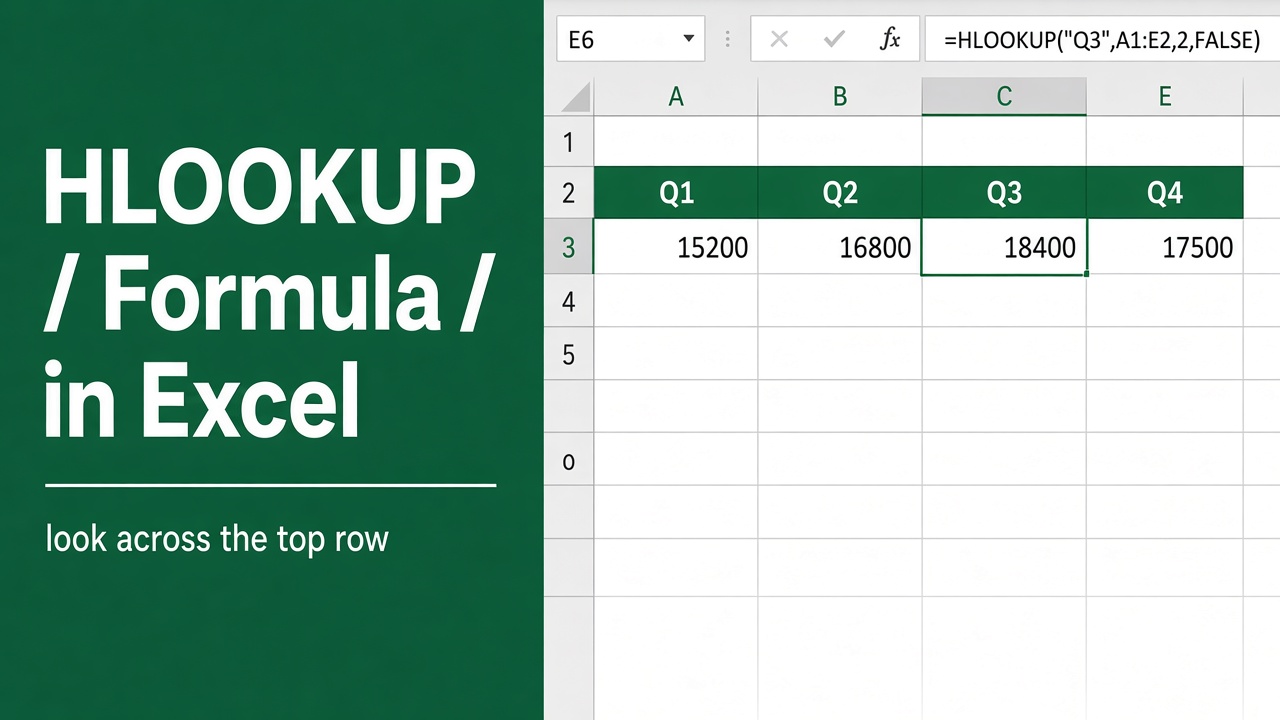
HLOOKUP Formula in Excel: How to Use and Master It
Master Excel’s HLOOKUP function: Learn syntax, examples, and advanced techniques for efficient horizontal data lookups. Boost your spreadsheet skills now!
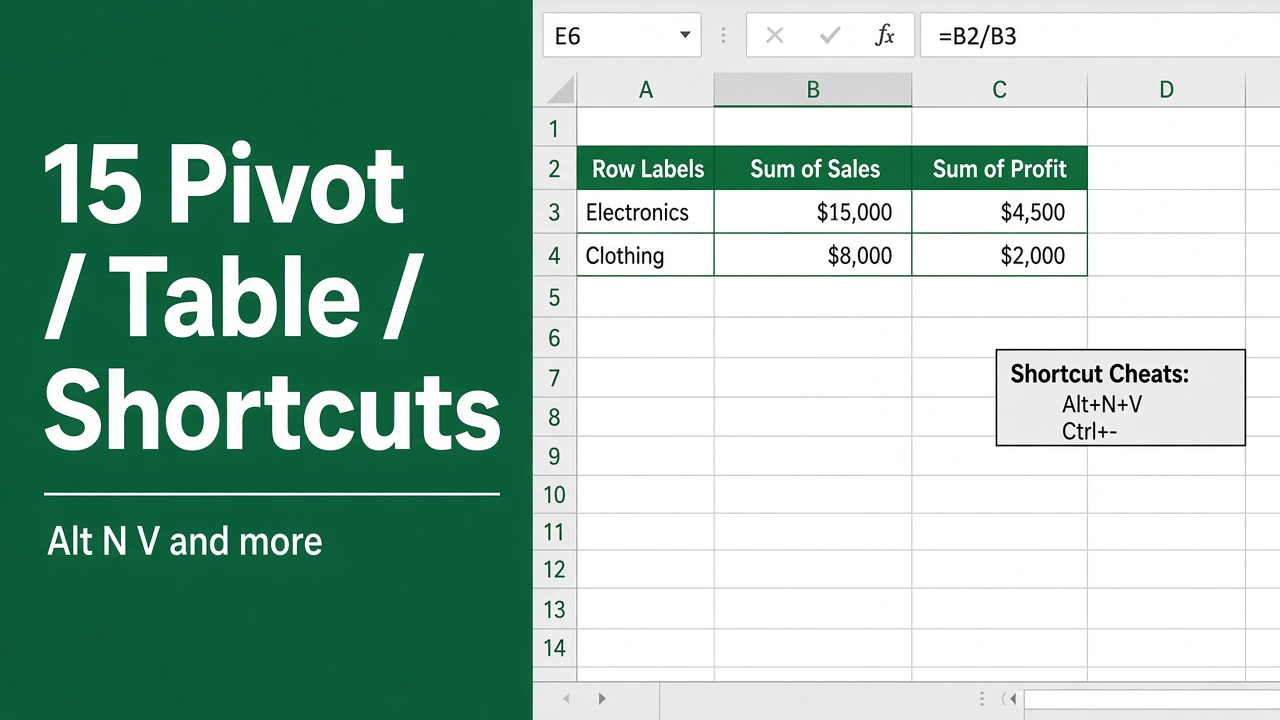
15 Top Excel Pivot Table Keyboard Shortcuts You Should Know
Boost your Excel productivity with these 15 essential Pivot Table keyboard shortcuts. Learn how to create, refresh, group, and more efficiently.
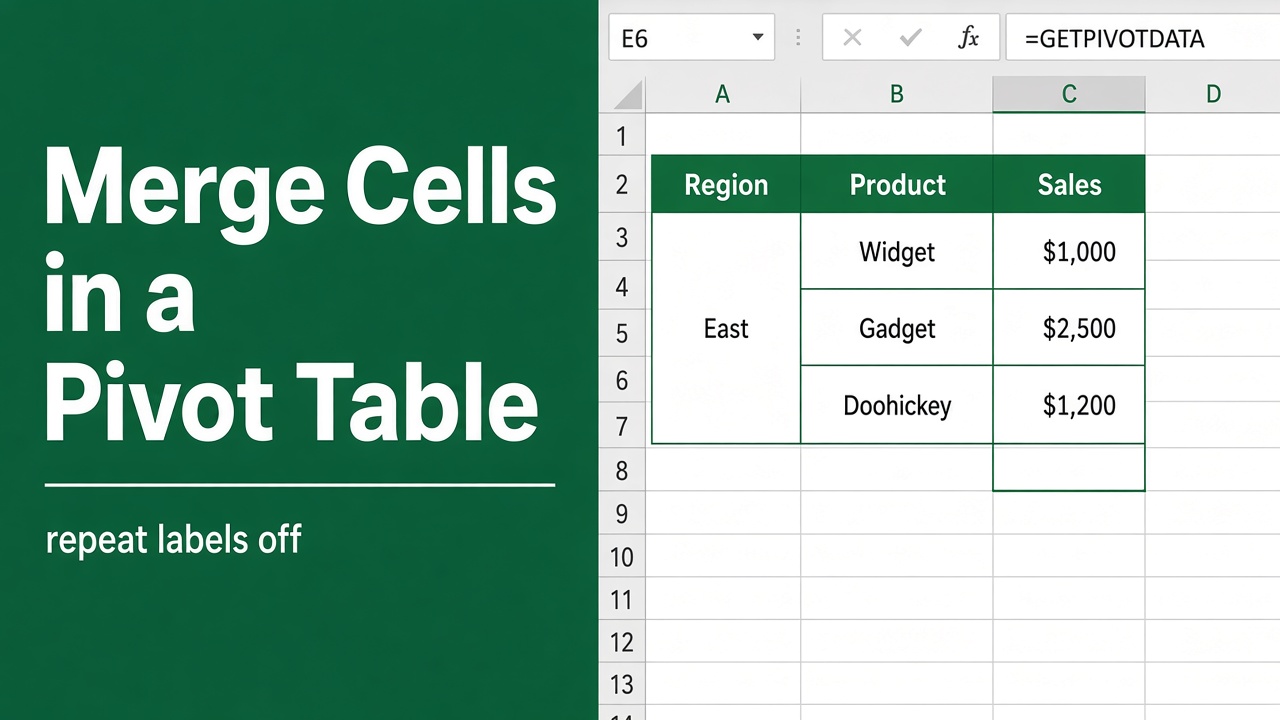
How to Merge Cells in Excel Pivot Table: Expert Guide
Learn how to merge cells in an Excel Pivot Table using simple workarounds. This guide offers step-by-step instructions to improve your data presentation.
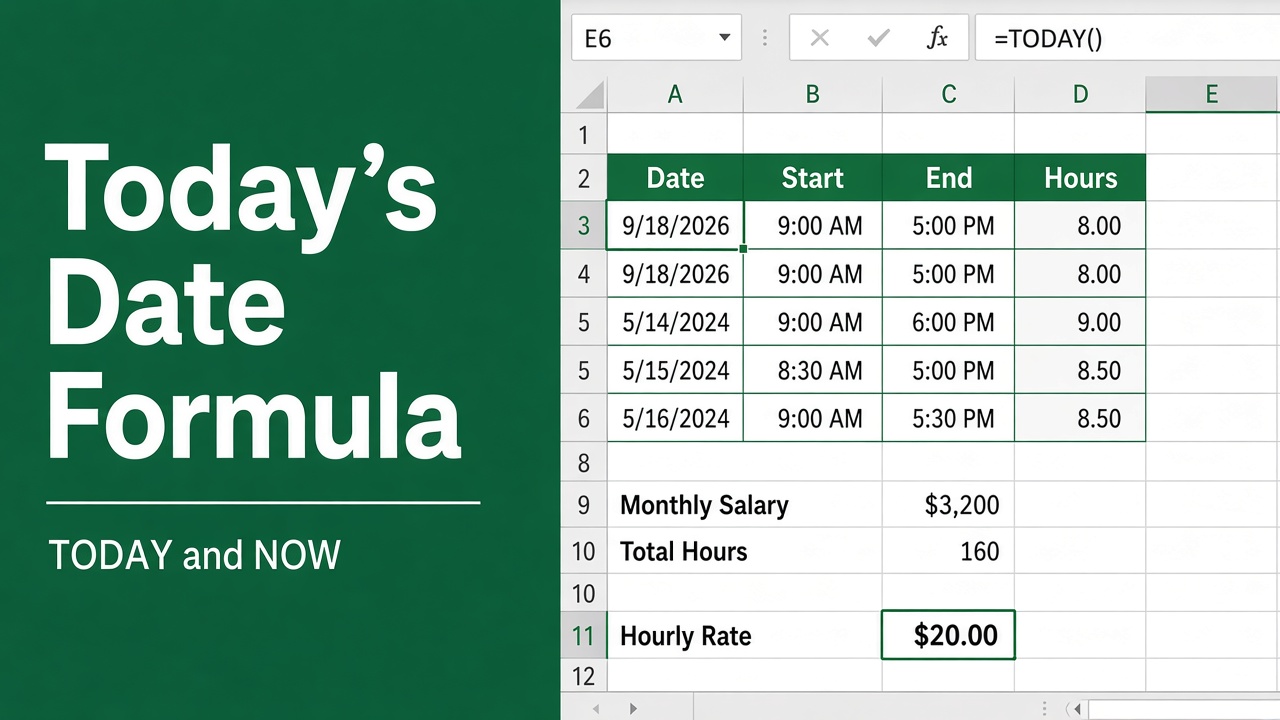
Excel Formula for Today’s Date: How to Use the TODAY() Function?
Learn how to use the =TODAY() formula in Excel to insert today’s date, perform date calculations, and automate tasks with ease.
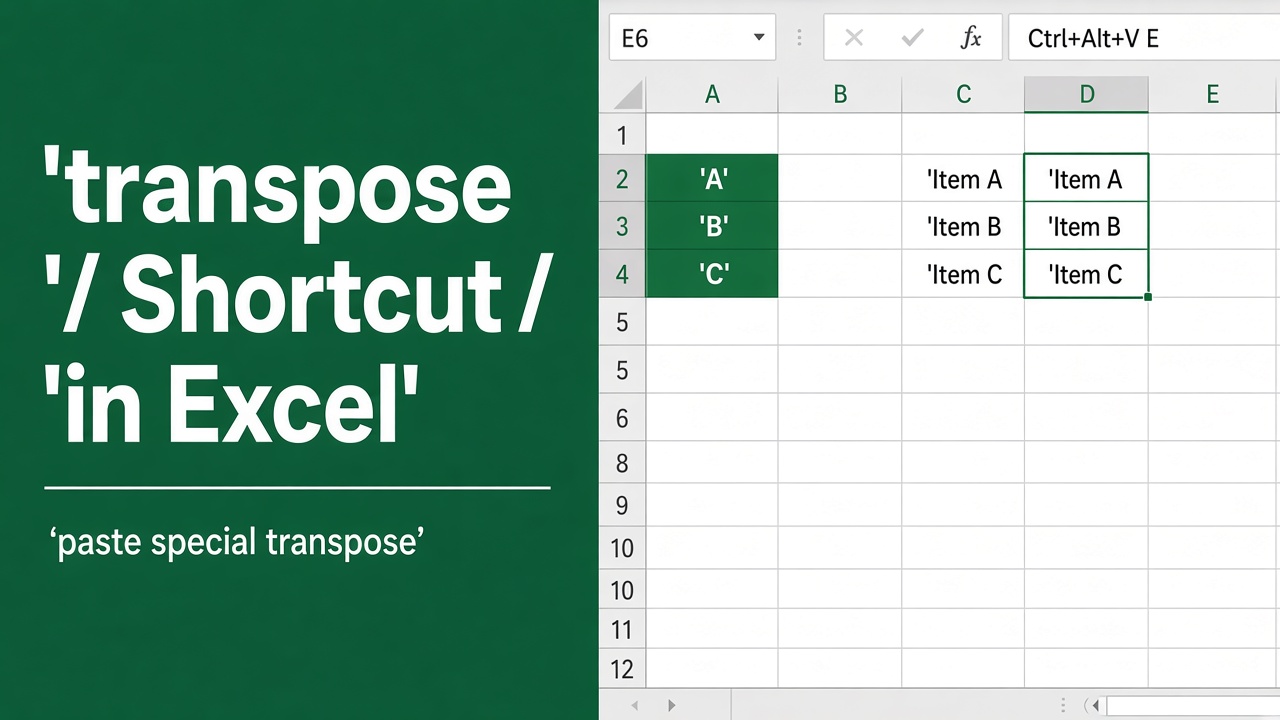
Shortcut for Transpose in Excel: A Complete Guide
Discover the best shortcut for transpose in Excel and explore advanced methods like the TRANSPOSE function and macros to manage your data efficiently.
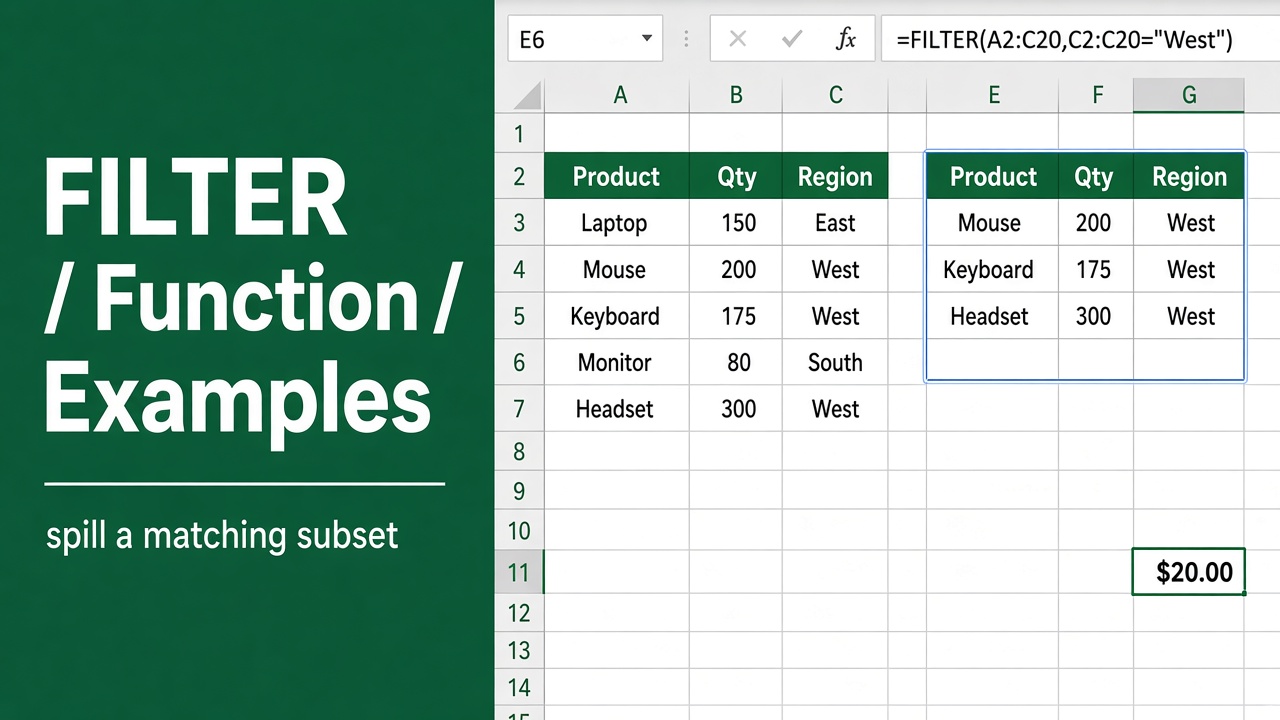
Excel FILTER Function with Formula Examples: Detailed Guide
Master the Excel FILTER function with step-by-step formula examples. Learn to filter data dynamically for efficient analysis and create dynamic dashboards.
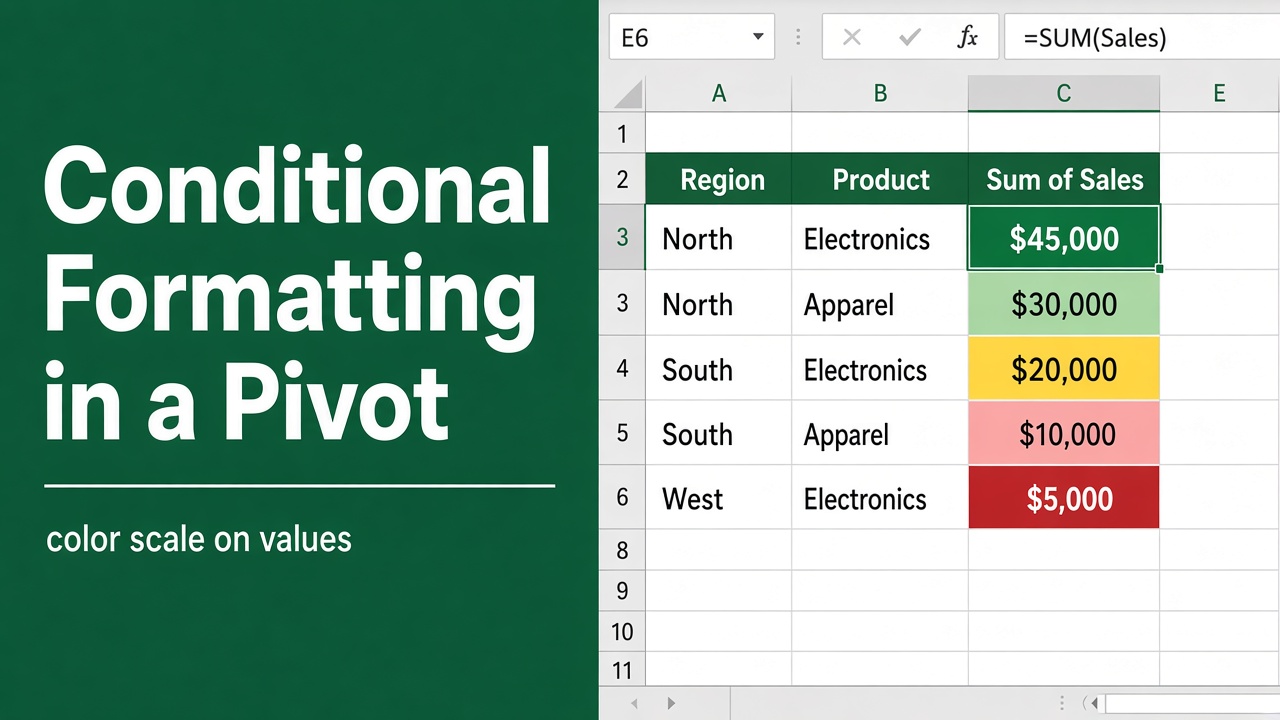
How to Do Conditional Formatting in an Excel Pivot Table?
Learn how to apply conditional formatting in Excel Pivot Tables to highlight key data trends and improve readability with this step-by-step guide.
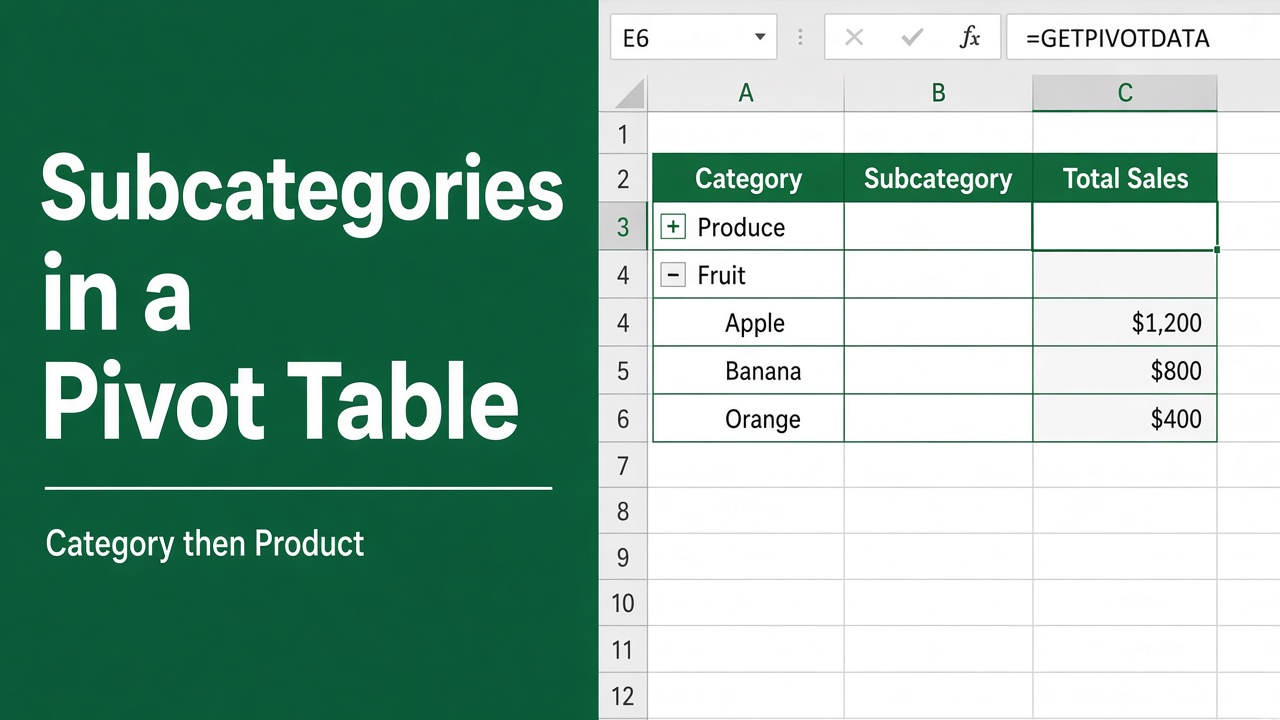
How to Create Subcategories in Excel Pivot Table: Easy Guide
Learn how to create subcategories in Excel pivot tables to analyze data in greater detail. Discover tips and tricks for effective data analysis.
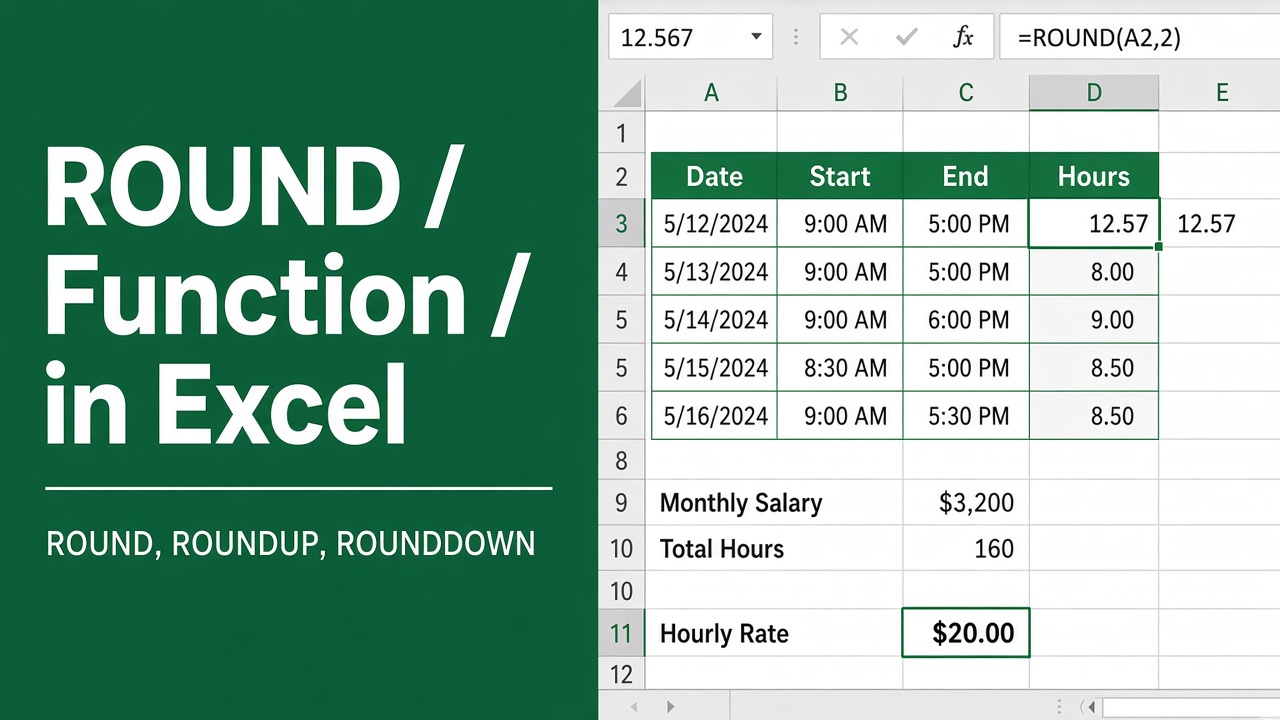
Excel ROUND Function: How to Round Numbers in Excel
Master the Excel ROUND function to round numbers easily. Includes formula examples, use cases for financial analysis, data formatting, and helpful tips.