
Vaishvi Desai
Page 30
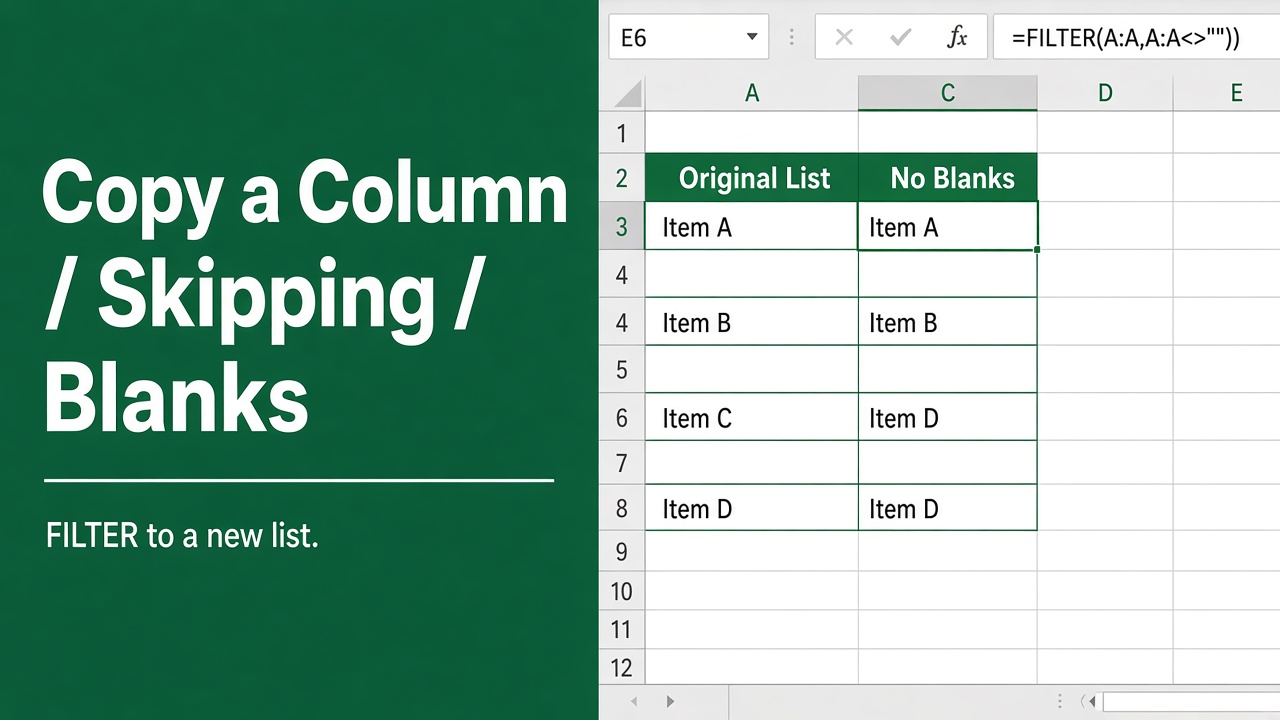
How to Copy a Column in Excel Without Blank Cells Using Formulas
Master the technique of using an excel formula to copy a column without blanks and streamline your data management efficiently.
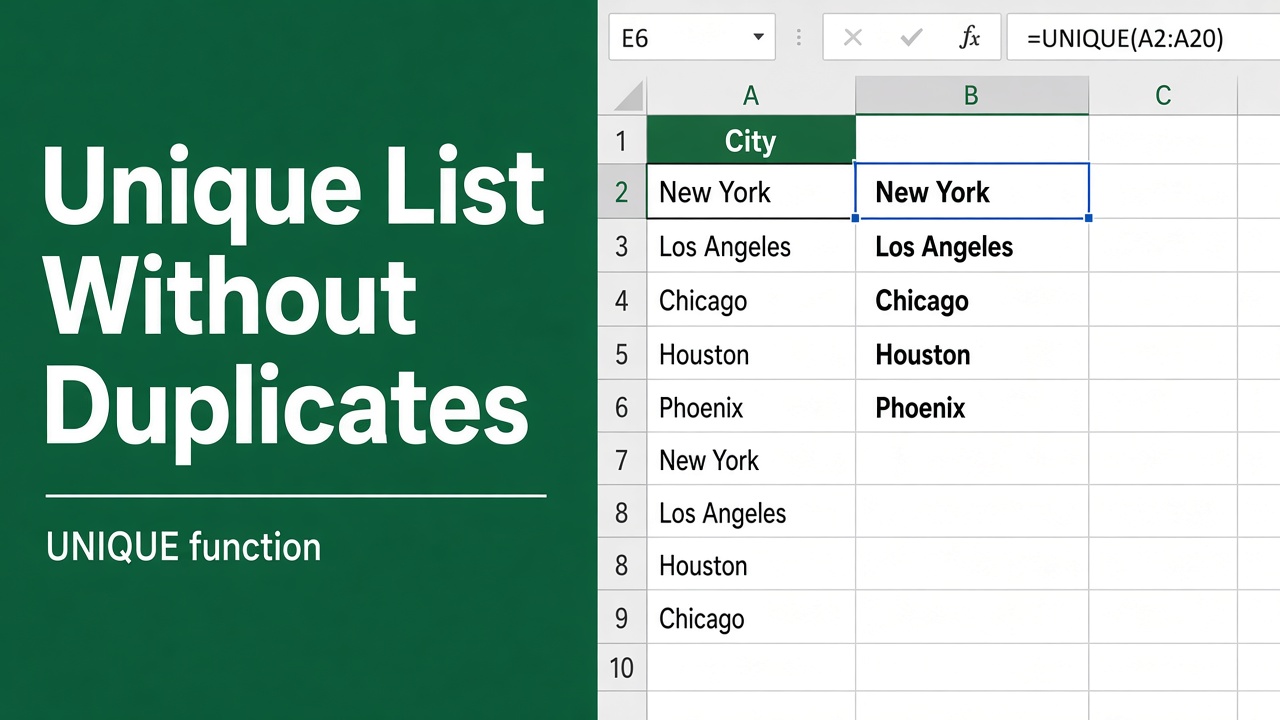
How to Create a List Without Duplicates Using an Excel Formula?
Learn how to create a list without duplicates in Excel using formulas like UNIQUE, INDEX, MATCH, and more. Step-by-step guide with examples.
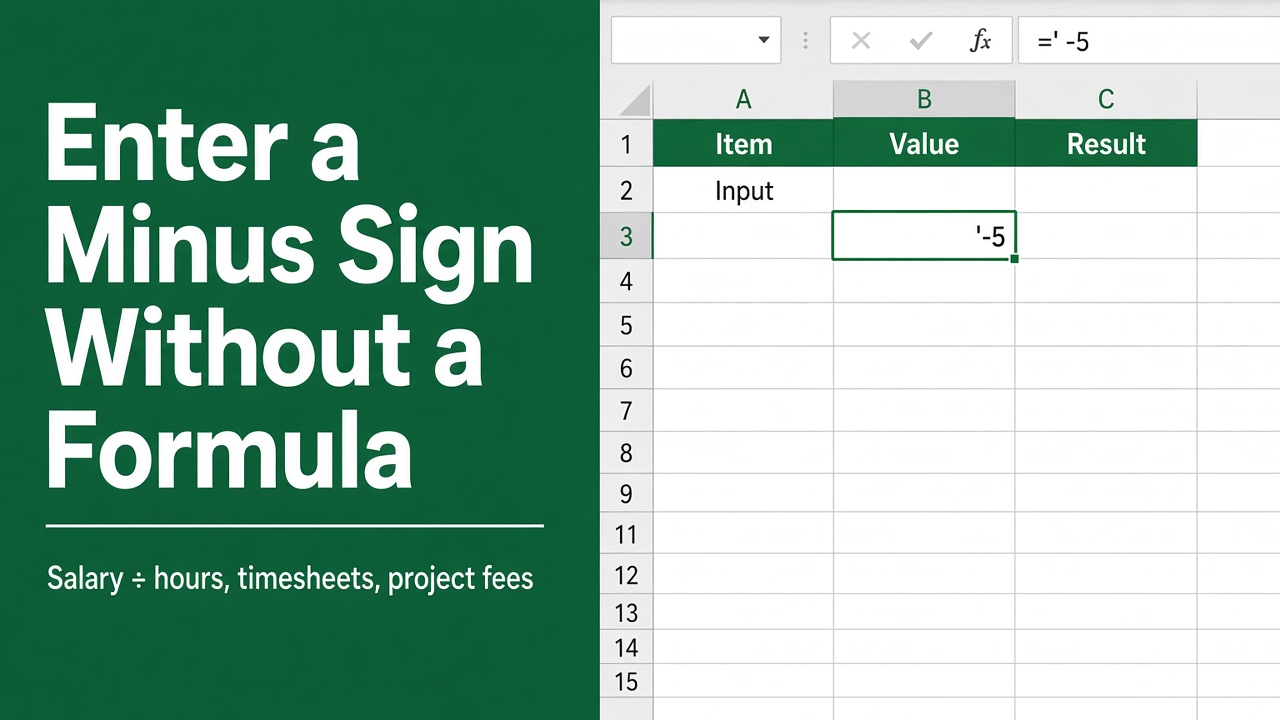
How to Enter a Minus Sign in Excel Without Using a Formula?
Learn how to enter a minus sign in Excel without using a formula. Discover easy methods like Symbol menu, keyboard shortcuts, and number formatting.
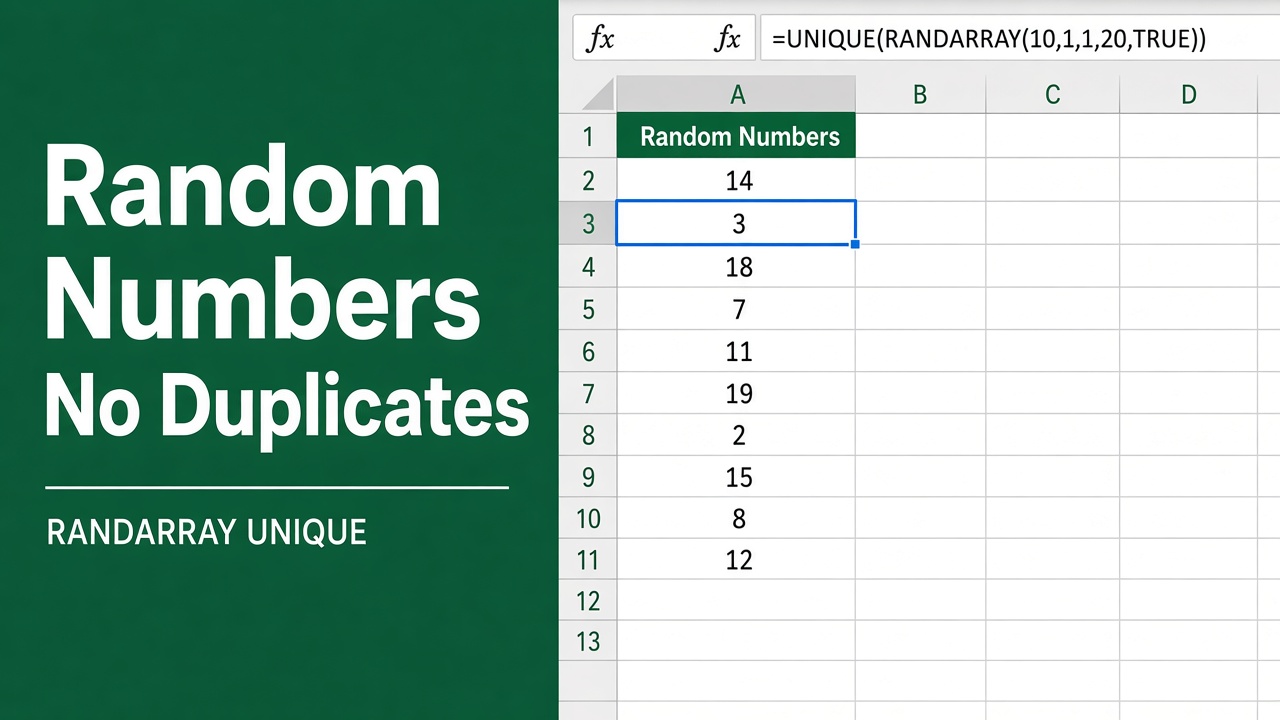
How to Generate Random Numbers Without Duplicates in Excel Using Formulas?
Discover how to use an excel formula to generate random number without duplicates efficiently in Excel—perfect for unique data sets and sampling.
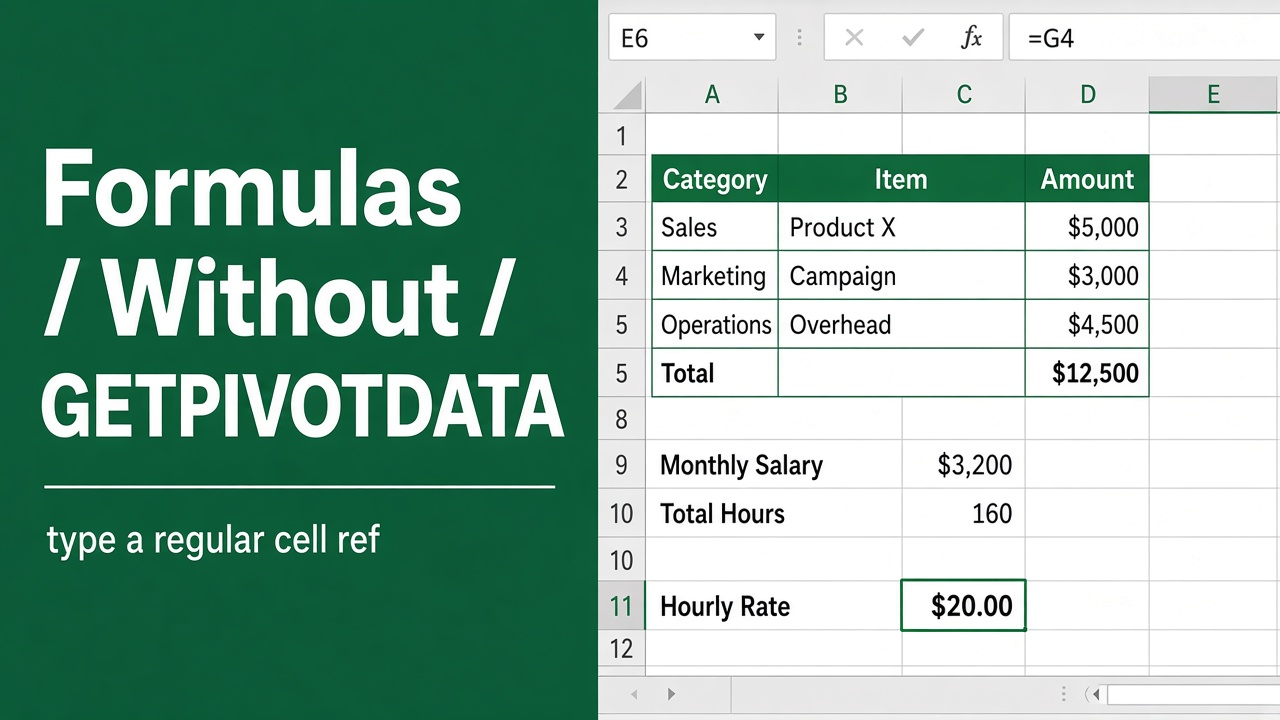
How to Write Excel Formulas Without Using GETPIVOTDATA?
Learn how to write Excel formulas for PivotTables without using GETPIVOTDATA. Discover alternatives like cell references, named ranges, and dynamic lookups.
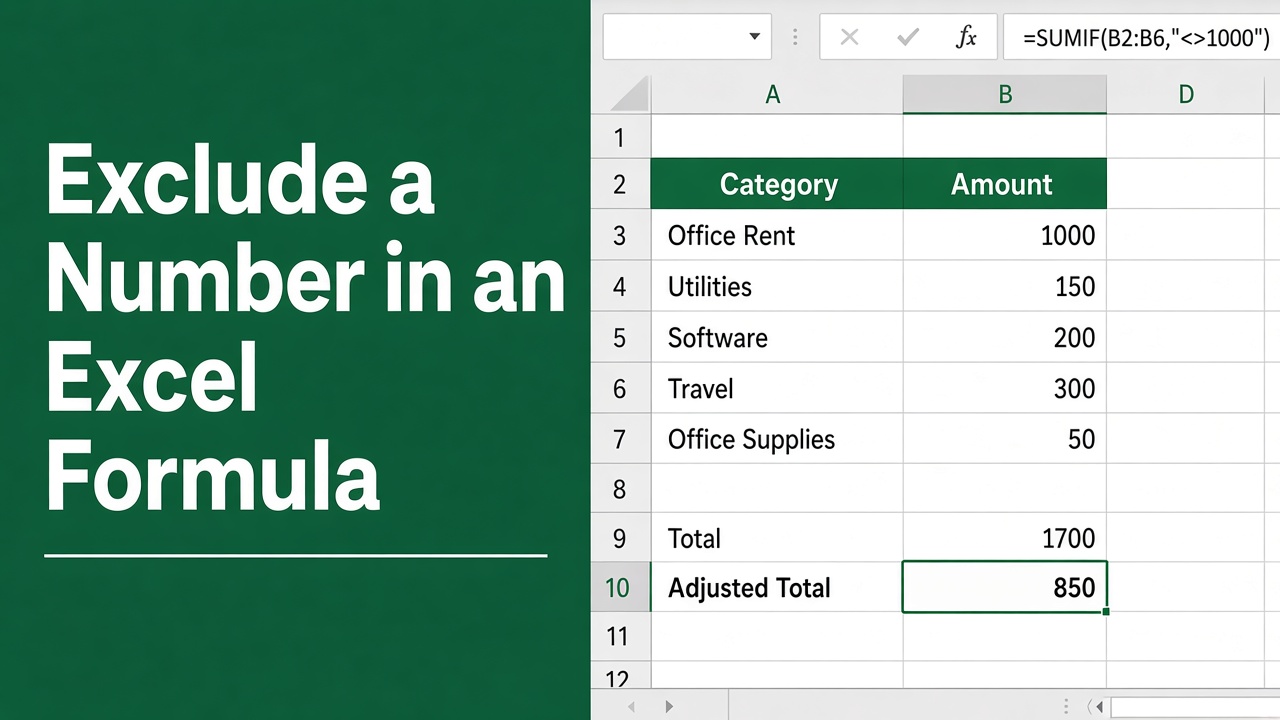
How to Exclude a Number in an Excel Formula?
Learn how to exclude numbers in Excel formulas using SUMIF, SUM, IF, AGGREGATE functions, and custom filters. Streamline your data analysis with ease.
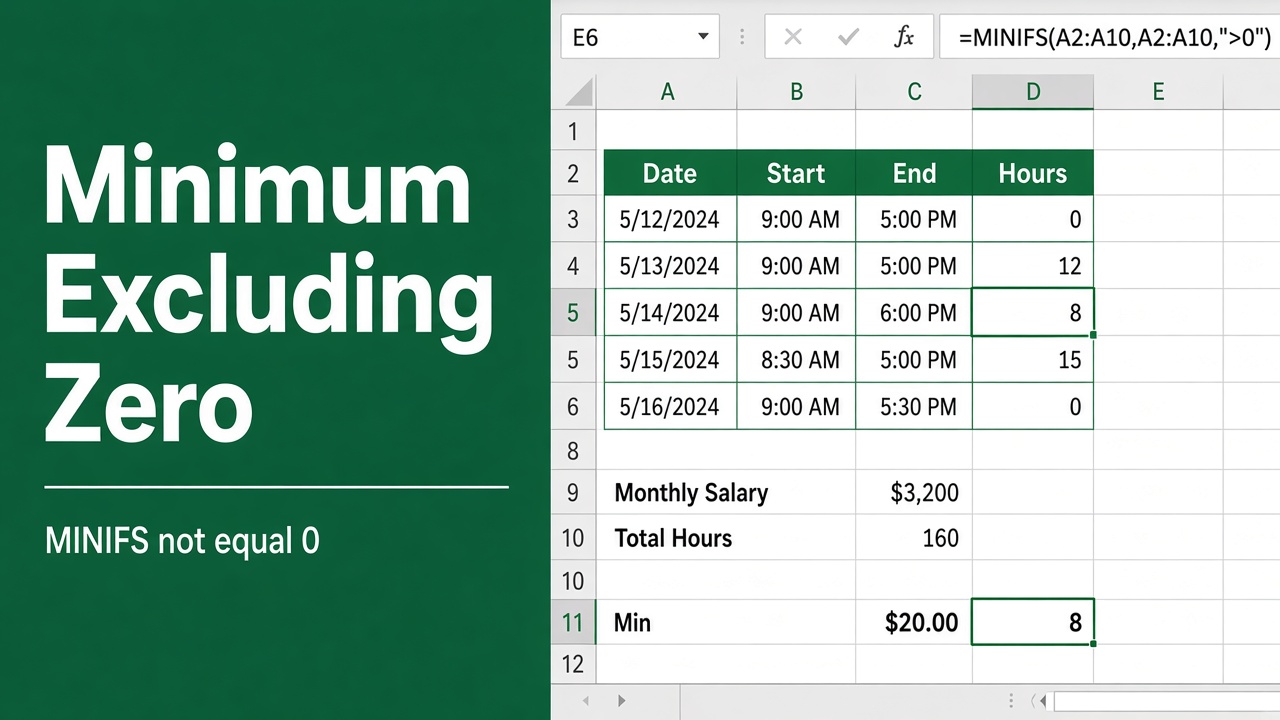
Excel Formula to Find the Minimum Value Excluding Zero
Learn how to use an Excel formula to find the minimum value in a dataset, excluding zeros, for accurate data analysis and reporting.
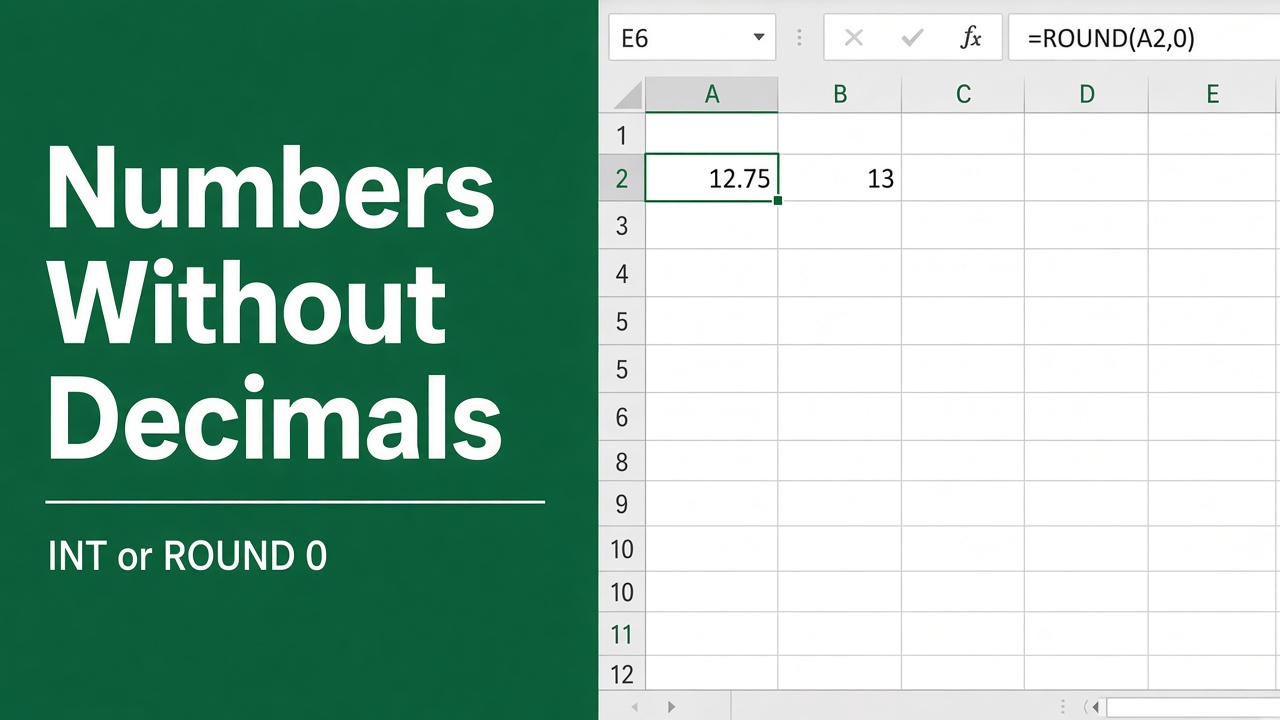
How to Use Excel Formula to Display Numbers Without Decimal Places?
Learn how to use Excel formulas like TRUNC, INT & ROUND to remove decimal places from numbers. Discover number formatting techniques to display whole numbers.
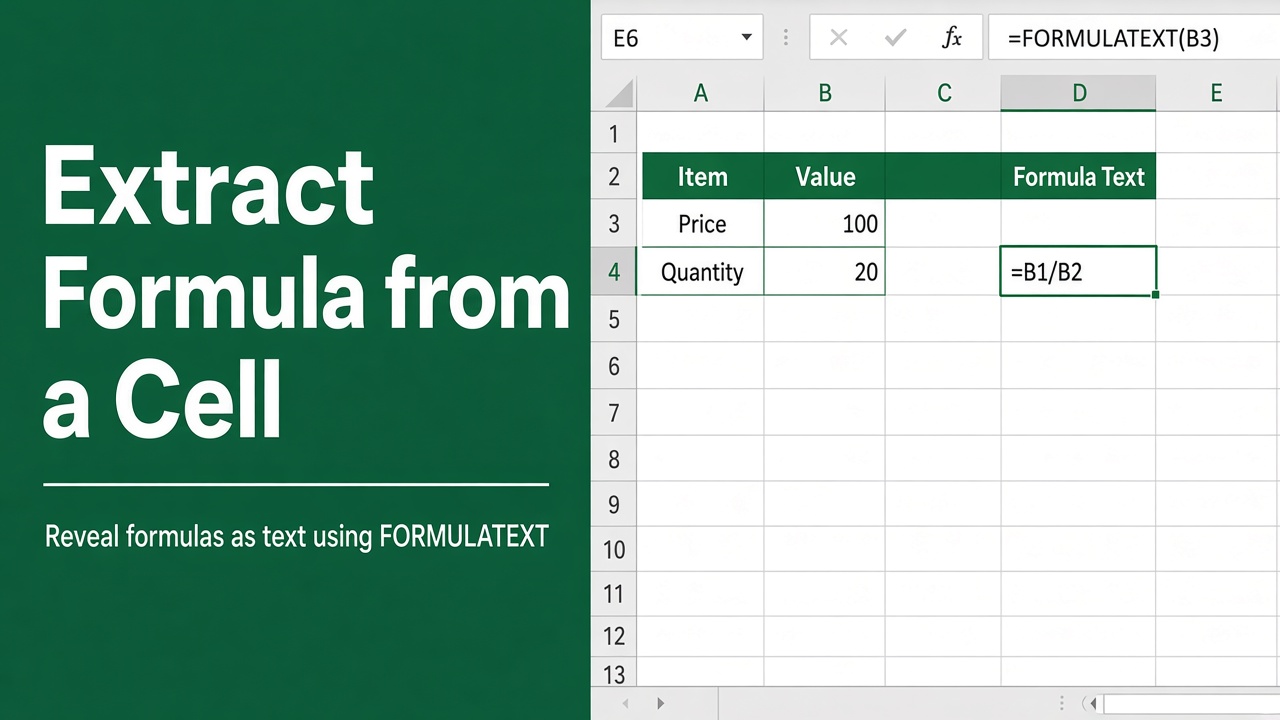
How to Extract Formula from a Cell in Excel: A Comprehensive Guide
Learn how to extract formulas from cells in Excel using the Formula Bar, keyboard shortcuts, Go To Special, and VBA macros. Boost your spreadsheet skills!
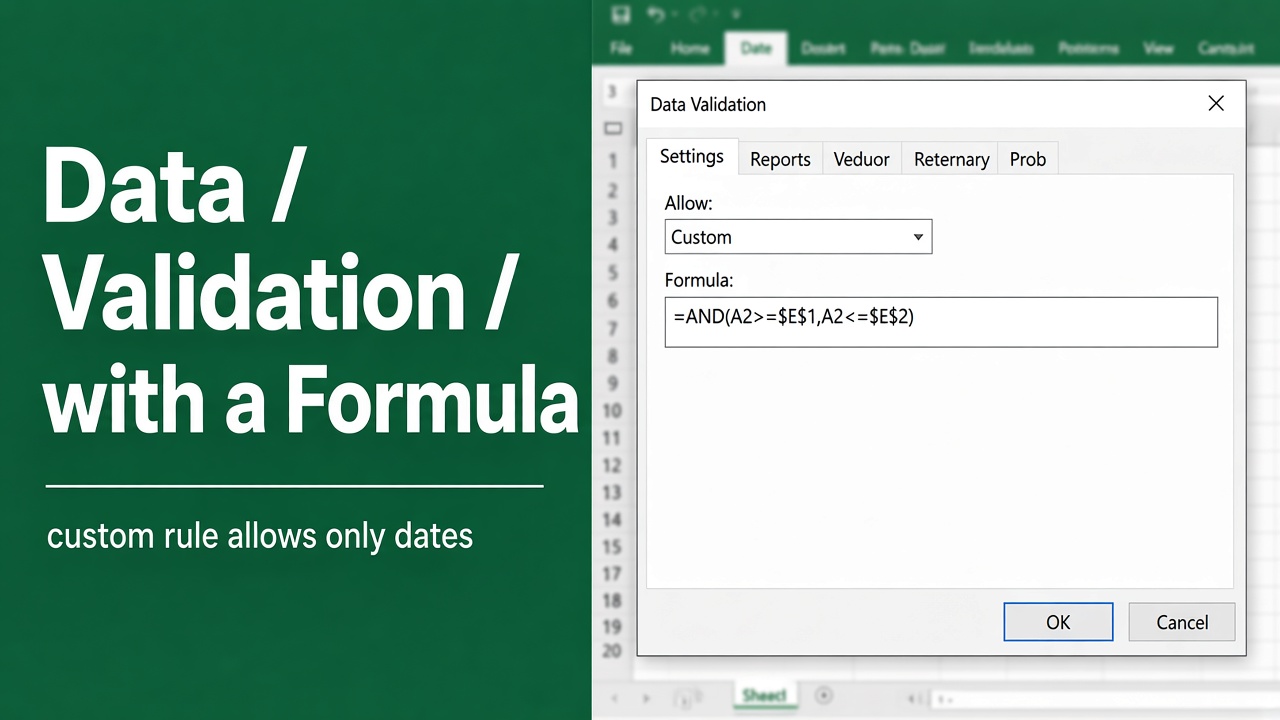
Excel Data Validation with Formula: A Comprehensive Guide
Unlock the power of spreadsheets with our guide on excel data validation with formula to ensure accurate data entry and analysis in Excel.