
Vaishvi Desai
Page 31
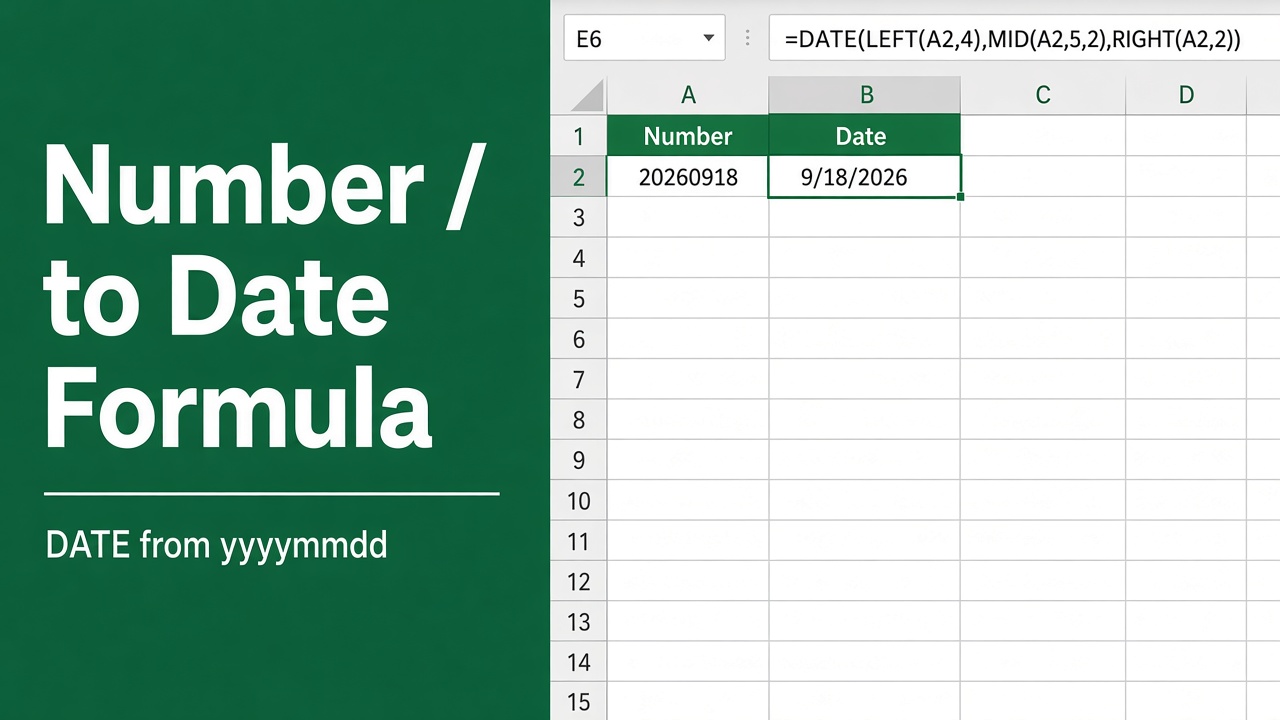
How to Convert a Number to a Date in Excel Using Formulas?
Master the transformation of numbers to dates in Excel with our step-by-step formula guide. Simplify your data analysis today!
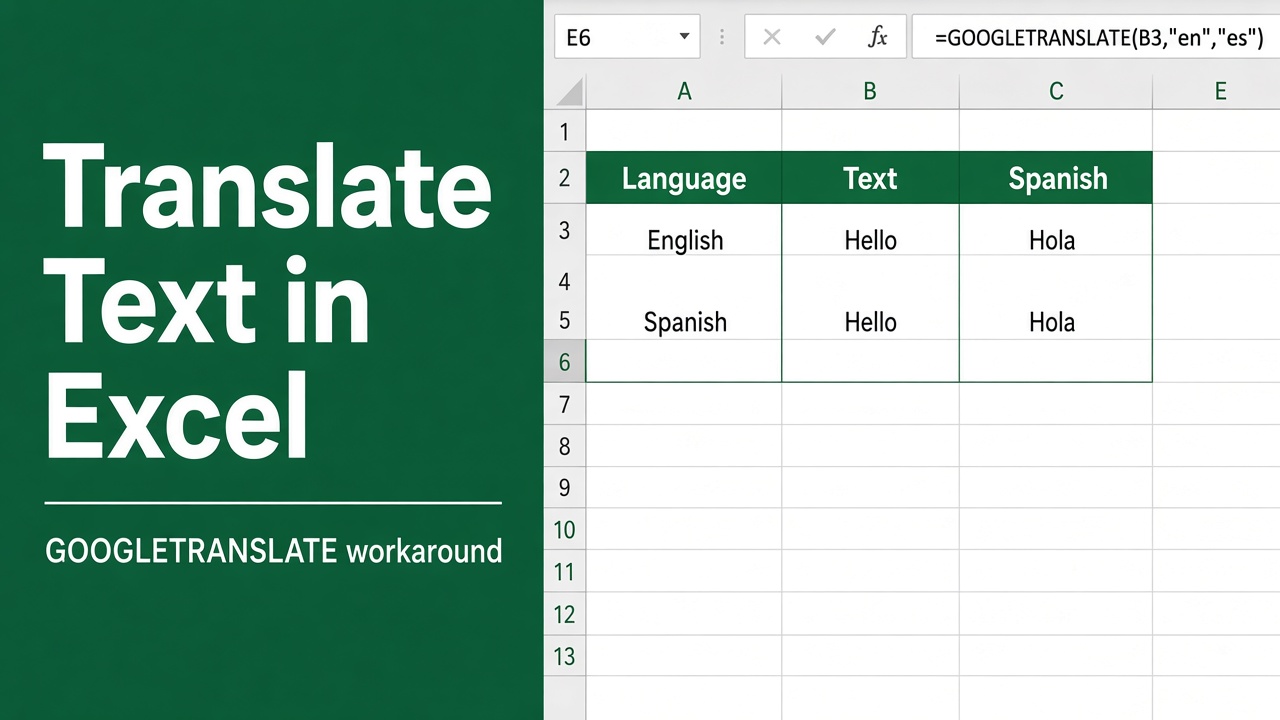
Translating Text in Microsoft Excel: Workarounds and Solutions
Learn how to translate text in Microsoft Excel using third-party add-ins, built-in features, and custom functions. Explore the best methods for your needs.
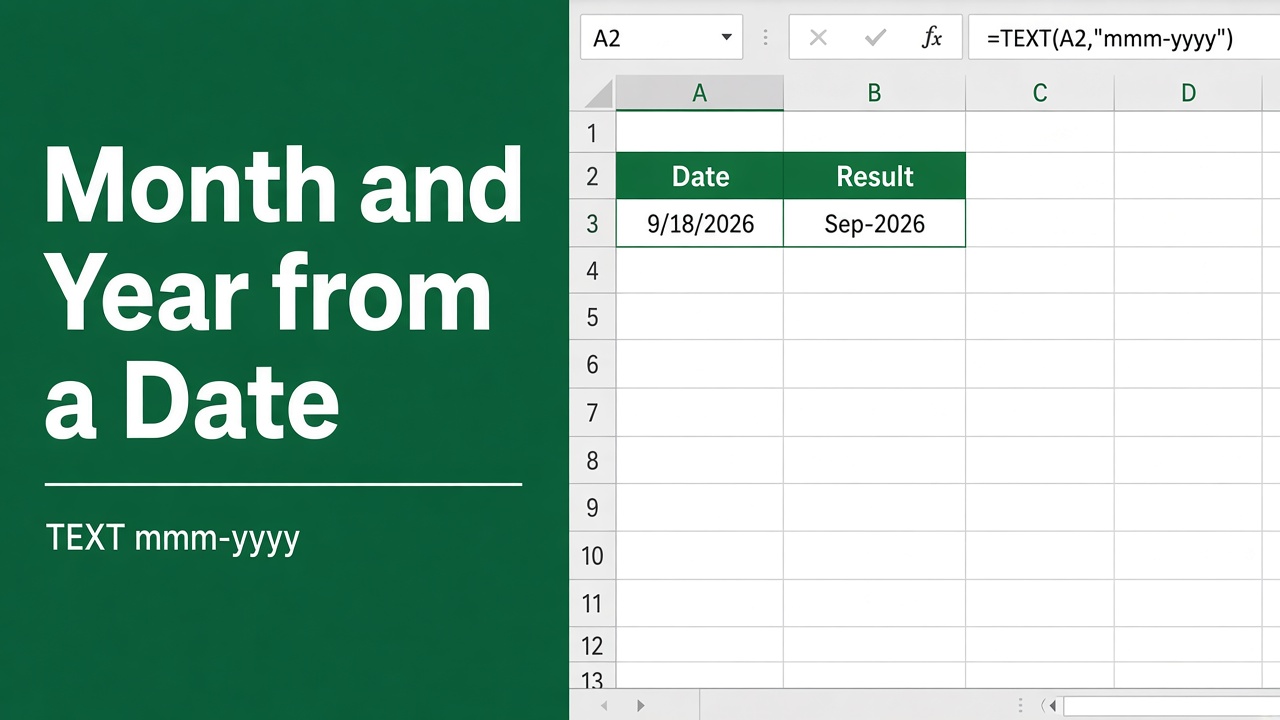
How to Extract Month and Year from Date in Excel: Easy Formula Guide
Extract month and year from dates in Excel with this easy formula guide. Convert dates to “MMM YYYY” format quickly. Handles text dates and blank cells.
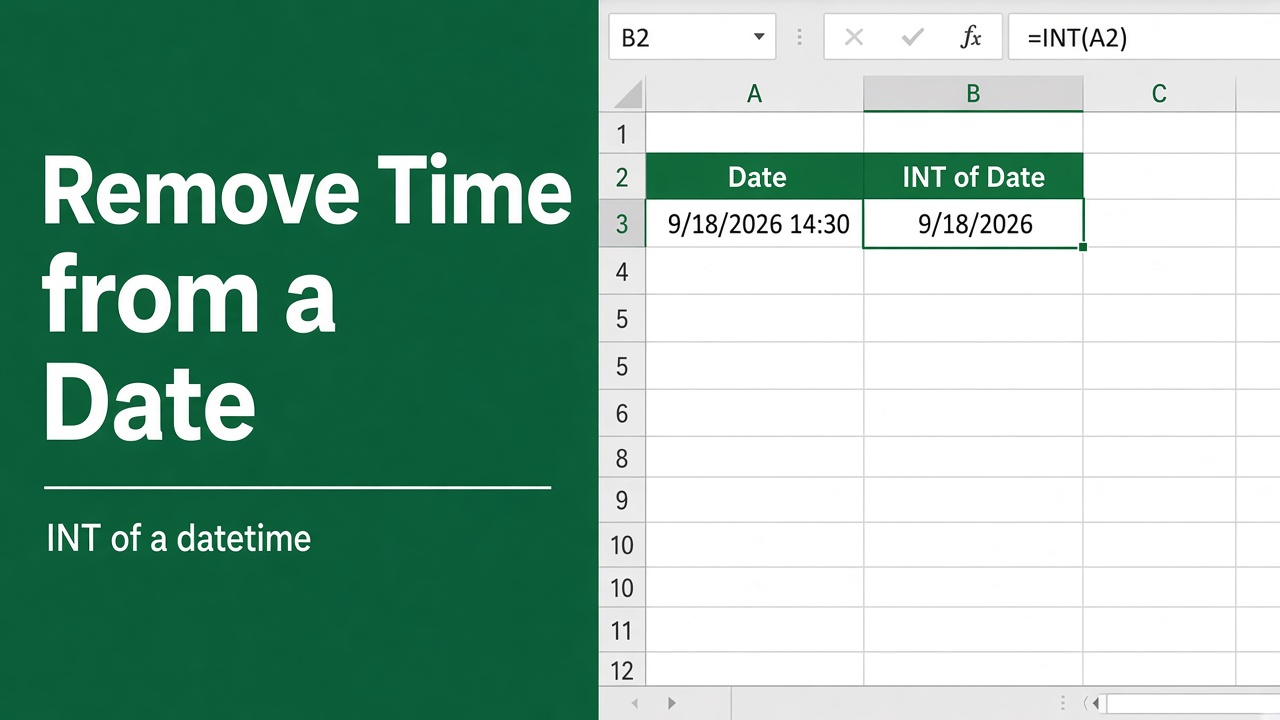
How to Remove Time from Date in Excel Using Formulas?
Learn how to easily remove the time portion from date/time values in Excel using formulas like INT and TRUNC, as well as formatting and subtraction techniques.
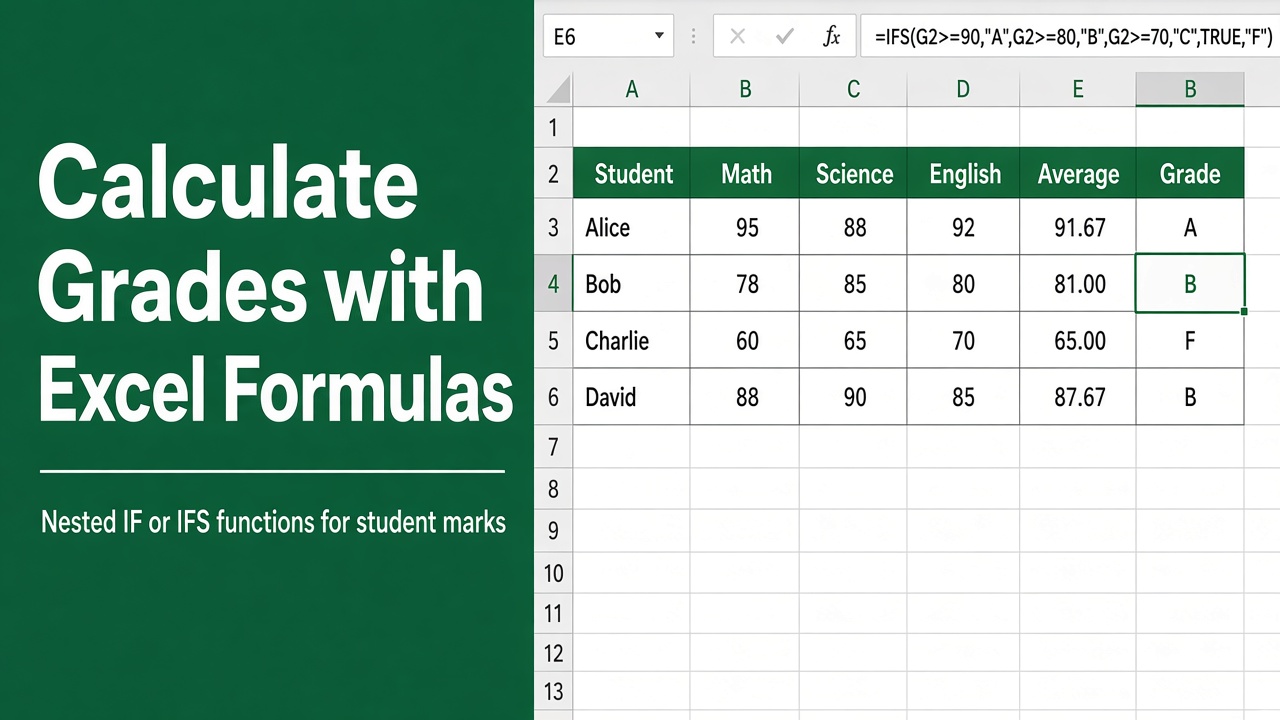
How to Calculate Grades in Excel Using Formulas?
Learn how to calculate grades in Excel using formulas like AVERAGE, SUM, and IF. Set up a dynamic grading system to save time and ensure accuracy.
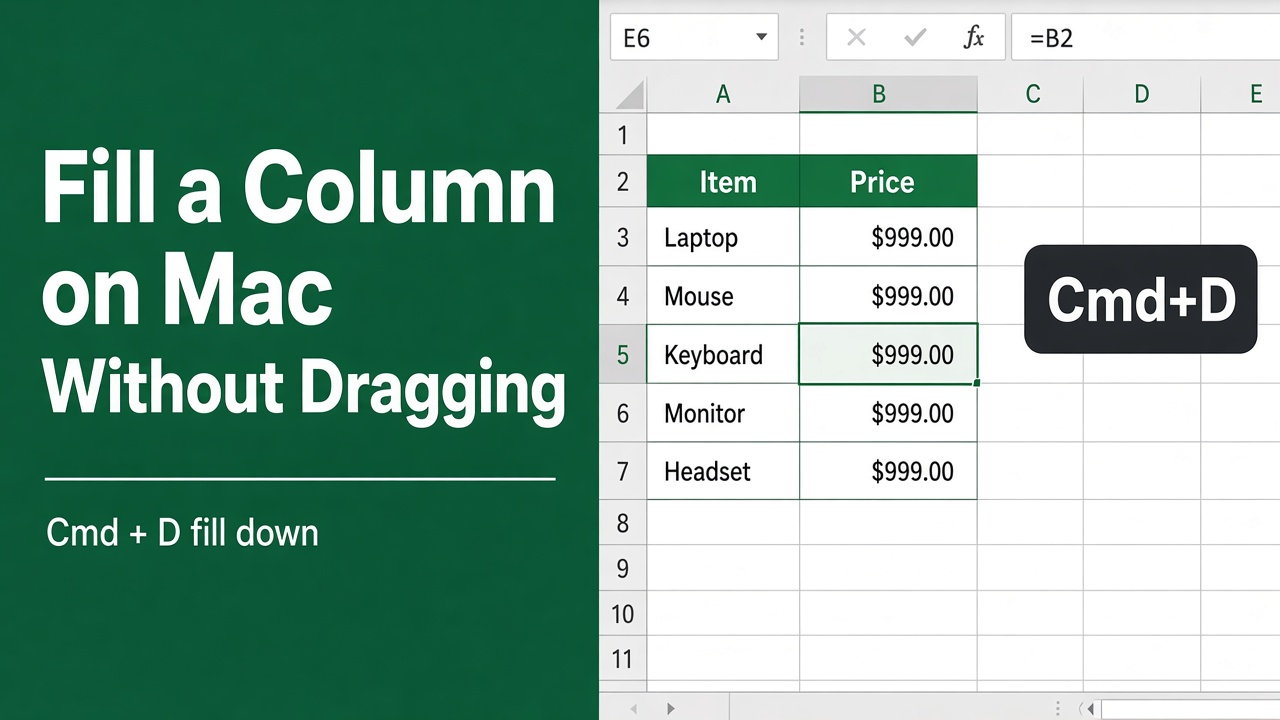
How to Apply a Formula to an Entire Column in Excel on Mac Without Dragging?
Learn how to quickly apply formulas to entire columns in Excel on Mac without dragging. Discover shortcuts, Paste Special, and Auto Fill options to save time.
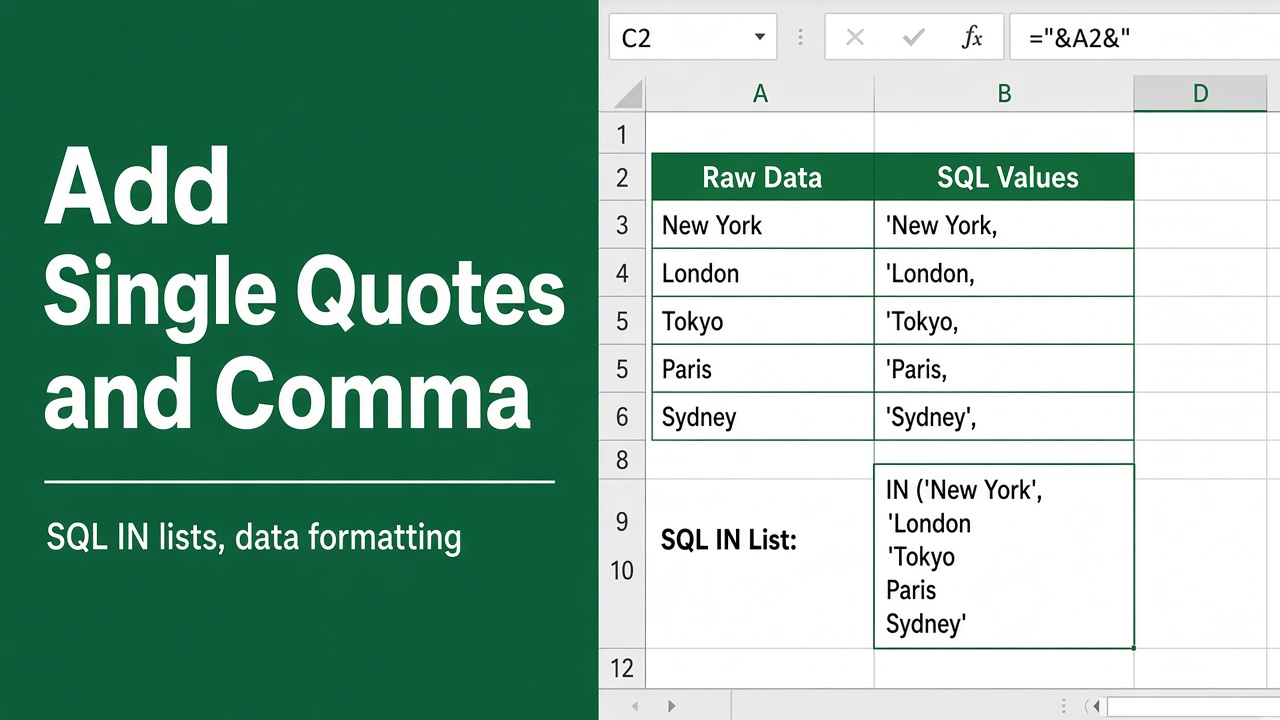
How to Add Single Quotes and Comma in an Excel Formula?
Learn how to add single quotes and commas in Excel formulas to reference cells with punctuation, concatenate strings, and create array constants
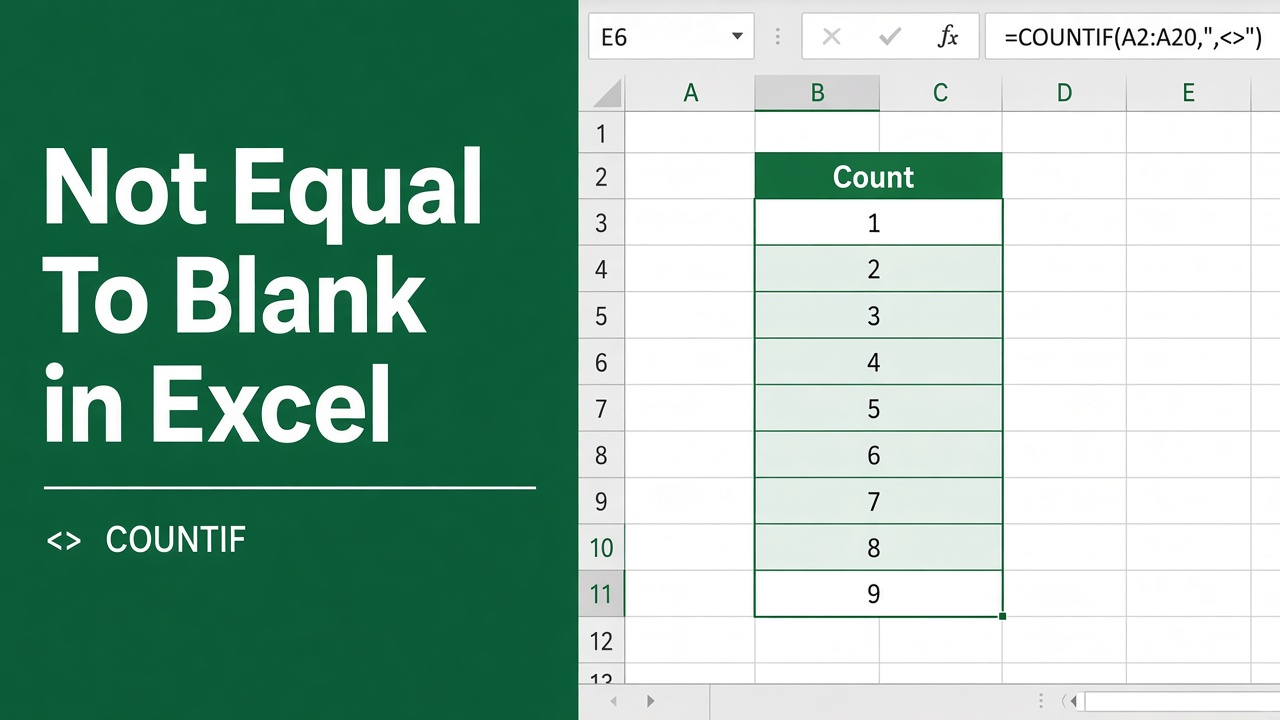
How to Use the Excel Formula for Not Equal to Blank?
Learn how to use the Excel formula for “not equal to blank” (<>“”) to filter data, count non-blank cells, and highlight values. Boost your Excel skills now!
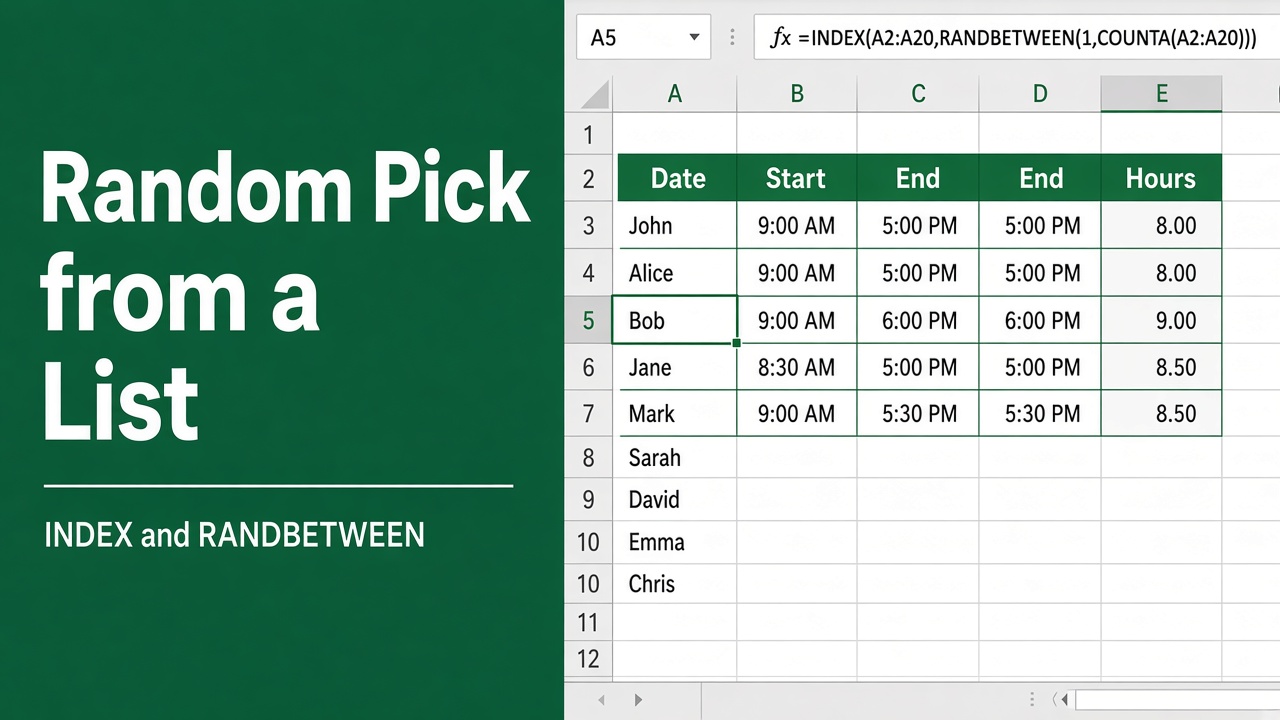
How to Make a Random Selection from a List Using Excel Formula?
Learn how to use Excel formulas like RANDBETWEEN, INDEX, RAND, VLOOKUP, and CHOOSE to randomly select items from a list. Step-by-step guide with examples.
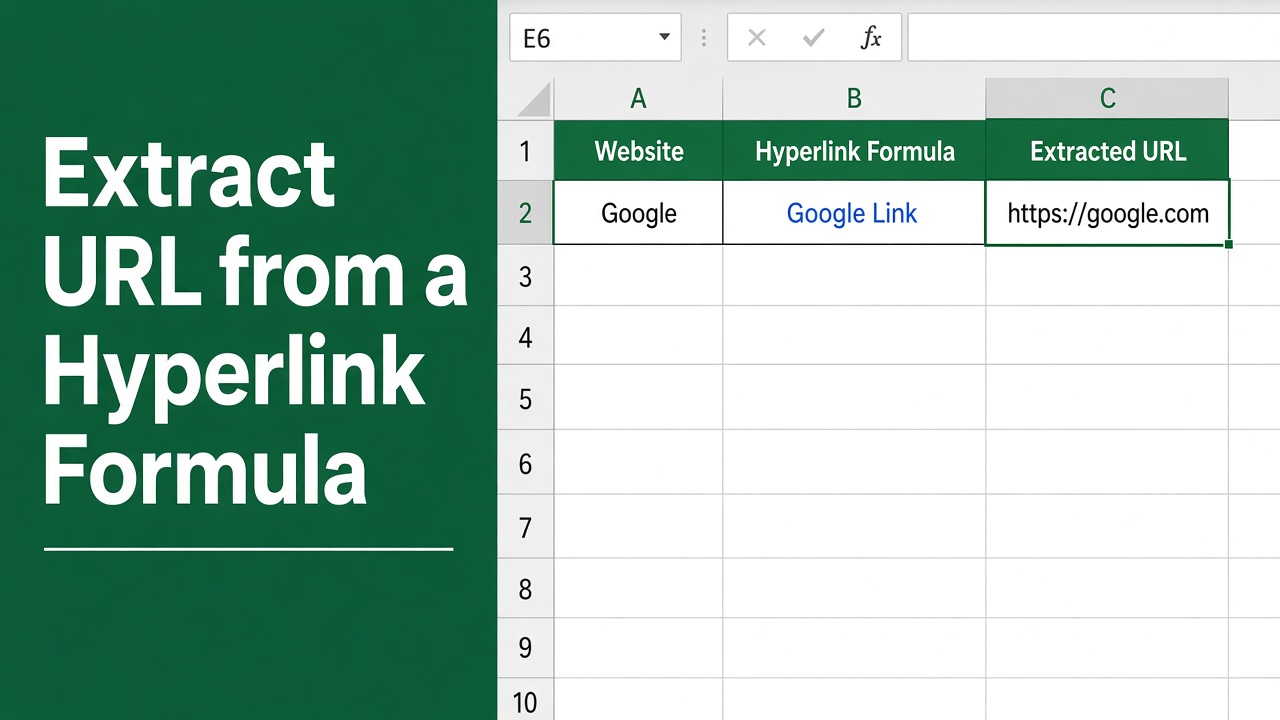
How to Extract URL from Hyperlink in Excel Formula?
Learn how to easily extract URLs from hyperlinks in Excel using formulas like HYPERLINK, RIGHT, LEFT, and SEARCH. Step-by-step guide with examples.