
Excel library
Excel Formulas
Page 14 of 29
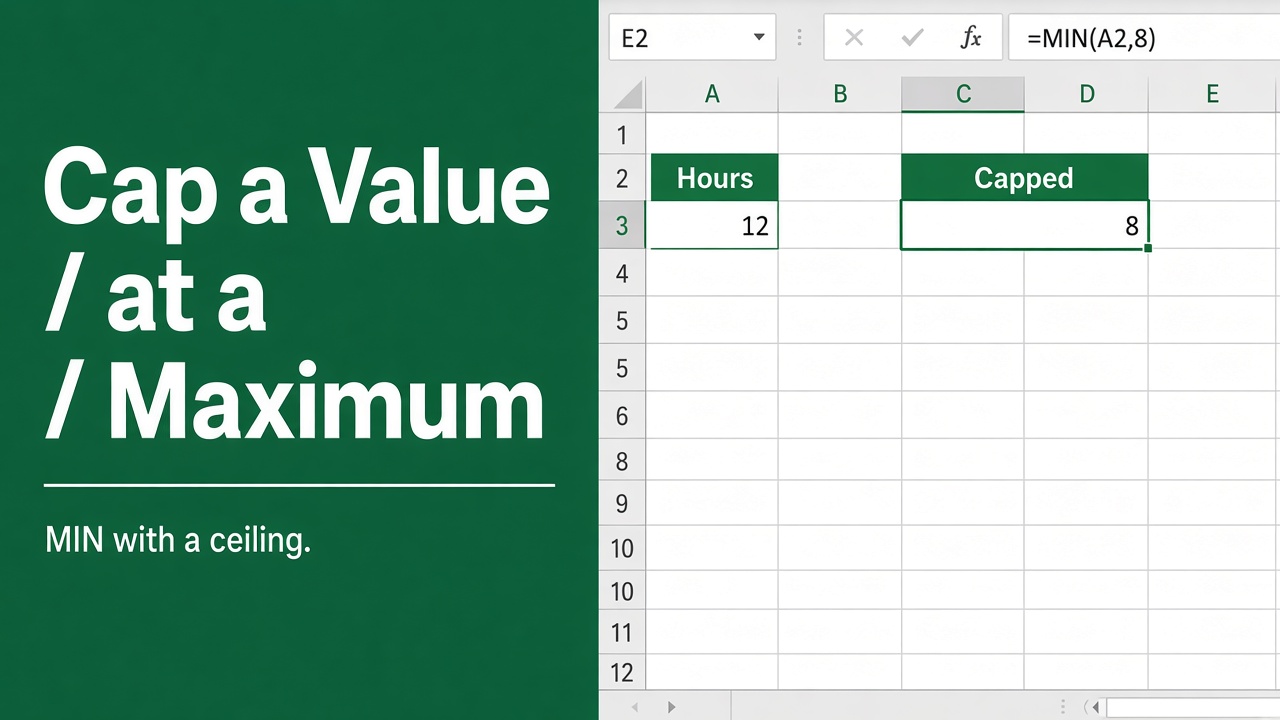
How to Use Excel Formula to Set a Maximum Value Limit?
Learn how to set a maximum value limit in Excel using formulas. Restrict values to a specific upper bound for budgeting, data validation, and more.
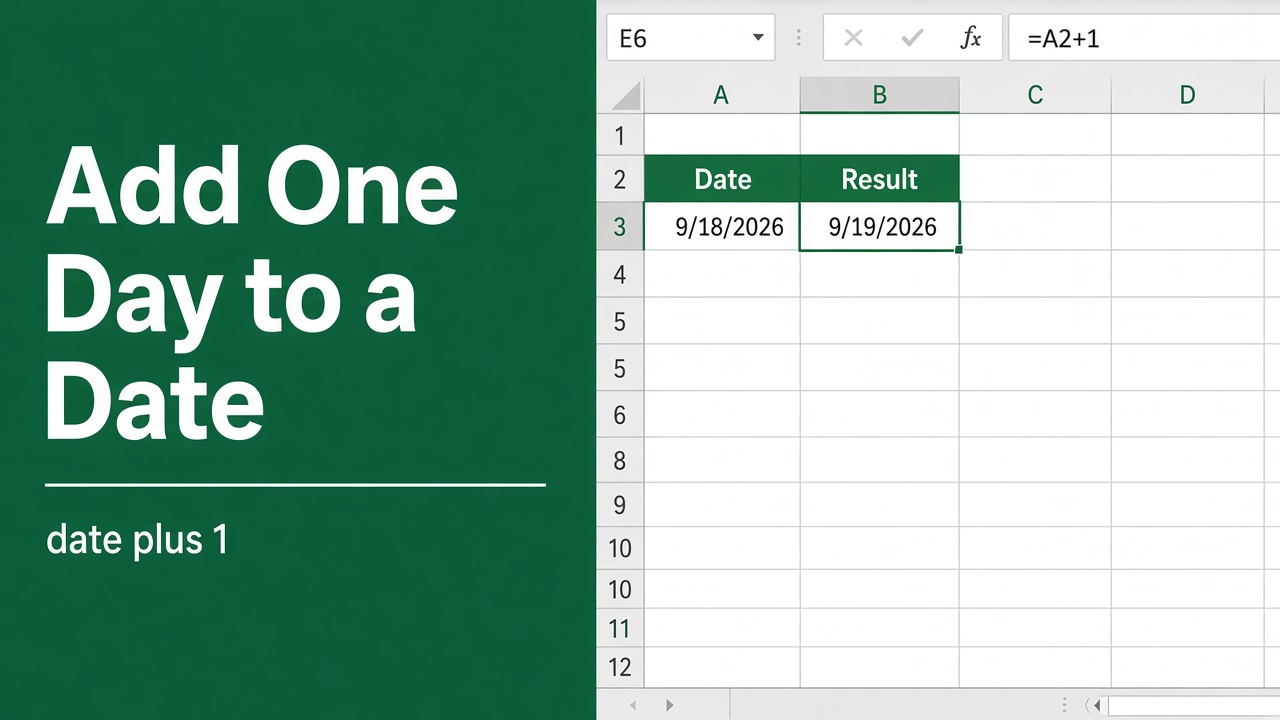
How to Increment Date by 1 Day in Excel Using a Formula?
Learn to effortlessly advance your calendar in MS Excel with the excel increment date by 1 day formula, streamlining your date management tasks.
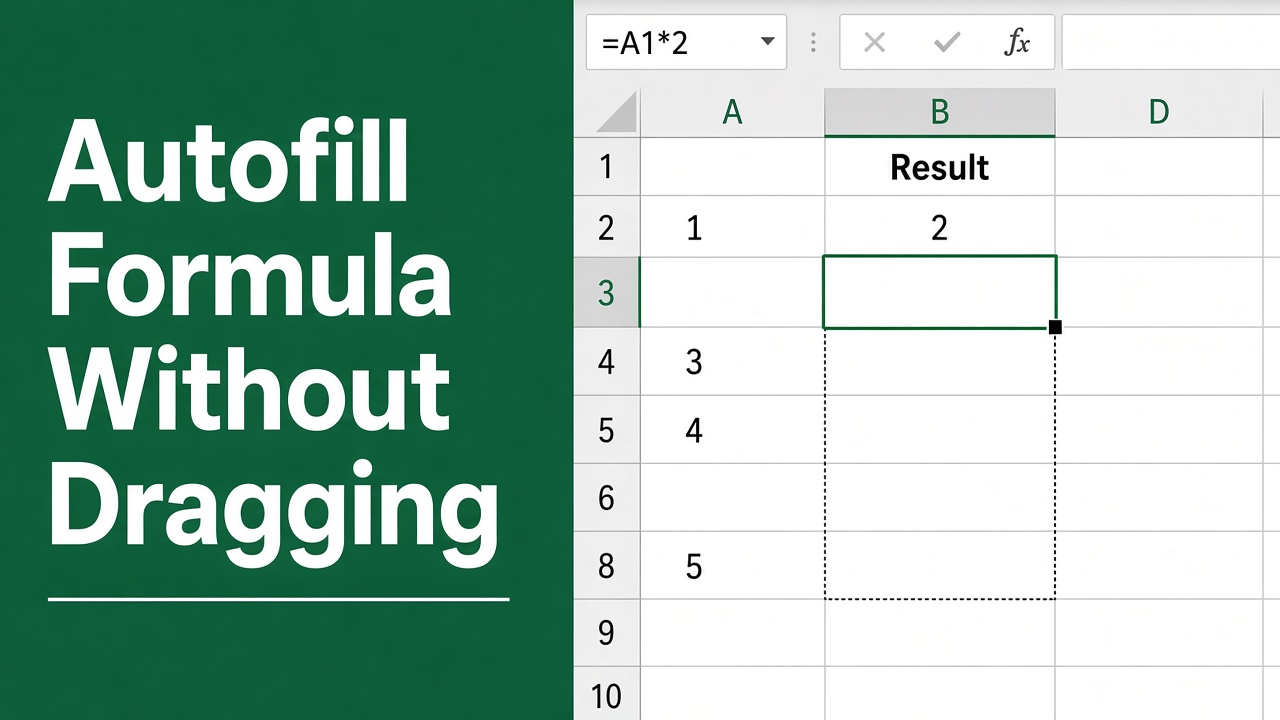
How to Autofill Formula in Excel Without Dragging?
Learn how to autofill formulas in Excel without dragging using the double-click trick, keyboard shortcuts, Fill command, array formulas, and tables.
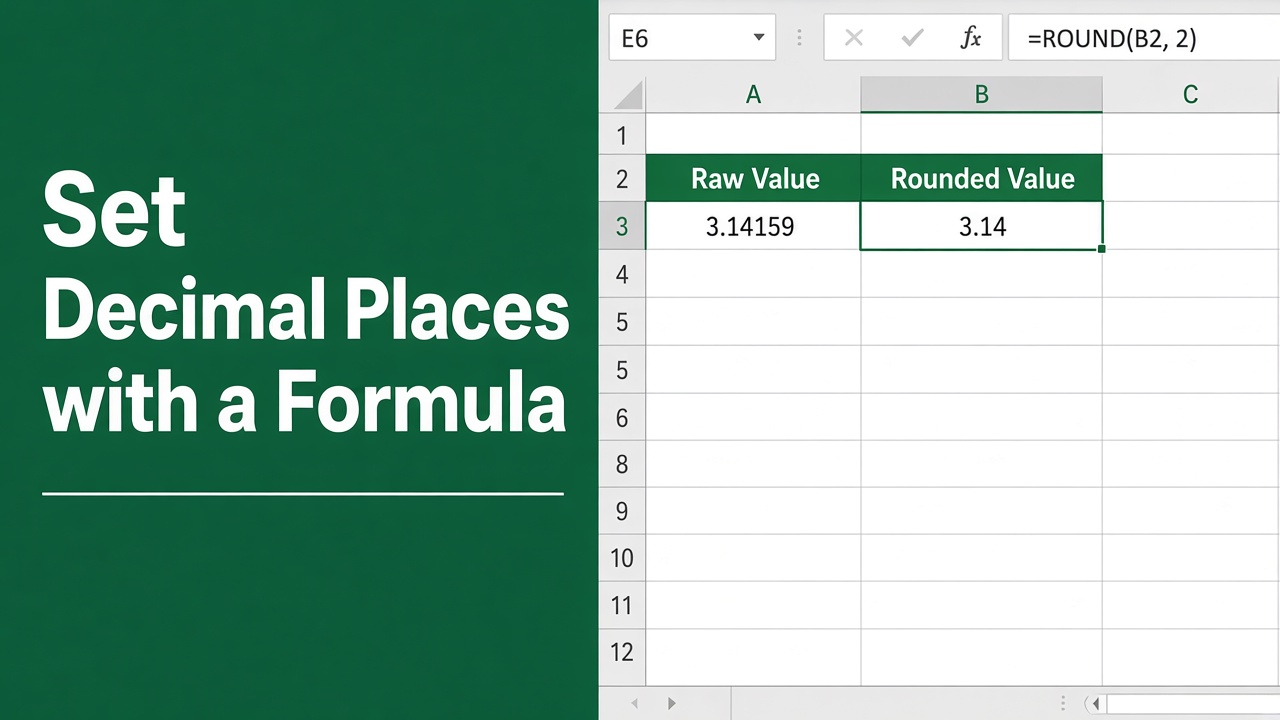
How to Set Decimal Places in Excel Using Formula?
Learn how to set decimal places in Excel formulas using ROUND, ROUNDUP, ROUNDDOWN, TRUNC, INT, and FLOOR functions, or by changing cell formatting.
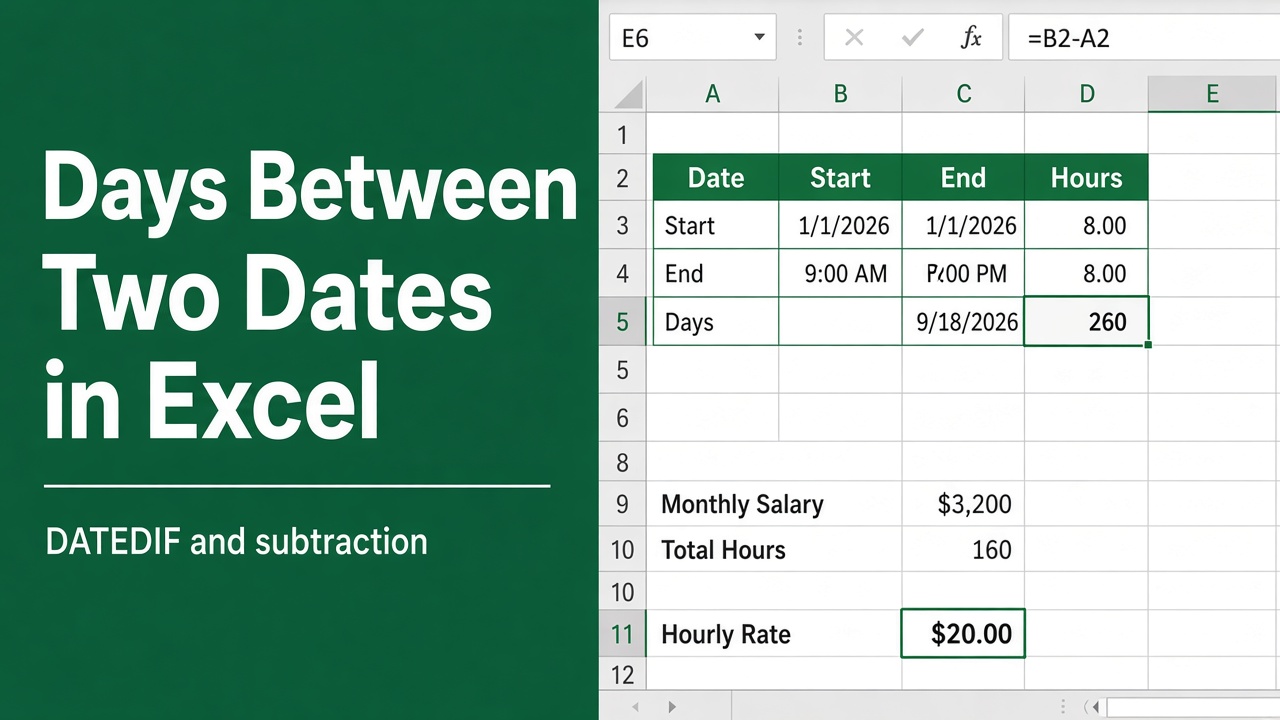
Excel Formula for Difference Between Two Dates
Learn how to calculate the difference between two dates in Excel using the DATEDIF function. Get step-by-step instructions and practical examples.
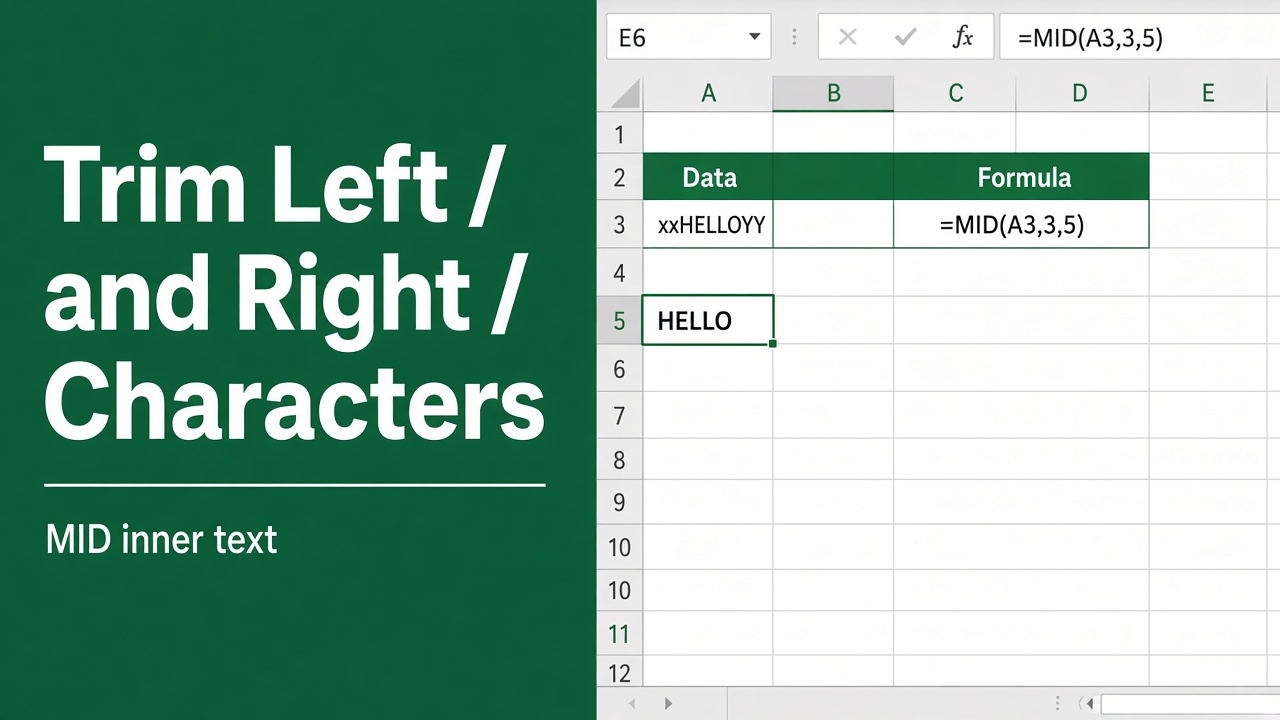
Excel Formula to Remove Characters from Left and Right
Learn Excel formulas to remove characters from left and right of text. Trim specific amounts or characters. Examples for LEFT, RIGHT, MID, SEARCH functions.
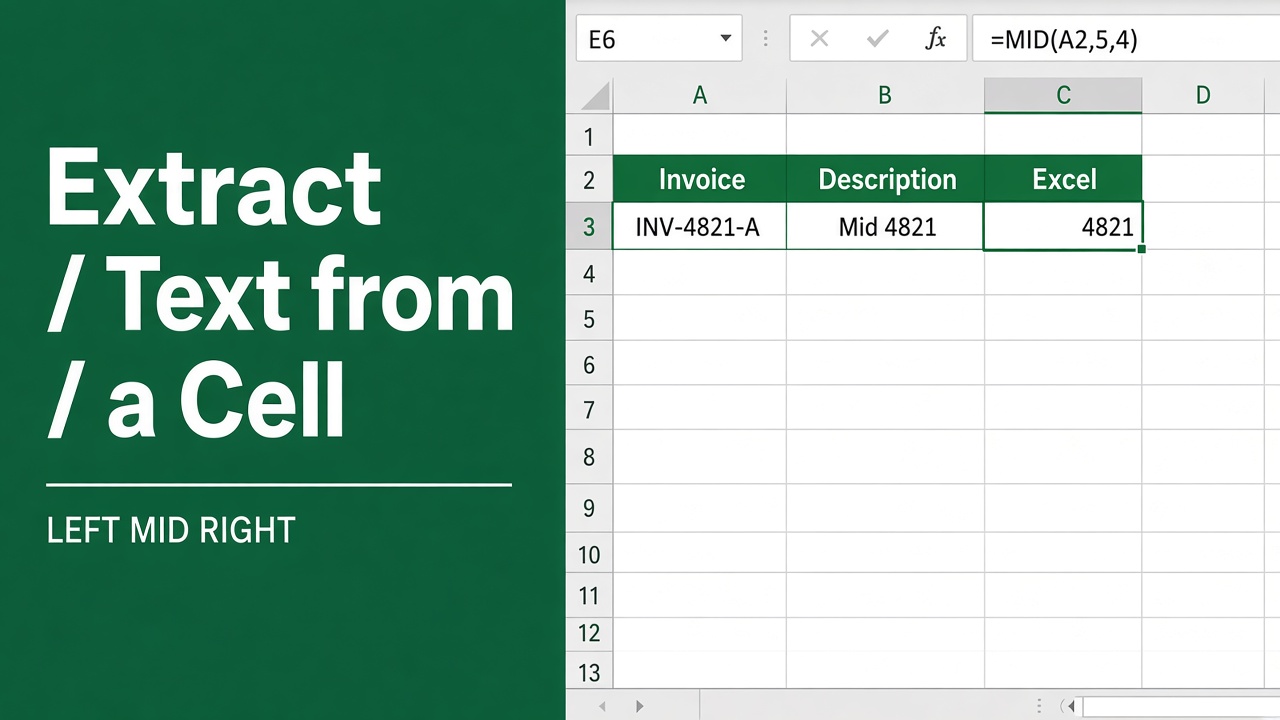
Extracting Text from a Cell with an Excel Formula: A Guide
Master the use of an excel formula to extract text from cell for efficient data management and analysis. Simplify your spreadsheets with our easy guide.
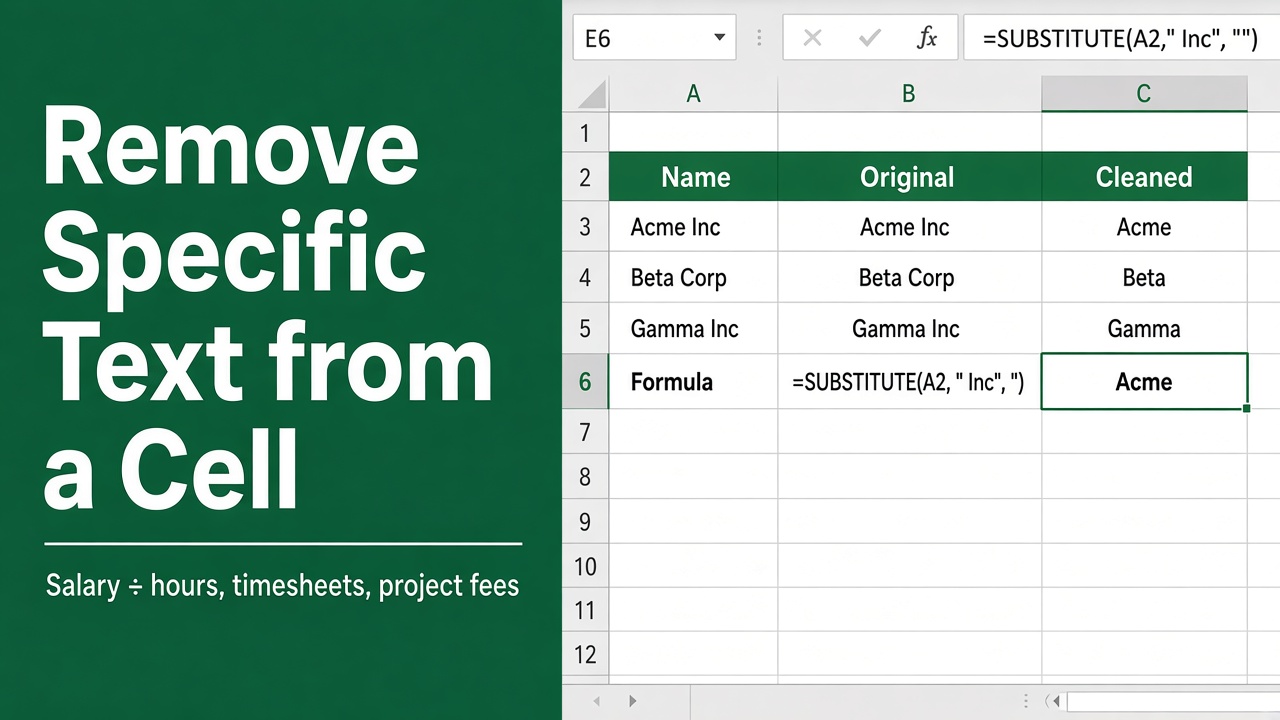
How to Remove Specific Text from a Cell in Excel Using a Formula?
Learn how to remove specific text from cells in Excel using formulas like SUBSTITUTE, FIND, LEN, LEFT, RIGHT, MID & more. Discover advanced techniques and tips.
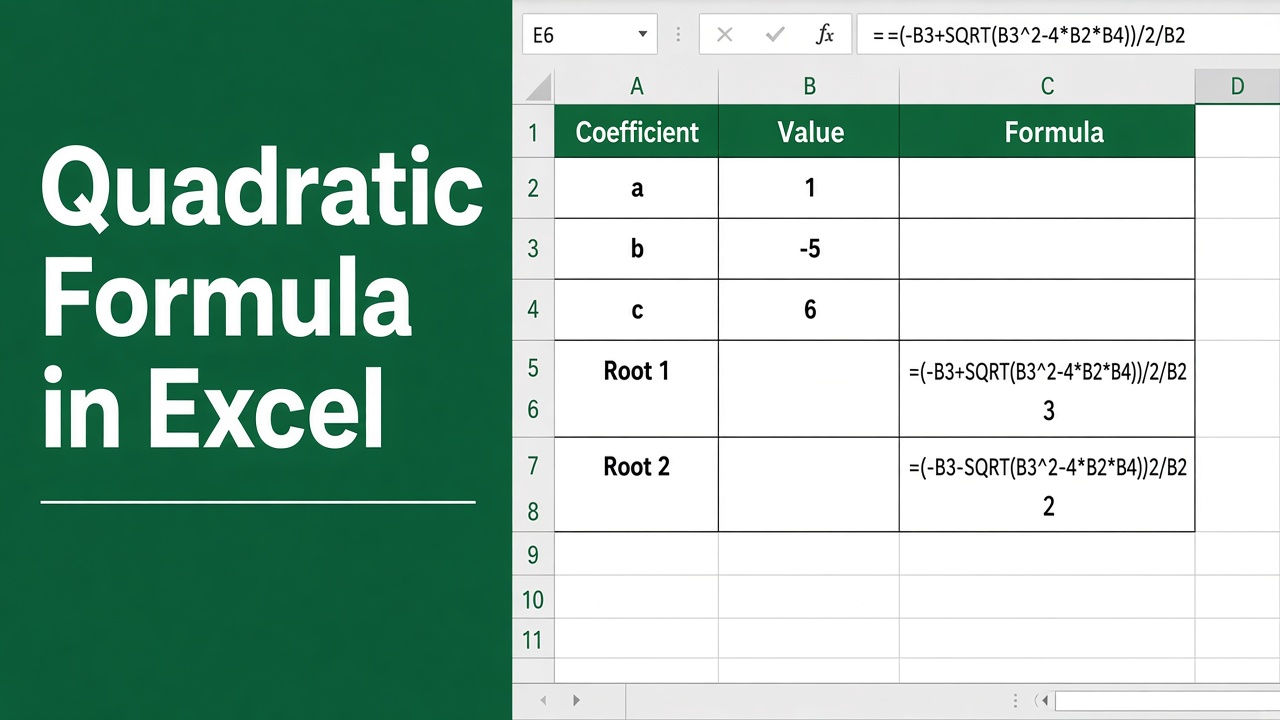
How to Use the Quadratic Formula in Excel: A Step-by-Step Guide
Learn how to solve quadratic equations in Excel step-by-step. Calculate roots, graph parabolas, and analyze quadratic functions easily.
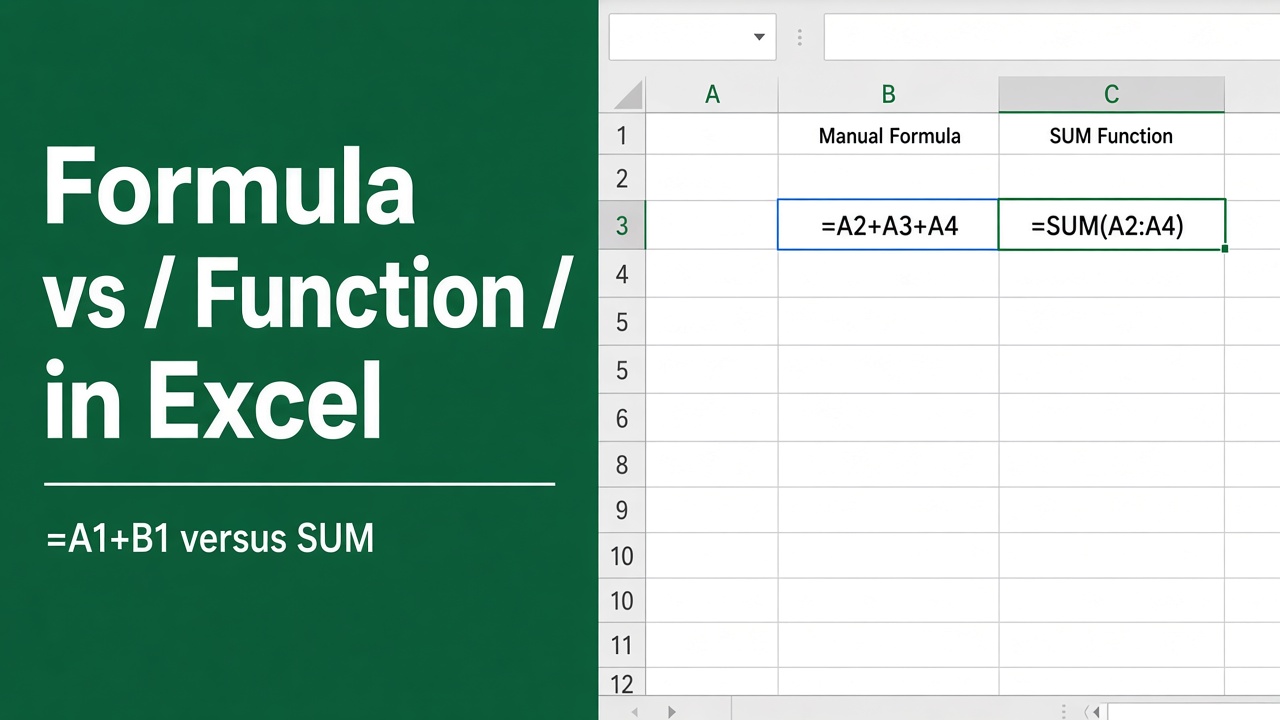
Excel Formula vs Function: What’s the Difference and When to Use Each
Discover the key differences between Excel formulas and functions, and learn when to use each for effective data analysis and calculations.