
Excel library
Excel Formulas
Page 20 of 29
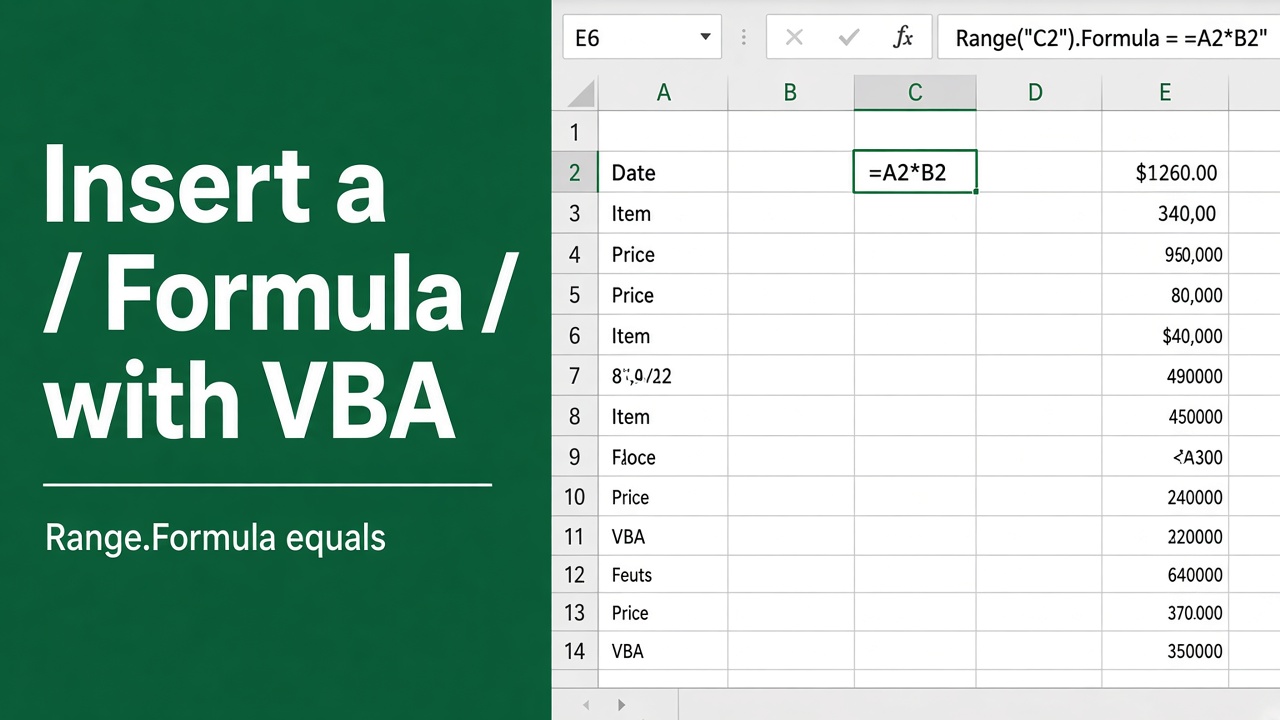
How to Insert a Formula into a Cell Using Excel VBA?
Learn how to automate formula insertion in Excel using VBA. Save time, ensure consistency, and handle large datasets efficiently with our step-by-step guide.
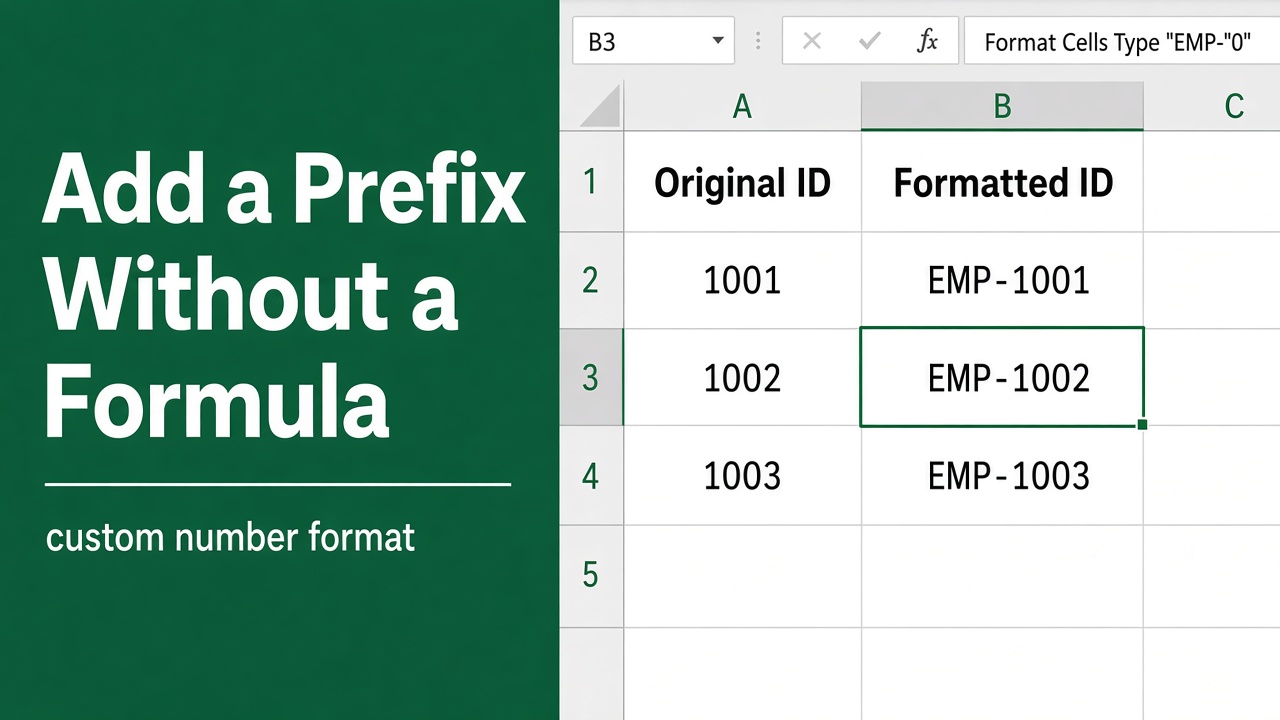
How to Add Prefix in Excel without Formula: Expert Guide
Learn how to add prefixes in Excel without formulas using simple methods like Flash Fill, Find and Replace, and Text to Columns. Save time and effort now!
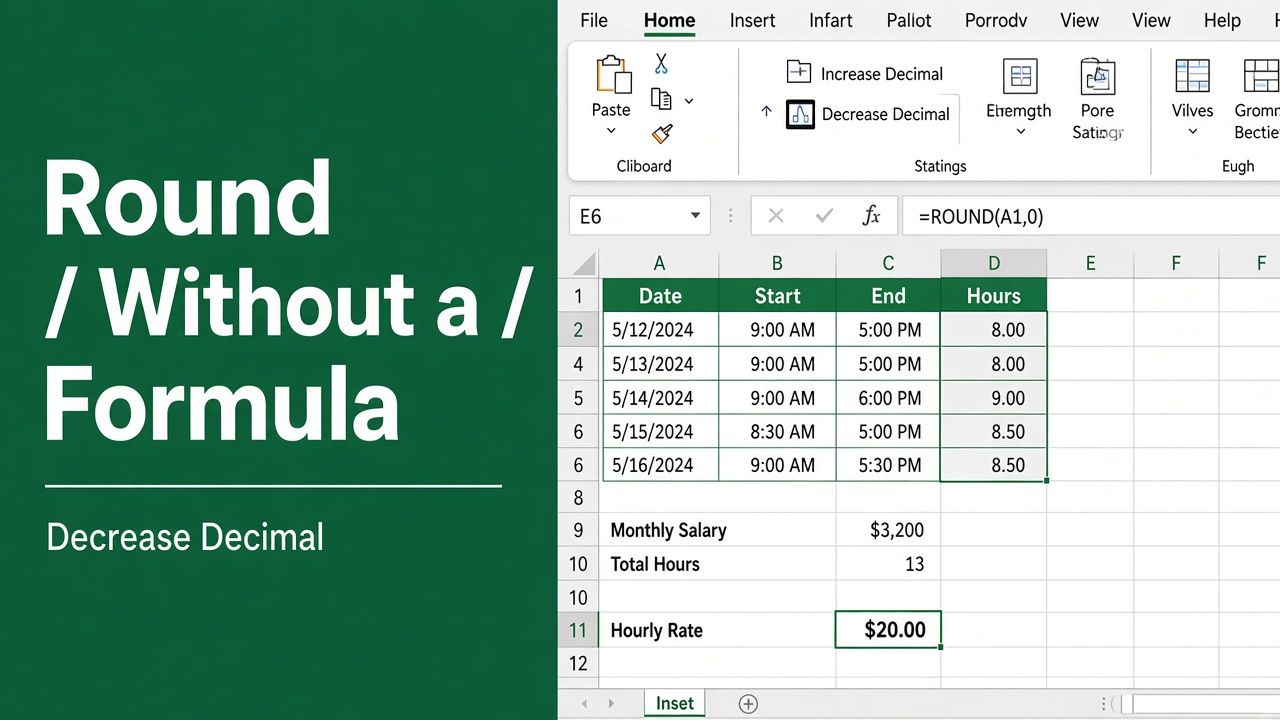
How to Round Numbers in Excel without Formula?
Learn to round numbers in Excel without formulas using Increase/Decrease Decimal buttons, Format Cells, Conditional Formatting, and Custom Number Formats.
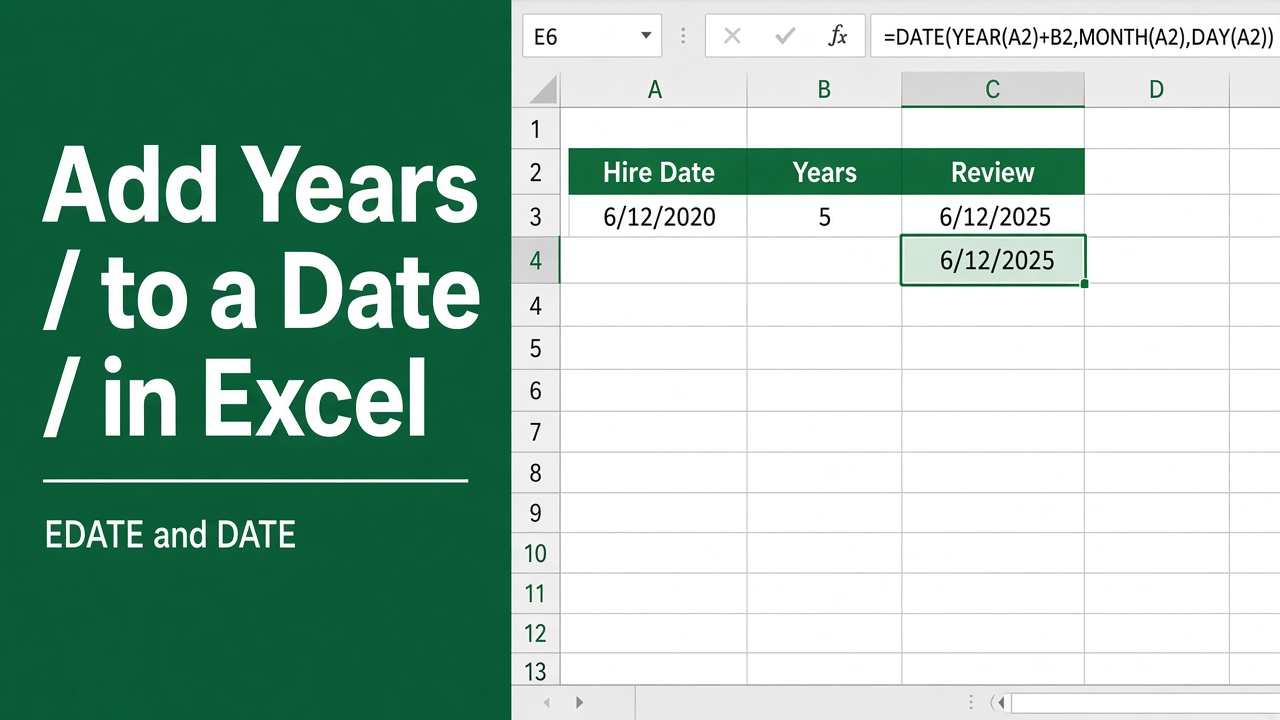
How to Add Years to a Date in Excel Using a Formula?
Learn how to add years to a date in Excel using formulas like DATE, EDATE, and simple math. Discover tips for handling leap years and formatting dates.
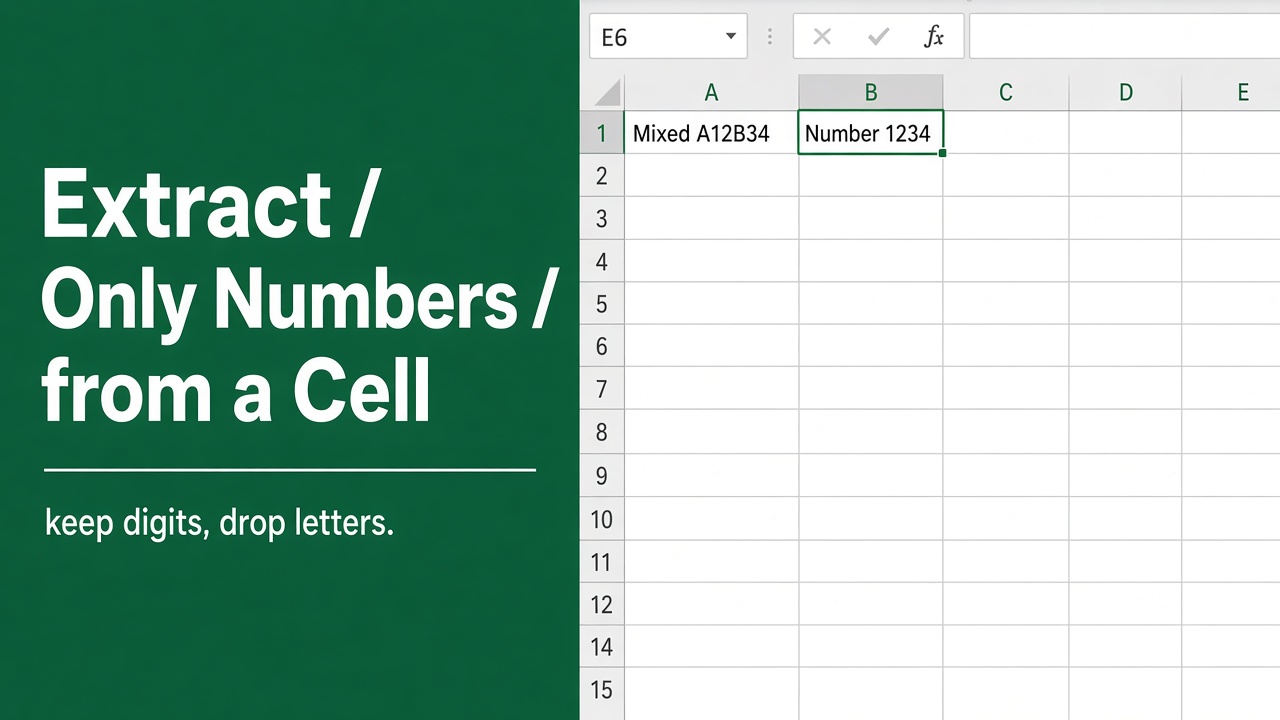
How to Extract Only Numbers from an Excel Cell Using Formulas?
Learn how to extract numbers from Excel cells using formulas like VALUE, NUMBERVALUE, LEFT, RIGHT, and more. Get numbers from any part of a cell easily.
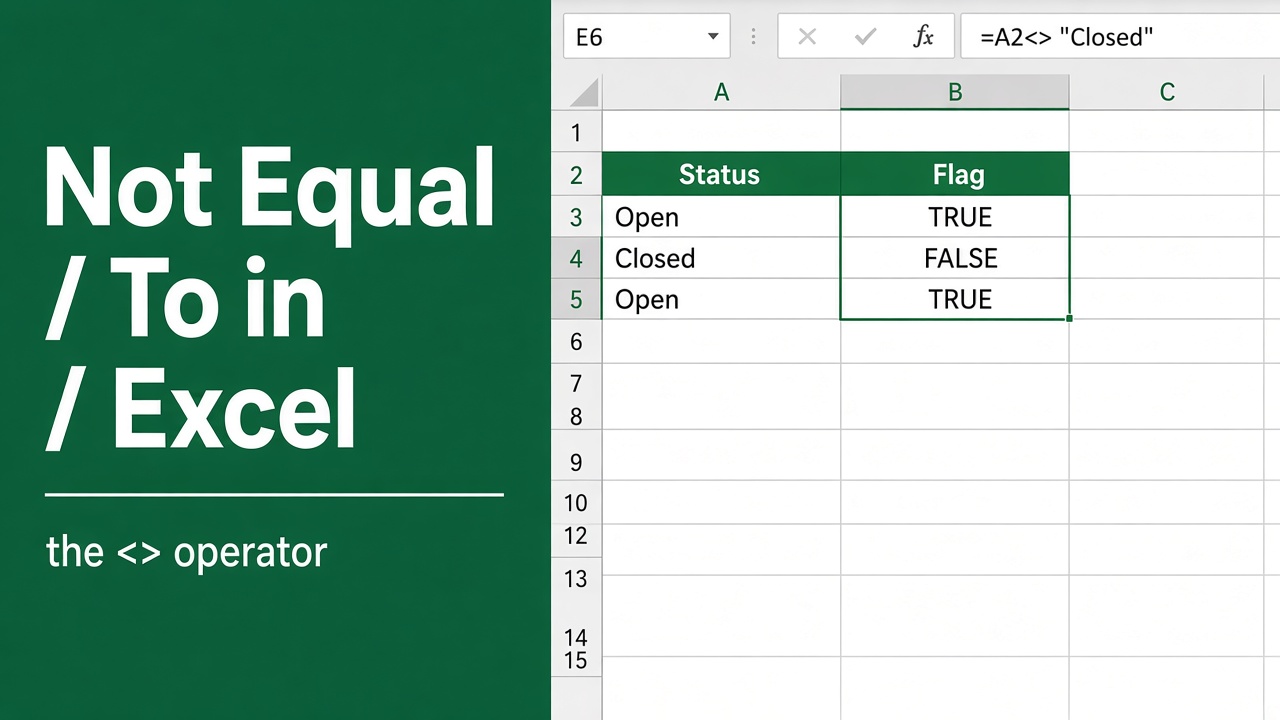
Excel Formula: How to Use “Not Equal To” in Your Spreadsheets
Learn how to use the Excel “not equal to” formula to filter and analyze data effectively. Discover tips, examples & powerful combinations with other functions.
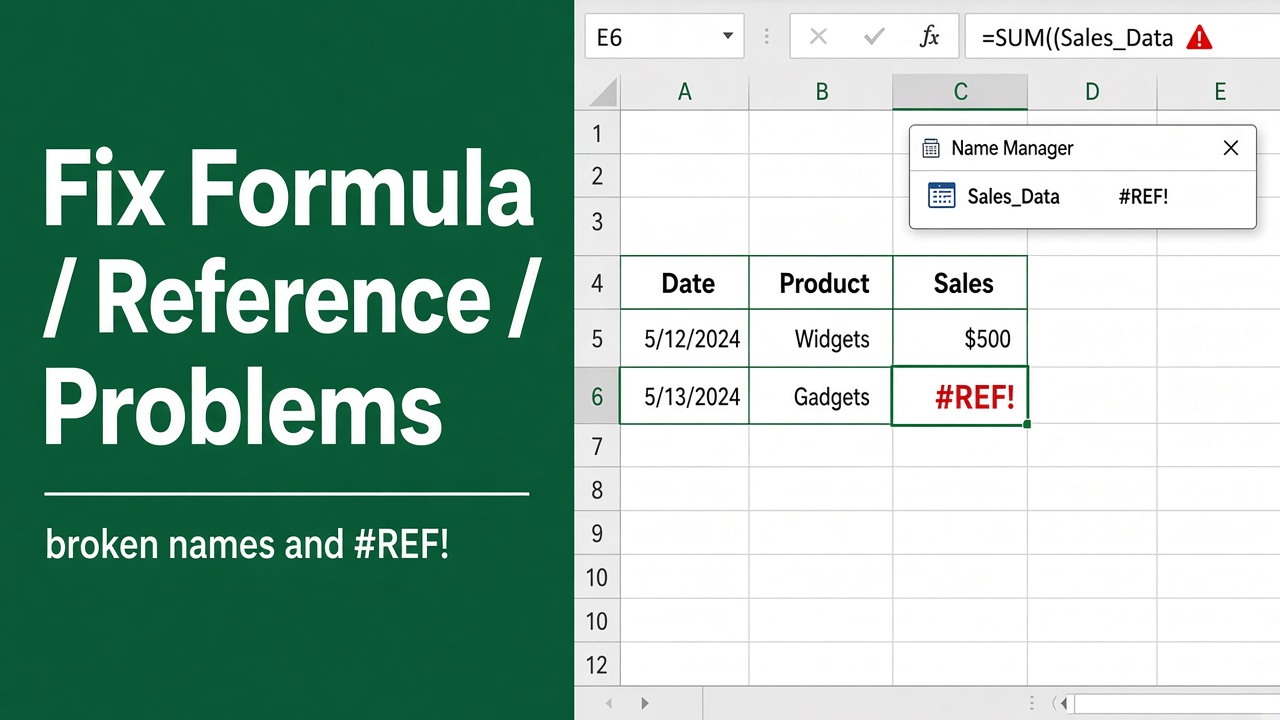
Excel Found a Problem with Formula References: How to Fix It?
Fix the frustrating “Excel found a problem with formula references” error. Learn how to identify and resolve circular references, broken links, and more.
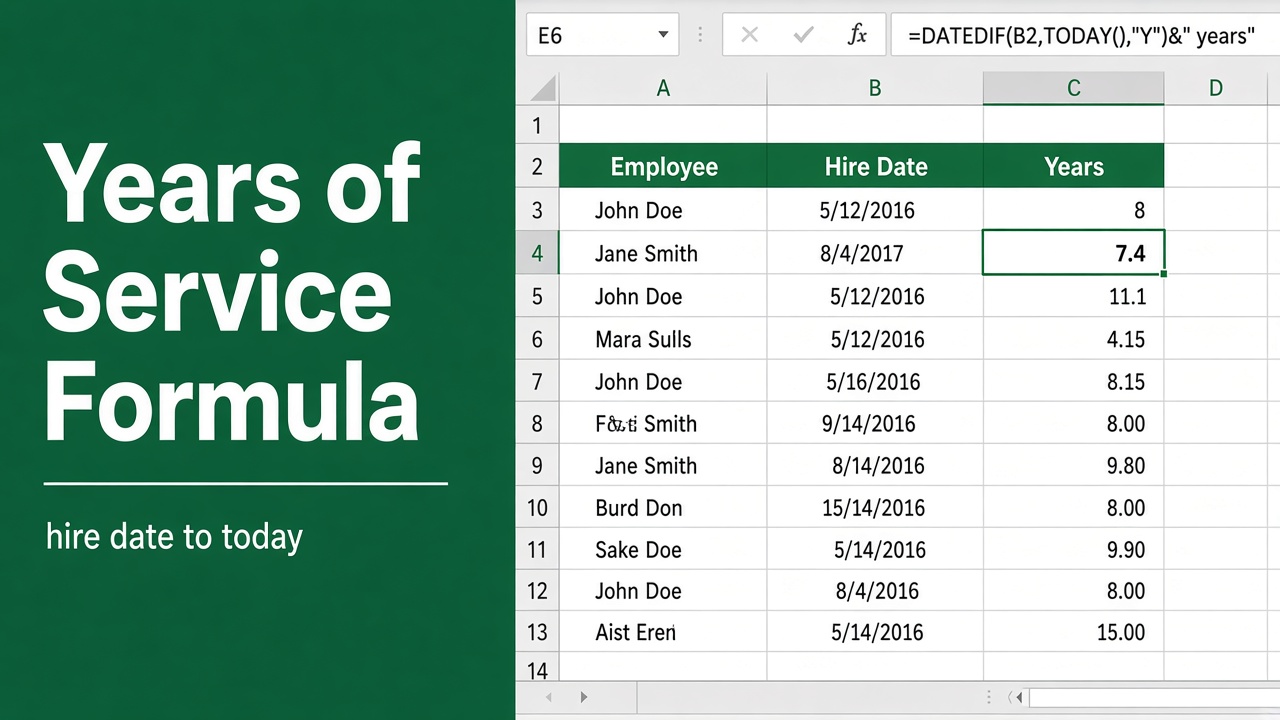
Calculate Years of Service with Excel Formula | Quick Guide
Discover how to effortlessly determine employee tenure with our step-by-step guide on using the excel formula for years of service.
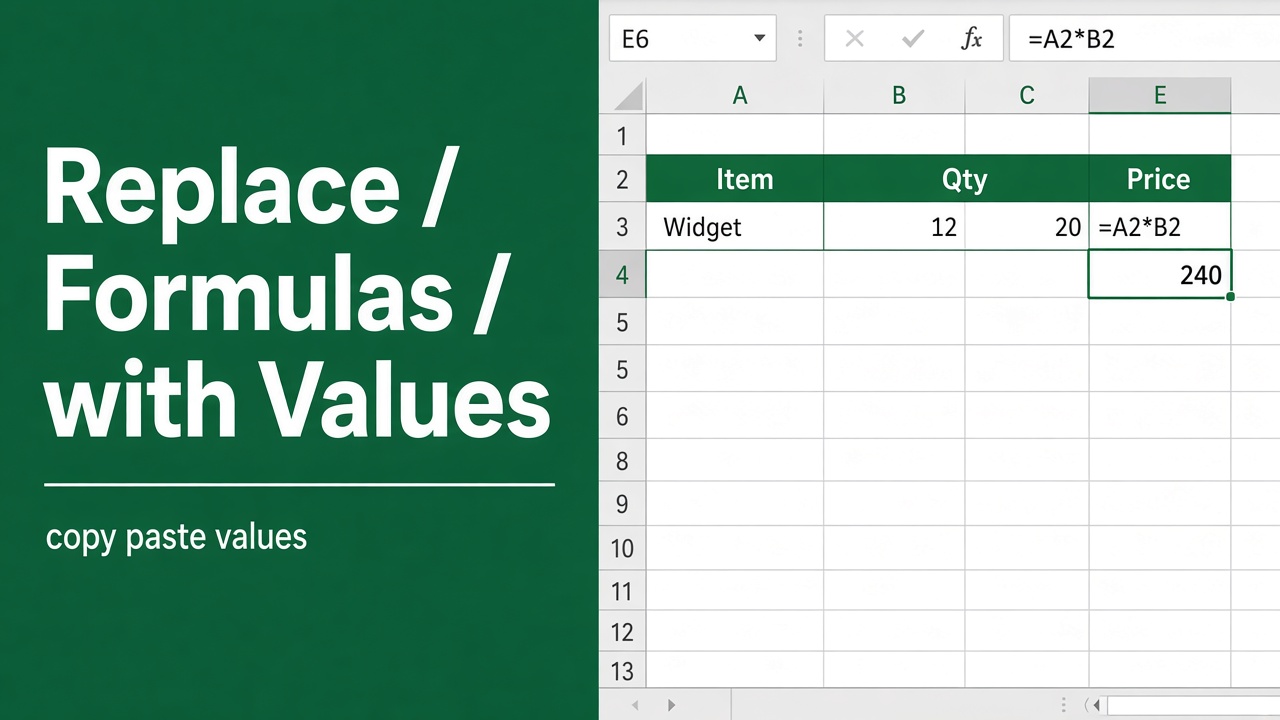
How to Replace Formulas with Values in Microsoft Excel?
Learn how to replace formulas with values in Excel using Paste Special, keyboard shortcuts, Evaluate Formula, and Power Query.
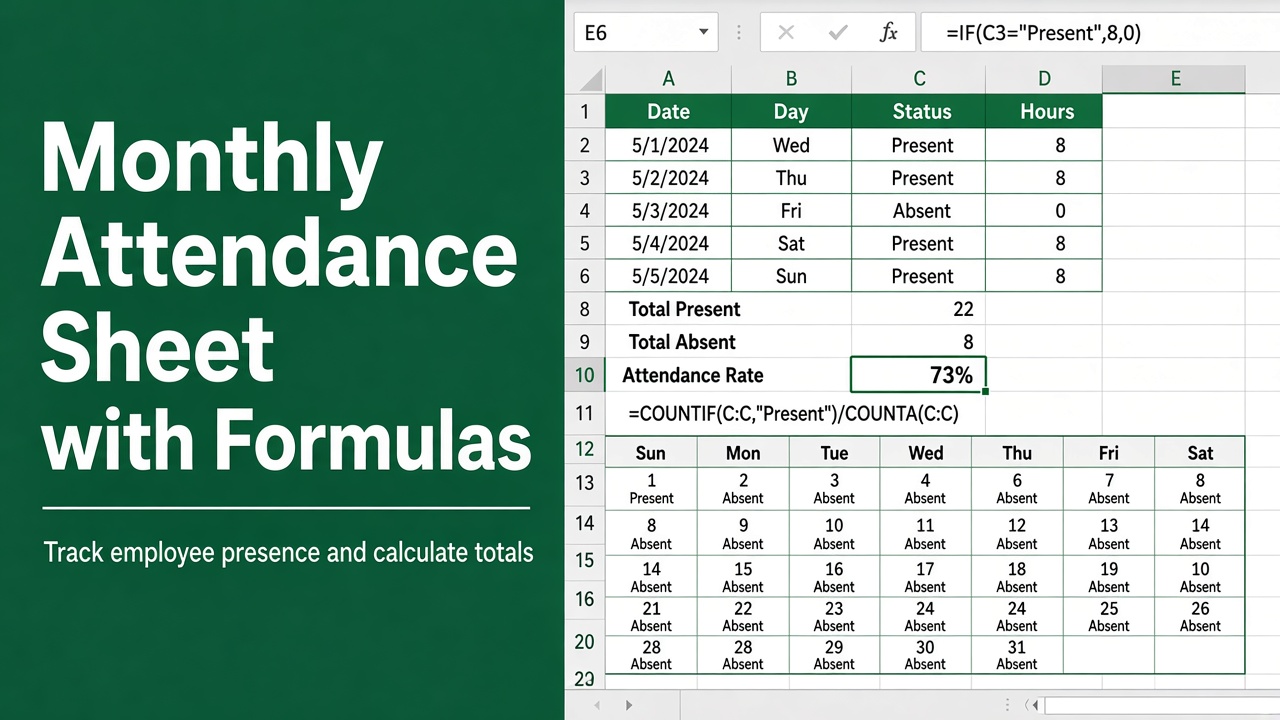
Create Monthly Attendance Sheet in Excel with Formula (File Included!)
Streamline your attendance tracking with a monthly attendance sheet in Excel with formula. Easy set-up and automatic updates for efficiency.