
Excel library
Excel Formulas
Page 19 of 29
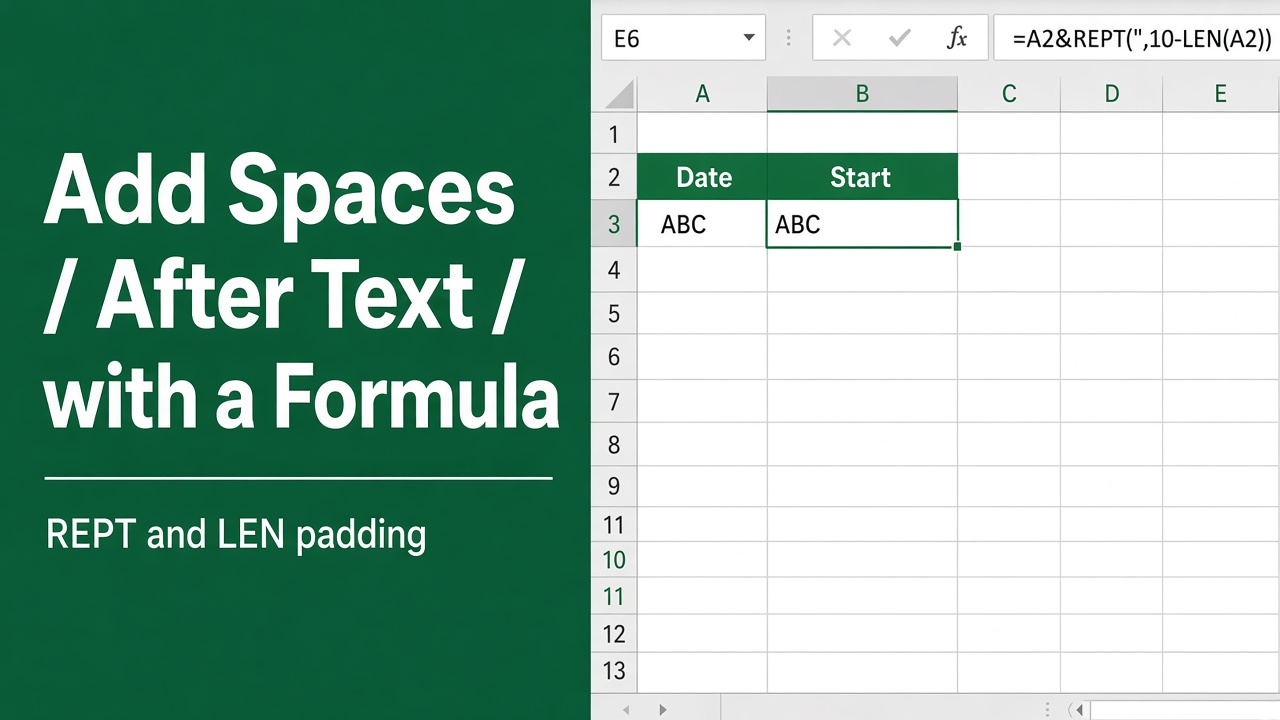
How to Add Spaces After Text Using Excel Formulas?
Learn how to streamline your data with an excel formula to add spaces after text for clearer, more organized spreadsheets. Perfect for data presentation!
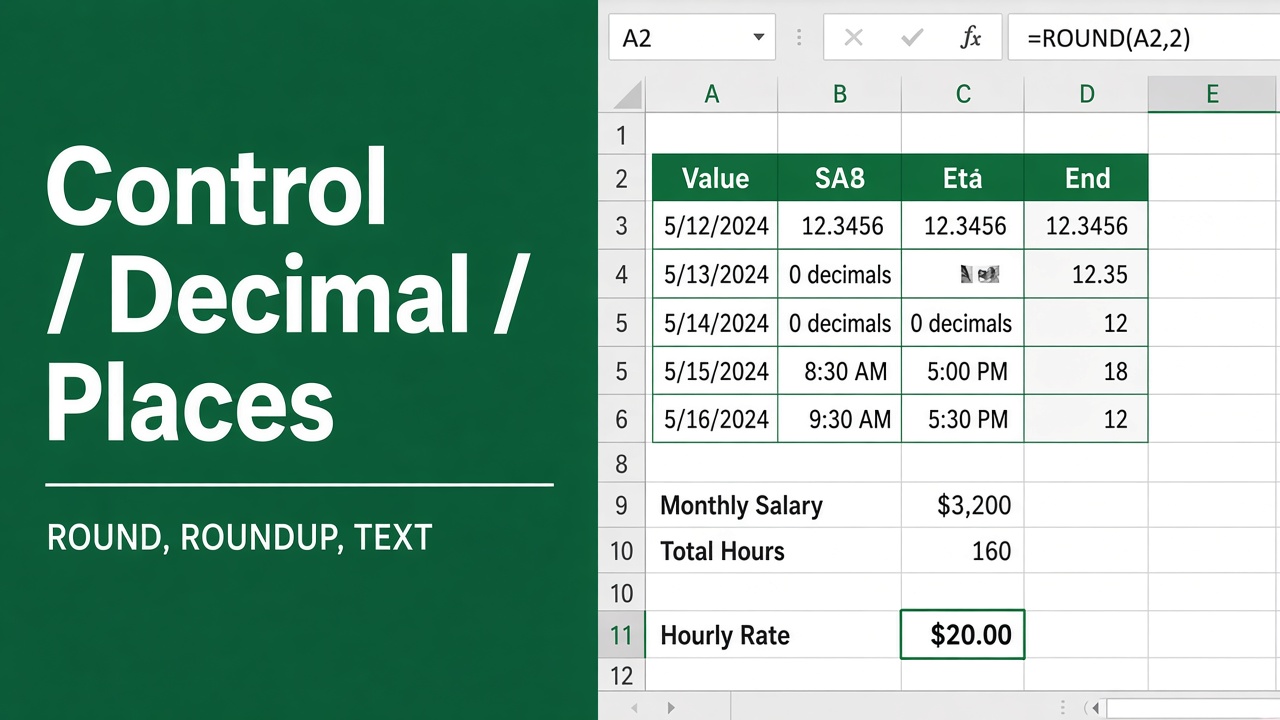
How to Control the Number of Decimal Places in Excel Formulas?
Learn how to control the number of decimal places in Excel formulas using built-in options like Format Cells, ROUND, FIXED & custom formats.
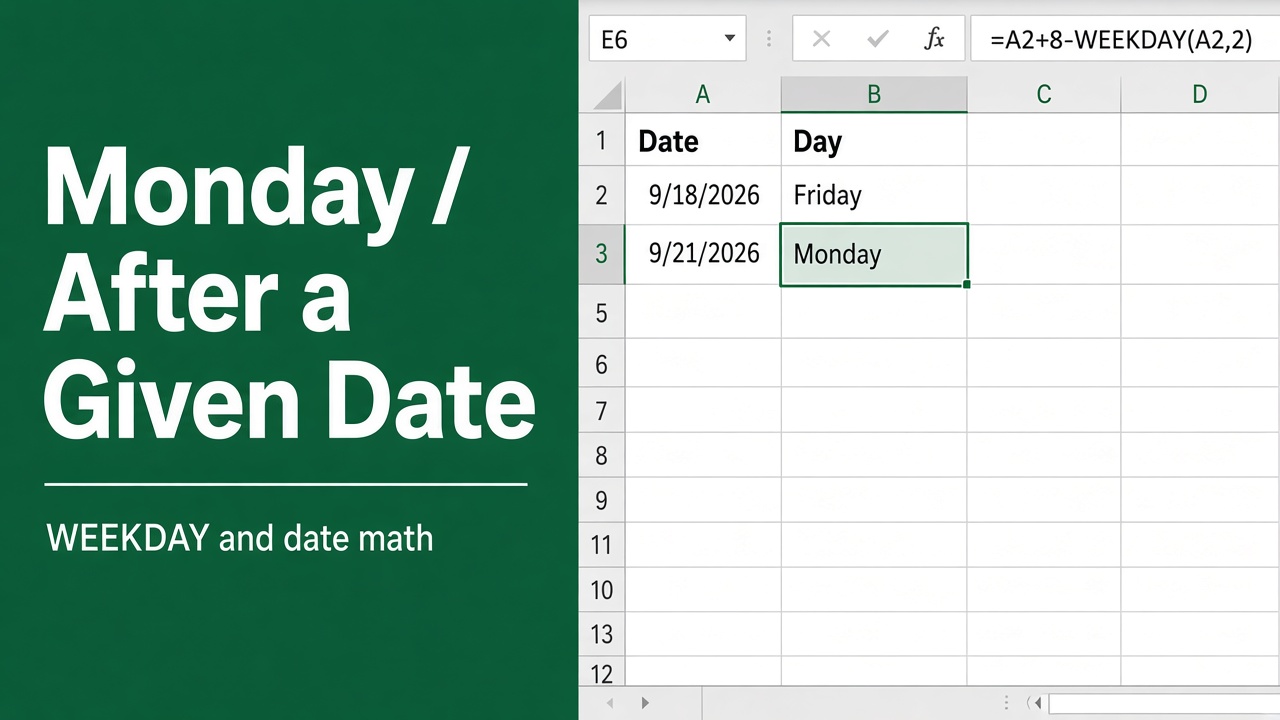
Excel Formula to Calculate the Monday After a Specific Date
Learn the Excel Formula to calculate the Monday after a specific date. Handle different week starts, text dates, and advanced scenarios efficiently.
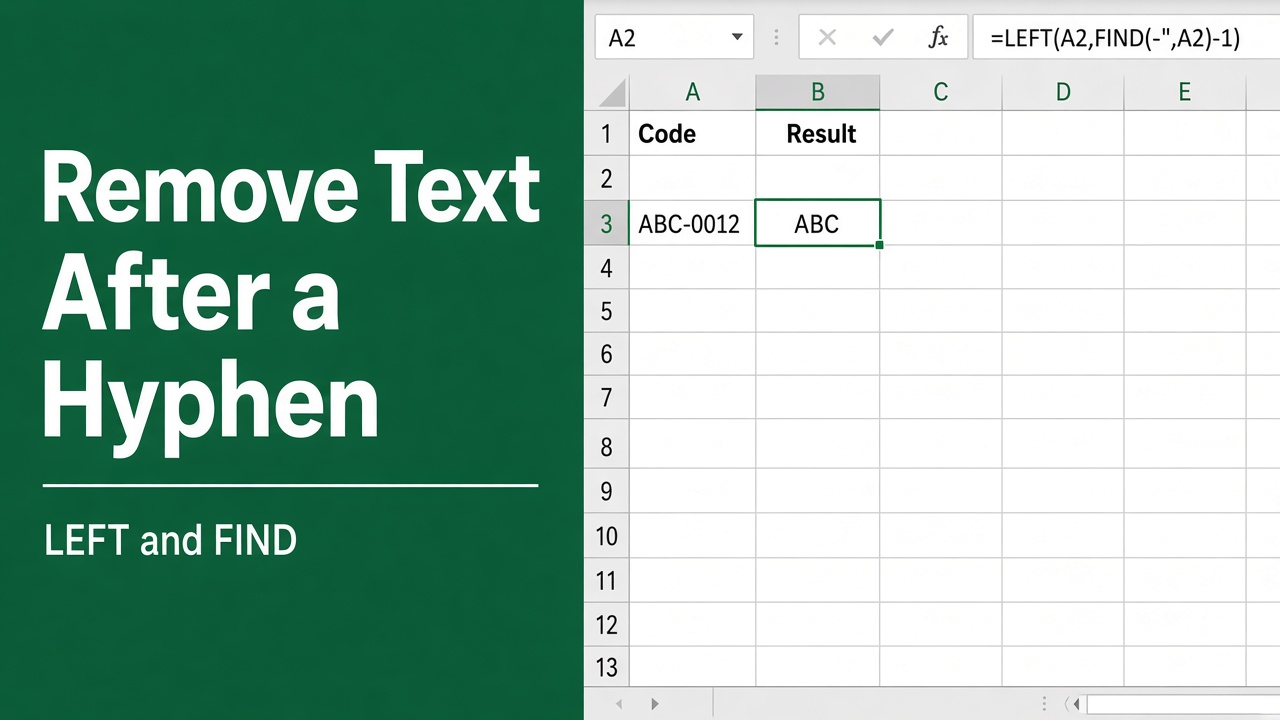
How to Remove Characters After a Hyphen in Excel with Formulas?
Learn how to remove characters after a hyphen in Excel using formulas like LEFT, FIND, and SUBSTITUTE. Easy step-by-step guide with examples.
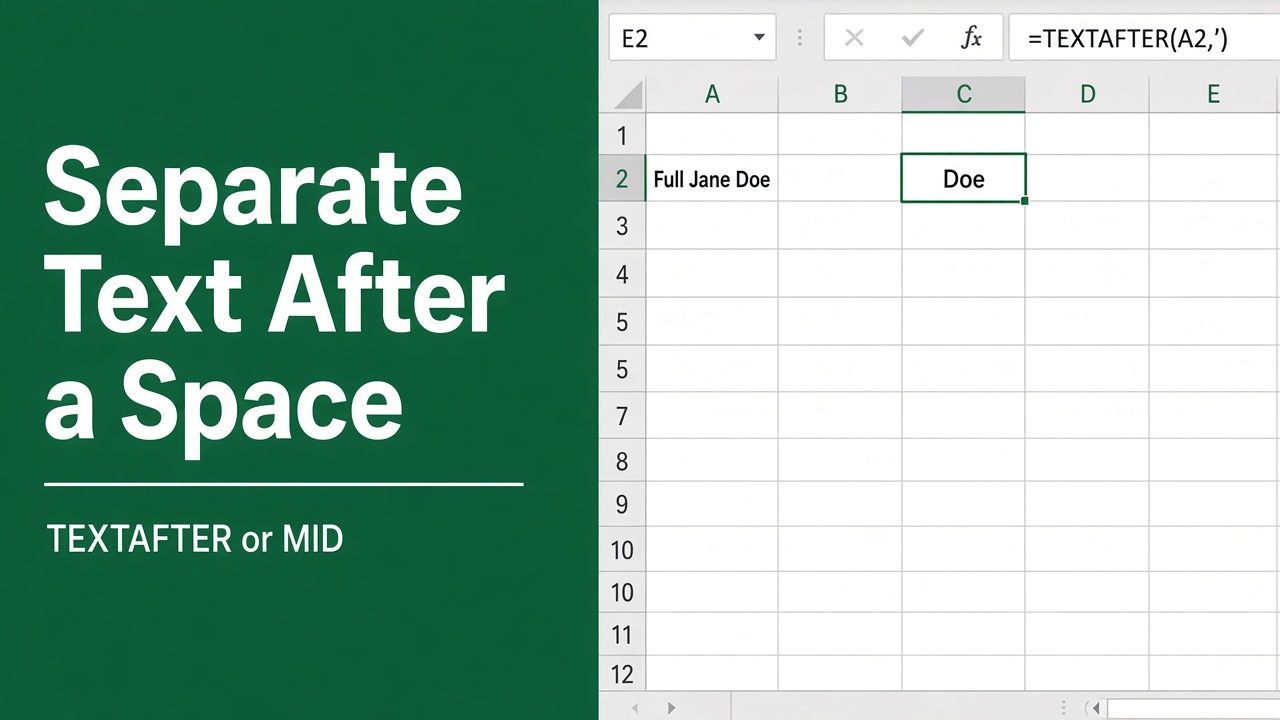
How to Use Excel Formula to Separate Text After Space?
Learn how to use Excel formulas to easily separate text after the first or a specific space in a cell. Split names, addresses & more with our guide.
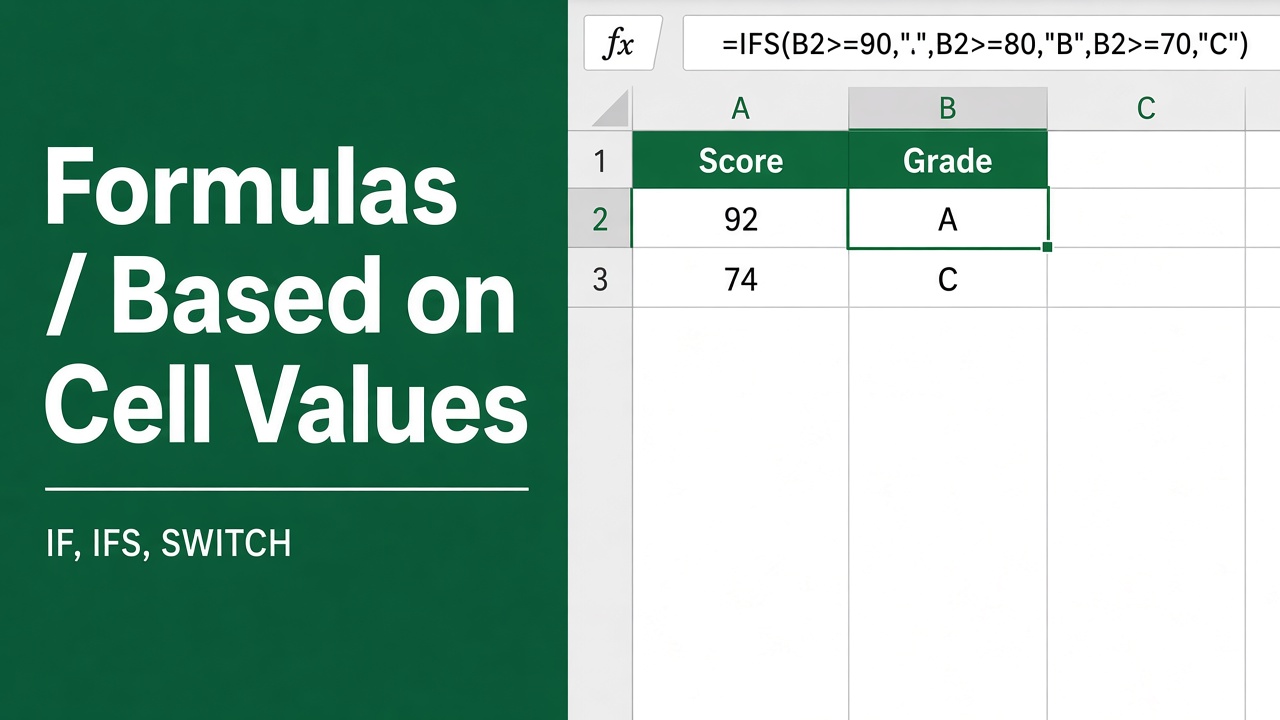
How to Apply Formulas Based on Cell Values in Excel?
Discover how to streamline your data analysis with excel formula based on cell value. Expert tips for dynamic spreadsheets!
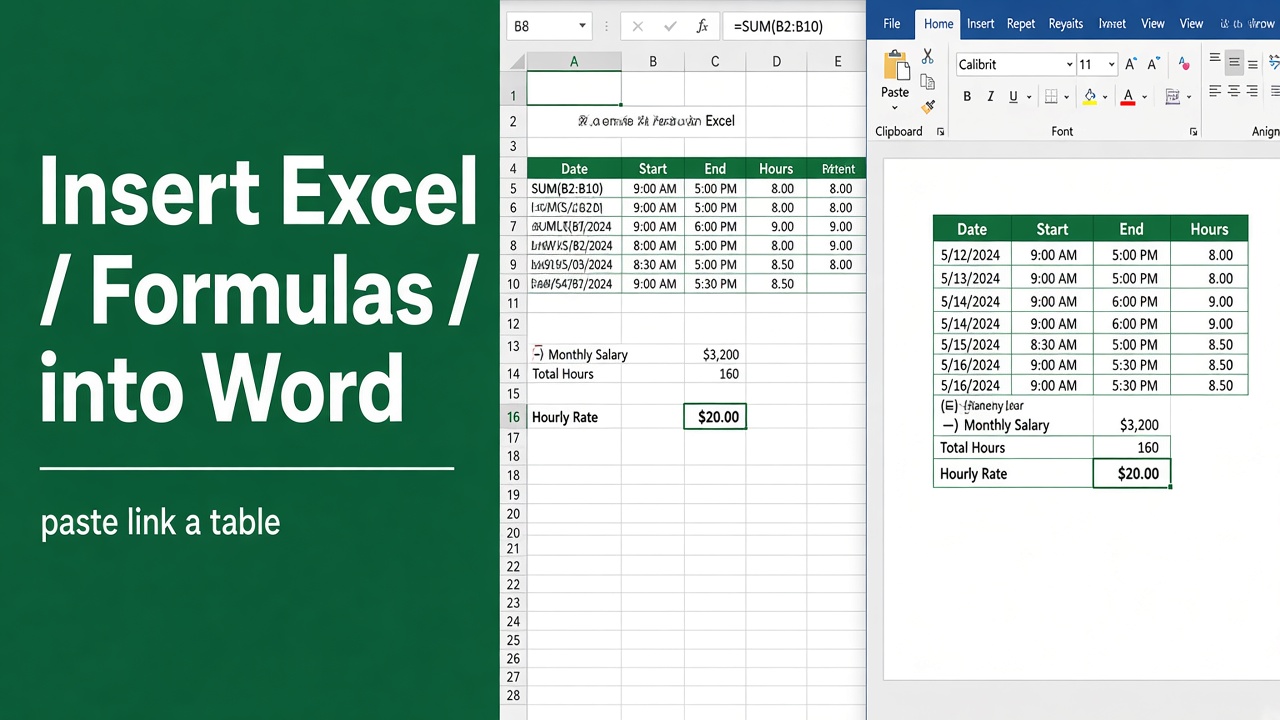
How to Insert Excel Formulas into Microsoft Word?
Insert Excel formulas into Word docs. Embed spreadsheets, link formulas, or paste values. Step-by-step guide with tips and troubleshooting.
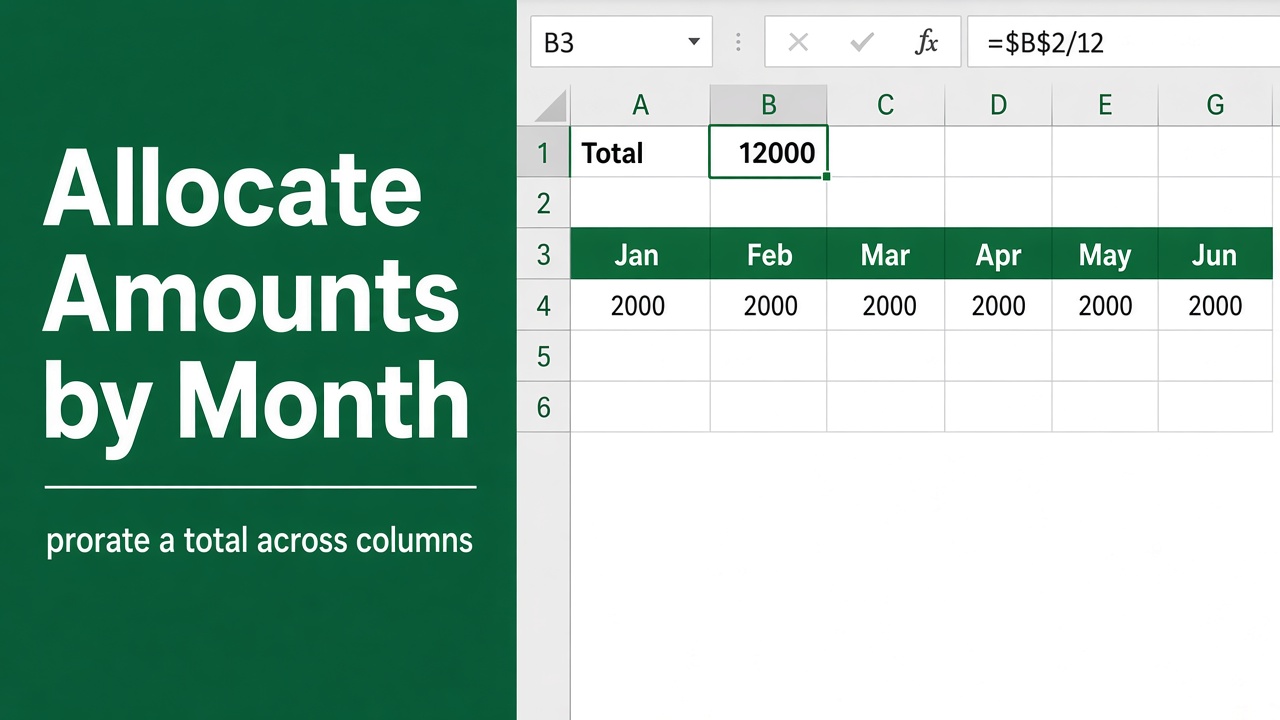
Easy Excel Formula to Allocate an Amount into Monthly Columns
Learn Excel formulas to allocate annual amounts into monthly columns. Discover methods for even spreading, custom weighting, seasonality, and trend factors.
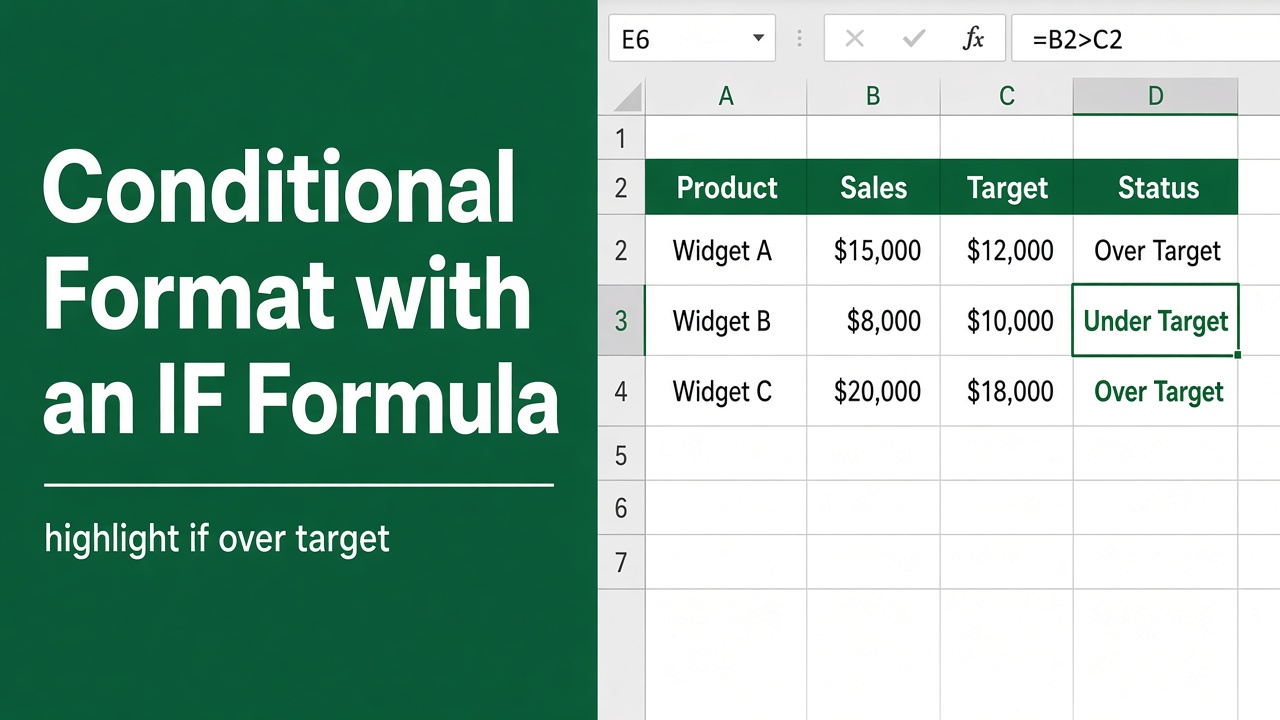
How to Use Conditional Formatting in Excel with IF Formula?
Learn how to use conditional formatting in Excel with IF formula to highlight cells based on conditions. Step-by-step guide with examples.
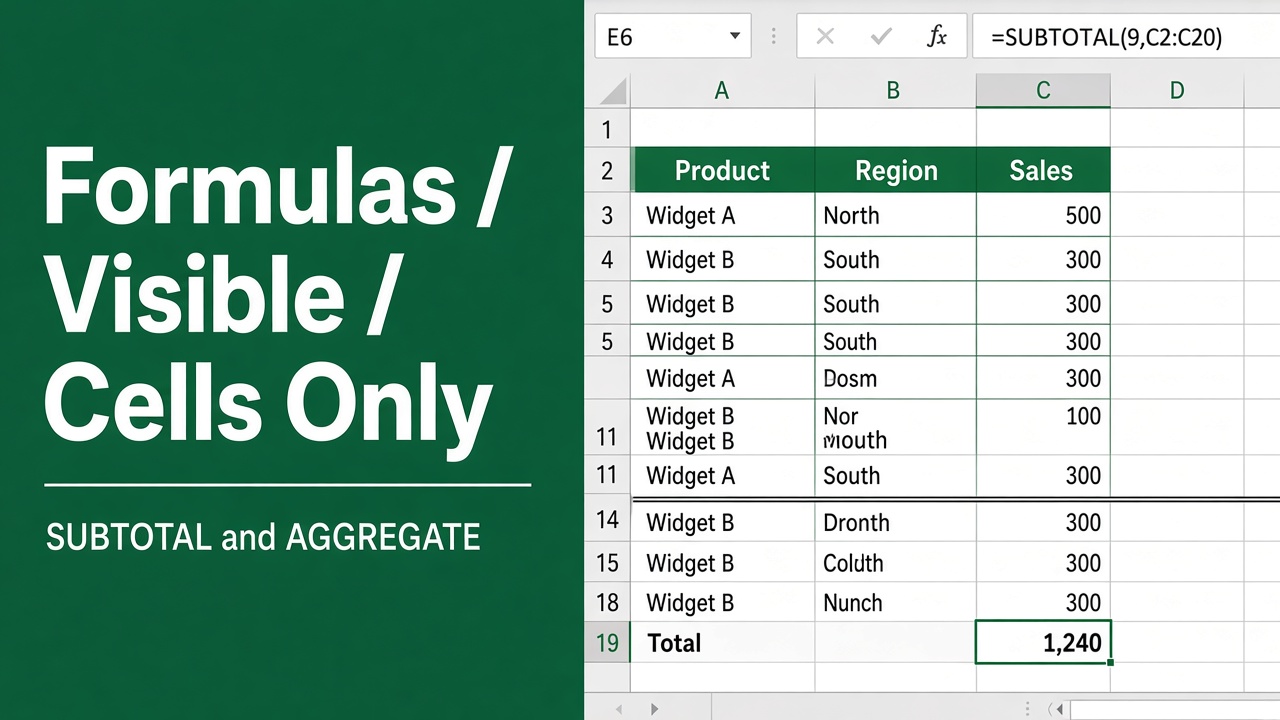
How to Use Excel Formulas on Visible Cells Only?
Learn how to use Excel formulas like SUBTOTAL to calculate sums, averages, and more on visible cells only, ignoring hidden or filtered data.