
Excel library
Excel Formulas
Page 4 of 29
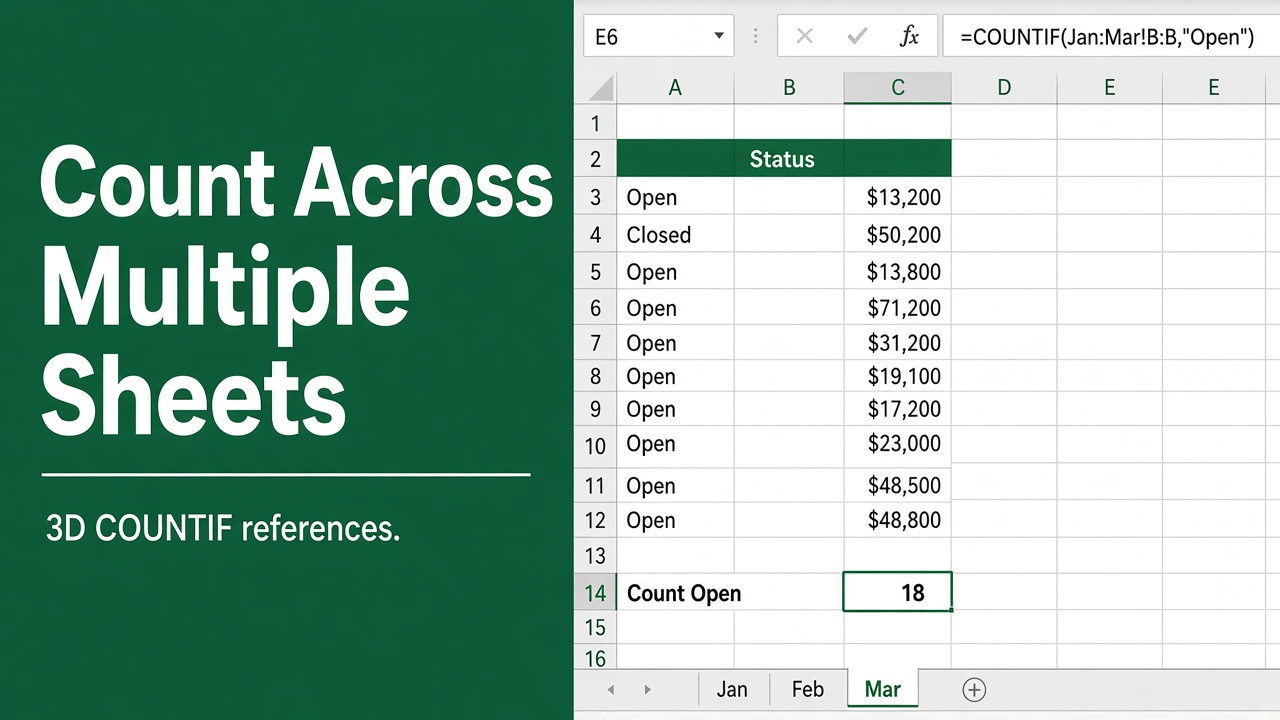
Easy Excel Formula to Count Across Multiple Sheets
Learn how to use an Excel formula to count values across multiple sheets, streamlining data analysis and improving productivity in your spreadsheets.
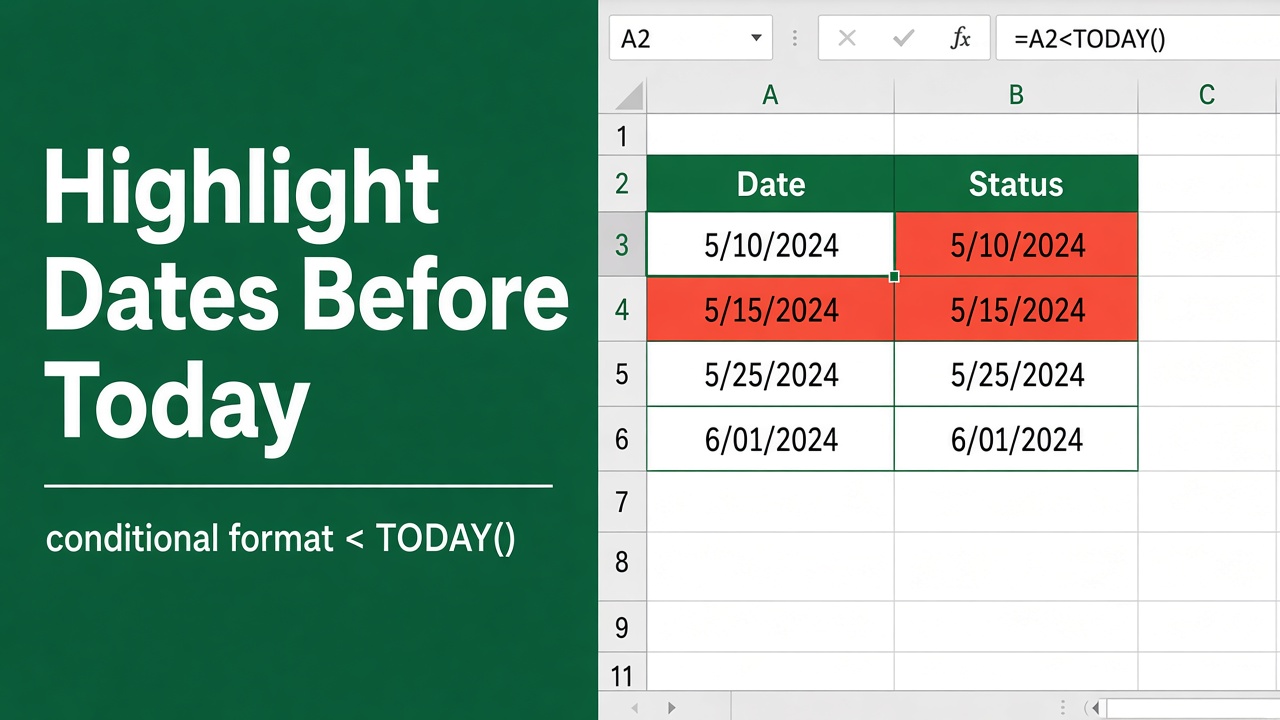
Easy Excel Formula to Highlight Dates Before Today
Highlight overdue tasks easily by learning how to use Excel formulas for conditional formatting to highlight dates before today. Track deadlines with ease.
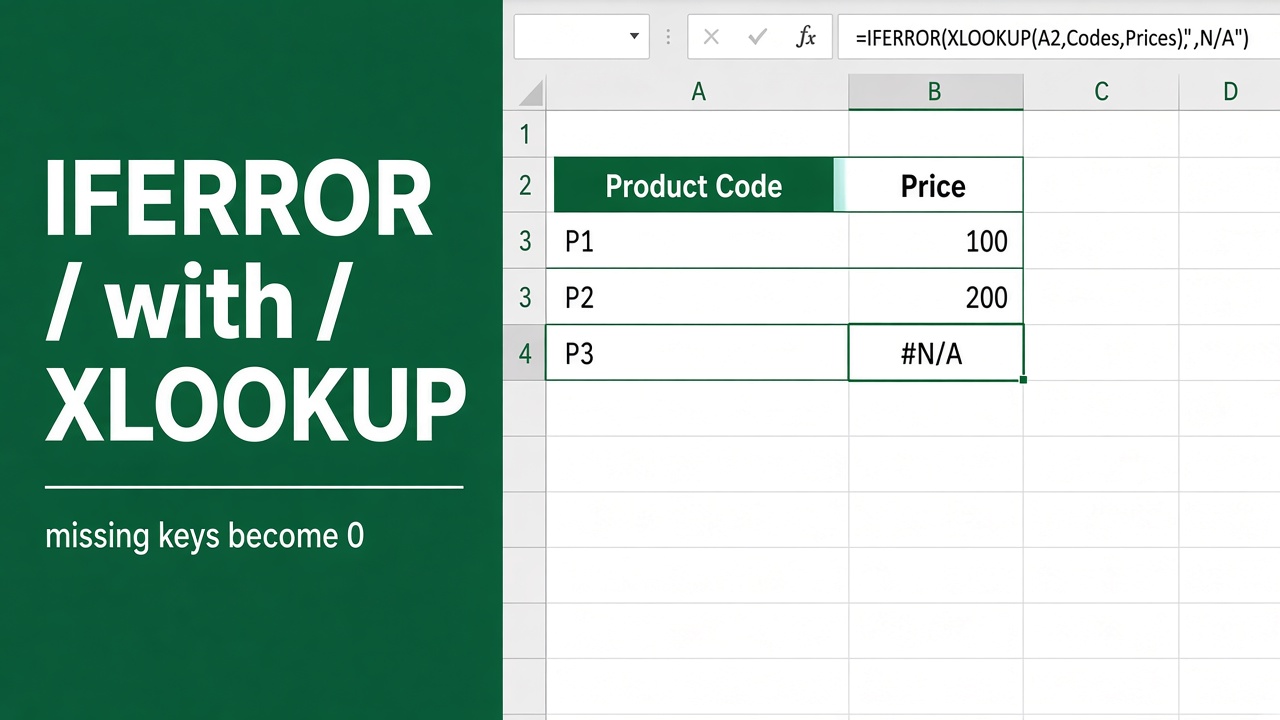
How to Use IFERROR with XLOOKUP: A Complete Guide
Learn how to use IFERROR with XLOOKUP to handle errors in Excel. Replace error codes with meaningful messages and streamline your data lookup processes.
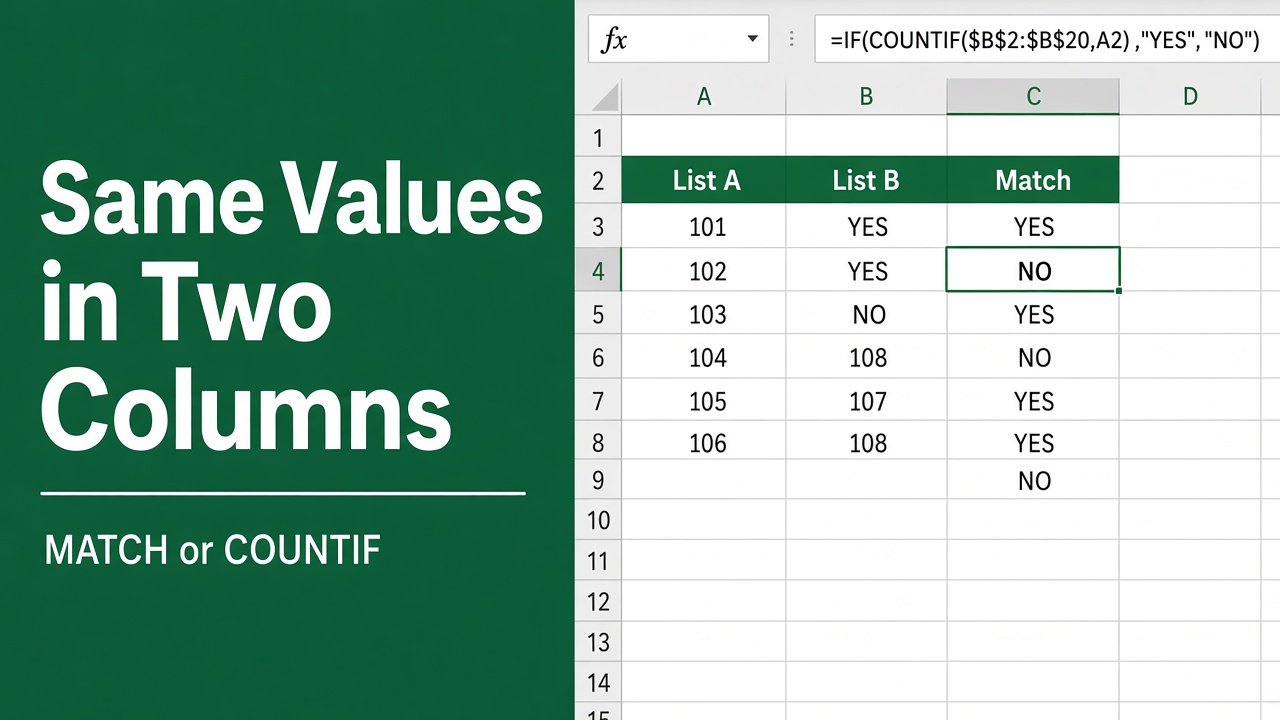
How to Find Same Values in Two Columns in Excel Using a Formula?
Learn how to find the same values in two columns in Excel using formulas like IF, VLOOKUP, MATCH, and COUNTIF. Follow our detailed guide for easy comparison.
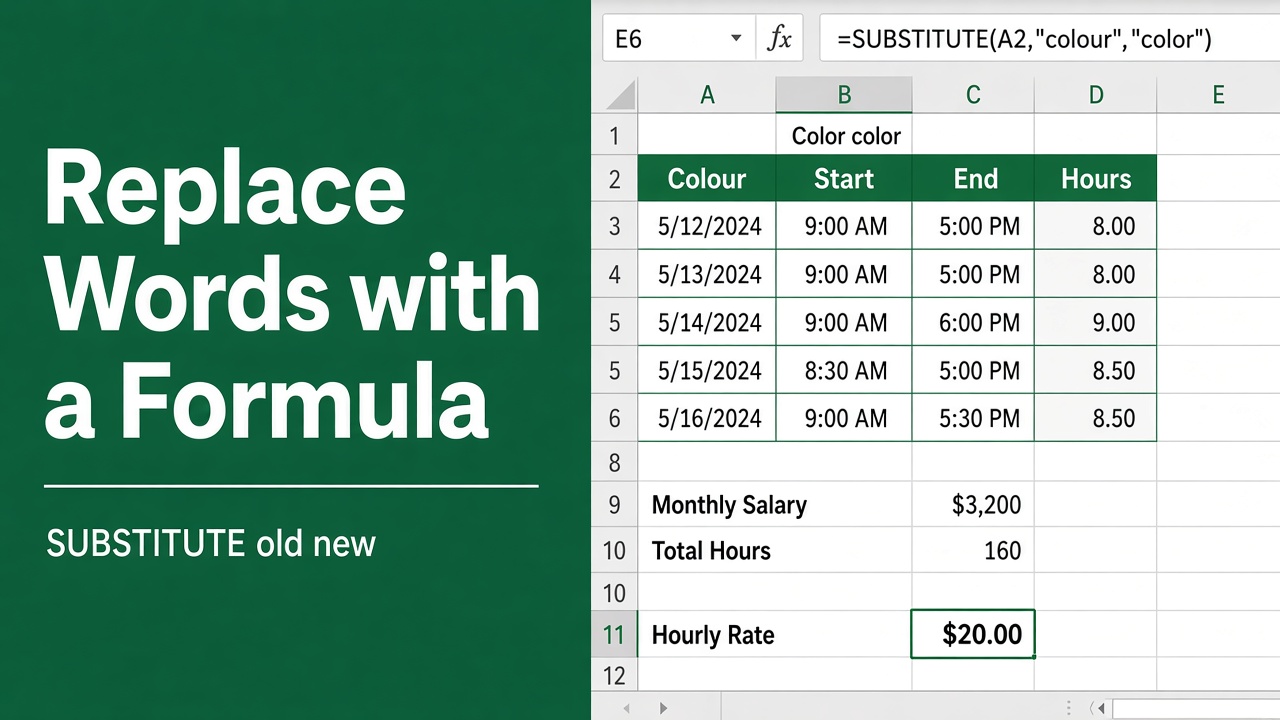
6 Easy Ways to Replace Words in Excel Using Formula
Learn how to replace words in Excel using formulas like SUBSTITUTE, REPLACE, and SEARCH for efficient text replacement in your data.
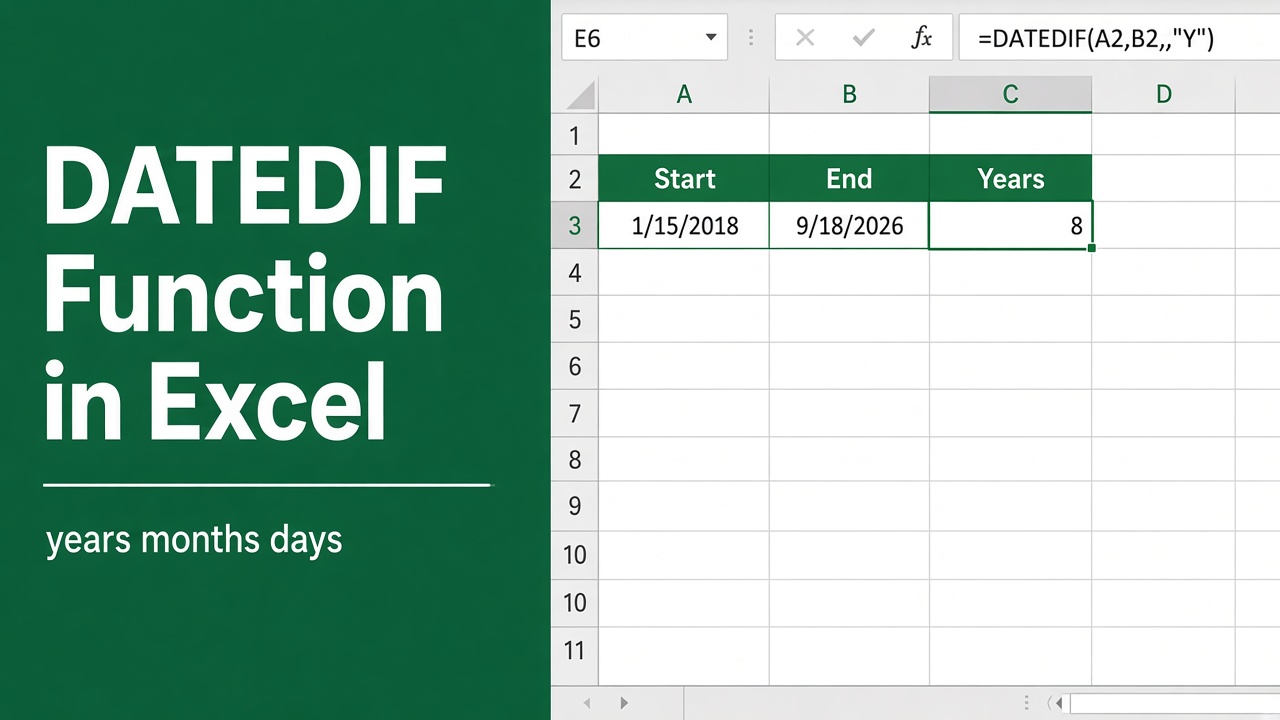
How to Use the DATEDIF Function in Excel: Expert Tips!
Learn how to calculate the difference between two dates using Excel’s DATEDIF function. Find out how to use it for years, months, and days calculation.
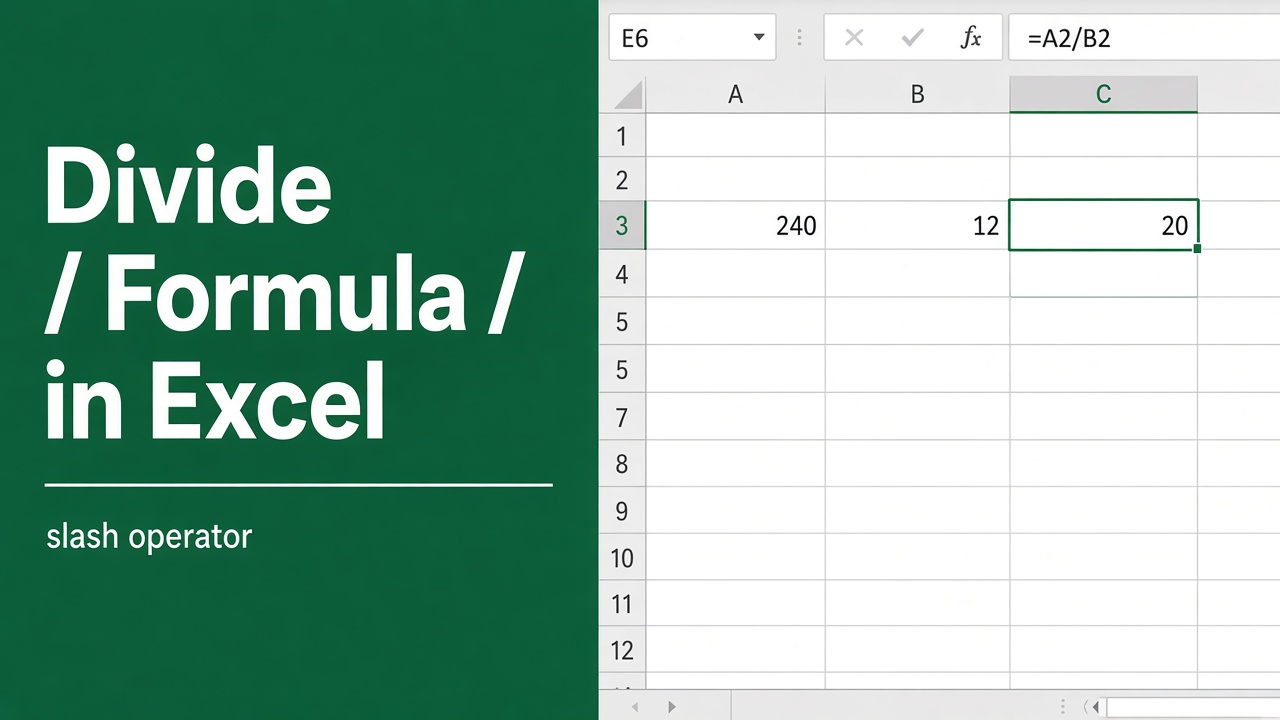
How to Use the Divide Formula in Excel: Expert Tips!
Learn how to use the divide formula in Excel with cell references, handle division by zero errors, and calculate percentages using simple formulas.
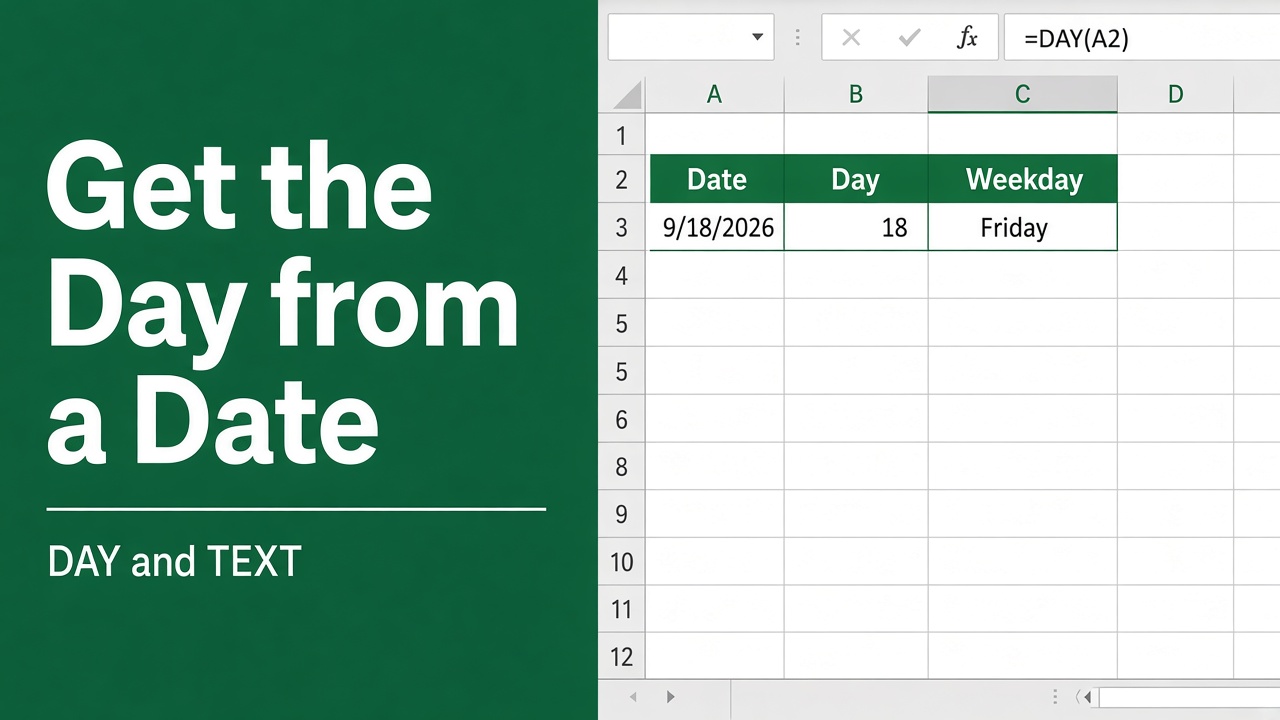
Easy Excel Formula to Get Day from Date
Learn how to extract the day from a date in Excel using formulas like DAY, TEXT, and WEEKDAY. Enhance your data manipulation with easy-to-follow steps.
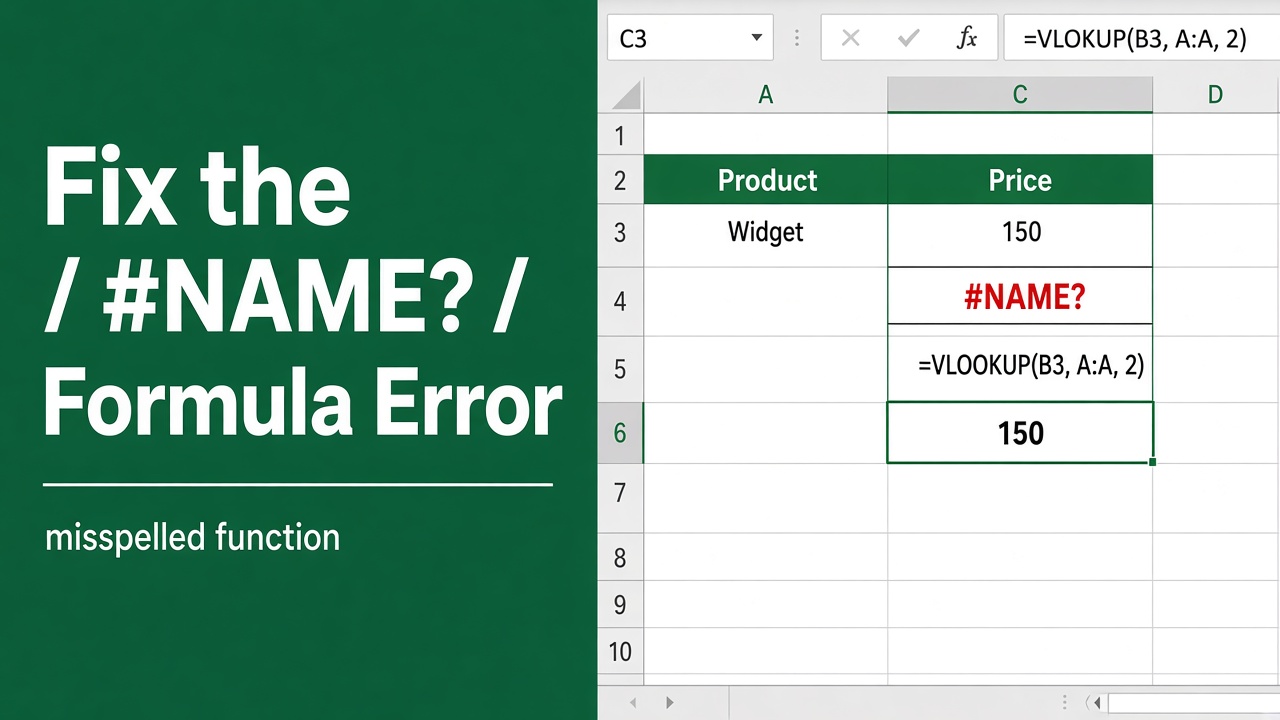
How to Fix #NAME? Error in Excel Formula? (9 Easy Methods)
Learn how to fix the #NAME? error in Excel formulas with troubleshooting tips to identify and resolve common causes like typos and missing functions.
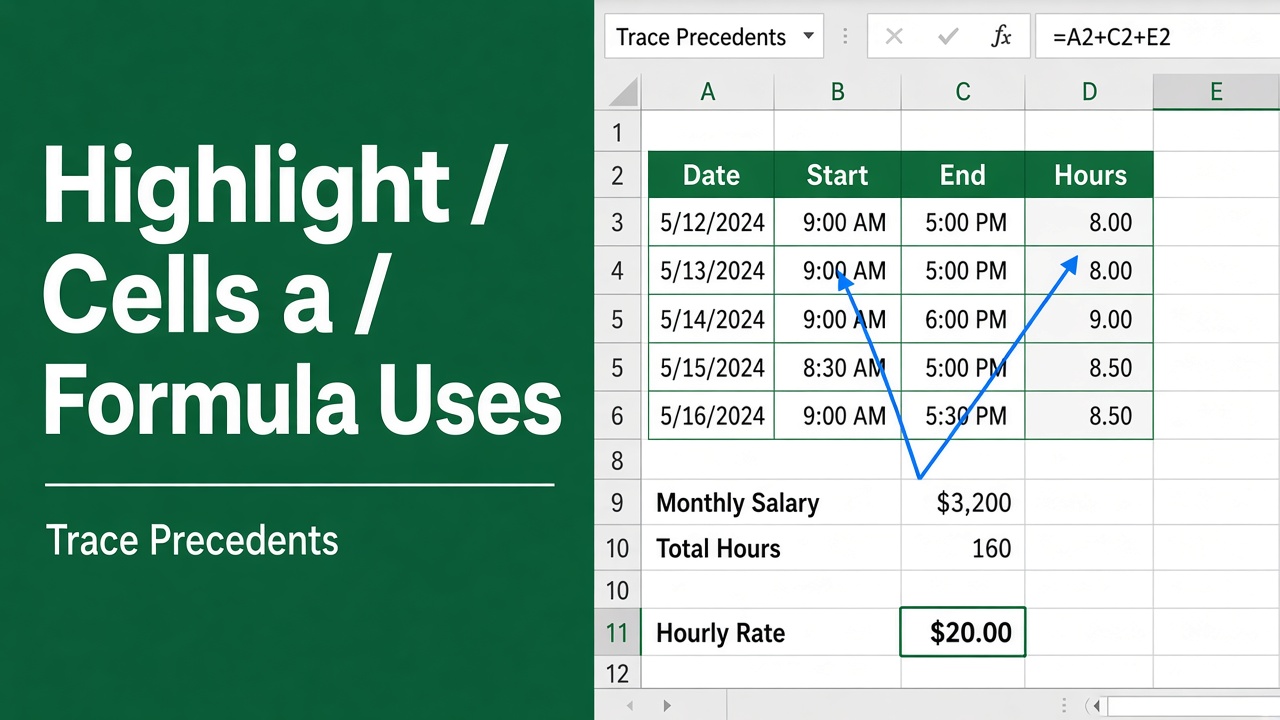
How to Highlight All Cells Referenced by a Formula in Excel?
Learn how to highlight all cells referenced by a formula in Excel using various methods, including Trace Precedents, Go To Special, and VBA scripting.