
Excel library
Understanding the Plus Sign After Equal Sign in Excel Formulas
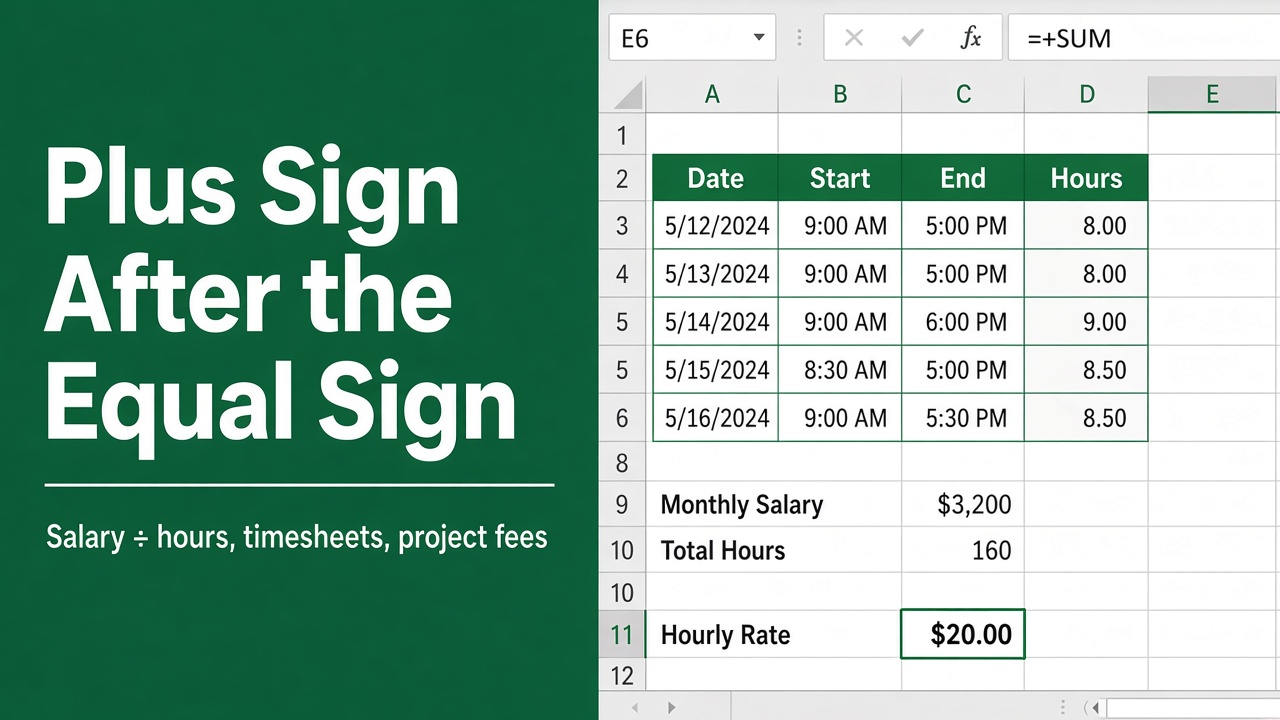
Have you ever encountered a plus sign (+) after an equal sign (=) while working with Excel formulas? It looks odd, but it’s harmless: the extra + doesn’t change the result. And contrary to a common myth, the plus sign is not Excel’s text-joining operator. In this article, we’ll explore the function and usage of the plus sign after the equal sign in Excel formulas, providing you with a comprehensive understanding of this essential concept.
=+A1+B1 is the same as =A1+B1. The + right after = is a harmless “positive” sign that many people type out of habit from Lotus 1-2-3 or the numeric keypad; it doesn’t change the result, and you can delete it.
The plus sign does not join text in Excel: ="Hello"+" World" returns #VALUE!. Use & instead: ="Hello"&" World".
What Does the Plus Sign After Equal Sign Mean in Excel?
A formula such as =+A1+B1 works exactly like =A1+B1. The extra + is a unary plus: it tells Excel “positive”, which changes nothing, so the result is the same. You’ll mostly see it in workbooks built by people with a Lotus 1-2-3 or accounting background, or who start formulas from the numeric keypad.
Why Some Formulas Start with =+
In some cases, you might encounter a plus sign after the equal sign in mathematical formulas, such as =+A1+B1. Here’s a breakdown of what it means and why it might be used:
- Basic Explanation:
=+A1+B1is functionally the same as=A1+B1.- The
+sign after the=does not change the operation or the result. It is essentially redundant.
- Historical Context:
- This syntax is a holdover from older spreadsheet programs, like Lotus 1-2-3.
- Users who transitioned from Lotus 1-2-3 to Excel continued using this notation out of habit. Lotus 1-2-3 required formulas to start with a
+to indicate they were calculations.
- Current Usage:
- In modern Excel, starting formulas with
=+is unnecessary. You can simply start with=. - Some users might still use it due to long-standing habits, but it has no effect on the calculation or result.
- In modern Excel, starting formulas with
- Readability:
- Using
=+can make formulas slightly harder to read, especially for those unfamiliar with the historical context. - For clarity and consistency, it’s generally recommended to use the straightforward
=sign without the+.
- Using
Example:
=+A1+B1and=A1+B1will both sum the values in cells A1 and B1.- There is no difference in how Excel processes these formulas.
The Plus Sign Does Not Join Text in Excel
Unlike some programming languages and Google Apps Script, Excel does not use + to combine text. Excel always treats + as addition, so:
You can also put equal sign without formula.
| Formula | Result |
|---|---|
="Hello" + " World" | #VALUE! |
="Hello" & " World" | Hello World |
="10" + "5" | 15 (text that looks like numbers is converted and added) |
="10" & "5" | 105 (joined as text) |
To combine text, use the ampersand & operator or a function:
=A1 & " " & B1joins a first and last name with a space.="Total: " & TEXT(C1, "$#,##0.00")adds a formatted number to text.=CONCAT(A1, " ", B1)does the same as & (CONCATENATE in older versions).=TEXTJOIN(", ", TRUE, A1:A5)joins a whole range with a separator and skips blanks (Excel 2019 and later).
Other Places a Leading + or - Appears
- Typing + instead of =: if you start a cell with + (for example
+A1*2), Excel accepts it and adds the = for you, producing=+A1*2. - A double minus (--): in formulas like
=SUMPRODUCT(--(A1:A10="Yes")), the two minus signs turn TRUE/FALSE into 1/0. A single leading + does not do that conversion. - Text that starts with + or -: to type “+44 20 7946” or “- item” as text instead of a formula, start the entry with an apostrophe ('+44 20 7946).
Final Thoughts
The plus sign after the equal sign is harmless: =+A1+B1 and =A1+B1 give the same result, and you can delete the extra + if you prefer cleaner formulas. Just remember that + only ever adds in Excel; to join text, use &, CONCAT or TEXTJOIN.
FAQs
What does the plus sign after the equal sign mean in Excel formulas?
Nothing that changes the result. =+A1+B1 is identical to =A1+B1; the extra + is a unary plus left over from Lotus 1-2-3 habits or from starting formulas on the numeric keypad.
Can I use the plus sign to combine text in Excel?
No. In Excel + always adds numbers, so ="Hello"+" World" returns #VALUE!. Use the ampersand instead: ="Hello"&" World", or the CONCAT and TEXTJOIN functions.
Should I remove the + from formulas that start with =+?
You can, and it won’t change any results. To clean up a whole sheet, use Find and Replace (Ctrl + H) to replace =+ with =, with Look in set to Formulas.
Why does Excel add = when I start a cell with +?
Excel treats an entry that starts with + or - as a formula and adds the equal sign automatically, so +A1 becomes =+A1. Type an apostrophe first ('+A1) if you want the text itself.
What is the difference between + and -- in Excel formulas?
A single + before a value does nothing. A double minus (--) converts TRUE/FALSE to 1/0 and numbers stored as text into real numbers, which is why it appears in formulas like =SUMPRODUCT(--(A1:A10="Yes")).