
Vaishvi Desai
Page 13
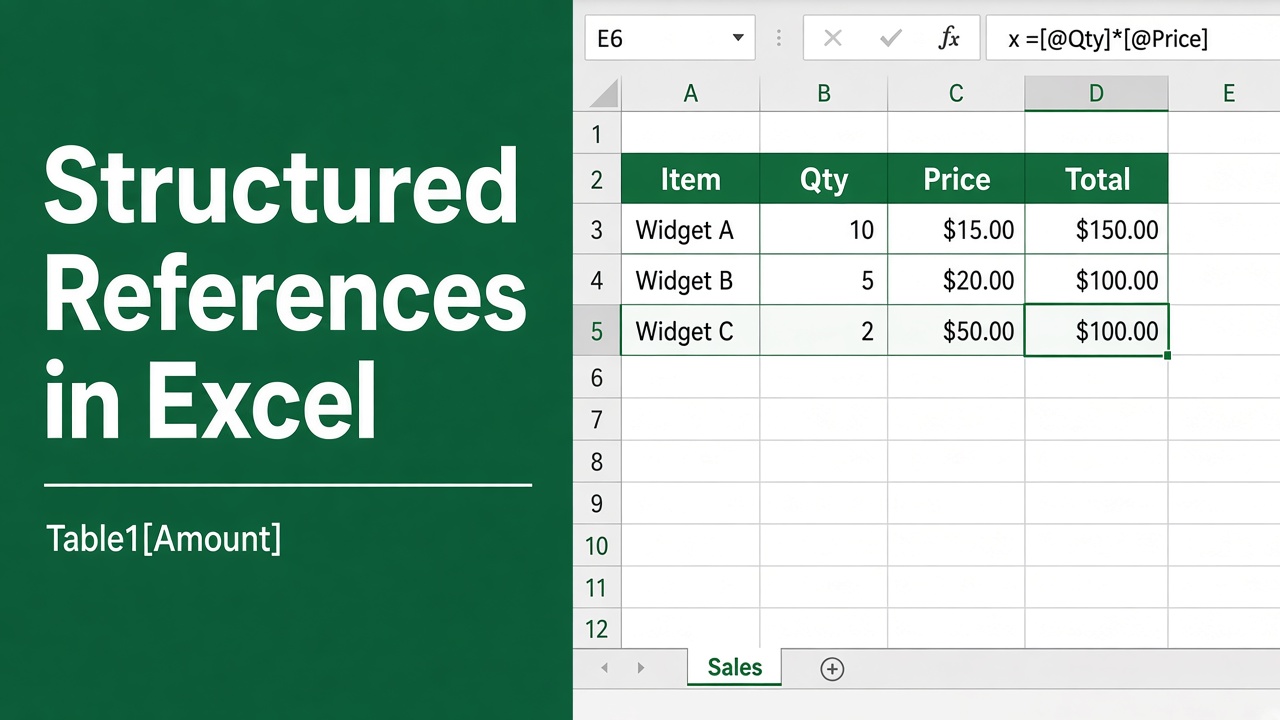
How to Use Structured References in Excel: Easy Guide
Learn how to use structured references in Excel for clearer formulas and dynamic tables. Simplify your spreadsheets with this step-by-step guide.
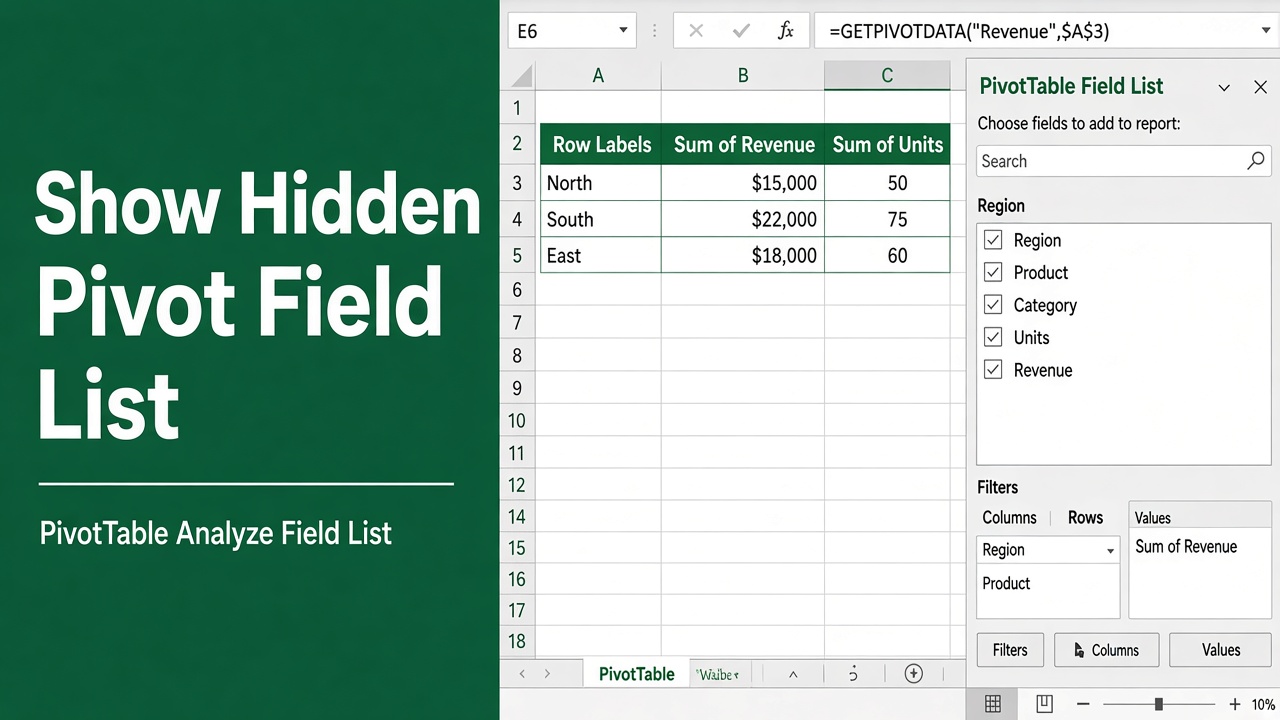
How to View Hidden Pivot Table Field List in Excel?
Learn how to quickly view a hidden pivot table field list in Excel. Follow simple steps, tips, and best practices to keep it always visible and accessible.
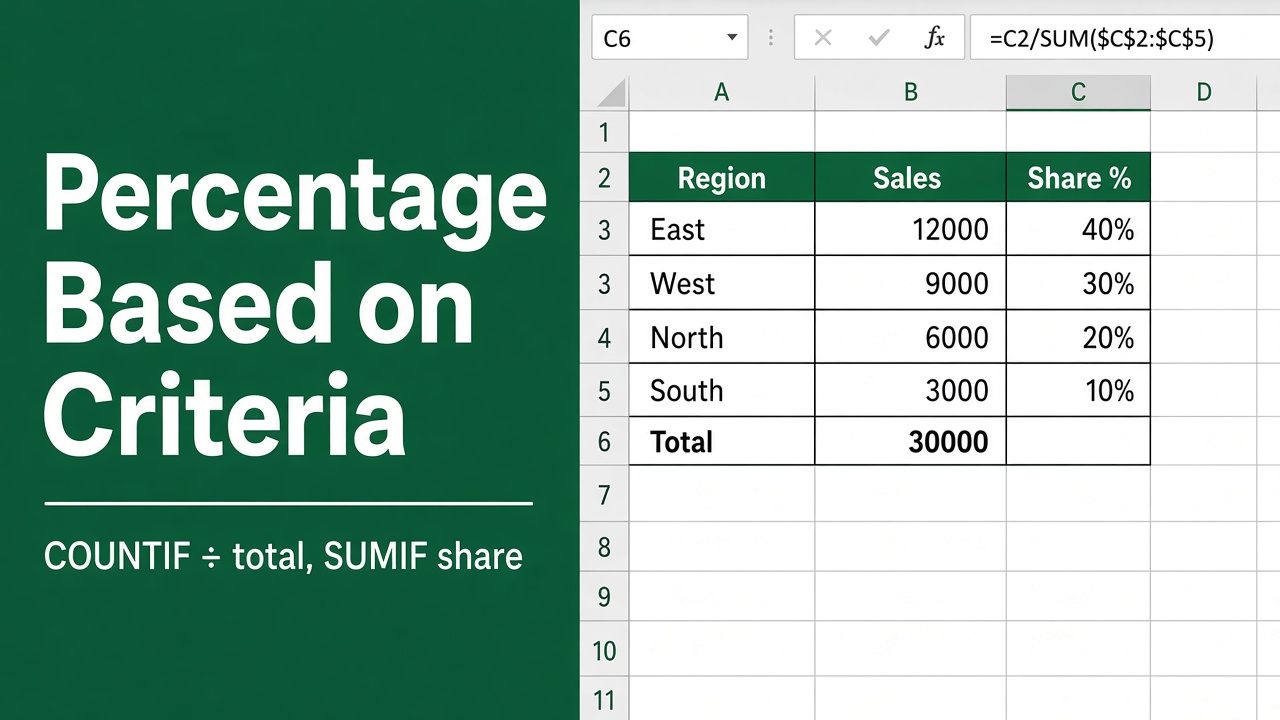
5 Easy Ways to Calculate Percentage Based on Criteria in Excel
Learn how to calculate percentages based on criteria in Excel with easy-to-follow formulas, examples, and tips for accurate data analysis.
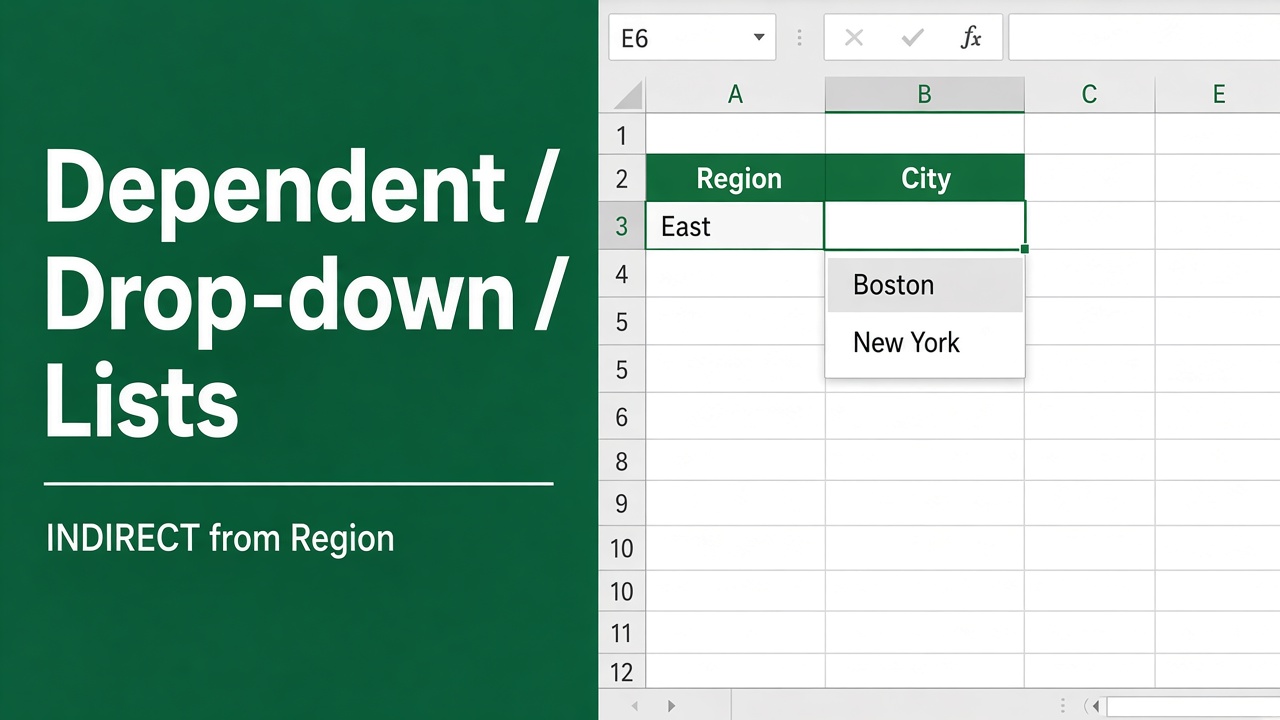
How to Create a Dependent Drop Down List in Excel?
Learn how to create a dependent drop-down list in Excel with simple steps to streamline data entry and improve accuracy in your spreadsheets.
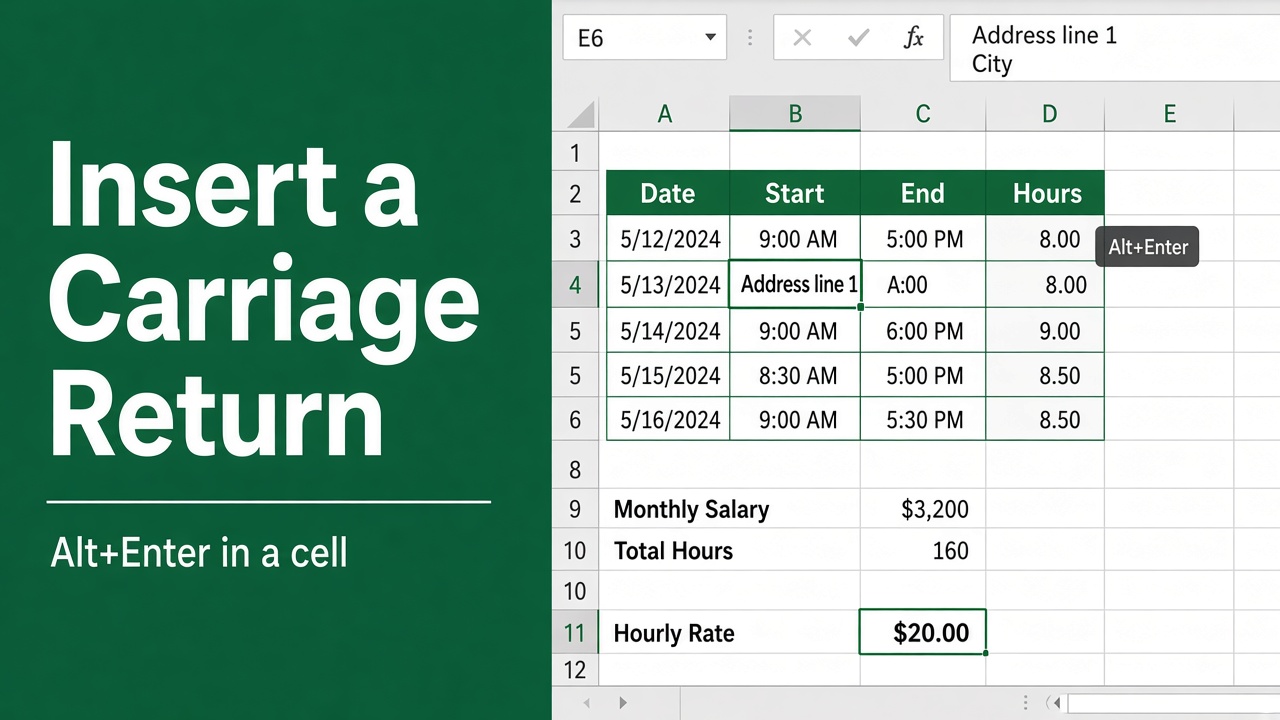
3 Easy Methods to Insert a Carriage Return in an Excel Cell
Learn how to insert a carriage return in an Excel cell to create line breaks and improve readability. Step-by-step guide for Windows and Mac users included.
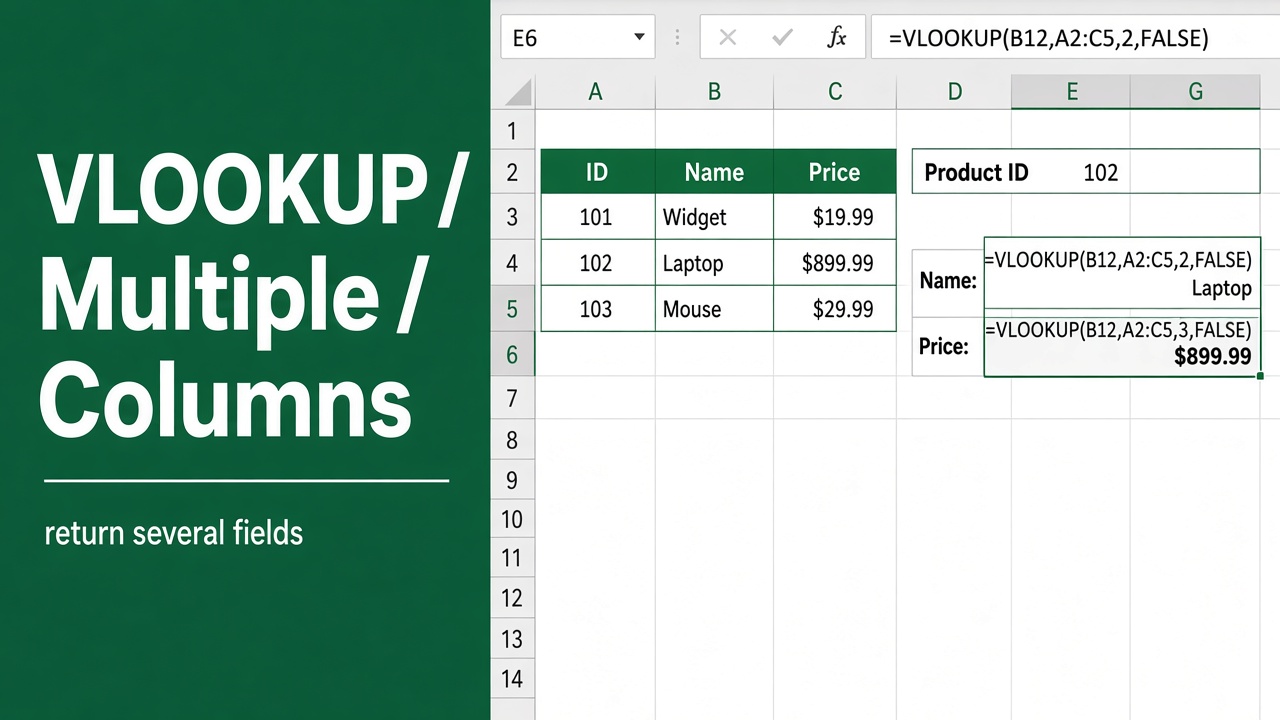
How to Use VLOOKUP with Multiple Columns in Excel?
Learn how to use VLOOKUP with multiple columns in Excel effectively. This guide covers different techniques, examples & tips to make your data lookup efficient.
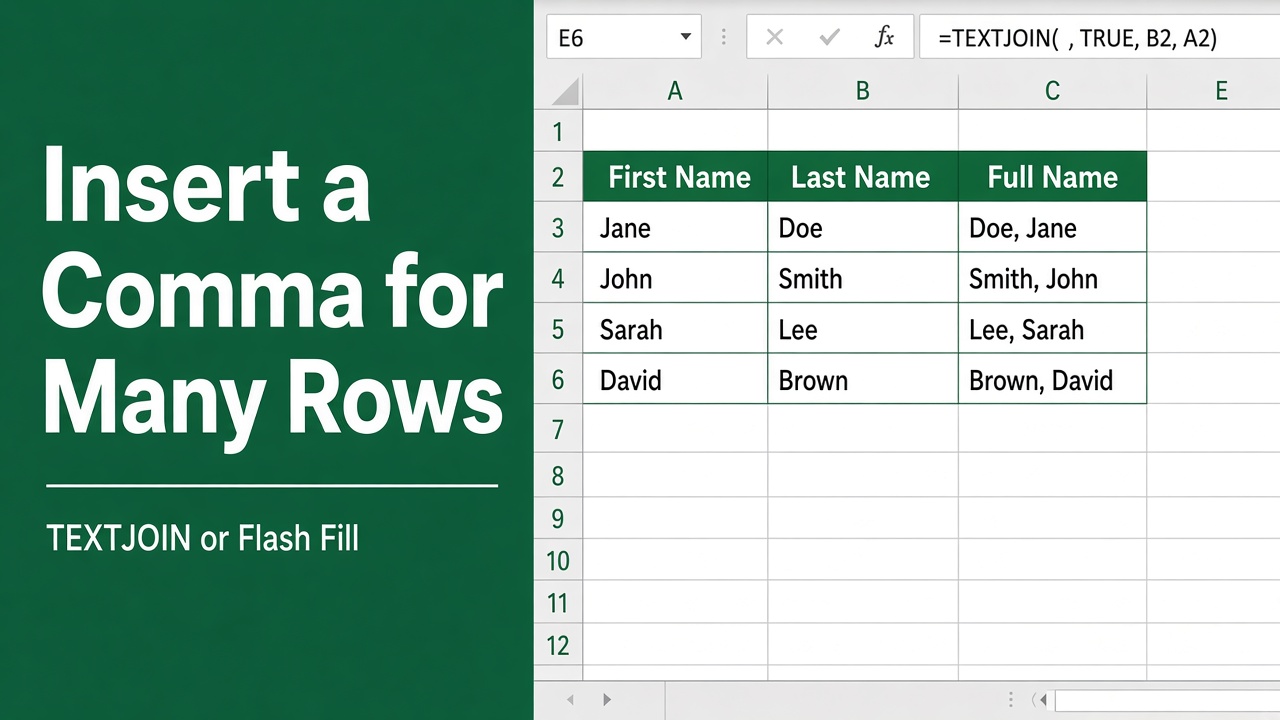
How to Insert Comma in Excel for Multiple Rows? (5 Easy Methods)
Learn how to easily insert commas in Excel for multiple rows using different methods like formatting, formulas, and VBA. Improve data readability effortlessly.
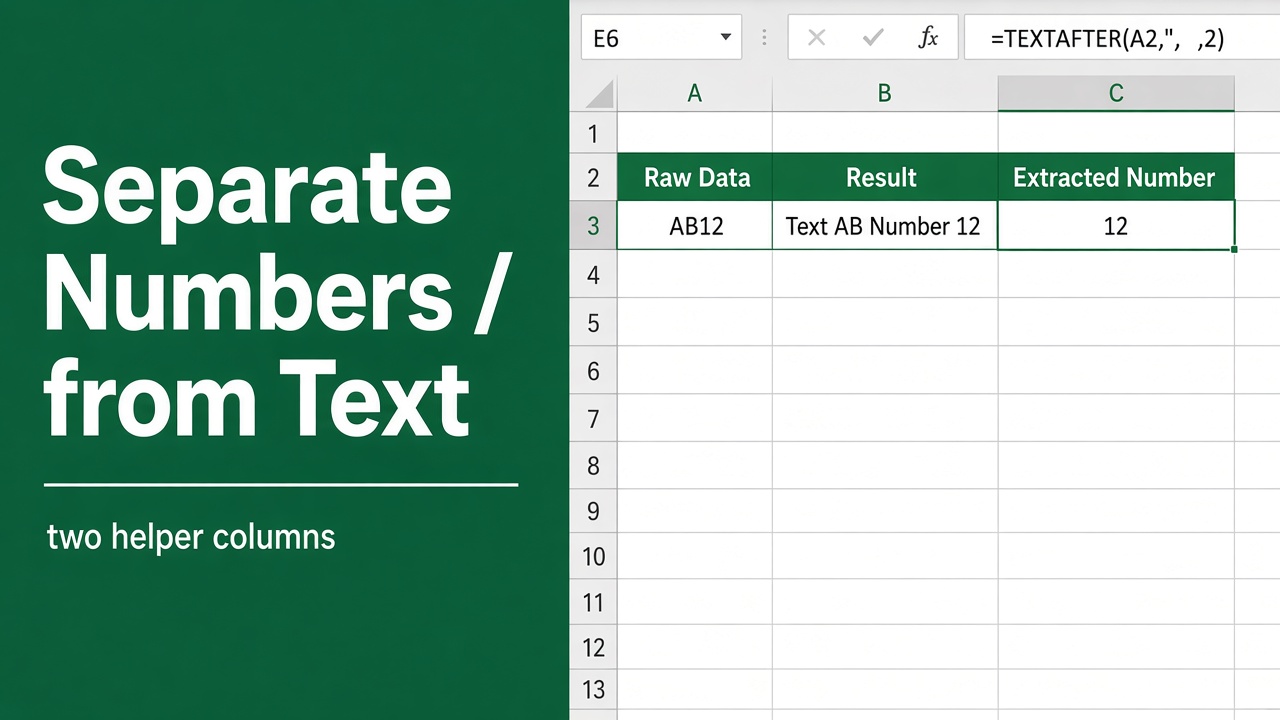
How to Separate Numbers from Text in Excel: Easy Guide
Learn step-by-step methods to separate numbers from text in Excel using formulas, Flash Fill, Power Query, and VBA. Clean and organize your data efficiently!
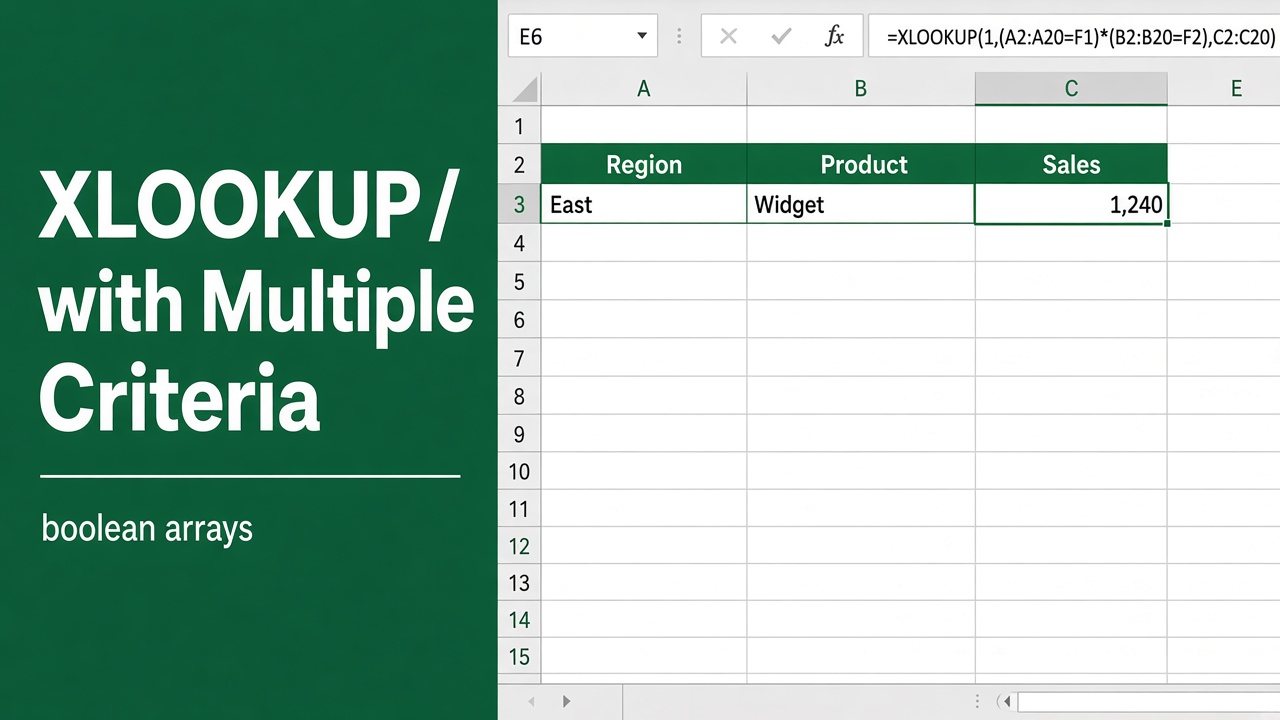
Use XLOOKUP with Multiple Criteria in Excel: Easy Guide
Learn how to use XLOOKUP with multiple criteria in Excel. This detailed guide includes examples, formulas, and tips to simplify complex lookups.
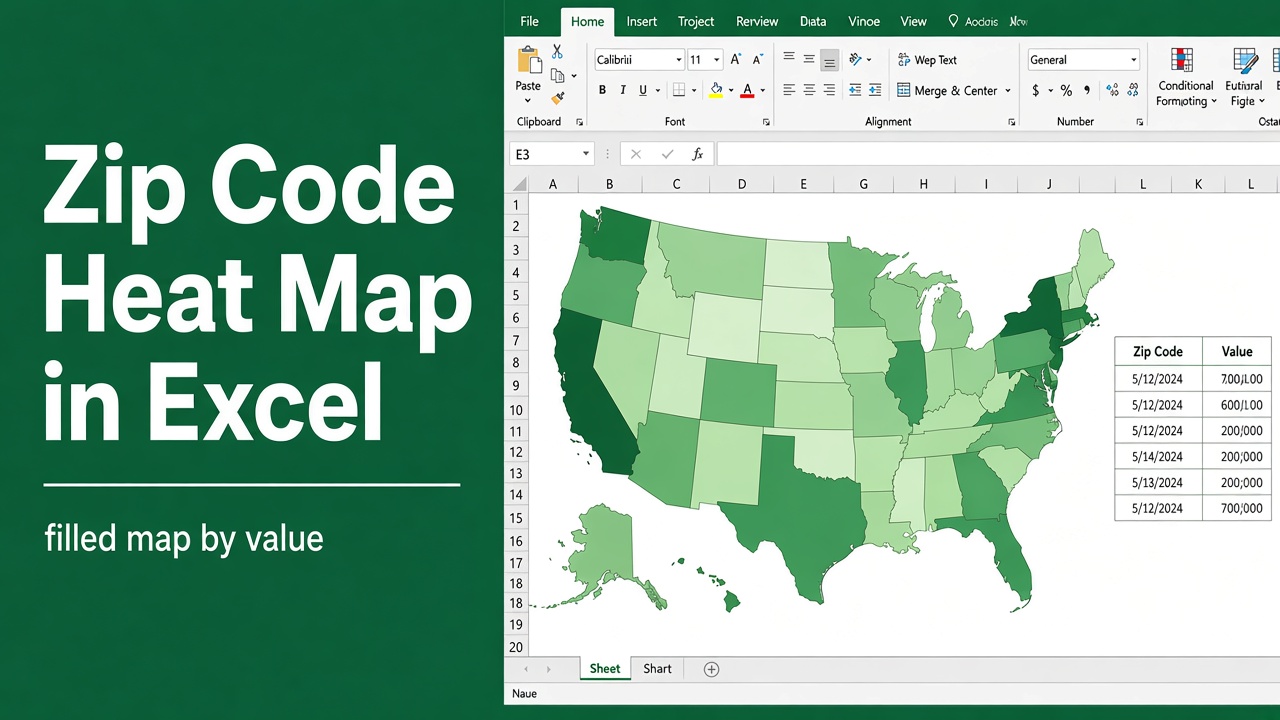
How to Create a Heat Map in Excel with Zip Codes: Easy Guide
Learn how to create a heat map in Excel with zip codes. Step-by-step guide to visualize geographical data using conditional formatting, Bing Maps, and 3D Maps.