
All articles
Blog
Page 13 of 72
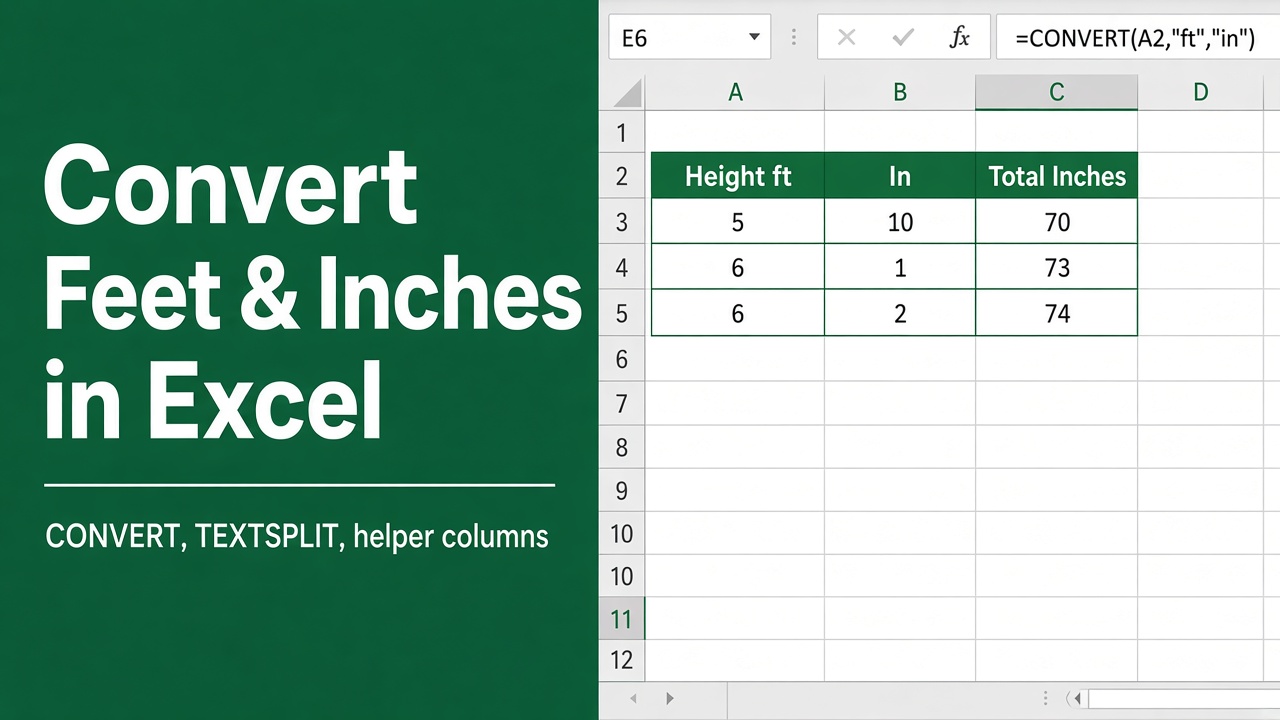
6 Easy Ways to Convert Feet and Inches to Inches in Excel
Learn how to convert feet and inches to inches in Excel using formulas, VBA, and Power Query. Step-by-step instructions for seamless data management.
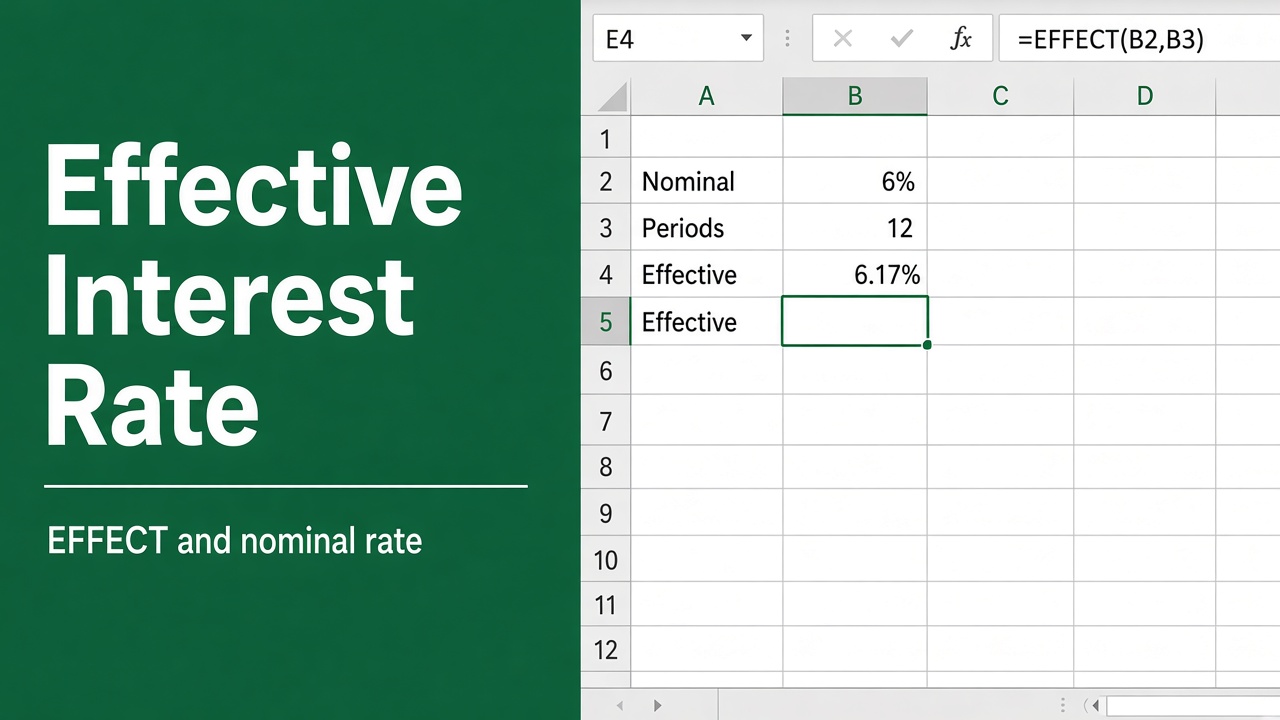
Easy Excel Formula to Calculate Effective Interest Rate
Learn how to calculate the effective interest rate in Excel using formulas like EFFECT. Easy examples, tips, and functions to master financial analysis!
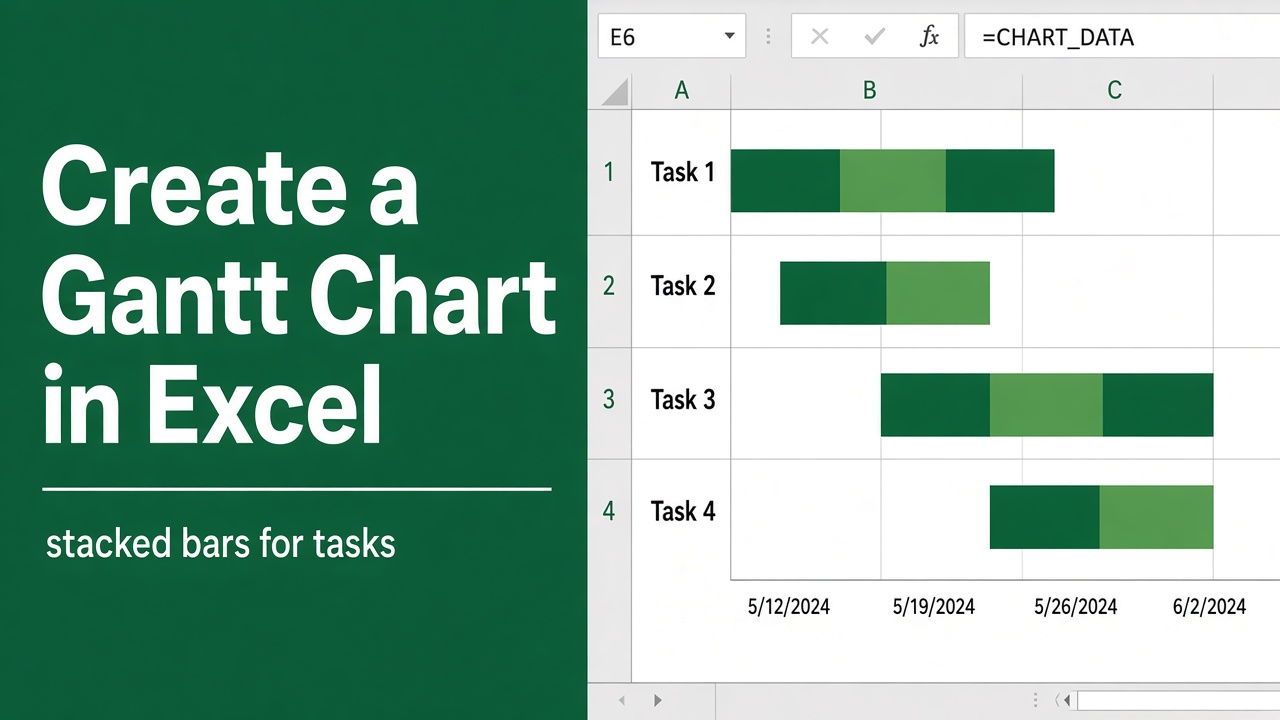
How to Create a Gantt Chart in Excel: A Step-by-step guide
Learn how to create a Gantt Chart in Excel with our easy, step-by-step guide. Visualize project timelines, track tasks & enhance your project management today!
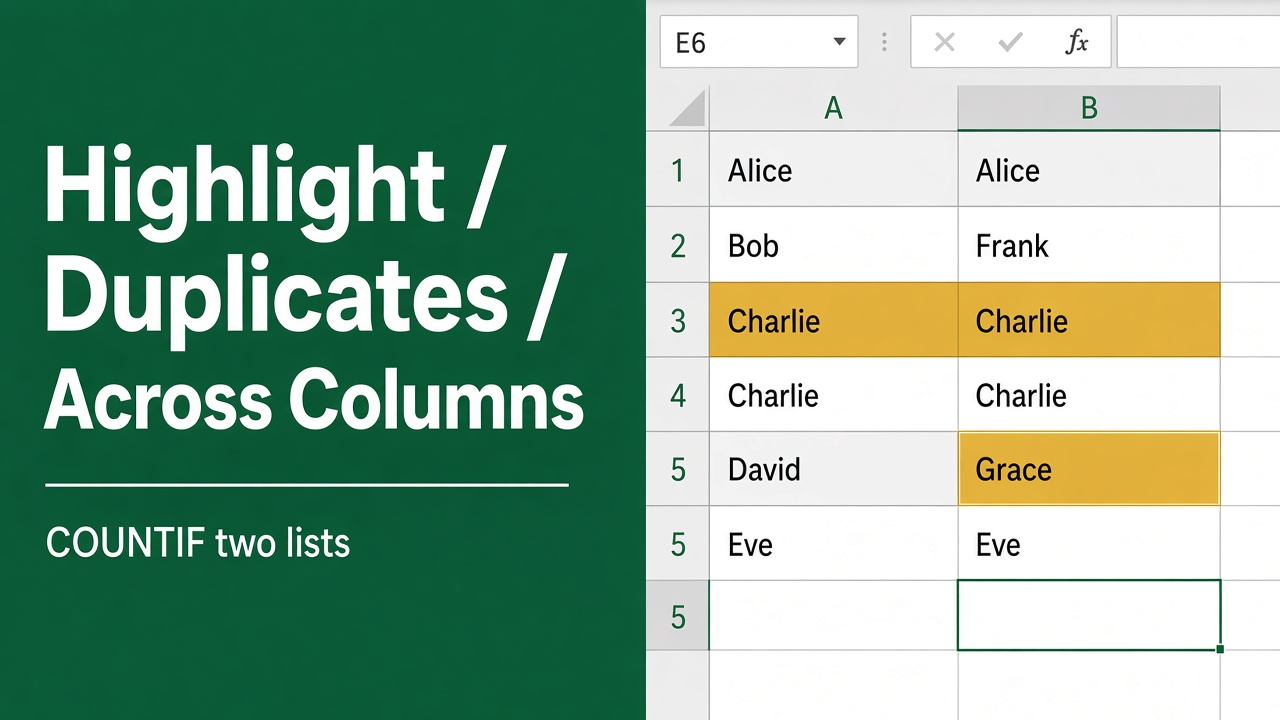
How to Highlight Duplicates in Two Columns in Excel?
Highlight duplicates in two Excel columns easily using Conditional Formatting, COUNTIF formulas, and Advanced Filters to ensure data accuracy and efficiency.
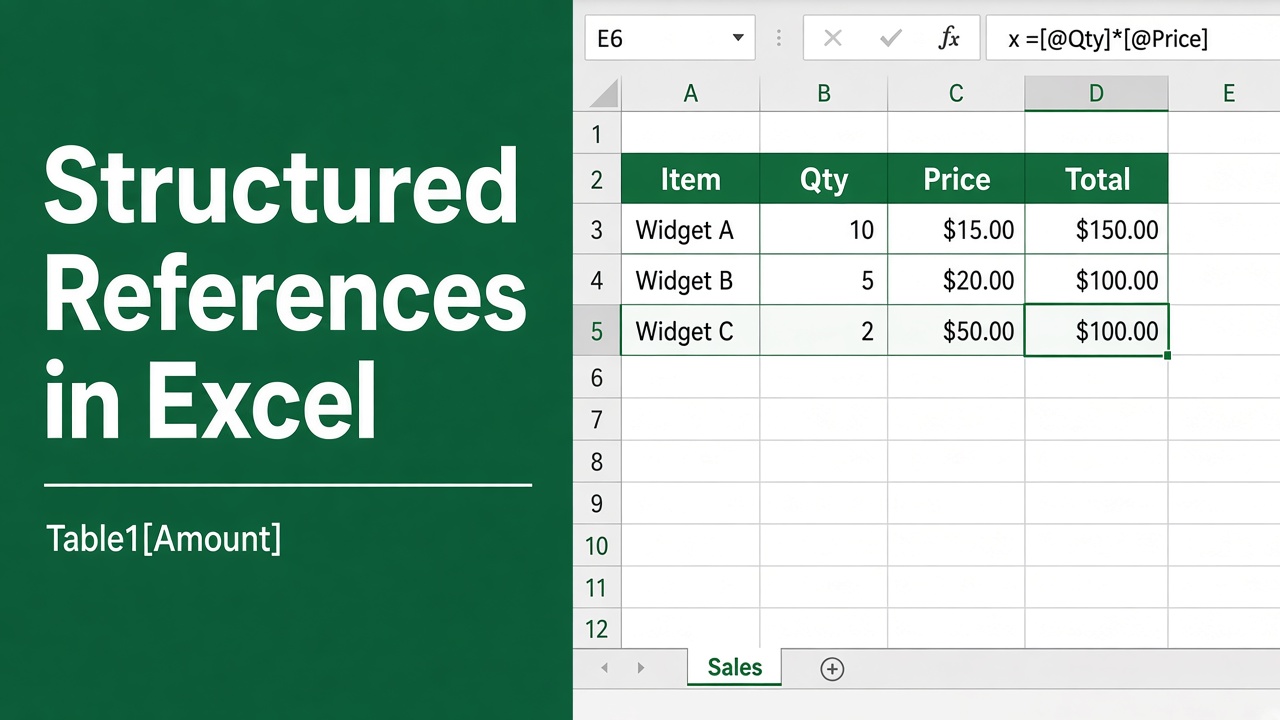
How to Use Structured References in Excel: Easy Guide
Learn how to use structured references in Excel for clearer formulas and dynamic tables. Simplify your spreadsheets with this step-by-step guide.
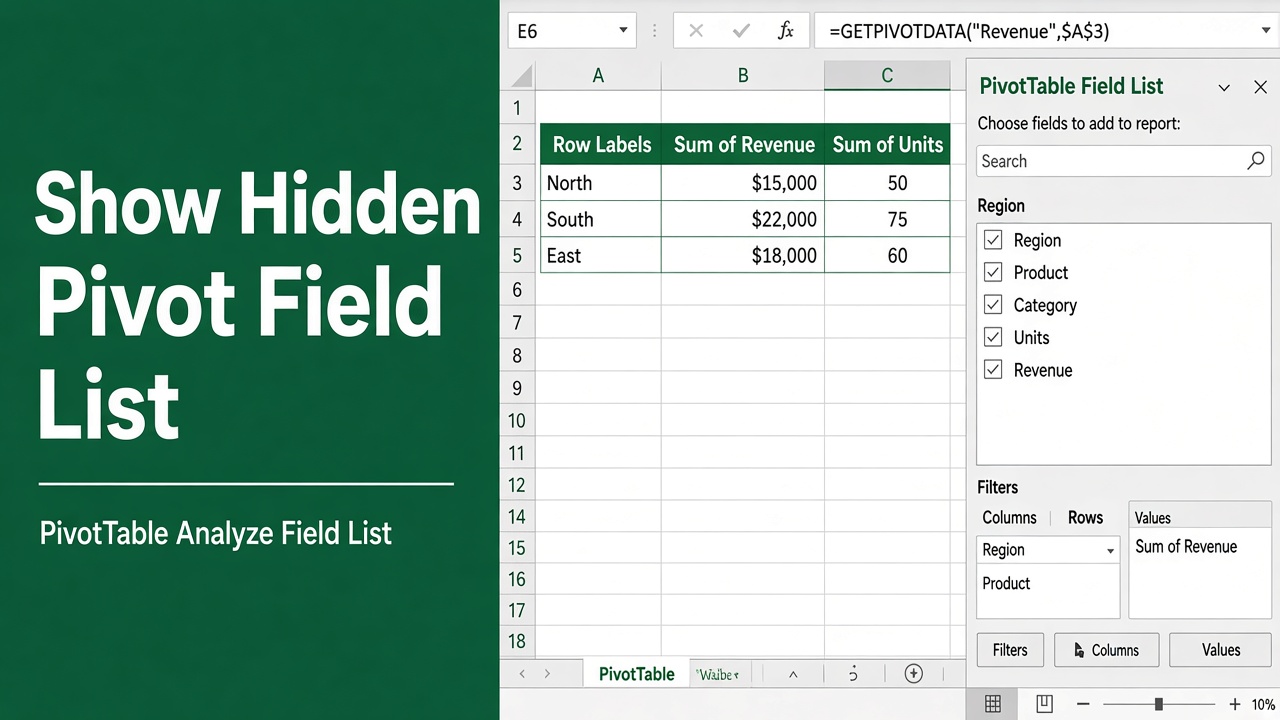
How to View Hidden Pivot Table Field List in Excel?
Learn how to quickly view a hidden pivot table field list in Excel. Follow simple steps, tips, and best practices to keep it always visible and accessible.
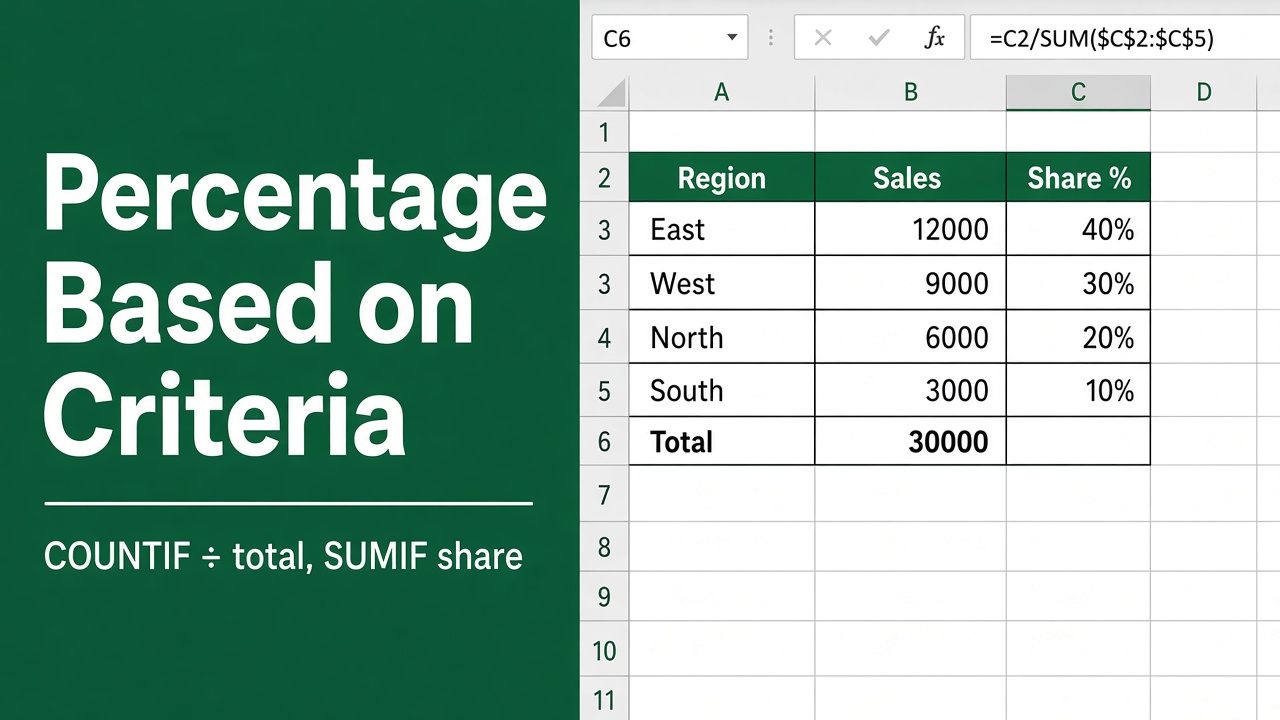
5 Easy Ways to Calculate Percentage Based on Criteria in Excel
Learn how to calculate percentages based on criteria in Excel with easy-to-follow formulas, examples, and tips for accurate data analysis.
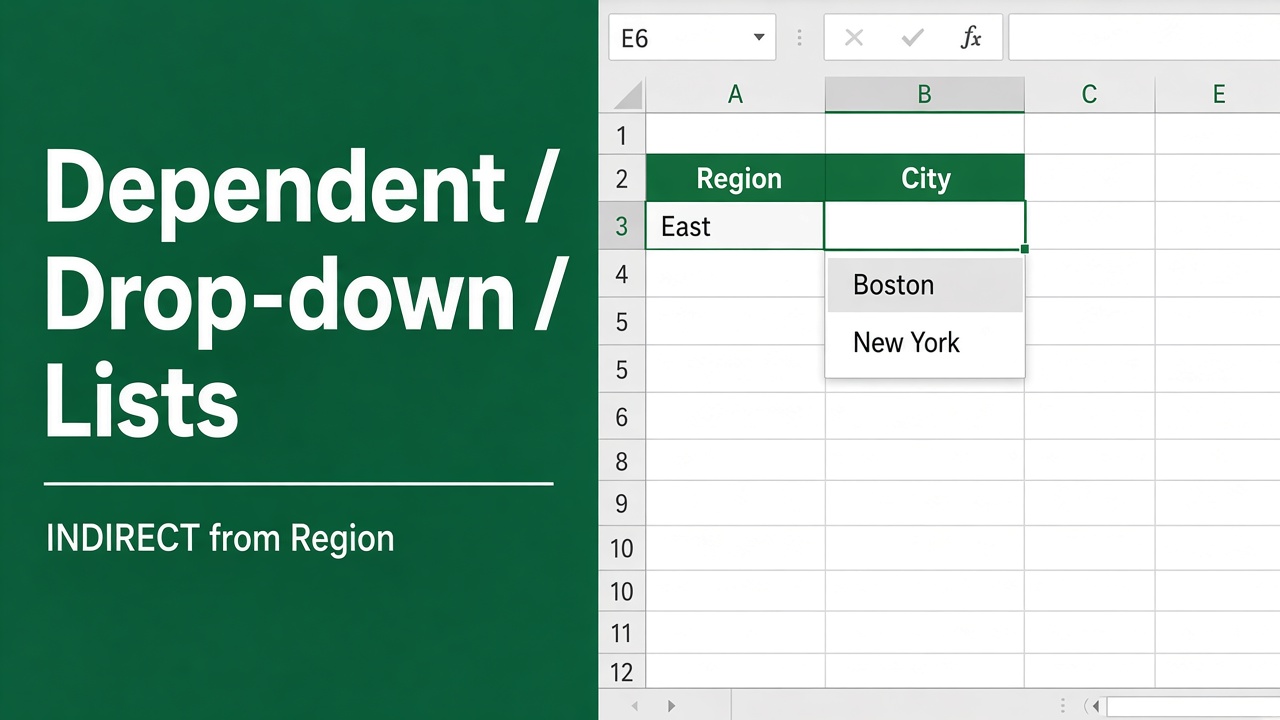
How to Create a Dependent Drop Down List in Excel?
Learn how to create a dependent drop-down list in Excel with simple steps to streamline data entry and improve accuracy in your spreadsheets.
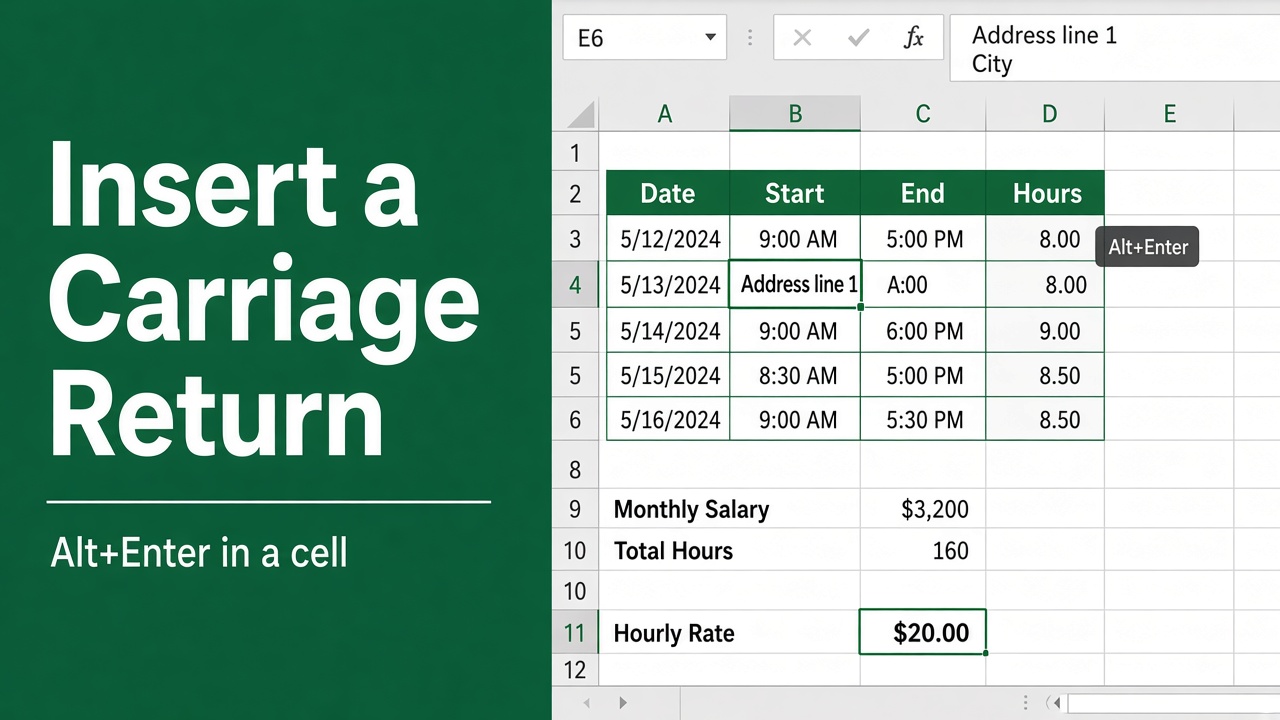
3 Easy Methods to Insert a Carriage Return in an Excel Cell
Learn how to insert a carriage return in an Excel cell to create line breaks and improve readability. Step-by-step guide for Windows and Mac users included.
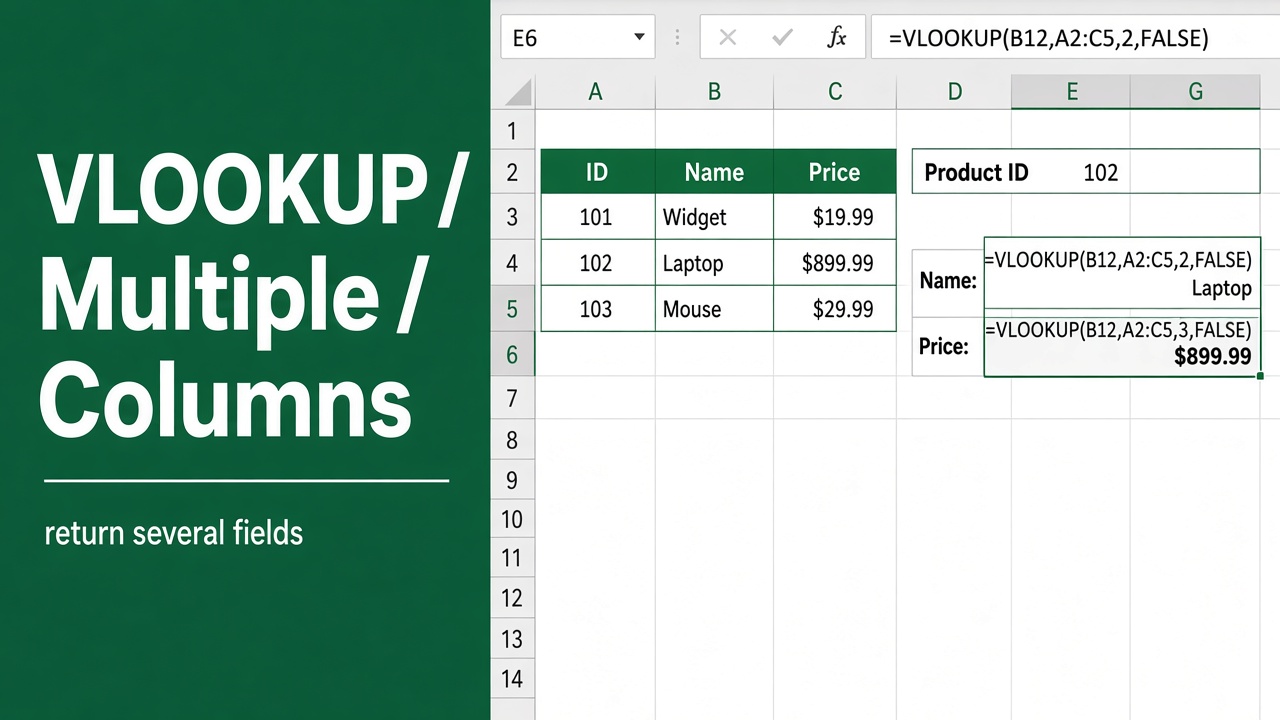
How to Use VLOOKUP with Multiple Columns in Excel?
Learn how to use VLOOKUP with multiple columns in Excel effectively. This guide covers different techniques, examples & tips to make your data lookup efficient.