
All articles
Blog
Page 55 of 72
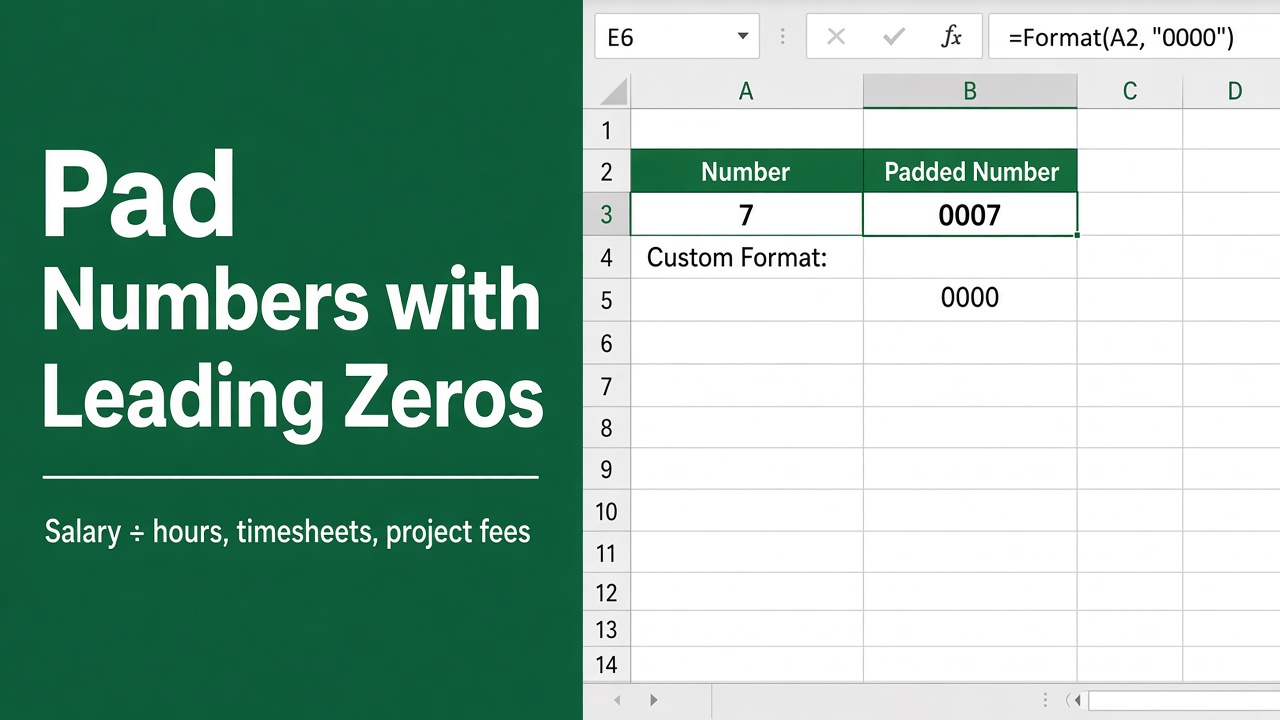
How to Pad Numbers with Leading Zeros in Excel Using VBA?
Learn to master Excel VBA formatting with our guide on how to effortlessly pad numbers with leading zeros, enhancing your spreadsheets’ clarity.
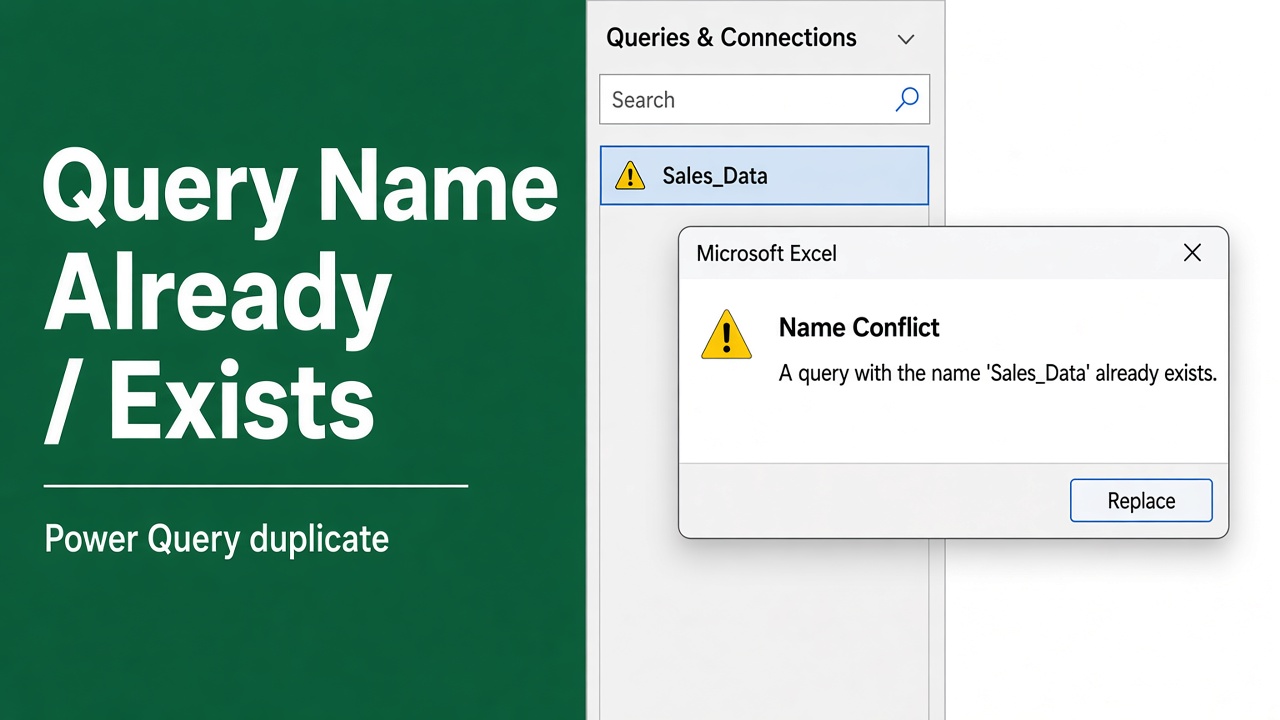
“A Query with the Name Already Exists” in Excel VBA? Here’s the Fix!
Encounter “excel vba a query with the name already exists” error? Get proven solutions to fix this common issue in your VBA projects.
Open Workbooks Without Activating Them in Excel VBA
Learn how to efficiently use Excel VBA to open workbooks in the background without activating or disrupting your workflow.
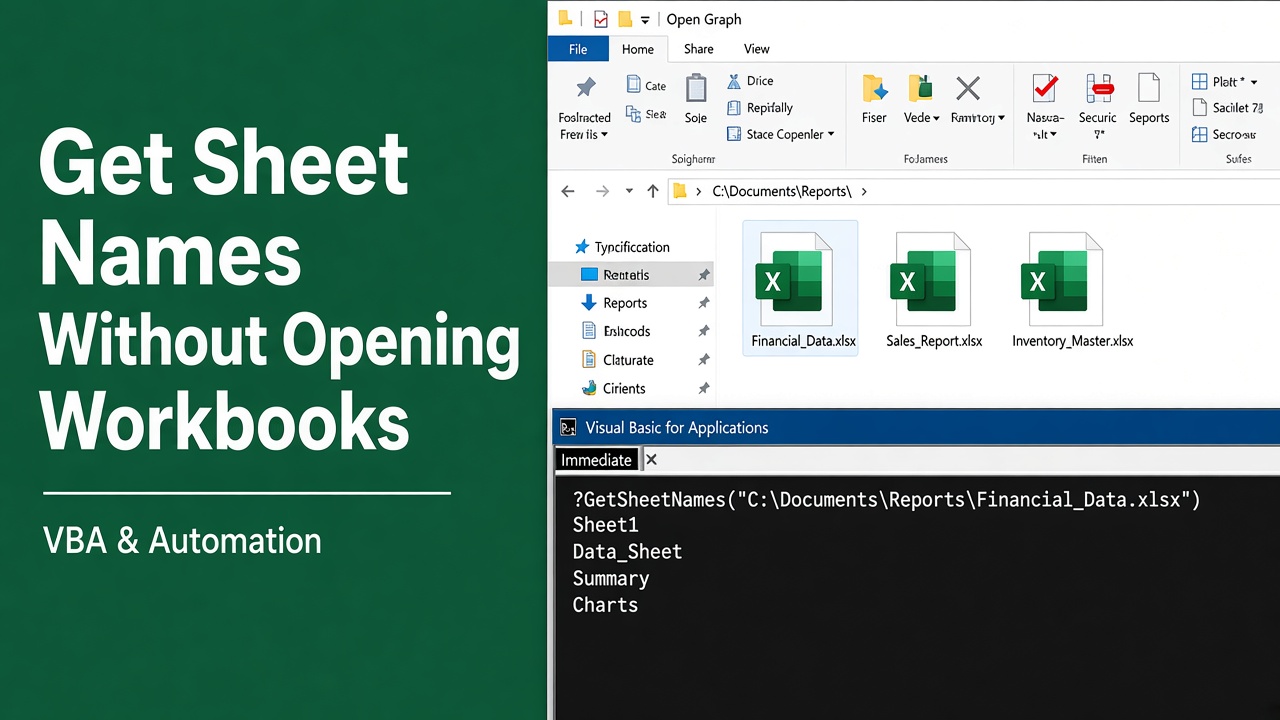
Get Sheet Names Without Opening Workbooks in Excel Using VBA
Learn how to use Excel VBA to get sheet names from a workbook quickly and easily without the need to open it – ideal for efficient data management.
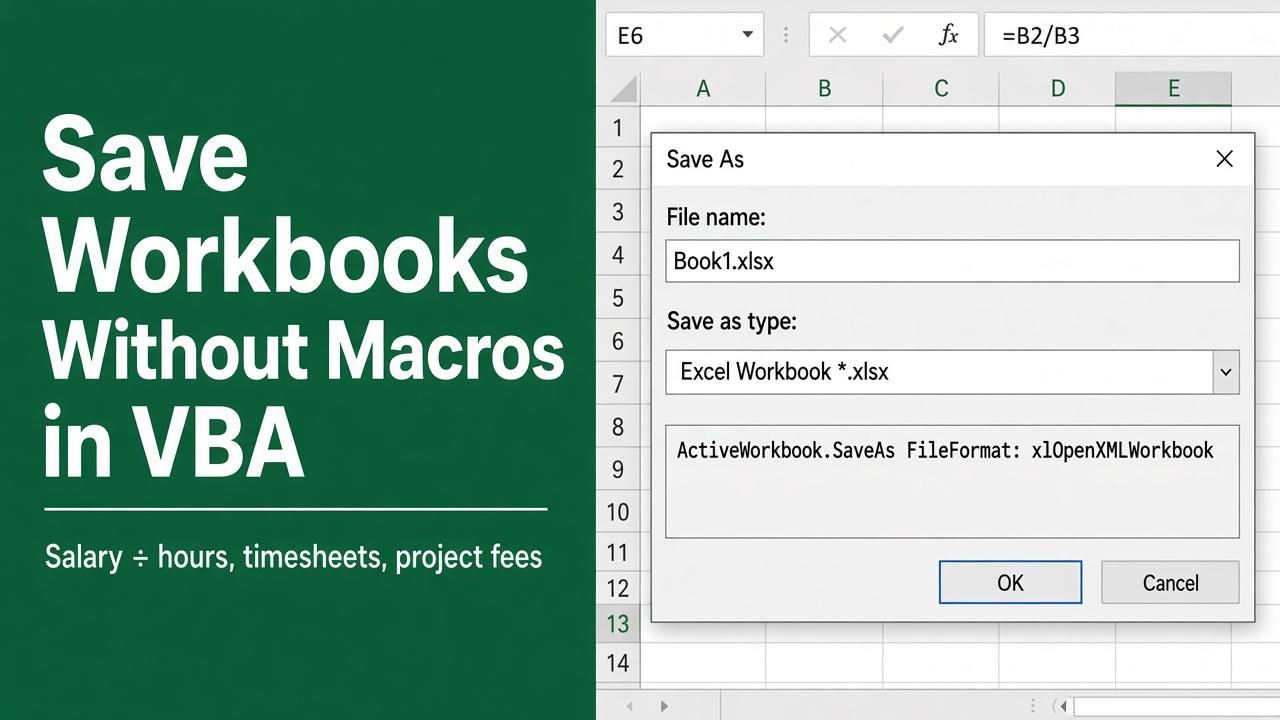
Save Workbooks Without Macros in Excel VBA – A Simple Trick
Learn to streamline your Excel tasks with a guide on excel vba how to save workbook without macros for a cleaner spreadsheet experience.
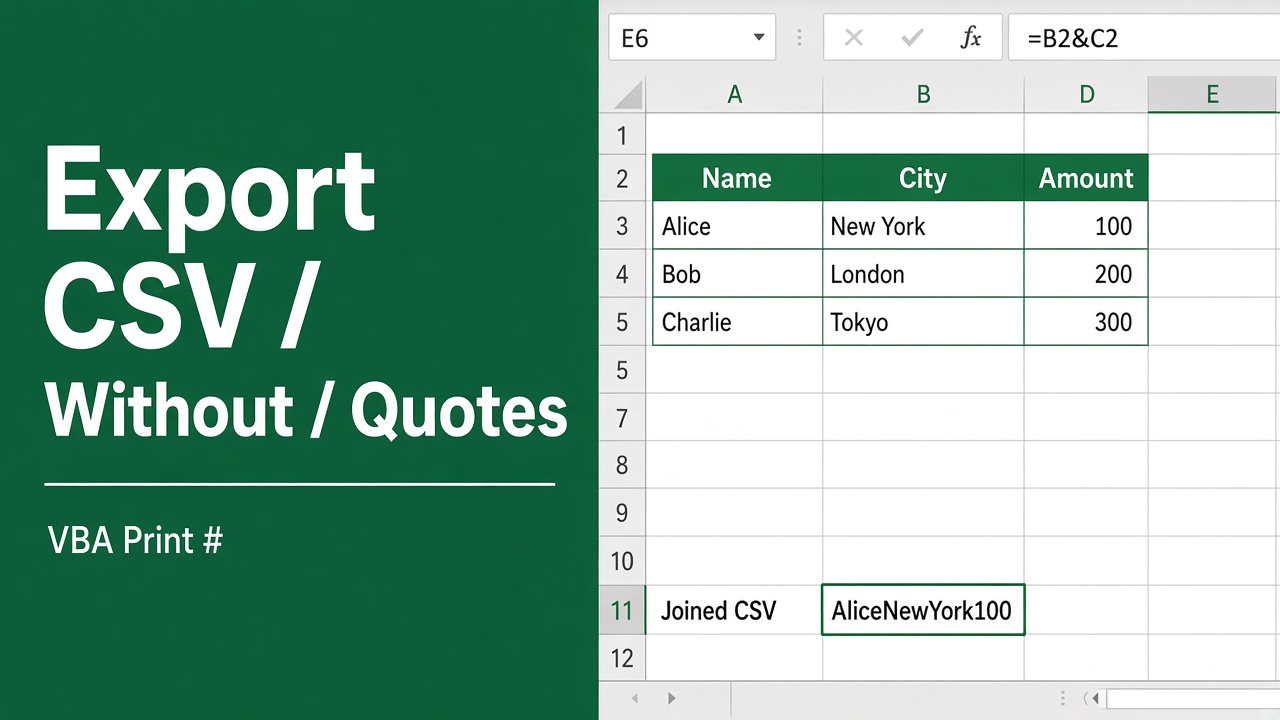
Export CSV Files Without Quotes Using Excel VBA
Learn how to master Excel VBA to export CSV files without quotes, ensuring clean data transfer and seamless integration with other systems.
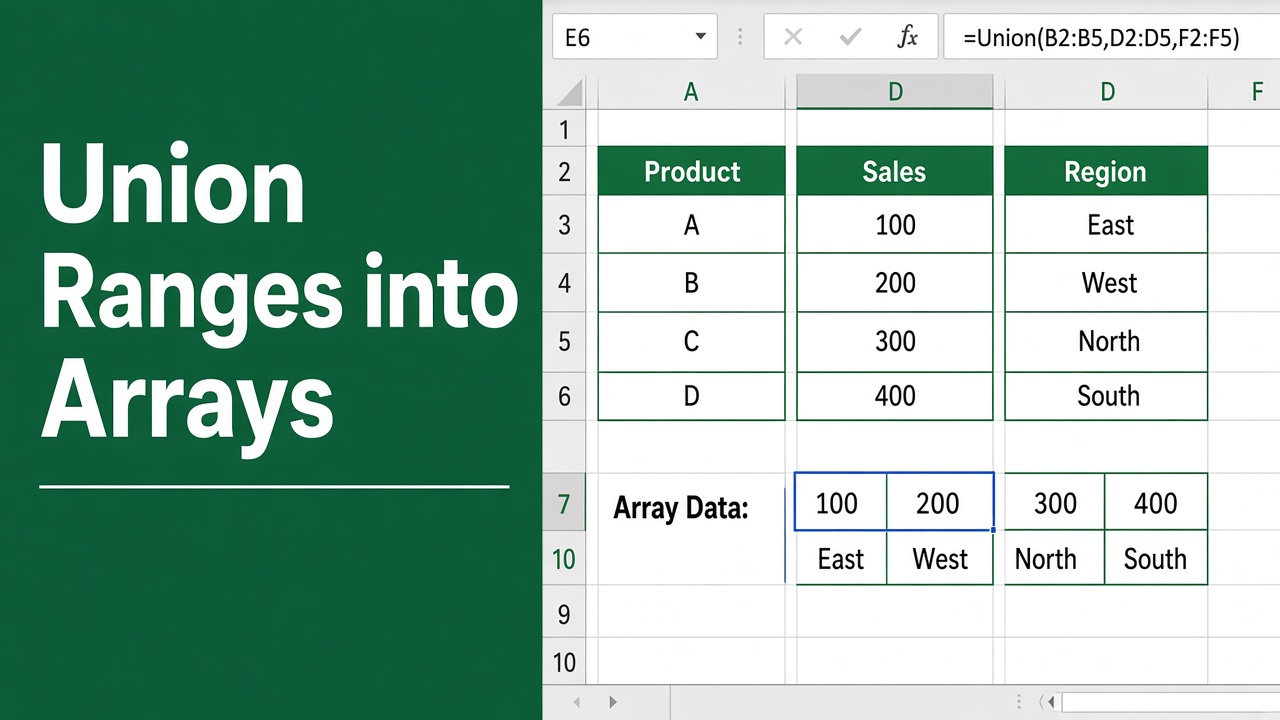
Union Ranges into Arrays in Excel VBA Like a Pro
Master how to efficiently combine excel vba union range into array for enhanced data management and analysis in your VBA projects.
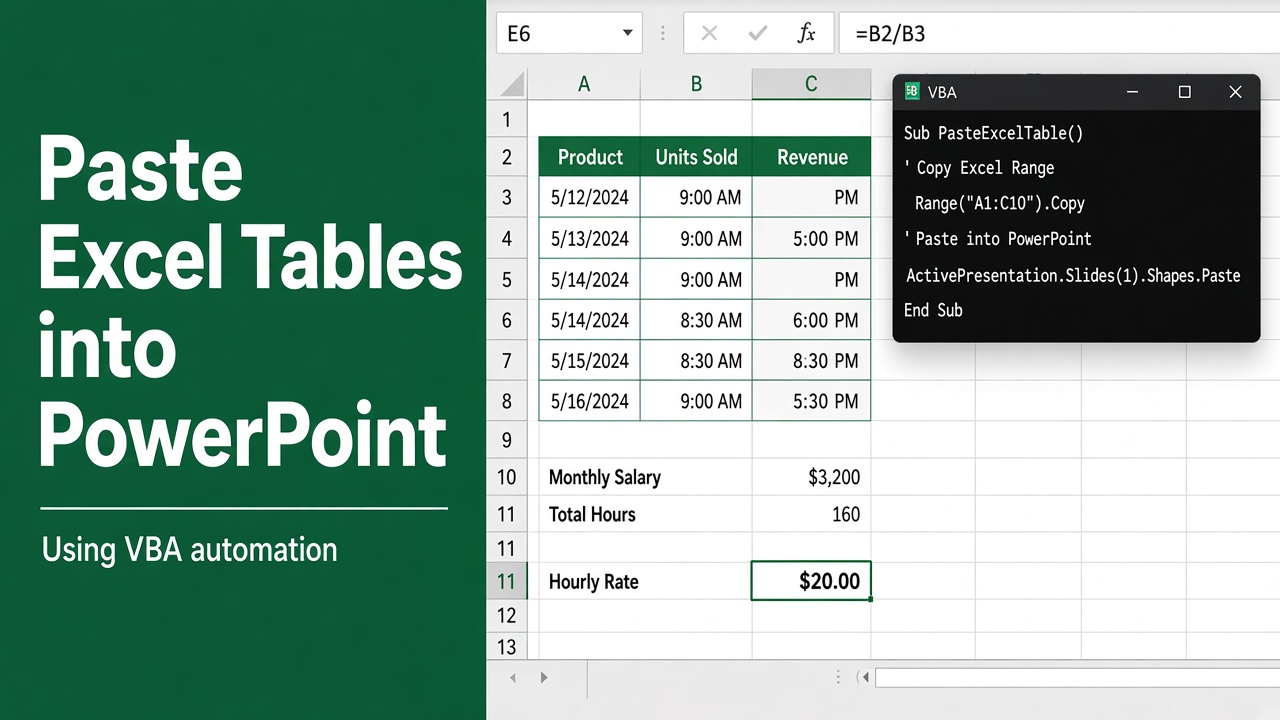
Paste Excel Tables into PowerPoint While Keeping Formatting with VBA
Learn how to seamlessly paste Excel tables into PowerPoint while maintaining all formatting using VBA. Master your presentations with ease.
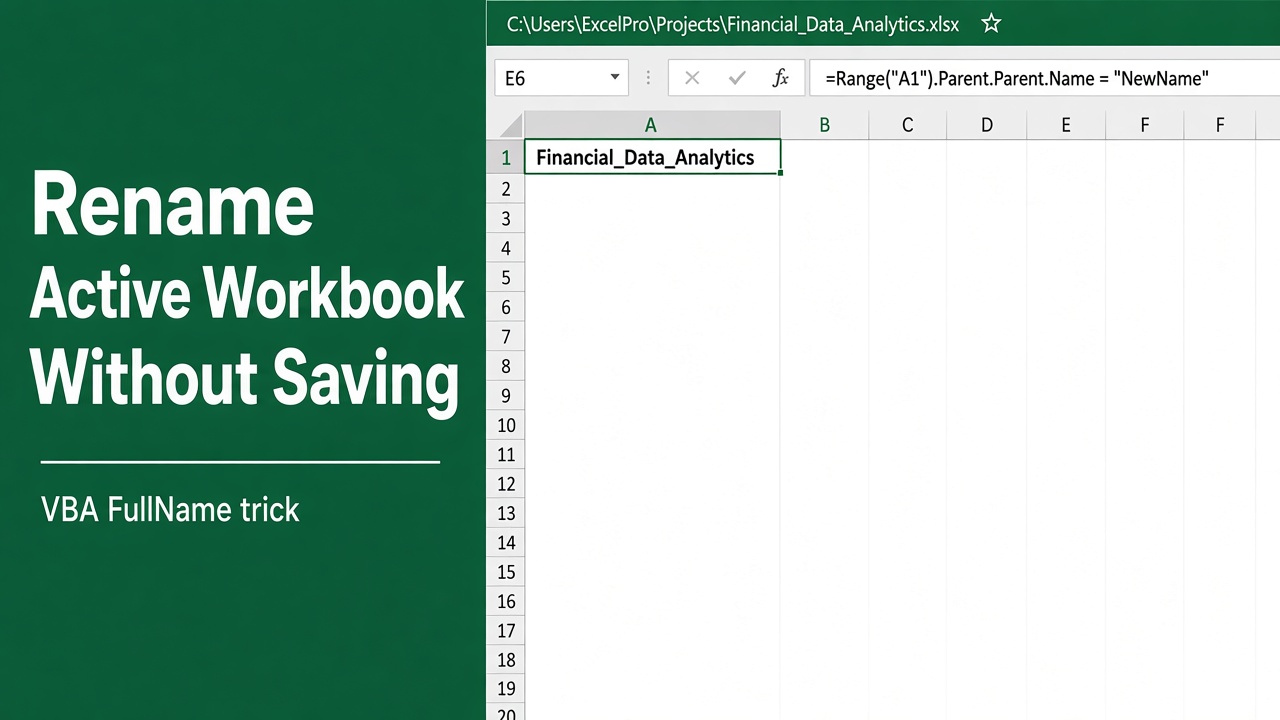
Rename the Active Workbook Without Saving in Excel VBA
Learn how to use Excel VBA to rename the active workbook without the need to save. Streamline your workflow with this quick guide.
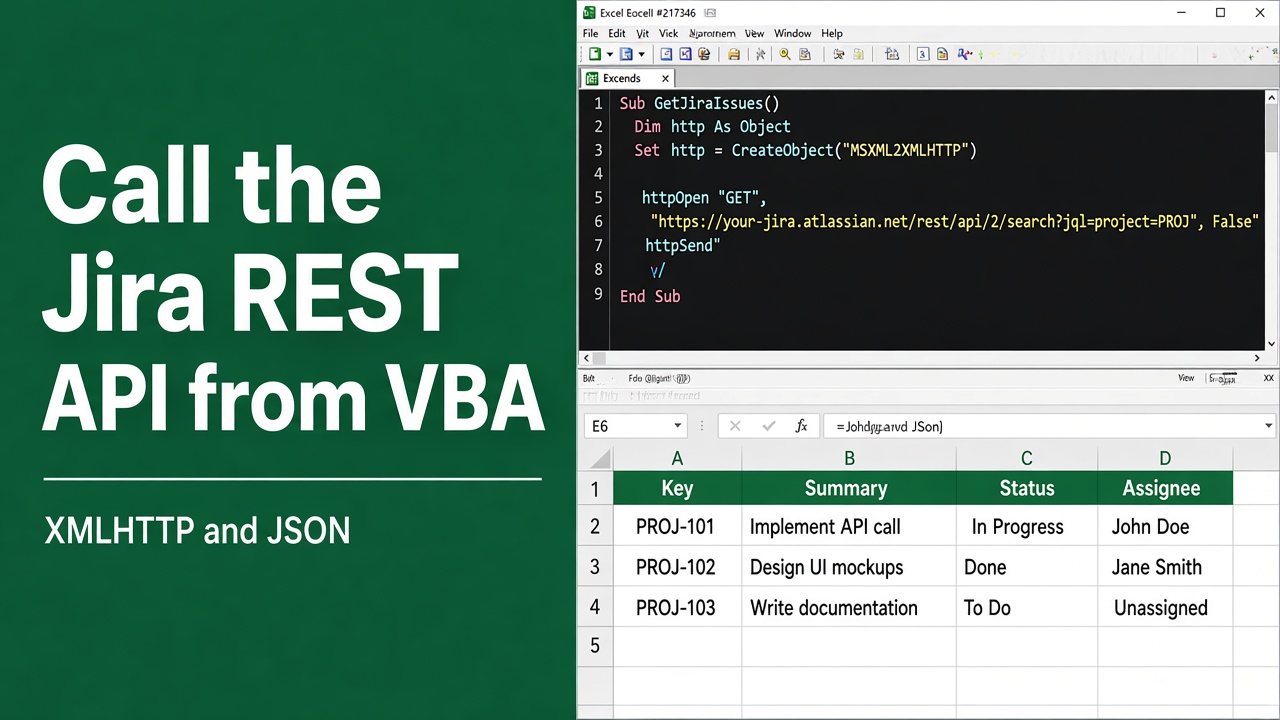
Calling JIRA REST API from Excel VBA – A Comprehensive Guide
Connect Excel VBA with Jira REST API to automate tasks, retrieve data, and create custom reports easily. Follow this guide to integrate Excel with Jira API.