
All articles
Blog
Page 56 of 72
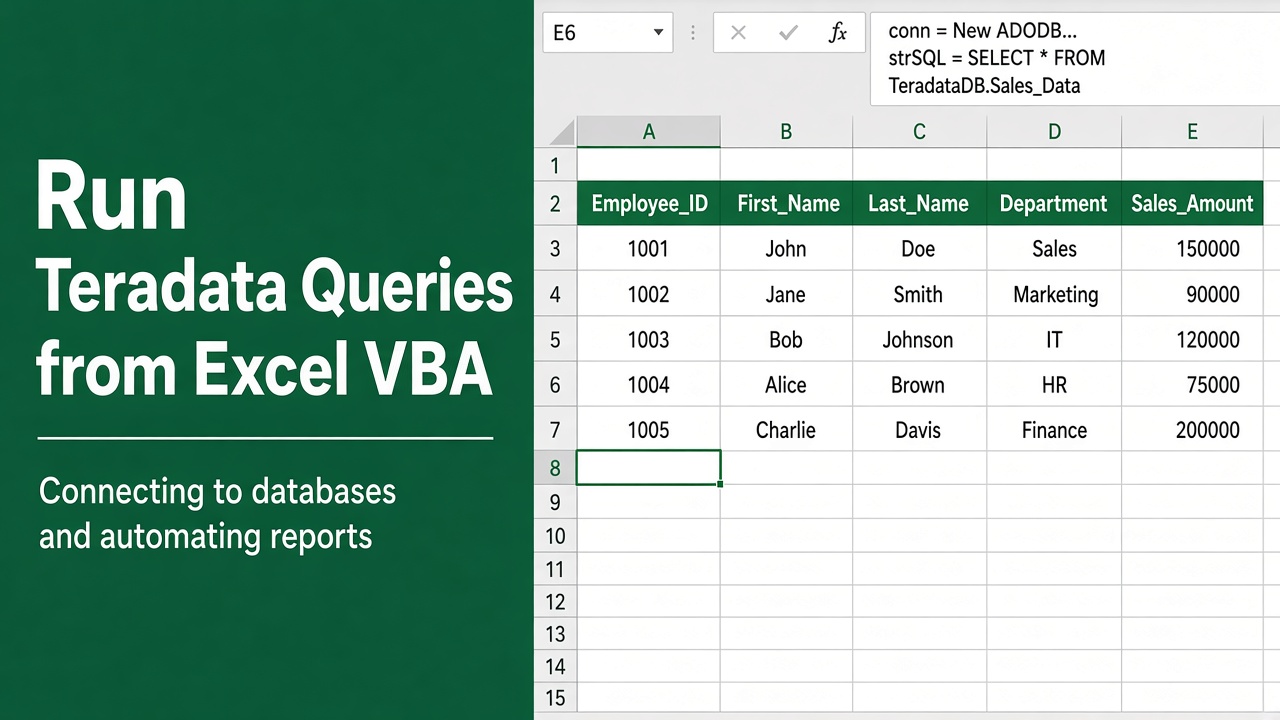
Run Teradata Queries from Excel VBA – Bridging the Gap
Learn how to seamlessly run Teradata queries from Excel VBA for streamlined data analysis and reporting in your organization.
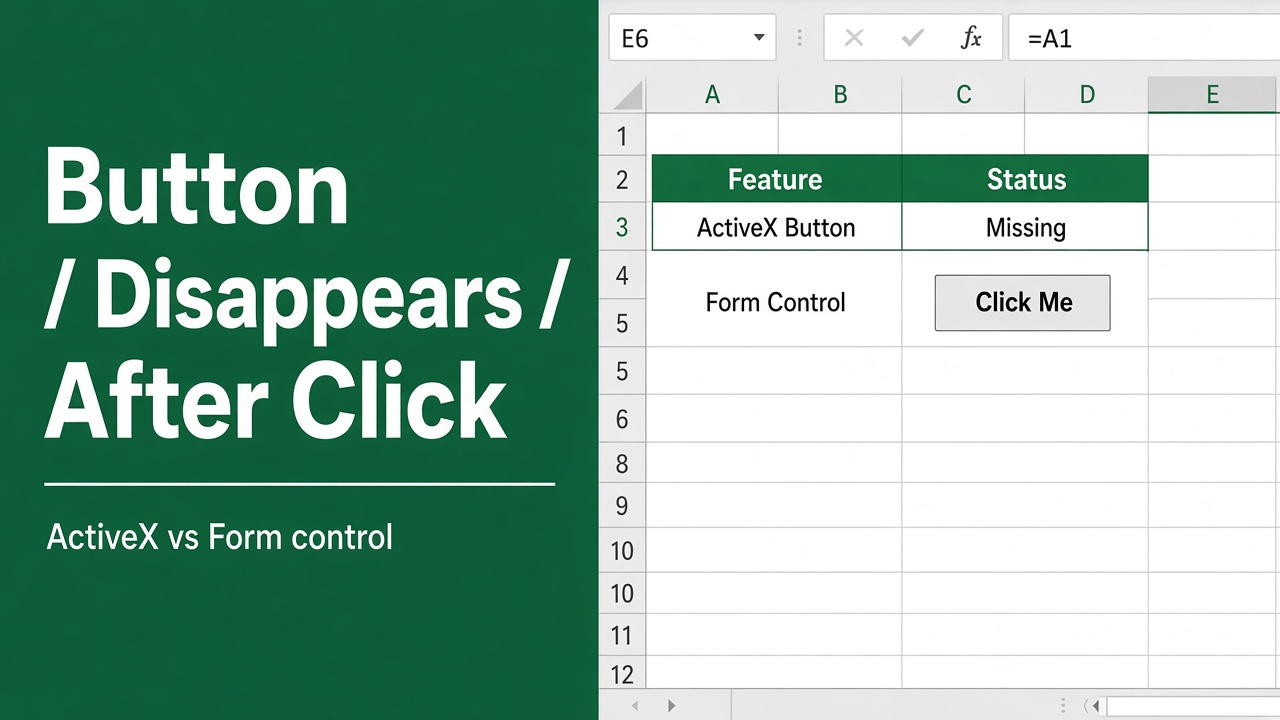
Disappearing Button After Click in Excel VBA? Not Anymore!
Resolve the mystery of your excel vba button disappears after click with our expert troubleshooting guide. Keep your Excel interface intact!
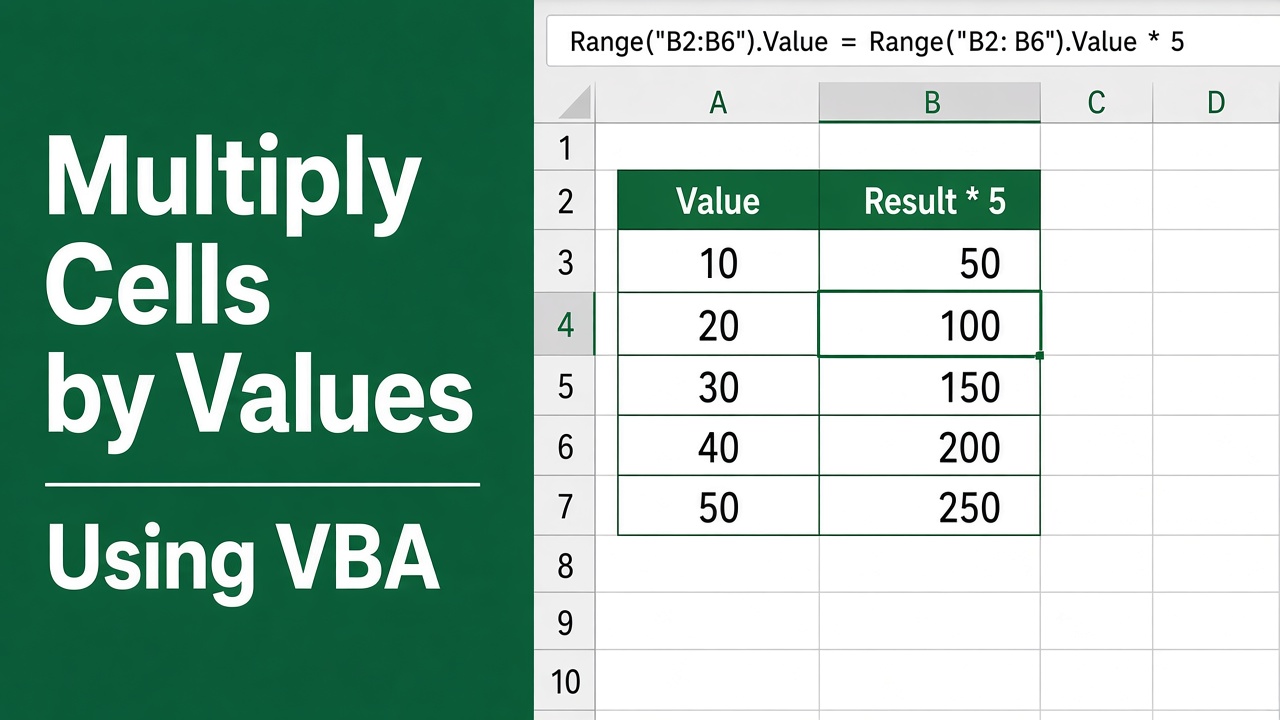
Multiply Cells by Values Using Excel VBA – A Powerful Technique
Learn how to efficiently excel VBA multiply cell by value with our easy-to-follow guide. Boost your spreadsheet skills today!
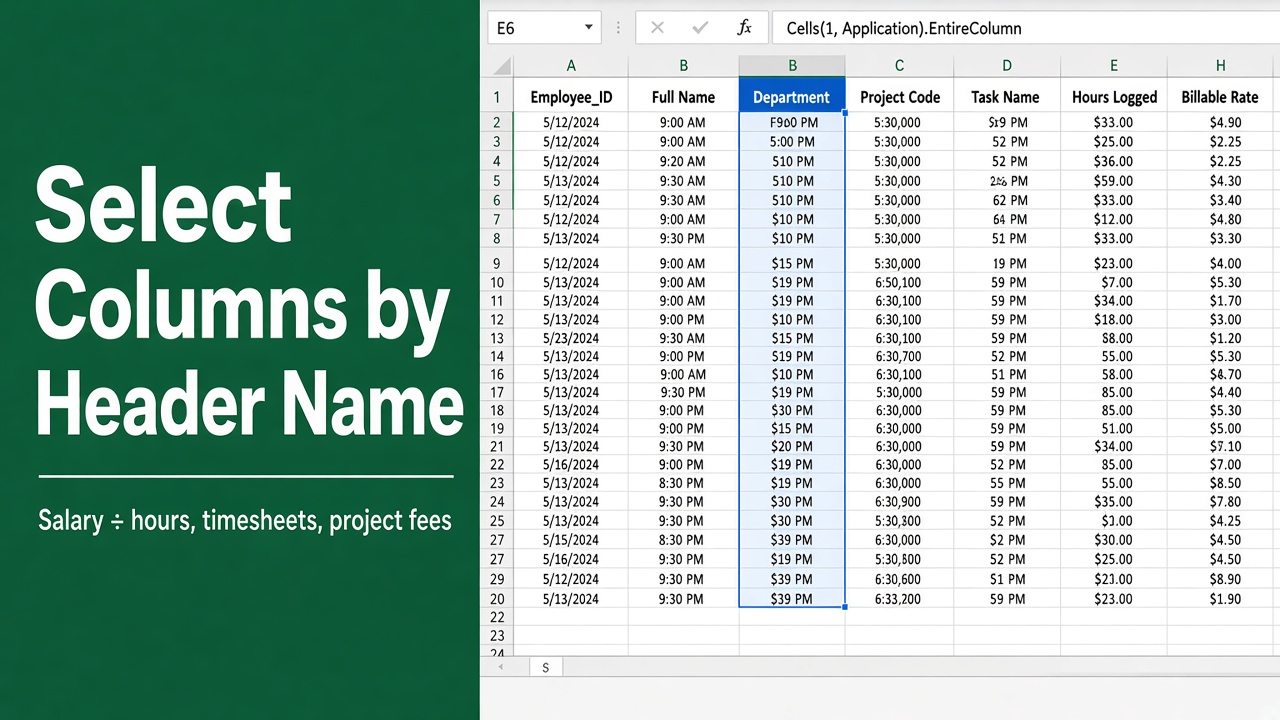
Select Multiple Columns by Header Name in Excel VBA
Learn how to effortlessly select multiple columns by header name in Excel VBA, enhancing your data management skills and efficiency.
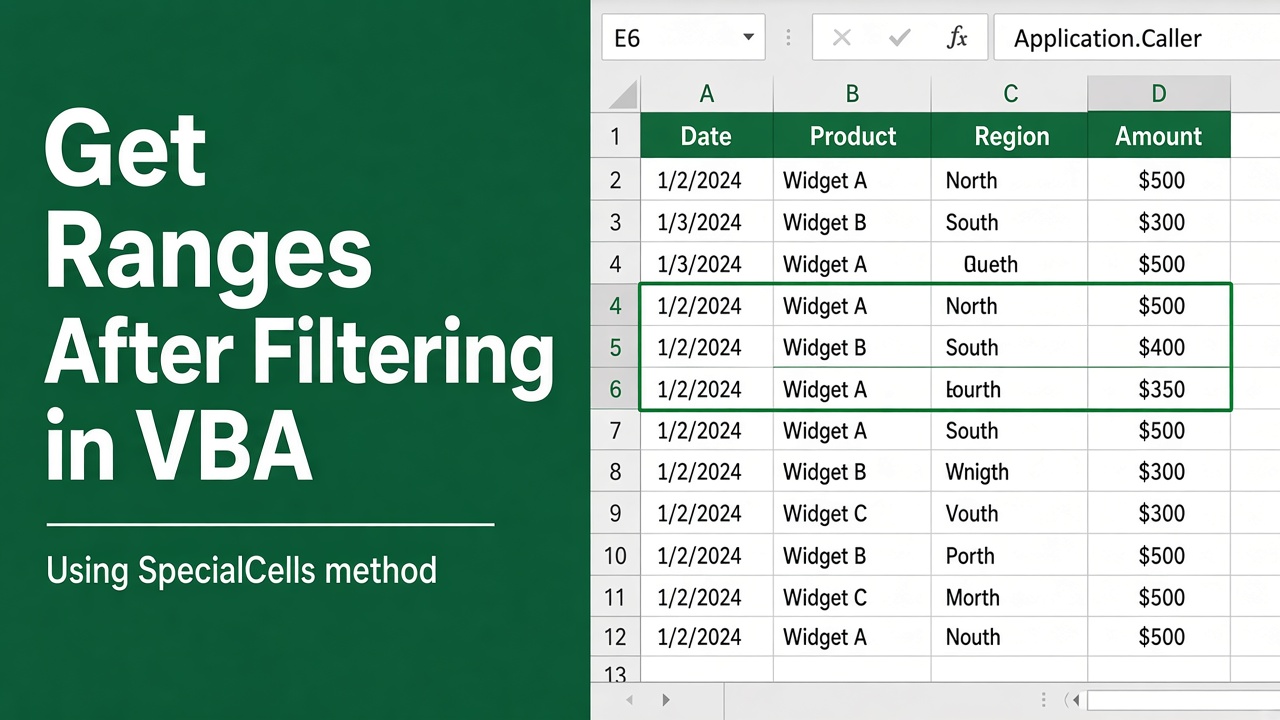
Get Ranges After Filtering in Excel VBA – An Essential Skill
Master the art of manipulating data with our guide on how to excel vba get range after filter in your automation tasks for enhanced productivity.
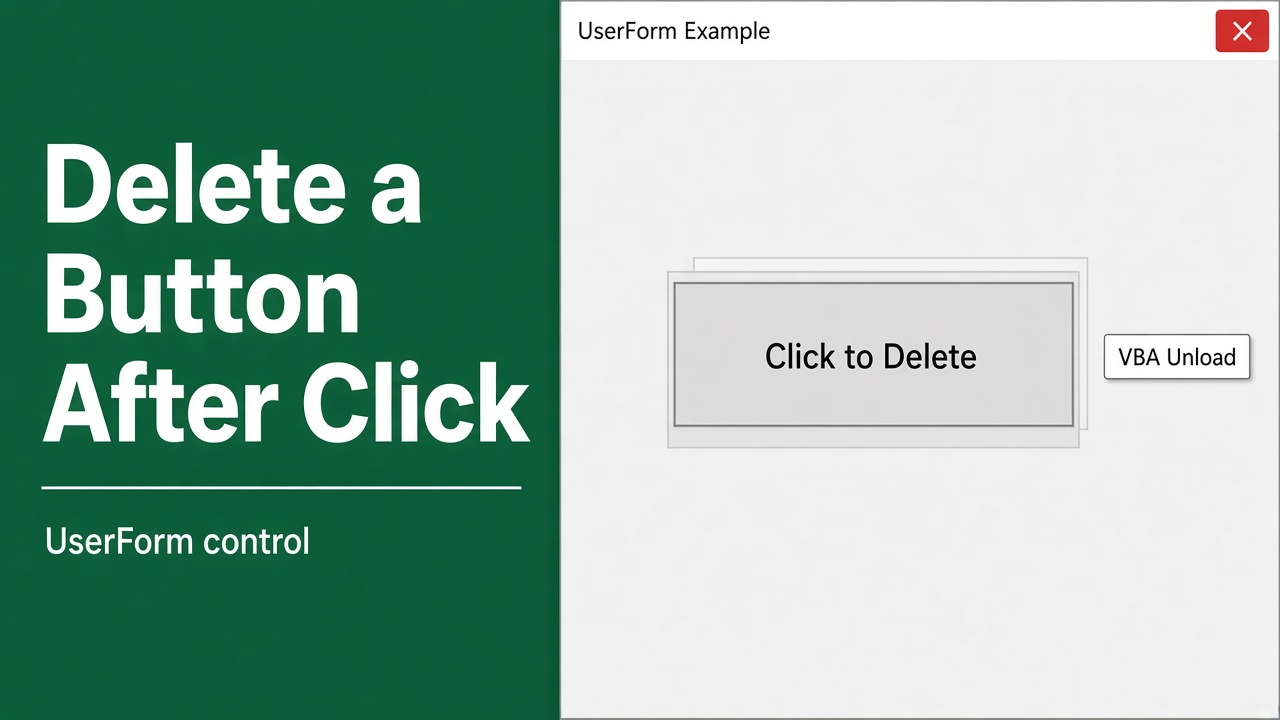
Delete Buttons After Click in Excel VBA UserForms
Effortlessly learn how to remove Excel VBA UserForm buttons with our guide on implementing ‘excel vba delete button after click’ functionality.
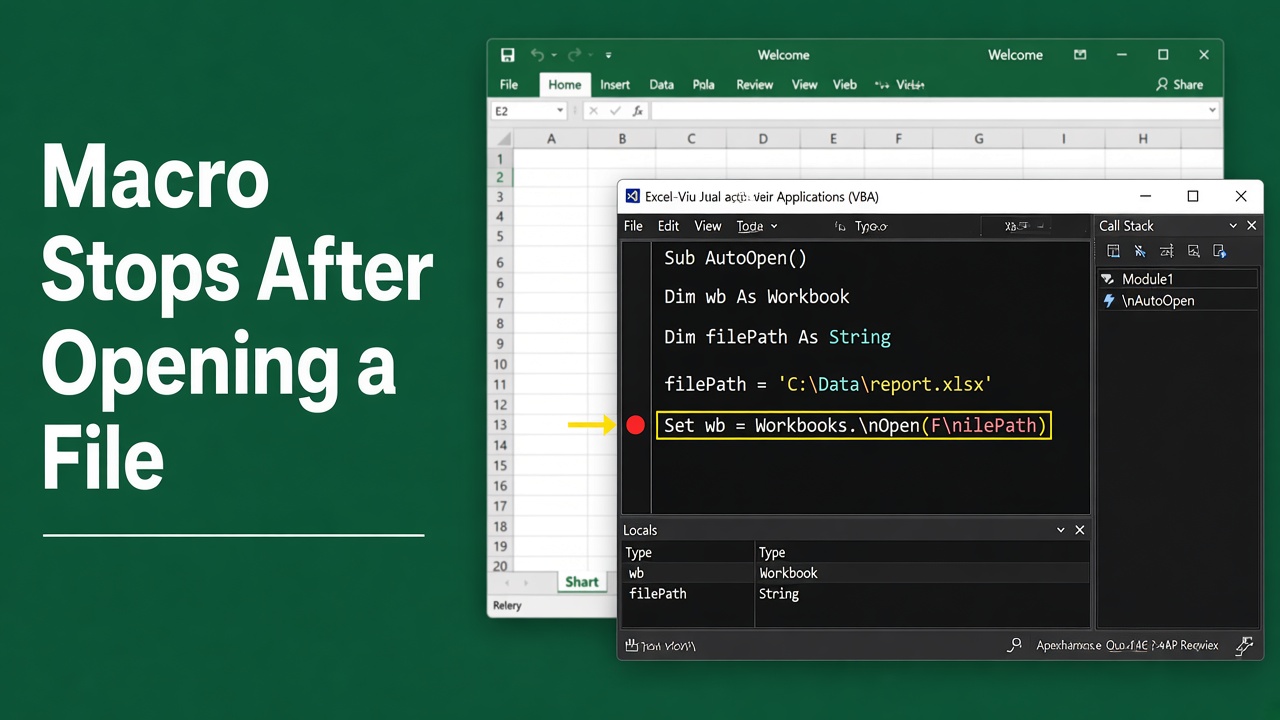
Why Does My Excel VBA Macro Stop After Opening a File?
Encounter a halt in your workflow? Discover why your Excel VBA macro stops after opening a file and learn how to fix it for seamless automation.
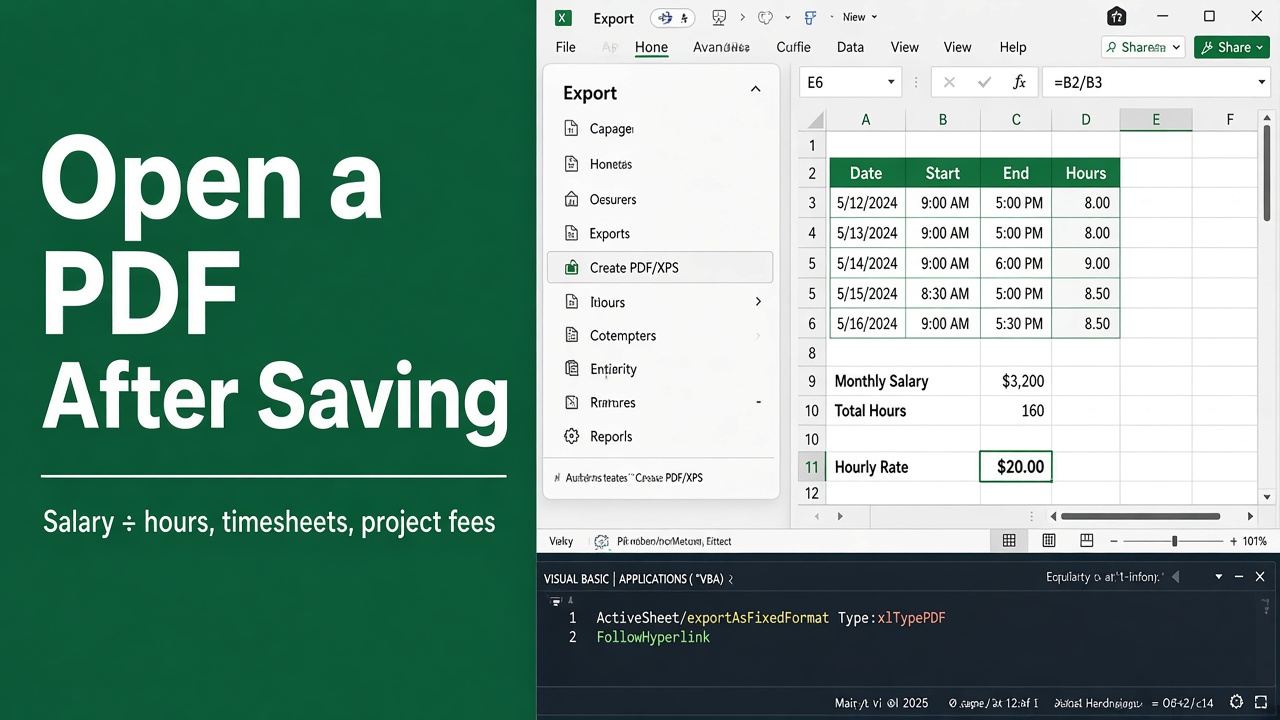
How to Automatically Open a PDF File After Saving in Excel Using VBA
Streamline your tasks with Excel VBA by learning how to open PDF documents automatically after saving. Enhance productivity effortlessly.
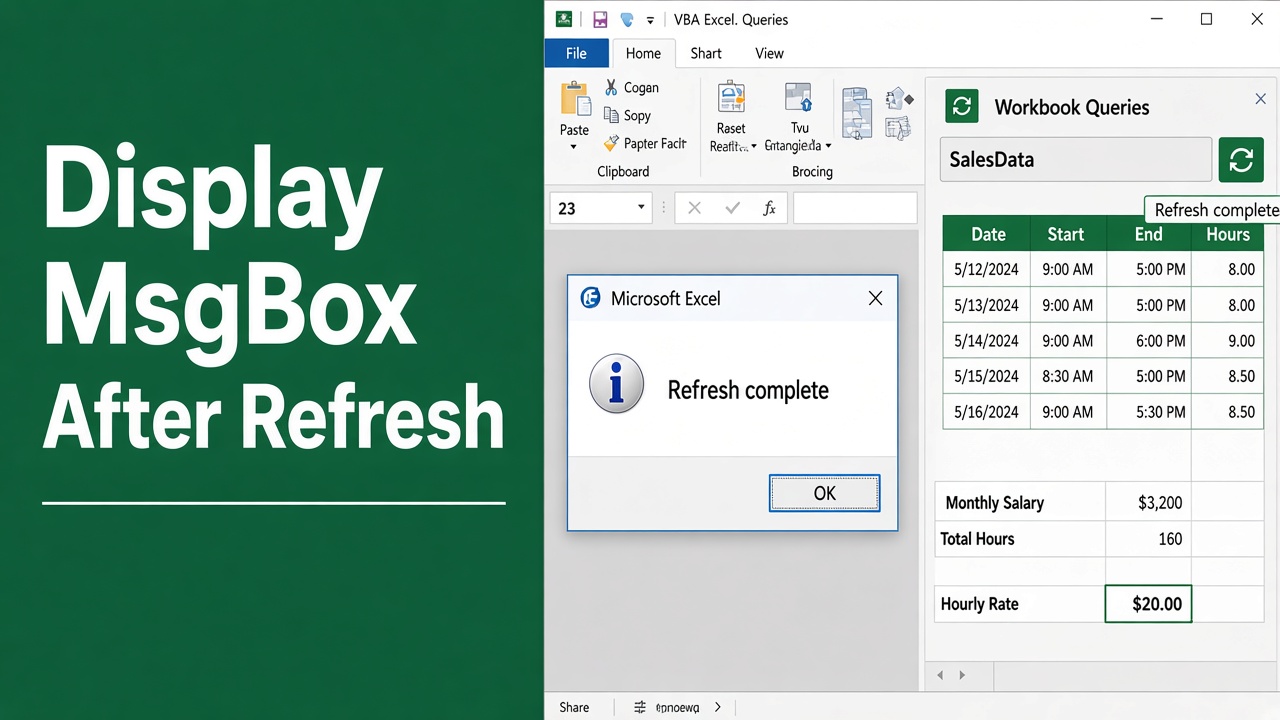
Display MsgBox After Refresh in Excel VBA Macros
Learn how to automate a popup alert with Excel VBA MsgBox after refresh. Enhance your spreadsheets with interactive notifications.
Hide the Ribbon for a Single Workbook in Excel VBA
Learn to effectively excel VBA hide ribbon for one workbook with our step-by-step guide. Enhance your Excel interface skills now!