
All articles
Blog
Page 20 of 72
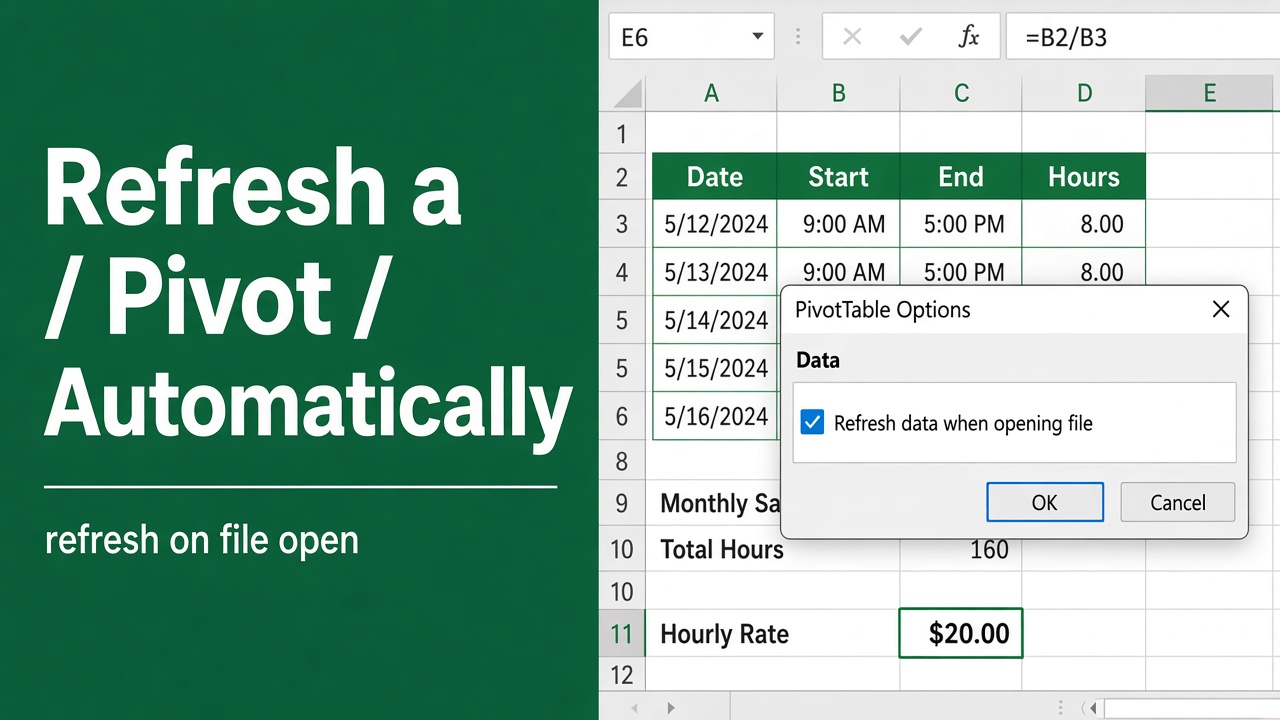
How to Refresh Pivot Table Automatically When Data Changes?
Discover how to refresh Excel pivot tables automatically when data changes. Learn quick methods, best practices, and fixes for real-time data analysis.
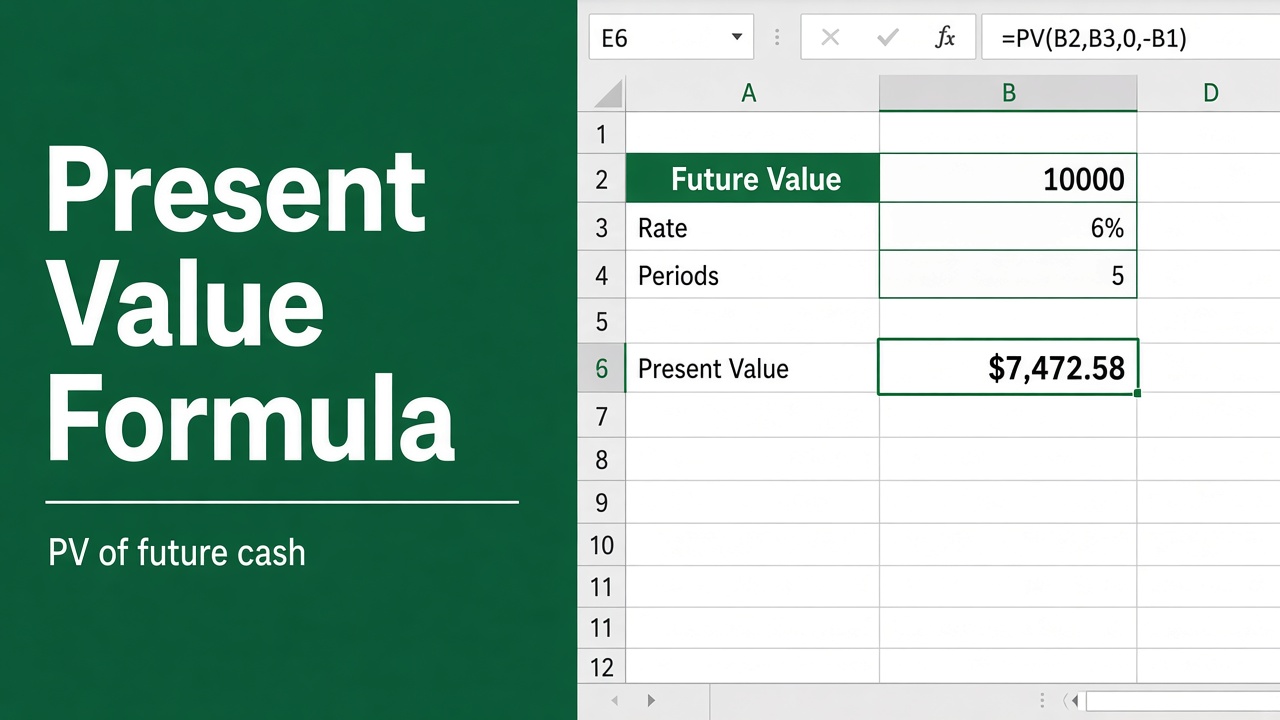
Excel Formula for Present Value: A Comprehensive Guide
Learn how to use the Excel formula for Present Value (PV) to calculate the current worth of future cash flows. Includes examples, applications & advanced tips.
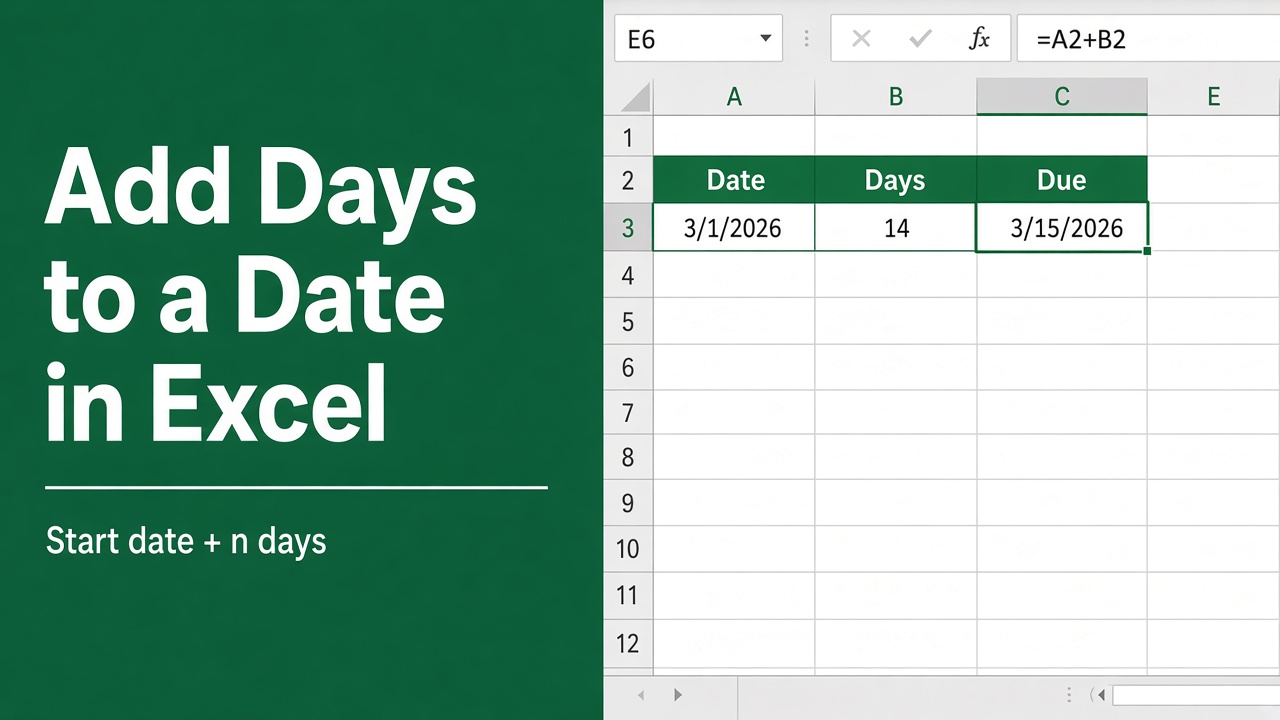
How to Add Days to a Date in Excel Using Formulas?
Learn how to add days to a date in Excel using various formulas, including simple arithmetic, DATE, WORKDAY, and more. Excel date management made easy!
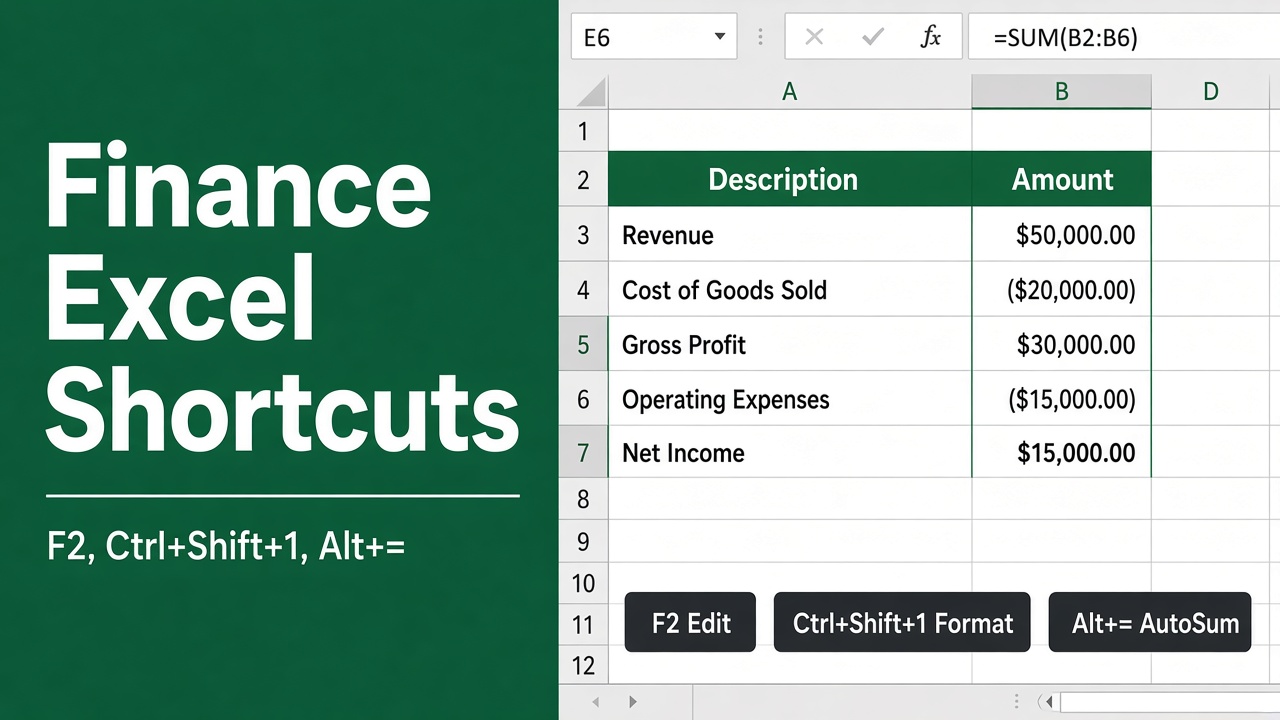
25 Top Excel Shortcuts for Finance Professionals
Boost your financial productivity with 25 essential Excel shortcuts. Master data entry, navigation, and calculations for efficient spreadsheet management.
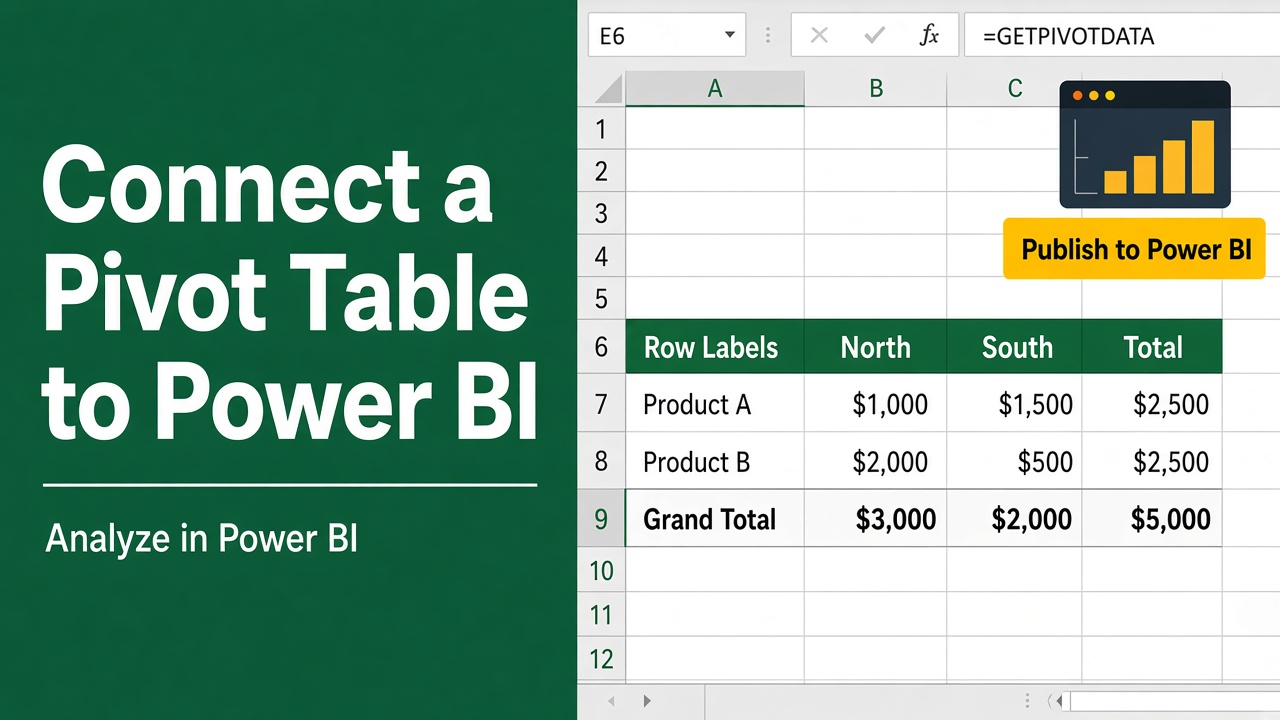
How to Connect Excel Pivot Table to Power BI: Expert Guide
Learn how to connect Excel Pivot Table to Power BI effortlessly. Follow our step-by-step guide for seamless data integration and enhanced visualizations.
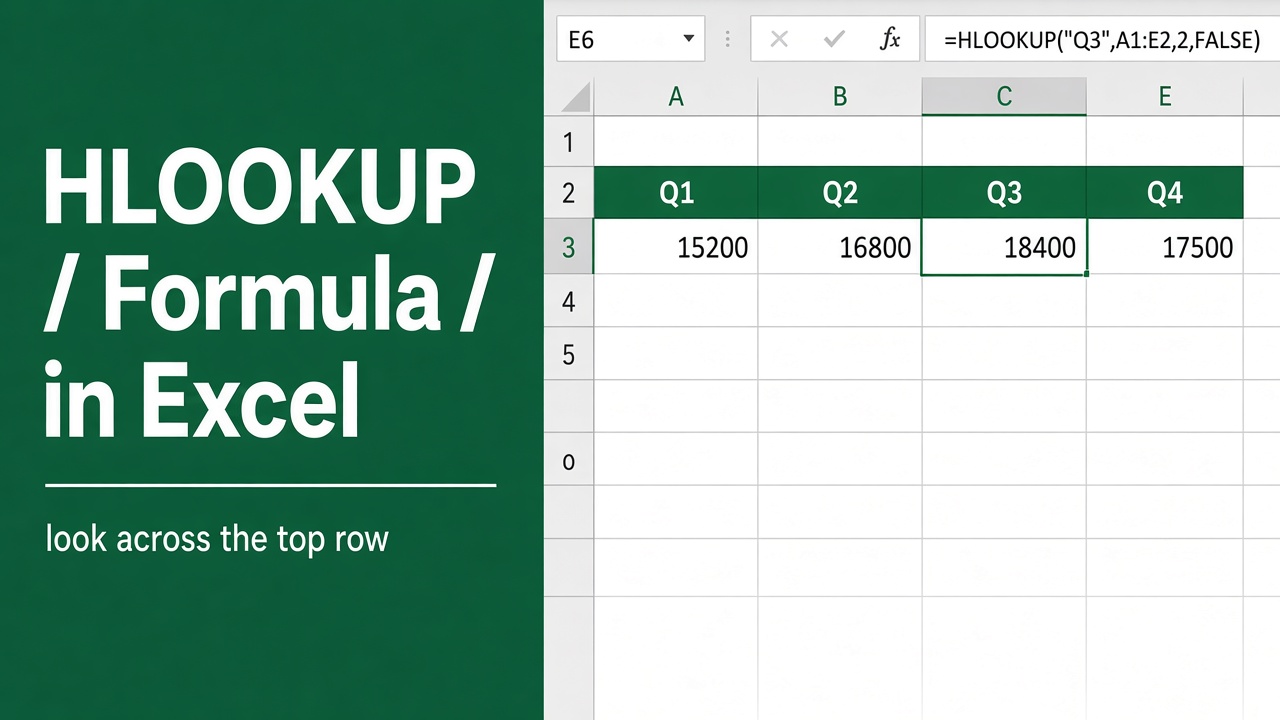
HLOOKUP Formula in Excel: How to Use and Master It
Master Excel’s HLOOKUP function: Learn syntax, examples, and advanced techniques for efficient horizontal data lookups. Boost your spreadsheet skills now!
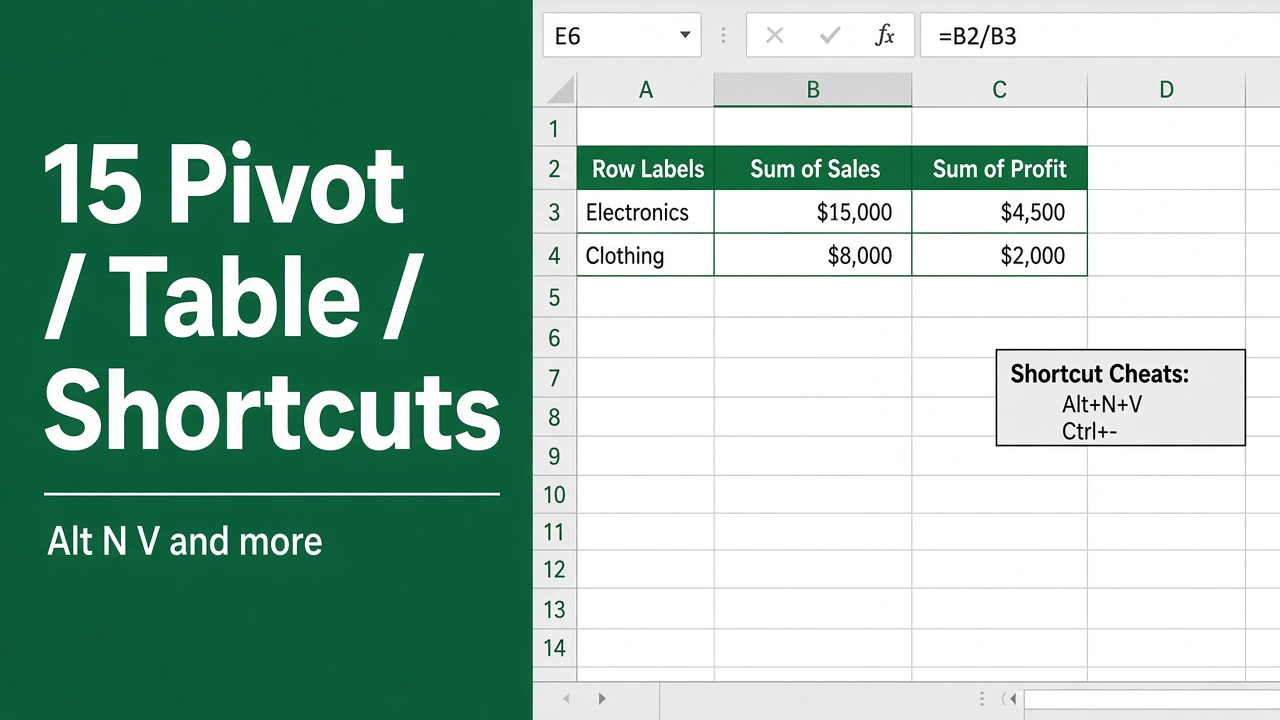
15 Top Excel Pivot Table Keyboard Shortcuts You Should Know
Boost your Excel productivity with these 15 essential Pivot Table keyboard shortcuts. Learn how to create, refresh, group, and more efficiently.
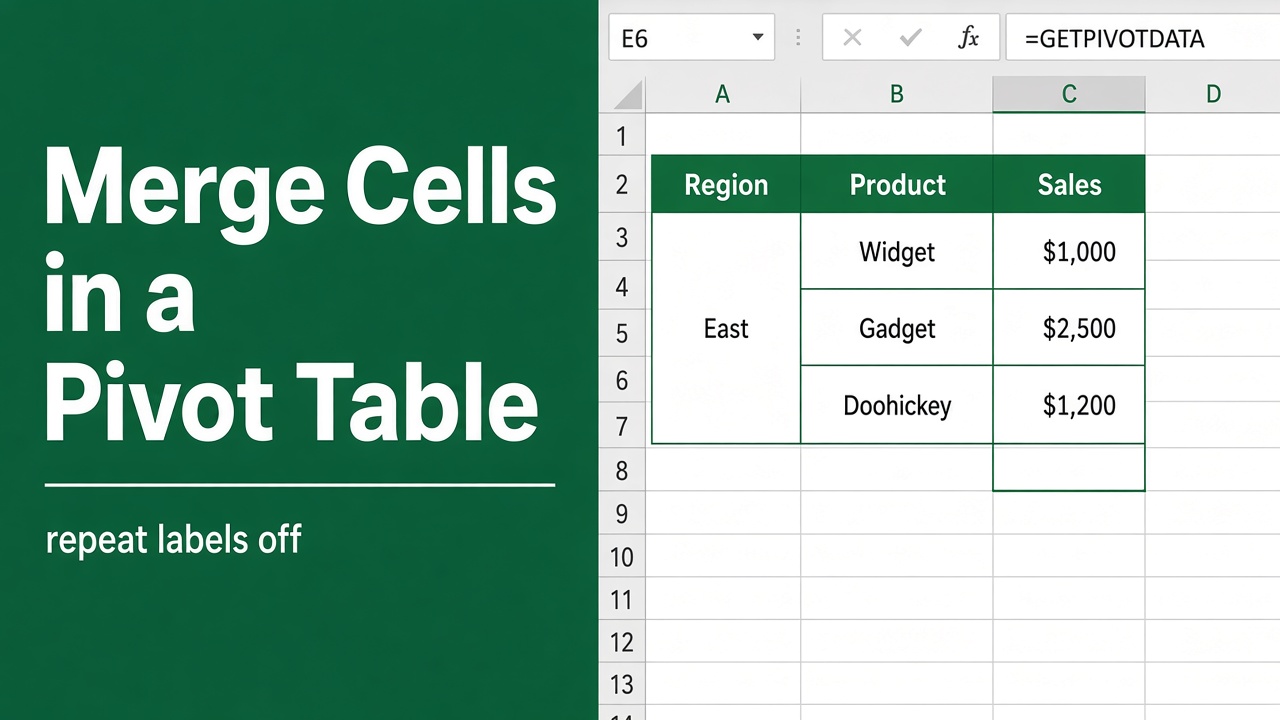
How to Merge Cells in Excel Pivot Table: Expert Guide
Learn how to merge cells in an Excel Pivot Table using simple workarounds. This guide offers step-by-step instructions to improve your data presentation.
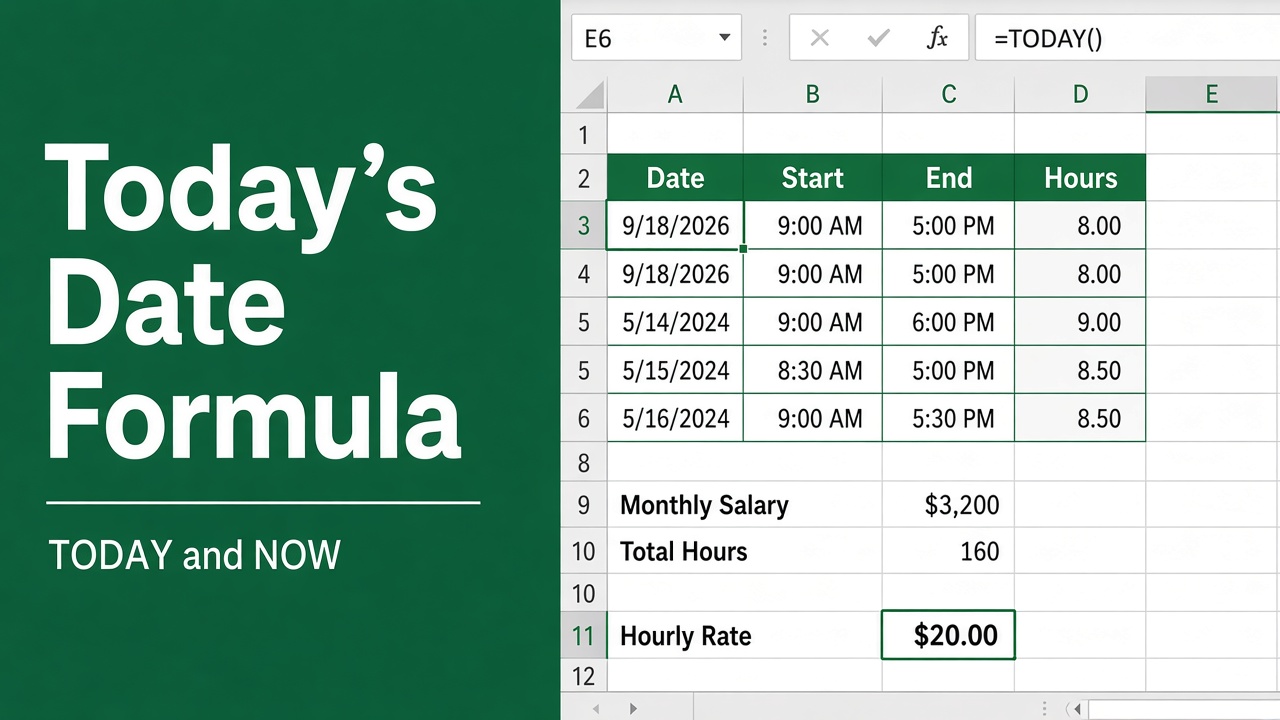
Excel Formula for Today’s Date: How to Use the TODAY() Function?
Learn how to use the =TODAY() formula in Excel to insert today’s date, perform date calculations, and automate tasks with ease.
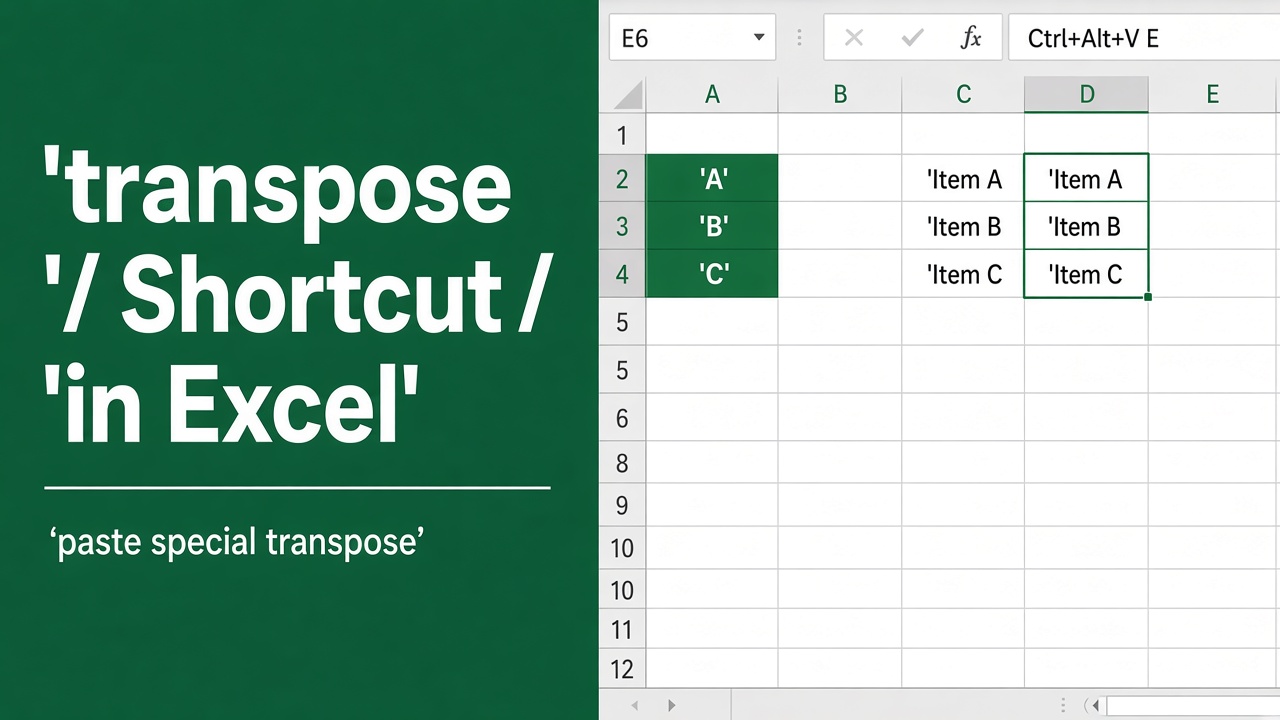
Shortcut for Transpose in Excel: A Complete Guide
Discover the best shortcut for transpose in Excel and explore advanced methods like the TRANSPOSE function and macros to manage your data efficiently.