
All articles
Blog
Page 21 of 72
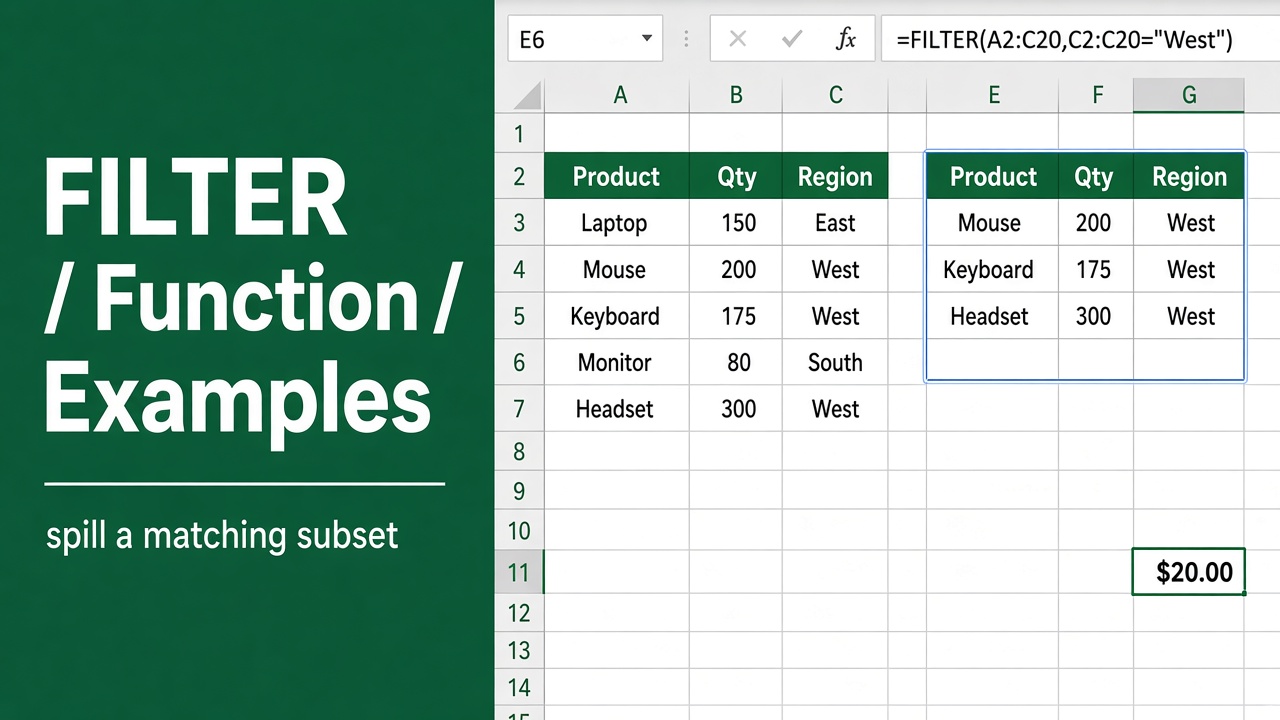
Excel FILTER Function with Formula Examples: Detailed Guide
Master the Excel FILTER function with step-by-step formula examples. Learn to filter data dynamically for efficient analysis and create dynamic dashboards.
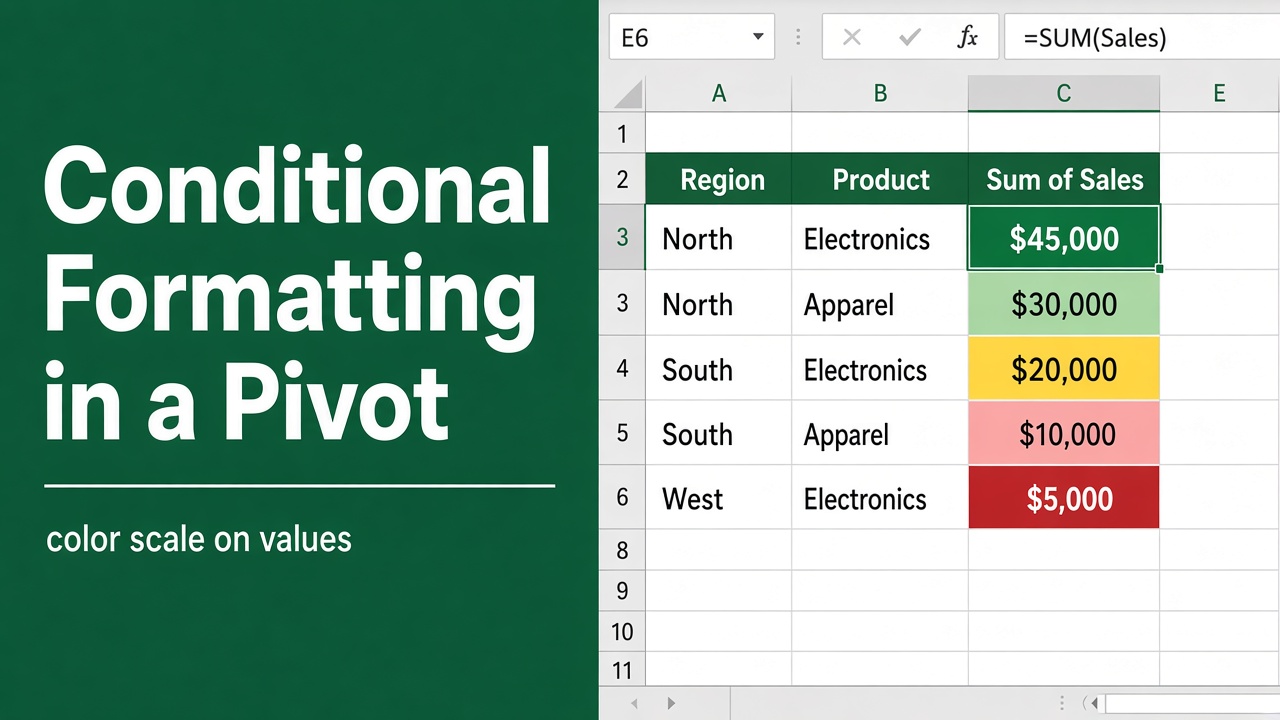
How to Do Conditional Formatting in an Excel Pivot Table?
Learn how to apply conditional formatting in Excel Pivot Tables to highlight key data trends and improve readability with this step-by-step guide.
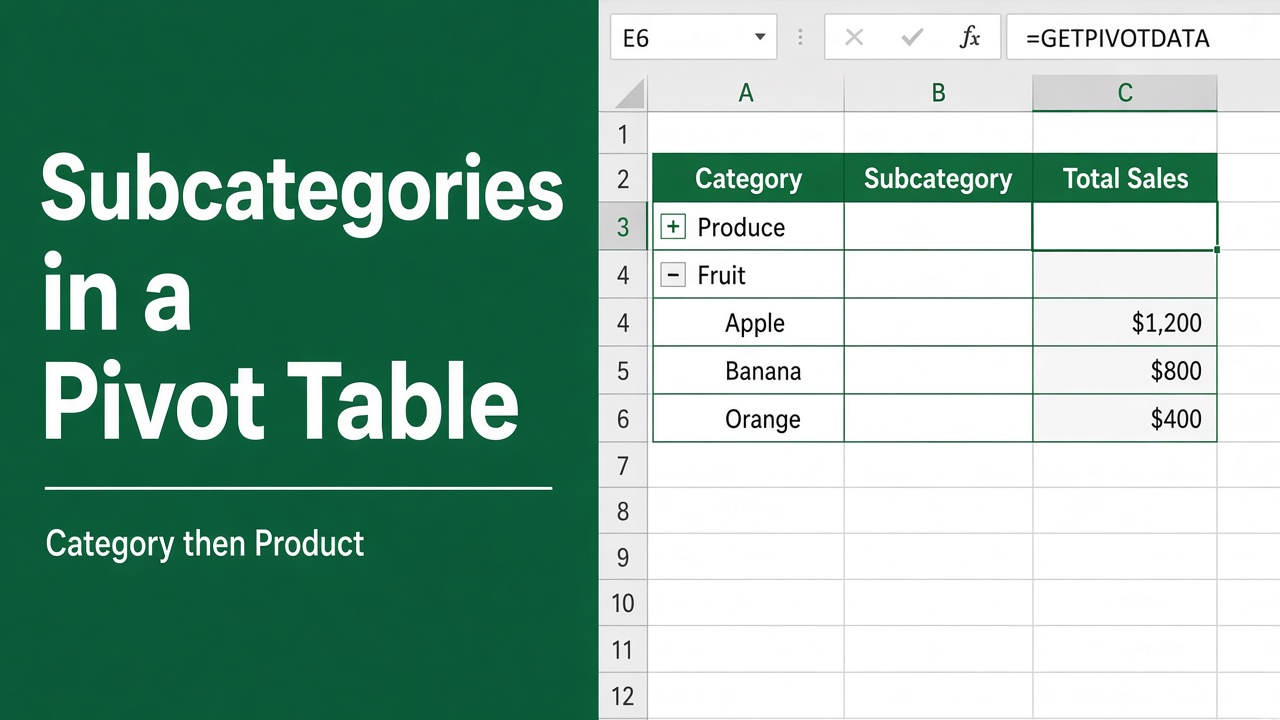
How to Create Subcategories in Excel Pivot Table: Easy Guide
Learn how to create subcategories in Excel pivot tables to analyze data in greater detail. Discover tips and tricks for effective data analysis.
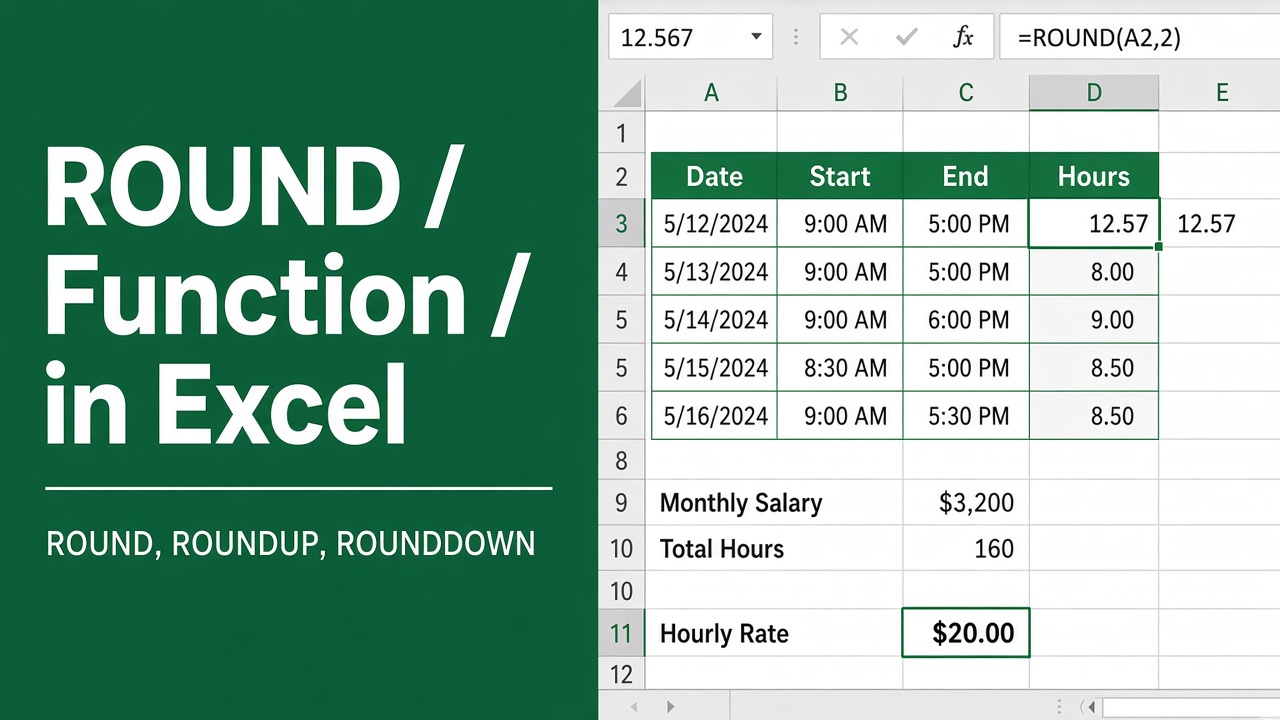
Excel ROUND Function: How to Round Numbers in Excel
Master the Excel ROUND function to round numbers easily. Includes formula examples, use cases for financial analysis, data formatting, and helpful tips.
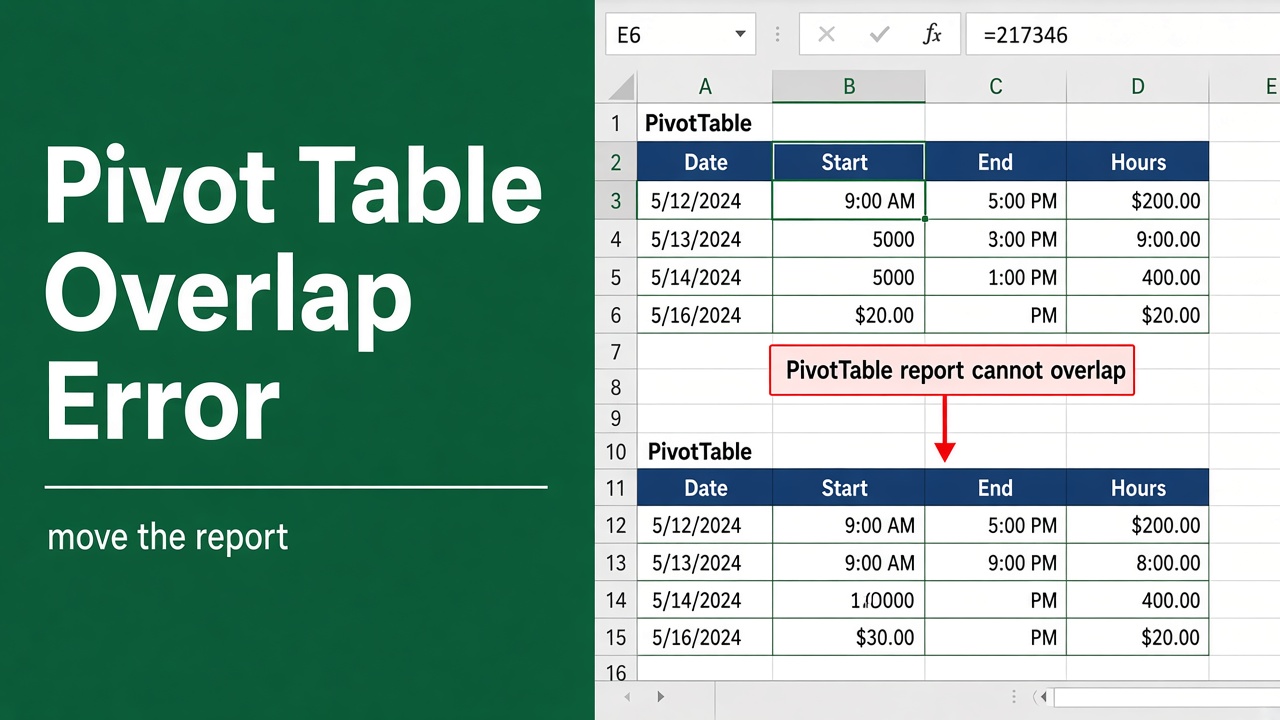
How to Fix Excel Pivot Table Overlap Error? (5 Easy Methods)
Fix frustrating Excel pivot table overlap errors with our comprehensive guide. Learn 5 easy methods to resolve conflicts and prevent future issues.
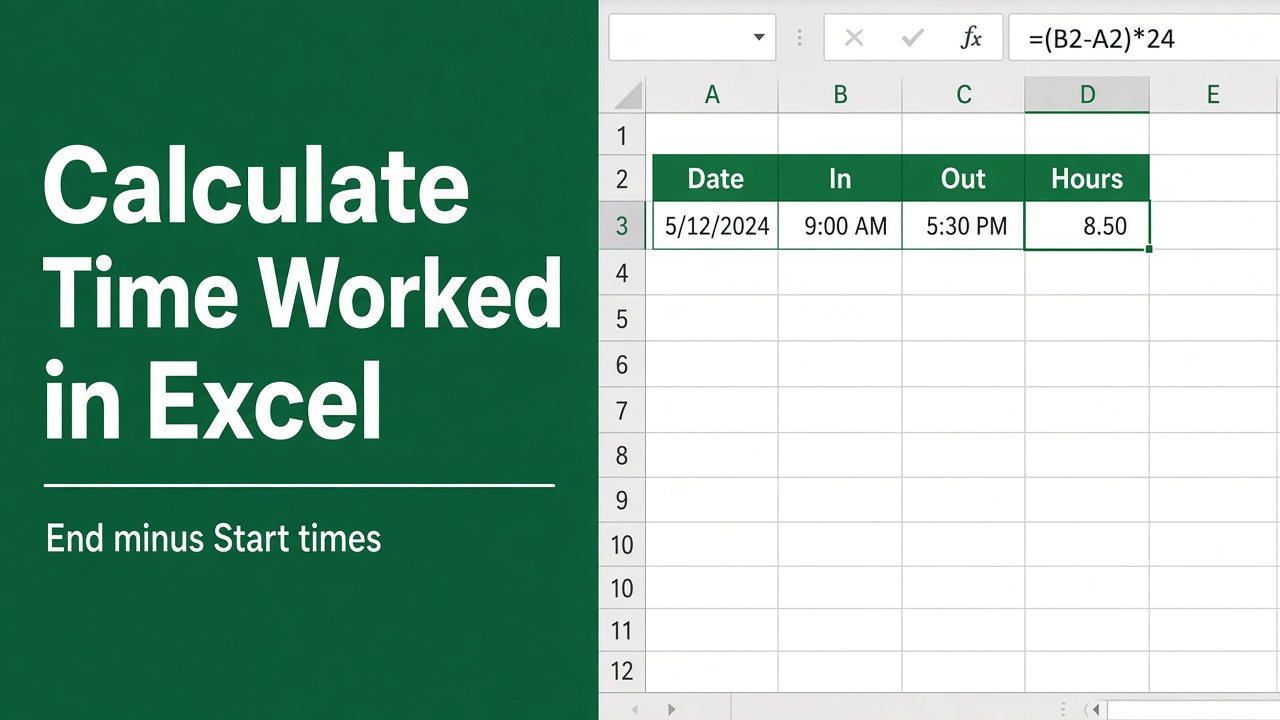
How to Use Excel Formula to Calculate Time Worked?
Need to calculate time worked in Excel? Discover formulas to track total hours, minus lunch breaks, and overtime. Easily manage employee hours with our guide.
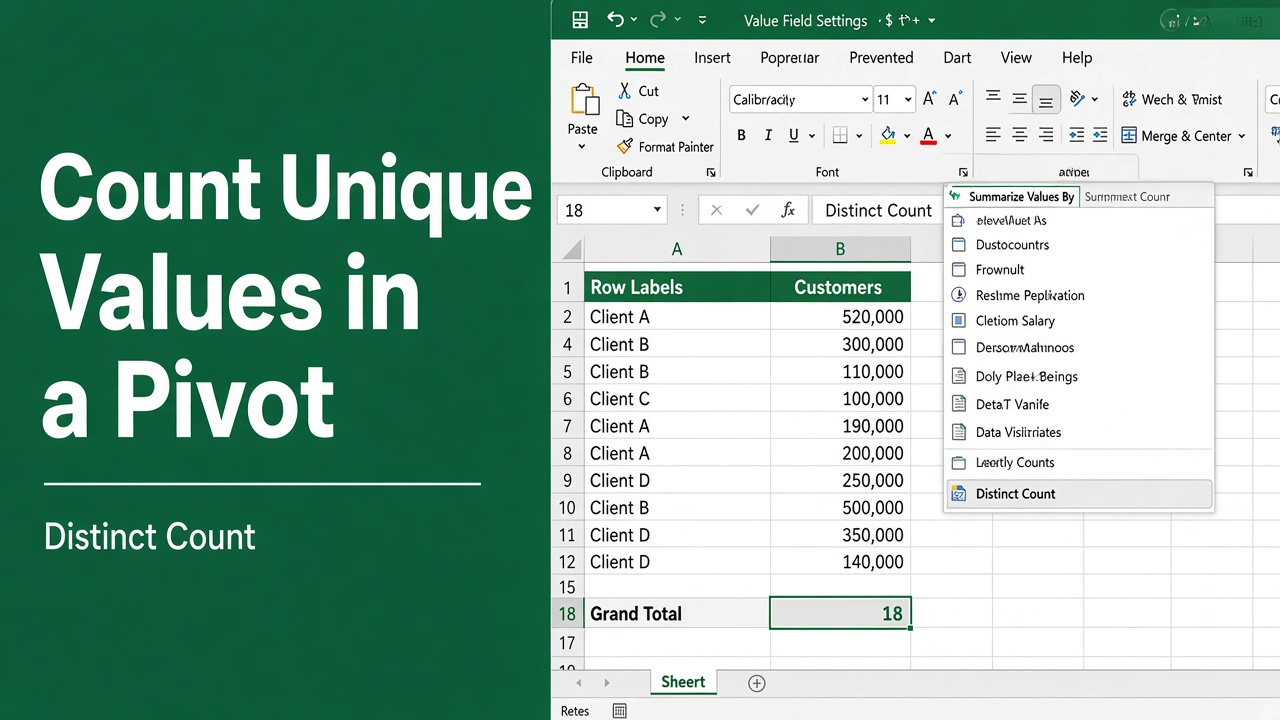
How to Count Unique Values in Excel Pivot Tables: Expert Tips
Learn how to count unique values in Excel pivot tables using built-in features, helper columns, or formulas. Analyze your data effectively.
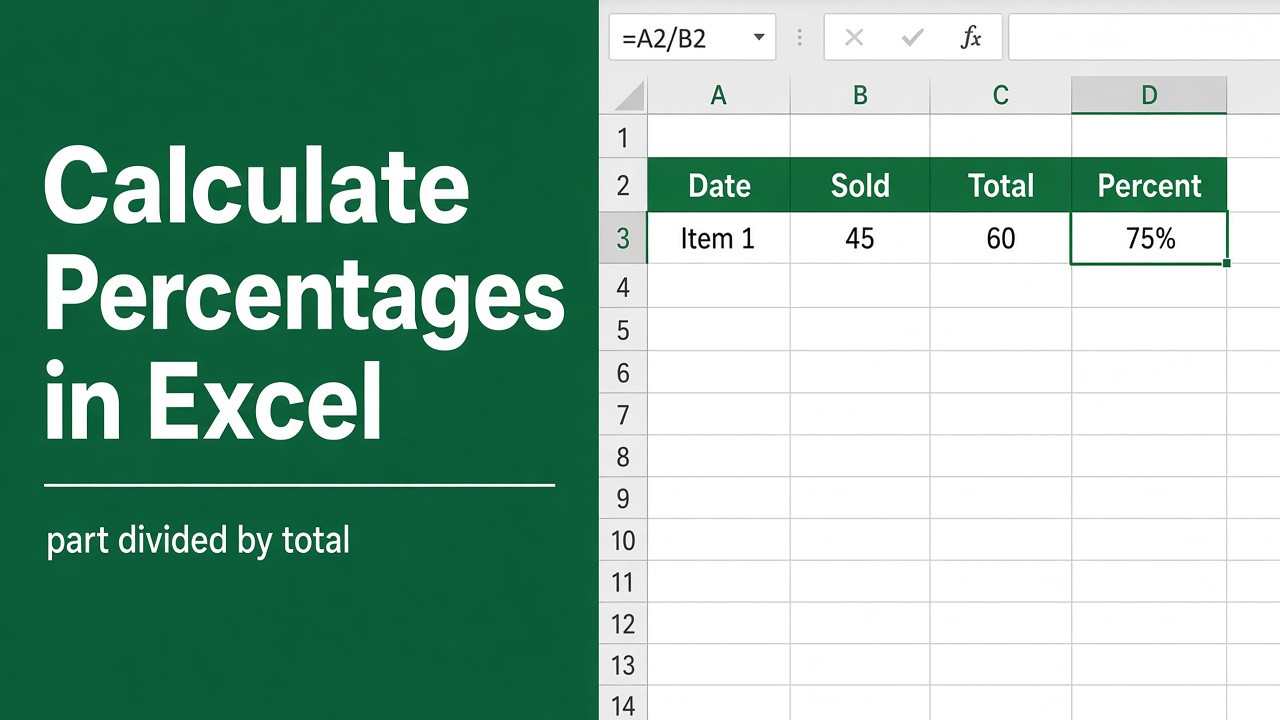
How to Calculate Percentages in Excel: Formulas & Examples
Learn how to calculate percentages in Excel using simple formulas. Discover tips for calculating percentage change, weighted averages, and more.
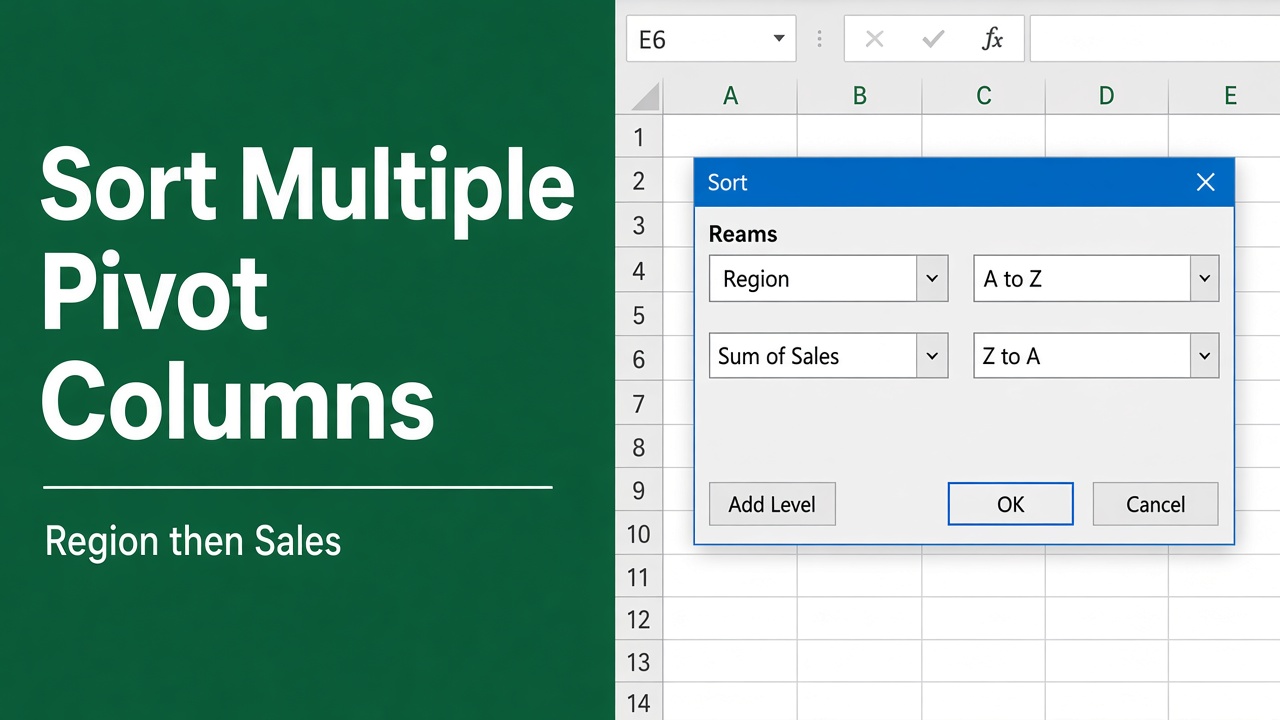
How to Sort Multiple Columns in Excel Pivot Table: Easy Guide
Learn how to efficiently sort multiple columns in Excel pivot tables. Master techniques for organizing data, troubleshooting issues, and enhancing your analysis skills.
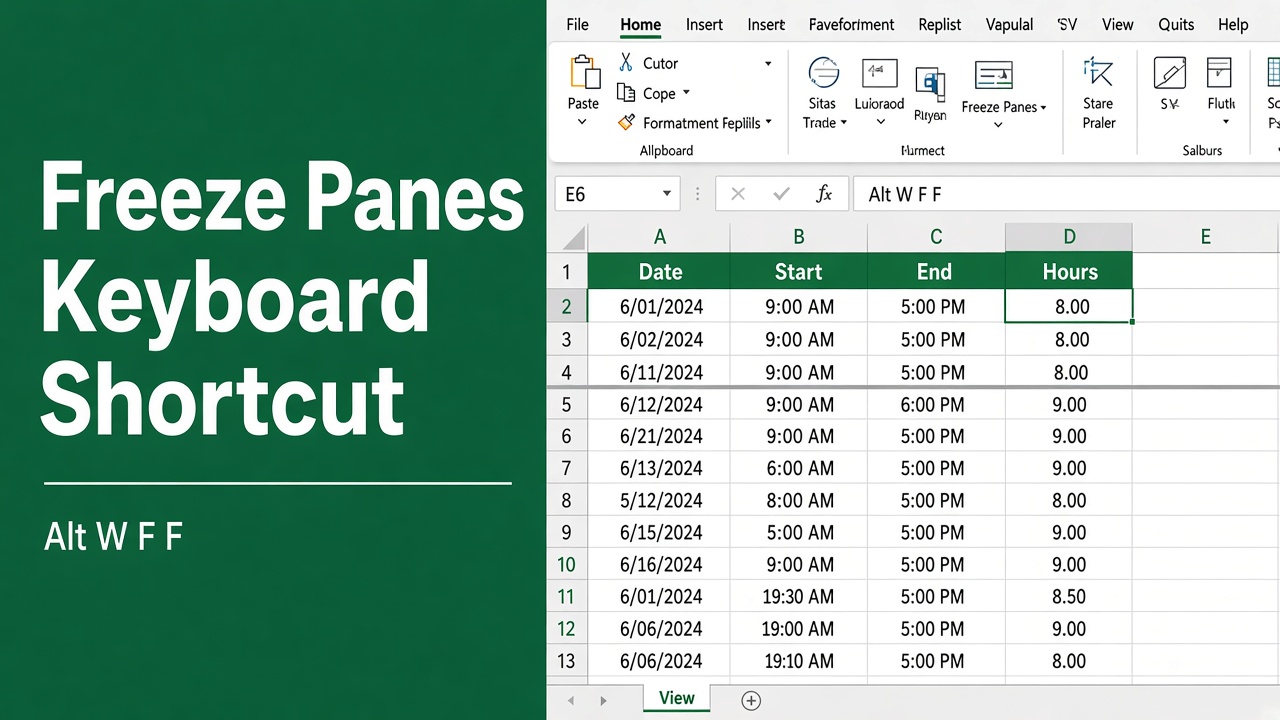
Shortcut to Freeze Panes in Excel: Quick and Easy Methods
Learn the quickest Excel shortcut to freeze panes. Master this and other techniques to boost productivity when working with large spreadsheets.