
All articles
Blog
Page 26 of 72
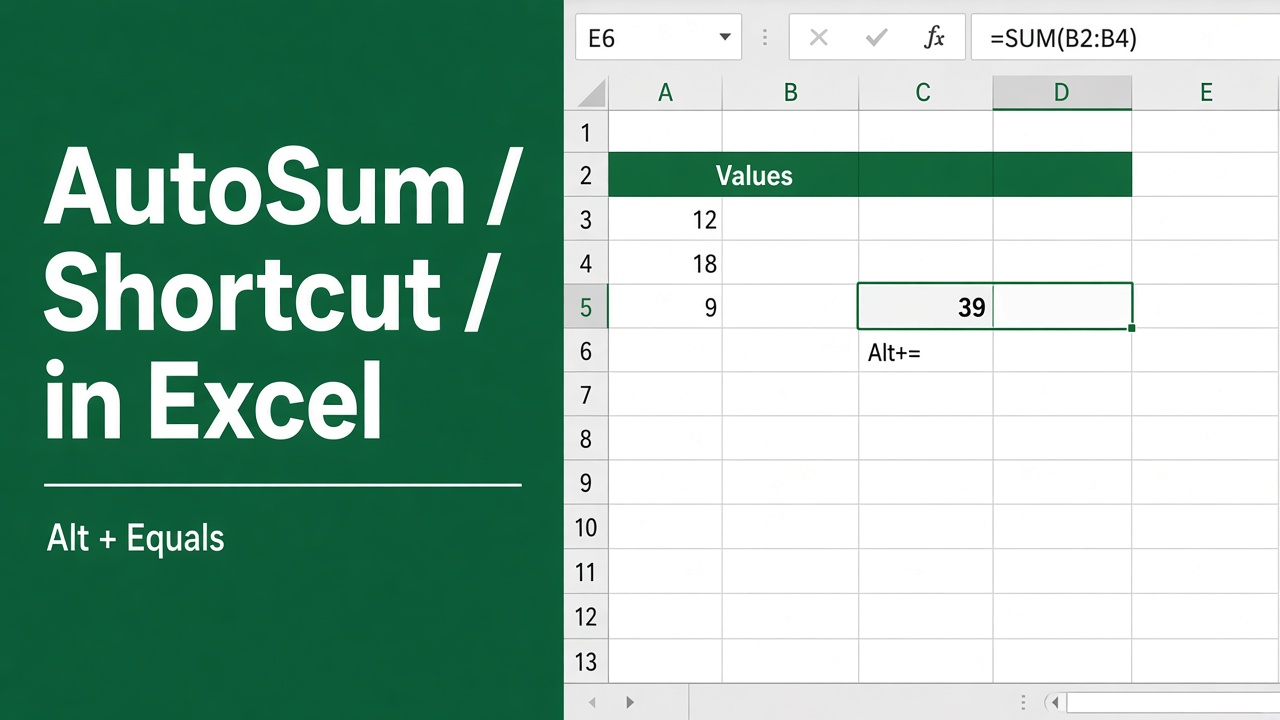
Excel Shortcut for Sum: Save Time with AutoSum
Learn how to use the AutoSum shortcut in Excel to quickly calculate sums and save time. Discover tips and examples to master this essential feature.
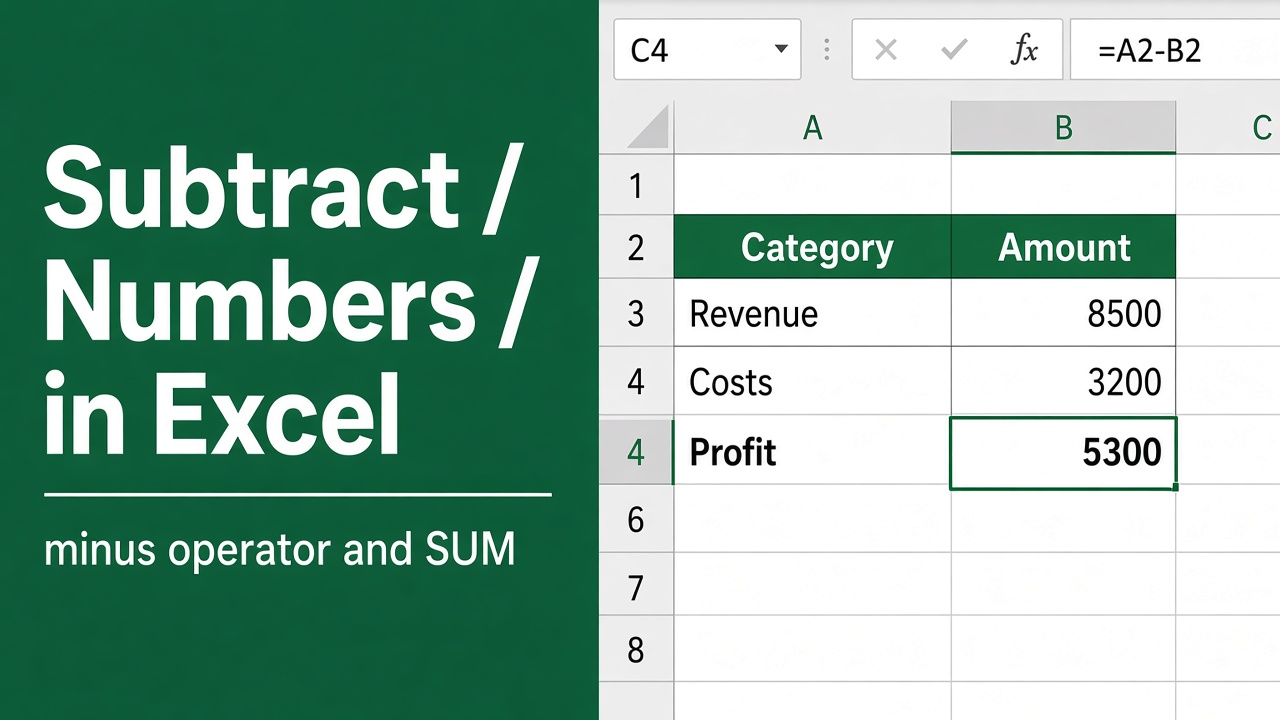
Excel Formula for Minus: How to Subtract in Excel
Learn how to subtract in Excel with formulas like -, MINUS, DATEDIF & more. Master basic to advanced subtraction for numbers, percentages & dates.
How to Stop Excel Pivot from Grouping Dates: A Complete Guide
Learn how to stop Excel pivot tables from automatically grouping dates. Discover methods to display individual dates for better data analysis.
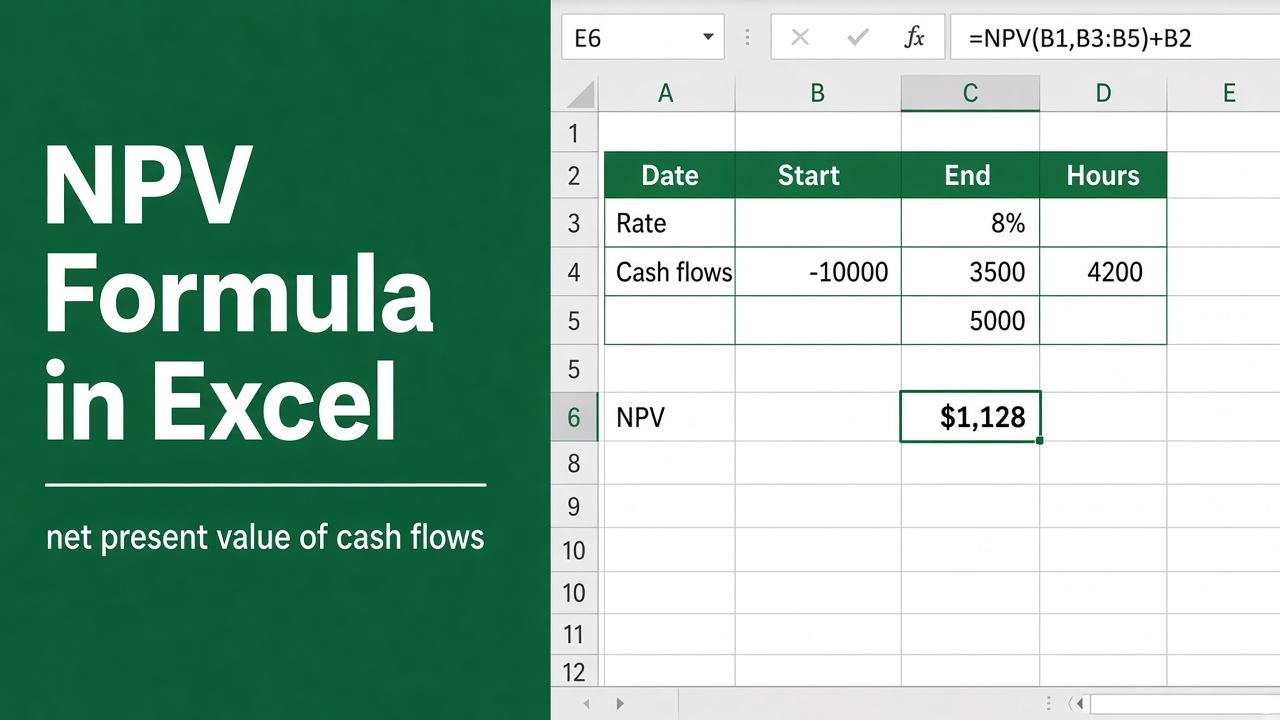
Formula for NPV in Excel: A Comprehensive Guide
Learn how to use the NPV formula in Excel for financial analysis. Master NPV calculations, avoid common mistakes, and make better investment decisions.
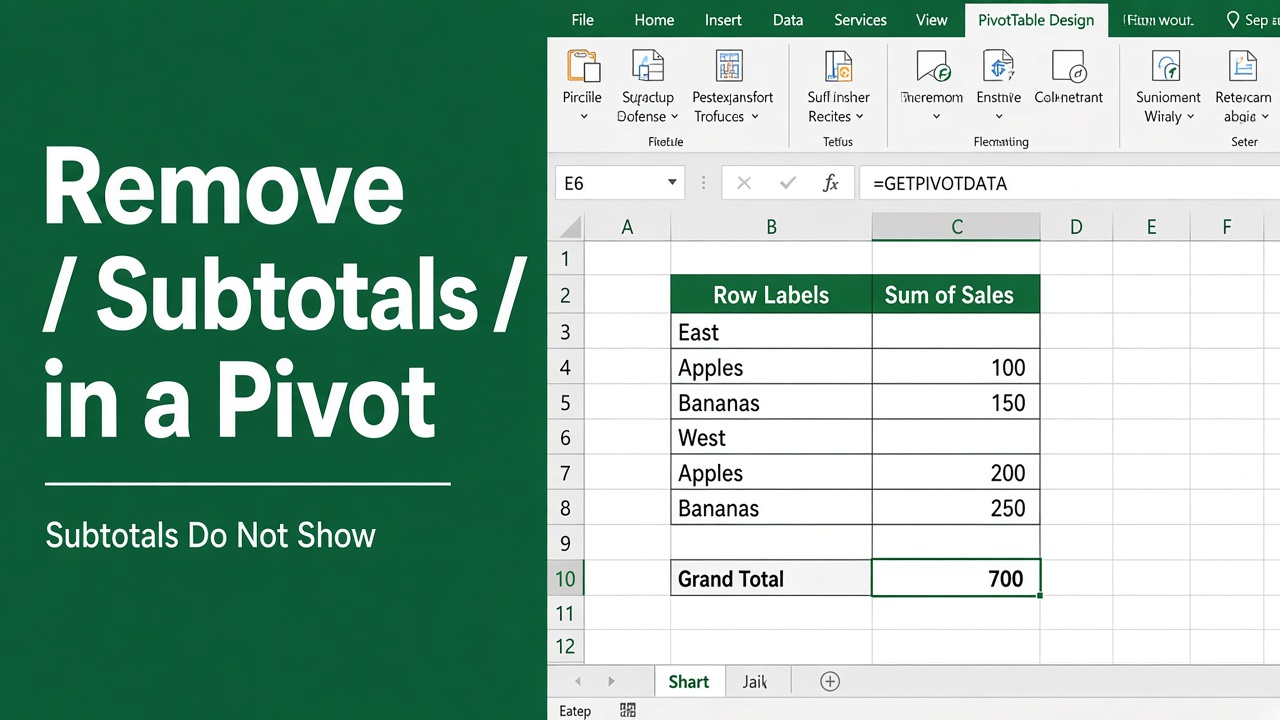
How to Remove Subtotals in Excel Pivot Table: Expert Guide
Learn how to remove subtotals from your Excel pivot tables with our step-by-step guide. Simplify your data and create cleaner, more readable tables.
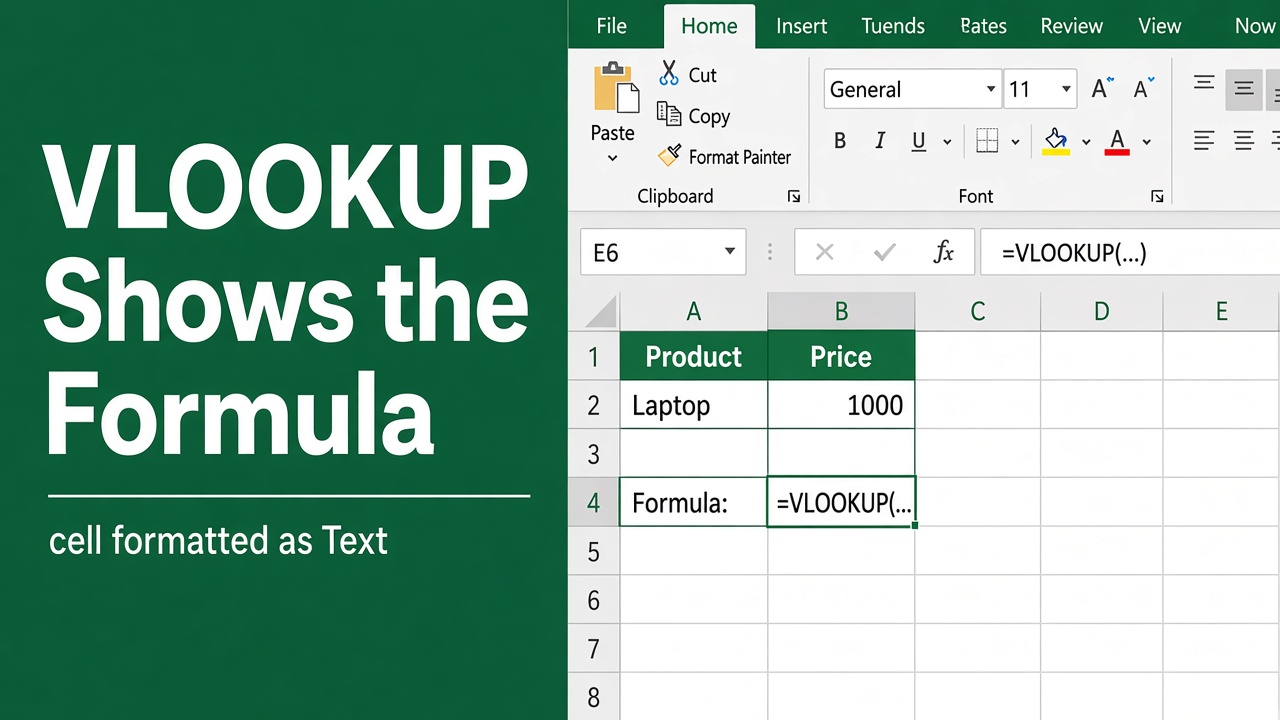
How to Fix VLOOKUP Showing Formula Instead of Result in Excel?
Fix VLOOKUP showing formula instead of result in Excel with these simple solutions. Troubleshoot common VLOOKUP errors and learn best practices.
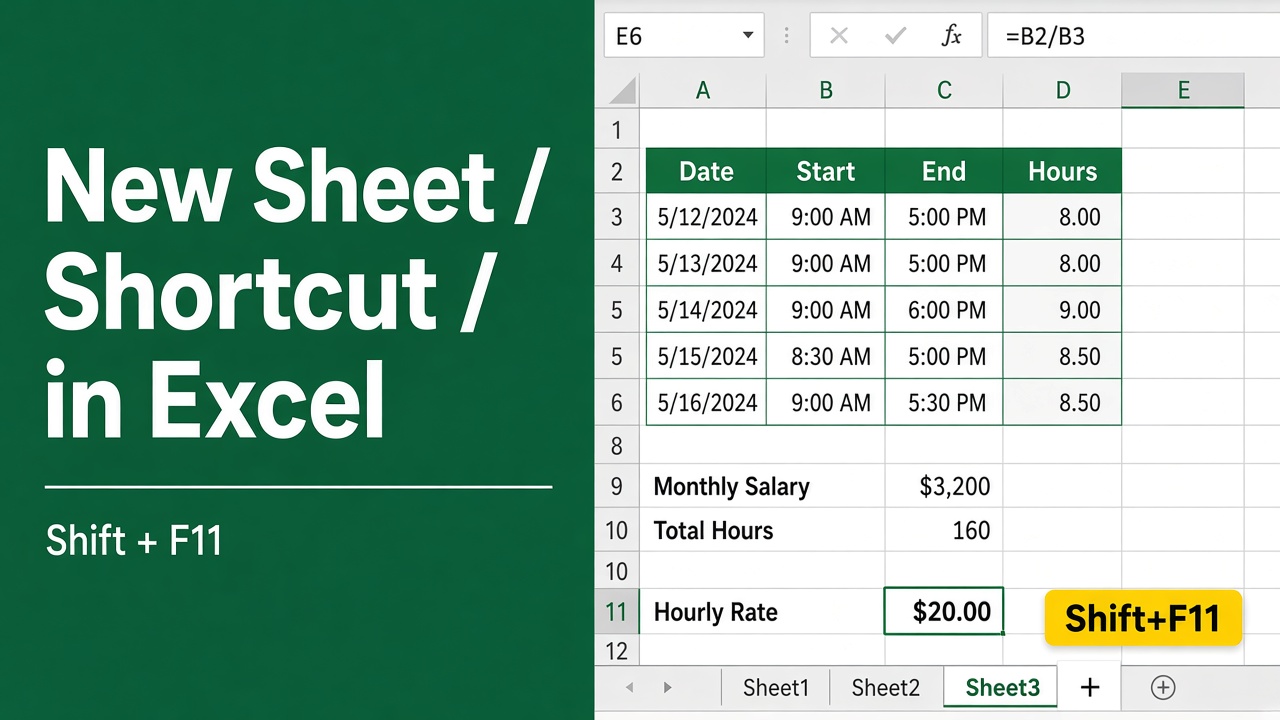
Easy Excel Shortcut to Create New Sheet: Boost Your Productivity!
Master the Excel shortcut to create new sheets & boost productivity. Learn quick tab creation, alternative methods & advanced sheet management techniques.
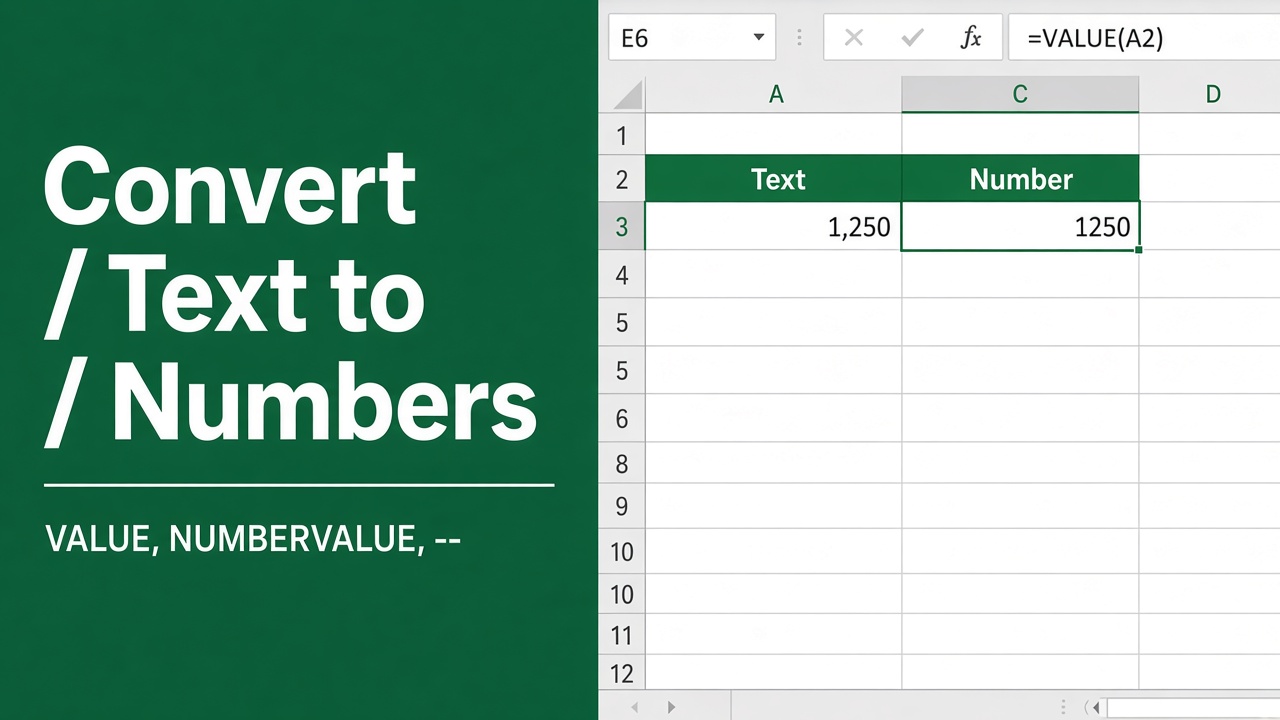
How to Convert Text to Numbers in Excel Using Formulas?
Learn how to convert text to numbers in Excel using formulas like VALUE, TRIM, and TEXT. Simplify your data analysis and ensure consistency.
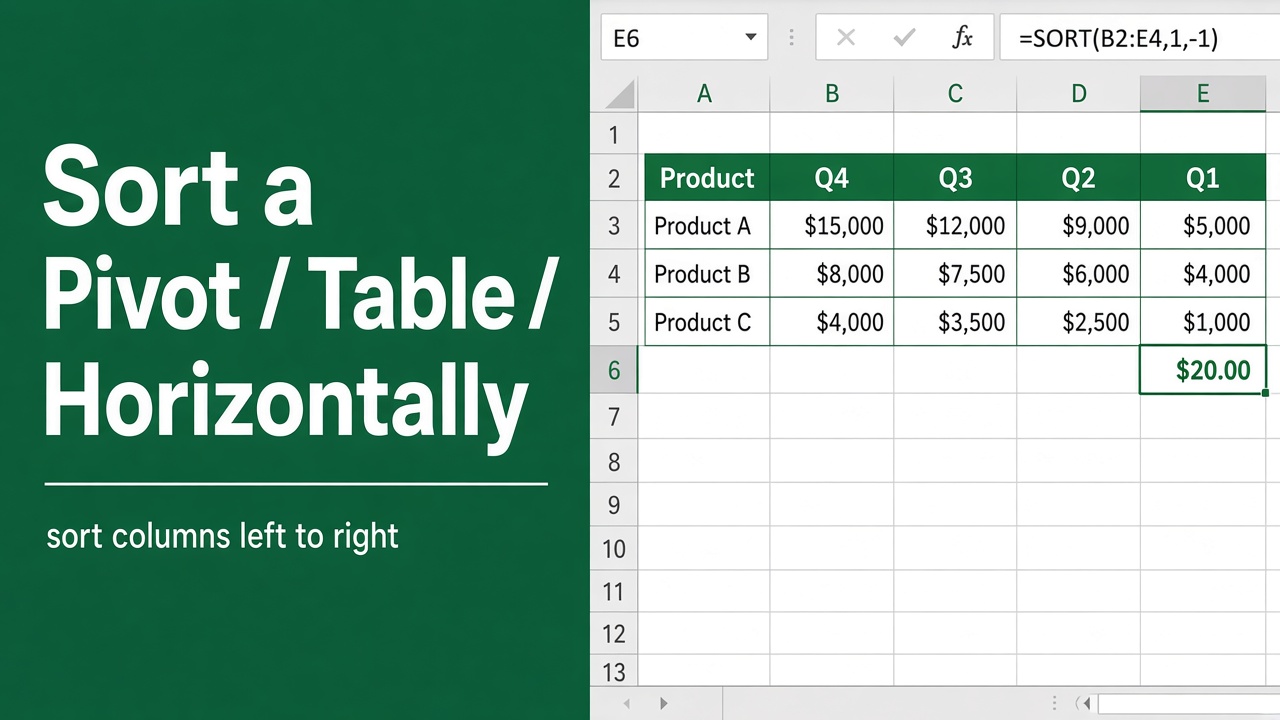
How to Sort Horizontally in Excel Pivot Table: A Comprehensive Guide
Learn how to easily sort pivot table columns horizontally in Excel to better analyze and present your data. Follow our step-by-step guide with examples.
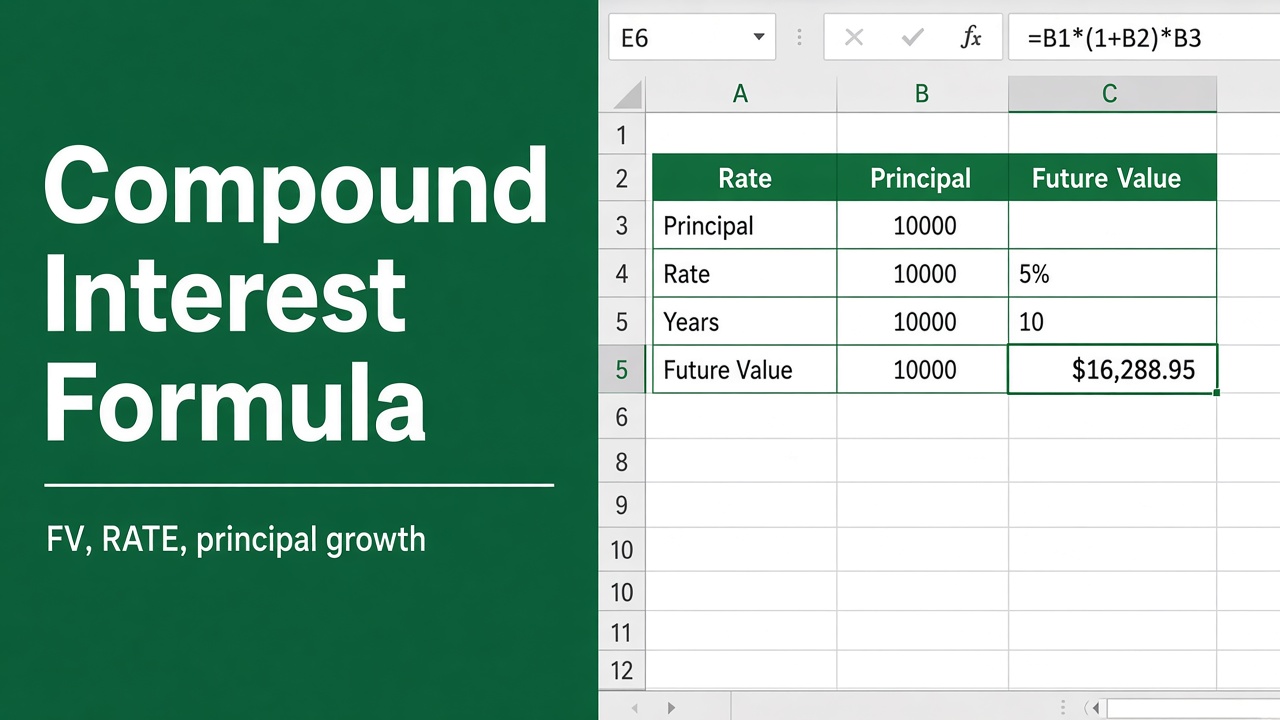
Excel Formula for Compound Interest: A Comprehensive Guide
Learn how to use Excel formulas for compound interest calculations. Master the FV function, avoid common mistakes, and create powerful financial models.