
All articles
Blog
Page 39 of 72
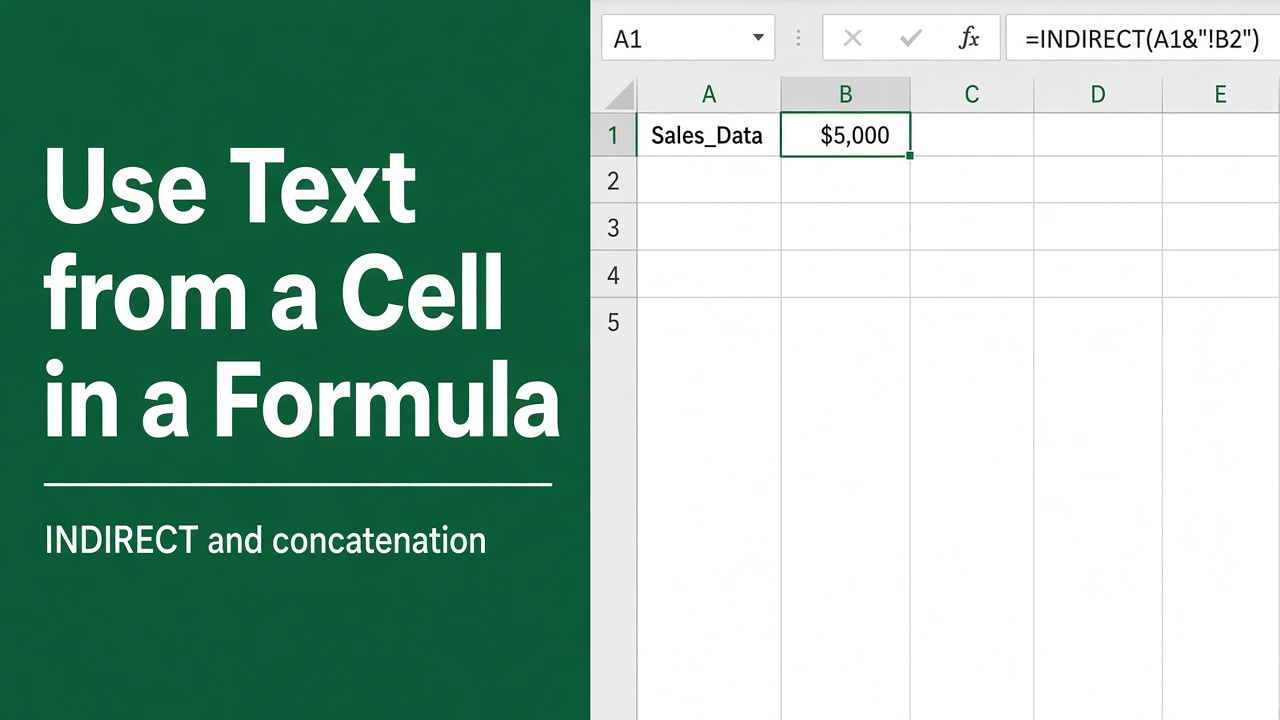
How to Use Text from a Cell in an Excel Formula?
Discover how to use text from a cell in an Excel formula using &, CONCATENATE, INDIRECT, and TEXT functions. Improve your Excel skills with examples and tips.
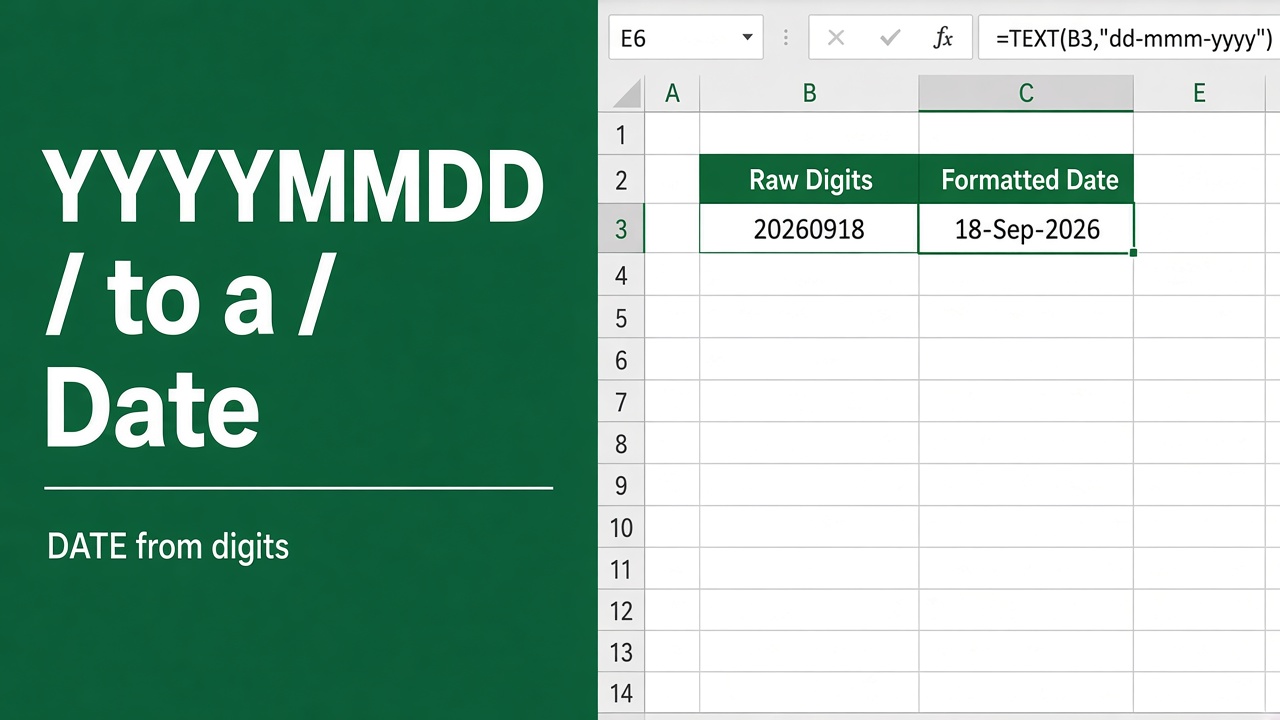
Easy Excel Formula to Change Date Format from YYYYMMDD
Learn how to use an excel formula to change date format from yyyymmdd to your preferred style quickly and efficiently.
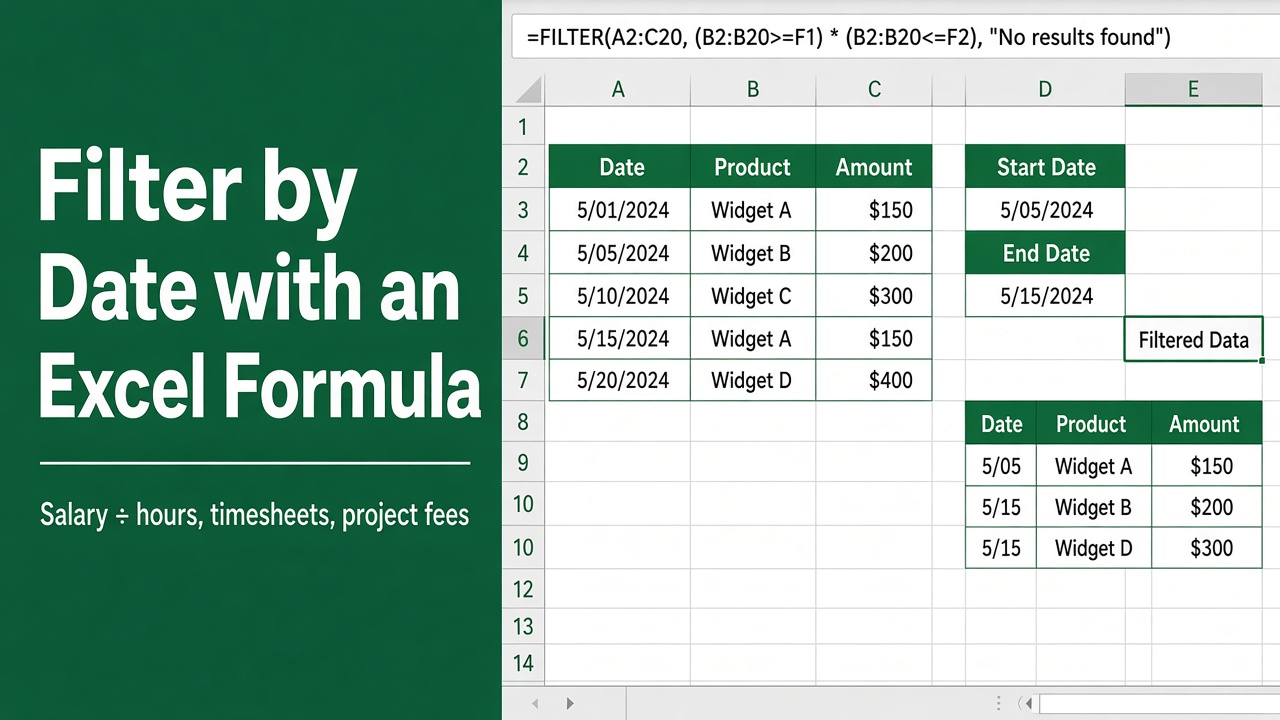
How to Filter by Date with Excel Formula: Easy Guide
Learn how to filter by date in Excel using formulas. Discover the DATE function, comparison operators, and advanced functions for precise data analysis.
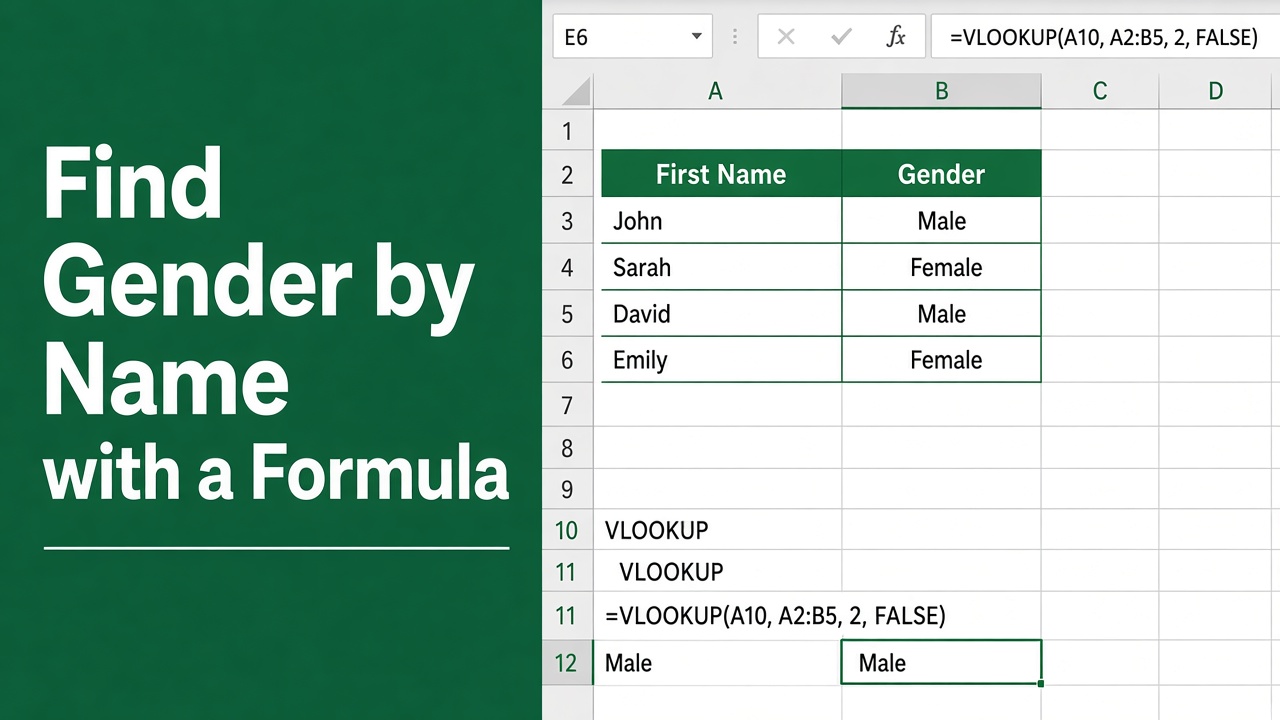
How to Find Gender by Name in Excel Using Formula?
Effortlessly categorize names by gender in Excel with a simple formula. Discover a step-by-step method for gender identification.
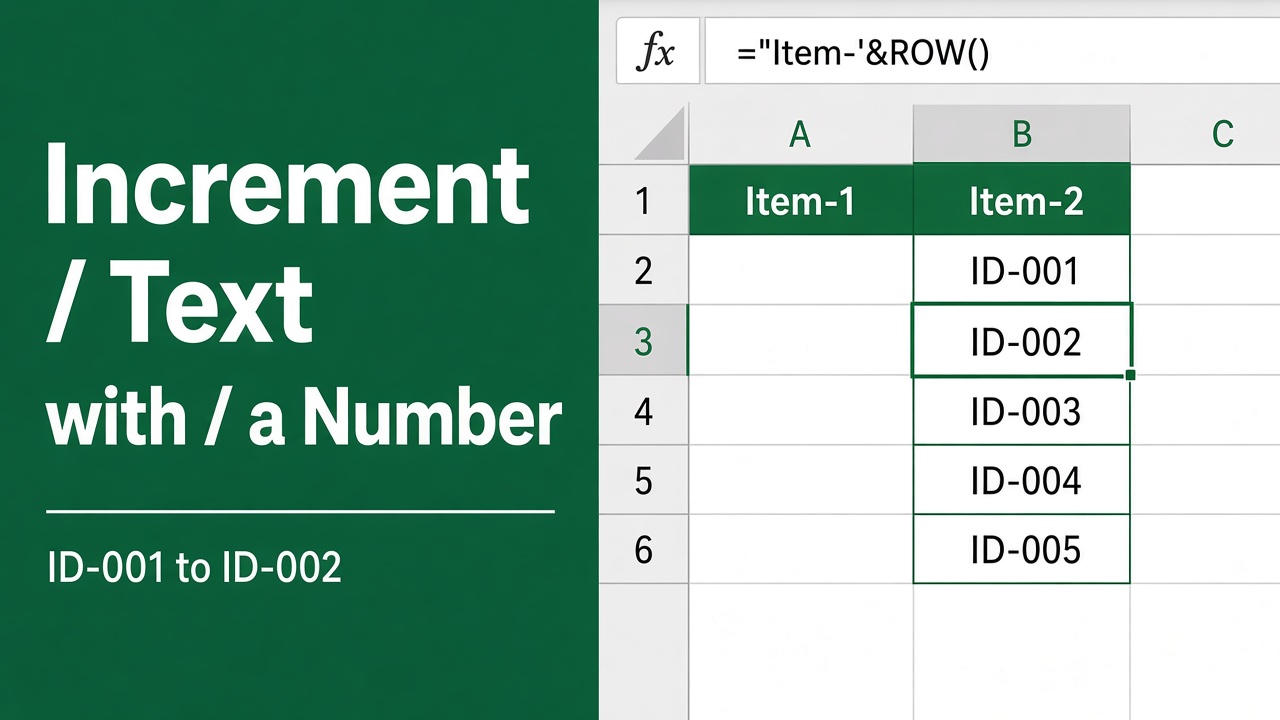
Easy Excel Formula to Increment a Cell Value by 1 with Text
Discover how to master Excel with a formula to effortlessly increment cell value by 1, even within text strings, streamlining your data tasks.
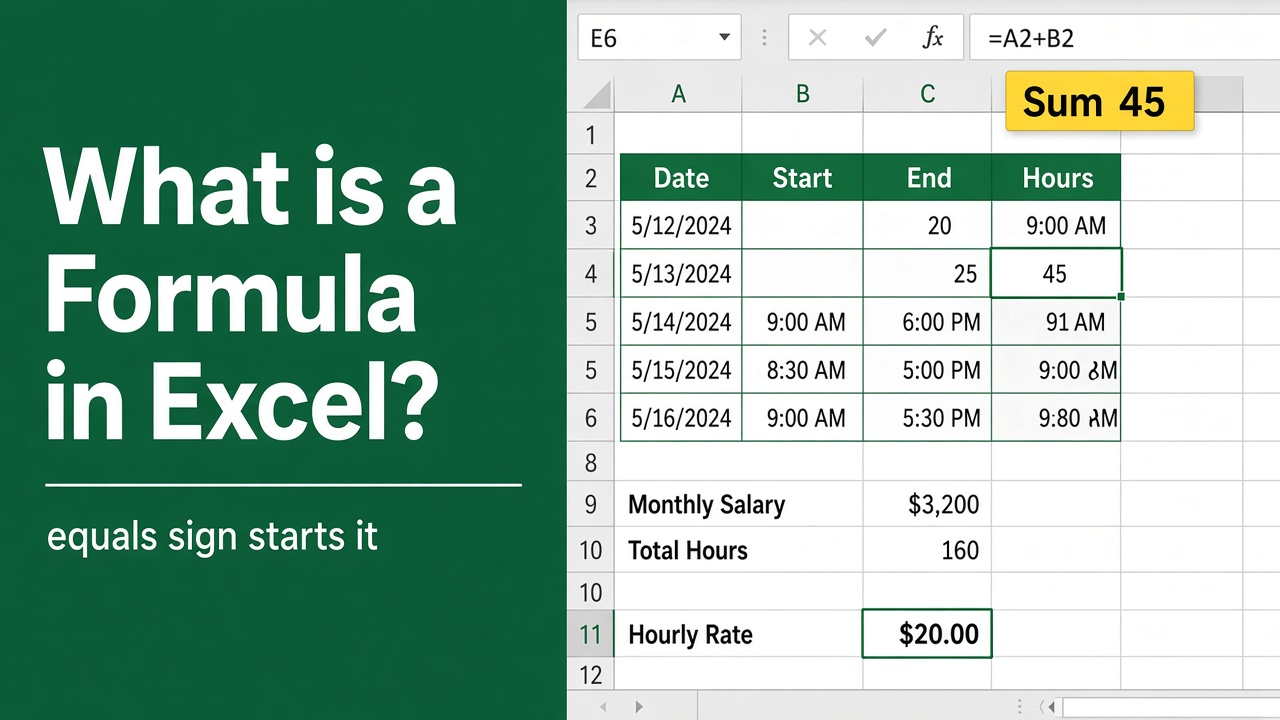
Understanding Excel Formulas: Beginner’s Guide
Learn what formulas are in MS Excel, how to create them, common functions, cell referencing, and nesting functions for powerful calculations.
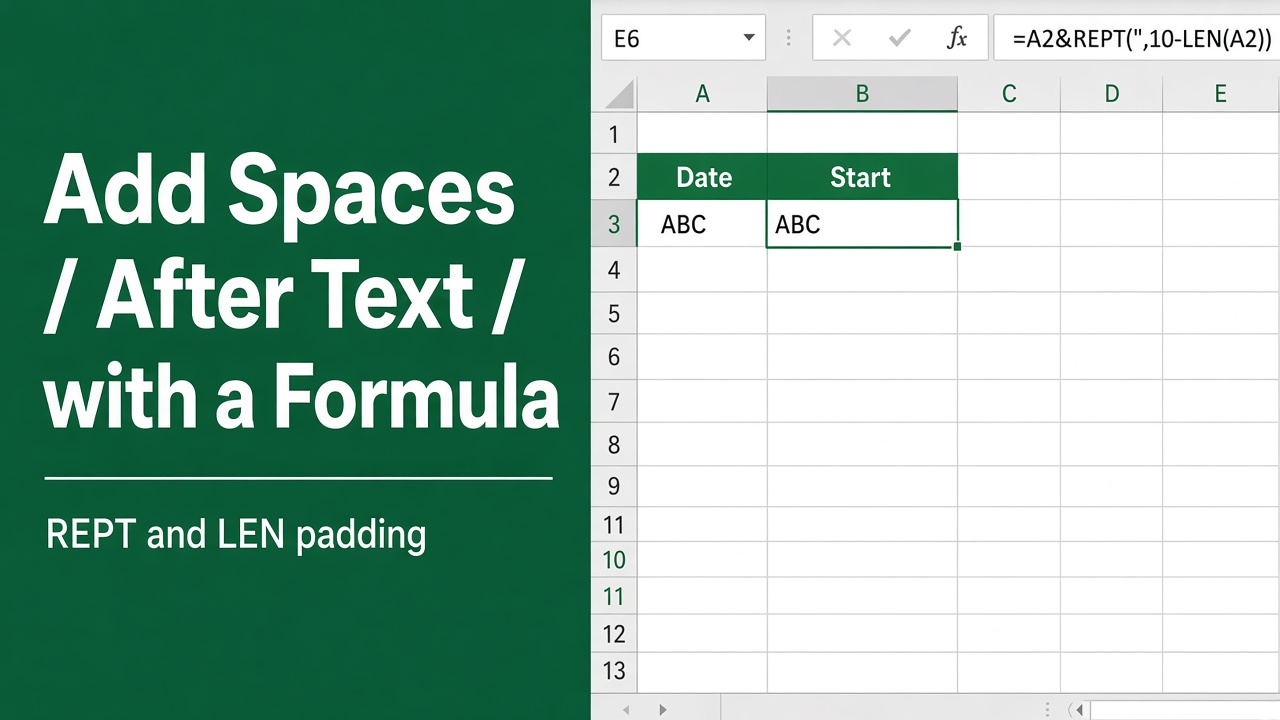
How to Add Spaces After Text Using Excel Formulas?
Learn how to streamline your data with an excel formula to add spaces after text for clearer, more organized spreadsheets. Perfect for data presentation!
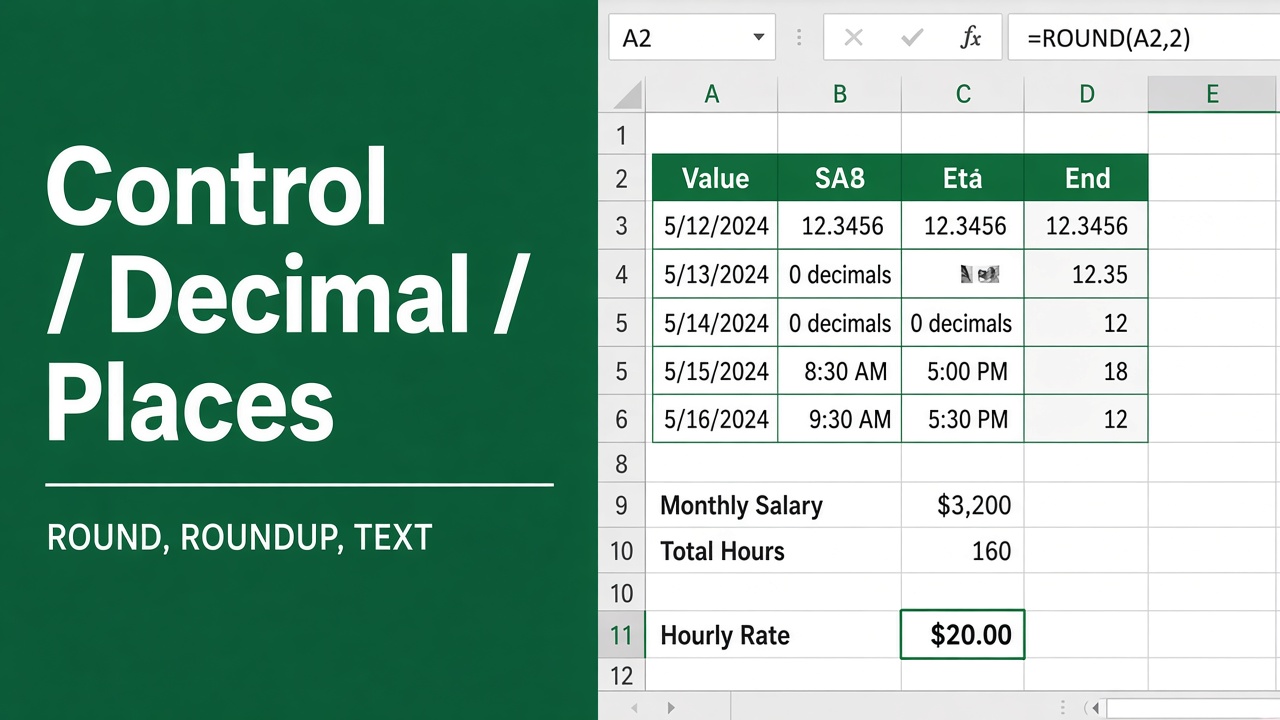
How to Control the Number of Decimal Places in Excel Formulas?
Learn how to control the number of decimal places in Excel formulas using built-in options like Format Cells, ROUND, FIXED & custom formats.
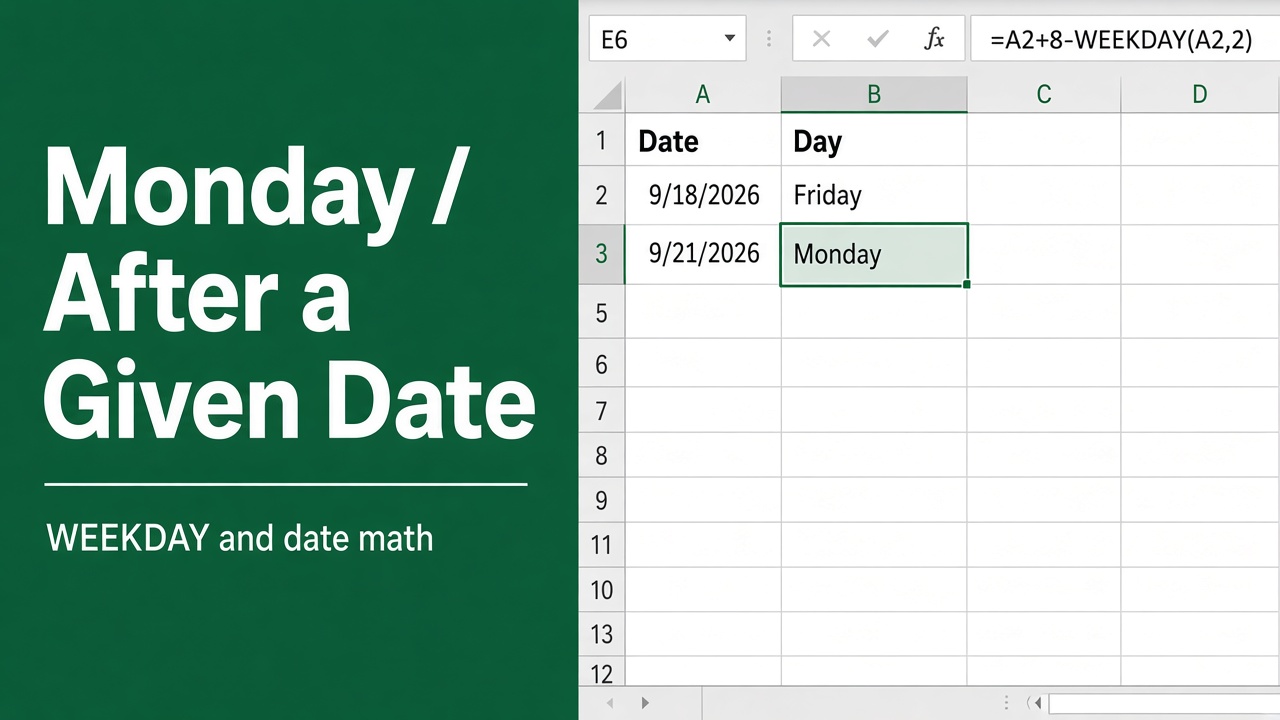
Excel Formula to Calculate the Monday After a Specific Date
Learn the Excel Formula to calculate the Monday after a specific date. Handle different week starts, text dates, and advanced scenarios efficiently.
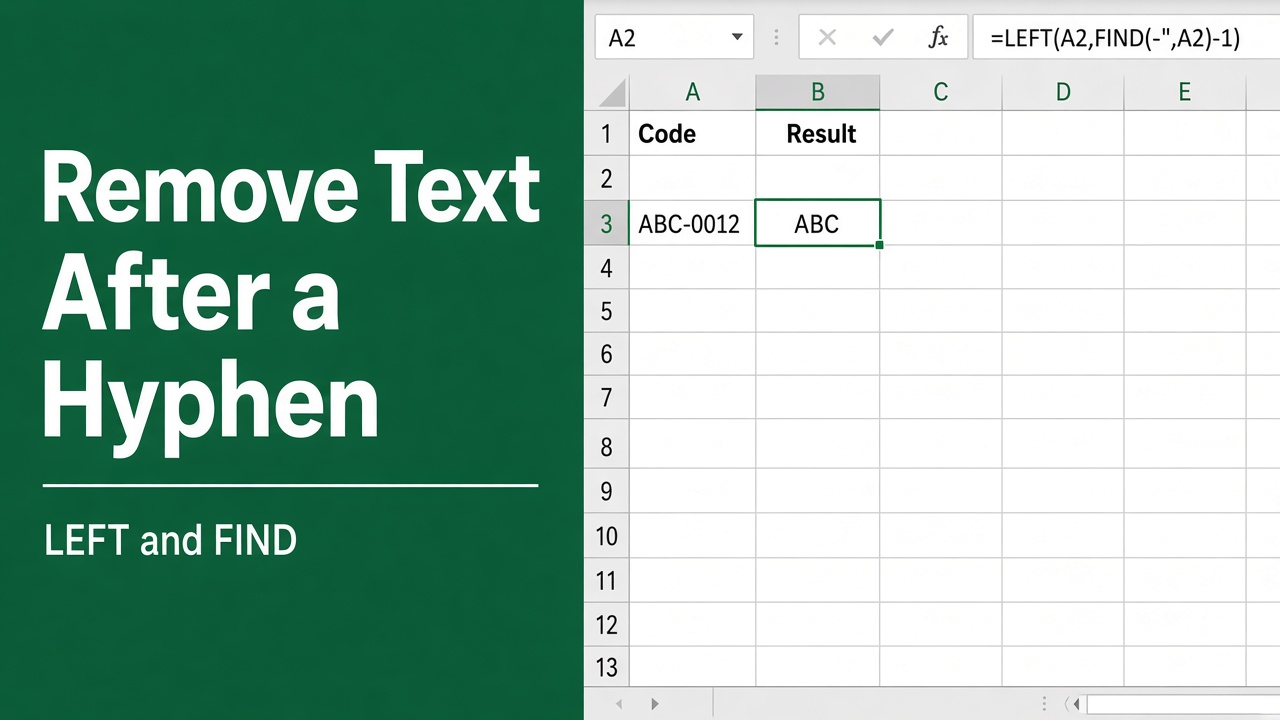
How to Remove Characters After a Hyphen in Excel with Formulas?
Learn how to remove characters after a hyphen in Excel using formulas like LEFT, FIND, and SUBSTITUTE. Easy step-by-step guide with examples.