
Vaishvi Desai
Page 24
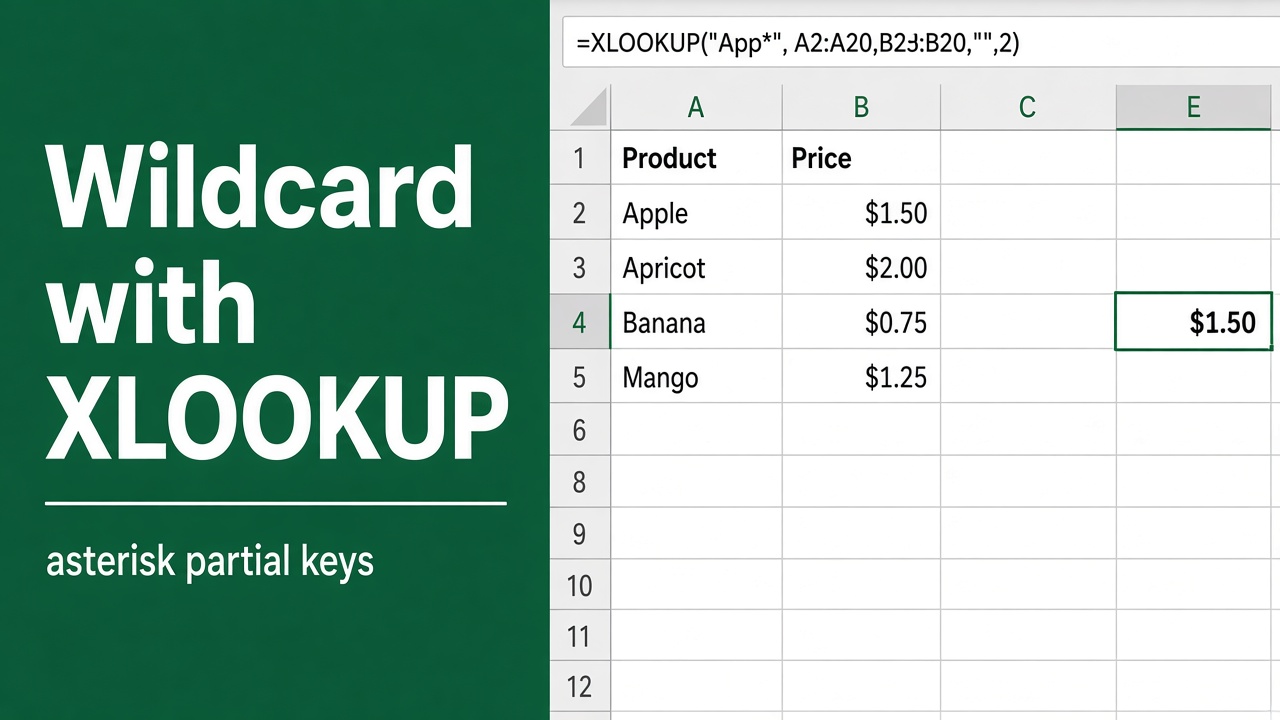
How to Use Wildcard with XLOOKUP: A Comprehensive Guide
Learn how to use wildcards with XLOOKUP in Excel for powerful, flexible data searches. Master asterisk, question mark & tilde wildcards for efficient lookups.
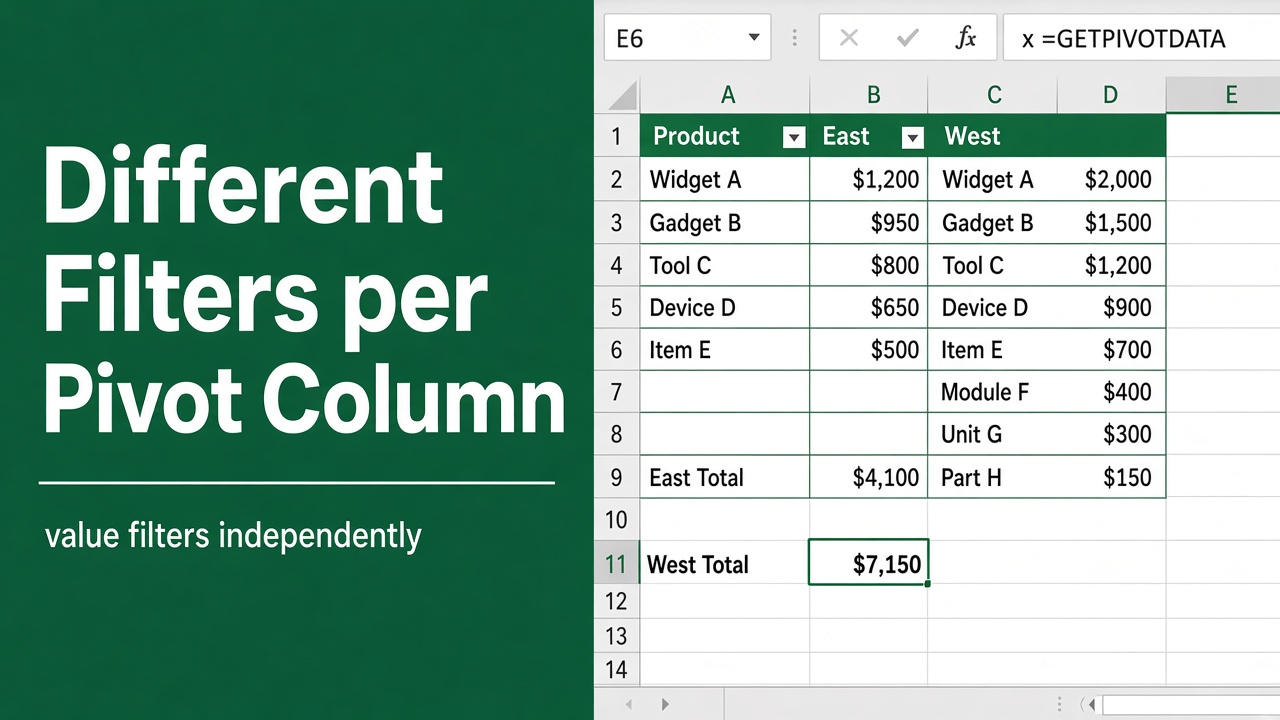
How to Apply Different Filters to Each Column in a Pivot Table?
Learn how to apply different filters to each column in an Excel Pivot Table to customize data analysis and create focused, insightful reports easily.
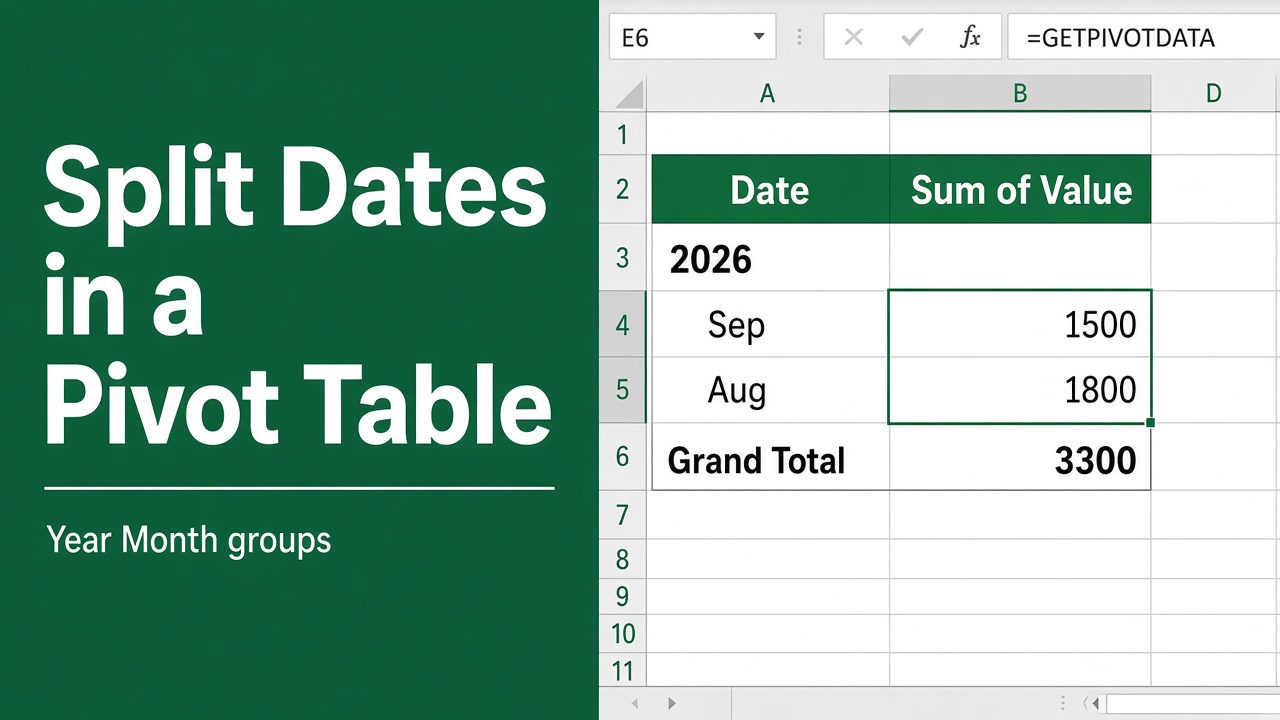
How to Split Date in Excel Pivot: A Complete Guide
Learn how to split date in Excel pivot tables. Explore methods, best practices, and tips to enhance your time-based data analysis and reporting.
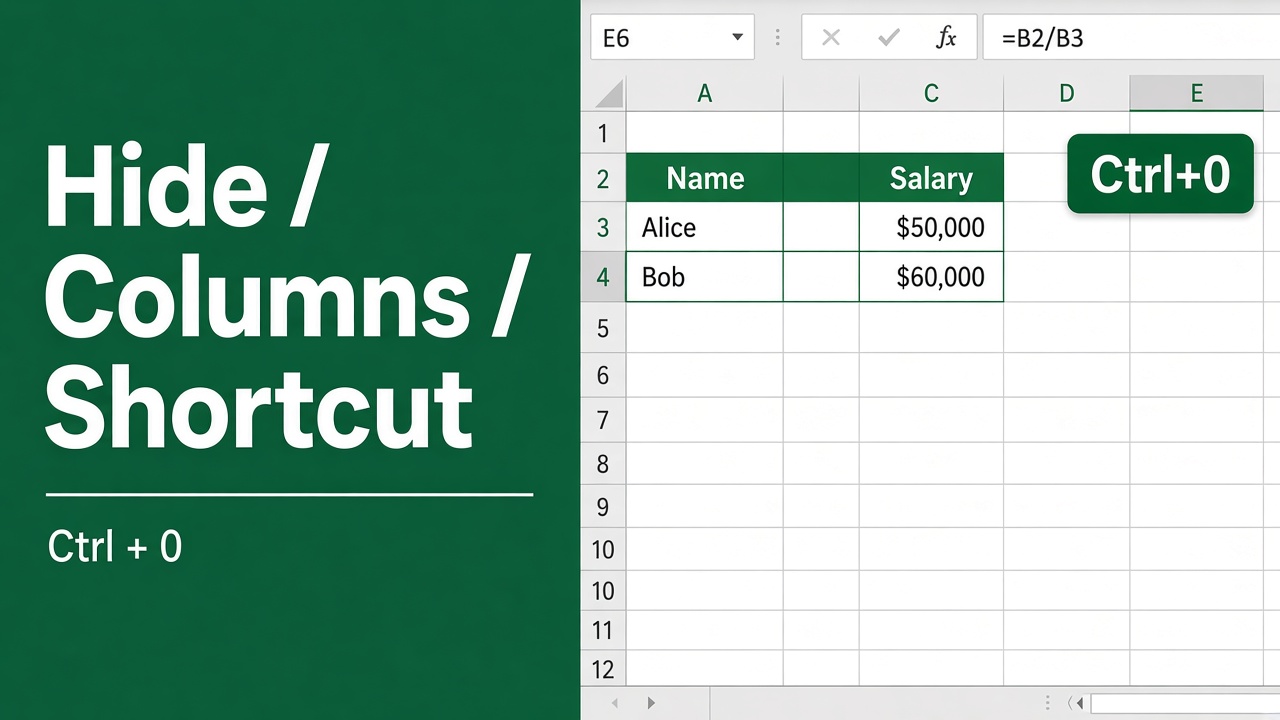
How to Quickly Hide Columns in Excel Using Shortcuts?
Learn the quick and easy shortcuts to hide and unhide columns in Excel. Declutter your spreadsheets, hide sensitive data, and focus on what matters most.
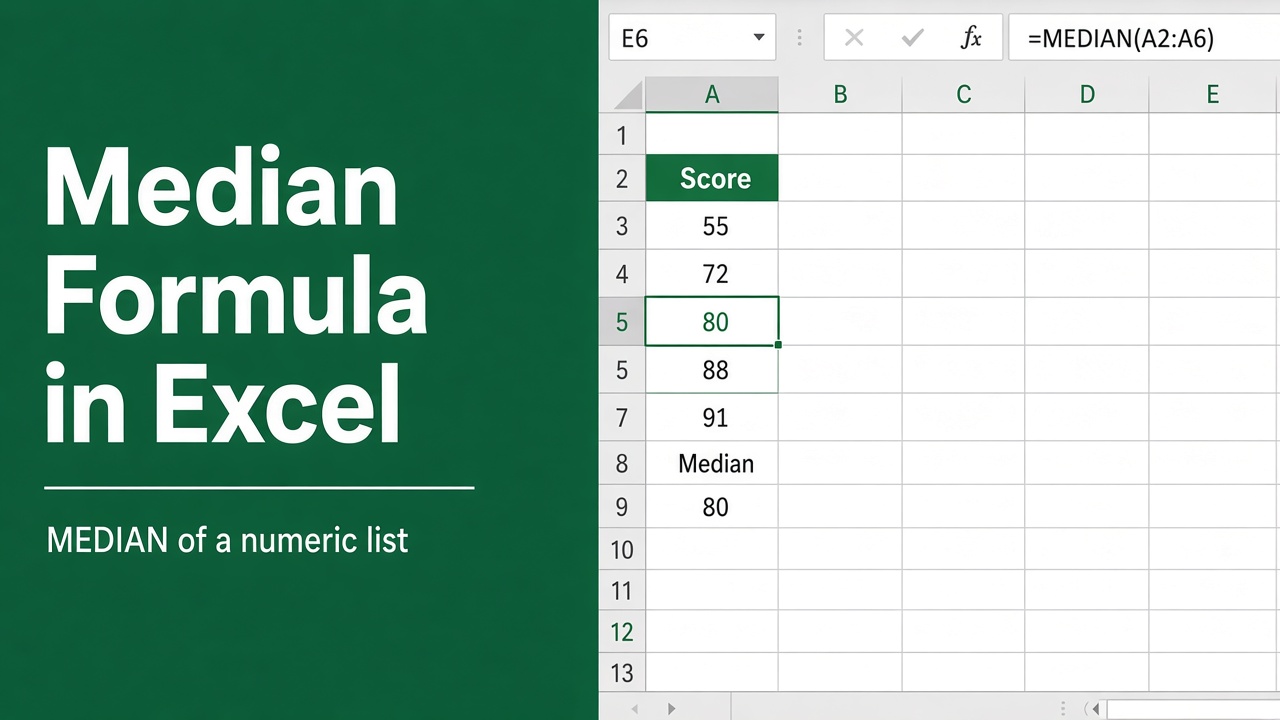
How to Calculate the Median in Excel Using Formulas?
Learn how to easily calculate the median in Excel using the MEDIAN function. Find the middle value in your dataset with just a few clicks!
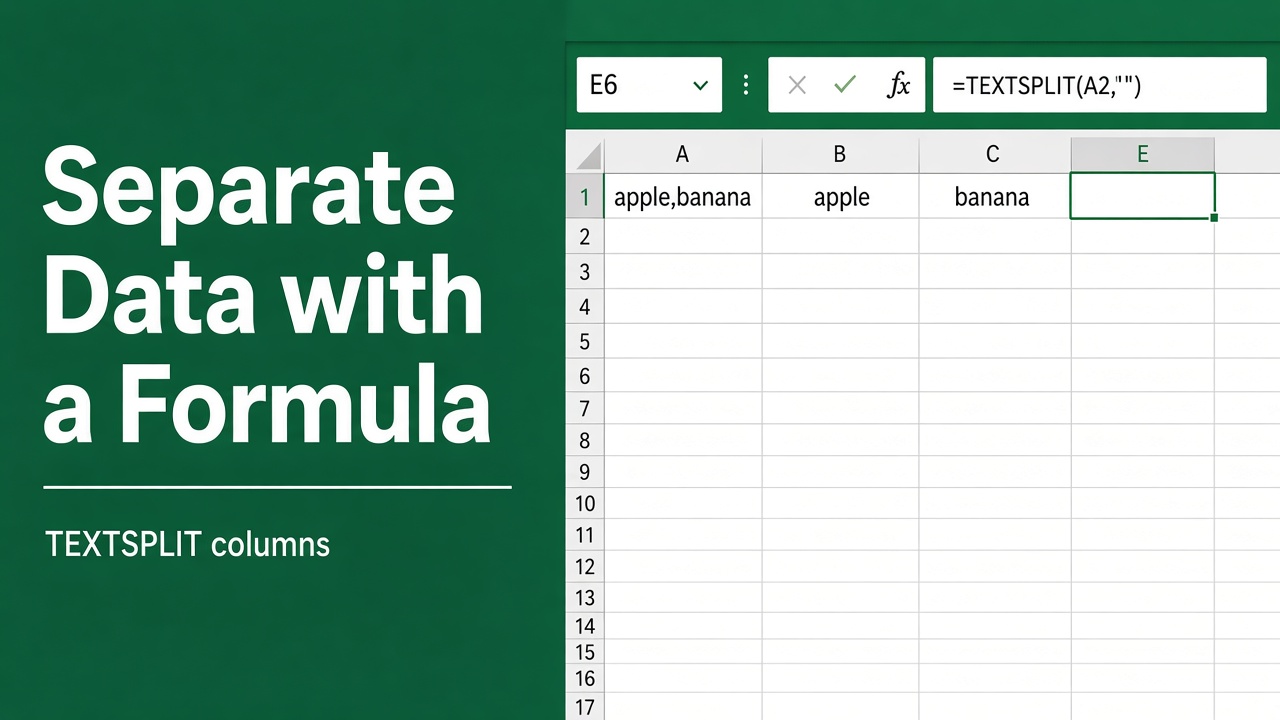
How to Separate Data in Excel Using Formula: Easy Guide
Learn powerful Excel formulas to separate data efficiently. Master LEFT, RIGHT, MID, FIND, and TEXTSPLIT functions. Boost your spreadsheet skills and save time!
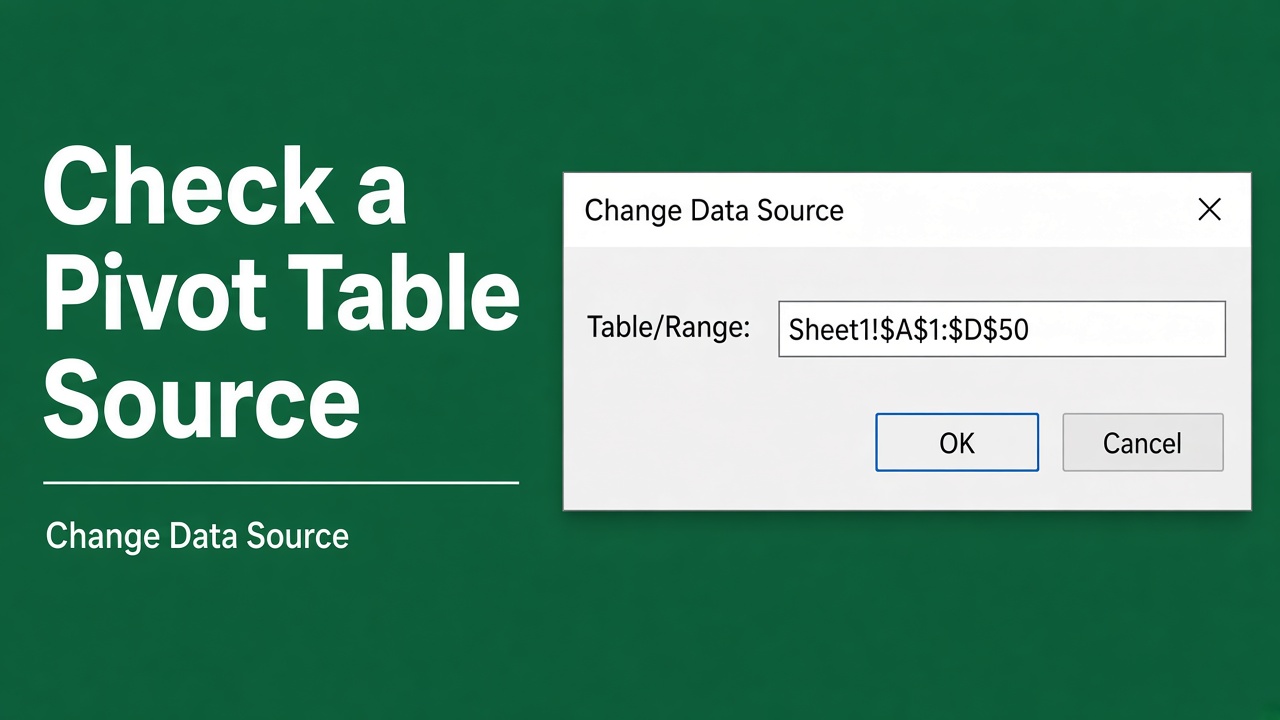
How to Check Excel Pivot Table Source: A Complete Guide
Learn how to check the source data of an Excel pivot table to verify accuracy, troubleshoot issues, and update information. Follow our step-by-step guide.
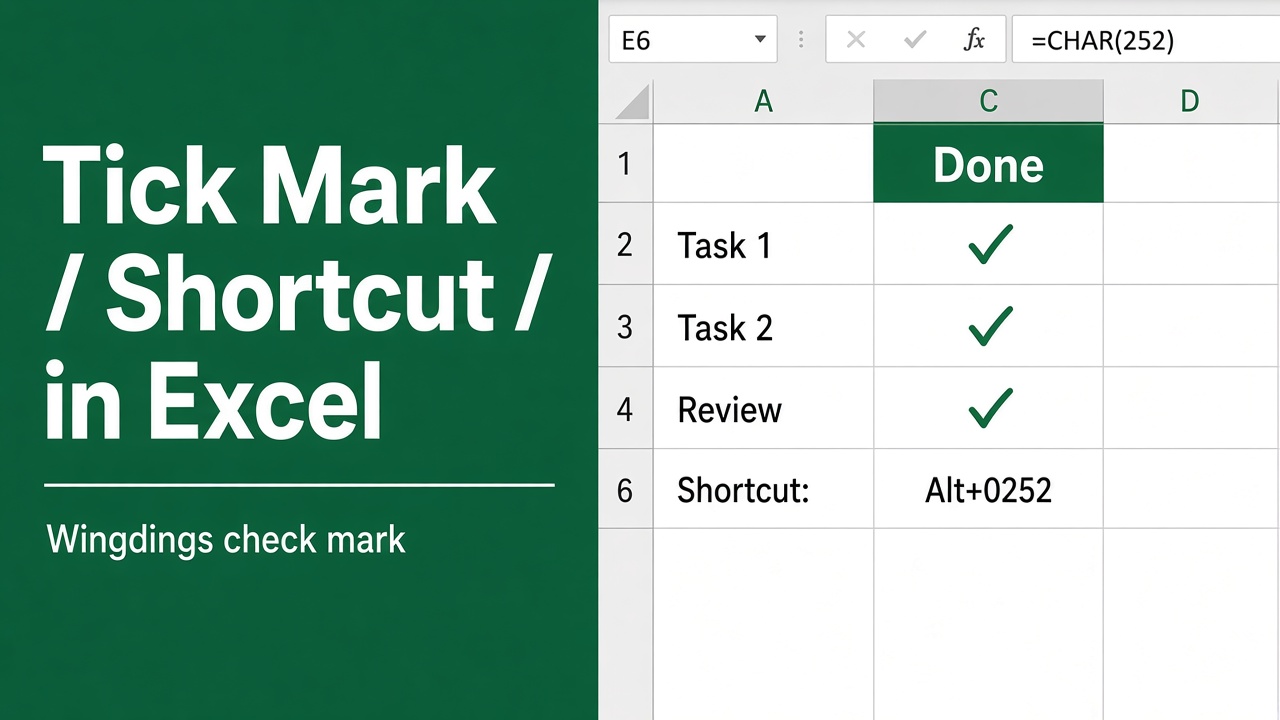
How to Insert Tick Mark in Excel Using Shortcut Key?
Learn how to insert tick marks (checkmarks) in Excel using shortcuts, symbols, and custom styles. Boost your productivity with these quick methods.
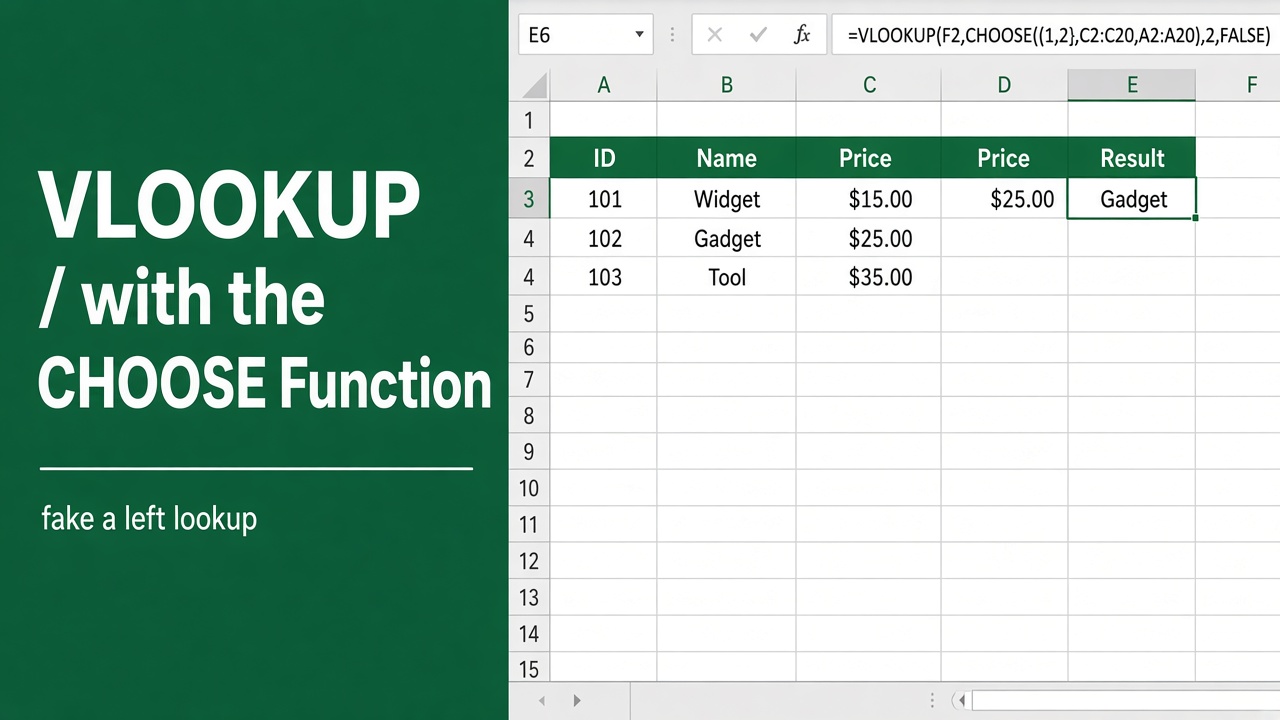
How to Use Excel VLOOKUP with CHOOSE Function: Expert Guide
Learn how to combine Excel VLOOKUP with CHOOSE function for powerful, flexible data lookups. Master dynamic table selection and boost your spreadsheet skills.
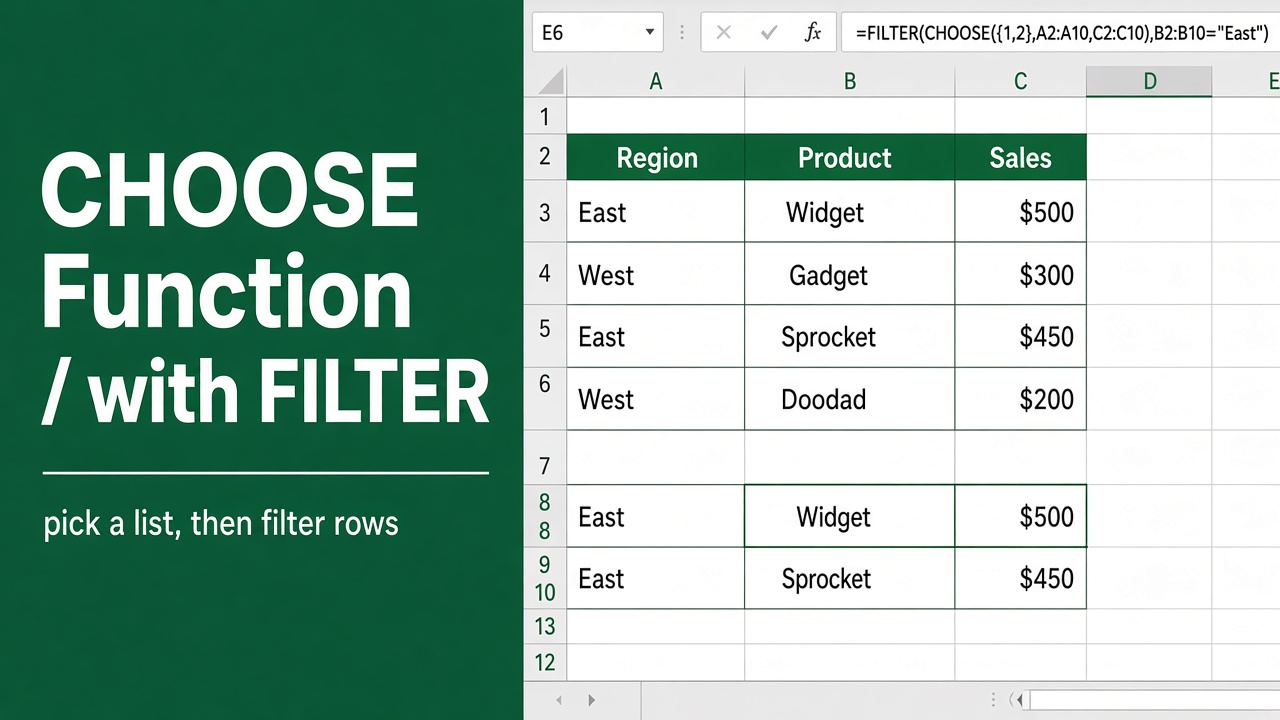
How to Use Excel’s CHOOSE Function with Filter?
Learn how to use Excel’s CHOOSE function with FILTER for powerful data analysis. Filter data dynamically based on multiple criteria using dropdown lists.