
All articles
Blog
Page 48 of 72
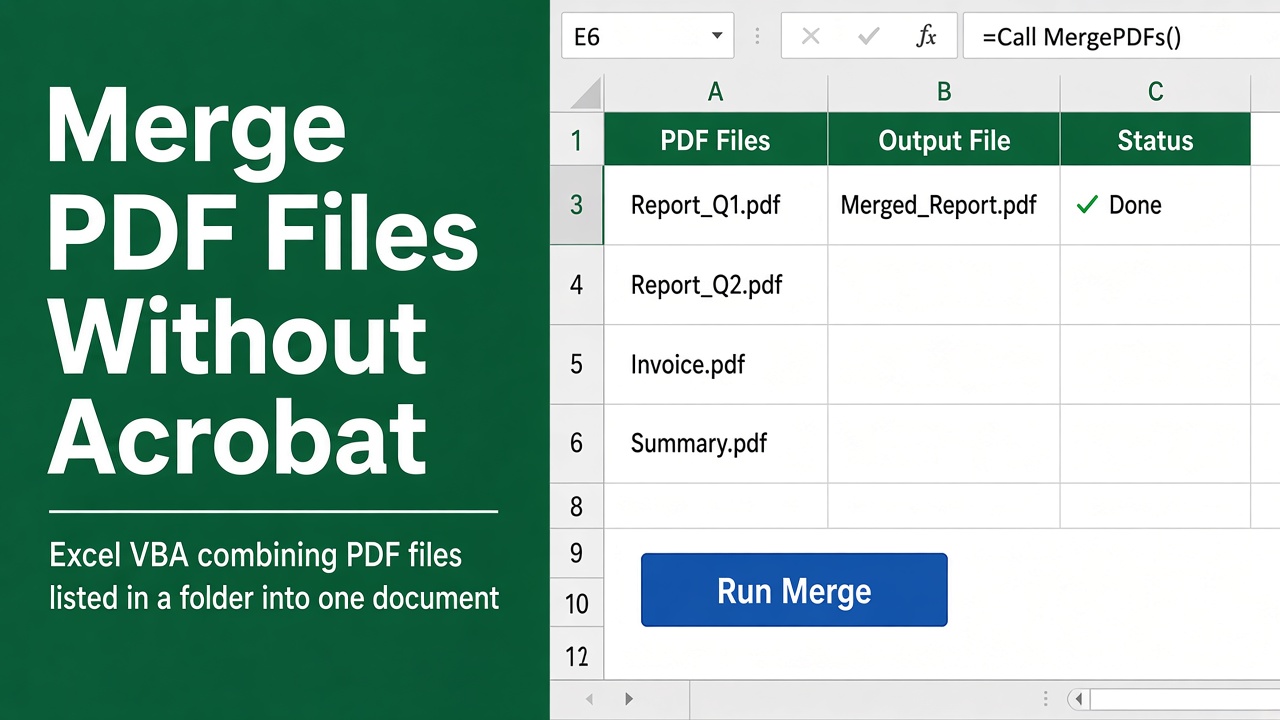
How to Merge PDF Files Using Excel VBA Without Adobe Acrobat?
Easily merge multiple PDF files into one document using Excel VBA, without needing Adobe Acrobat. Save time and effort with this free, customizable macro.
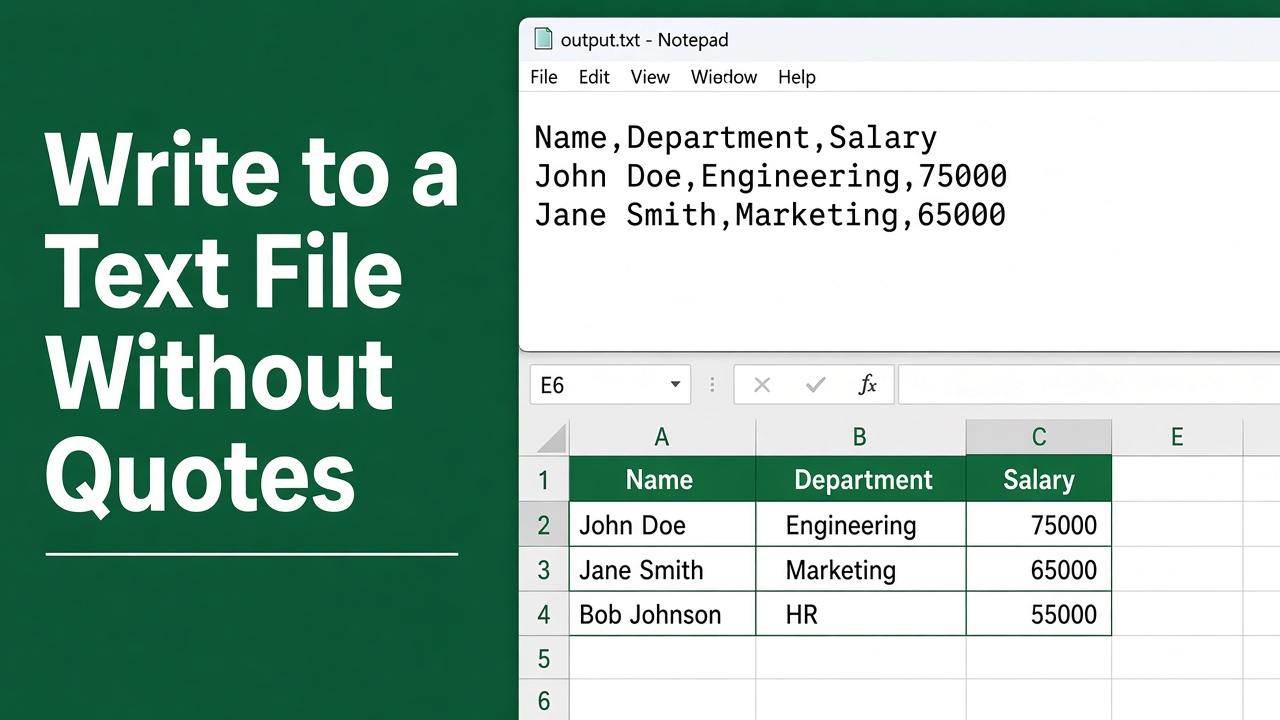
Excel VBA Write to Text File: No Quotes Guide
Master Excel VBA to write to text files seamlessly without quotes. Get the step-by-step guide to streamline your data handling with ease.
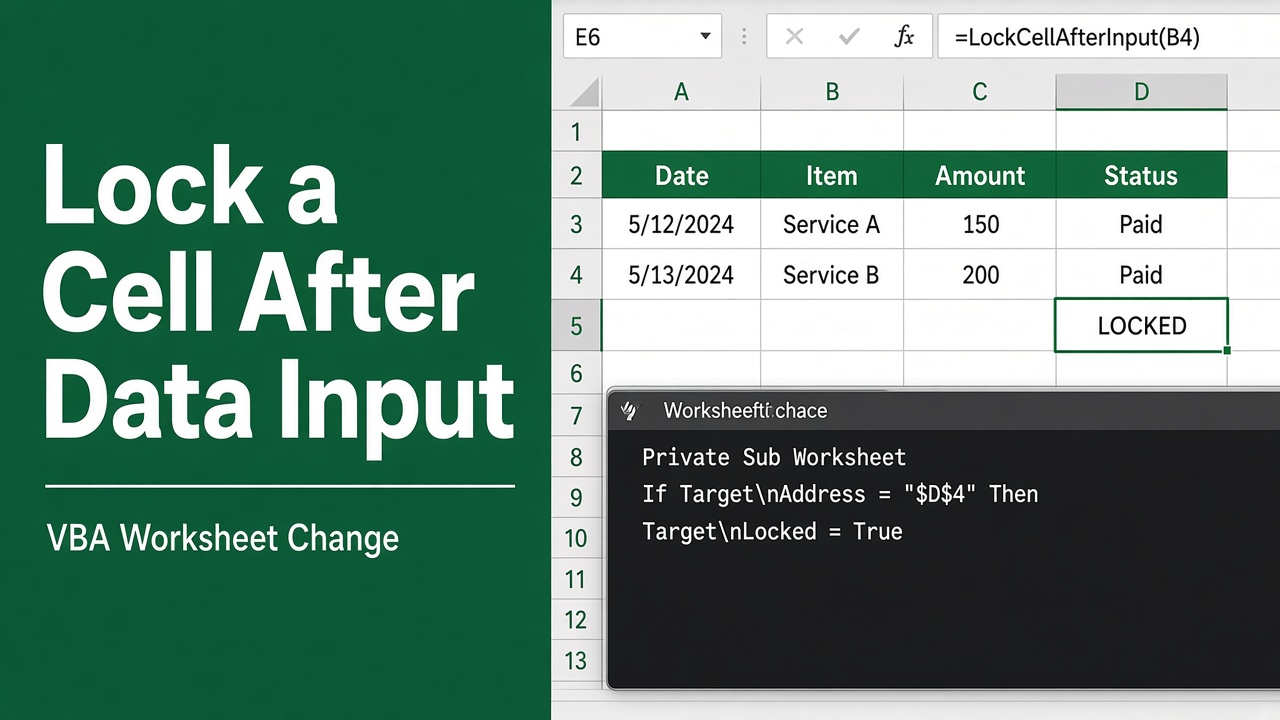
How to Lock a Cell in Excel After Data Input Using VBA?
Learn how to lock cells in Excel after data entry using VBA. Prevent accidental edits, preserve data integrity, and improve usability. Get the code now!
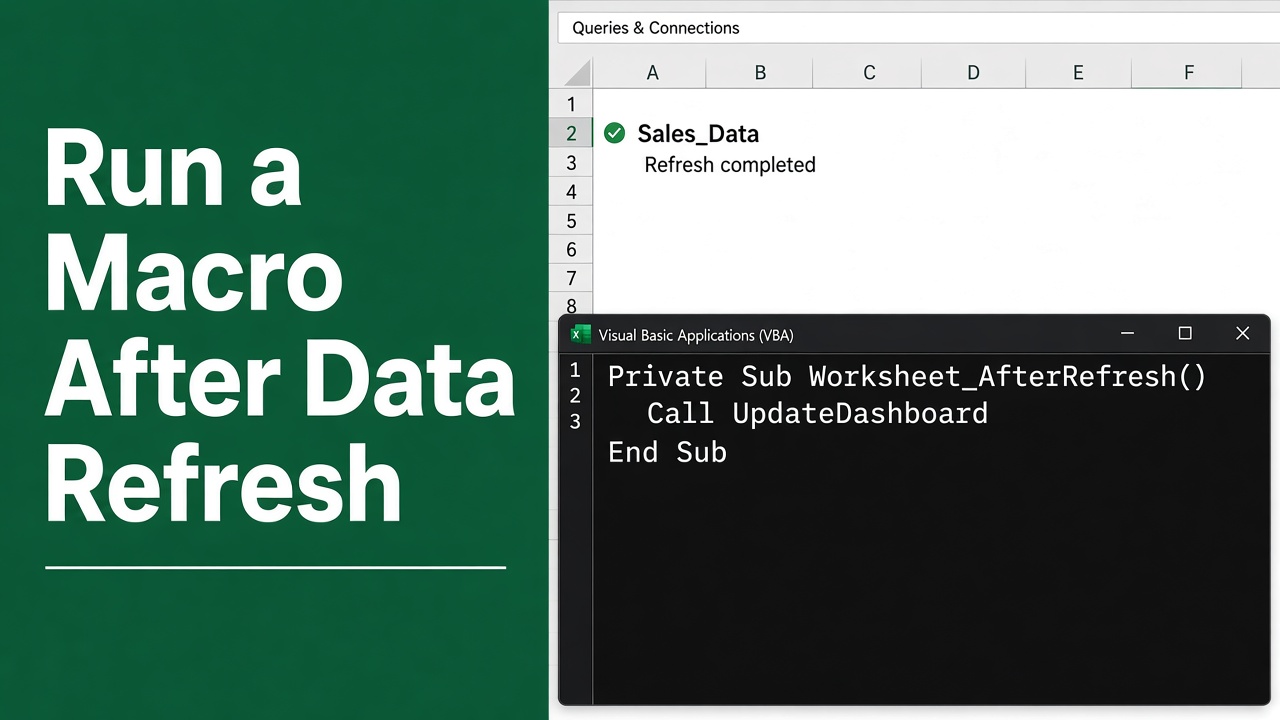
Automate Tasks with Excel VBA After Data Refresh
Streamline your workflow by learning how to excel VBA run macro after data refresh for improved efficiency and accuracy in data management.
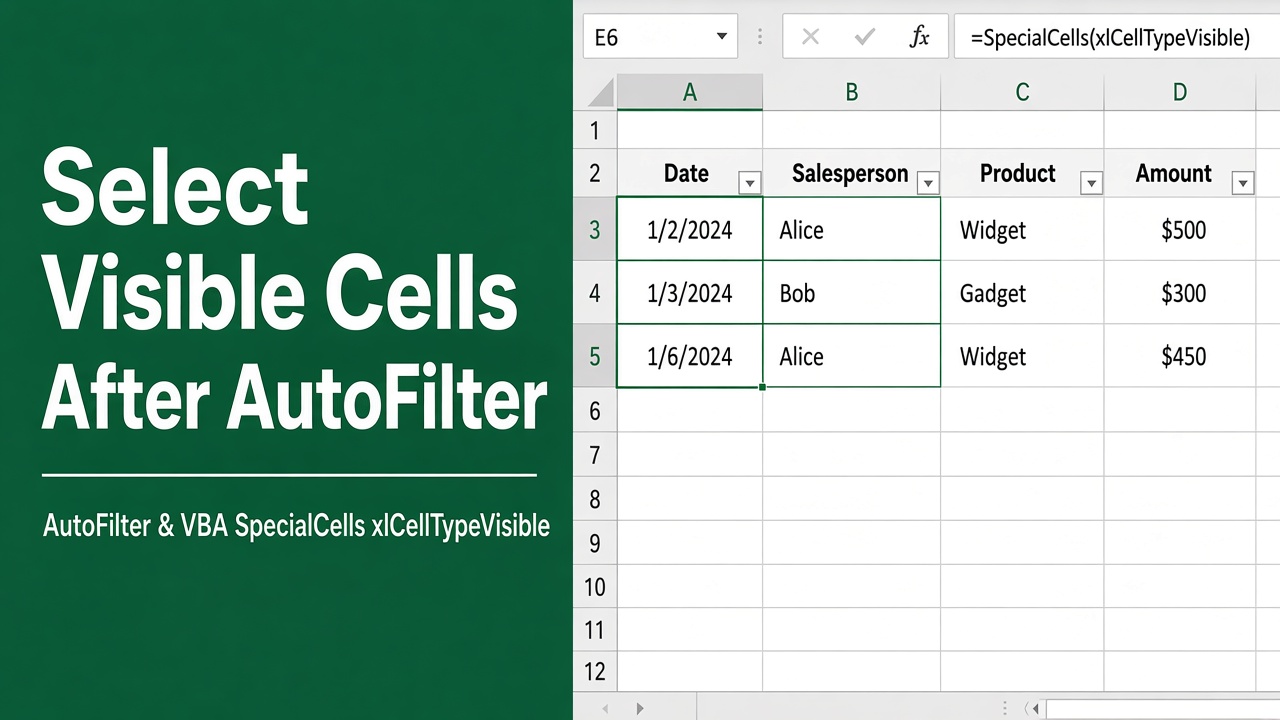
How to Select Visible Cells After Using AutoFilter in Excel VBA?
Learn to manipulate data with ease using Excel VBA to select visible cells after autofilter, optimizing your spreadsheet tasks efficiently.
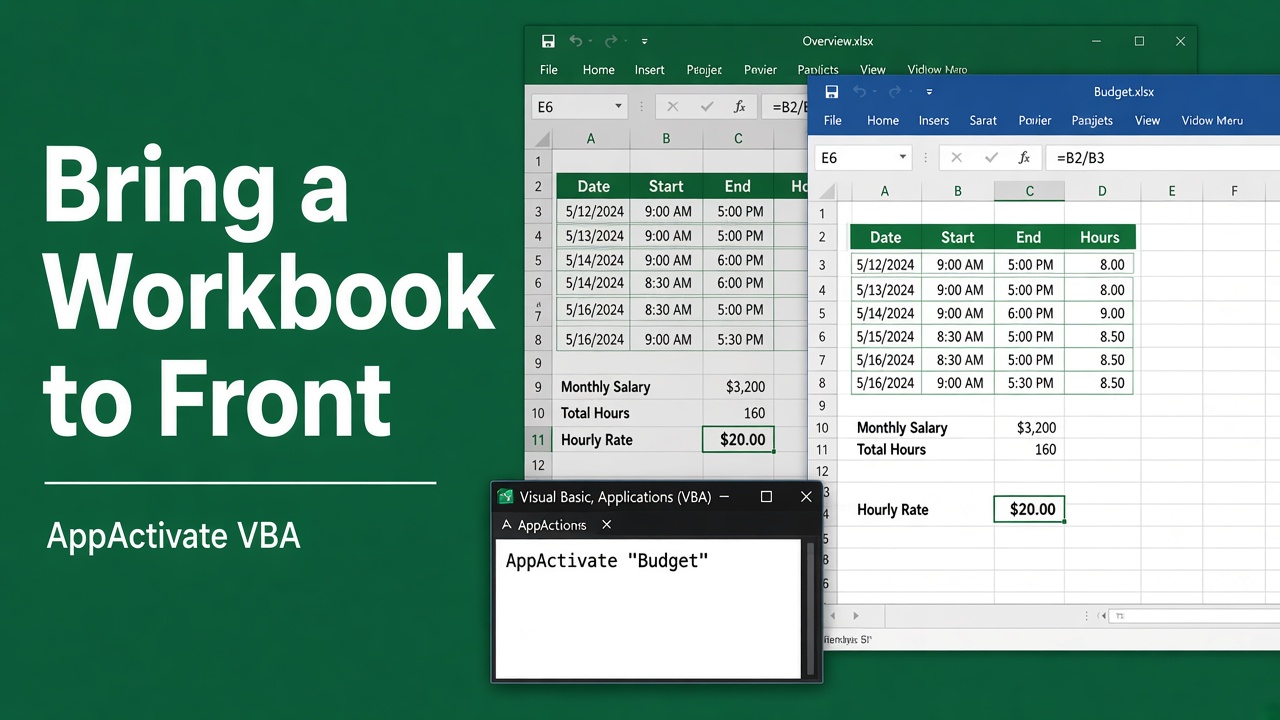
How to Bring an Excel Workbook to the Front Using VBA?
Learn how to use Excel VBA to bring a workbook to the front and make it the active window. Boost your productivity with easy-to-follow steps and code examples.
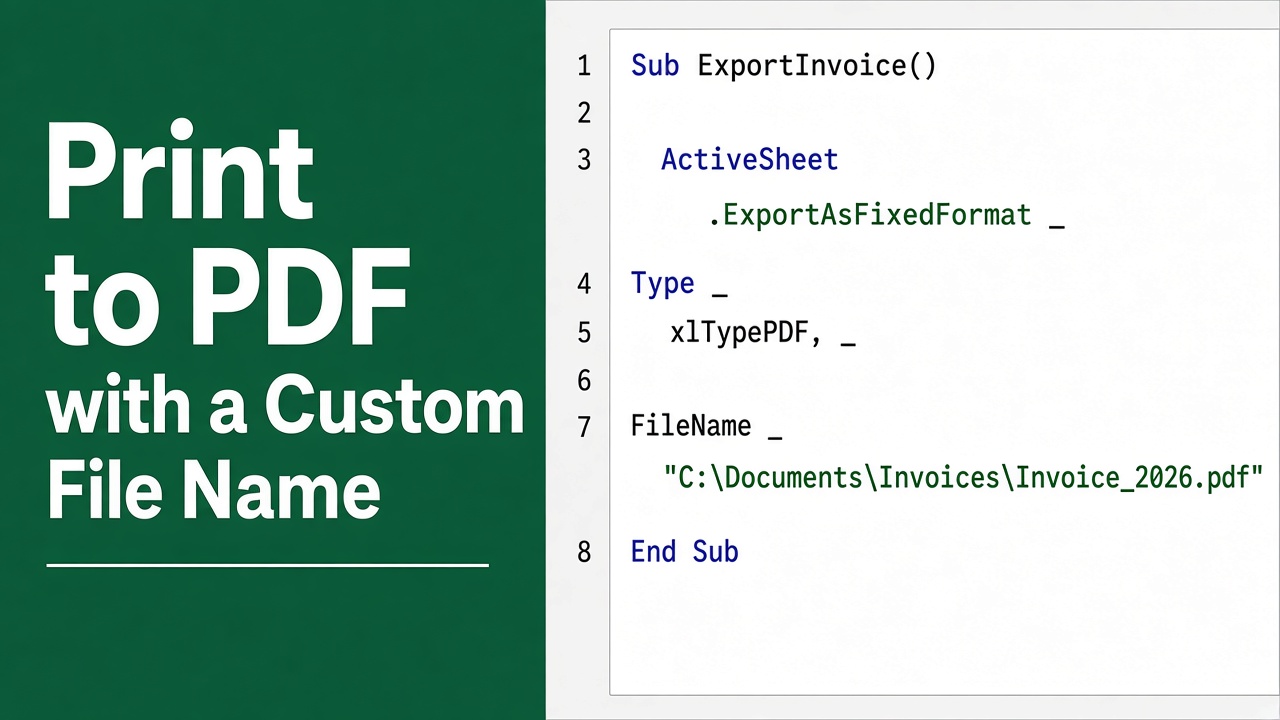
How to Use Excel VBA to Print to PDF with a Custom File Name?
Learn how to automate document creation by using Excel VBA to print sheets or ranges to PDF with a customized file name efficiently.
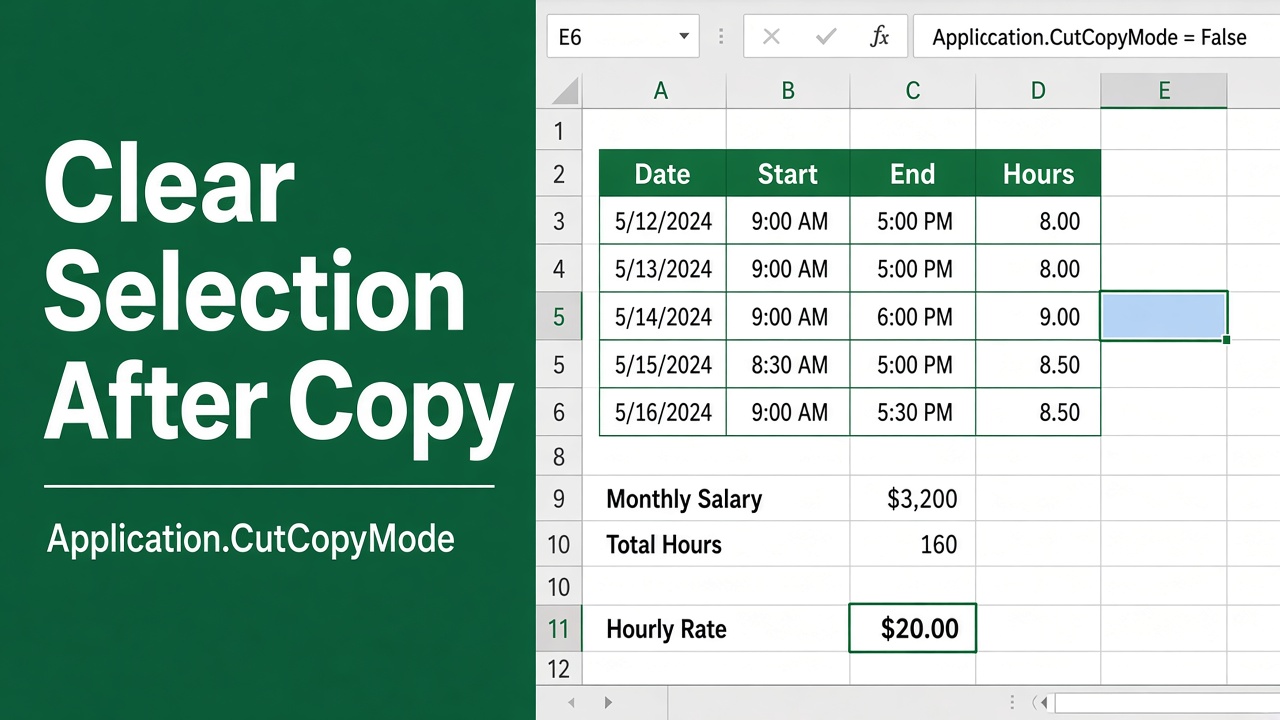
Excel VBA: Clear Selection After Copying Cells
Learn how to clear copy selection in Excel VBA using CutCopyMode. Improve your macros by removing the dotted lines after copying cells.
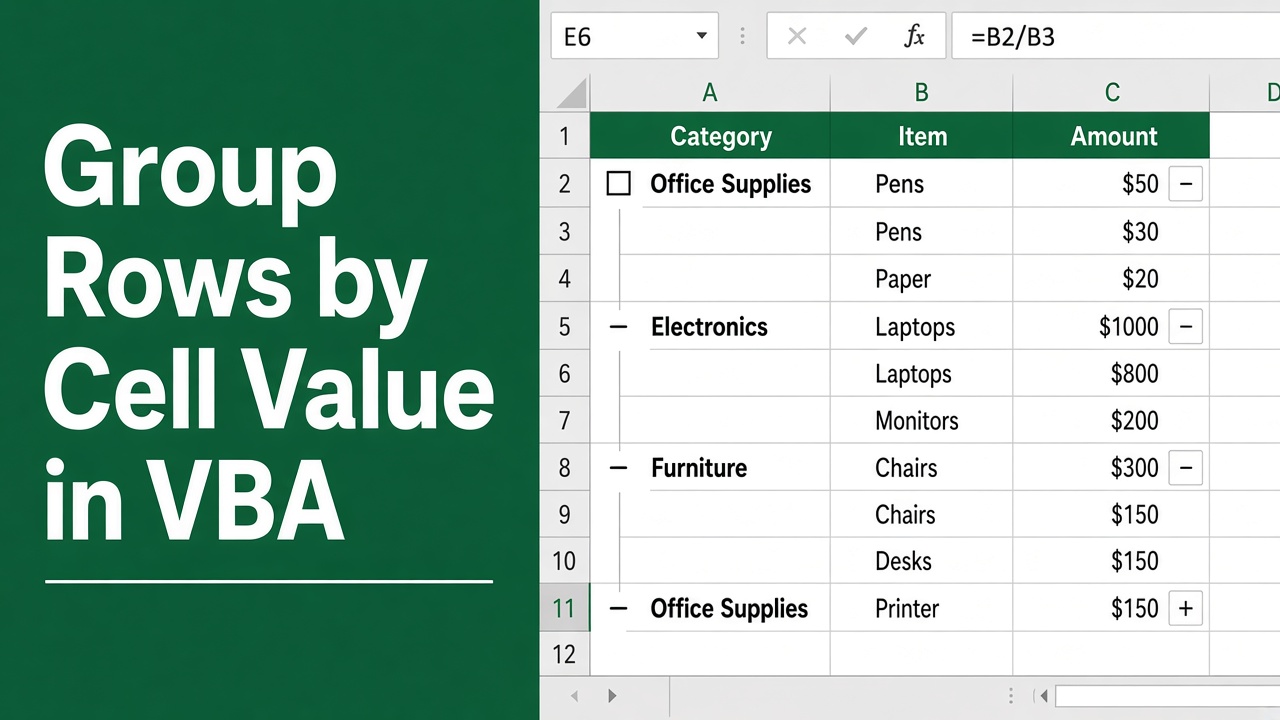
Excel VBA: Group Rows by Cell Value Efficiently
Master Excel VBA to group rows based on cell value, streamlining data management and analysis for improved productivity.
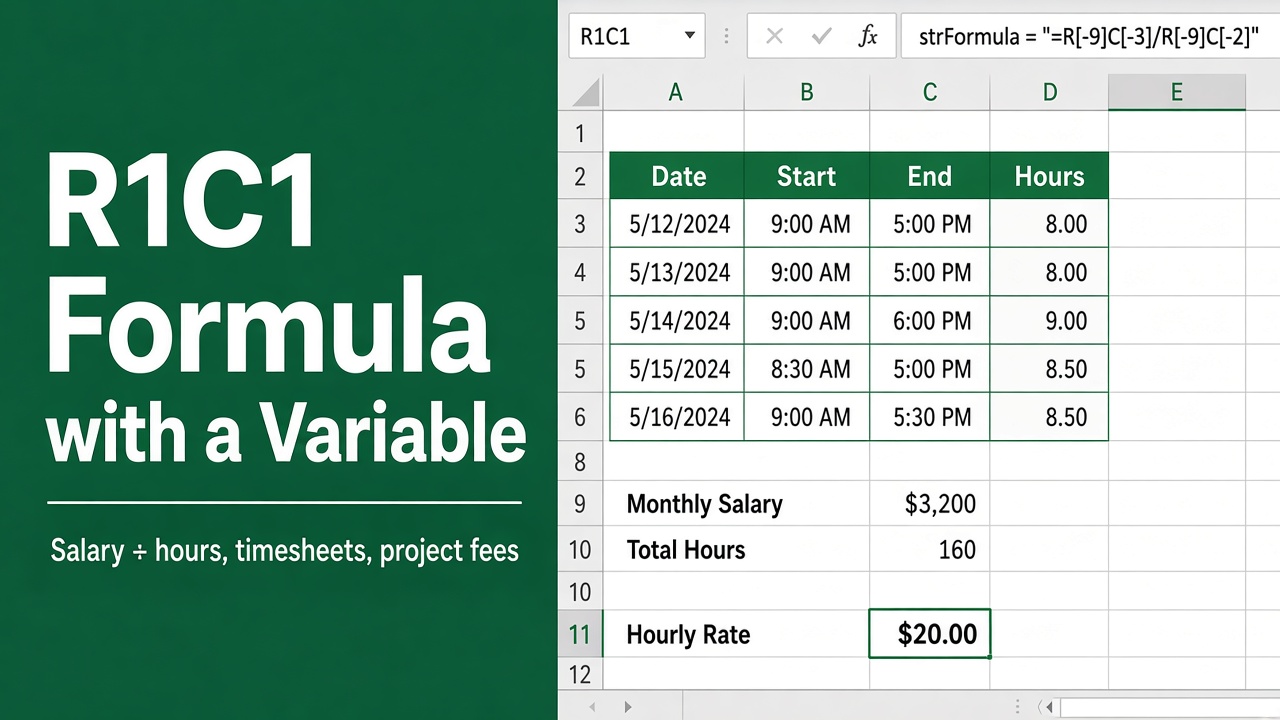
Excel VBA R1C1 Formula with Variable Guide
Master Excel VBA R1C1 formulas with variables. Get a step-by-step guide to automating your data tasks efficiently. Click to learn more!