
All articles
Blog
Page 49 of 72
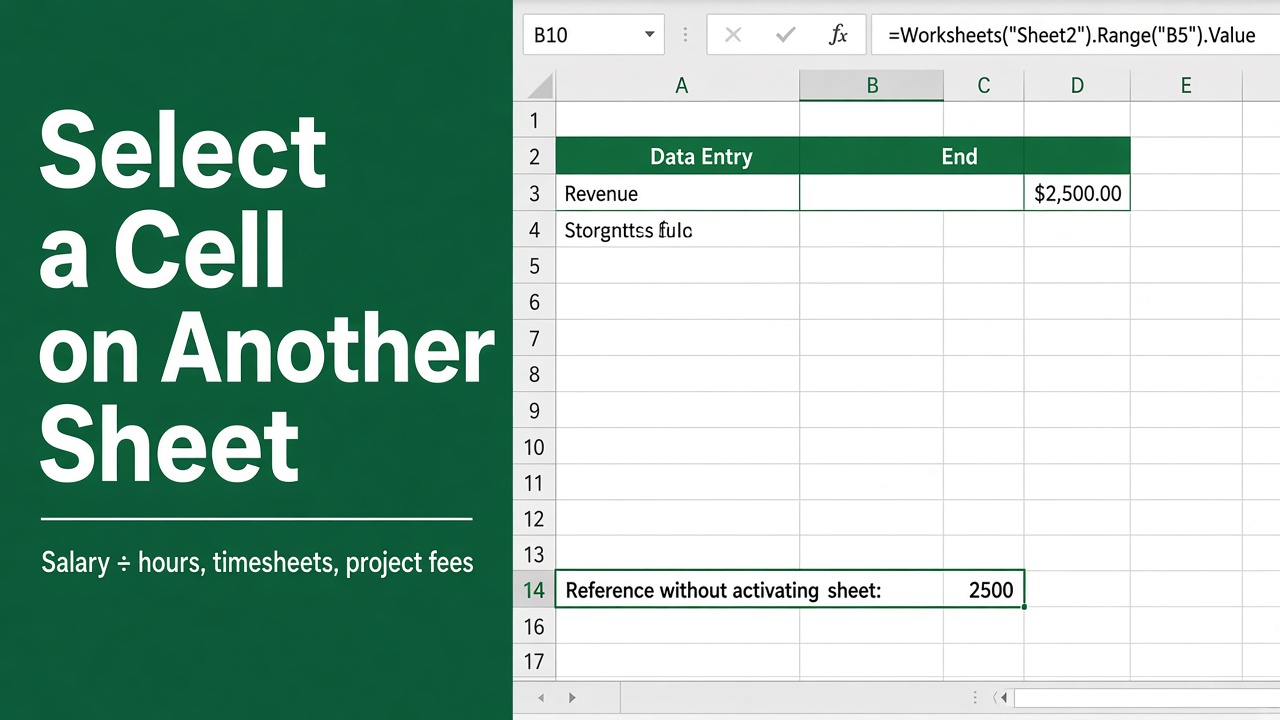
How to Select a Cell on Another Sheet in Excel VBA Without Activating?
Learn to use Excel VBA to select a cell on another sheet without activating it, streamlining your workbook navigation and automation.
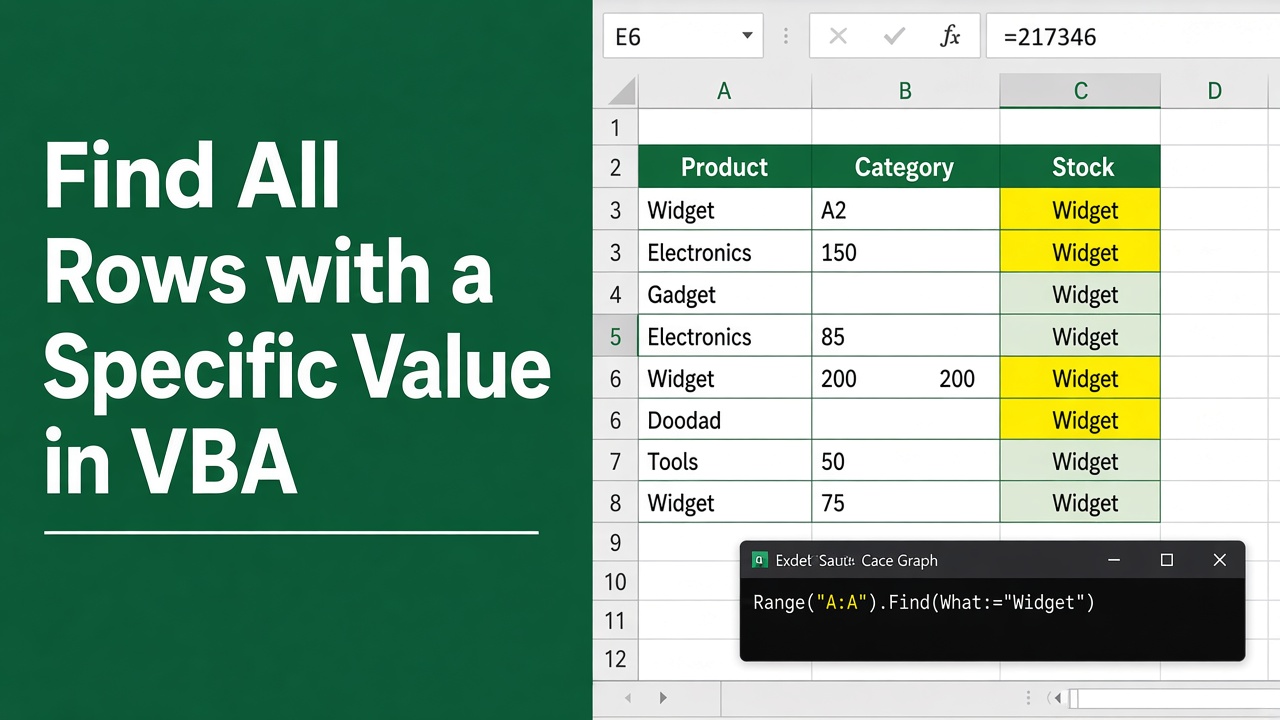
How to Find All Rows with a Specific Value in Excel VBA?
Learn how to find all rows with a specific value in Excel VBA. Optimize your search using Find, variables, and loops. Boost efficiency with tips and examples.
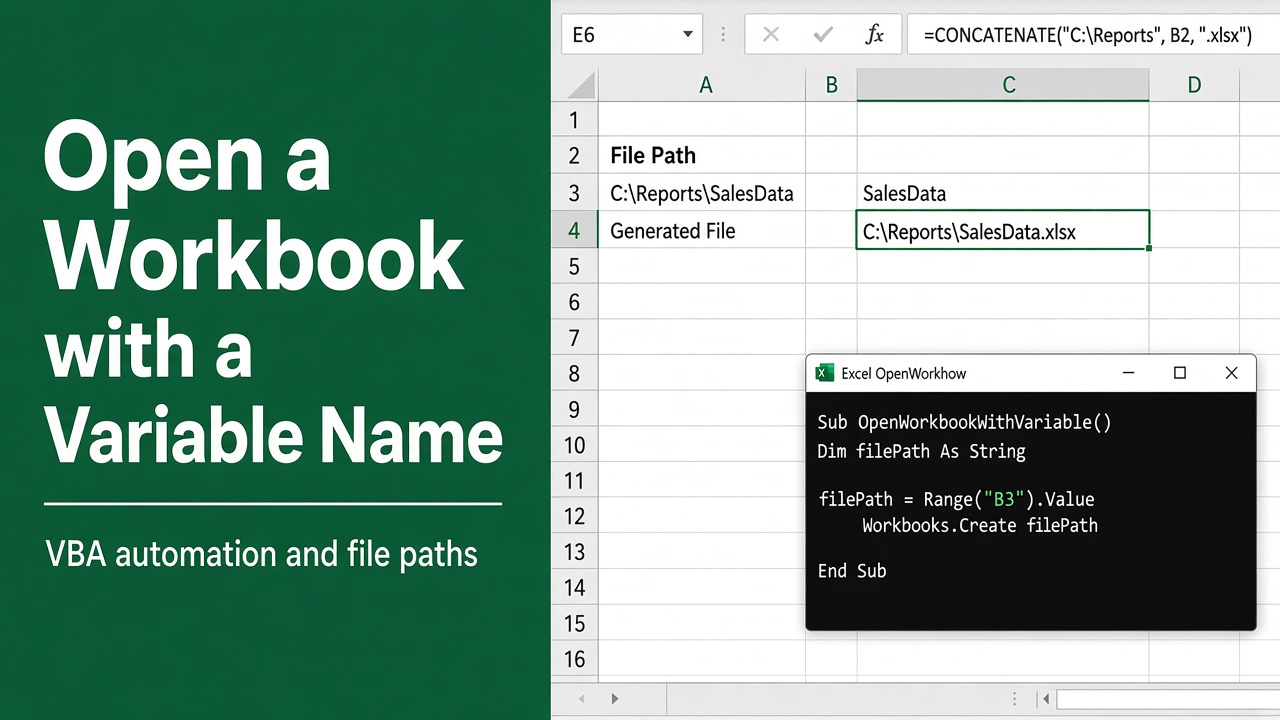
How to Open an Excel Workbook with a Variable Name Using VBA?
Learn how to open an Excel workbook with a variable name using VBA. Discover best practices for dynamic file paths, error handling, and more.
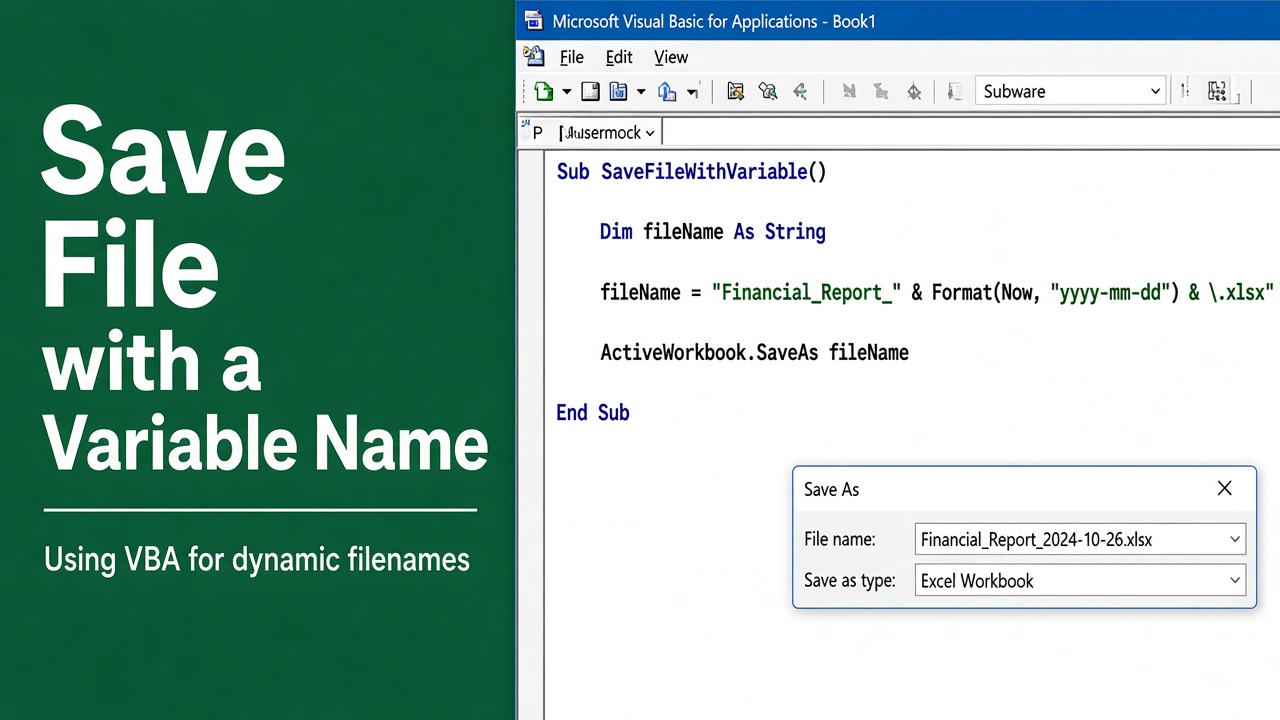
Excel VBA Save File with Variable Name Guide
Master the technique of automating your workflow by learning how to excel VBA save file with variable name for dynamic data management.
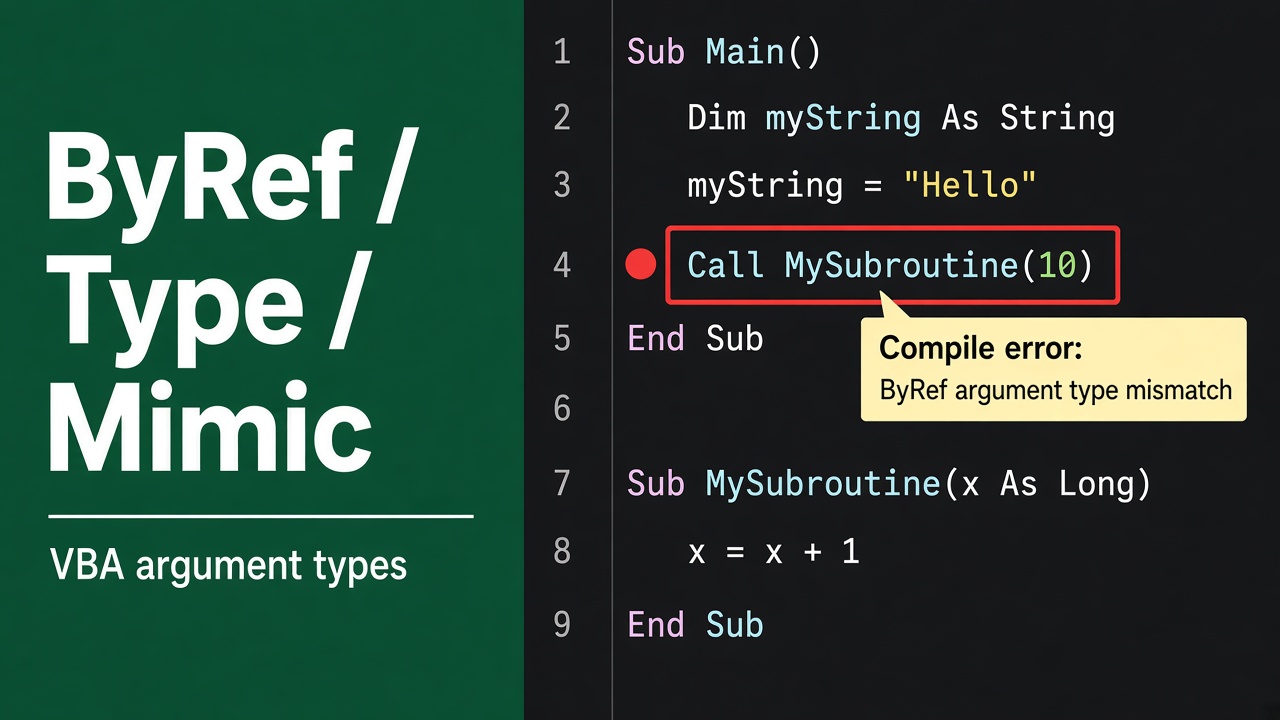
Solving Excel VBA ByRef Argument Type Mismatch
Troubleshoot the common excel vba byref argument type mismatch error with our step-by-step guide to get your macros running smoothly.
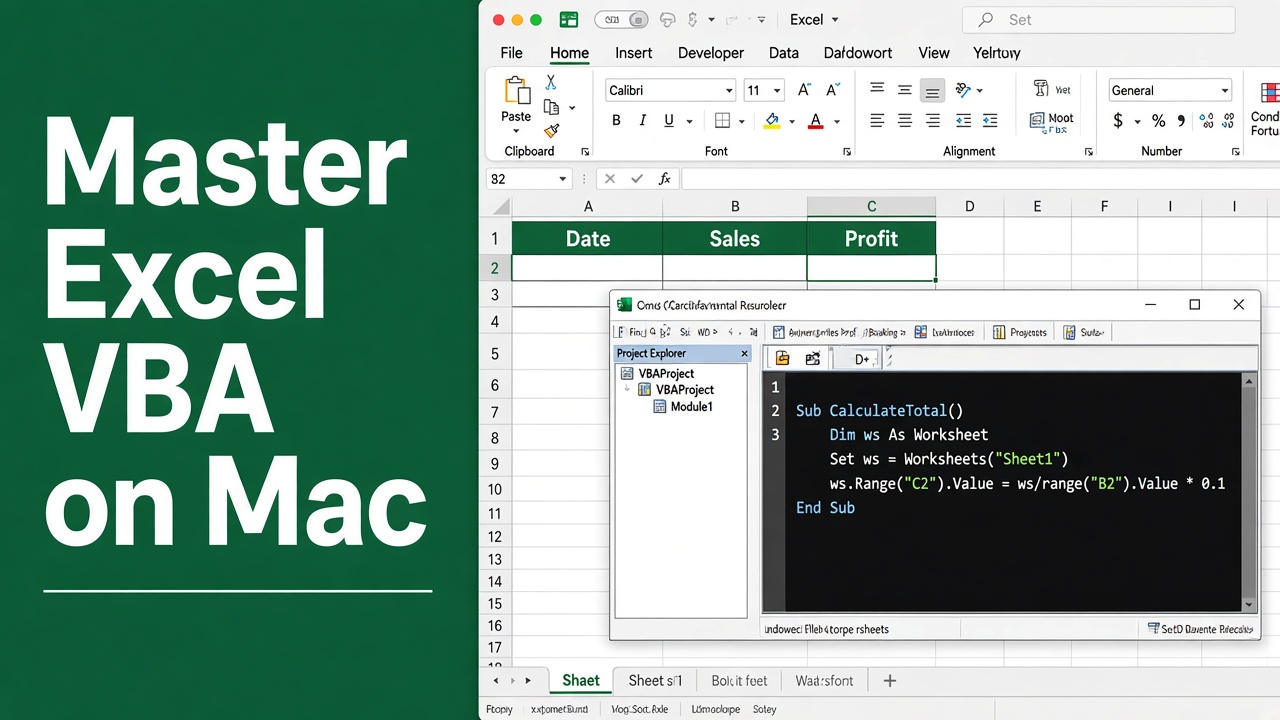
Master Excel VBA on Mac: Tips & Tricks
Unlock the full potential of Excel VBA on Mac with our expert tips and tricks to optimize your spreadsheet tasks. Dive in for seamless automation!
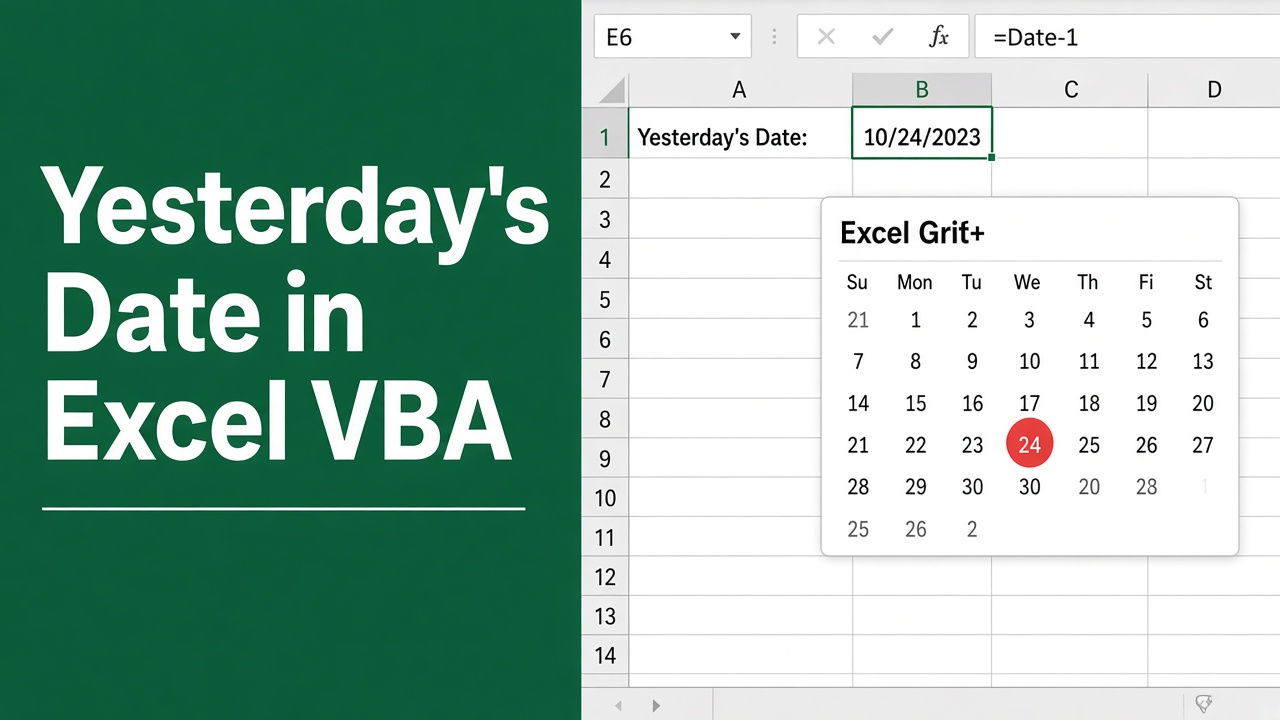
Excel VBA Yesterday’s Date – Easy Code Guide
Get a step-by-step tutorial on how to use Excel VBA to automatically input yesterday’s date into your spreadsheets efficiently.
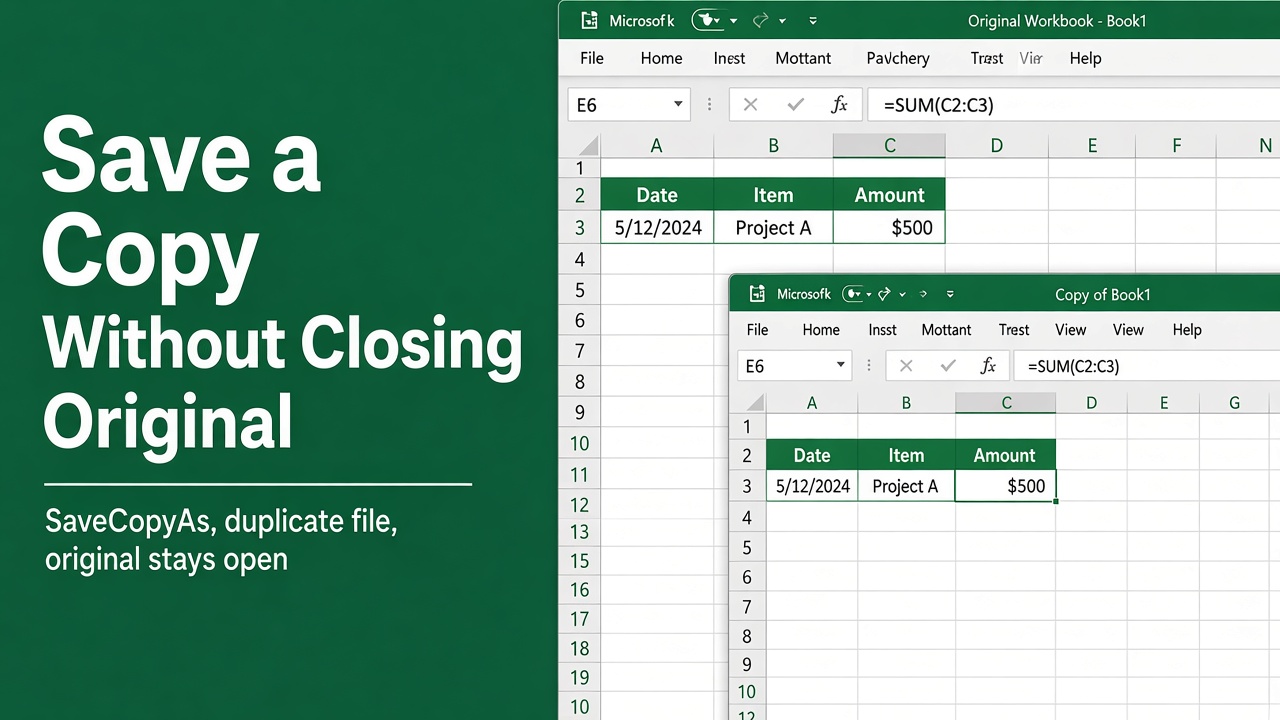
Save Excel Workbook Copy with VBA Without Closing
Learn how to use Excel VBA to save a copy of your workbook seamlessly without closing the original document. Quick and efficient guide.
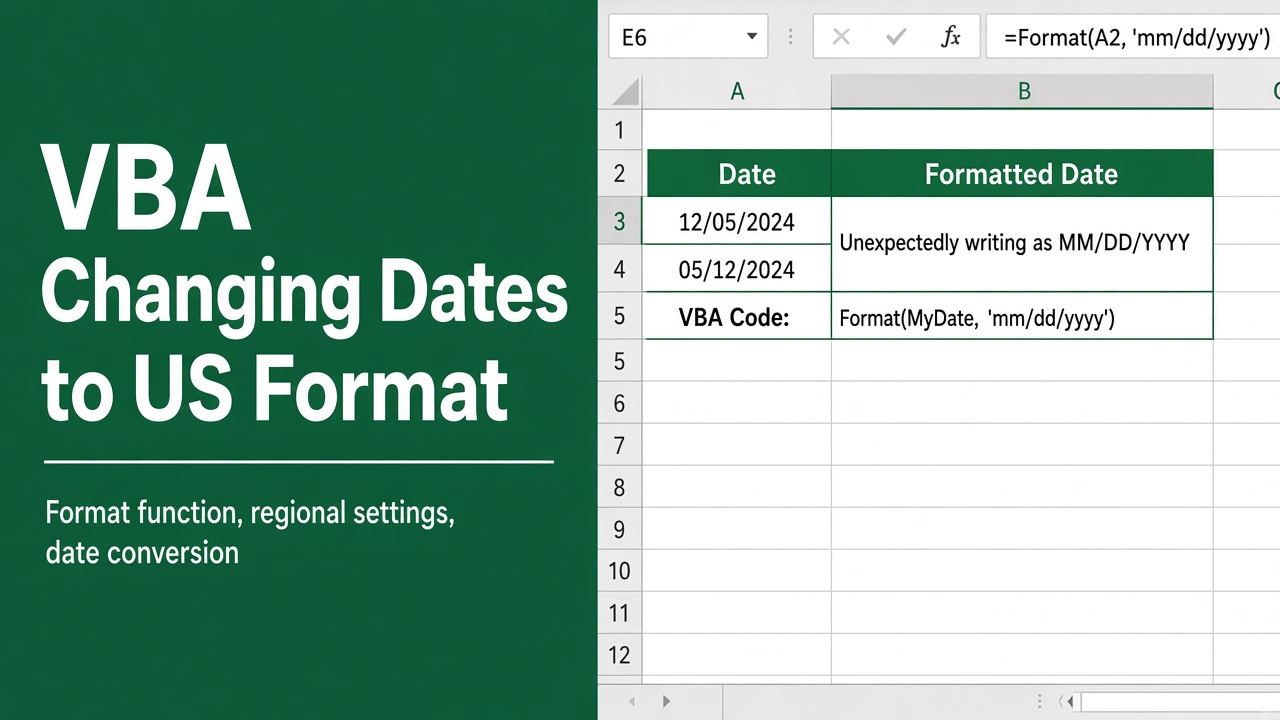
Why Does VBA Excel Keep Changing My Date Format to US Style?
Struggling with VBA Excel as it converts dates to the American format? Learn quick fixes to maintain your preferred date settings.
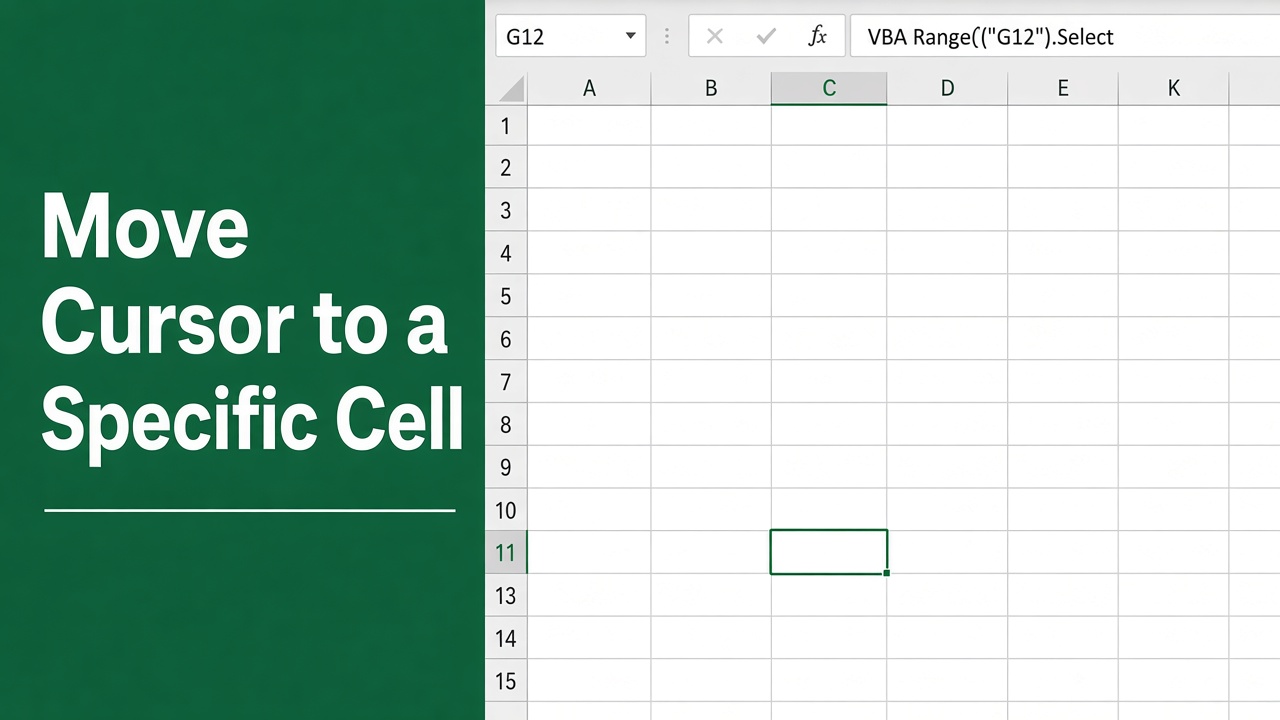
Excel VBA: Move Cursor to a Specific Cell Easily
Learn to master Excel VBA to move your cursor directly to a specific cell, enhancing navigation and efficiency in your spreadsheets.