
All articles
Blog
Page 6 of 72
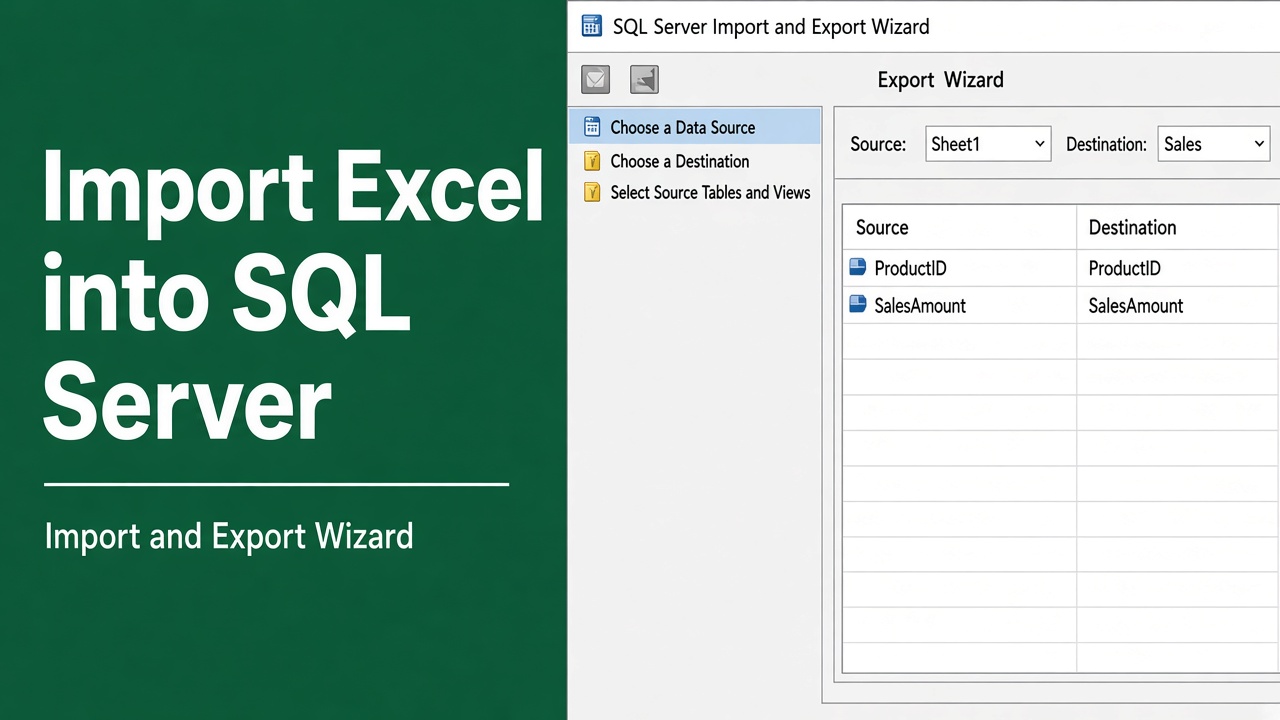
How to Import Excel Data into SQL Server? (5 Easy Methods)
Import Excel data into SQL Server easily with step-by-step methods, T-SQL, SSIS, and BULK INSERT. Learn best practices and avoid common errors.
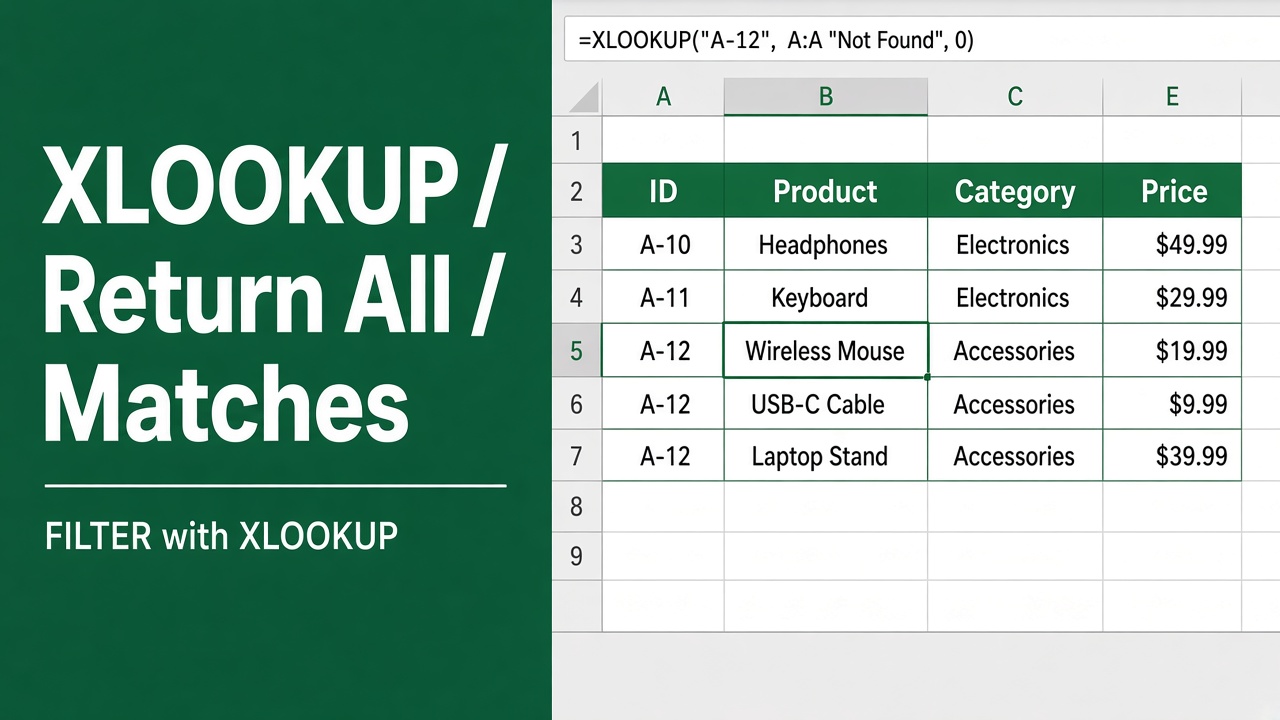
How to Make XLOOKUP Return All Matches? (5 Easy Methods)
Learn how to make XLOOKUP return all matches in Excel using FILTER, SEQUENCE, TEXTJOIN, INDEX-SMALL, and Power Query with step-by-step examples.
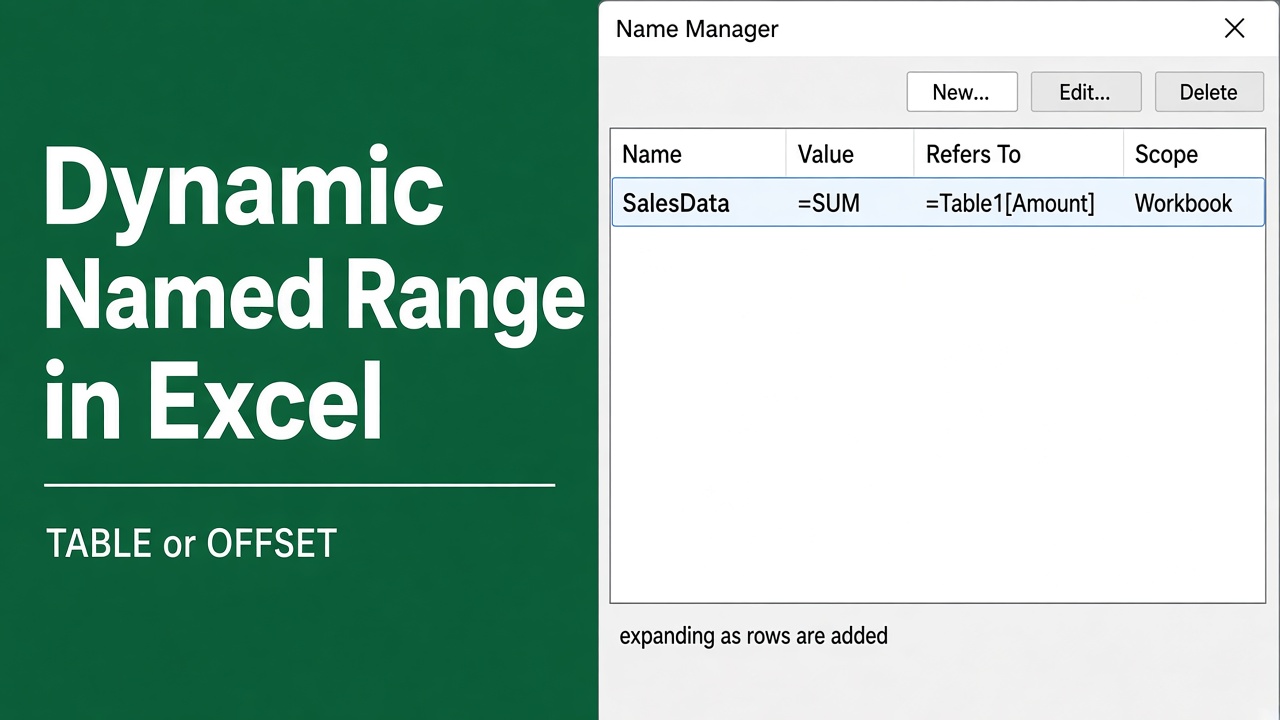
How to Create a Dynamic Named Range in Excel: Easy Guide
Create a dynamic named range in Excel with tables, OFFSET, and INDEX. Automate formulas, charts, and pivot tables for accuracy and efficiency.
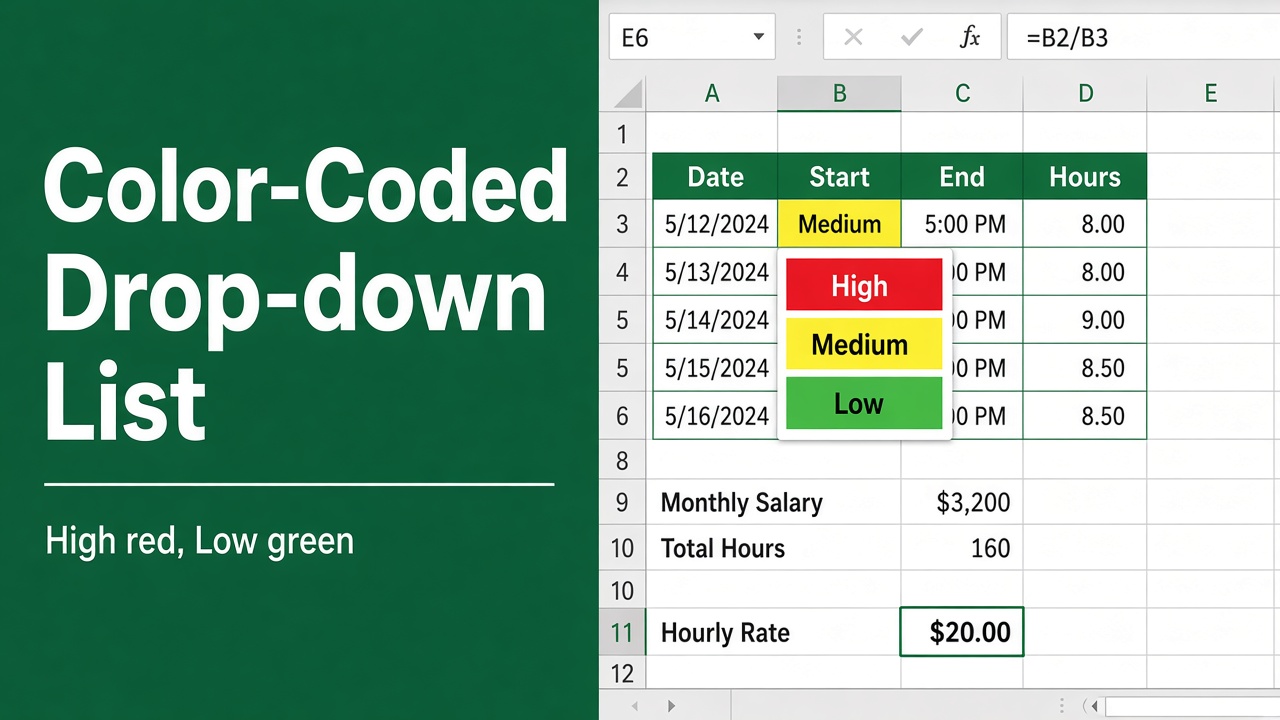
How to Create a Color-Coded Drop-Down List in Excel?
Learn how to create a color-coded drop-down list in Excel. Step-by-step guide to organize, highlight and manage data efficiently.
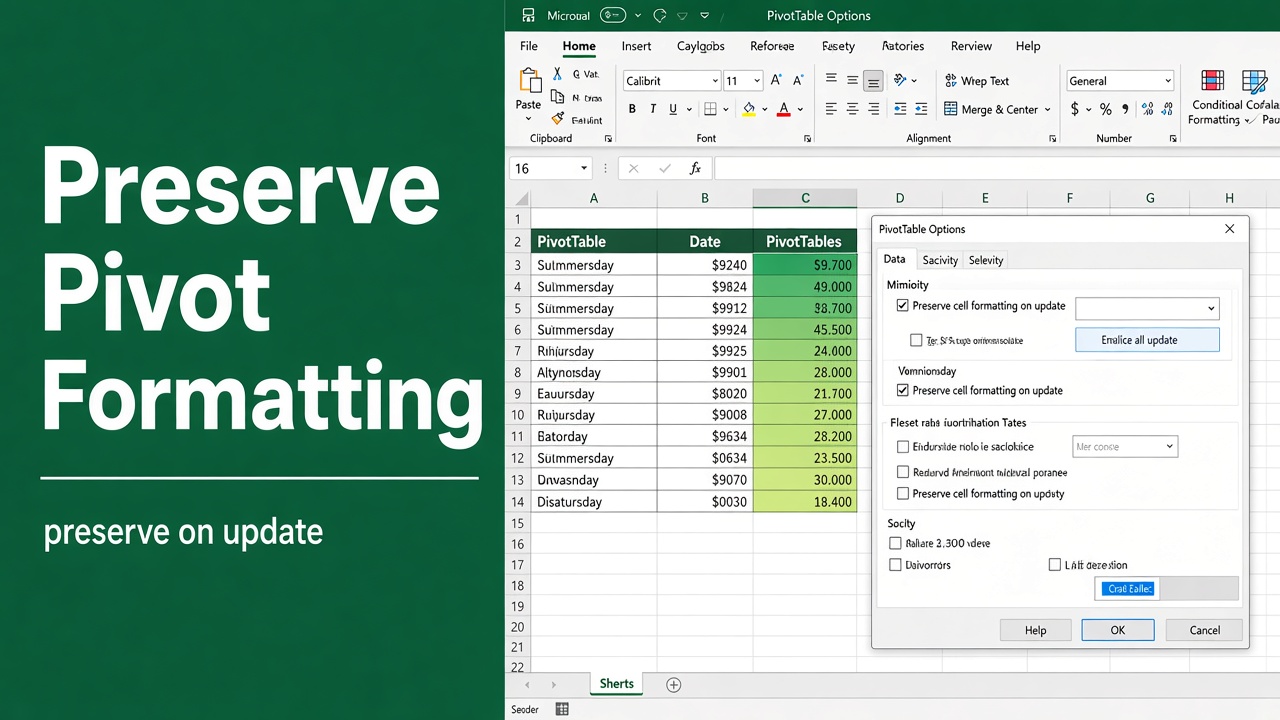
How to Preserve Conditional Formatting in Pivot Table?
Learn how to preserve conditional formatting in Excel pivot tables. Step-by-step guide with four proven methods to maintain formatting after data refresh.
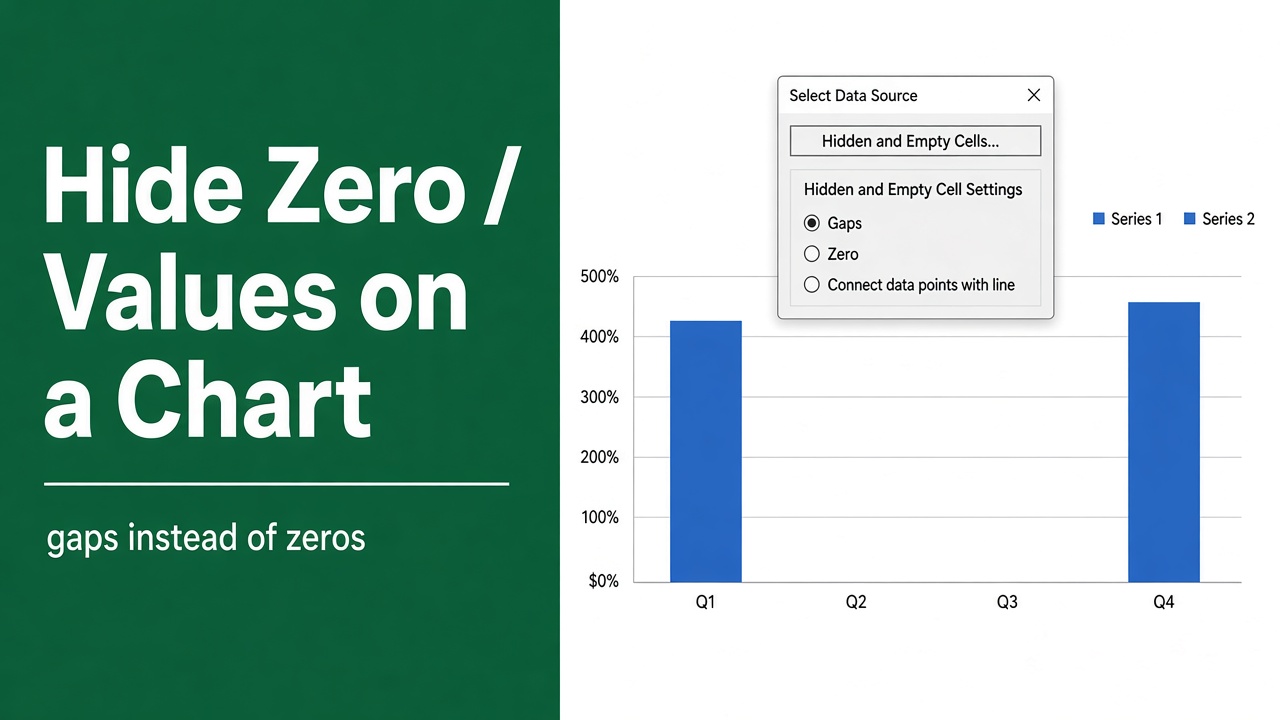
How to Hide Zero Values in Excel Chart? (9 Easy Methods)
Hide zero values in Excel charts easily. Learn simple methods using formulas, formatting, and chart settings for cleaner, accurate visuals.
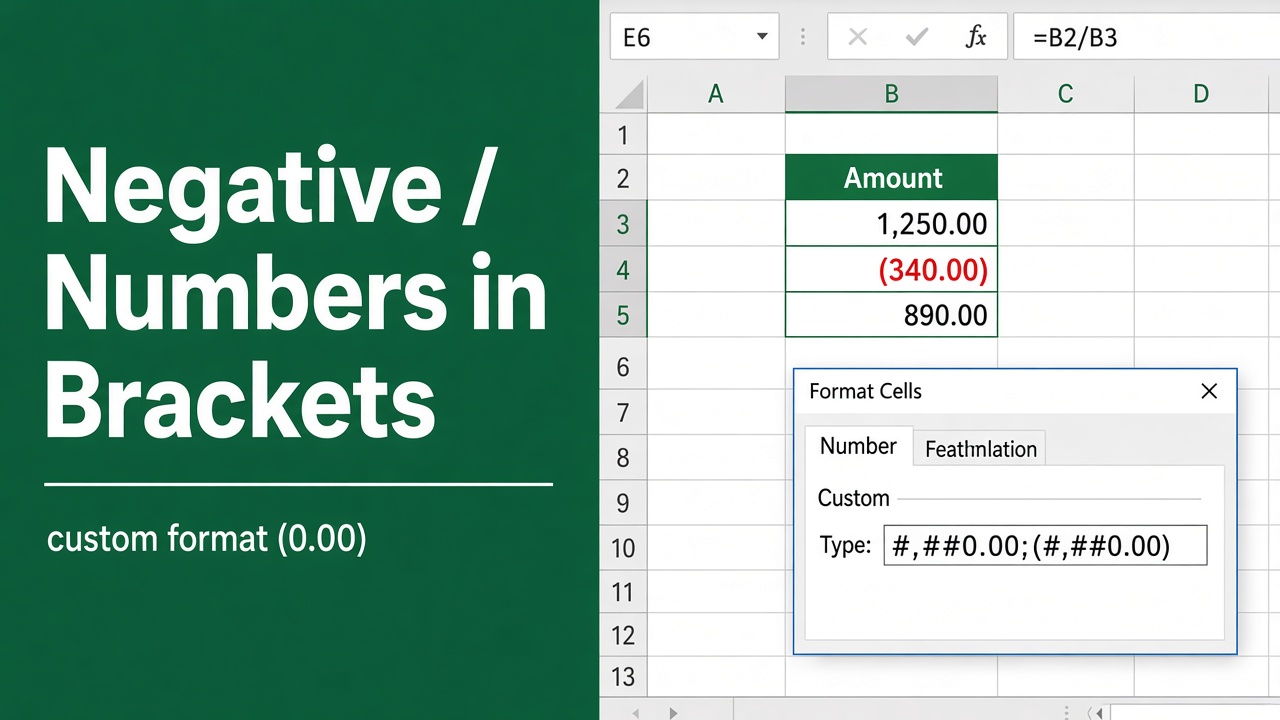
How to Display Negative Numbers in Brackets in Excel?
Learn how to display negative numbers in brackets in Excel using number formats, accounting style, and custom formatting for clear financial reports.
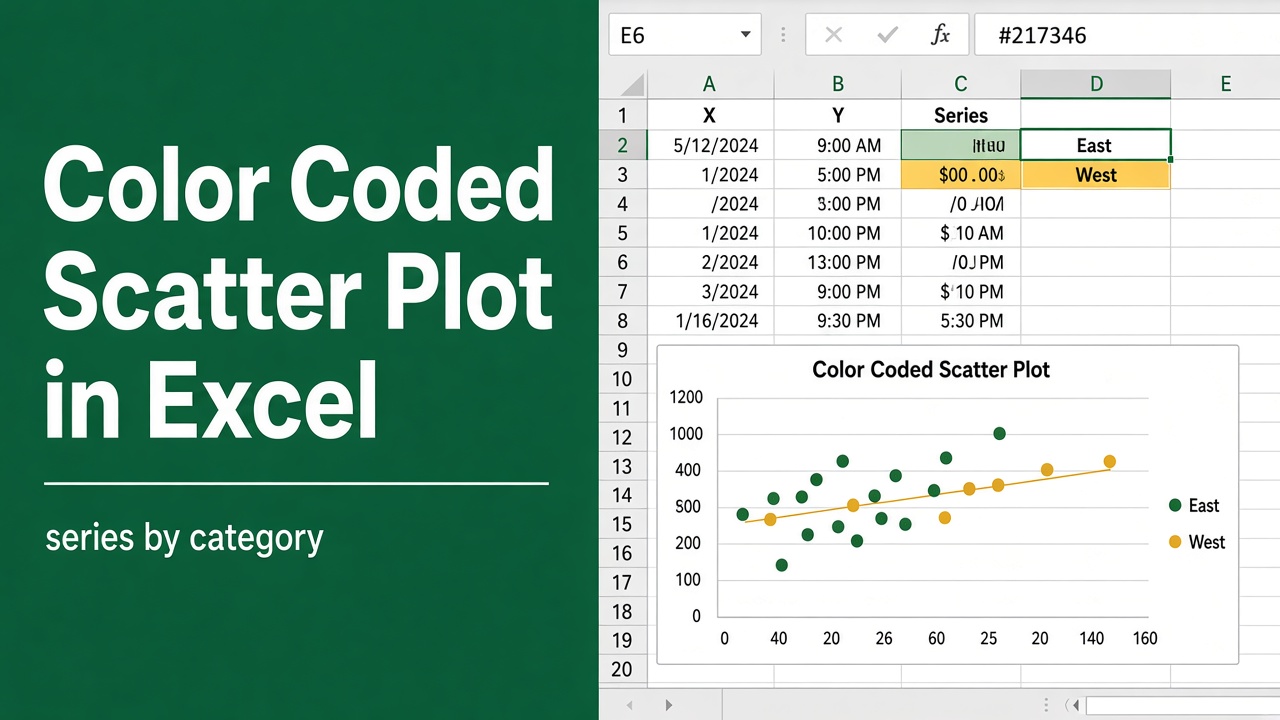
How to Create a Color Coded Scatter Plot in Excel?
Create a color coded scatter plot in Excel easily. Learn step-by-step methods, formatting tips, and visualization tricks for clear data analysis.
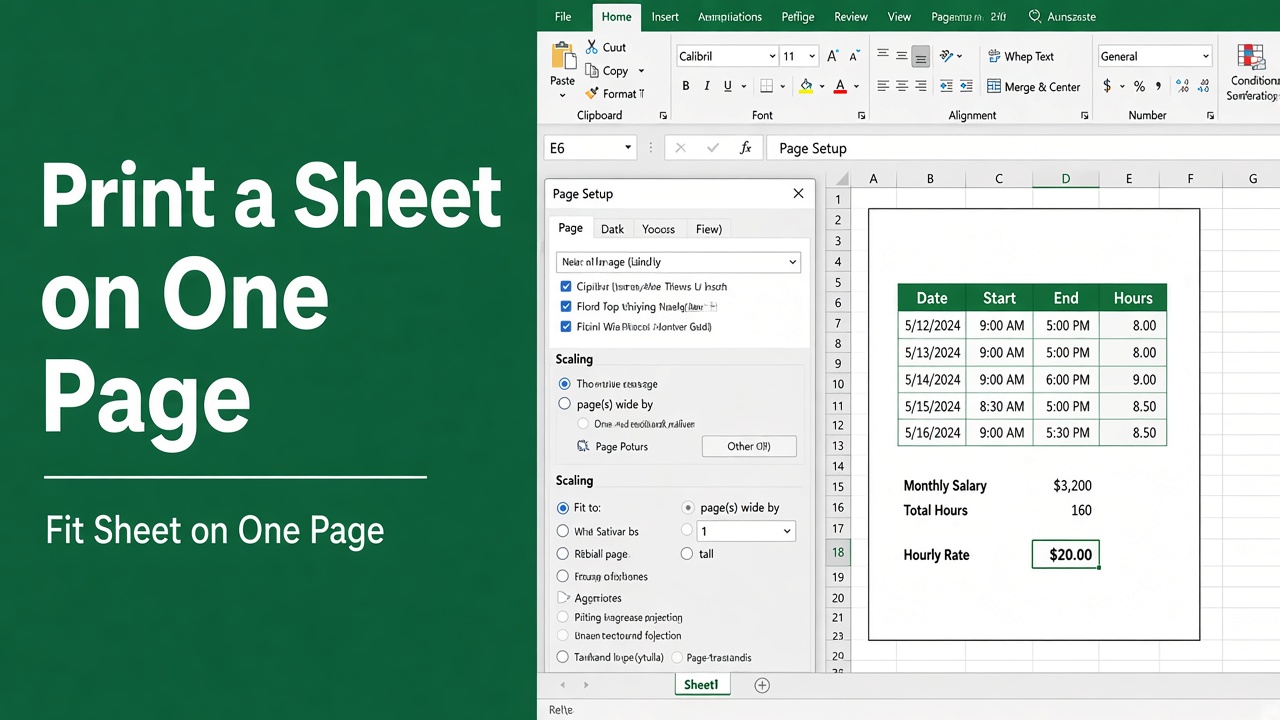
How to Print an Excel Spreadsheet on One Page: Easy Guide
Learn how to print an Excel spreadsheet on one page using scaling and Page Setup for clear, professional, and easy-to-read printouts.
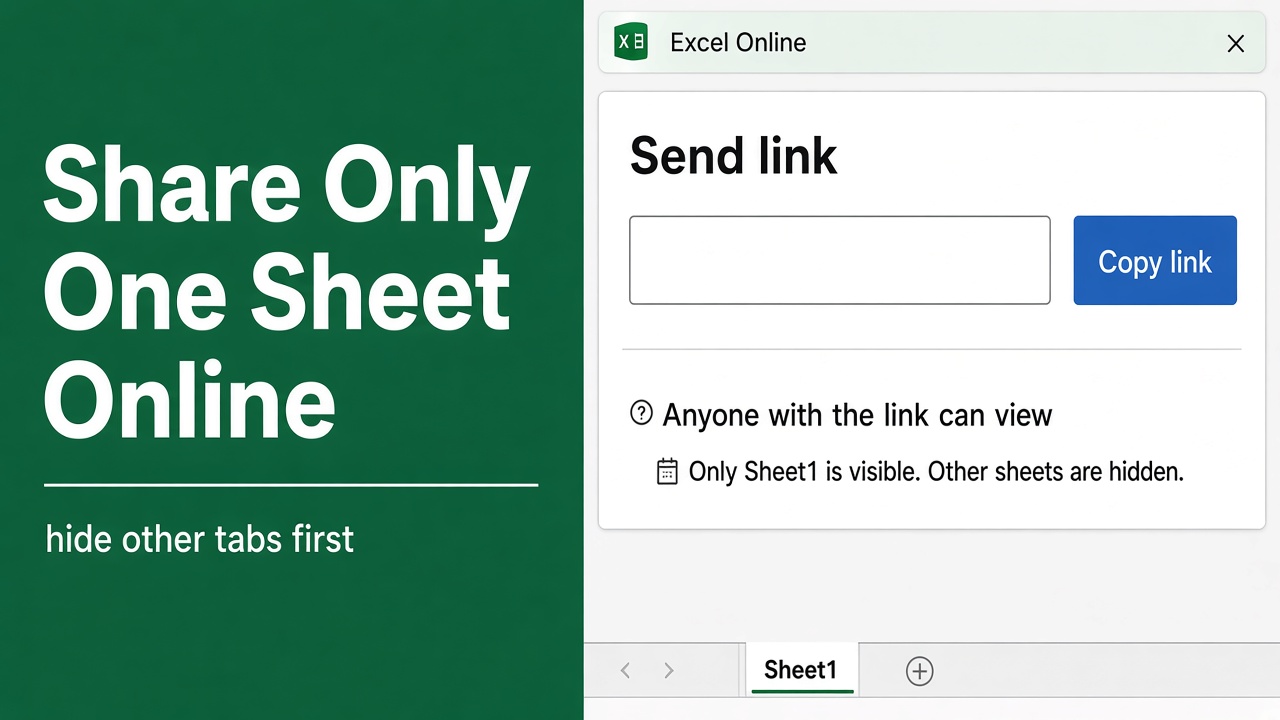
How to Share Only One Sheet in Excel Online: A Complete Guide
Learn how to share only one sheet in Excel Online with easy methods to protect data, control access, and collaborate securely.