
All articles
Blog
Page 8 of 72
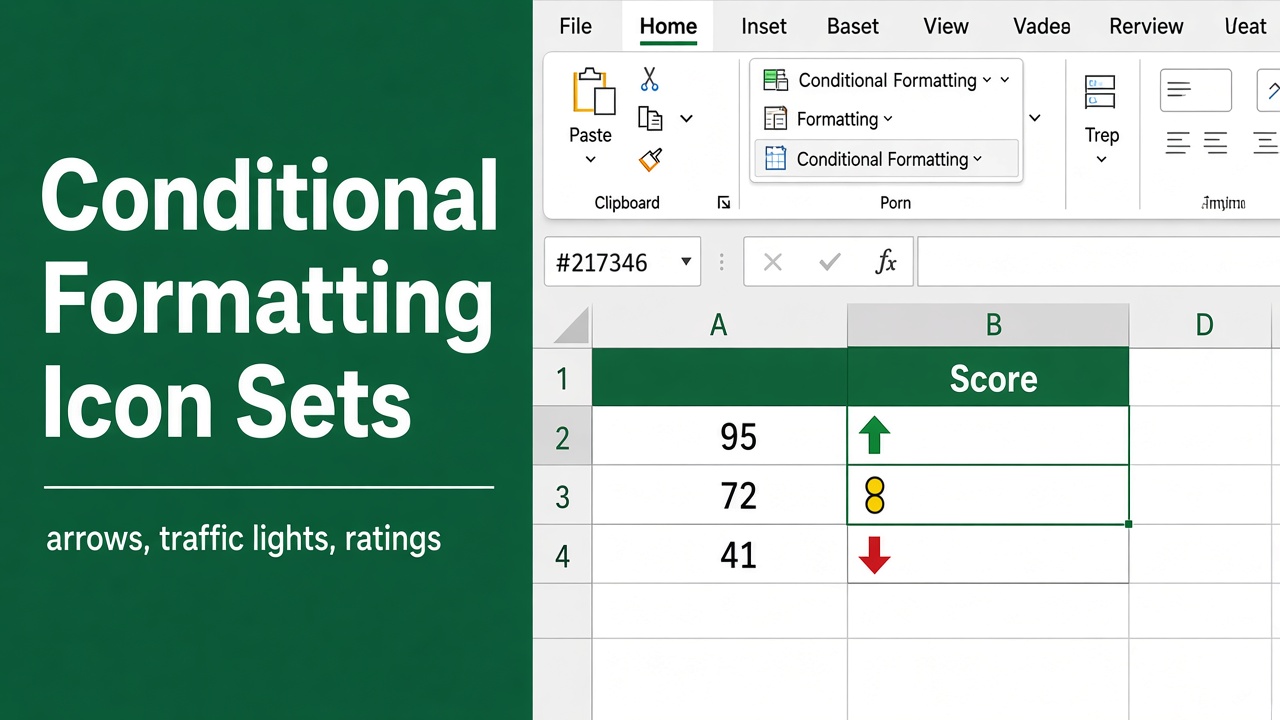
Conditional Formatting with Icon Sets in Excel (Easy Guide)
Learn how to use, customize, and apply conditional formatting with icon sets in Excel to visually track performance, status, and data trends.
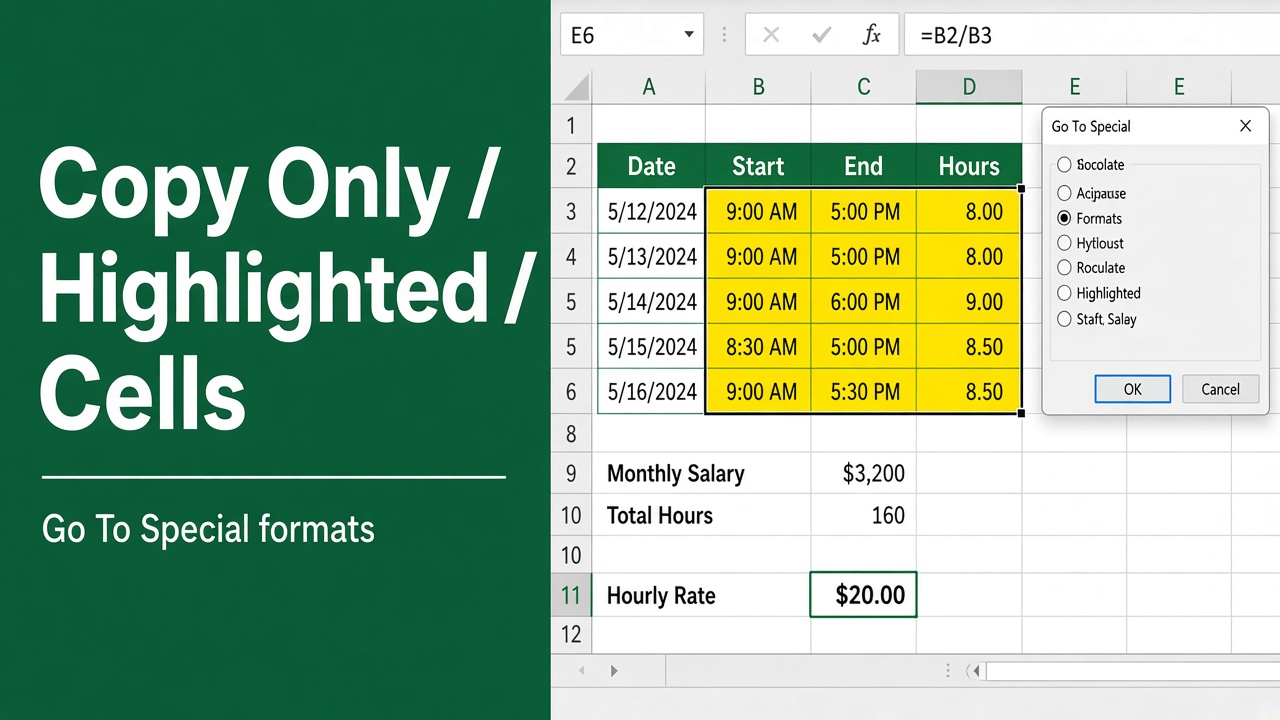
How to Copy Only Highlighted Cells in Excel? (5 Easy Ways)
Learn how to copy only highlighted cells in Excel using filters, Go To Special, VBA, and more. Easy step-by-step guide for faster data handling.
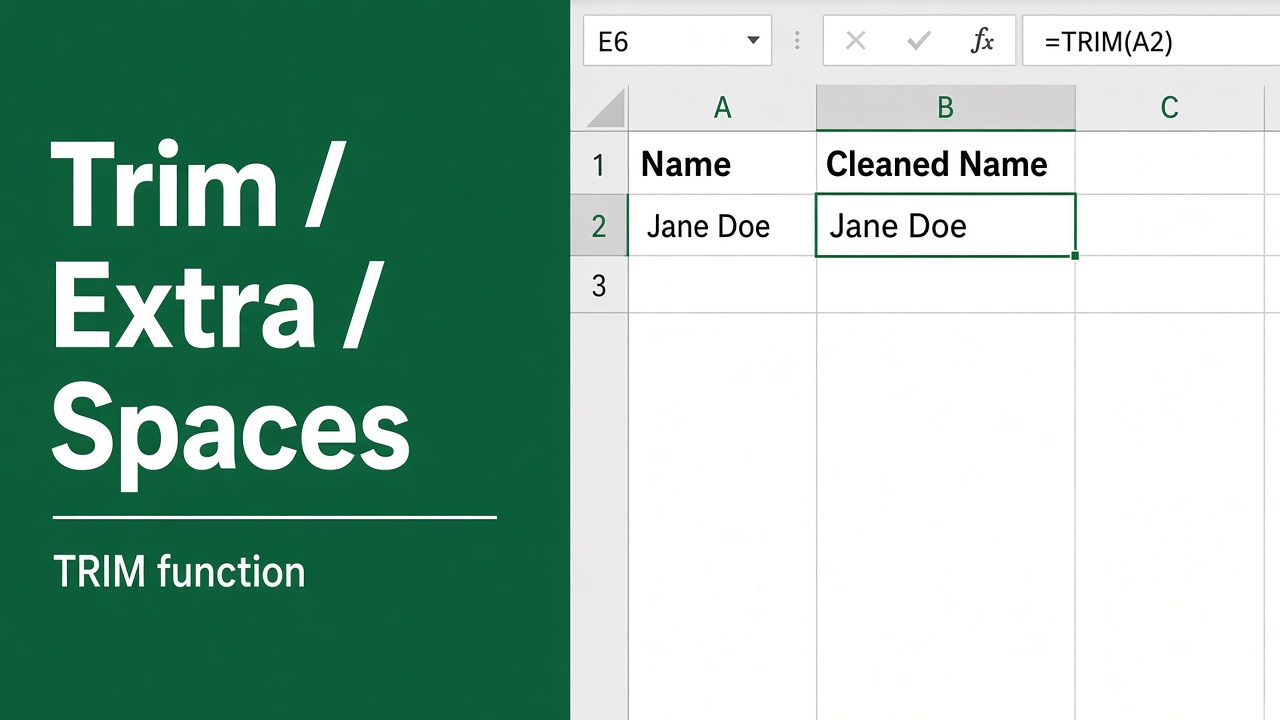
How to Trim Spaces in Excel? (5 Easy Methods)
Learn how to trim spaces in Excel using TRIM, SUBSTITUTE, and other methods to clean up data and remove leading, trailing, or extra spaces.
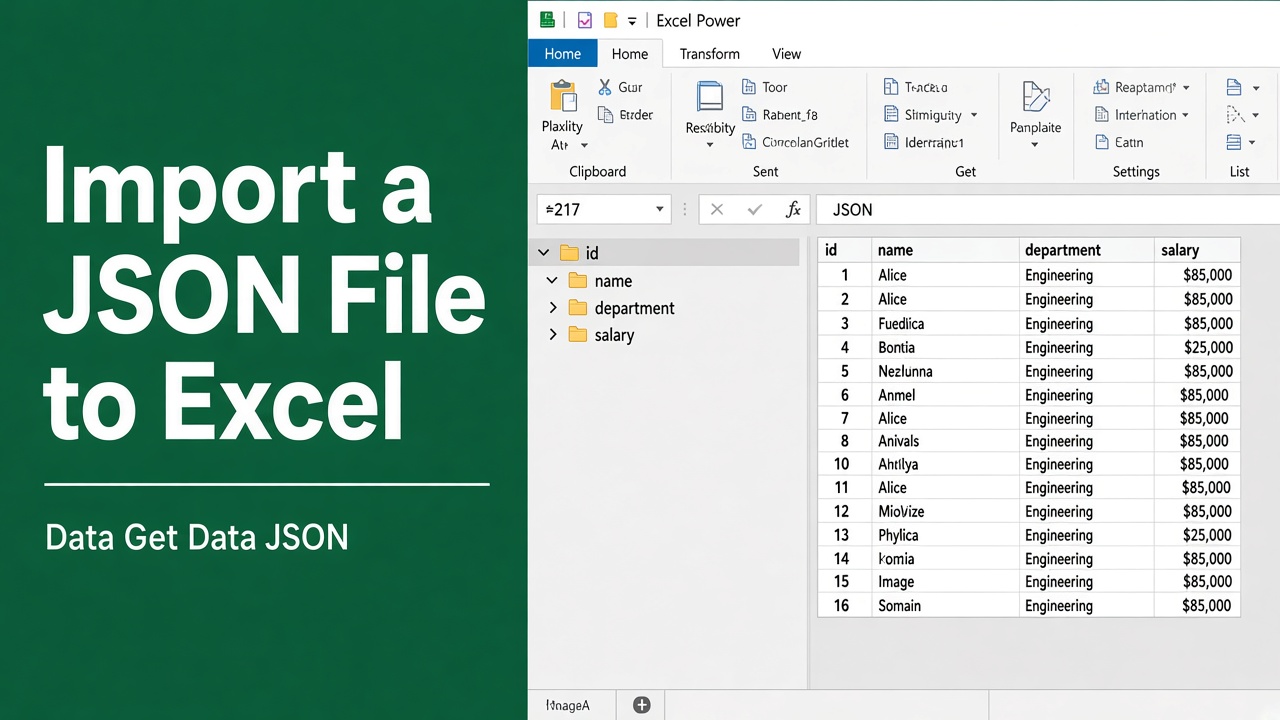
How to Import JSON File to Excel: A Complete Guide
Learn how to import JSON files into Excel using Power Query, VBA, or online tools. Step-by-step guide for converting JSON to Excel format easily.
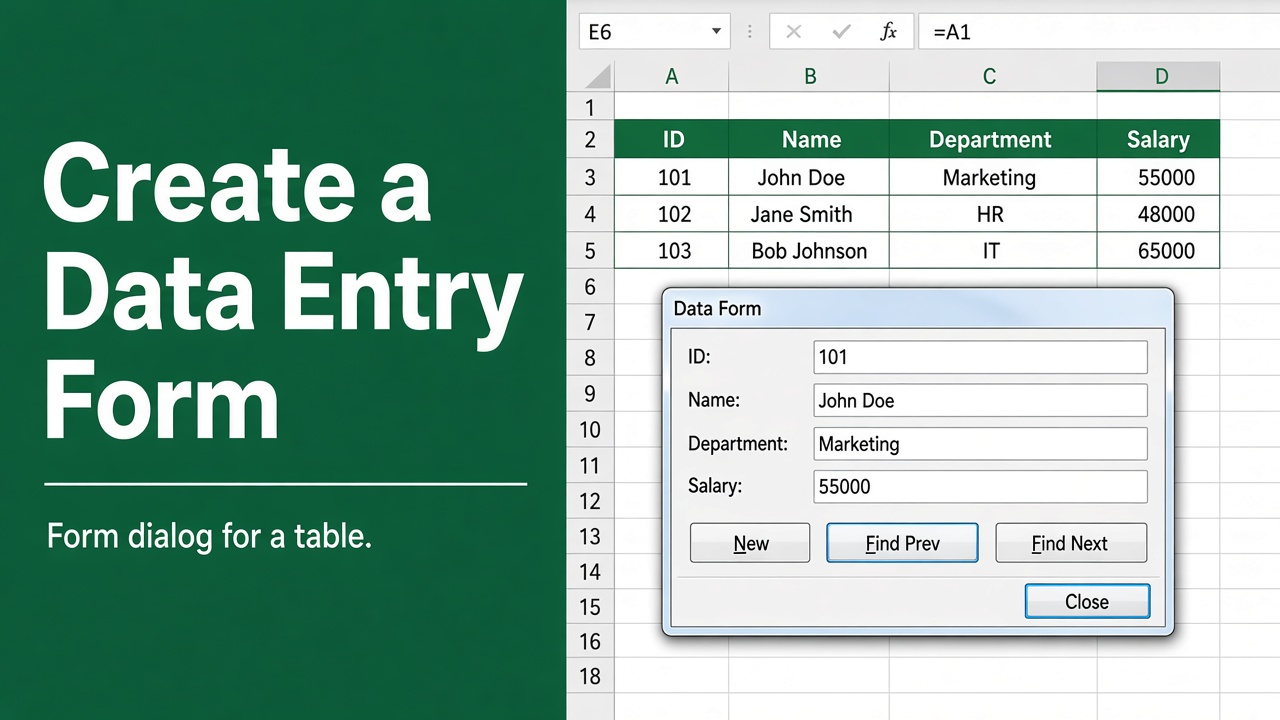
How to Create a Form in Excel? (3 Easy Methods)
Learn how to create a form in Excel using built-in tools, Developer controls, or Microsoft Forms for easy, accurate, and efficient data entry.
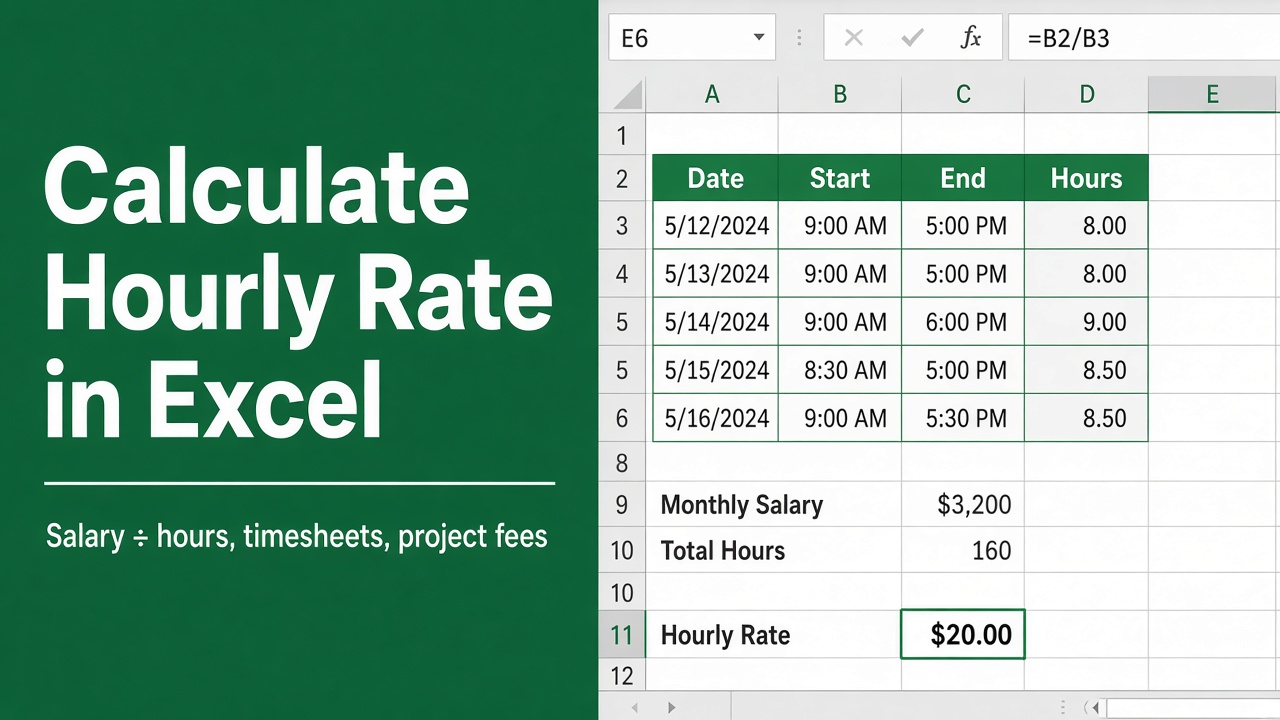
How to Calculate Hourly Rate in Excel: Easy Guide
Learn how to calculate hourly rate in Excel using simple formulas, time tracking, and salary breakdowns. Perfect for freelancers and employees.
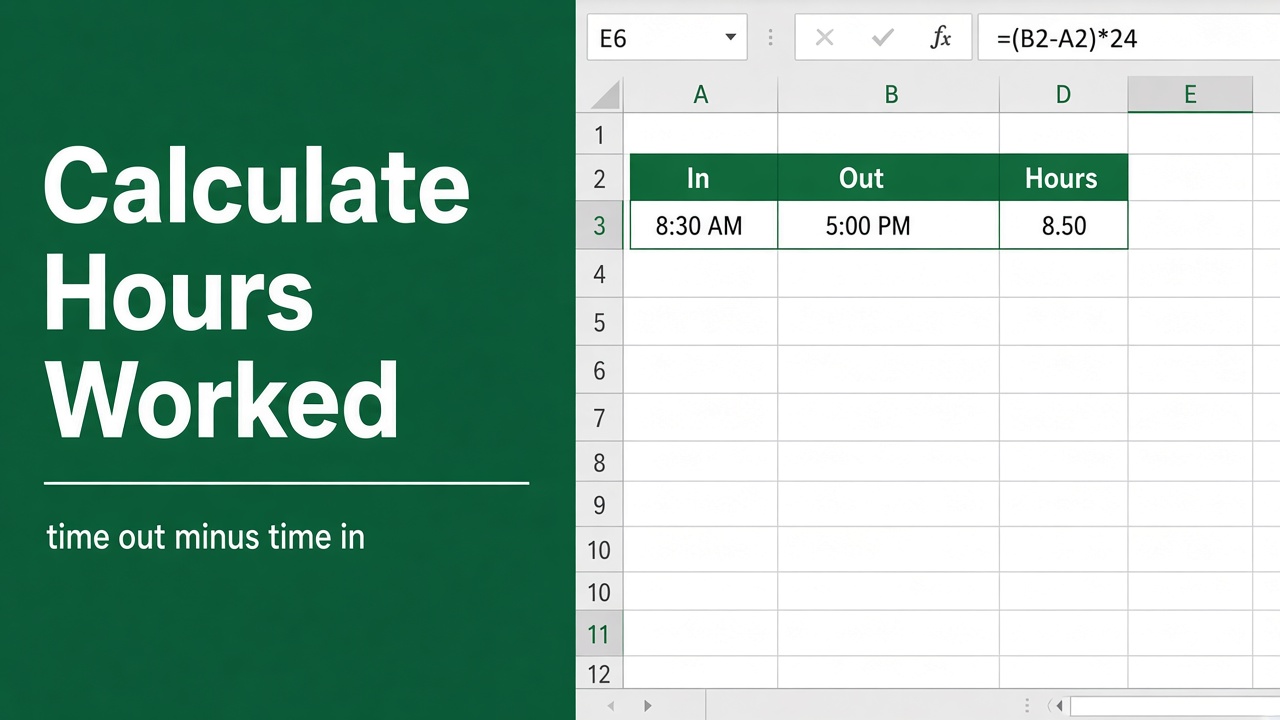
How to Calculate Hours Worked in Excel: Easy Guide
Learn how to calculate hours worked in Excel, including overnight shifts, breaks, and decimal time, using simple formulas and formatting tips.
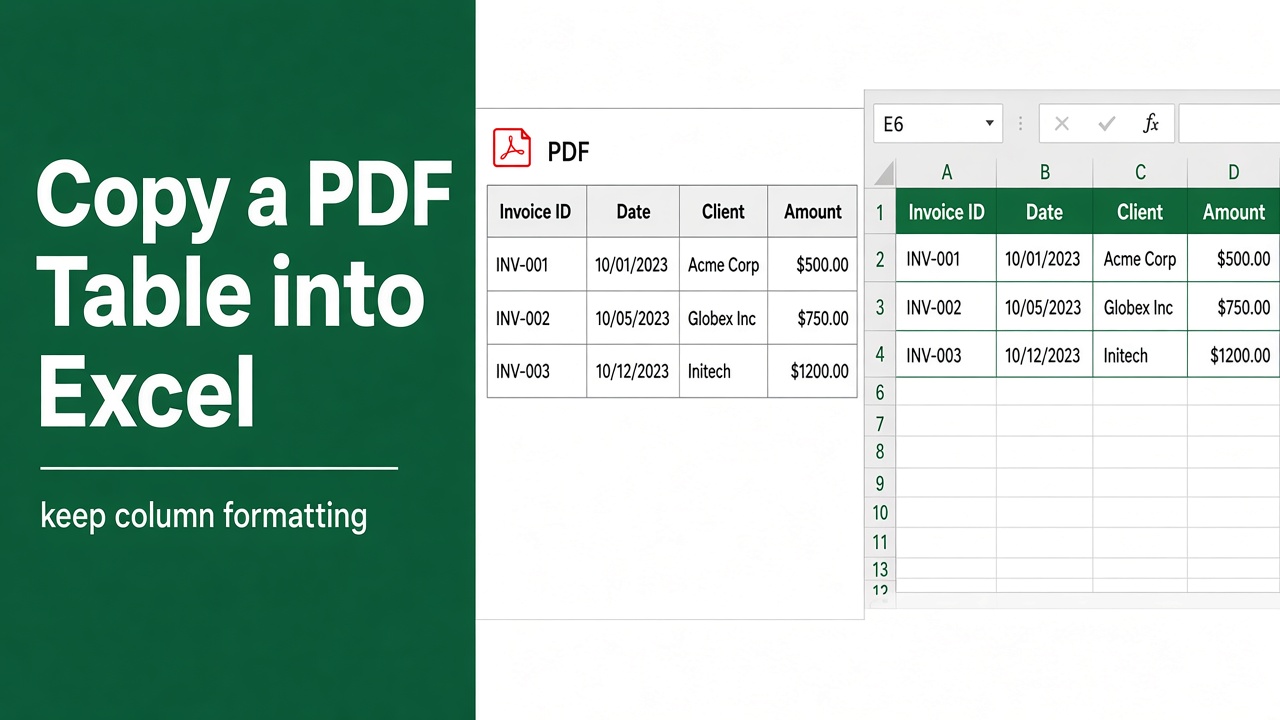
How to Copy Table from PDF to Excel with Formatting?
Learn how to copy tables from PDF to Excel with formatting using Adobe, Word, Power Query, and more. Simple steps for clean data transfer.
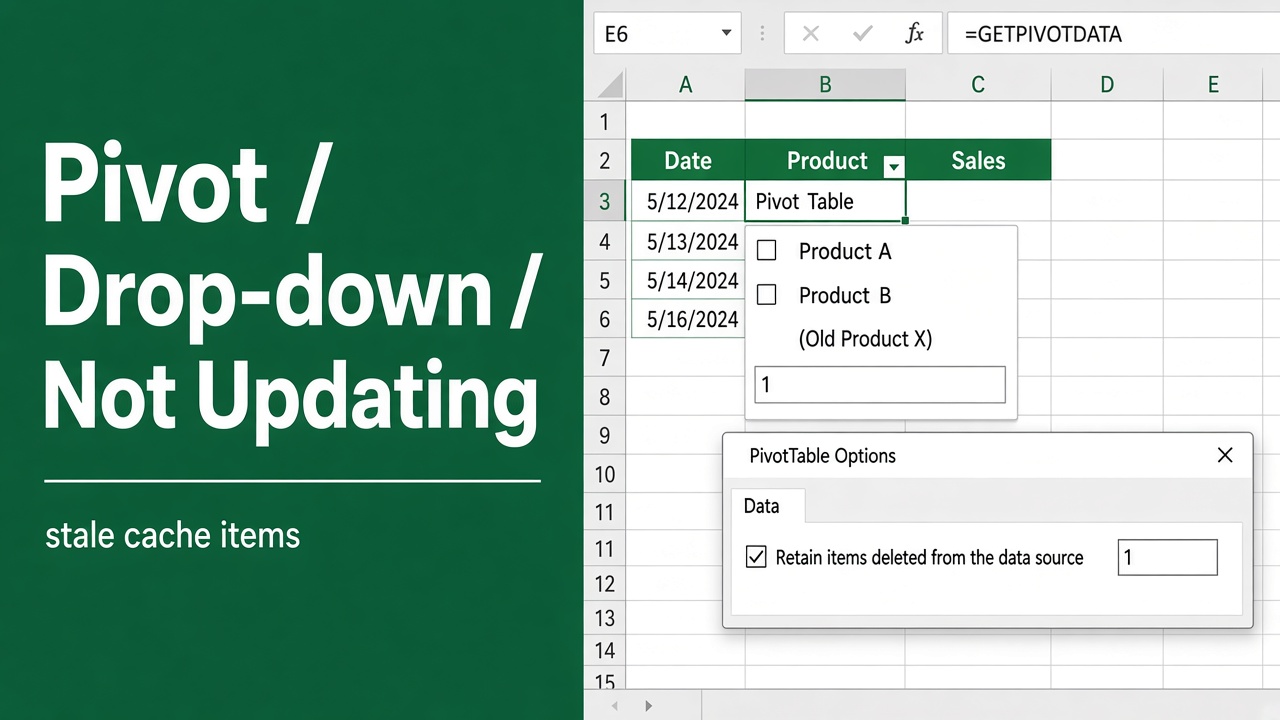
How to Fix Pivot Table Drop Down List Not Updating?
Fix Pivot Table drop-down list not updating in Excel with easy steps. Learn how to refresh, update data source, and clear old items quickly.
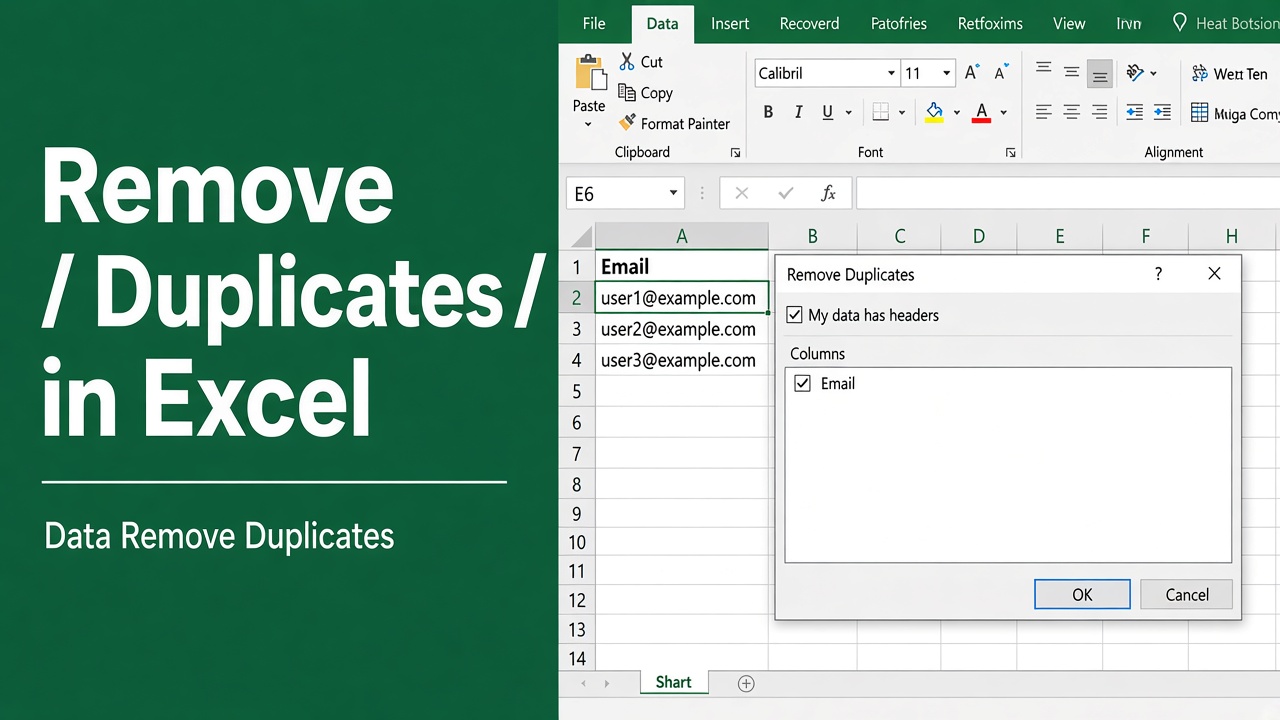
How to Remove Duplicates in Excel? (5 Easy Methods)
Learn how to remove duplicates in Excel using built-in tools, formulas, conditional formatting, and Power Query for clean, accurate data.