
All articles
Blog
Page 9 of 72
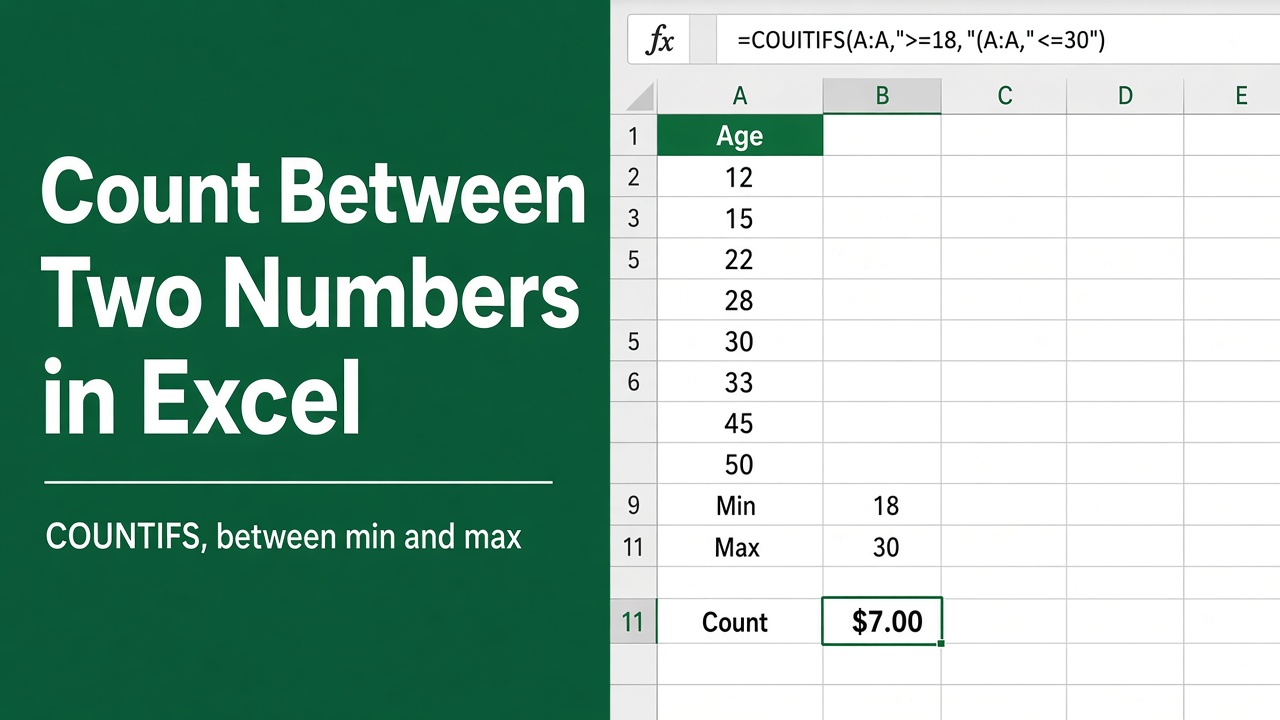
Count Between Two Numbers in Excel using Simple Formula!
Learn how to count values between two numbers or dates in Excel using COUNTIFS, COUNTIF, and other easy formulas. Simple, accurate, and beginner-friendly.
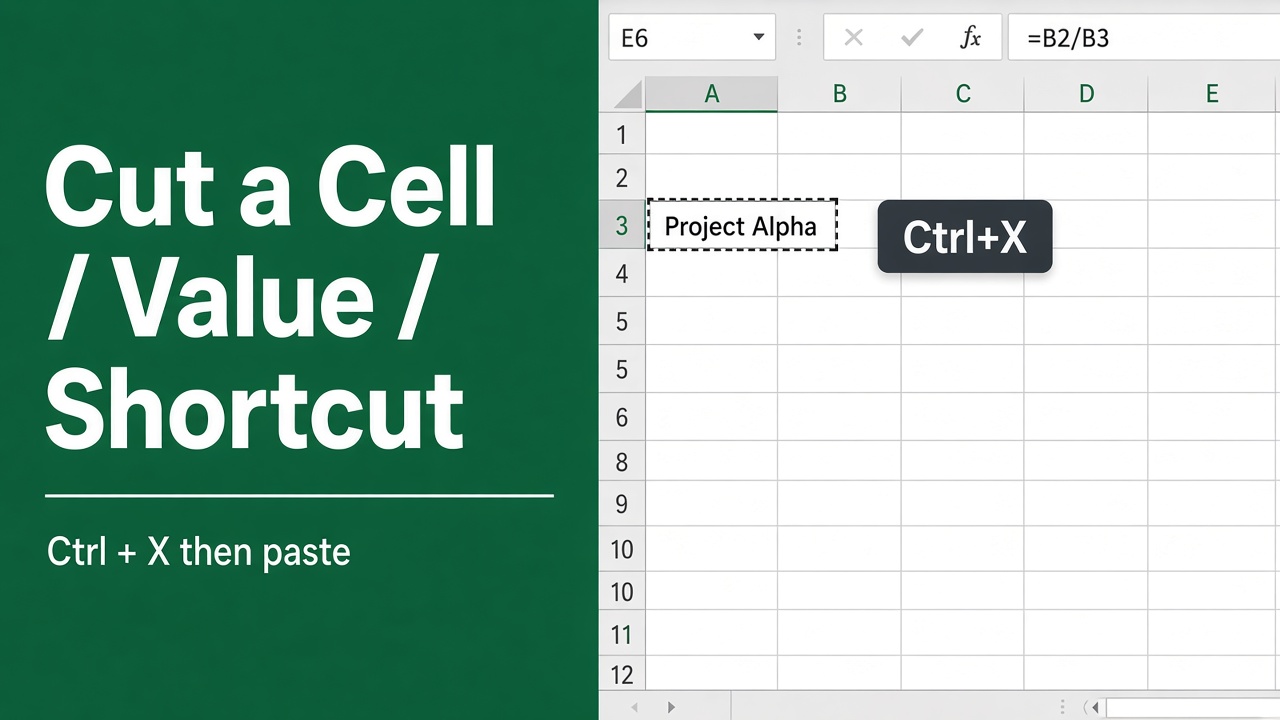
Easy Keyboard Shortcut to Cut a Cell Value in Excel
Learn how to cut a cell value in Excel using keyboard shortcuts for Windows and Mac. Boost speed with simple, step-by-step Excel editing tips.
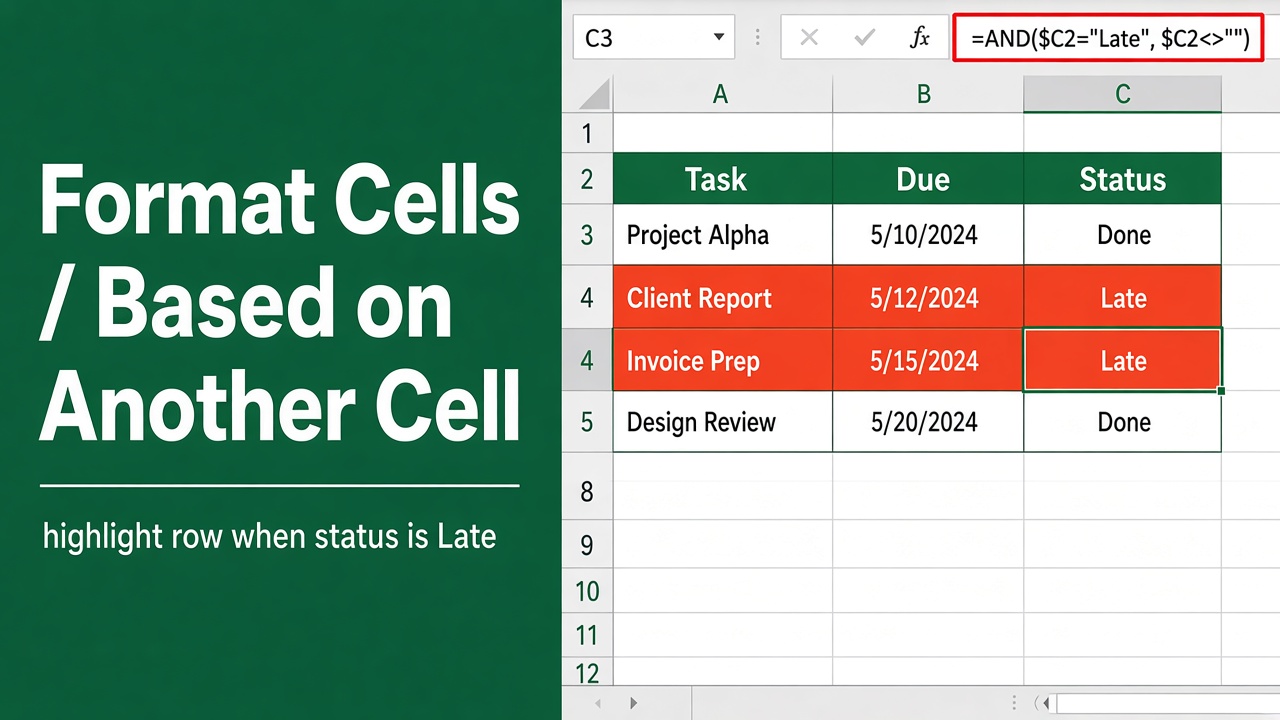
Excel Conditional Formatting Based on Another Cell Value
Learn how to format cells in Excel based on another cell’s value using conditional formatting with simple formulas and step-by-step examples.
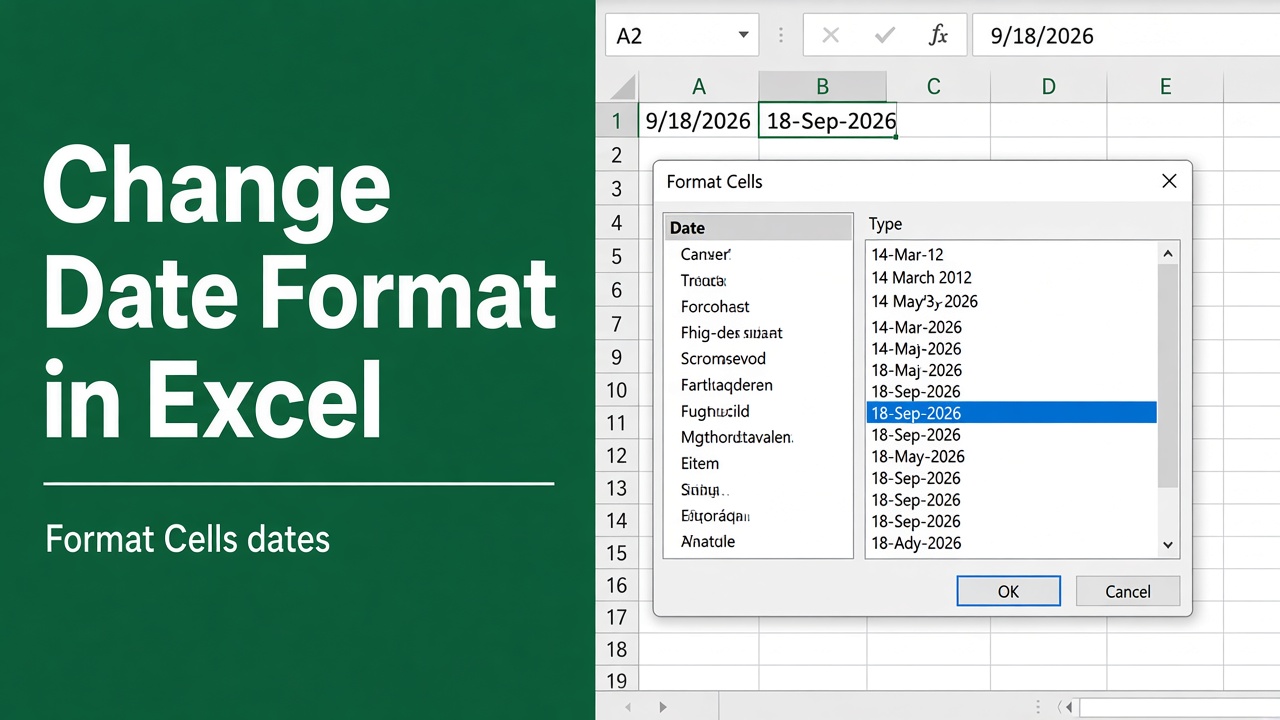
How to Change Date Format in Excel: A Complete Guide
Learn how to change date format in Excel with step-by-step methods, custom formats, and tips to fix common date issues for clear, accurate data.
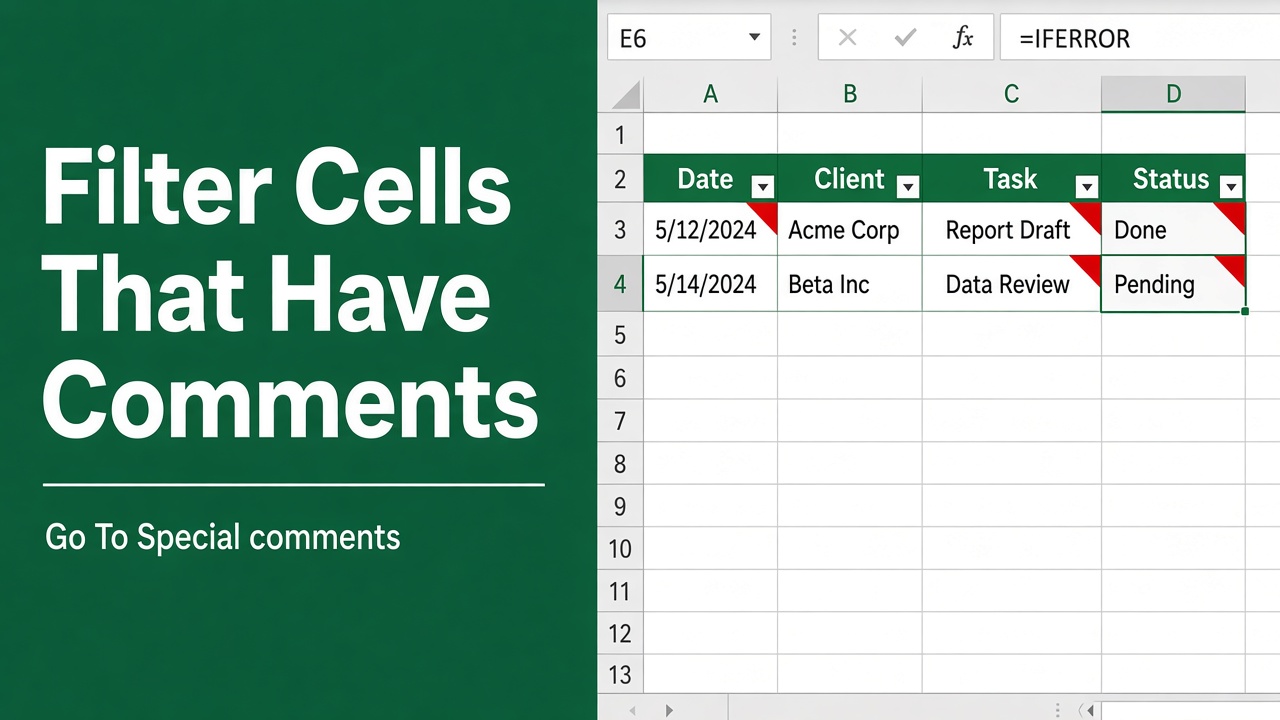
How to Filter Cells with Comments in Excel: Easy Guide
Learn how to filter cells with comments in Excel using VBA, helper columns, and other simple methods to organize and review annotated data easily.
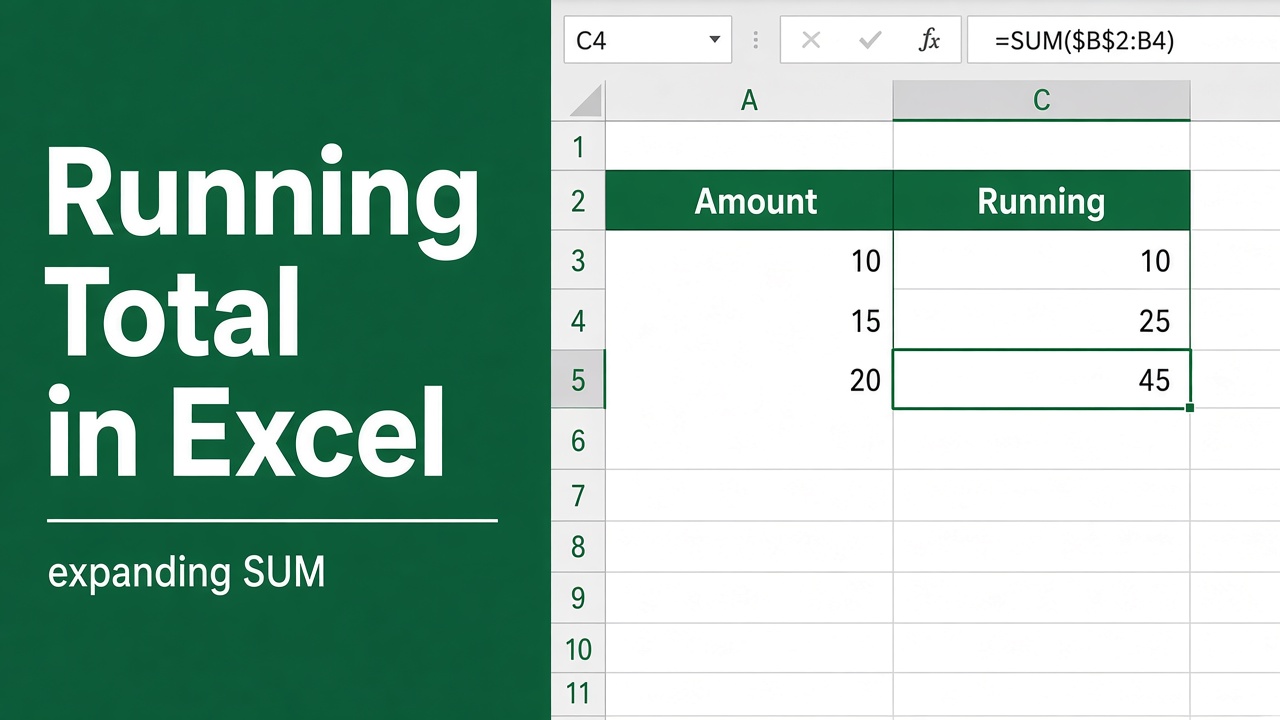
How to Calculate Running Total in Excel? (4 Easy Methods)
Learn 4 easy ways to calculate running totals in Excel using formulas, Quick Analysis, and SCAN. Step-by-step guide for beginners and pros.
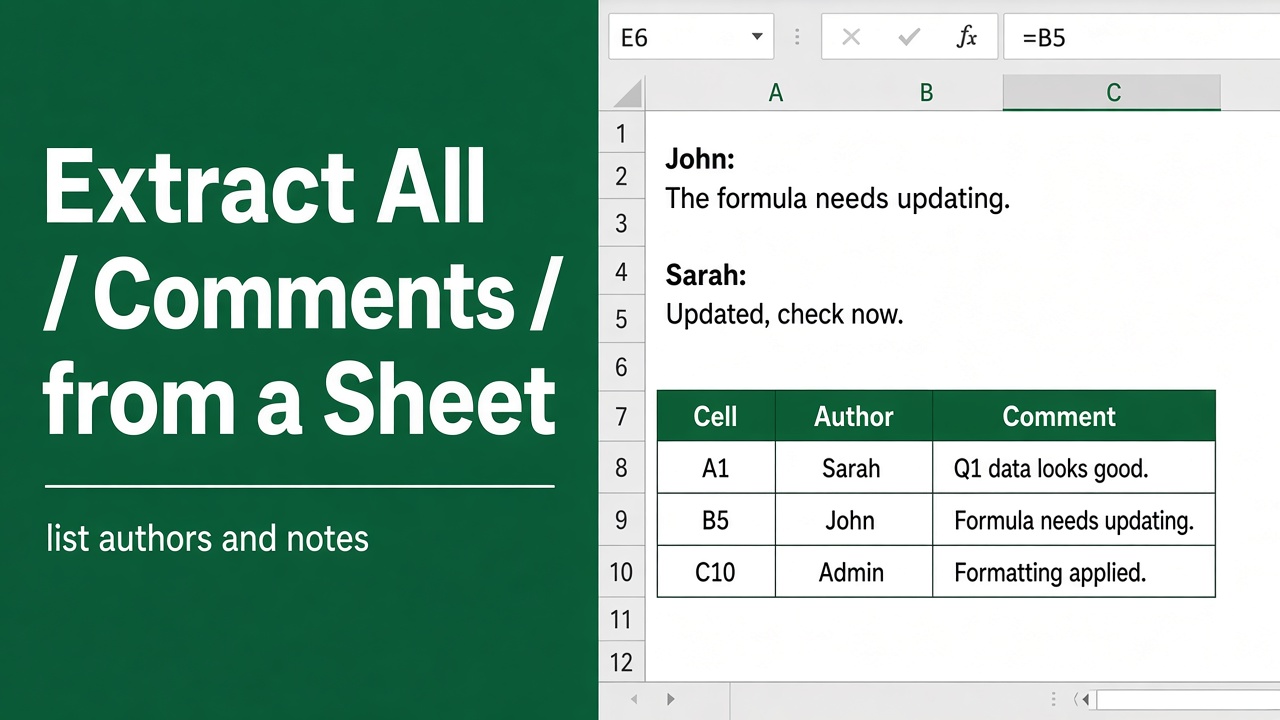
How to Extract All Comments in A Worksheet in Excel?
Learn how to extract all comments in an Excel worksheet using VBA. Step-by-step guide with code to summarize or extract cell-specific comments.
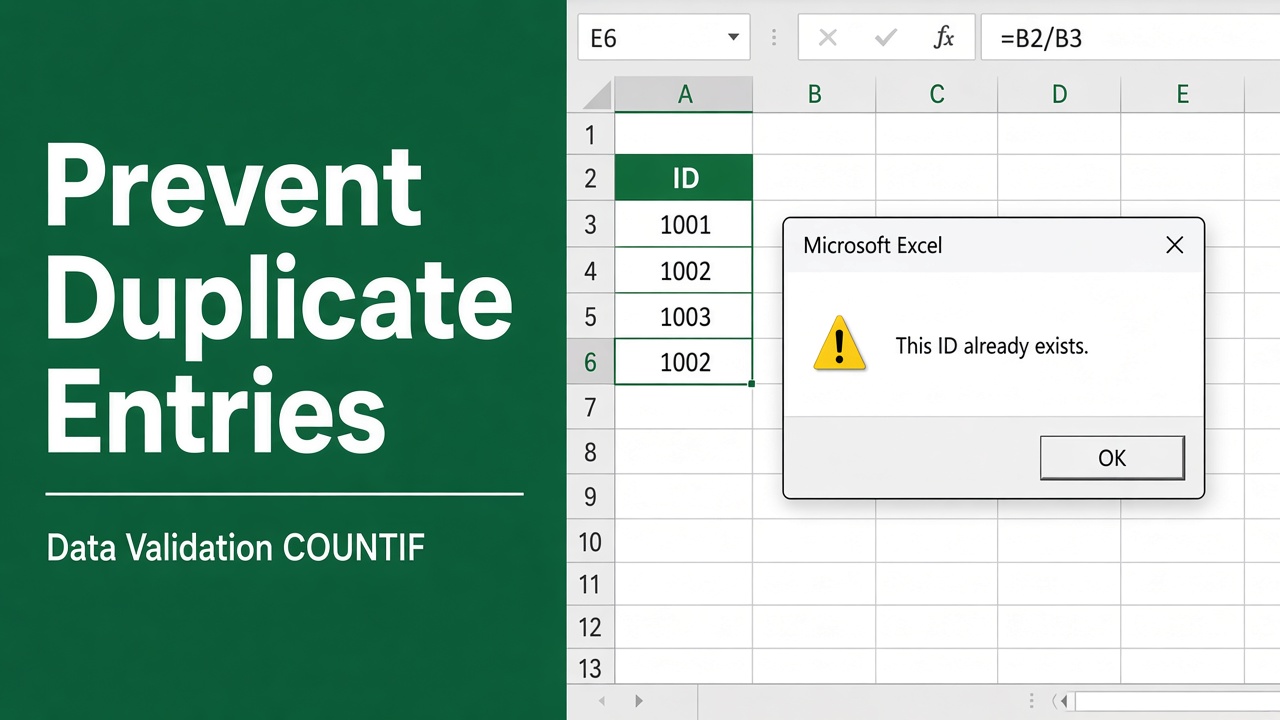
How to Prevent Duplicate Entries in Excel: A Complete Guide
Learn how to prevent duplicate entries in Excel using Data Validation, formulas, and built-in tools to keep your data clean and error-free.
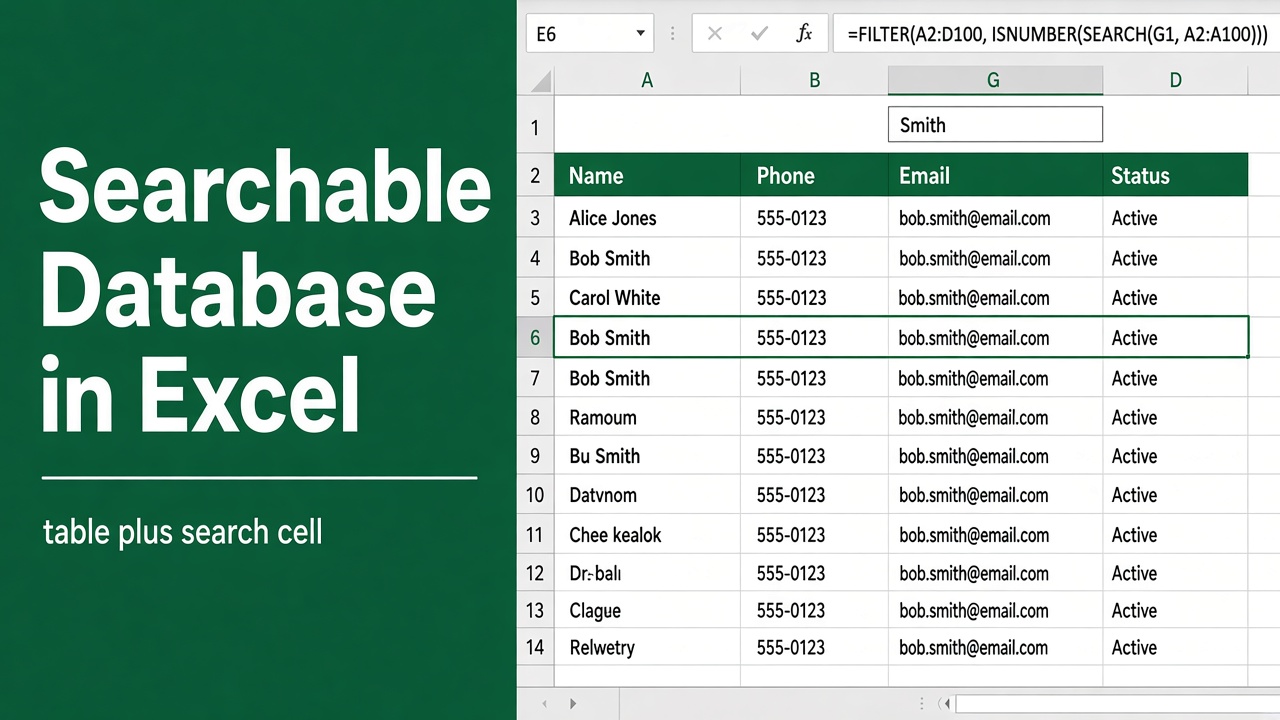
How to Create a Searchable Database in Excel: Easy Guide
Learn how to create a searchable database in Excel using filters, formulas, or VBA. Step-by-step guide for beginners and advanced users.
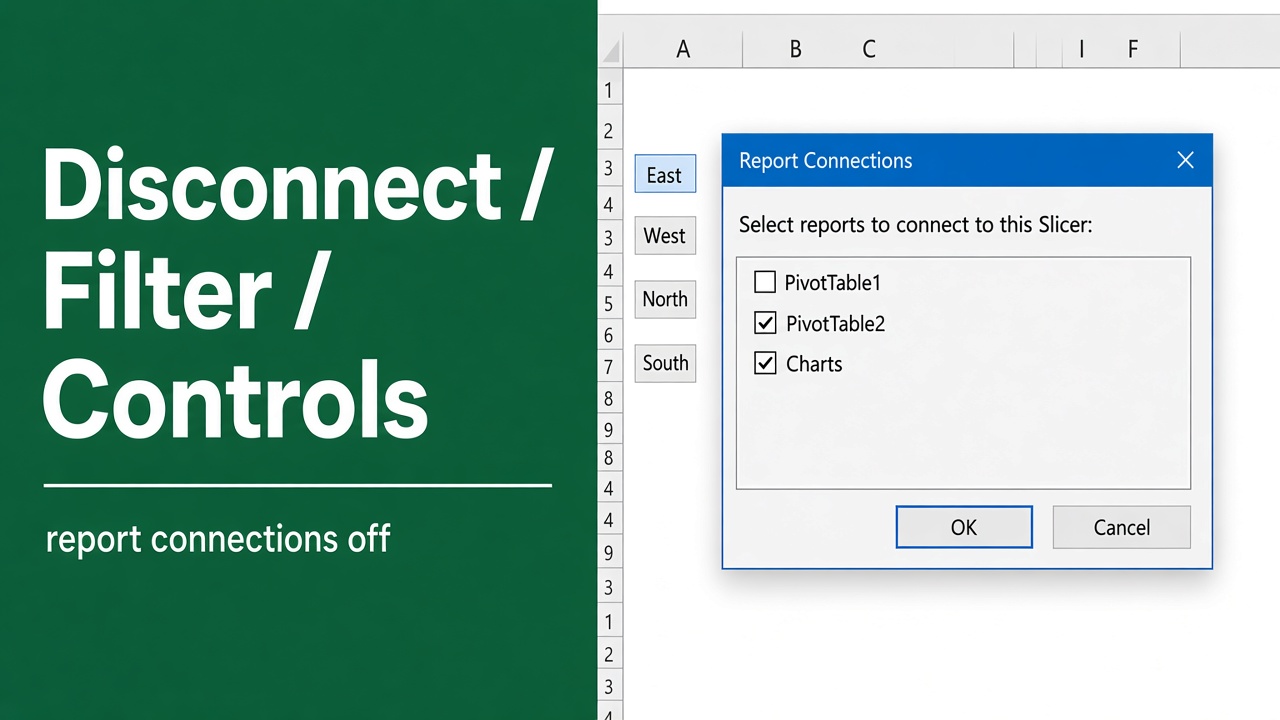
How to Disconnect Filter Controls from Pivot Table in Excel?
Learn how to disconnect slicers and filter controls from PivotTables in Excel for better data control, independent filtering, and smooth data source changes.