
Excel library
Excel How-To Guides
Page 4 of 11
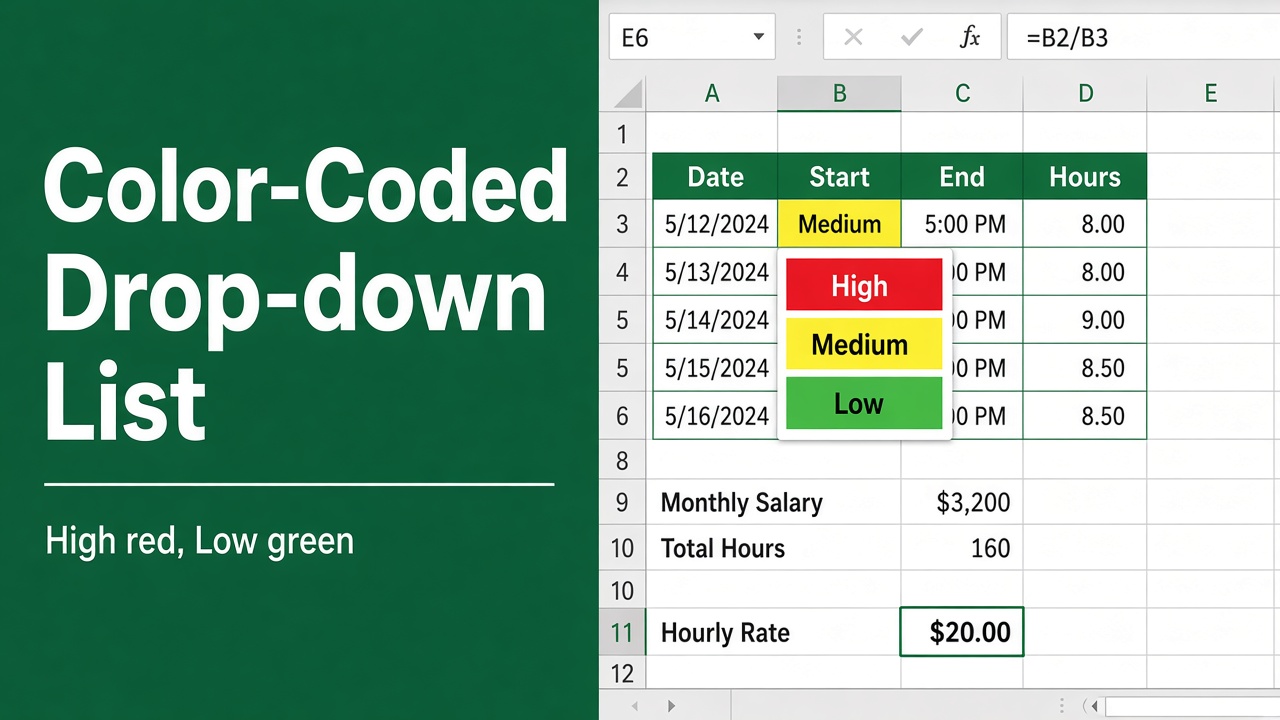
How to Create a Color-Coded Drop-Down List in Excel?
Learn how to create a color-coded drop-down list in Excel. Step-by-step guide to organize, highlight and manage data efficiently.
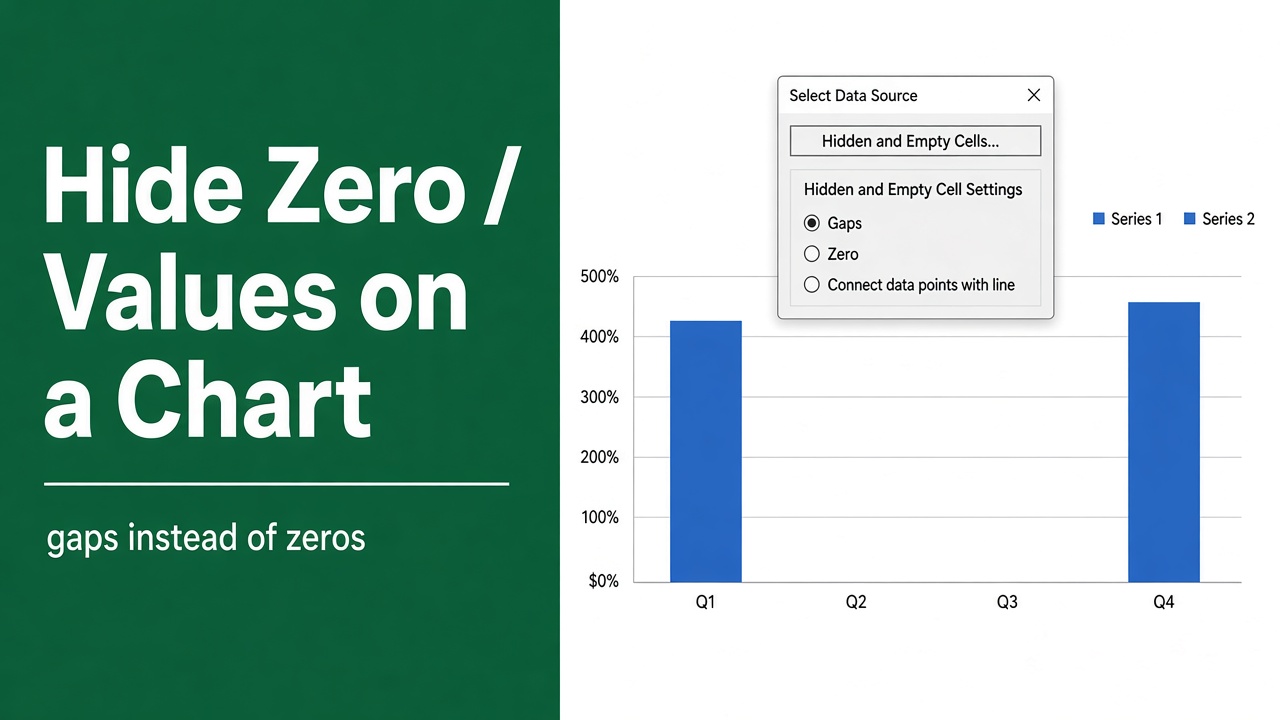
How to Hide Zero Values in Excel Chart? (9 Easy Methods)
Hide zero values in Excel charts easily. Learn simple methods using formulas, formatting, and chart settings for cleaner, accurate visuals.
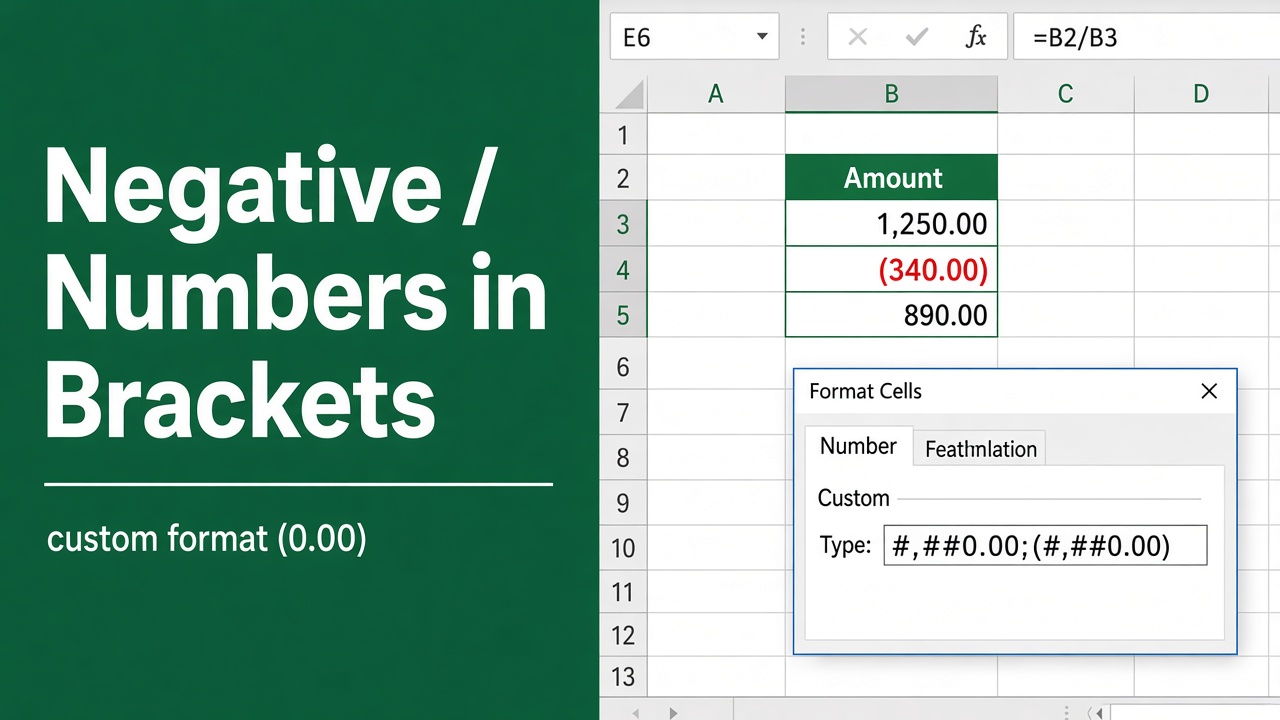
How to Display Negative Numbers in Brackets in Excel?
Learn how to display negative numbers in brackets in Excel using number formats, accounting style, and custom formatting for clear financial reports.
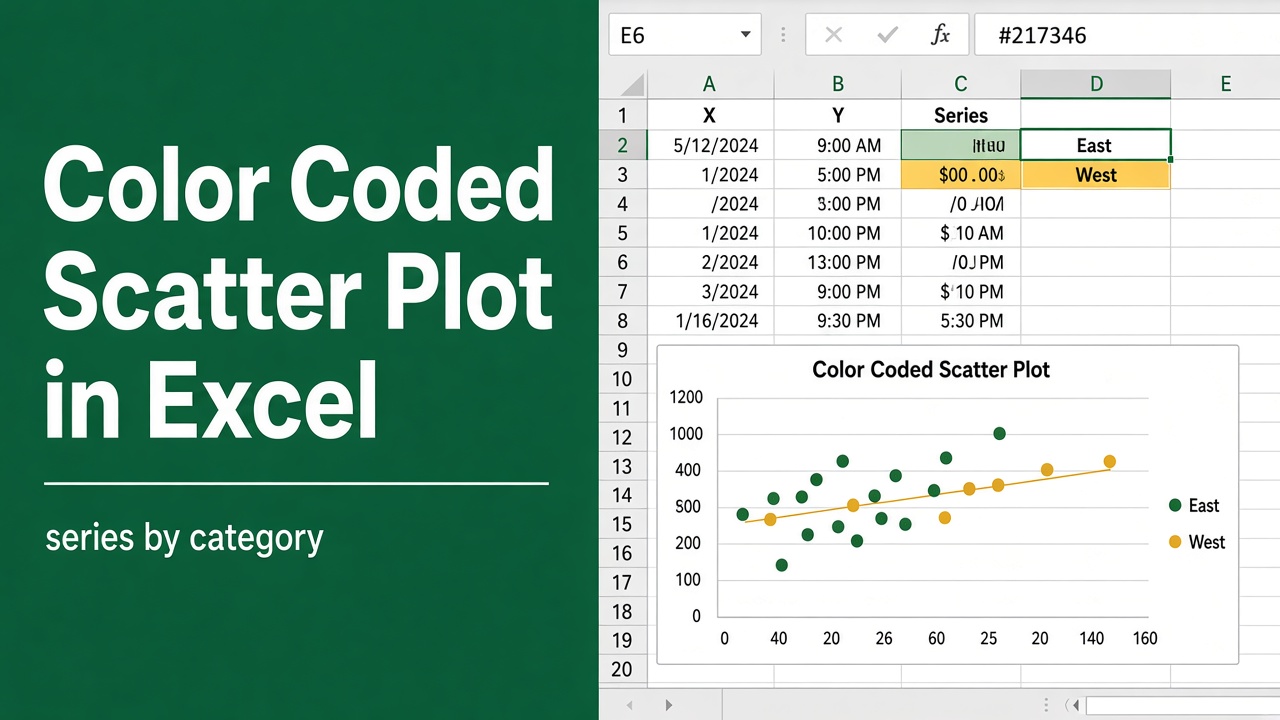
How to Create a Color Coded Scatter Plot in Excel?
Create a color coded scatter plot in Excel easily. Learn step-by-step methods, formatting tips, and visualization tricks for clear data analysis.
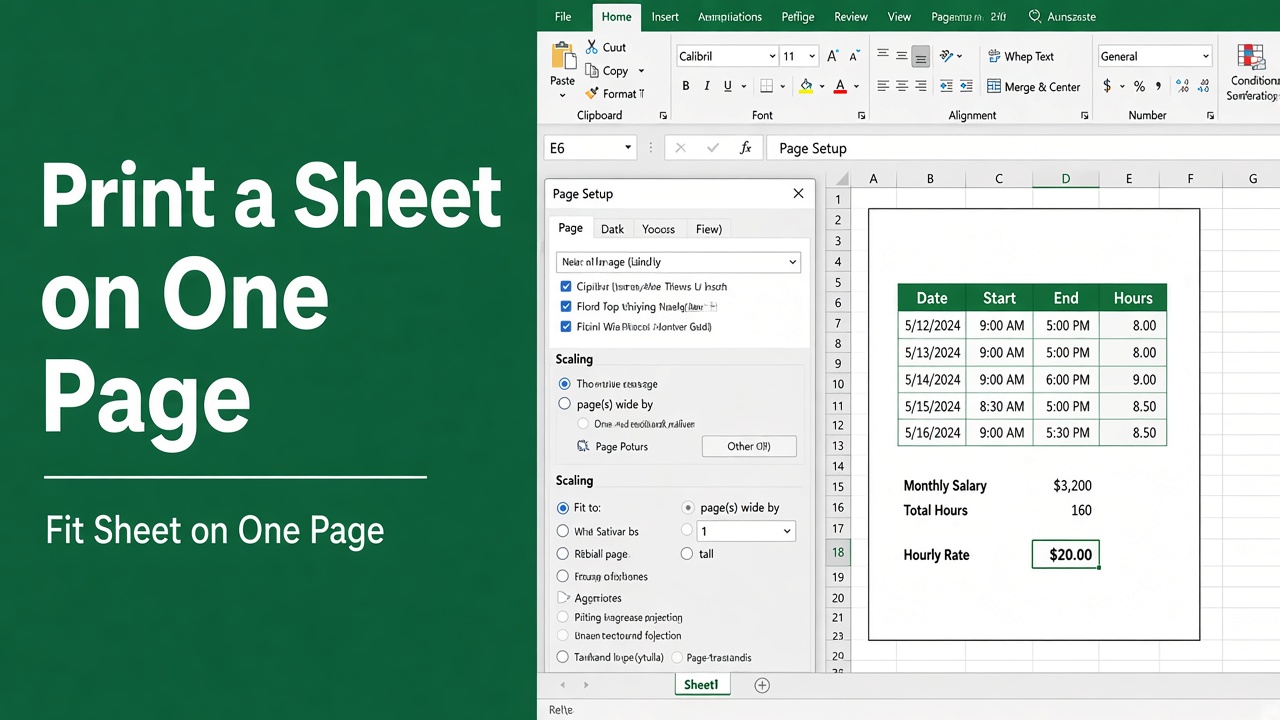
How to Print an Excel Spreadsheet on One Page: Easy Guide
Learn how to print an Excel spreadsheet on one page using scaling and Page Setup for clear, professional, and easy-to-read printouts.
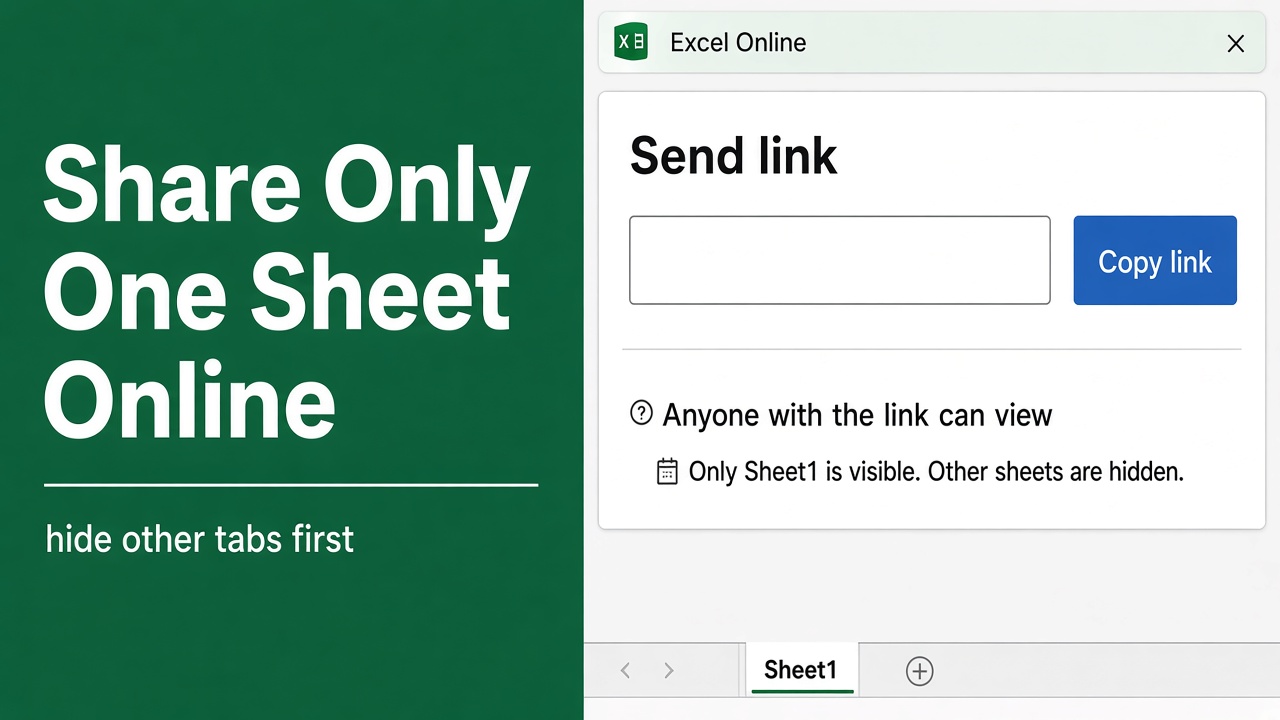
How to Share Only One Sheet in Excel Online: A Complete Guide
Learn how to share only one sheet in Excel Online with easy methods to protect data, control access, and collaborate securely.
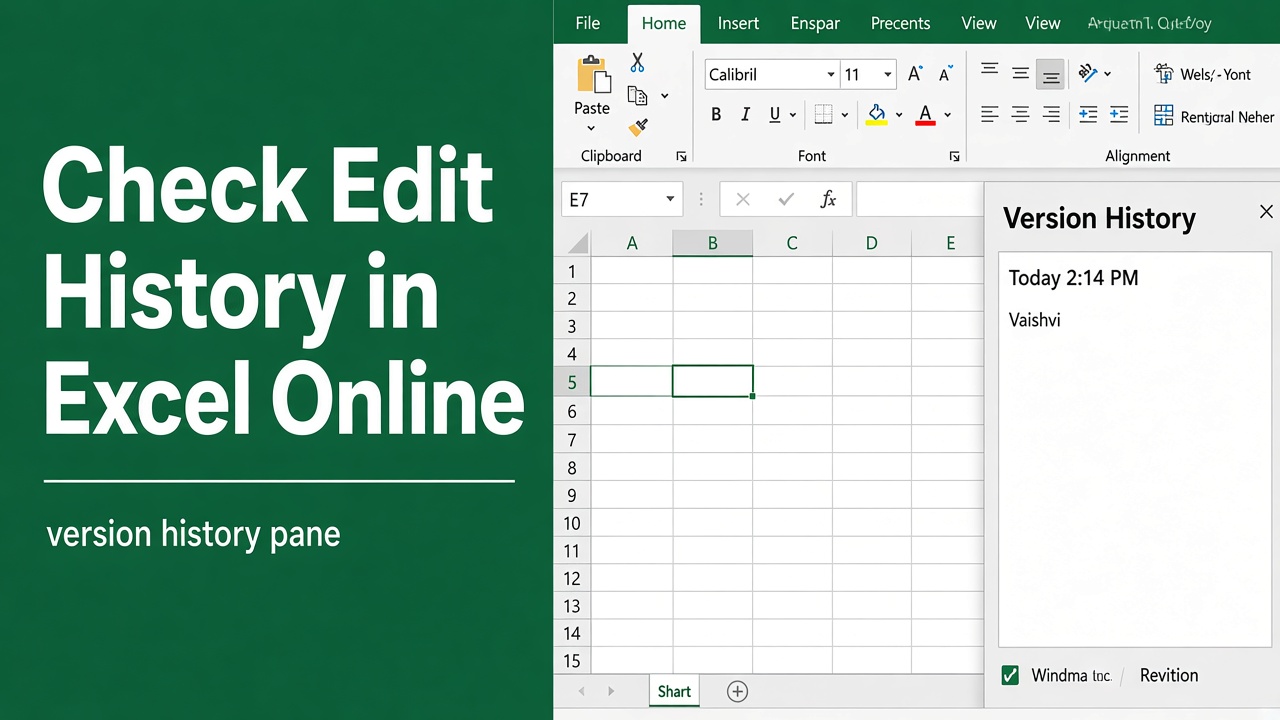
How to Check Edit History in Excel Online: Easy Guide
Learn how to check edit history in Excel Online using Show Changes and Version History for easy tracking, error recovery, and team collaboration.
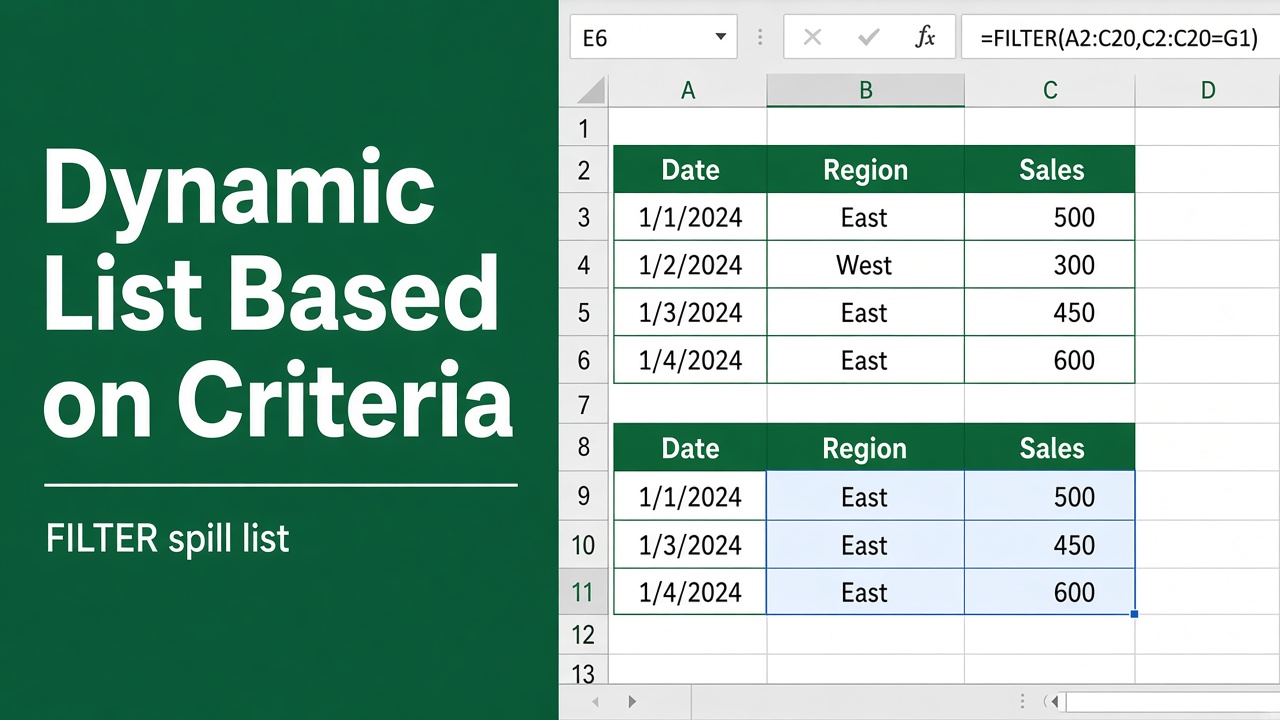
How to Create a Dynamic List in Excel Based on Criteria?
Learn how to create a dynamic list in Excel based on criteria using formulas, FILTER function, and tables for easy, automated data filtering and analysis.
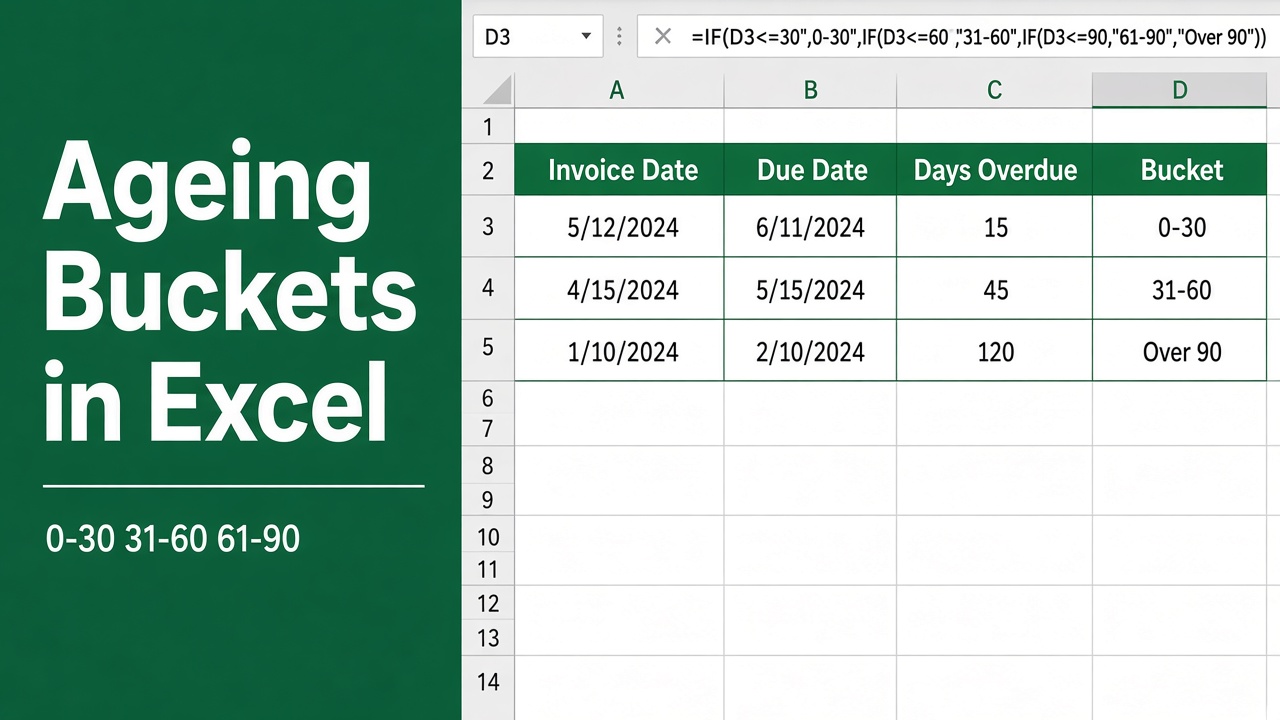
How to Create Ageing Buckets in Excel: Easy Guide
Learn how to create ageing buckets in Excel to track overdue invoices, improve cash flow, and automate your accounts receivable reporting.
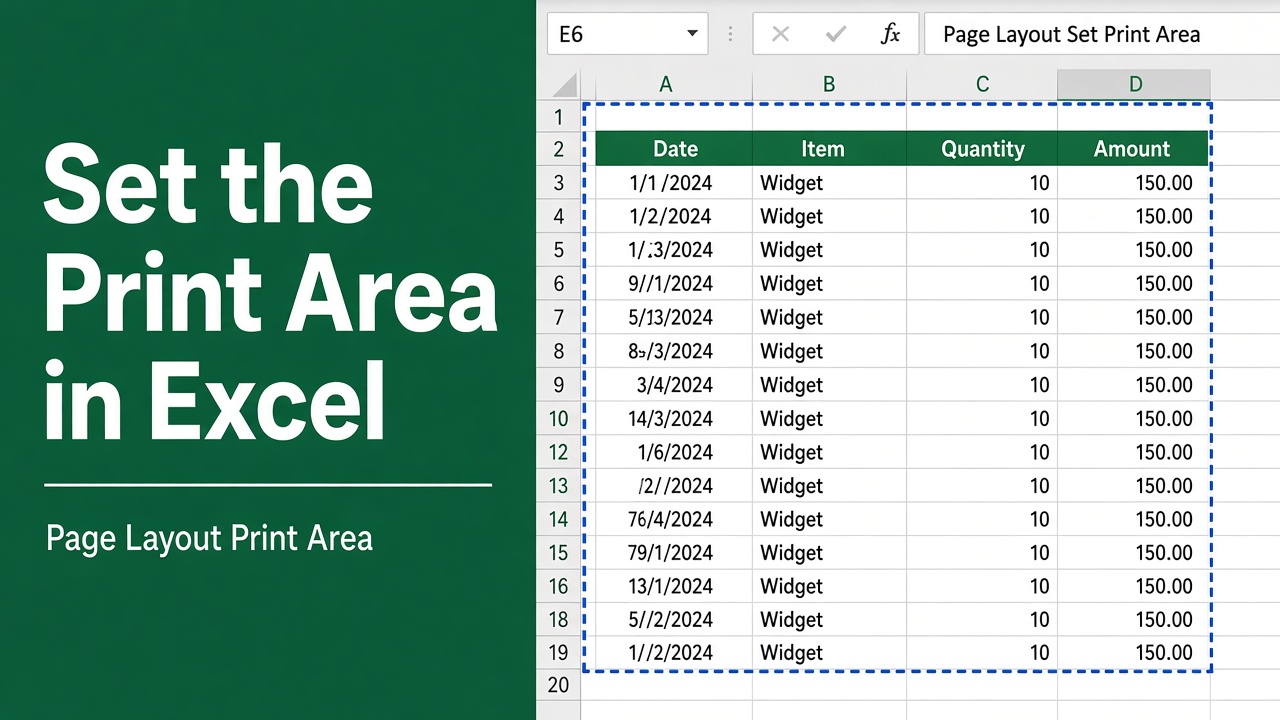
How to Set Print Area in Excel: A Step-by-Step Guide
Learn how to set, edit, and clear print area in Excel to print selected cells only. Easy step-by-step guide for Windows, Mac, and Excel 365.