
Excel library
Excel How-To Guides
Page 10 of 11
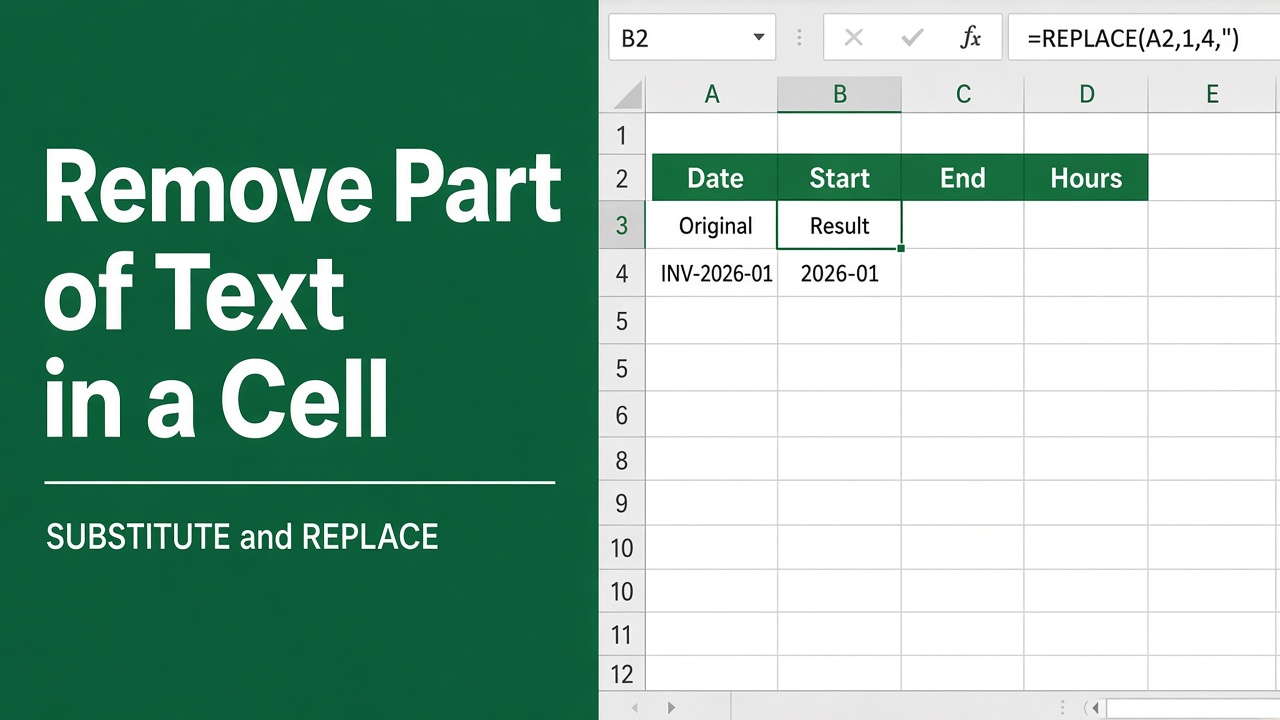
How to Remove Part of Text in a Cell in Excel: Easy Guide
Learn how to remove part of text in an Excel cell using functions like LEFT, RIGHT, MID, or FIND for efficient data editing and cleanup.
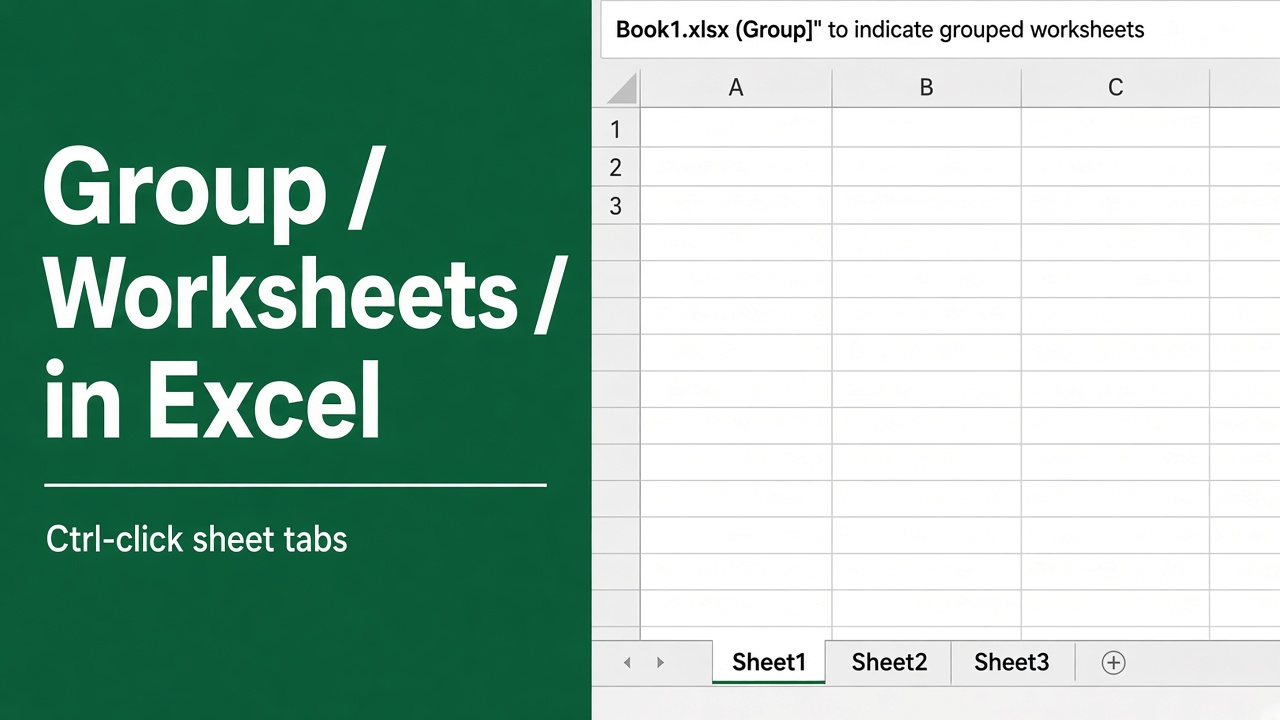
How to Group Worksheets in Excel: A Complete Guide
Learn how to group worksheets in Excel to apply formulas, formatting, or data entries across multiple sheets. Boost productivity with our step-by-step guide.
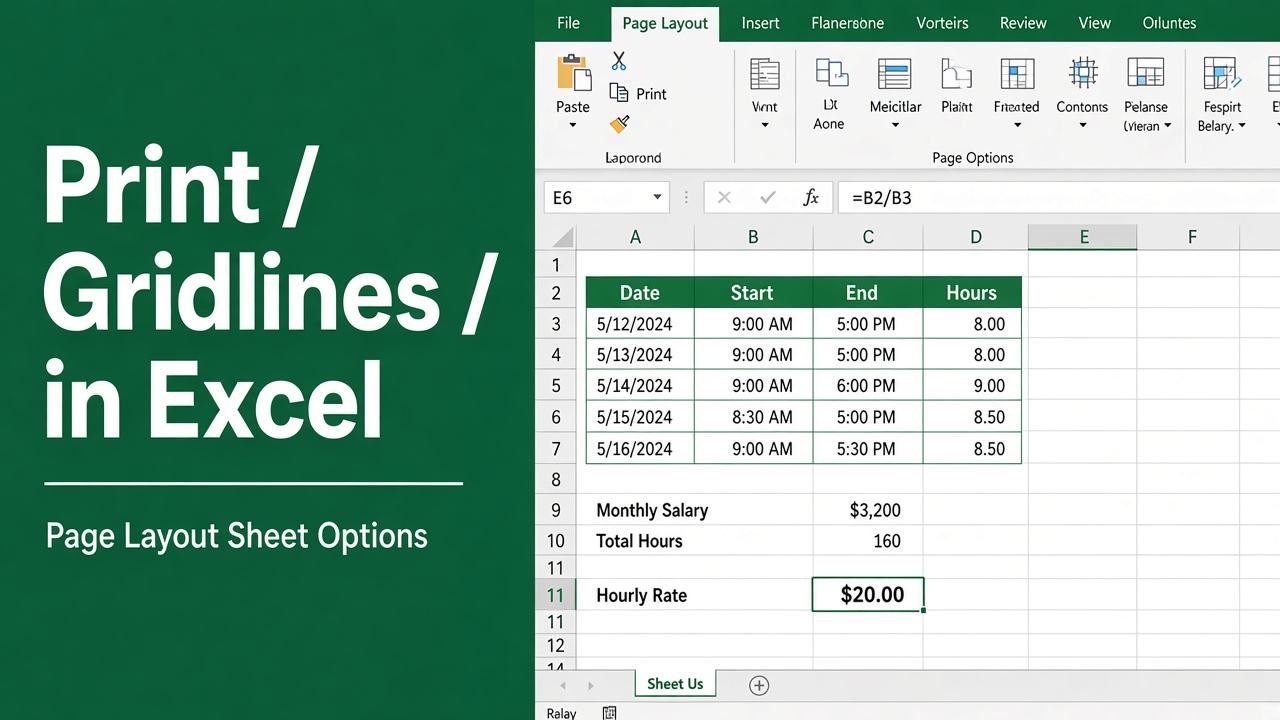
How to Print Gridlines in an Excel Sheet: Easy Guide
Learn how to print gridlines in Excel to enhance readability and organization. Follow these simple steps to include gridlines in your printed sheets.
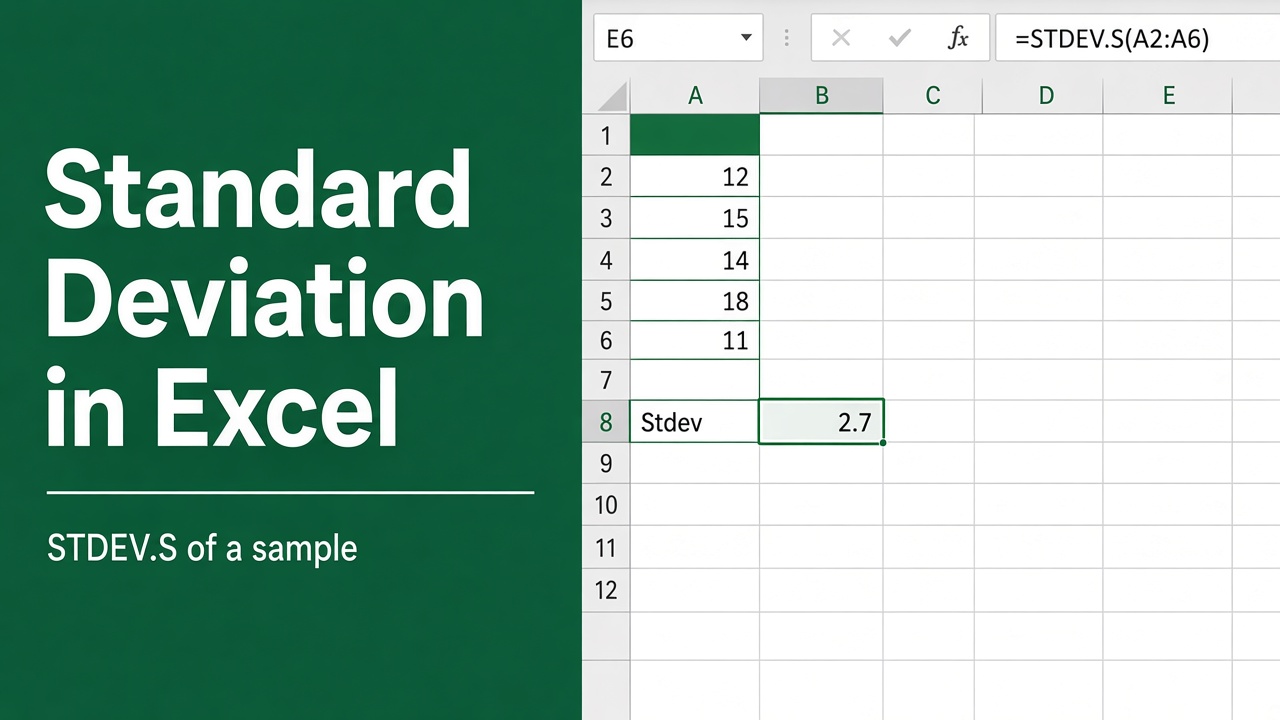
How to Calculate Standard Deviation in Excel: Expert Guide
Learn how to calculate standard deviation in Excel with easy steps, functions, and tips. Enhance data analysis with Excel’s built-in standard deviation tools.
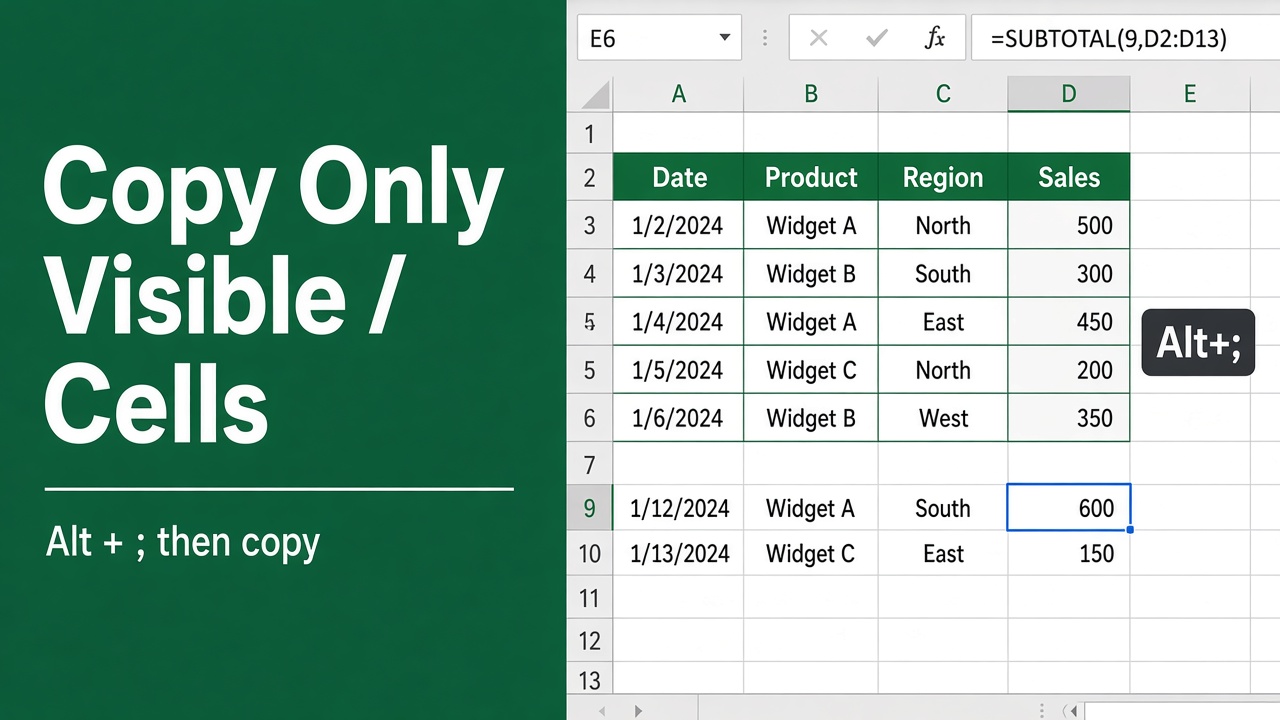
How to Copy Only Visible Cells in Excel? (The Easy Way)
Learn how to copy only visible cells in Excel to avoid hidden data errors. Follow these simple steps and tips to ensure clean and accurate data copying.
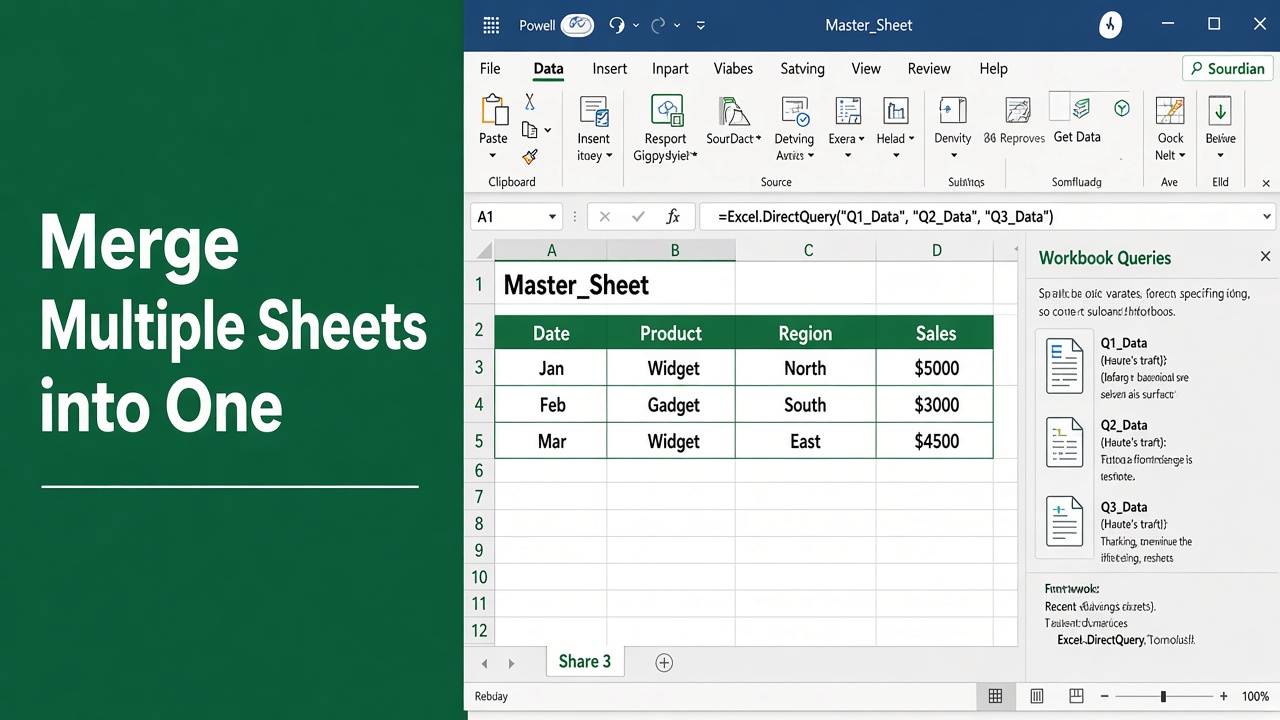
How to Merge Multiple Sheets in Excel to One Sheet: Easy Guide
Learn how to merge multiple sheets in Excel into one sheet easily. Master Power Query, VSTACK, and simple tips for fast data consolidation.
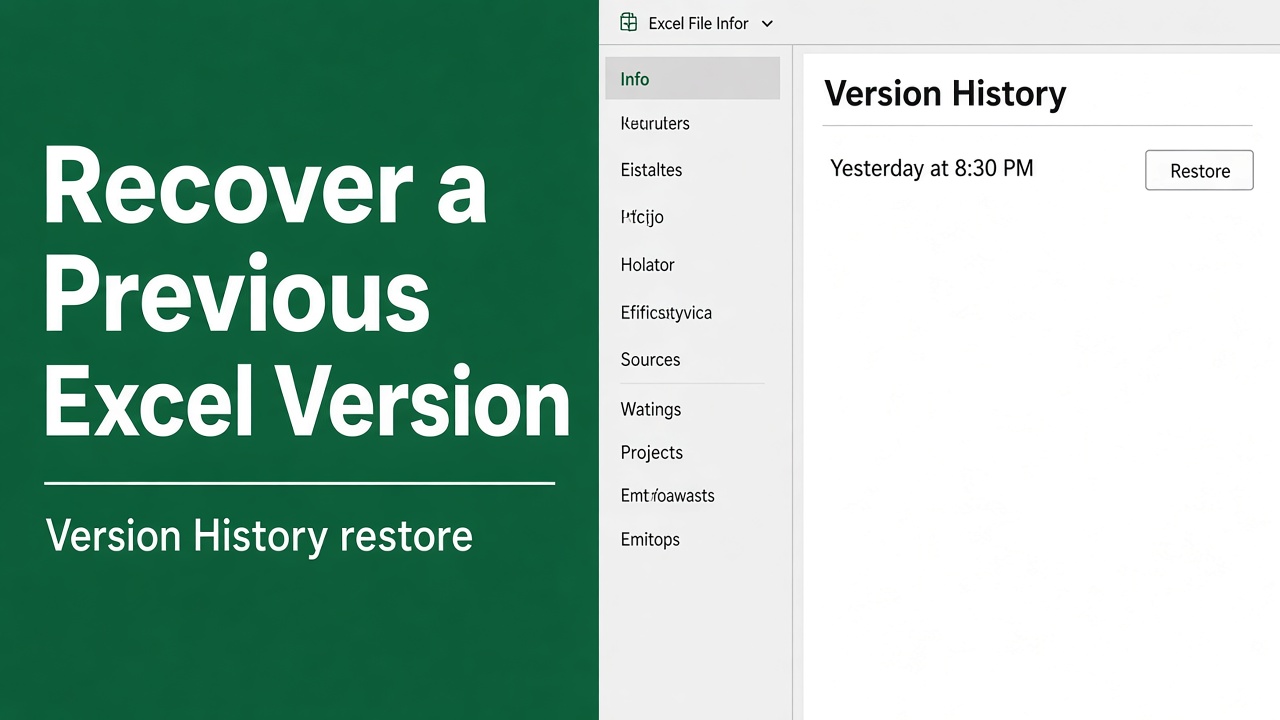
How to Recover Previous Versions of an Excel File?
Learn how to recover previous versions of Excel files using Version History, Windows tools, temporary files, and OneDrive. Step-by-step guide included.
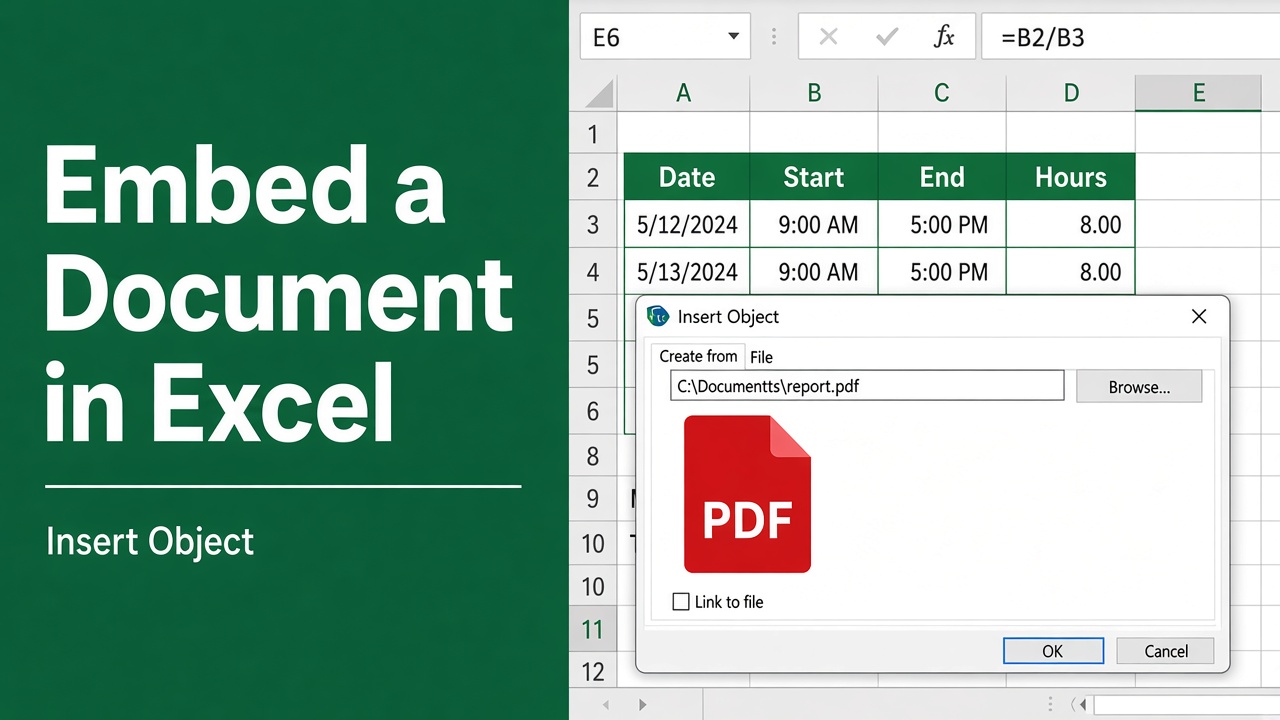
How to Embed a Document in Excel: A Step-by-Step Guide
Learn how to embed a document in Excel, including Word, PDFs, and PowerPoint presentations, to enhance your spreadsheets. Follow this easy step-by-step guide.
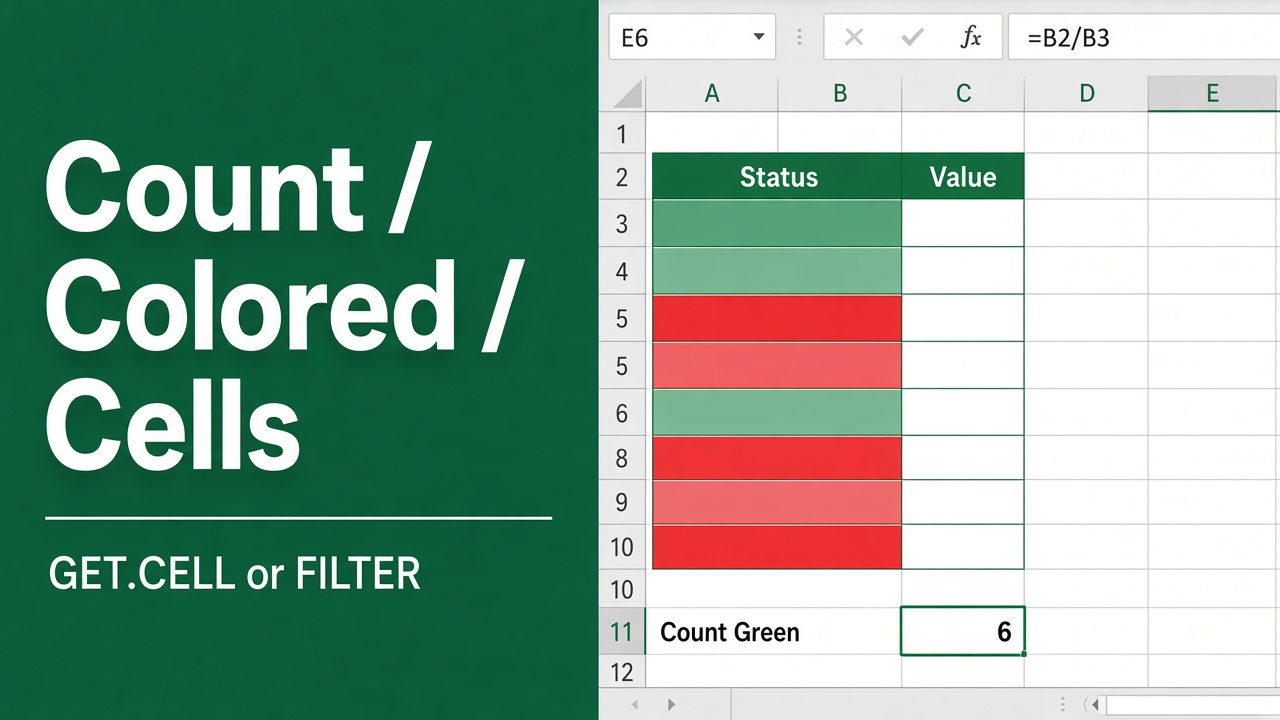
4 Easy Ways to Count Colored Cells in Excel
Learn how to count colored cells in Excel using methods like SUBTOTAL, VBA macros, GET.CELL function, and Conditional Formatting. Improve your workflow today!
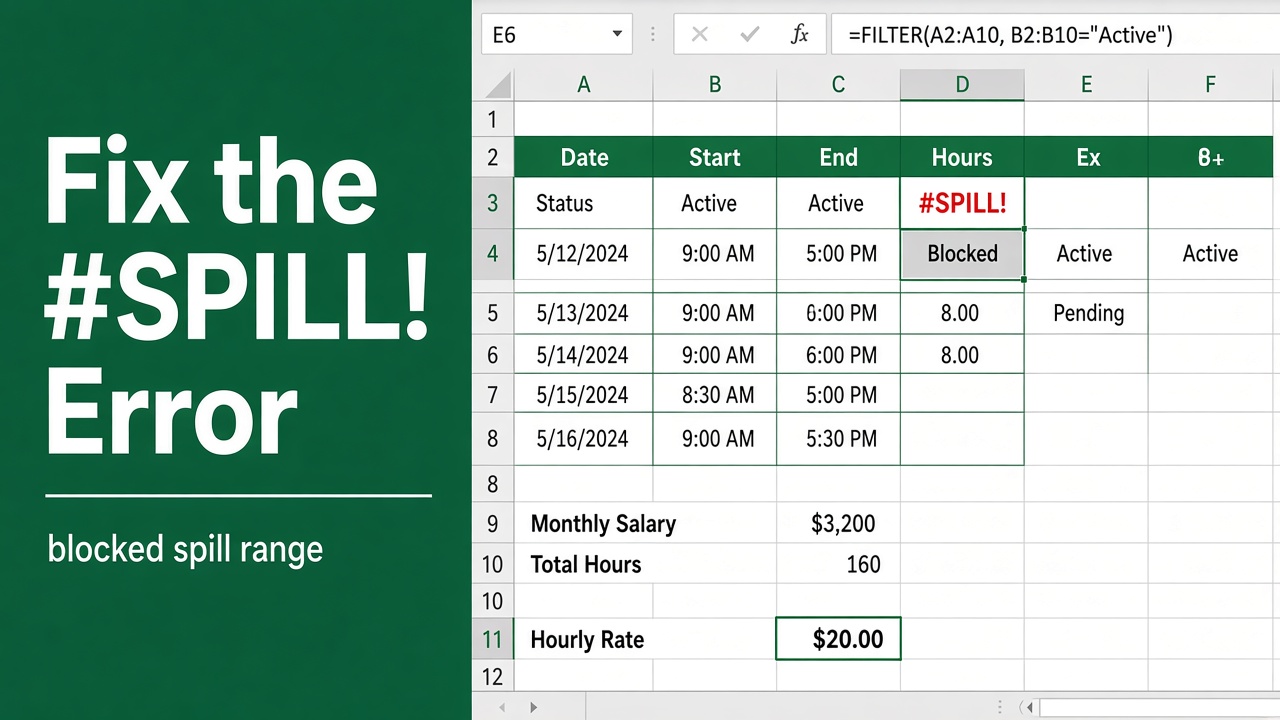
How to fix a #SPILL! error in Excel: A Complete Guide
Learn how to fix the Excel spill error with practical steps for clearing blocked ranges, resolving merged cells, and optimizing dynamic array formulas.