
Excel library
Excel How-To Guides
Page 8 of 11
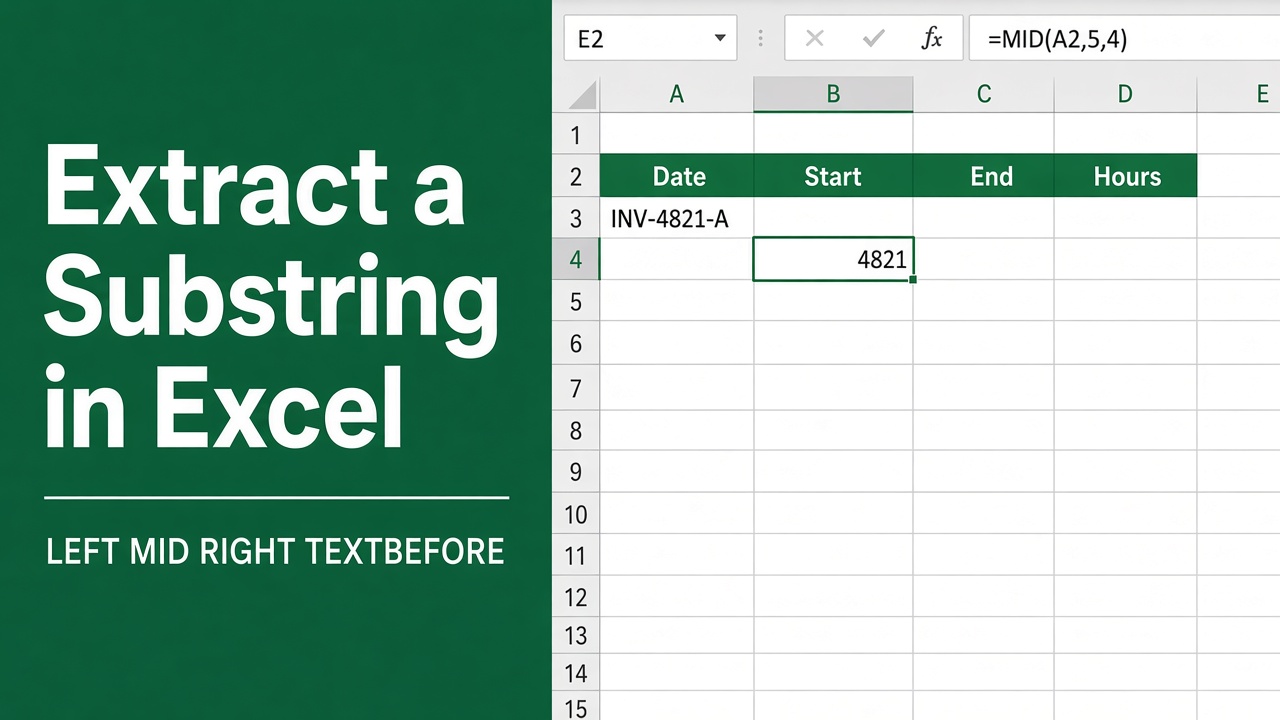
How to Extract Substring in Excel: A Comprehensive Guide
Learn how to extract substrings in Excel using functions like LEFT, MID, RIGHT, and TEXT. Simple formulas to handle your text data efficiently.
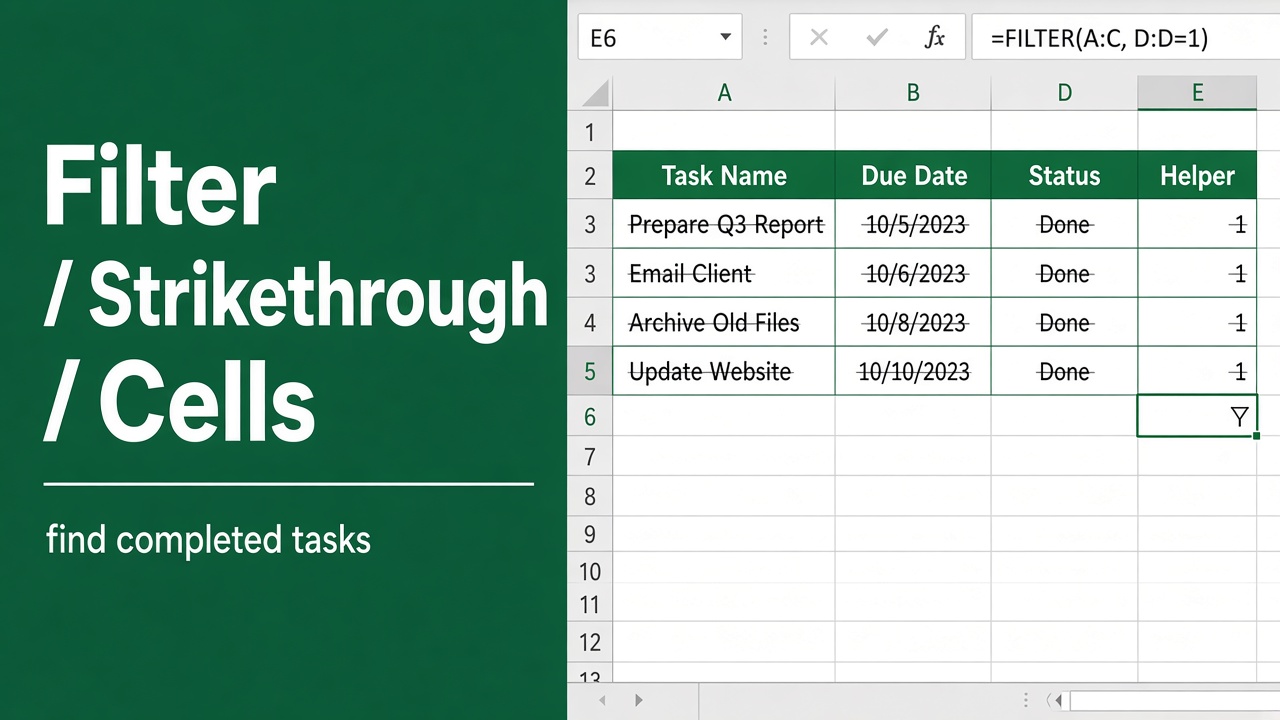
3 Easy Ways to Filter Cells with Strikethrough in Excel
Learn how to filter cells with strikethrough in Excel using VBA, Find & Replace, or Kutools Add-In. Step-by-step guide for simple and efficient data management.
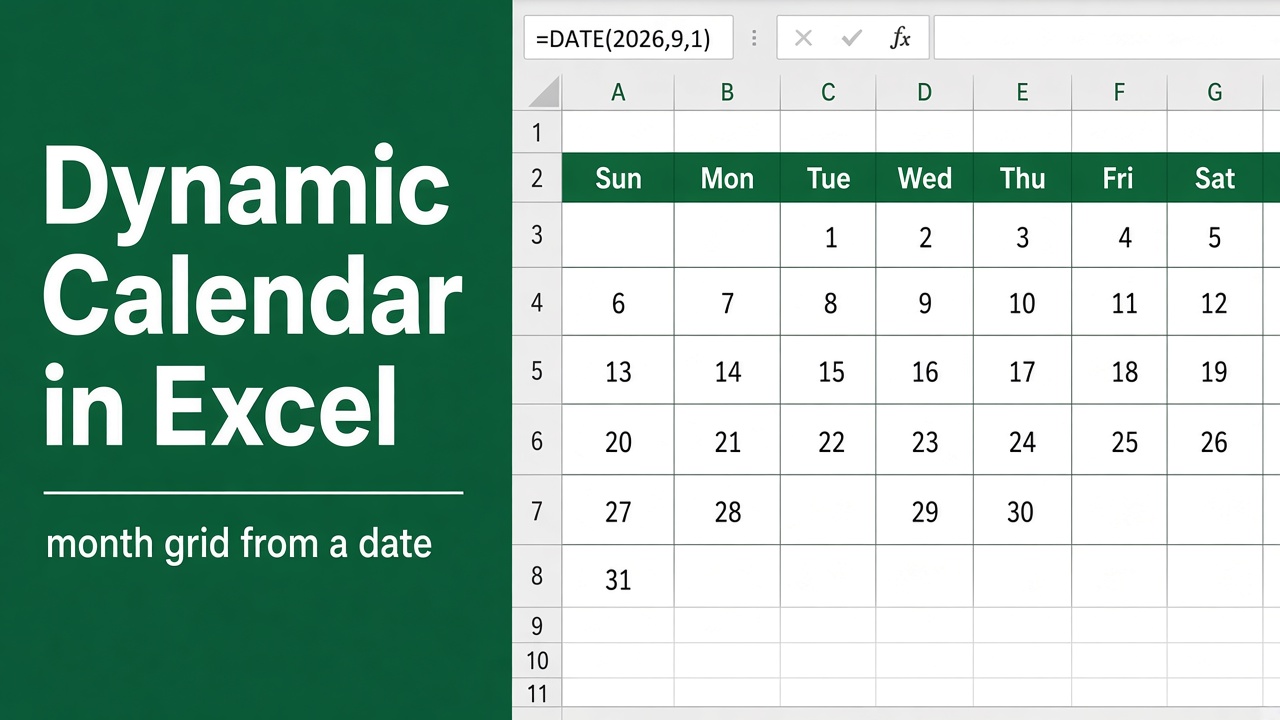
How to Create a Dynamic Calendar in Excel? (3 Easy Methods)
Learn how to create a dynamic calendar in Excel with step-by-step methods, including templates, formulas, and add-ins. Perfect for personal or professional use!
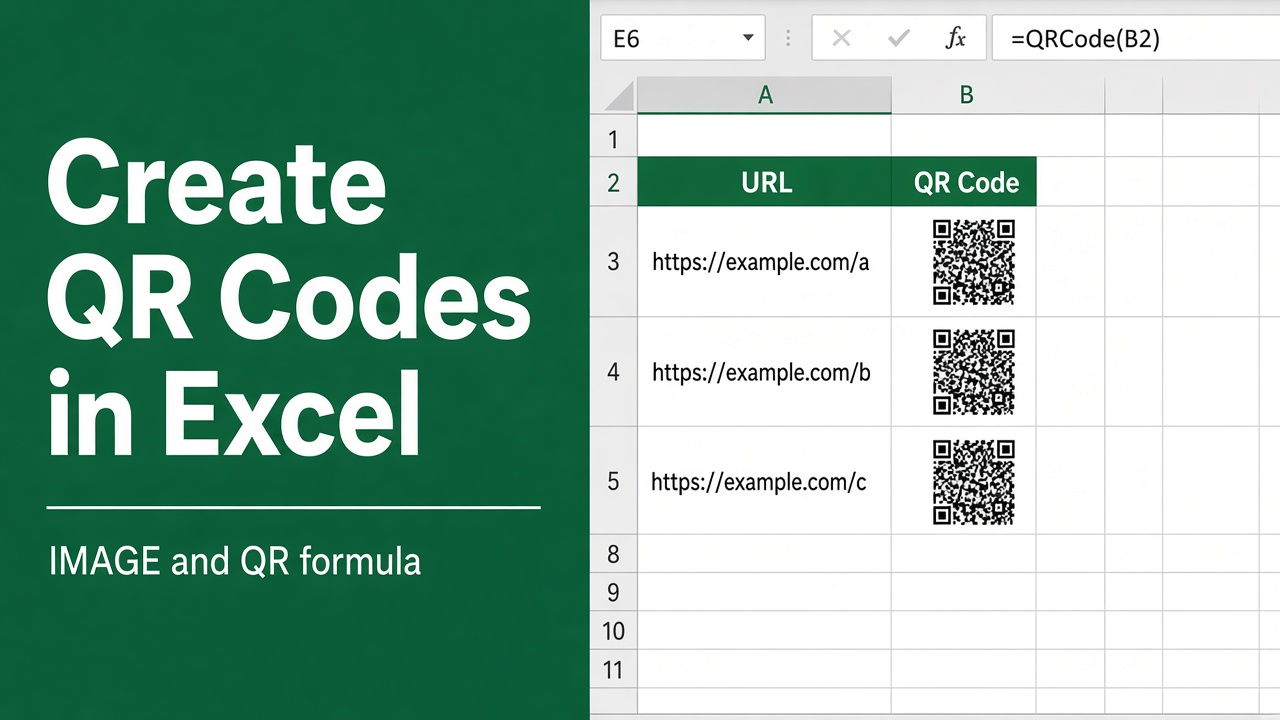
How to Create QR Codes in Excel? (4 Easy Methods)
Learn how to create QR codes in Excel with simple methods using the IMAGE function, VBA, add-ins, or online tools. Step-by-step guide included!
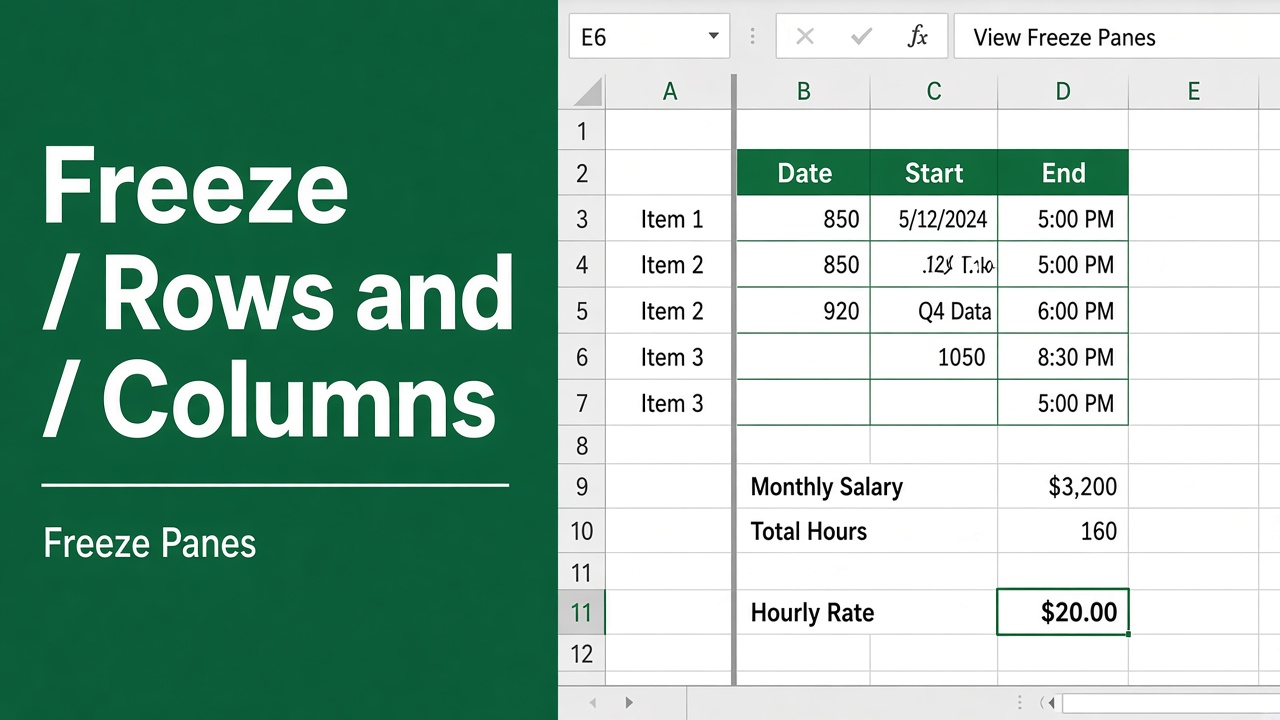
How to Freeze Rows and Columns in Excel: A Complete Guide
Learn how to freeze rows and columns in Excel with easy steps. Keep headers visible and improve productivity while working with large datasets.
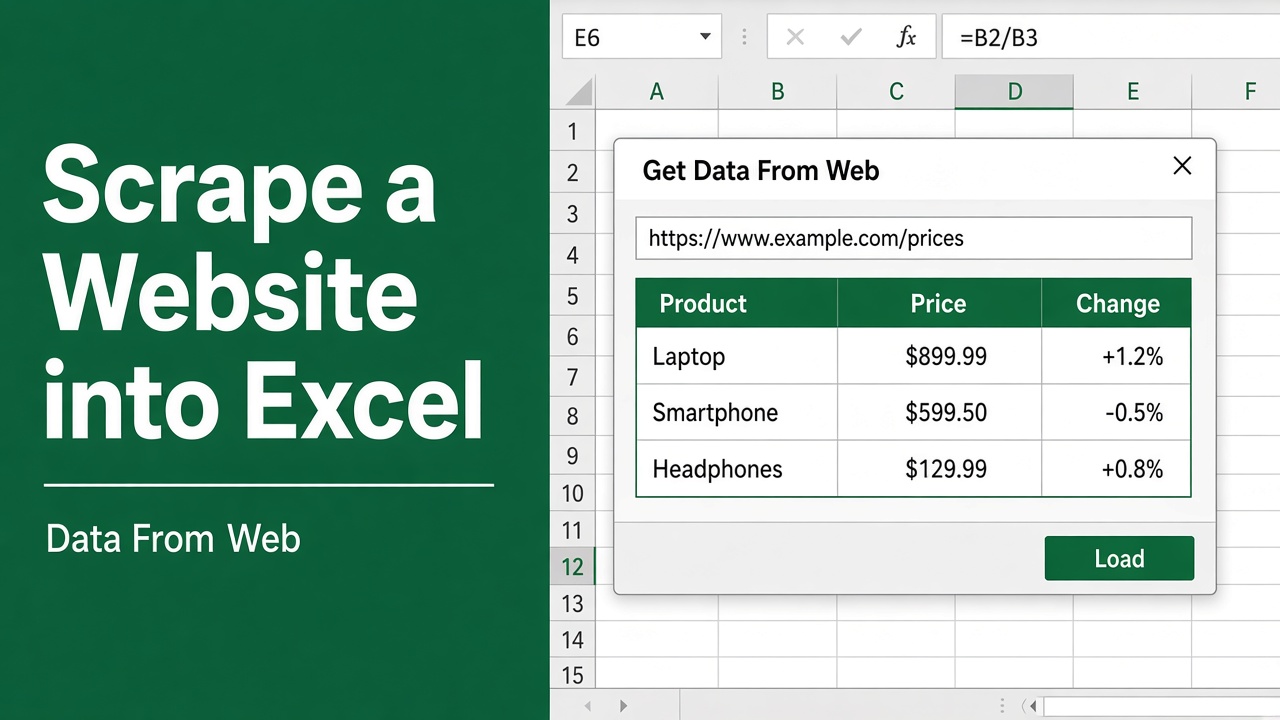
How to Scrape Data from a Website to Excel: A Complete Guide
Learn how to scrape data from websites into Excel using Power Query. Follow this step-by-step guide to extract, clean, and combine data efficiently.
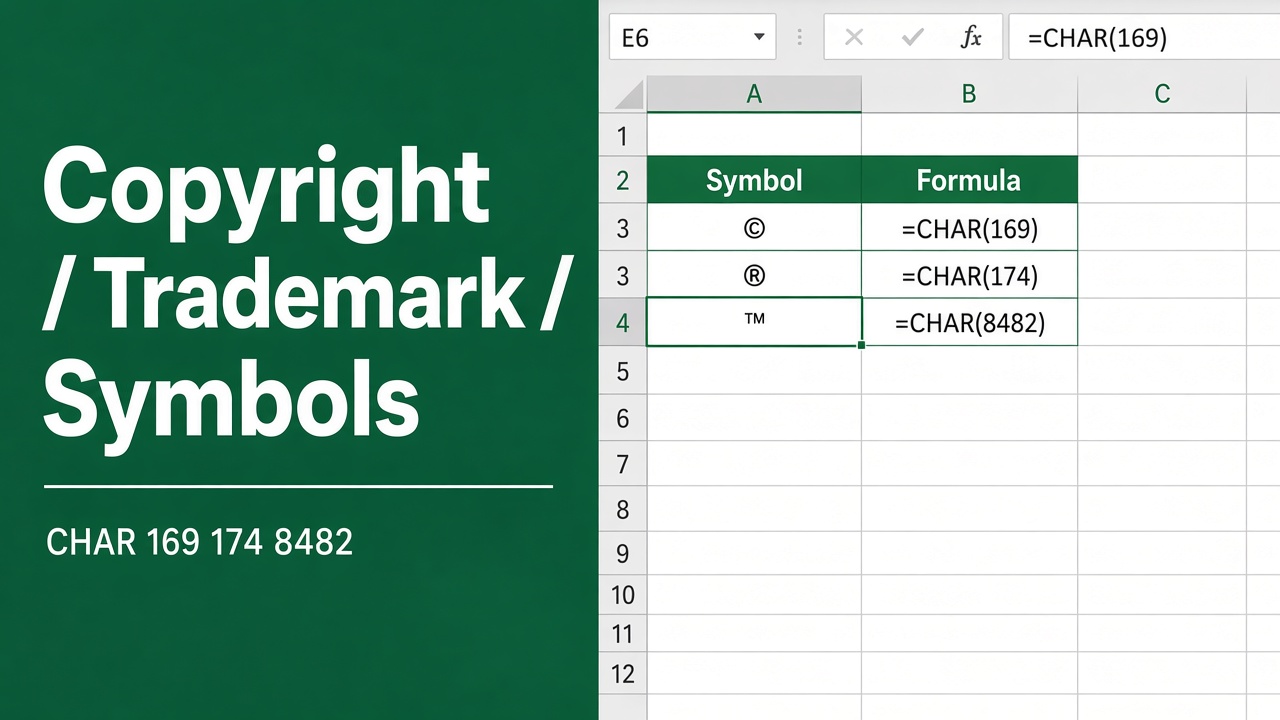
Insert Copyright, Trademark & Registered Trademark Symbol in Excel
Learn how to insert copyright, trademark, and registered trademark symbols in Excel using shortcuts, formulas, VBA and more.
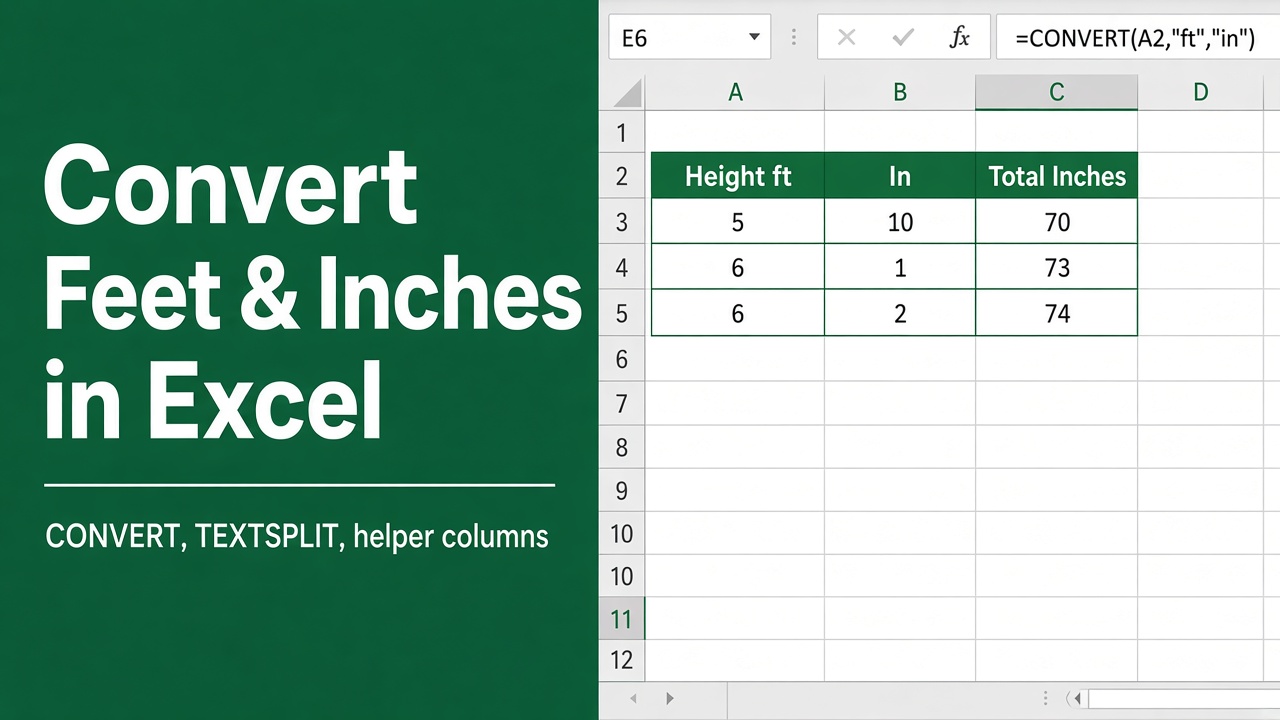
6 Easy Ways to Convert Feet and Inches to Inches in Excel
Learn how to convert feet and inches to inches in Excel using formulas, VBA, and Power Query. Step-by-step instructions for seamless data management.
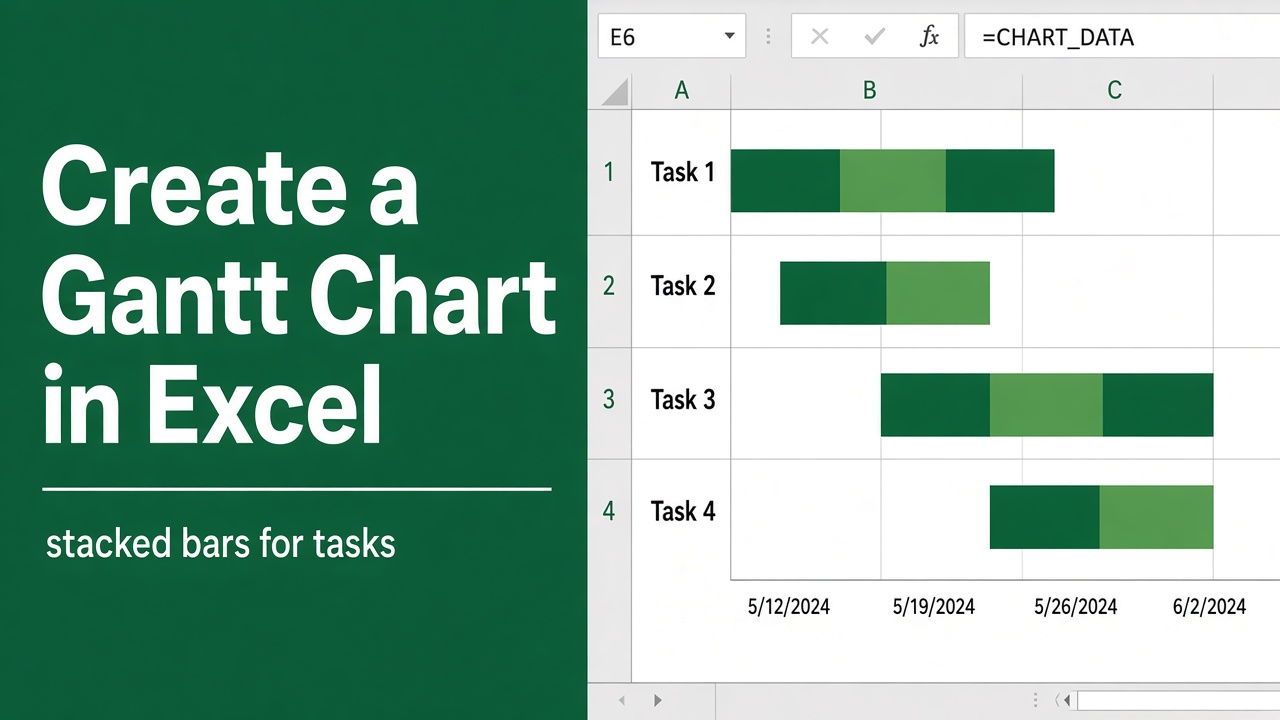
How to Create a Gantt Chart in Excel: A Step-by-step guide
Learn how to create a Gantt Chart in Excel with our easy, step-by-step guide. Visualize project timelines, track tasks & enhance your project management today!
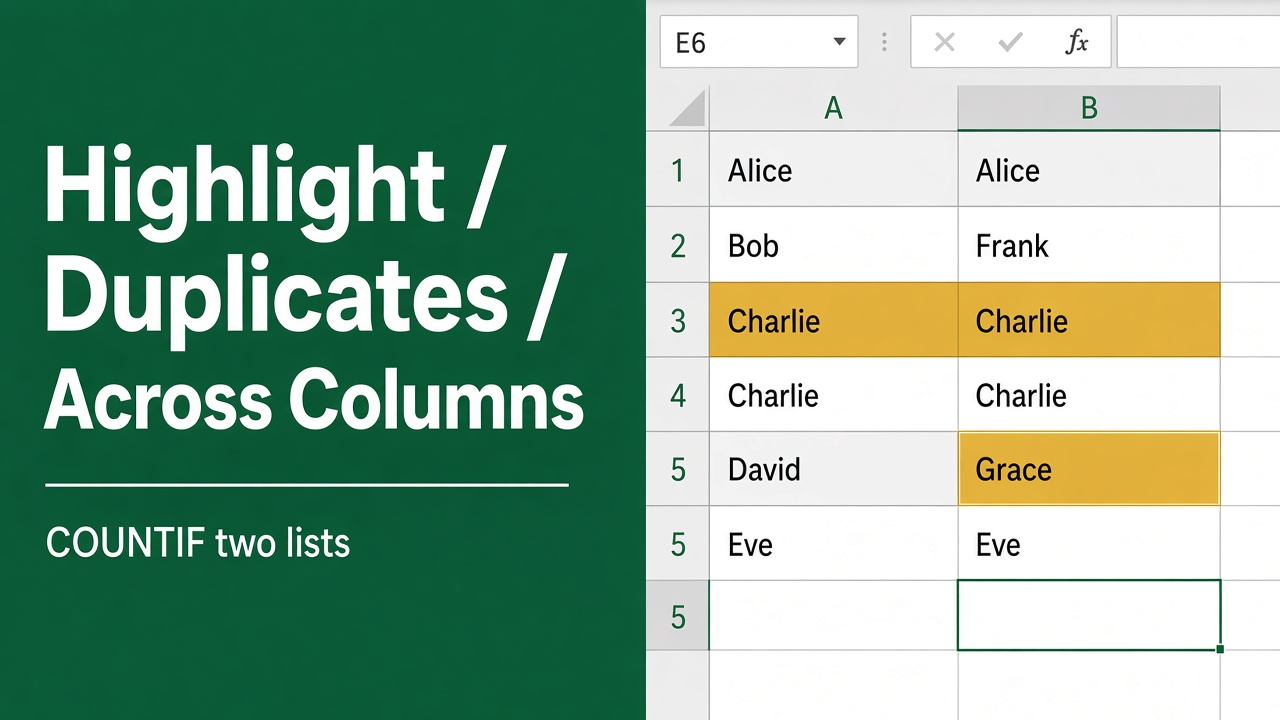
How to Highlight Duplicates in Two Columns in Excel?
Highlight duplicates in two Excel columns easily using Conditional Formatting, COUNTIF formulas, and Advanced Filters to ensure data accuracy and efficiency.