
Excel library
Excel How-To Guides
Page 5 of 11
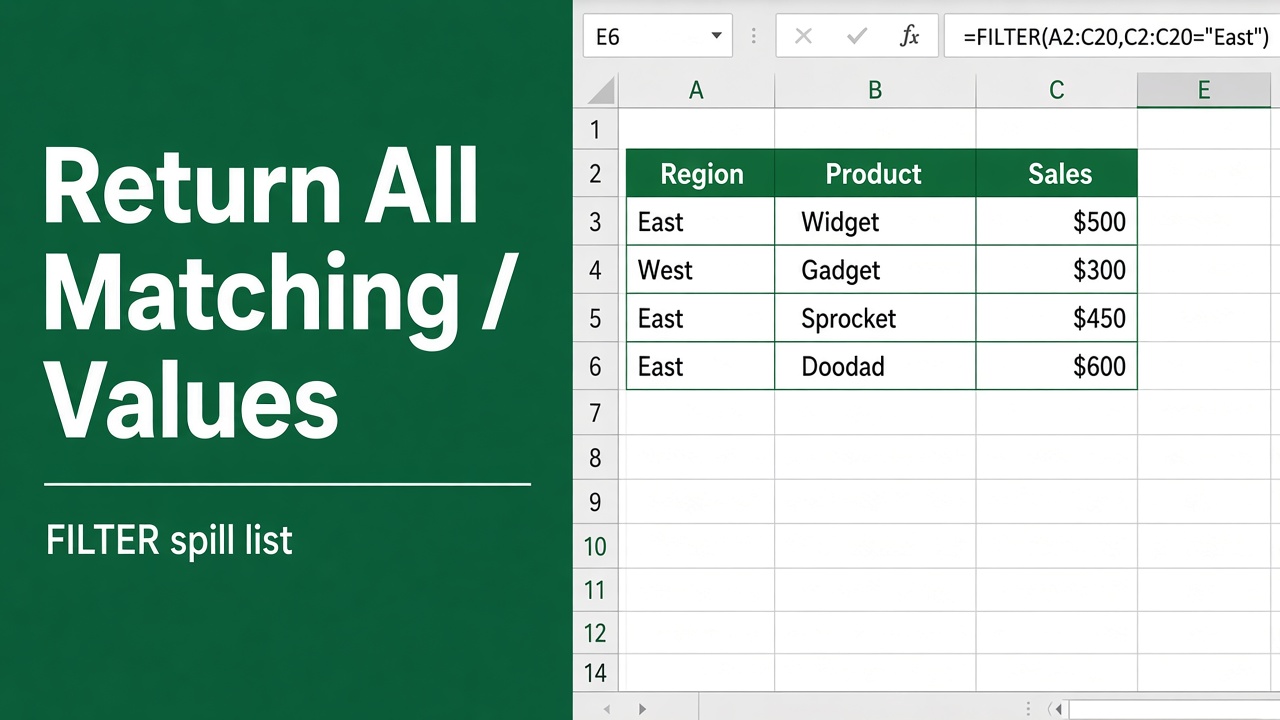
How to Return All Values That Match Criteria in Excel?
Learn how to return all matching values in Excel using FILTER, INDEX, array formulas, and more. Step-by-step guide for all Excel versions.
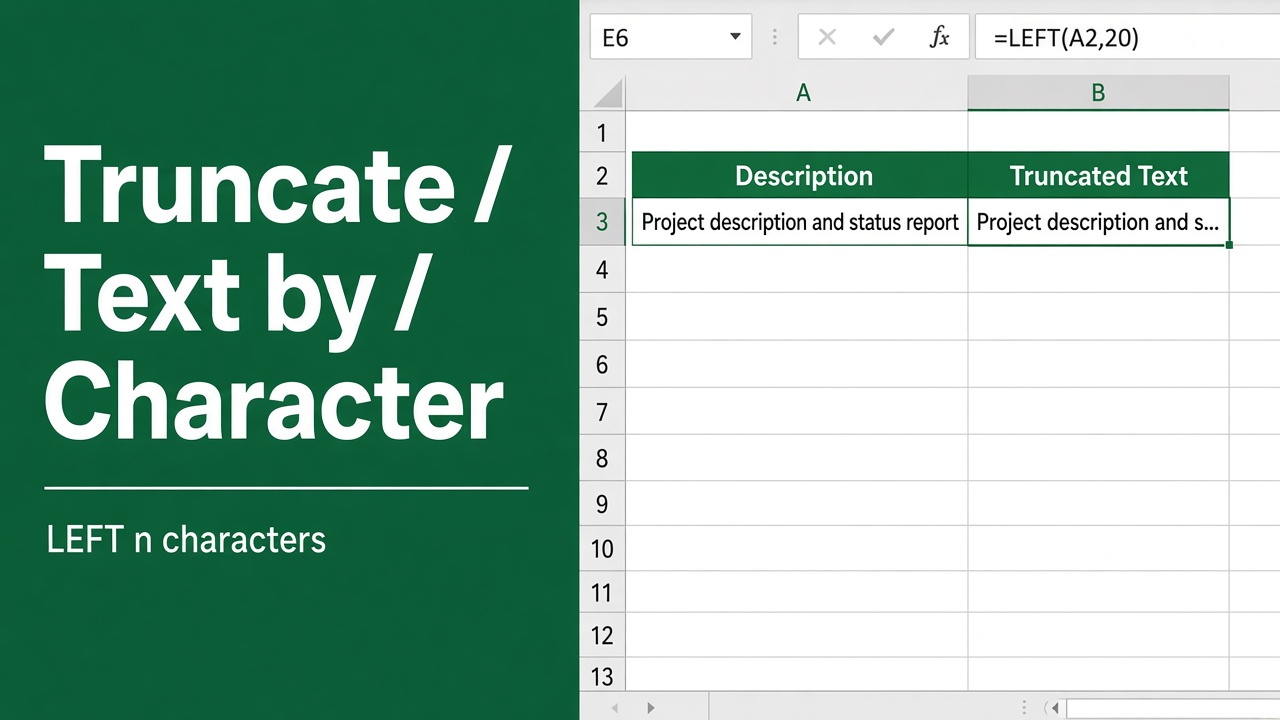
How to Truncate Text in Excel Based on Character?
Learn how to truncate text in Excel by character using LEFT, RIGHT, MID, and other formulas. Simplify data cleanup and formatting with easy steps.
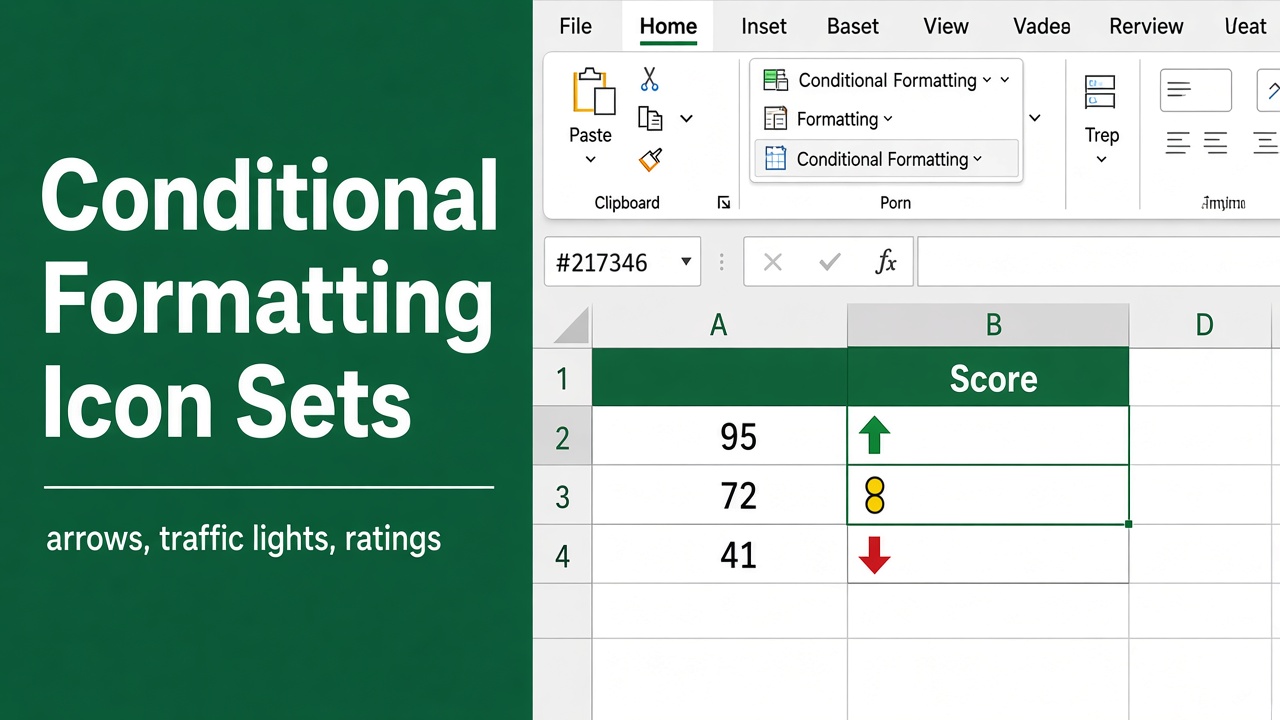
Conditional Formatting with Icon Sets in Excel (Easy Guide)
Learn how to use, customize, and apply conditional formatting with icon sets in Excel to visually track performance, status, and data trends.
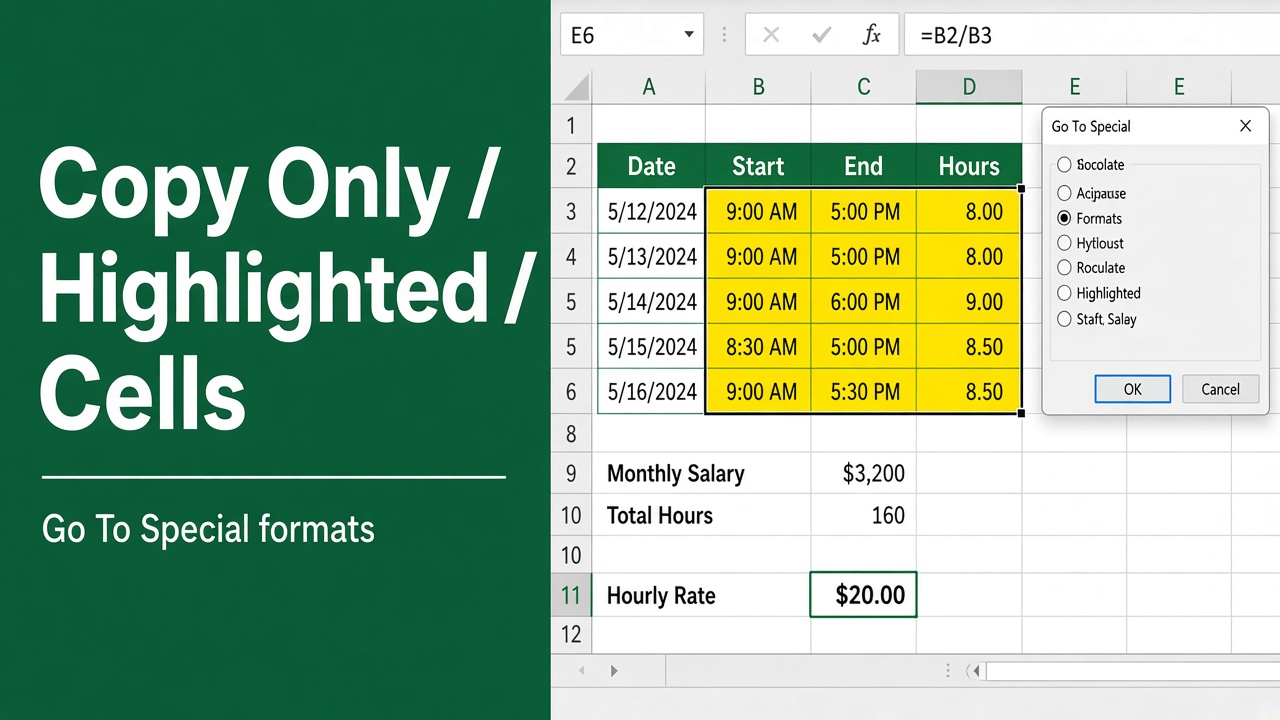
How to Copy Only Highlighted Cells in Excel? (5 Easy Ways)
Learn how to copy only highlighted cells in Excel using filters, Go To Special, VBA, and more. Easy step-by-step guide for faster data handling.
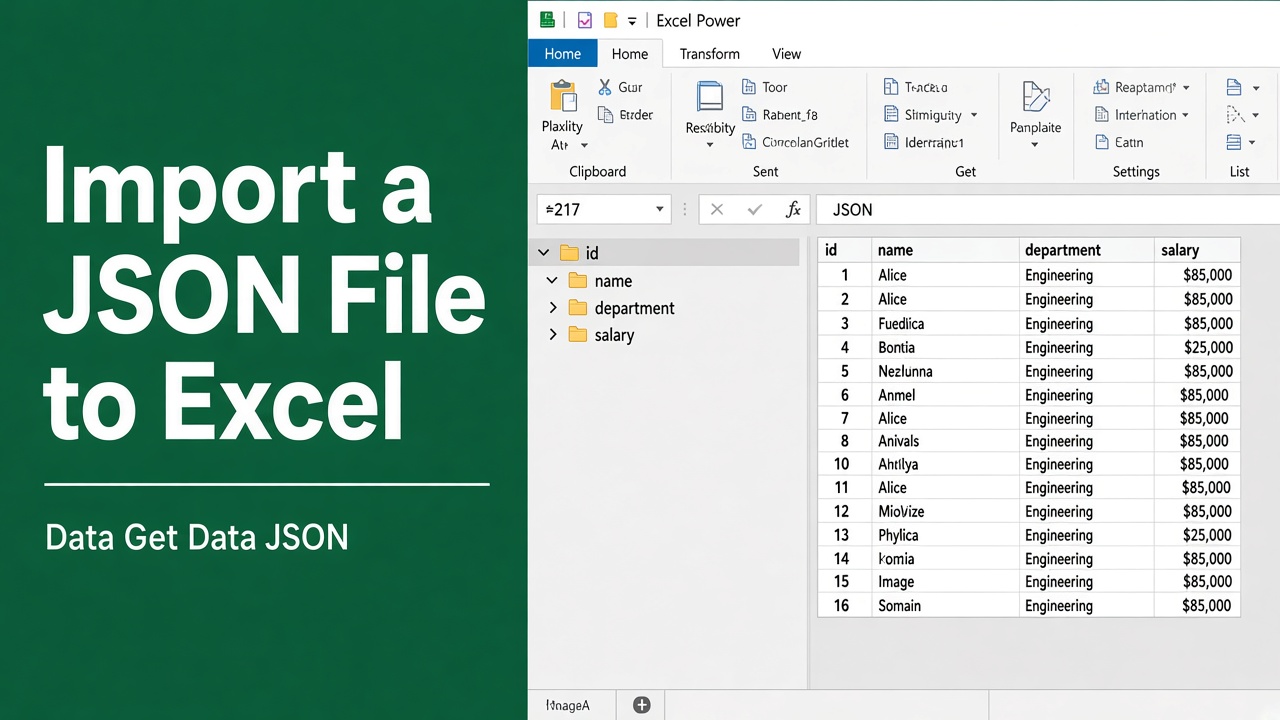
How to Import JSON File to Excel: A Complete Guide
Learn how to import JSON files into Excel using Power Query, VBA, or online tools. Step-by-step guide for converting JSON to Excel format easily.
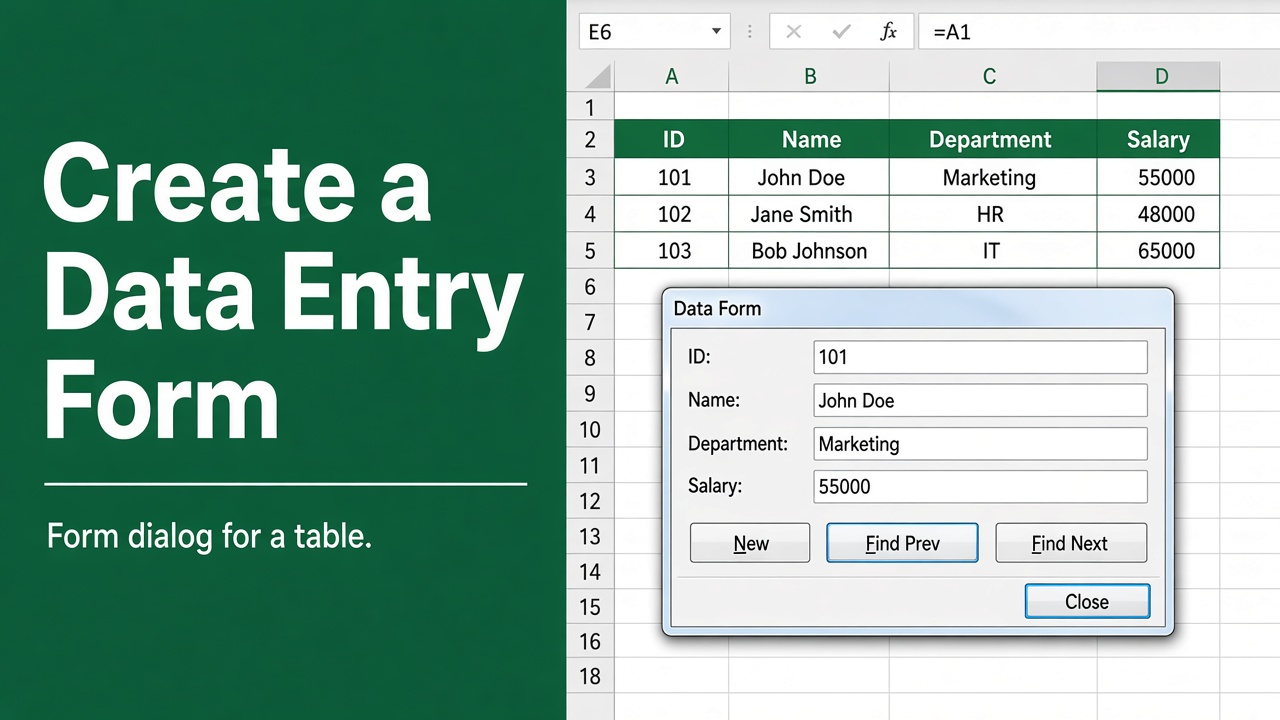
How to Create a Form in Excel? (3 Easy Methods)
Learn how to create a form in Excel using built-in tools, Developer controls, or Microsoft Forms for easy, accurate, and efficient data entry.
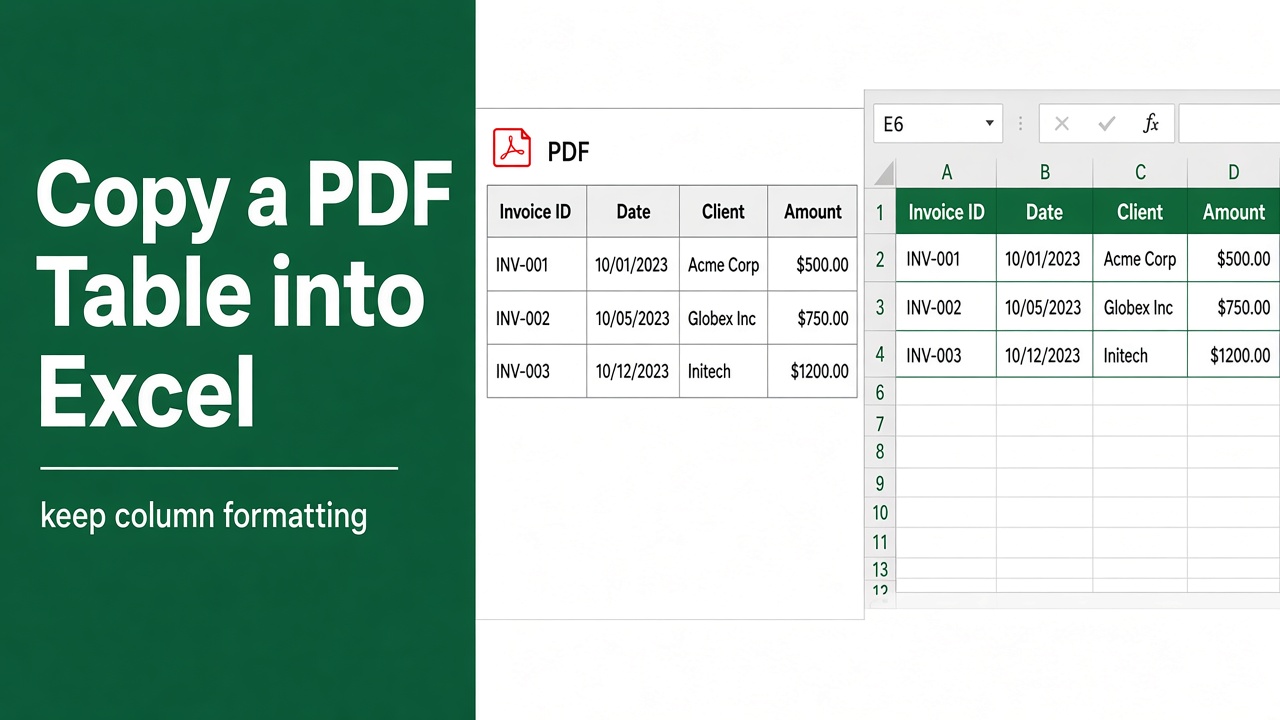
How to Copy Table from PDF to Excel with Formatting?
Learn how to copy tables from PDF to Excel with formatting using Adobe, Word, Power Query, and more. Simple steps for clean data transfer.
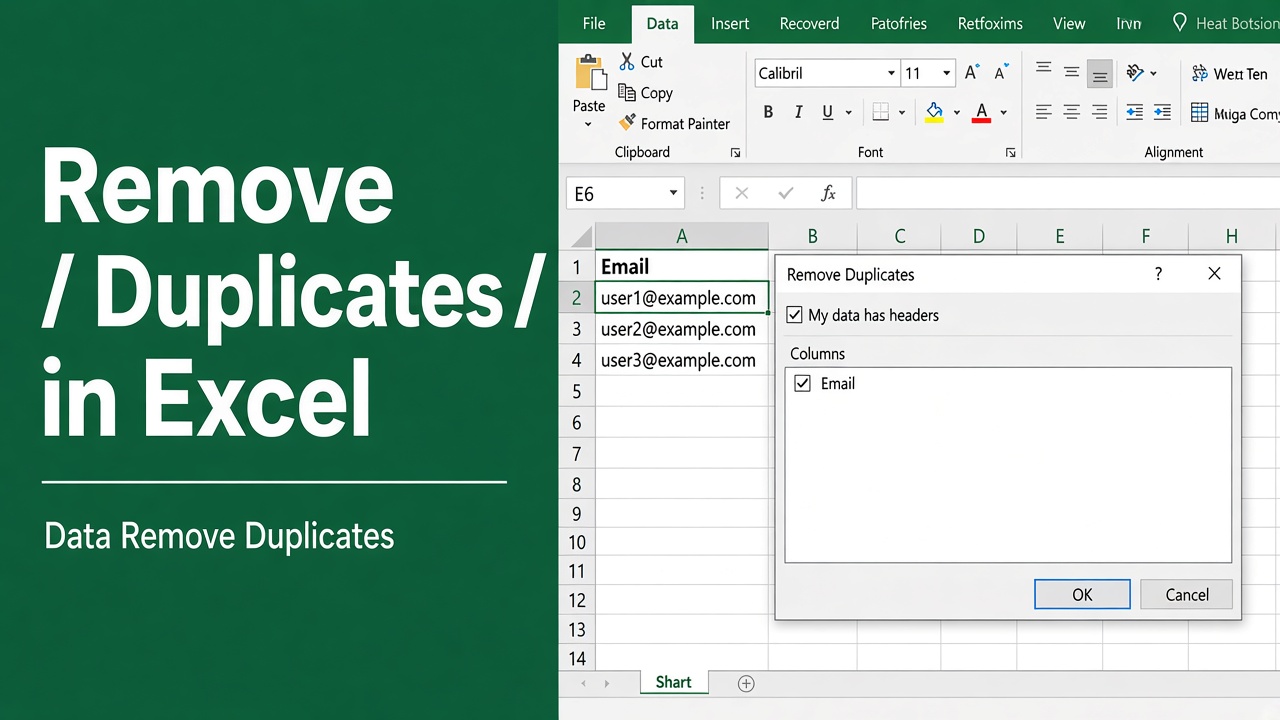
How to Remove Duplicates in Excel? (5 Easy Methods)
Learn how to remove duplicates in Excel using built-in tools, formulas, conditional formatting, and Power Query for clean, accurate data.
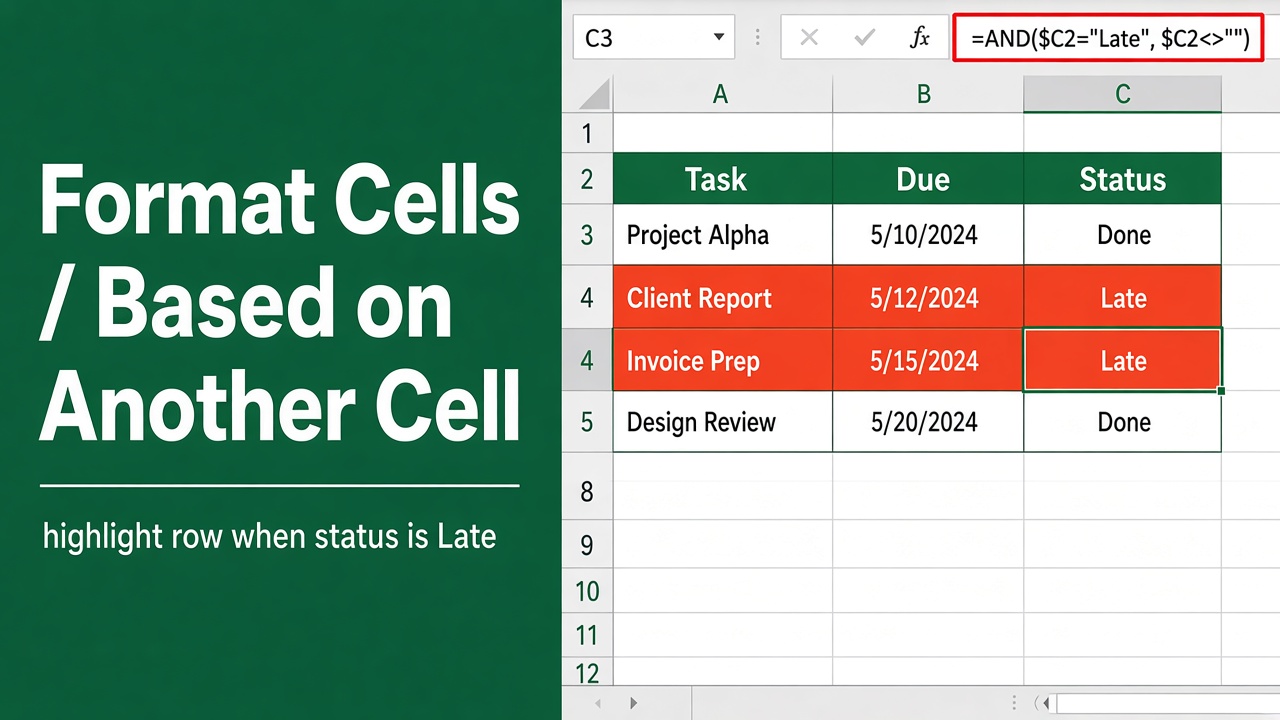
Excel Conditional Formatting Based on Another Cell Value
Learn how to format cells in Excel based on another cell’s value using conditional formatting with simple formulas and step-by-step examples.
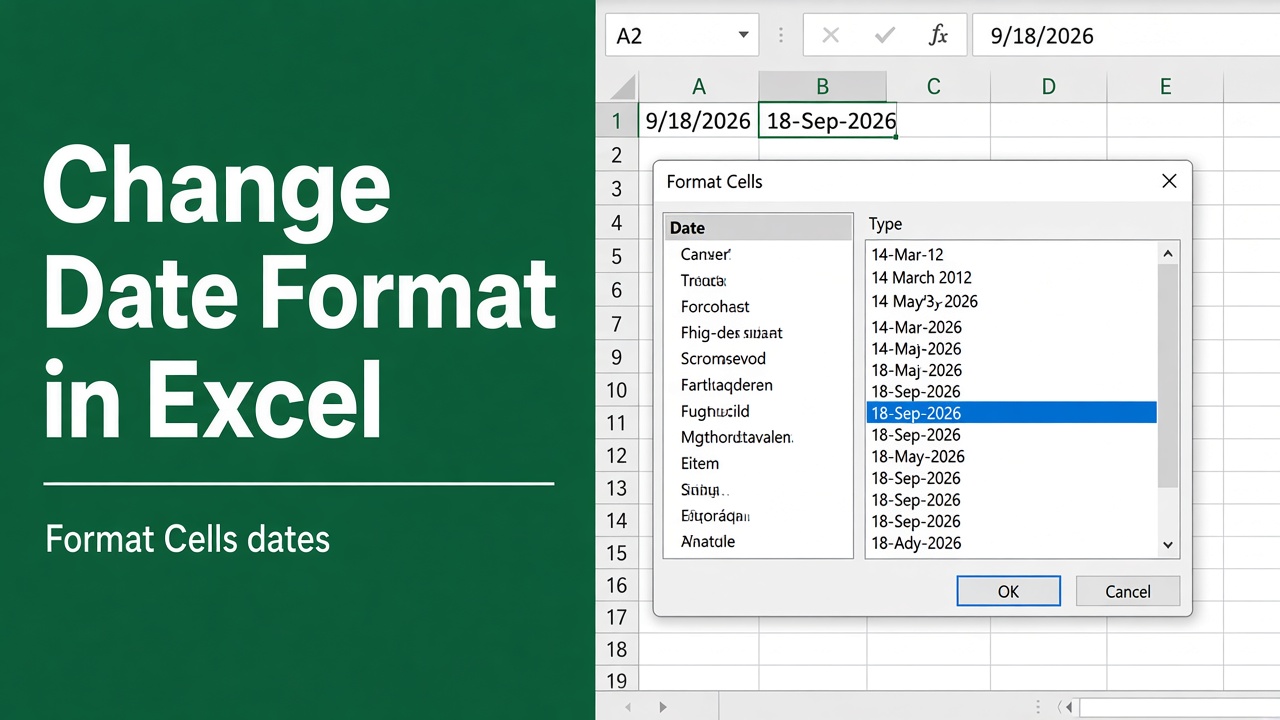
How to Change Date Format in Excel: A Complete Guide
Learn how to change date format in Excel with step-by-step methods, custom formats, and tips to fix common date issues for clear, accurate data.