
Excel library
Excel How-To Guides
Page 7 of 11
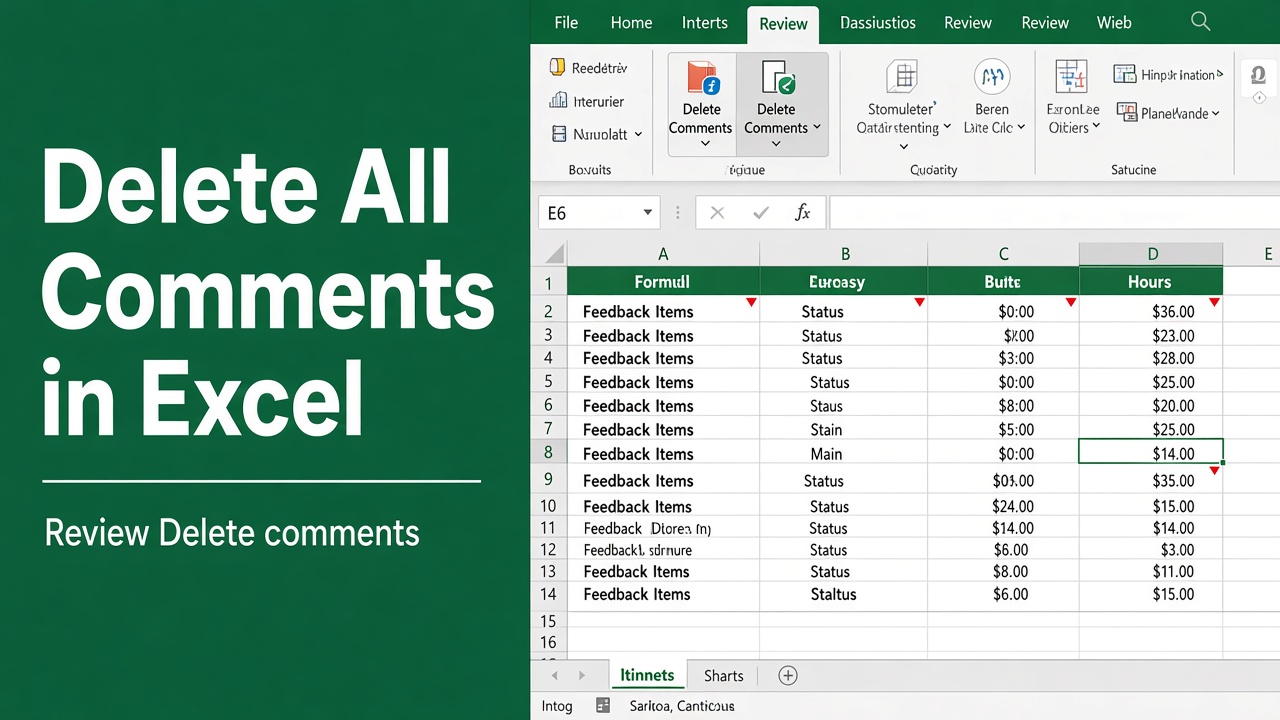
How to Delete All Comments in Excel? (4 Easy Methods)
Learn how to delete all comments in Excel using Go To Special, Review tab, VBA macros & more. Easy step-by-step guide for all versions of Excel!
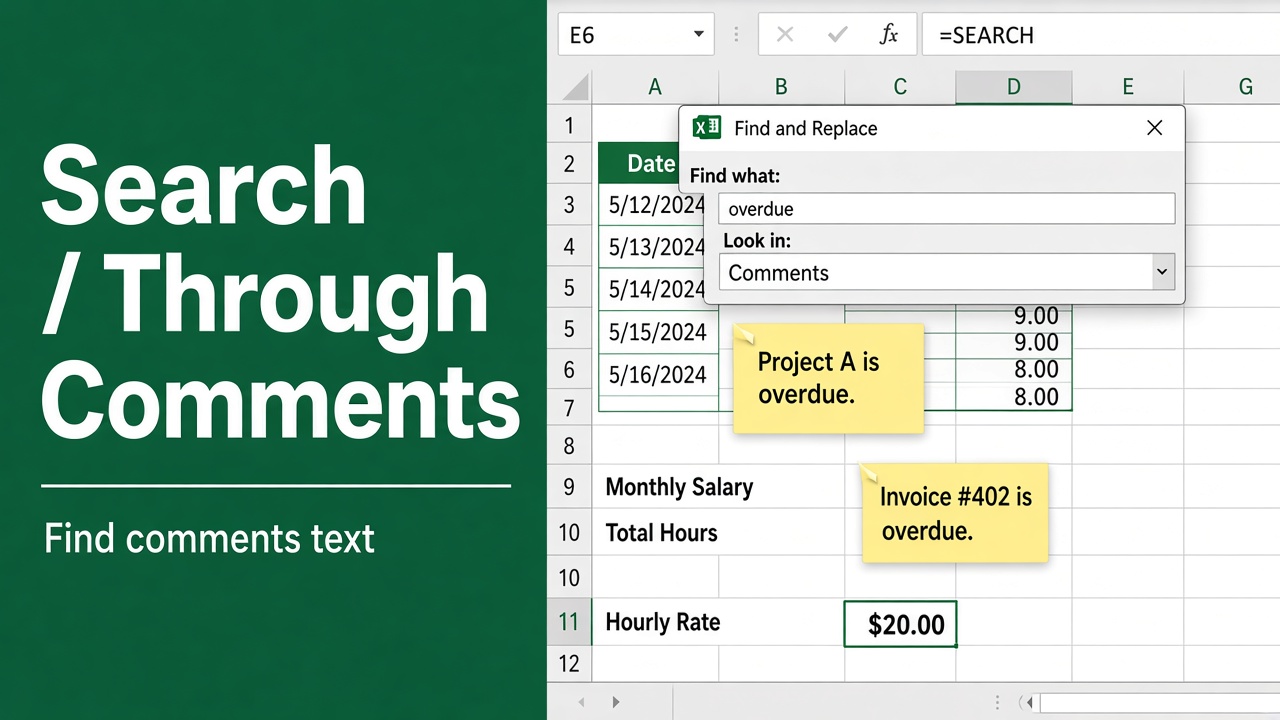
How to Search Through Comments in Excel: A Complete Guide
Learn how to easily search through comments in Excel using Find and Replace. Step-by-step guide for Excel 365, 2019 & earlier versions.
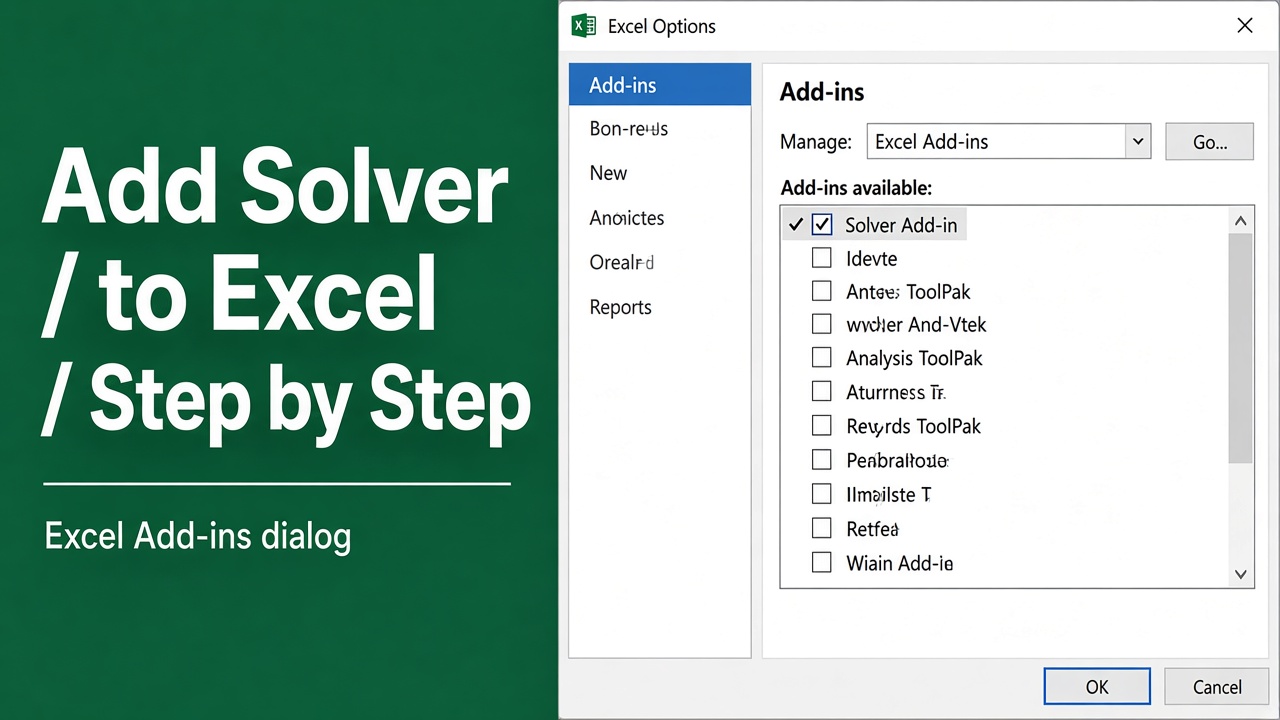
How to Add Solver to Excel: A Complete Step-by-Step Guide
Learn how to add Solver to Excel on Windows, Mac, and Excel Online with this step-by-step guide. Enable Solver for data analysis and optimization easily!
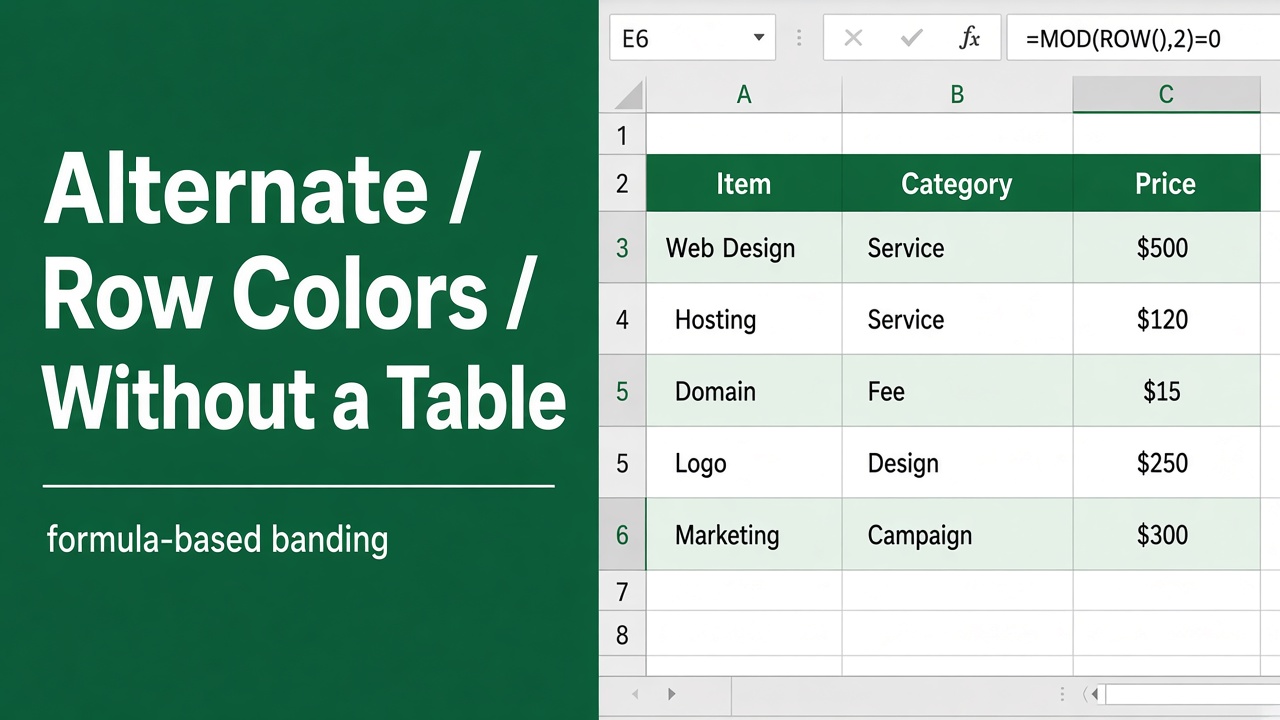
How to Alternate Row Colors in Excel Without Table?
Learn how to alternate row colors in Excel without using tables using Conditional Formatting. Easy step-by-step guide with formulas for better readability!
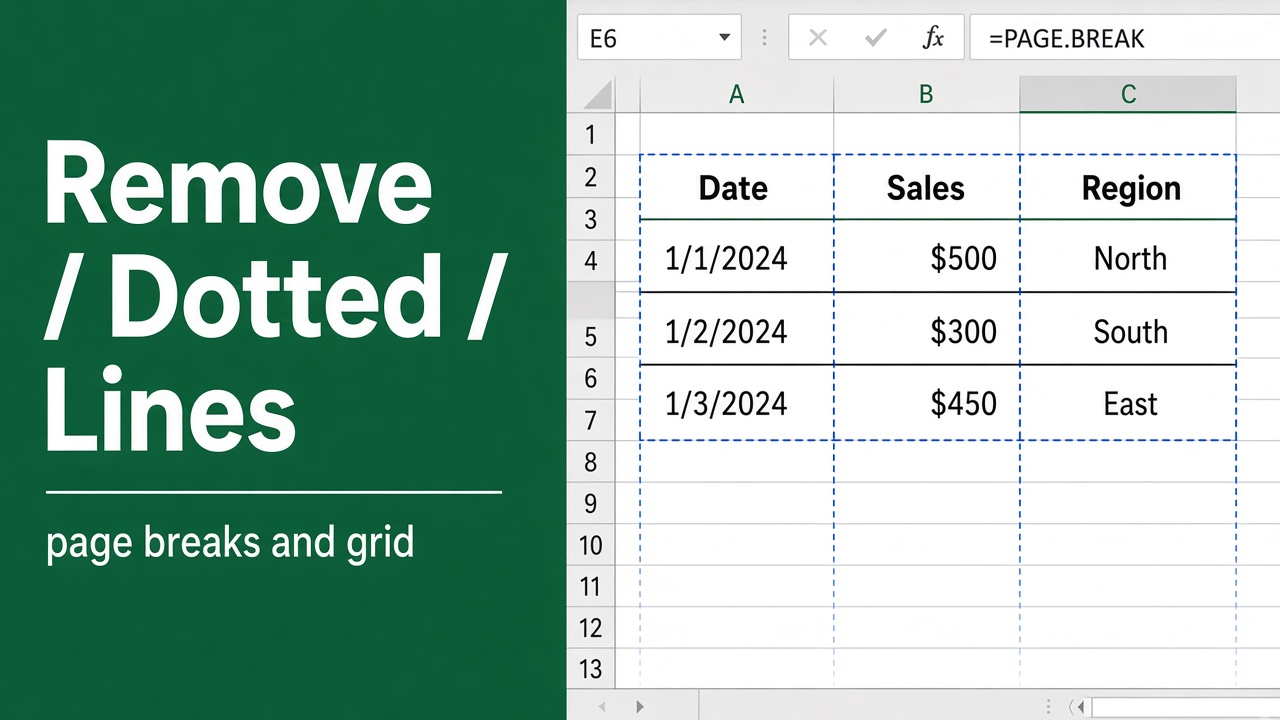
How to Remove Dotted Lines in Excel: Easy Guide
Learn how to remove dotted lines in Excel caused by page breaks, borders, or gridlines with easy step-by-step methods. Clean up your spreadsheet now!
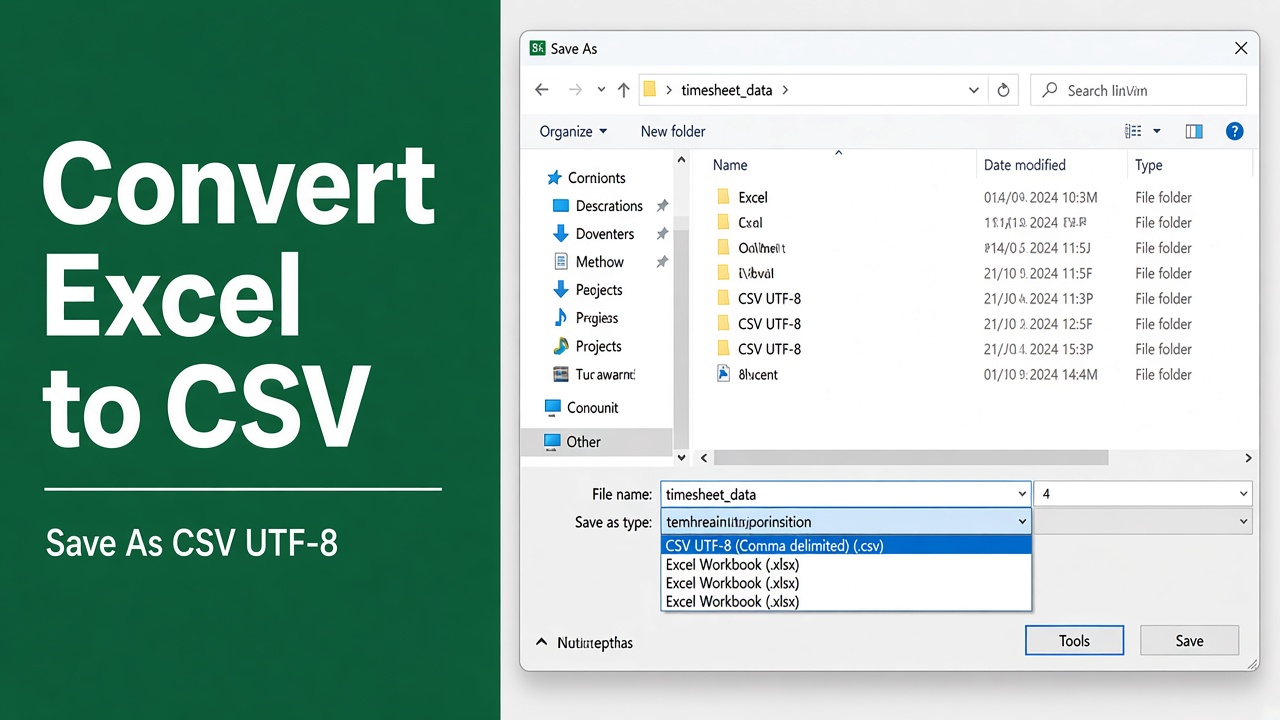
How to Convert Excel to CSV: A Step-by-Step Guide
Learn how to easily convert Excel to CSV using Microsoft Excel and Google Sheets. Preserve special characters, fix formatting issues, and avoid data loss.
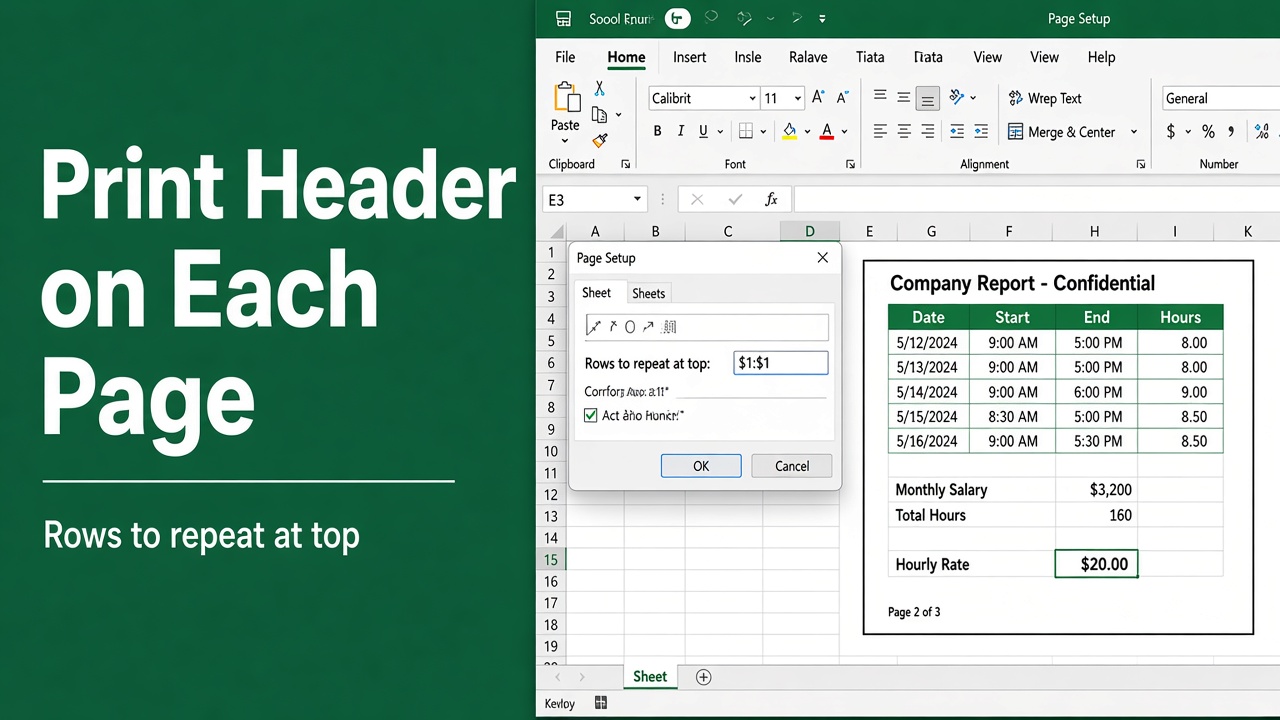
How to Print Header on Each Page in Excel: Easy Guide
Learn how to print a header on each page in Excel for better readability. Follow these simple steps to ensure your headers appear on every printed page.
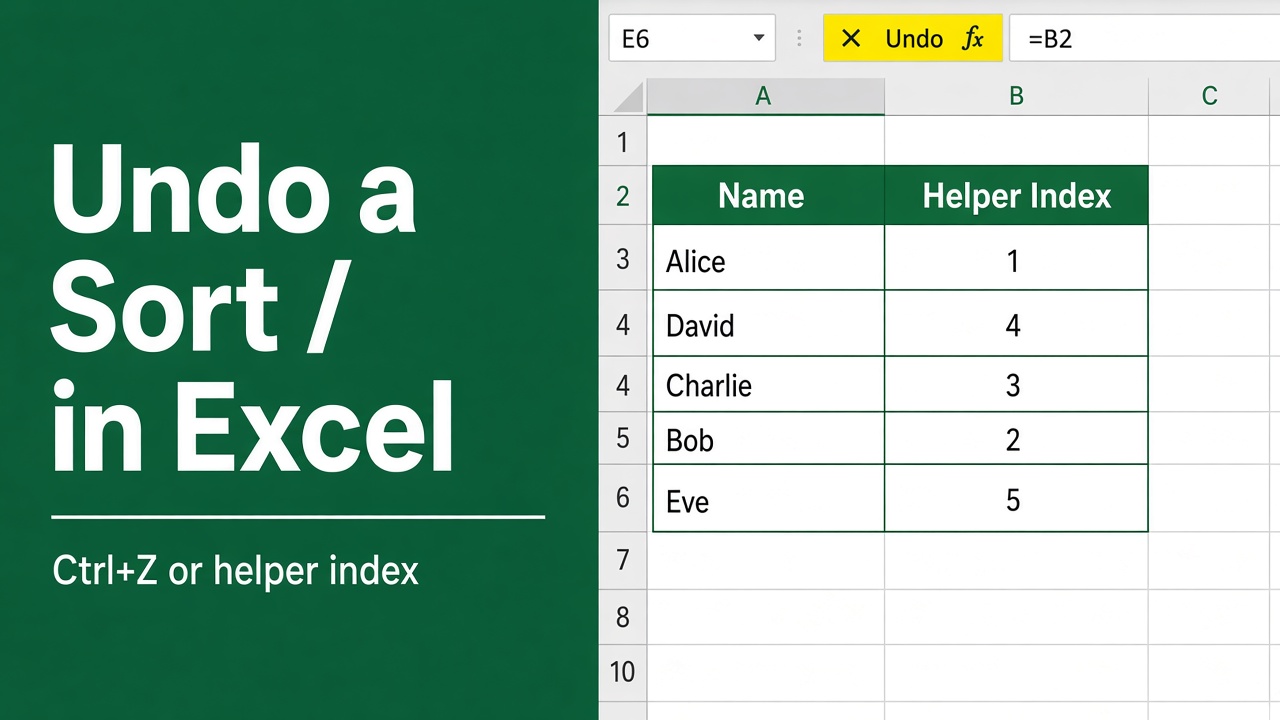
How to Undo Sort in Excel: A Comprehensive Guide
Learn how to undo sorting in Excel with simple methods like Ctrl + Z, helper columns, backups, and filters to restore your original data order easily.
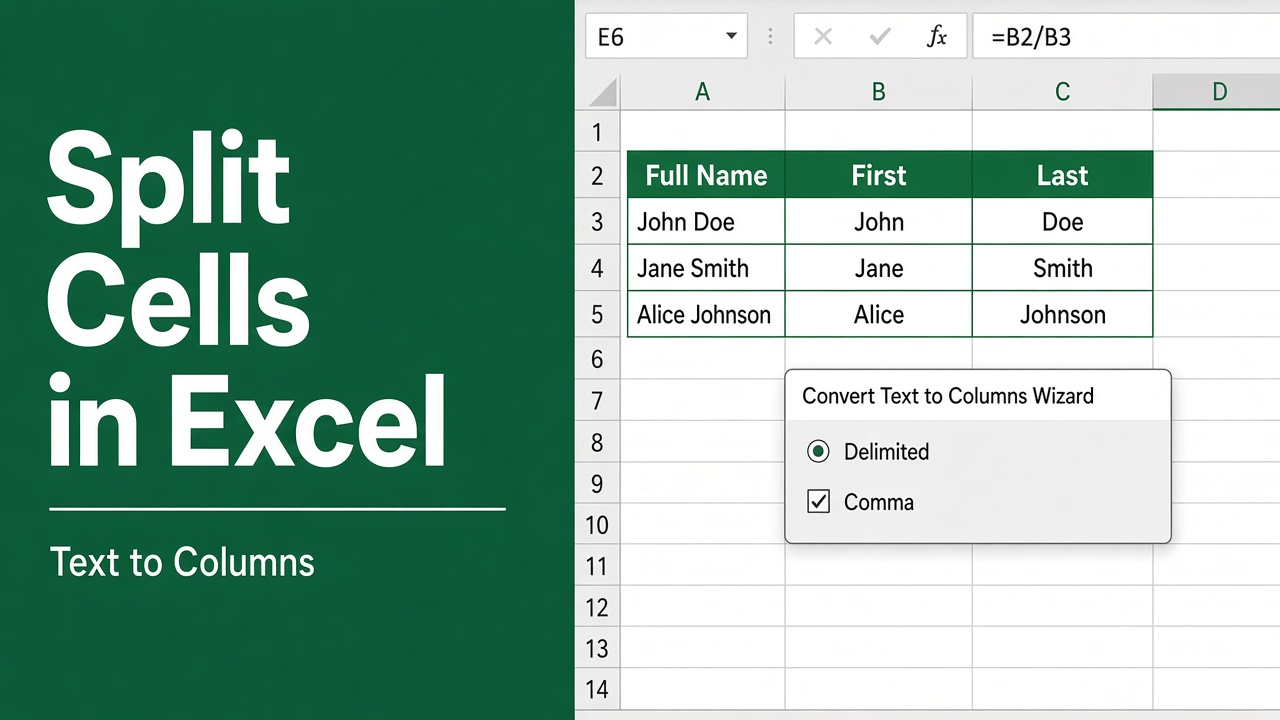
How to Split Cells in Excel: A Complete Guide
Learn how to split cells in Excel using Text to Columns, formulas, Flash Fill, Power Query, and VBA. Step-by-step guide for beginners and advanced users.
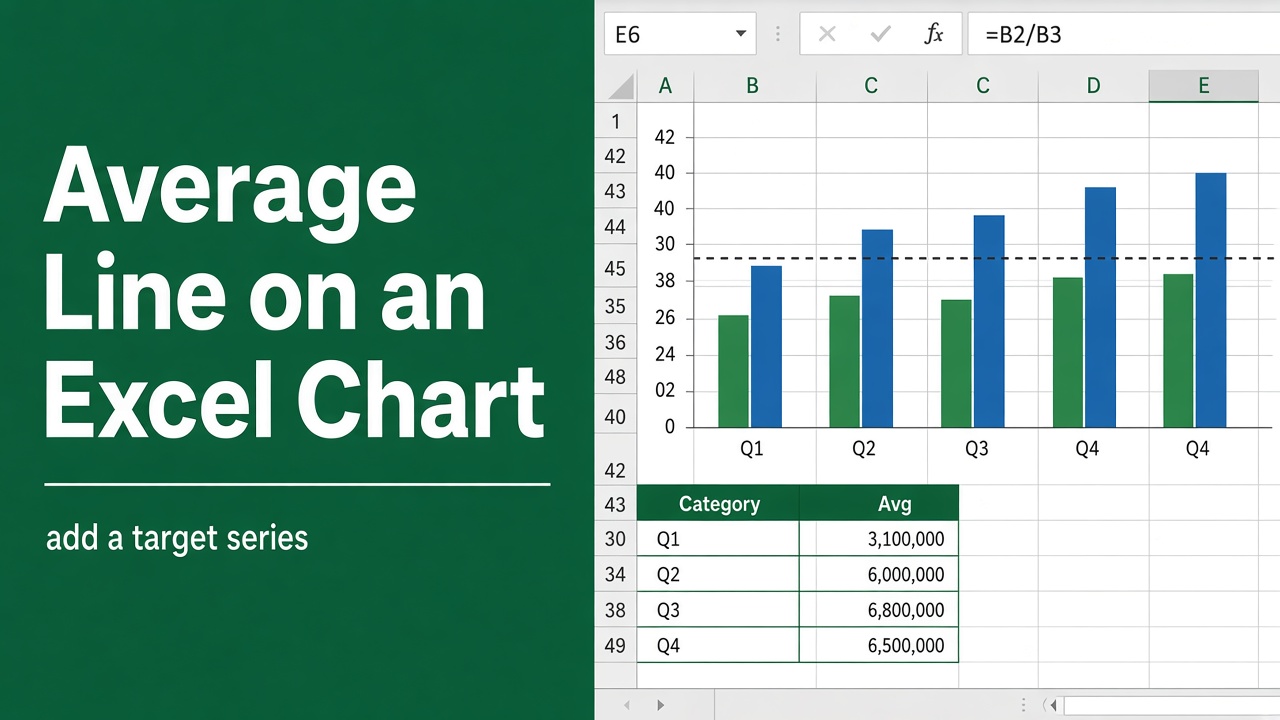
How to Add an Average Line in Excel Chart: Easy Guide
Learn how to easily add an average line in your Excel chart with step-by-step instructions and customization tips to enhance data visualization.