
Excel library
Excel How-To Guides
Page 9 of 11
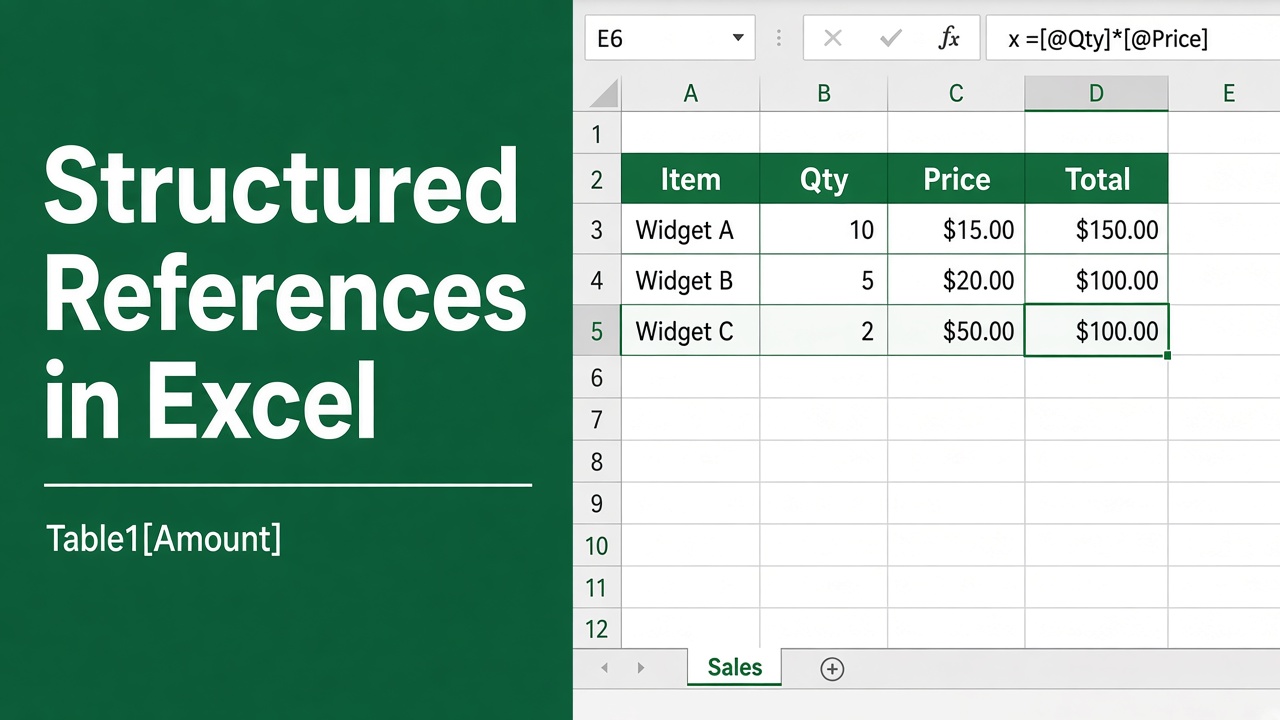
How to Use Structured References in Excel: Easy Guide
Learn how to use structured references in Excel for clearer formulas and dynamic tables. Simplify your spreadsheets with this step-by-step guide.
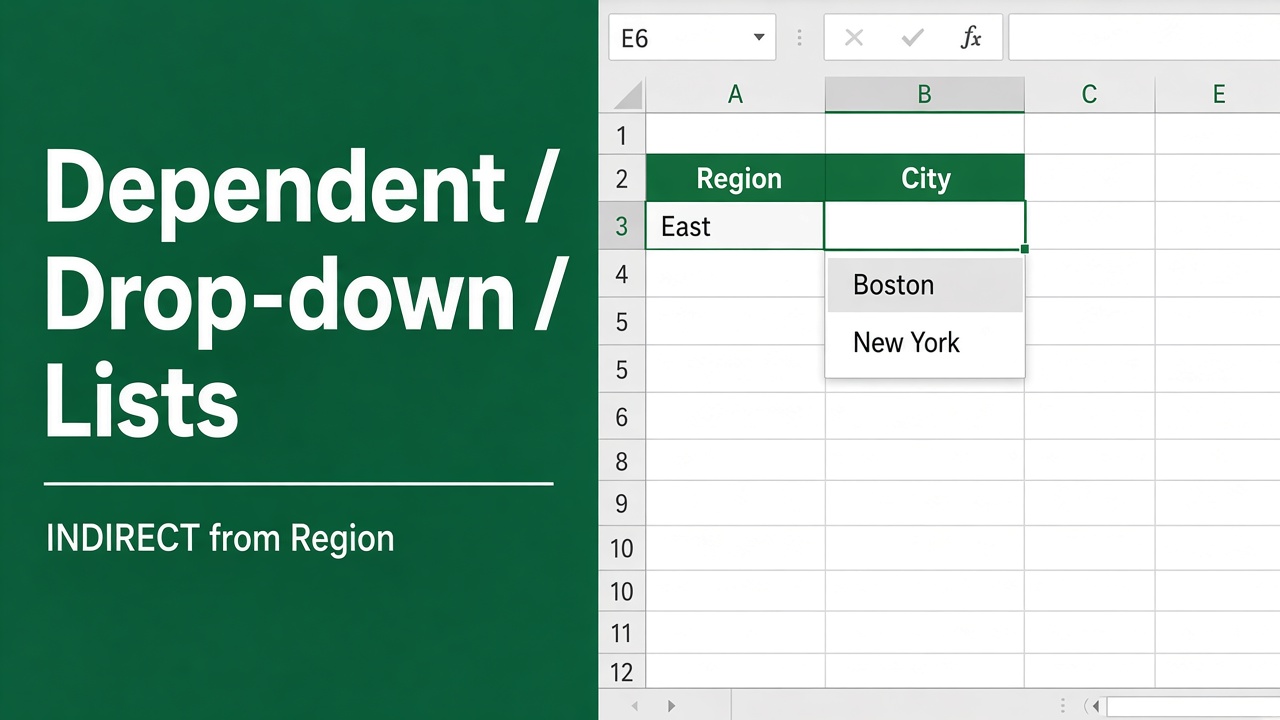
How to Create a Dependent Drop Down List in Excel?
Learn how to create a dependent drop-down list in Excel with simple steps to streamline data entry and improve accuracy in your spreadsheets.
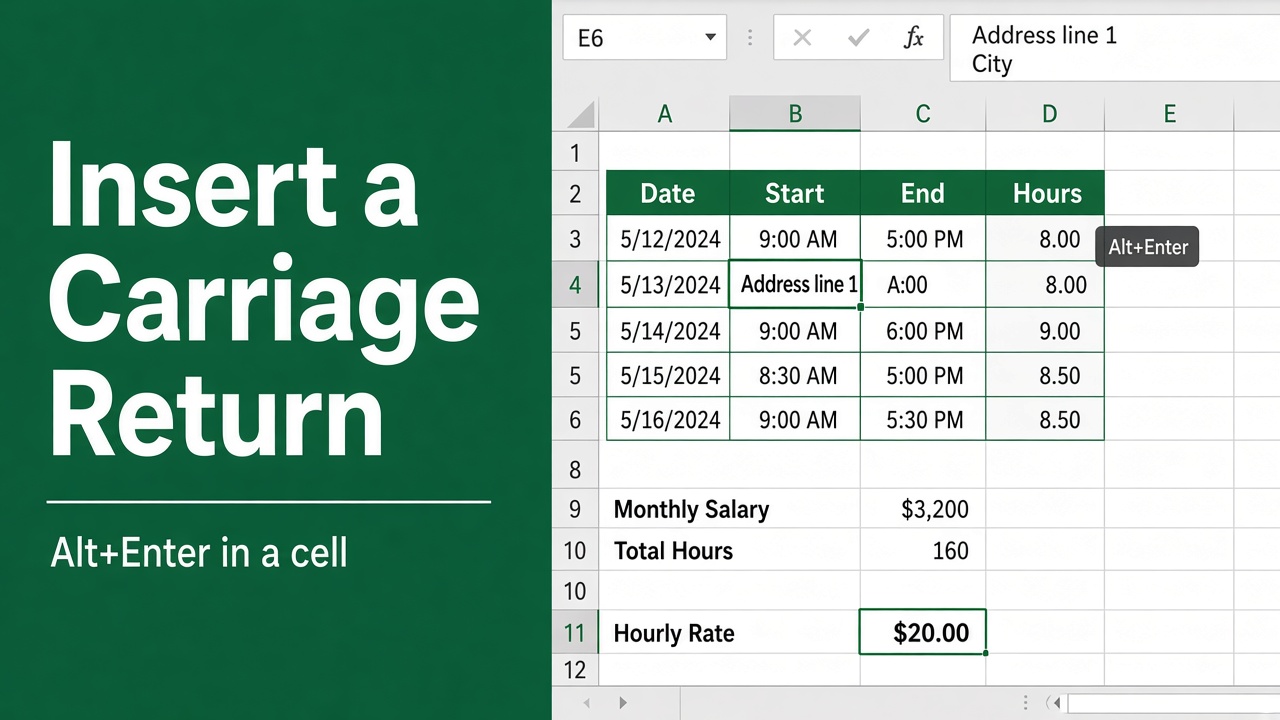
3 Easy Methods to Insert a Carriage Return in an Excel Cell
Learn how to insert a carriage return in an Excel cell to create line breaks and improve readability. Step-by-step guide for Windows and Mac users included.
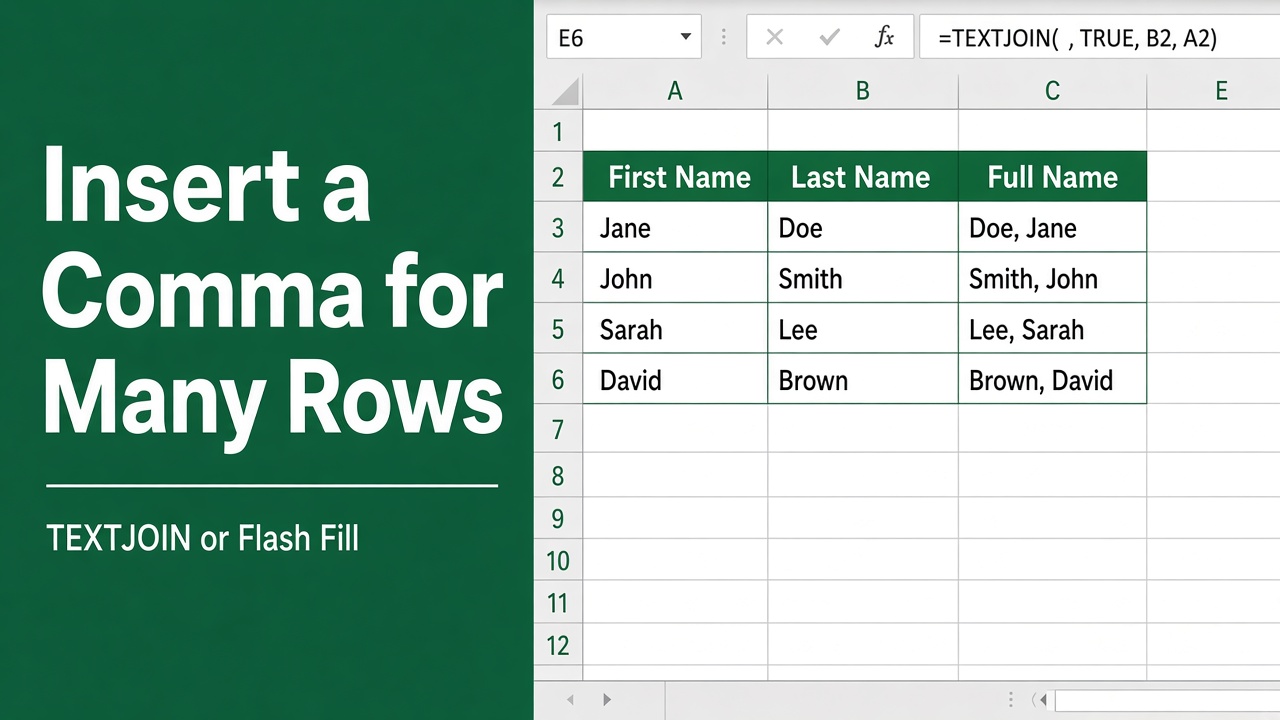
How to Insert Comma in Excel for Multiple Rows? (5 Easy Methods)
Learn how to easily insert commas in Excel for multiple rows using different methods like formatting, formulas, and VBA. Improve data readability effortlessly.
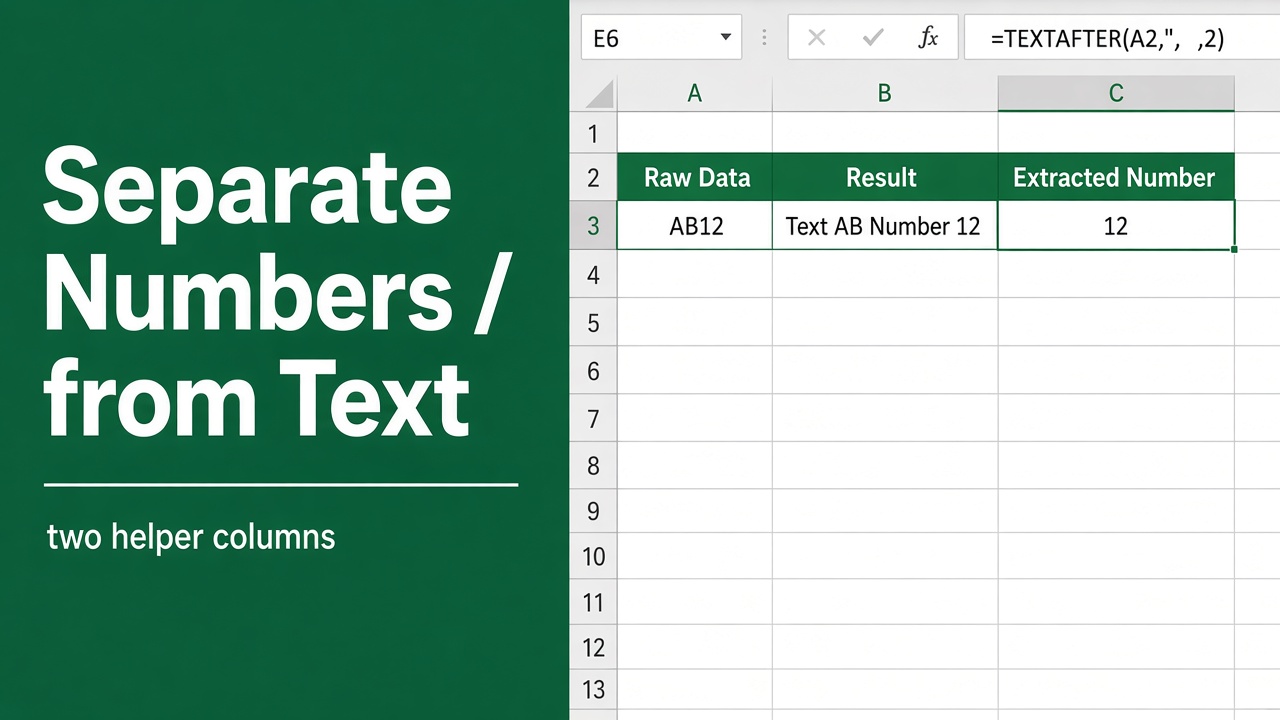
How to Separate Numbers from Text in Excel: Easy Guide
Learn step-by-step methods to separate numbers from text in Excel using formulas, Flash Fill, Power Query, and VBA. Clean and organize your data efficiently!
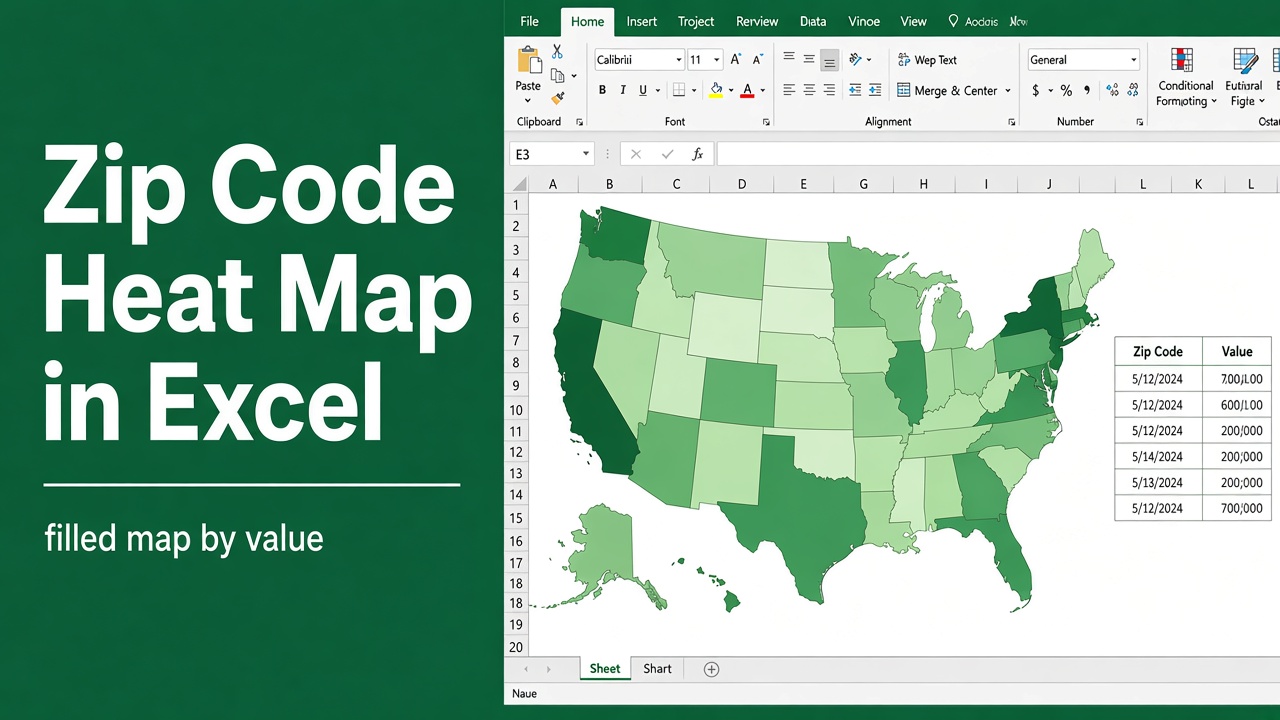
How to Create a Heat Map in Excel with Zip Codes: Easy Guide
Learn how to create a heat map in Excel with zip codes. Step-by-step guide to visualize geographical data using conditional formatting, Bing Maps, and 3D Maps.
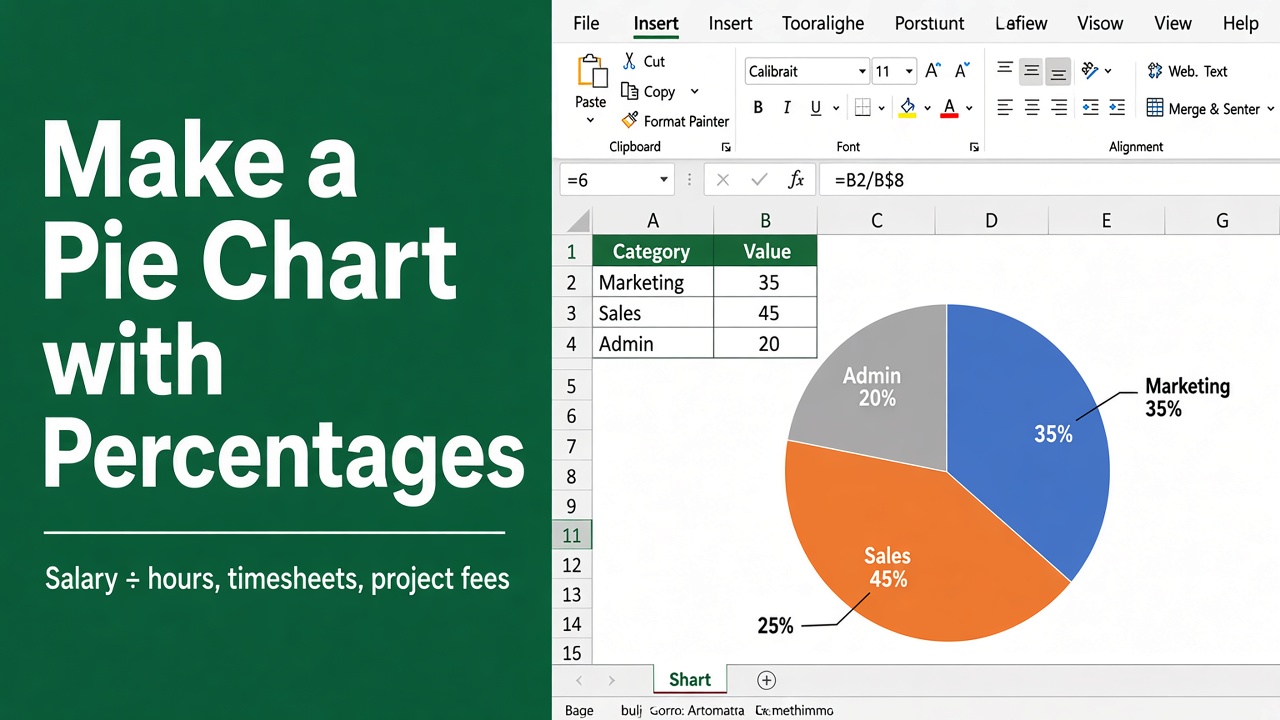
How to Make a Pie Chart in Excel with Percentages?
Learn how to create a pie chart in Excel with percentages. Follow this simple, step-by-step guide to visually represent your data effectively.
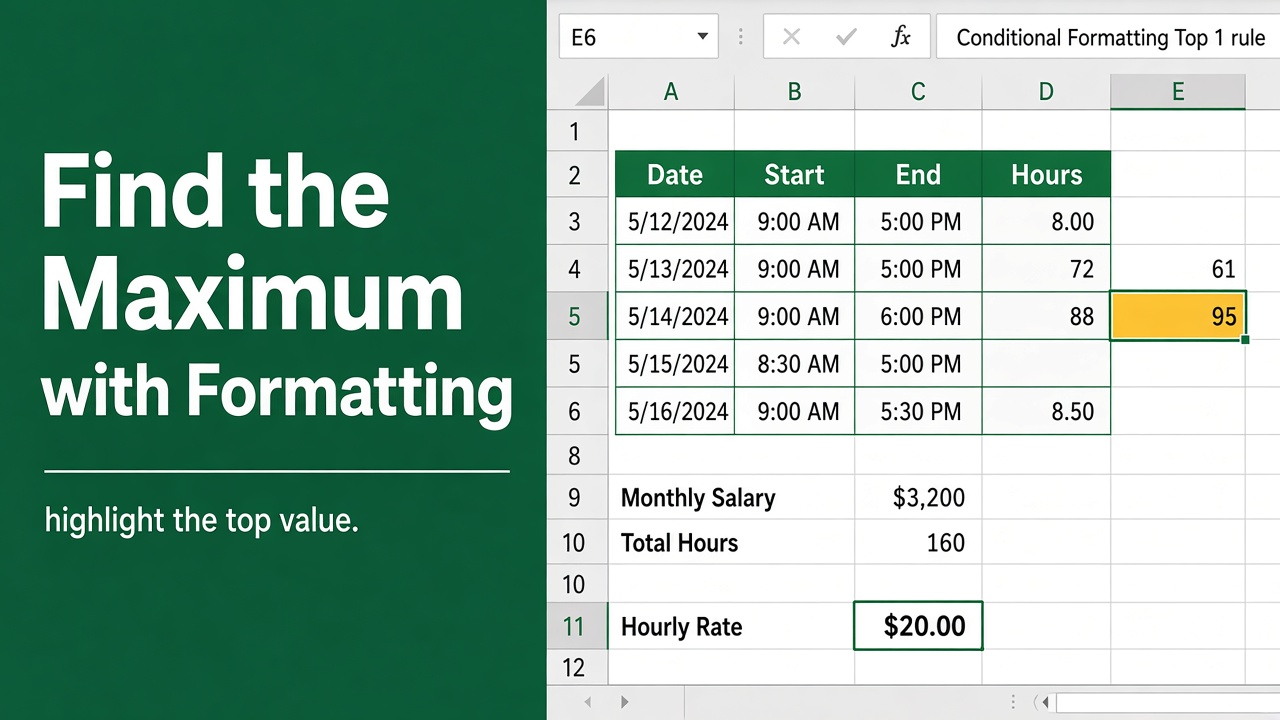
How to Find Maximum Value in Excel with Conditional Formatting?
Learn how to find the maximum value in Excel using conditional formatting. Step-by-step guide to highlight data and improve your analysis efficiently.
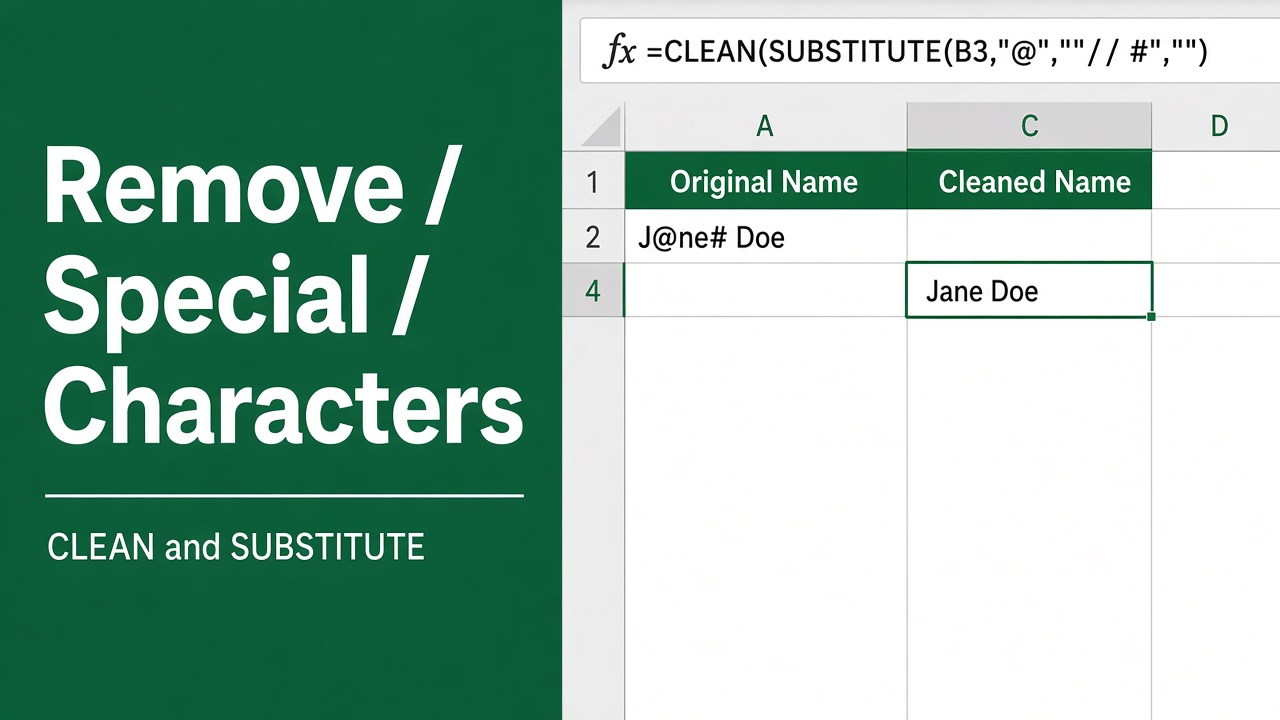
5 Easy Ways to Remove Special Characters from a Cell in Excel
Learn step-by-step methods to remove special characters in Excel using formulas, REDUCE, VBA, and Power Query. Simplify data cleanup efficiently.
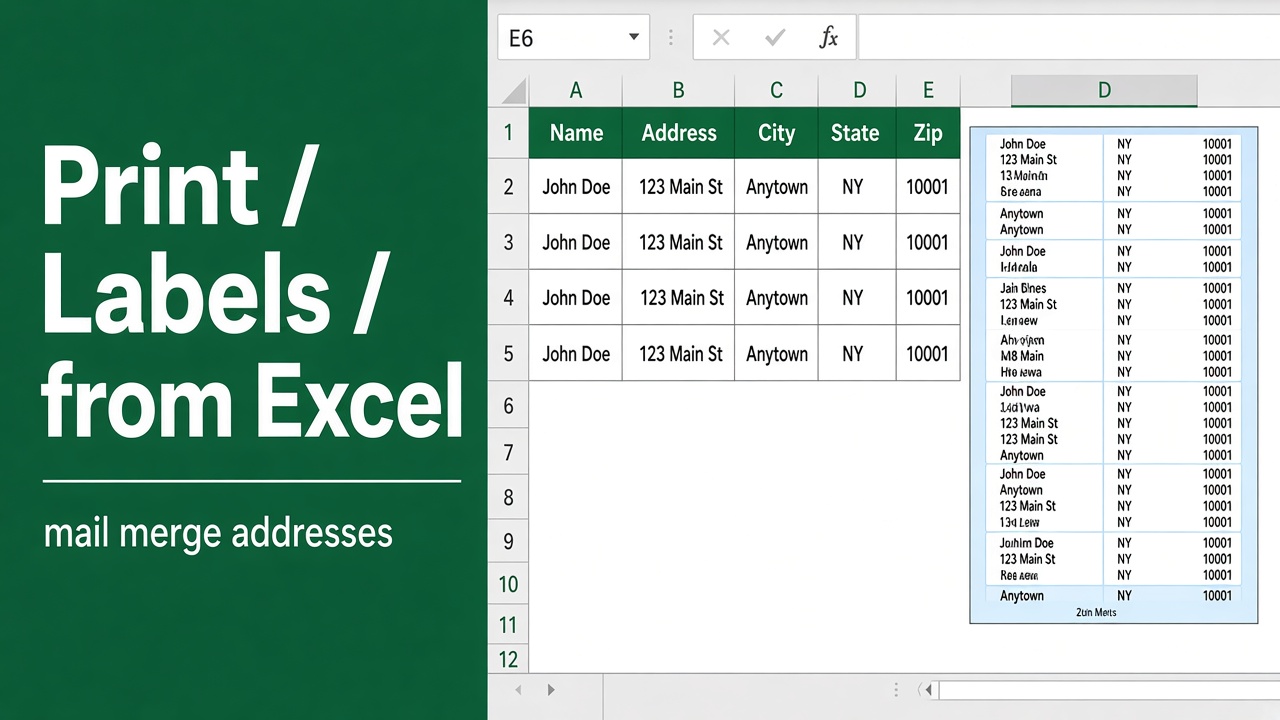
How to Print Labels from Excel: A Comprehensive Guide
Learn how to easily create and print custom labels from Excel with our step-by-step guide. Customize, format, and print labels for any need.