
Excel library
Excel How-To Guides
Page 6 of 11
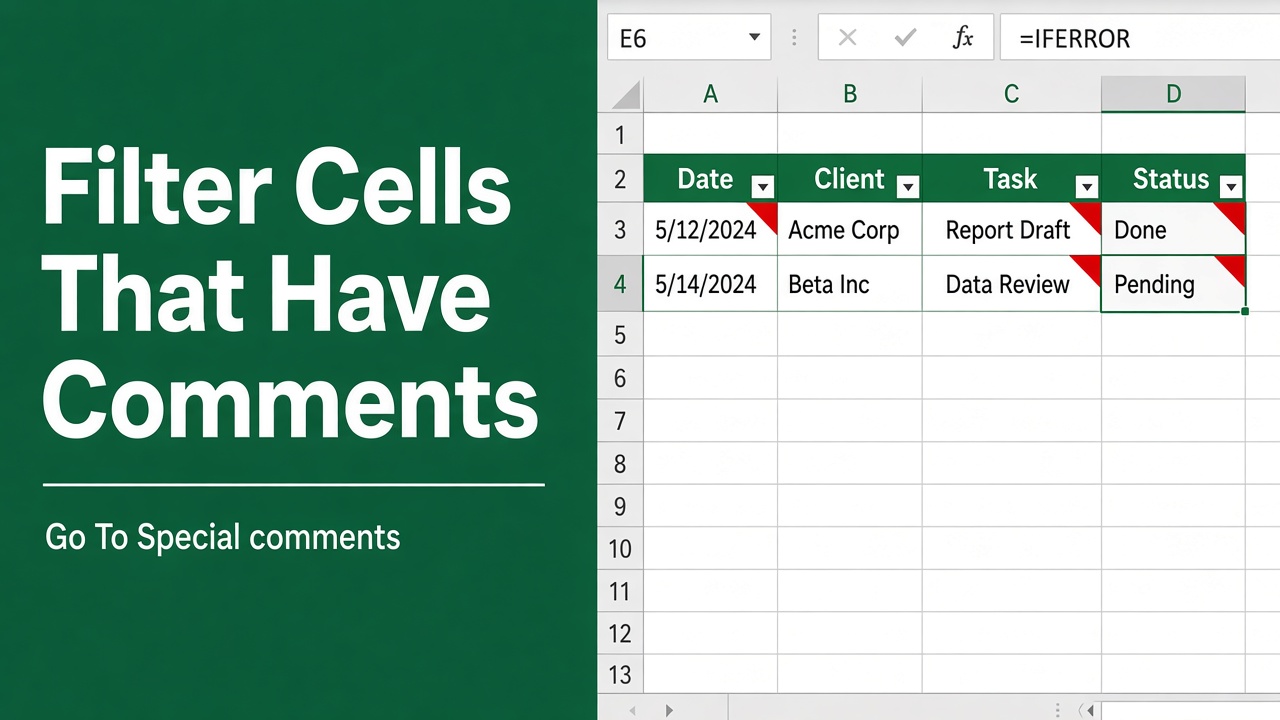
How to Filter Cells with Comments in Excel: Easy Guide
Learn how to filter cells with comments in Excel using VBA, helper columns, and other simple methods to organize and review annotated data easily.
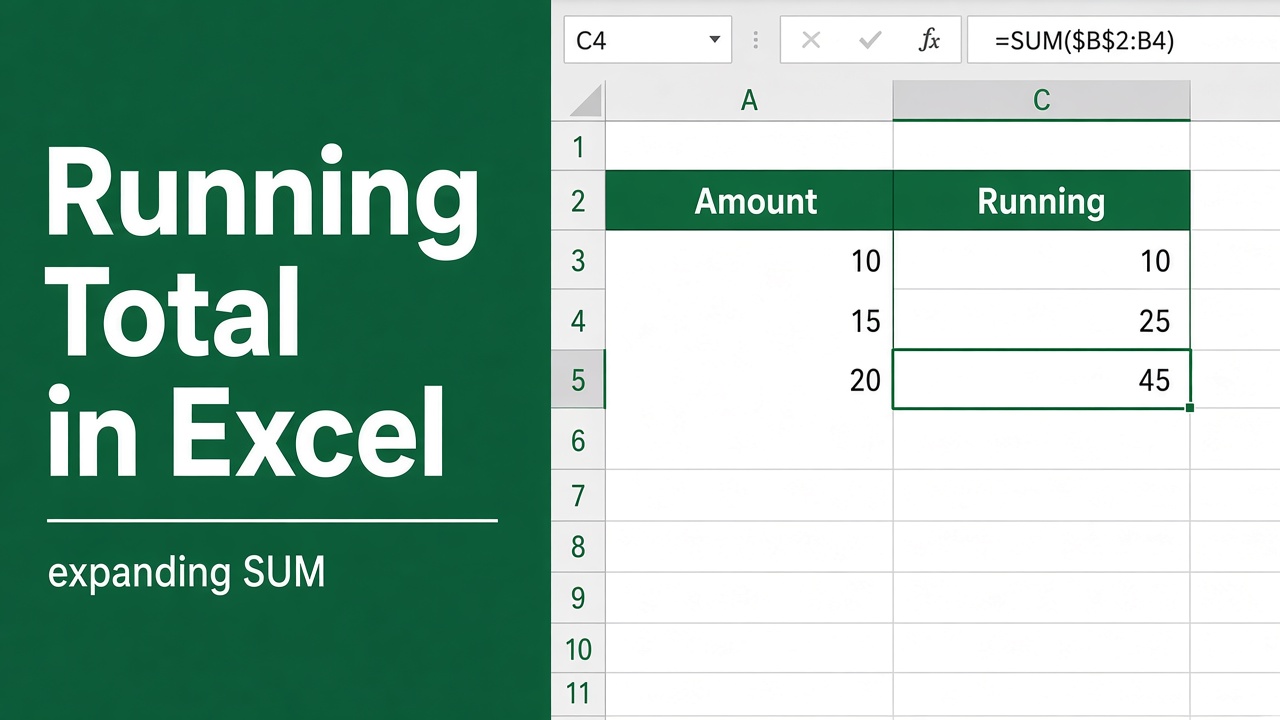
How to Calculate Running Total in Excel? (4 Easy Methods)
Learn 4 easy ways to calculate running totals in Excel using formulas, Quick Analysis, and SCAN. Step-by-step guide for beginners and pros.
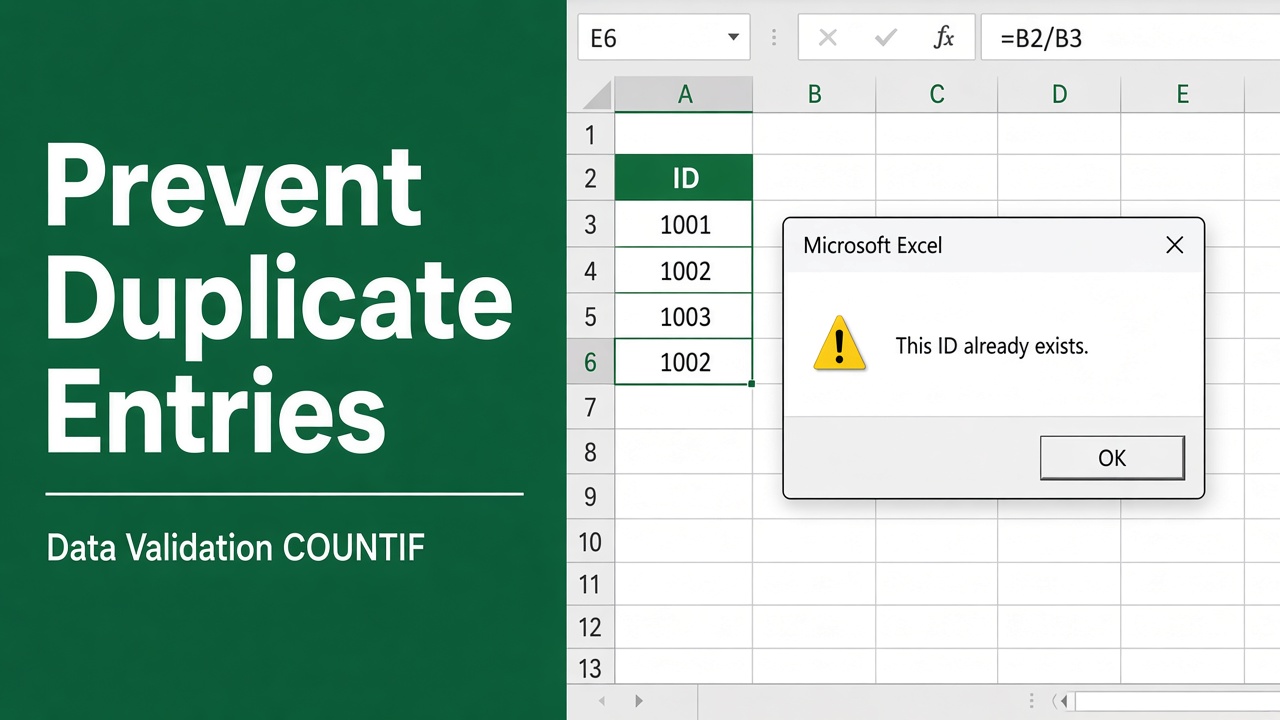
How to Prevent Duplicate Entries in Excel: A Complete Guide
Learn how to prevent duplicate entries in Excel using Data Validation, formulas, and built-in tools to keep your data clean and error-free.
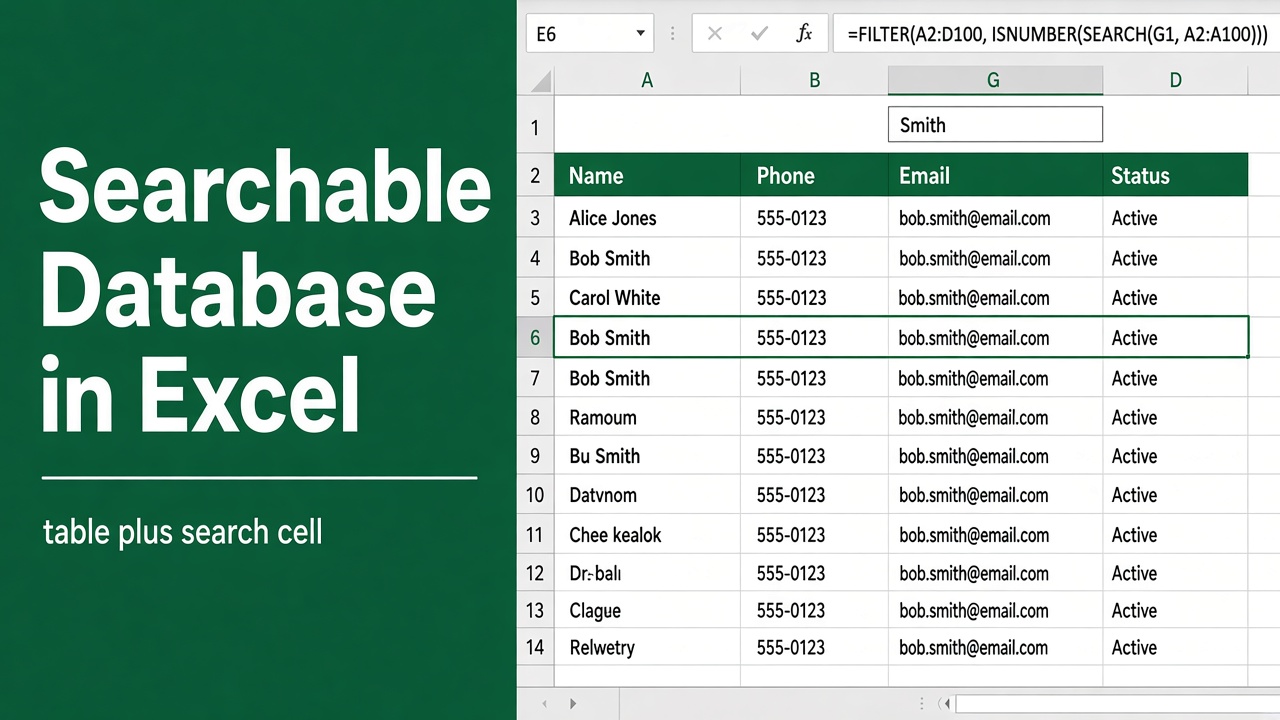
How to Create a Searchable Database in Excel: Easy Guide
Learn how to create a searchable database in Excel using filters, formulas, or VBA. Step-by-step guide for beginners and advanced users.
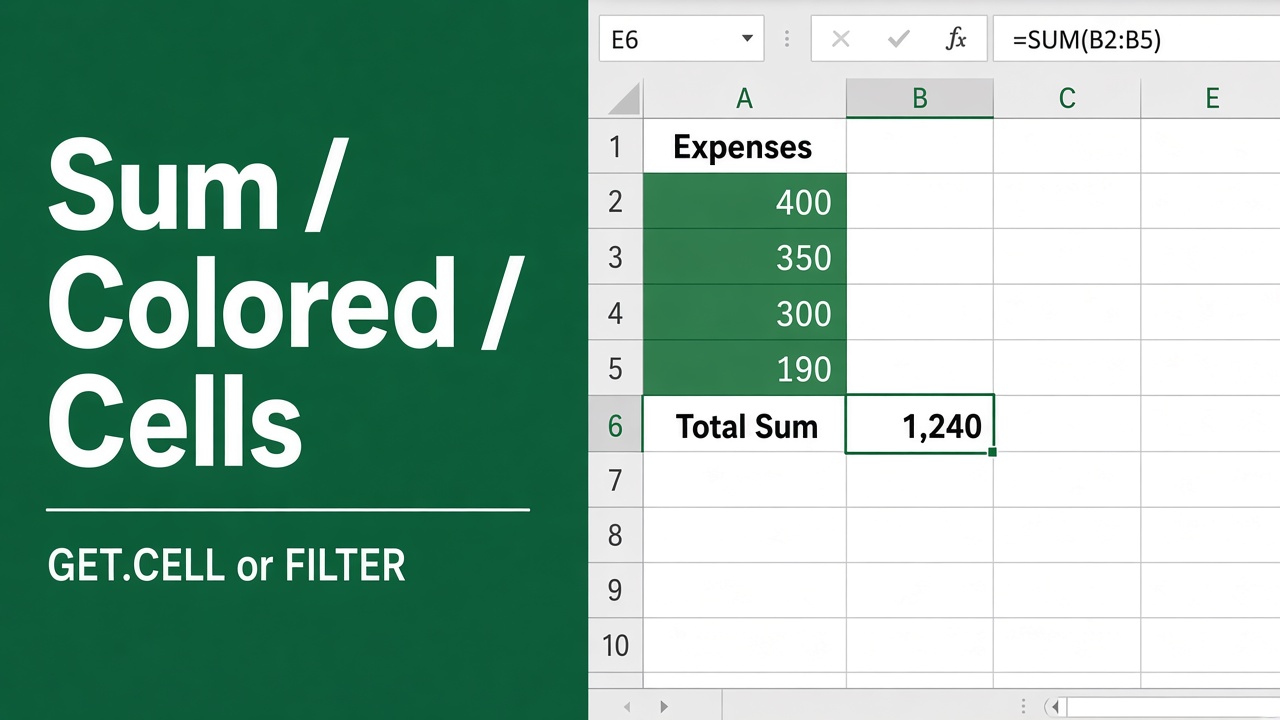
How to Sum Colored Cells in Excel? (4 Easy Methods)
Learn how to sum colored cells in Excel using formulas, VBA, or add-ins. Easy step-by-step methods for accurate color-based calculations.
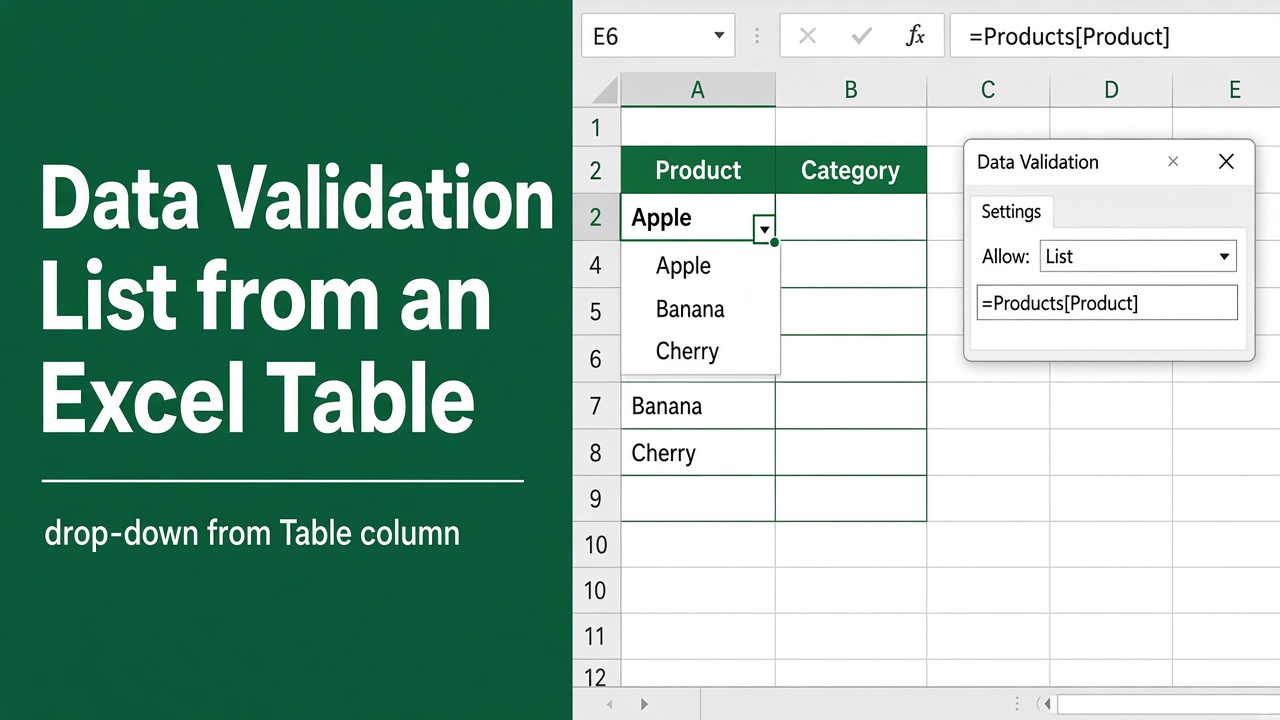
How to Create a Data Validation List from Excel Table?
Learn how to create a dynamic data validation dropdown list from an Excel table that updates automatically as new data is added.
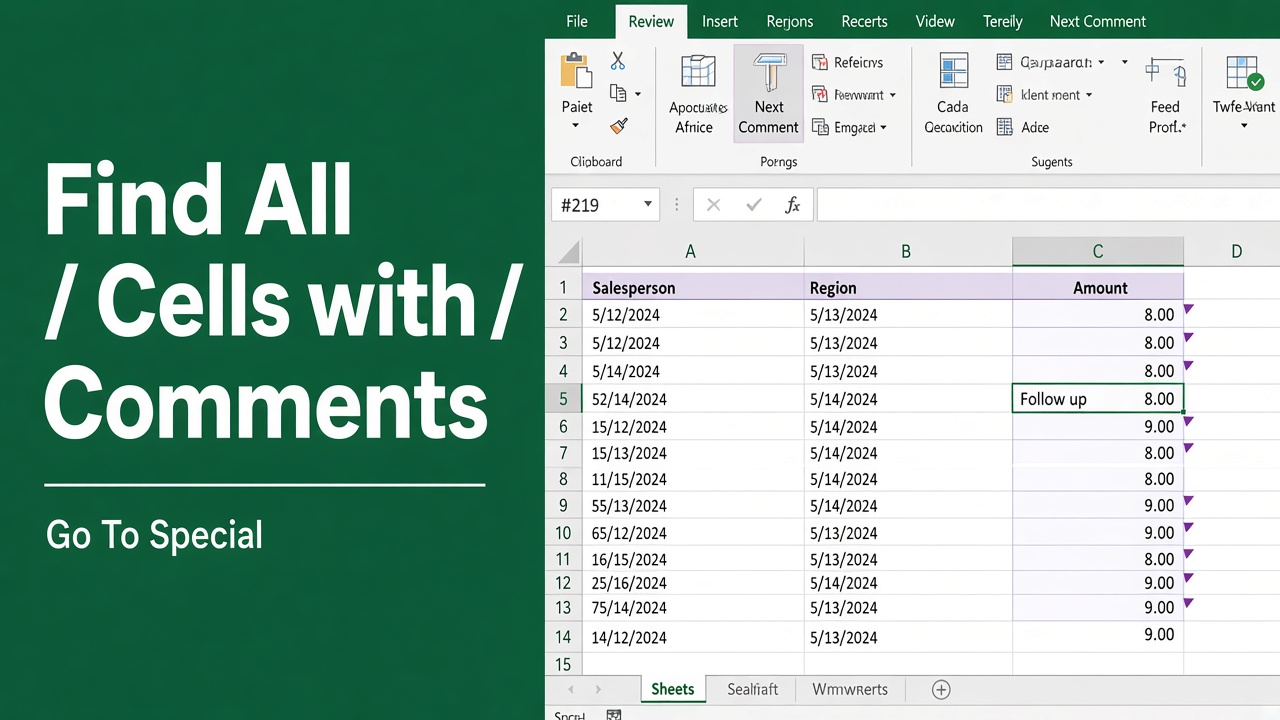
How to Find All Cells with Comments in Excel: Easy Guide
Discover easy ways to find all cells with comments in Excel. Learn to highlight, search, and extract comments efficiently using built-in tools and VBA macros.
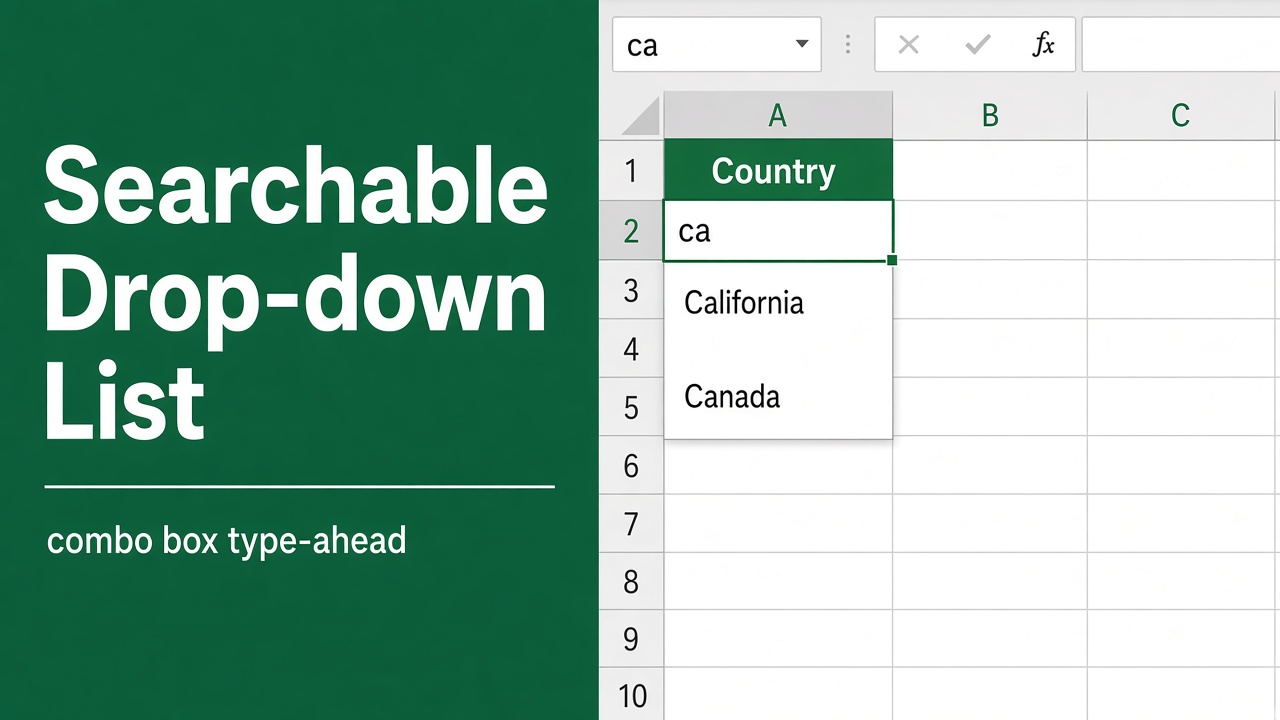
How to Create a Searchable Drop Down List in Excel?
Create a searchable drop-down list in Excel using the FILTER function, ActiveX Combo Box, or built-in feature. Step-by-step guide for all versions!
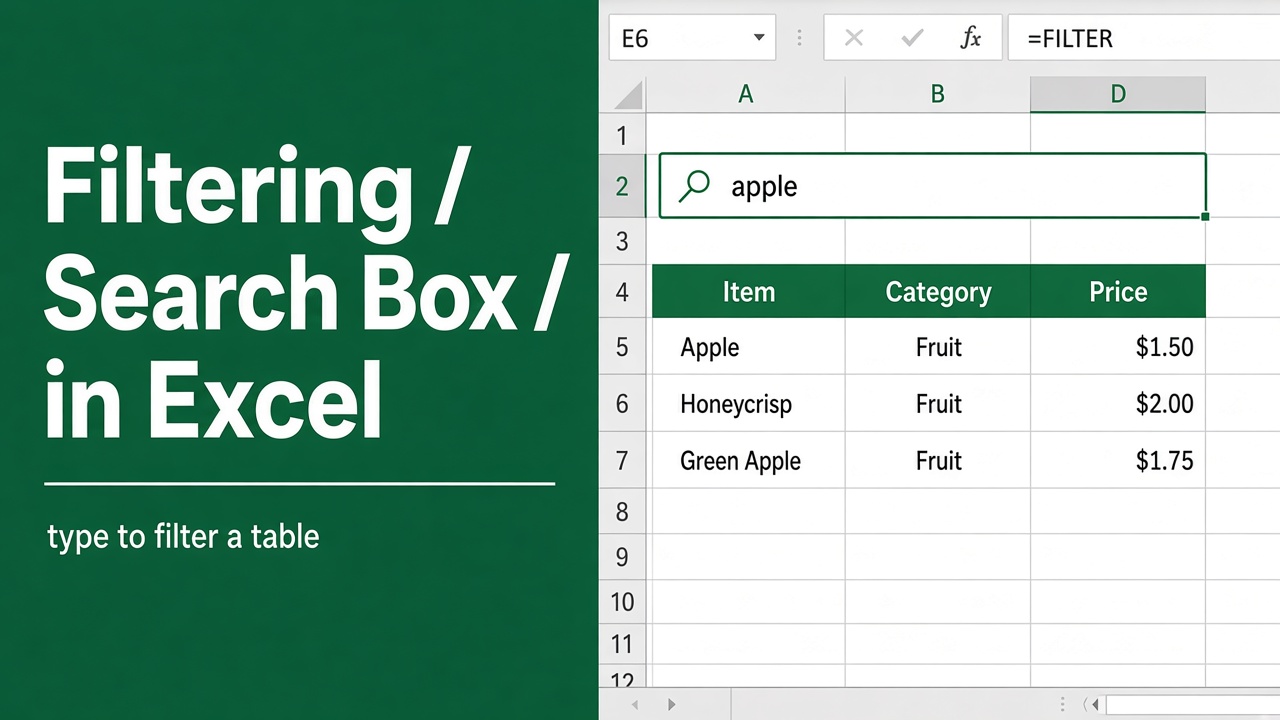
How to Create a Filtering Search Box in Excel: Easy Guide
Learn how to create a filtering search box in Excel using Conditional Formatting, Advanced Filter, FILTER function, or VBA for easy data search and filtering.
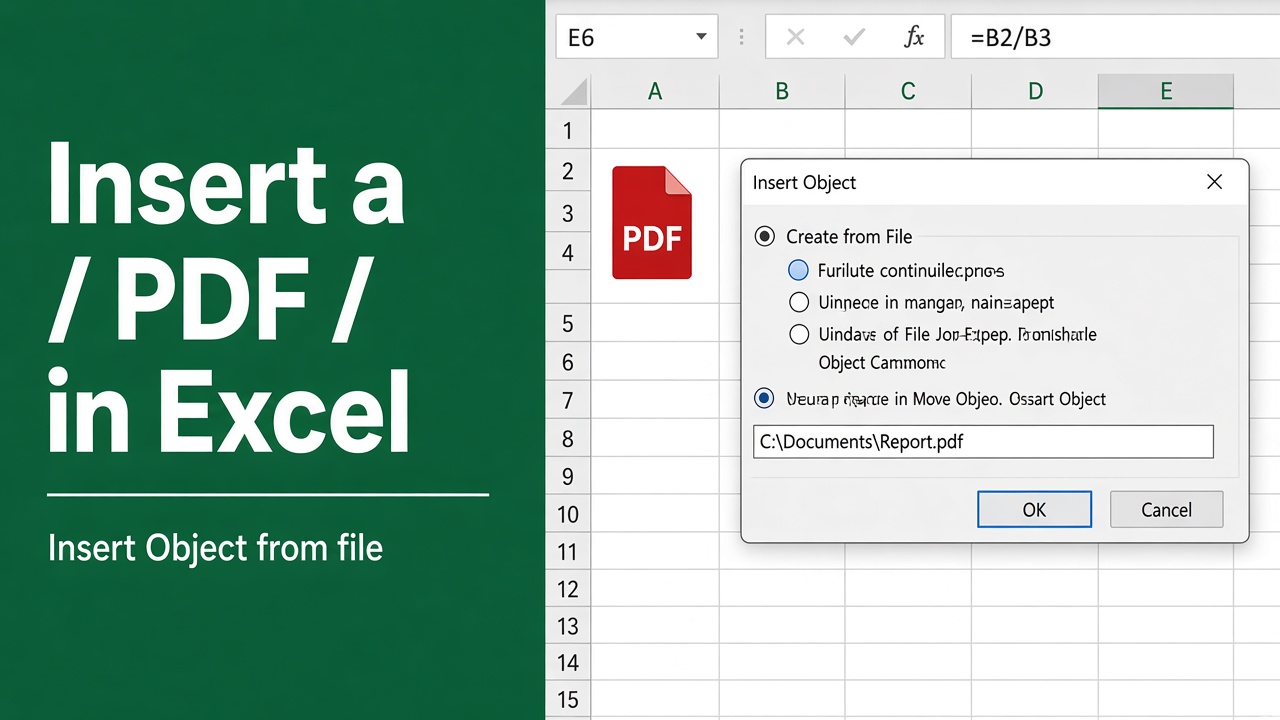
How to Insert PDF in Excel: A Step-by-Step Guide
Learn how to insert a PDF into Excel with embedding, hyperlinks, screenshots, or conversion. Follow this step-by-step guide for easy integration!