
All articles
Blog
Page 61 of 72
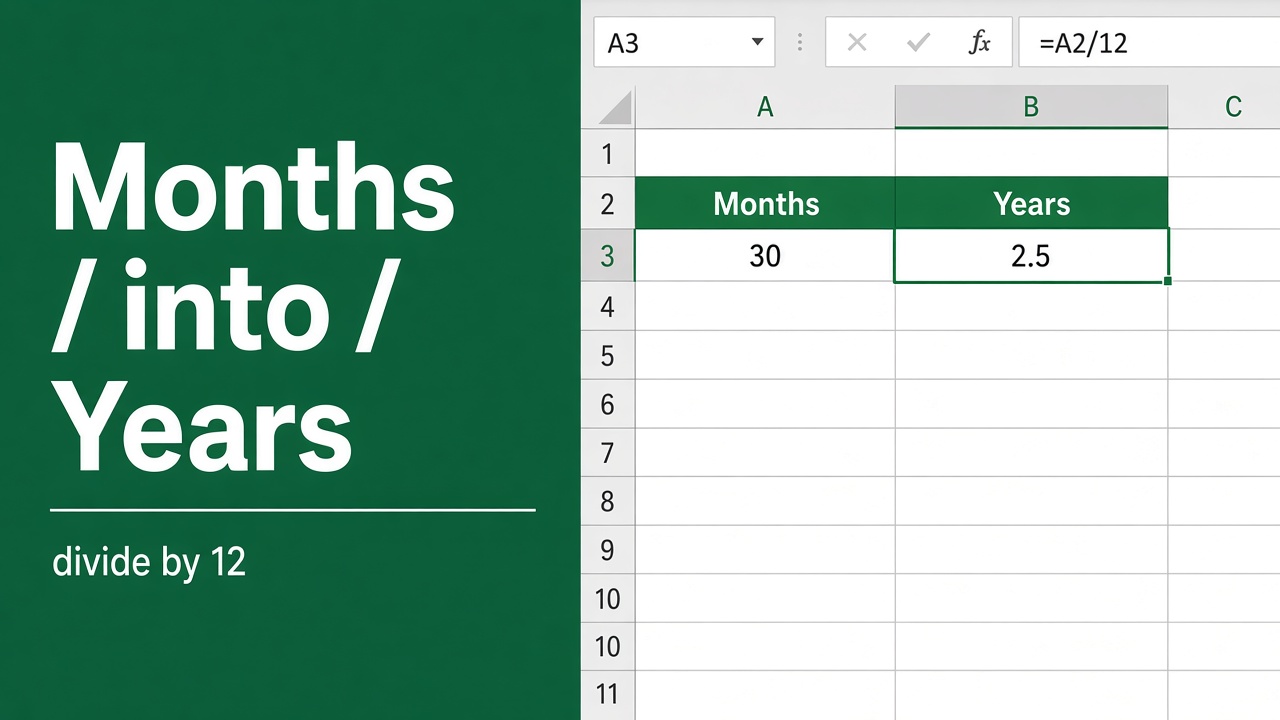
Excel Formula to Convert Months into Years: The Easy Way
Learn how to easily convert months to years in Excel with a simple formula. Step-by-step guide with examples. Master this essential Excel skill now!
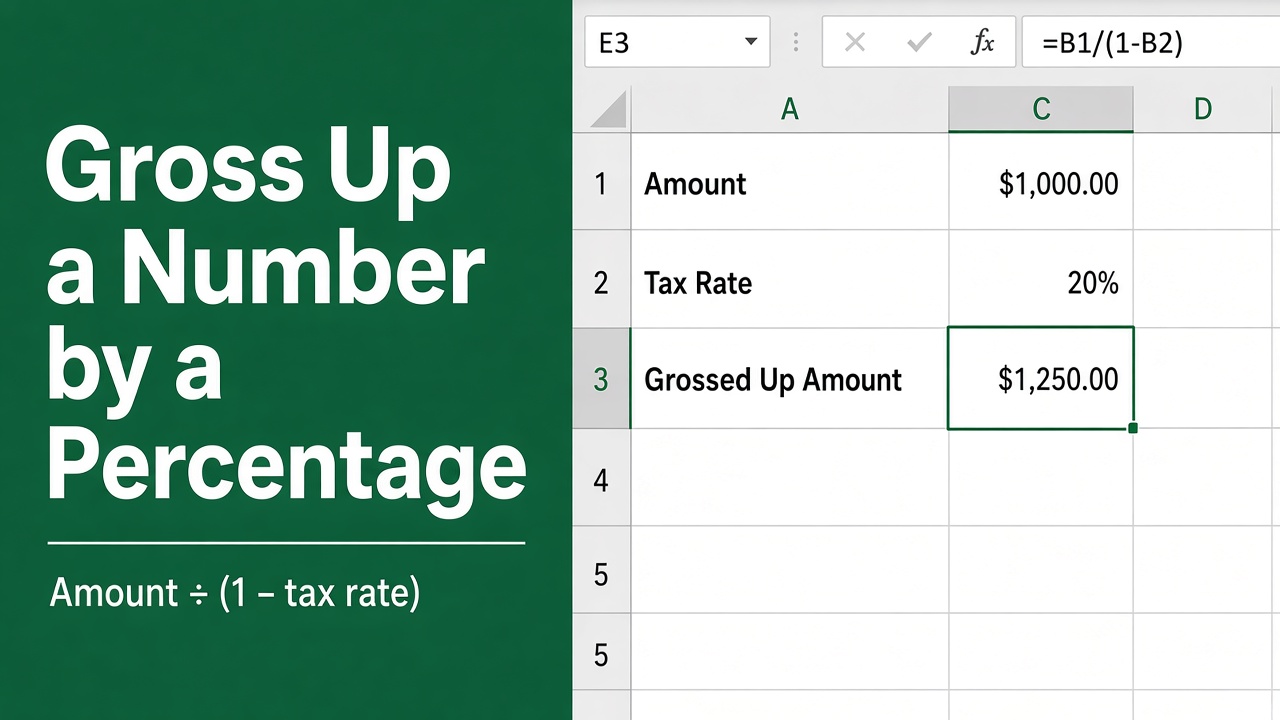
How to Gross Up a Number by a Percentage in Excel: Formula and Step-by-Step Guide
Learn the precise formula to gross up a number by a percentage in Excel and streamline your financial calculations with our expert guide.
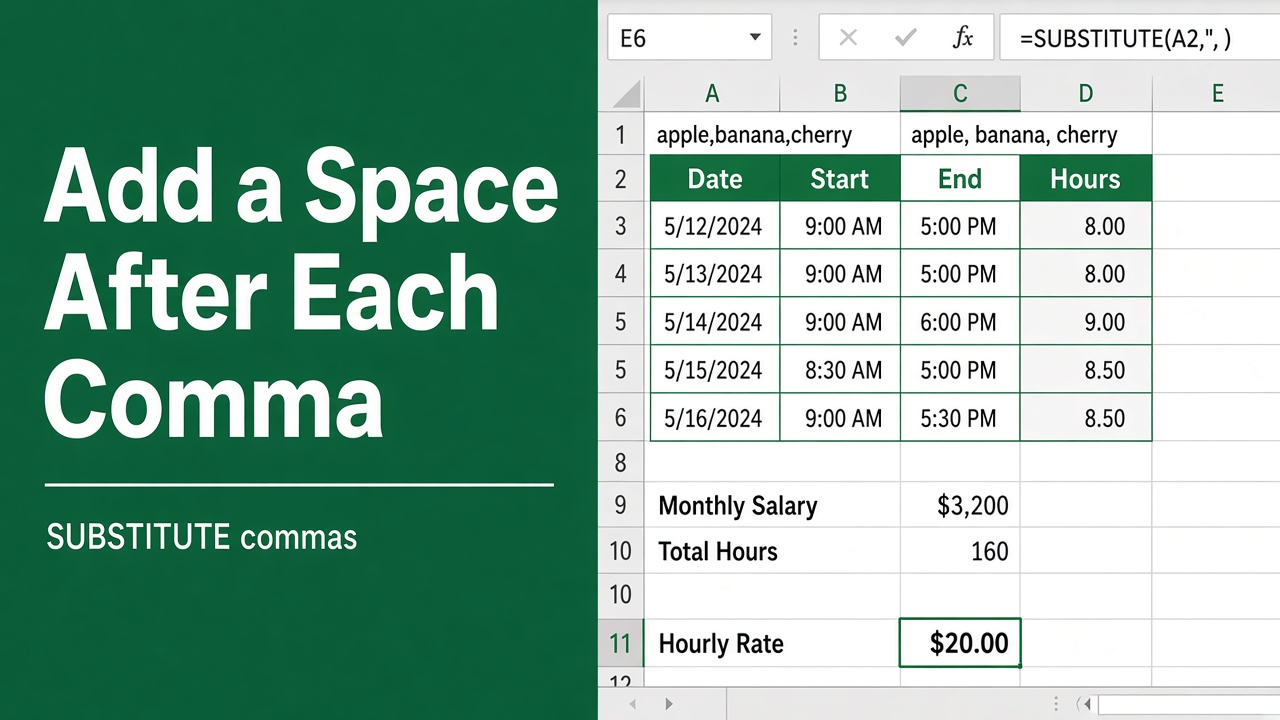
How to Use Excel Formula to Automatically Add Space After Comma?
Learn how to automatically add spaces after commas in Excel using a simple formula. Improve your data’s readability and clarity with this quick tip.
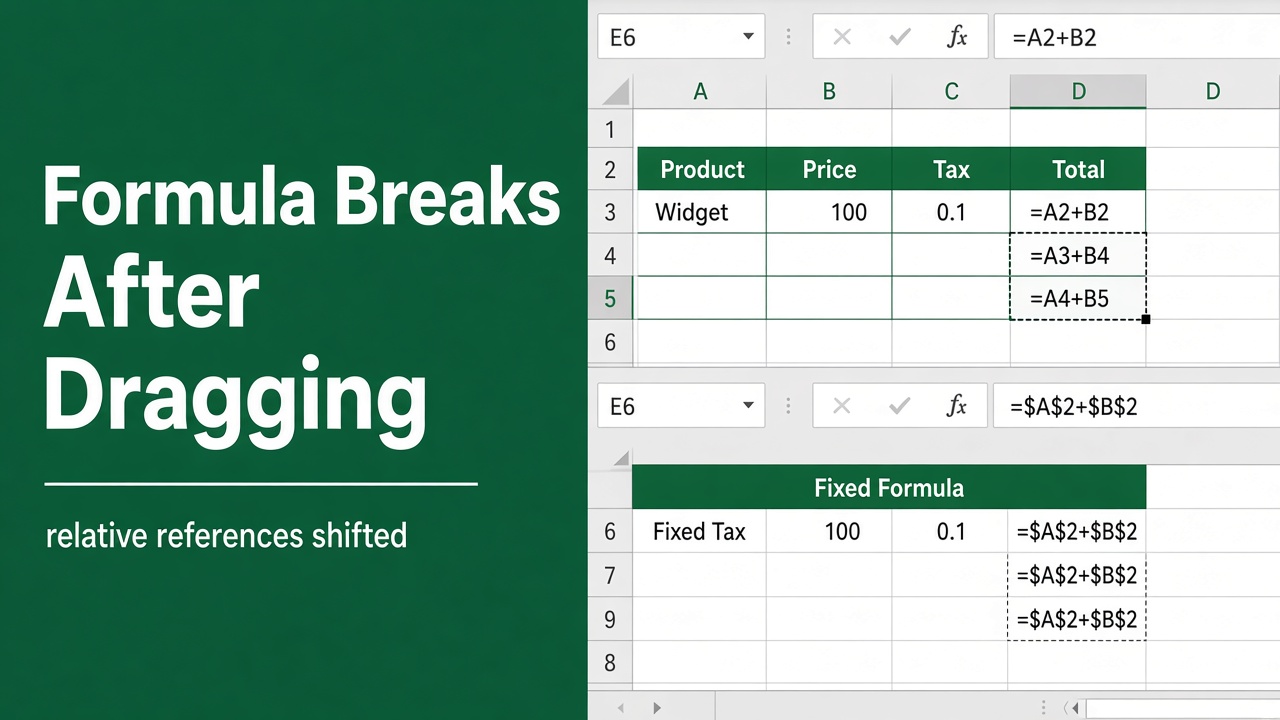
Excel Formula Not Working After Dragging? Here’s How to Fix It
Learn how to fix Excel formulas that break when dragged, using absolute references, Fill Handle, and more. Troubleshoot and prevent formula dragging issues.
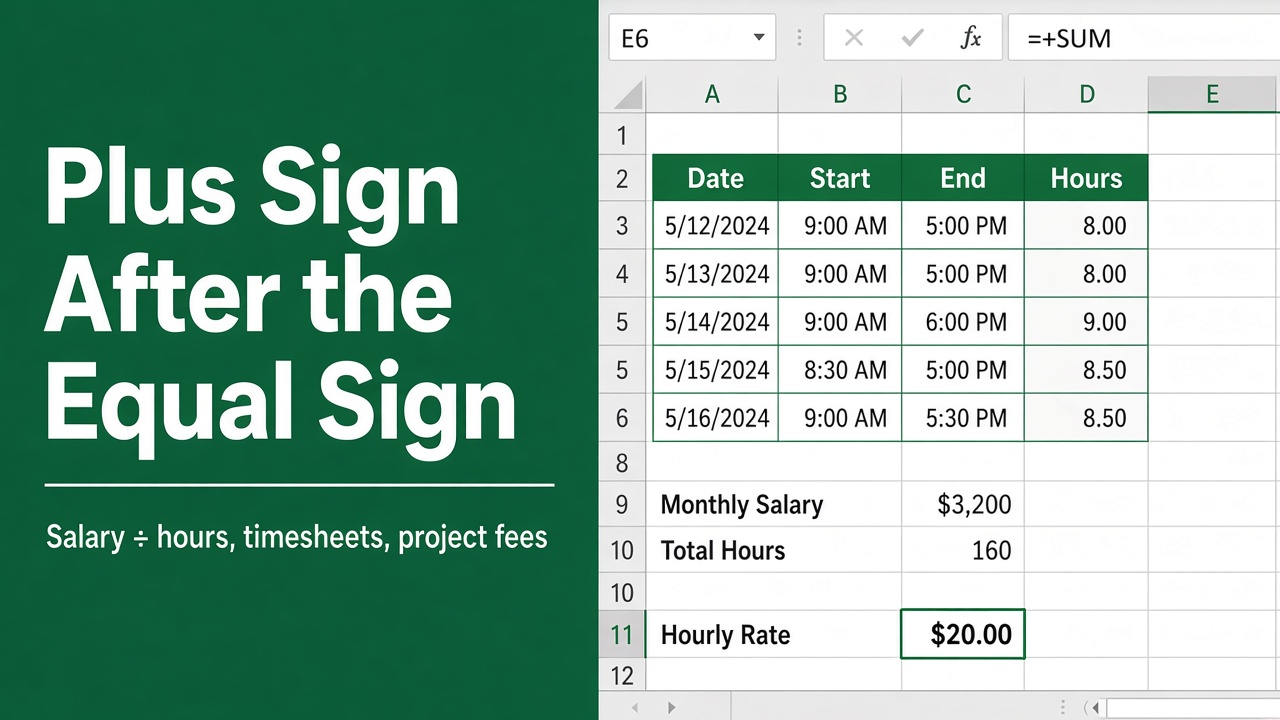
Understanding the Plus Sign After Equal Sign in Excel Formulas
Unlock the mystery of using the plus sign after equal sign in Excel formulas to skillfully manage your spreadsheet calculations.
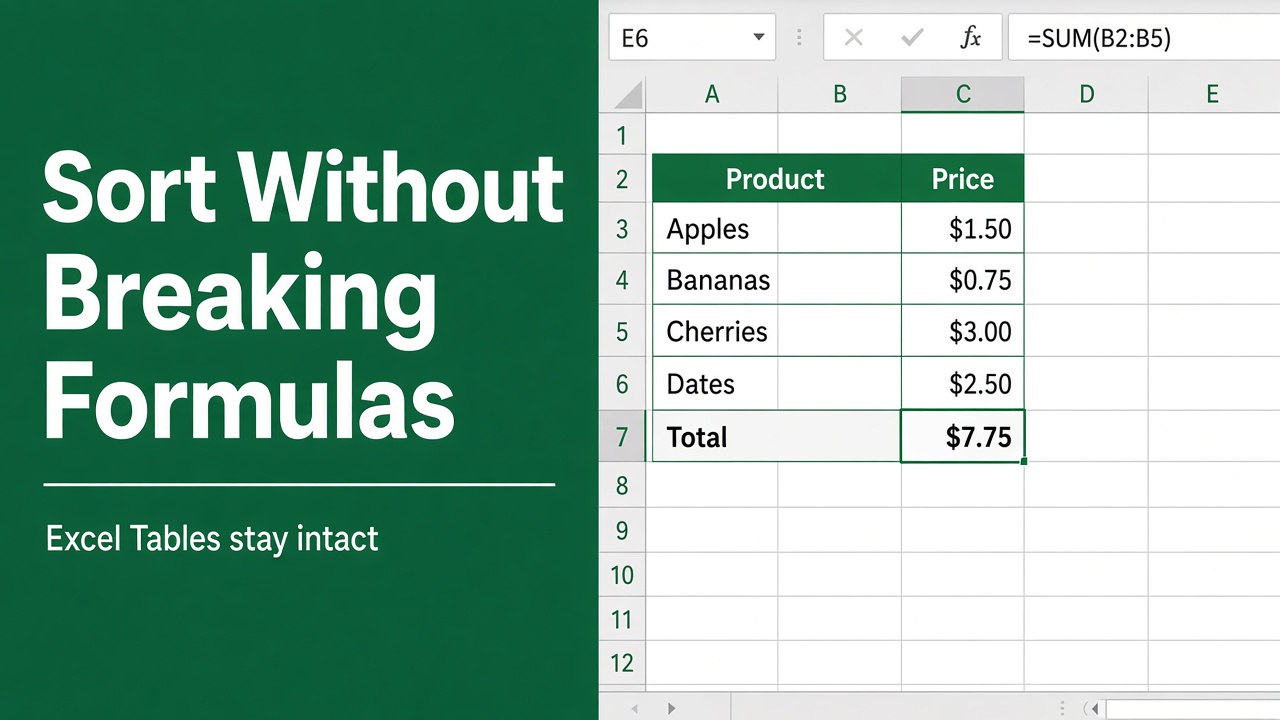
5 Easy Methods to Sort in Excel Without Breaking Formulas
Learn how to sort data in Excel without breaking formulas. Discover simple methods like SORT, helper columns, and absolute references for error-free sorting.
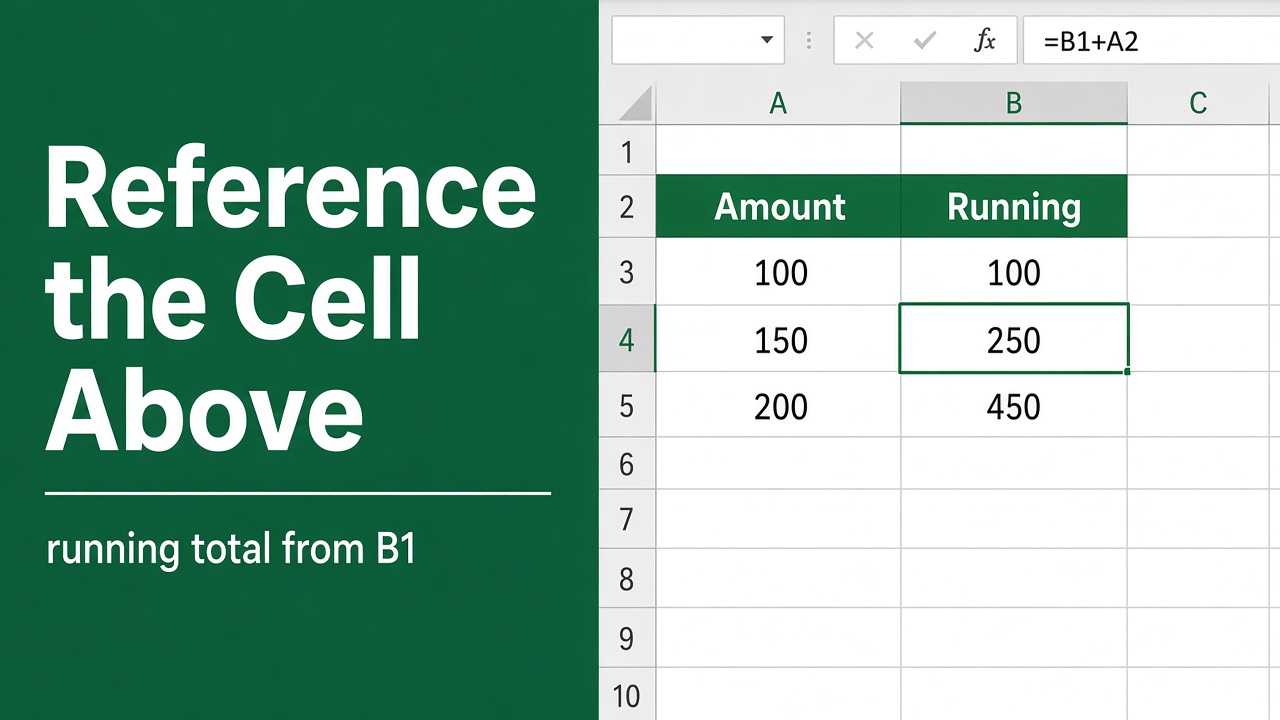
How to Use the Excel Formula for Referencing the Cell Above?
Learn how to reference the cell above in Excel formulas. Understand relative and absolute references, see examples, and get tips for efficient formulas.
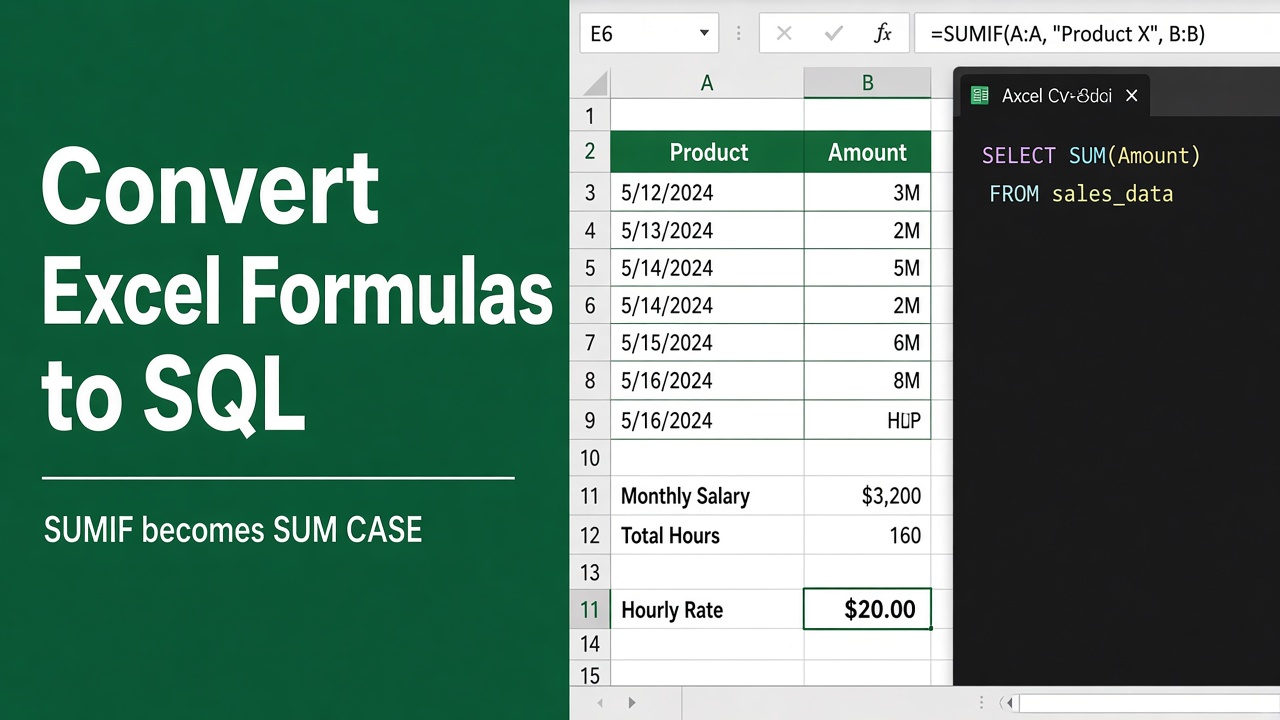
How to Convert Excel Formulas to SQL Queries: A Step-by-Step Guide
Learn how to convert Excel formulas to SQL queries with our step-by-step guide. Unlock the power of SQL for efficient data analysis and manipulation.
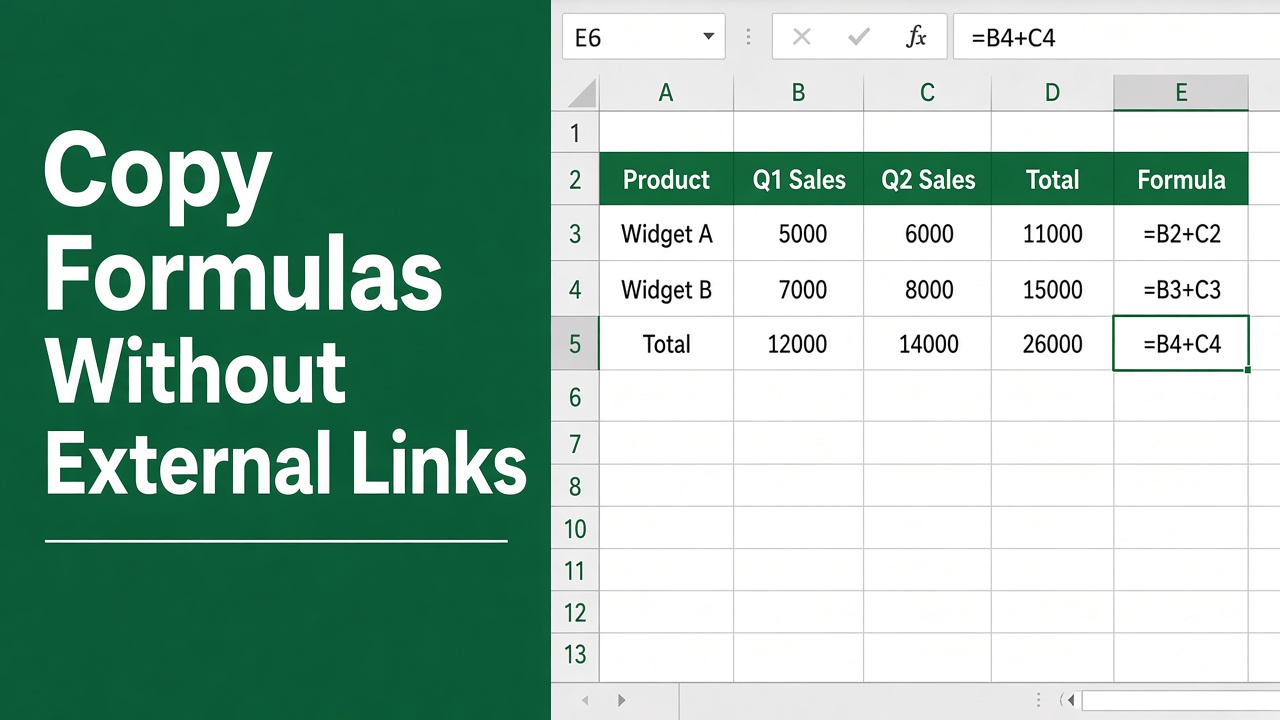
How to Copy Formulas in Excel Without External Links (Easy Guide)
Learn how to copy formulas in Microsoft Excel without external links. Simple methods to keep formulas clean, accurate, and independent.
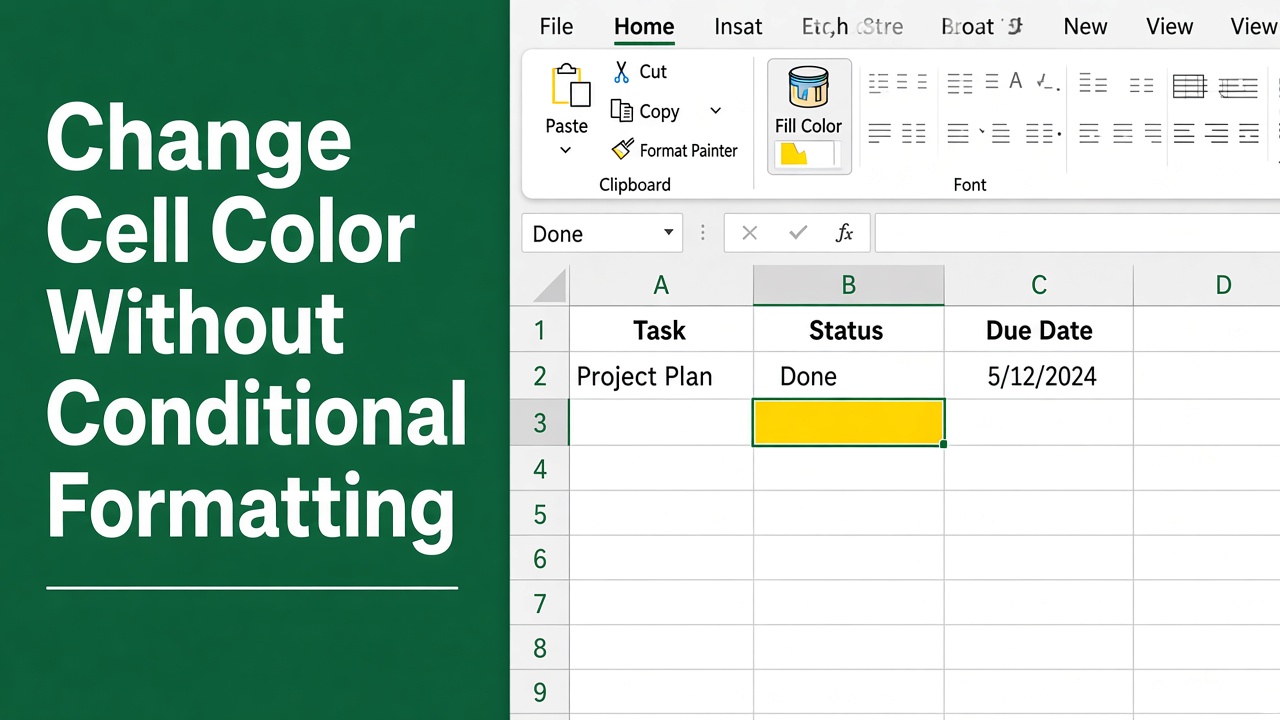
How to Change Cell Color in Excel Without Conditional Formatting?
Change cell color in Excel without conditional formatting using VBA, formulas, and custom formats. Simple methods with clear steps and real examples.