
Vaishvi Desai
Page 47
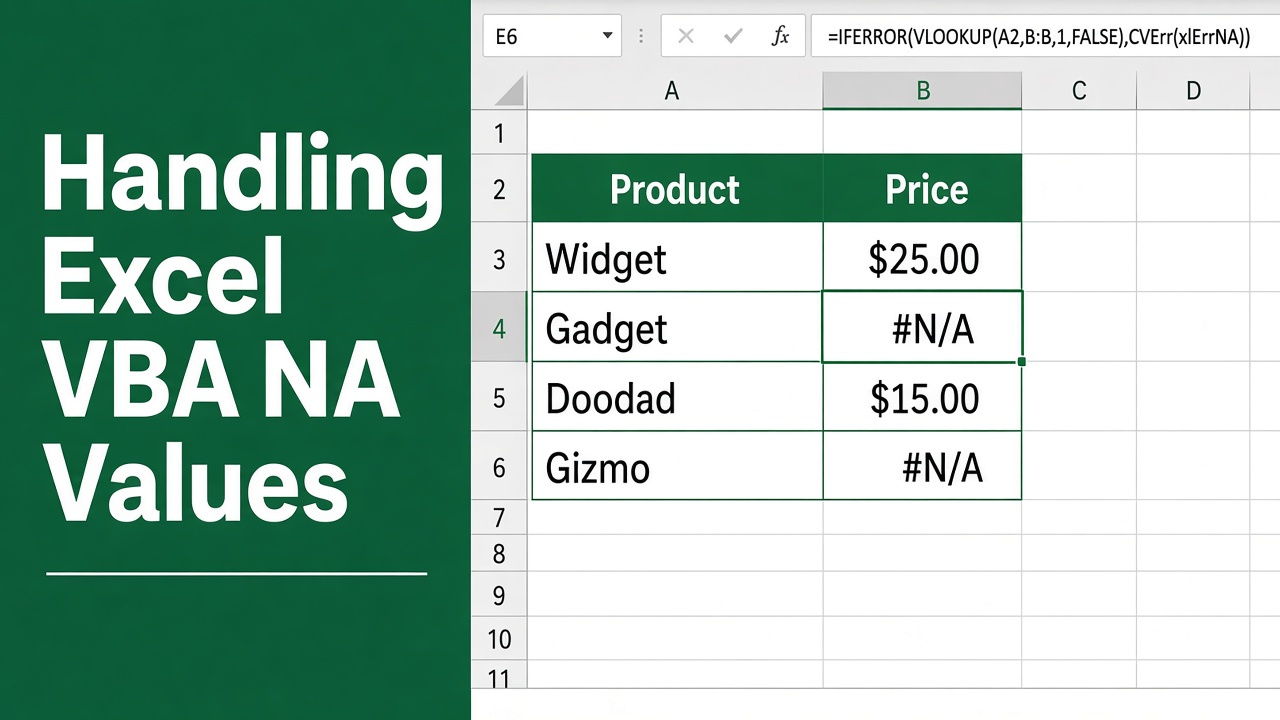
Handling Excel VBA NA Values Easily
Master the art of managing Excel VBA NA values with ease. Learn troubleshooting techniques to streamline your data tasks effectively.
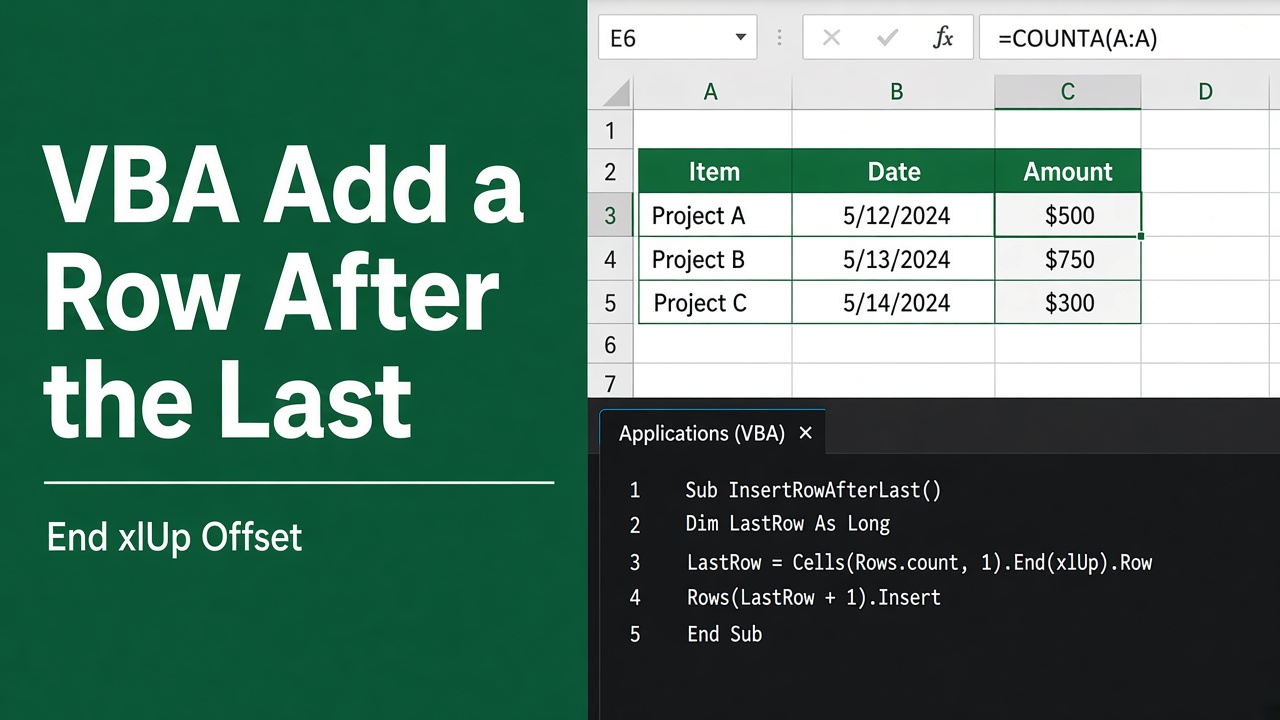
Excel VBA Add Row After Last: Quick Guide
Master the art of Excel VBA to effortlessly add rows after the last entry. Our guide simplifies the process for seamless data management.
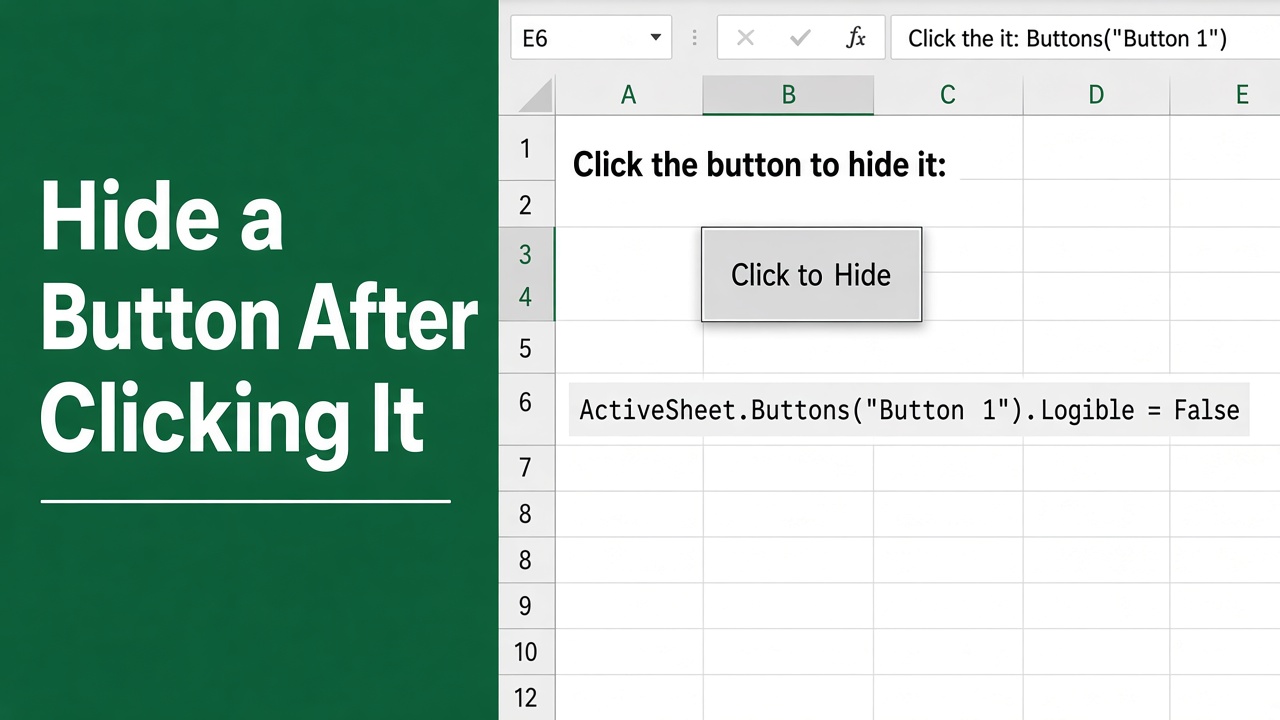
How to Hide a Button in Excel VBA After Clicking It?
Learn how to streamline your Excel tasks by mastering Excel VBA to hide a button after it’s clicked with our straightforward guide.
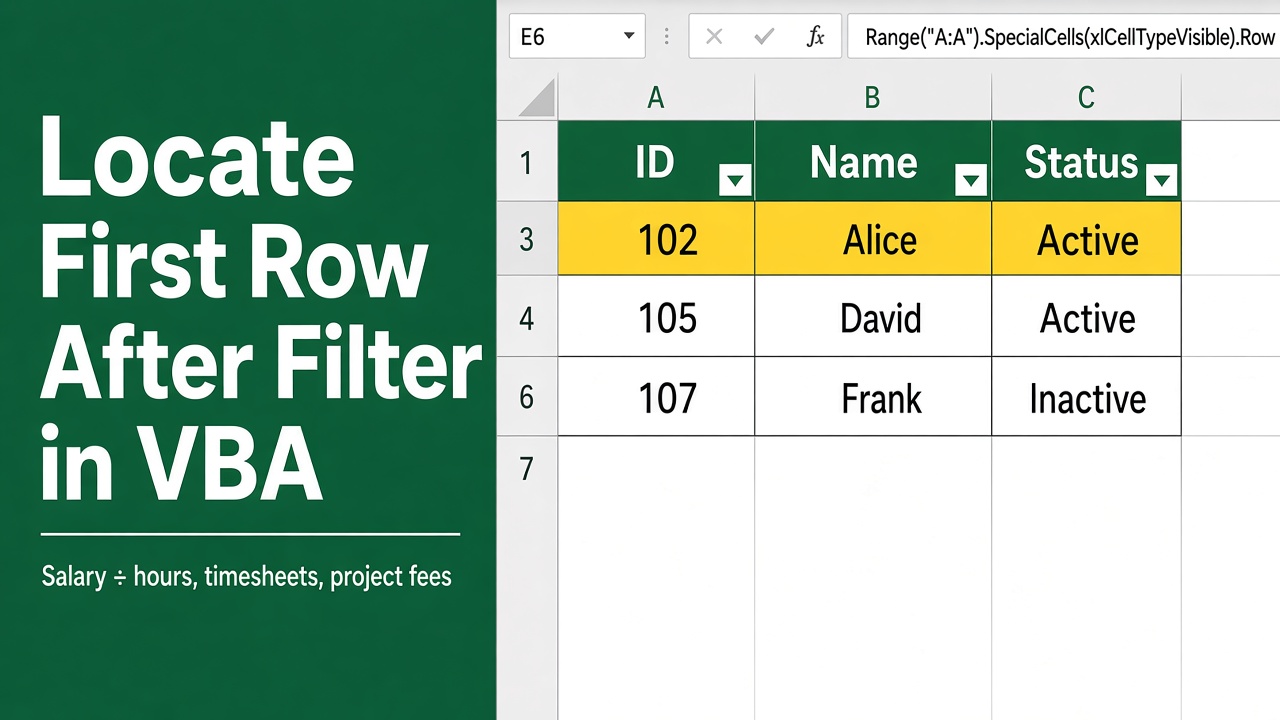
Excel VBA: Locate First Row Post-Filter
Discover how to use Excel VBA to efficiently identify the first row of your data range after applying a filter, streamlining your data analysis tasks.
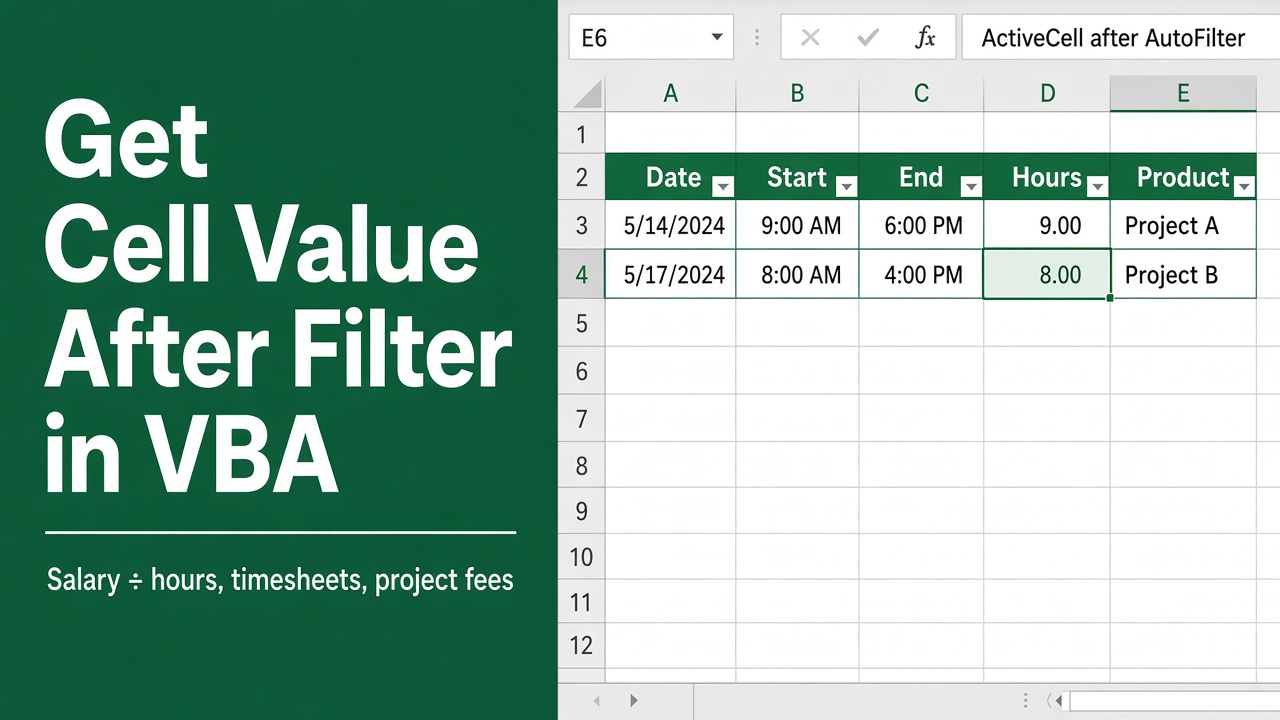
How to Get Cell Value After Filter Using Excel VBA?
Learn how to get cell value after filter using Excel VBA. Explore methods like SpecialCells and Offset to retrieve values from filtered data efficiently.
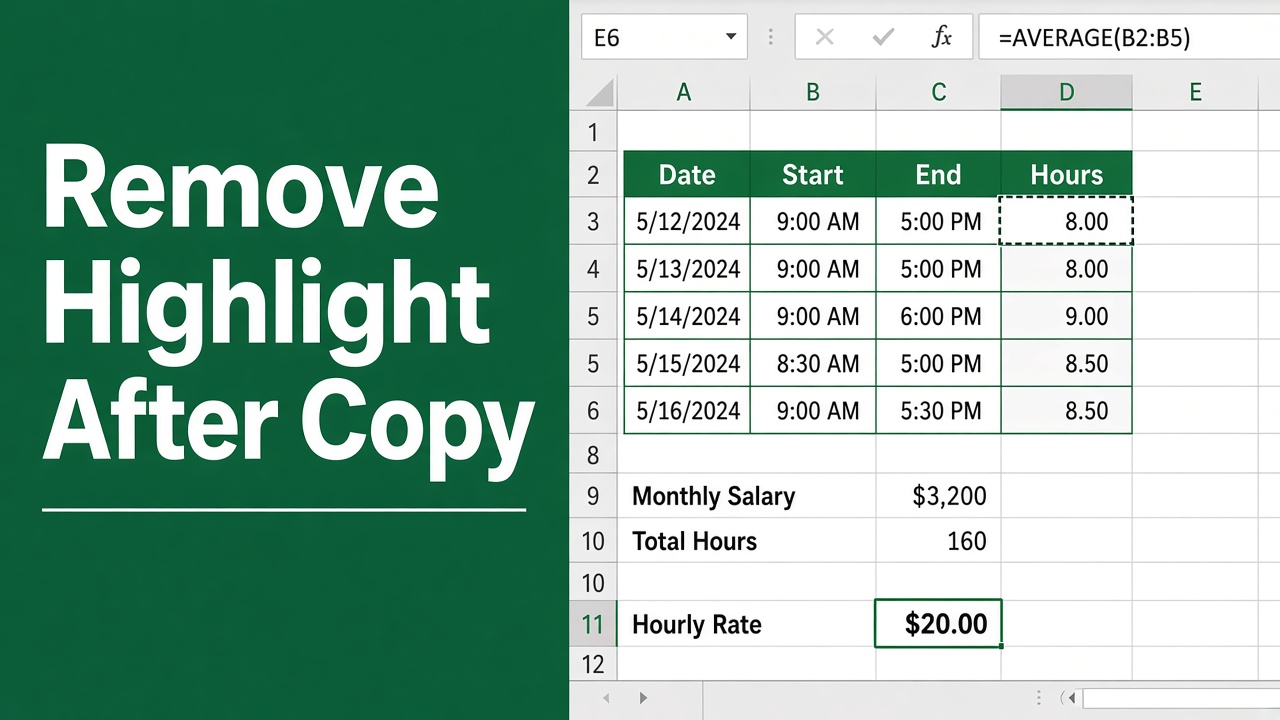
Remove Highlight After Copy with Excel VBA – Tips
Learn how to streamline your workflow with Excel VBA to quickly remove highlight after copy, ensuring clean data presentation.
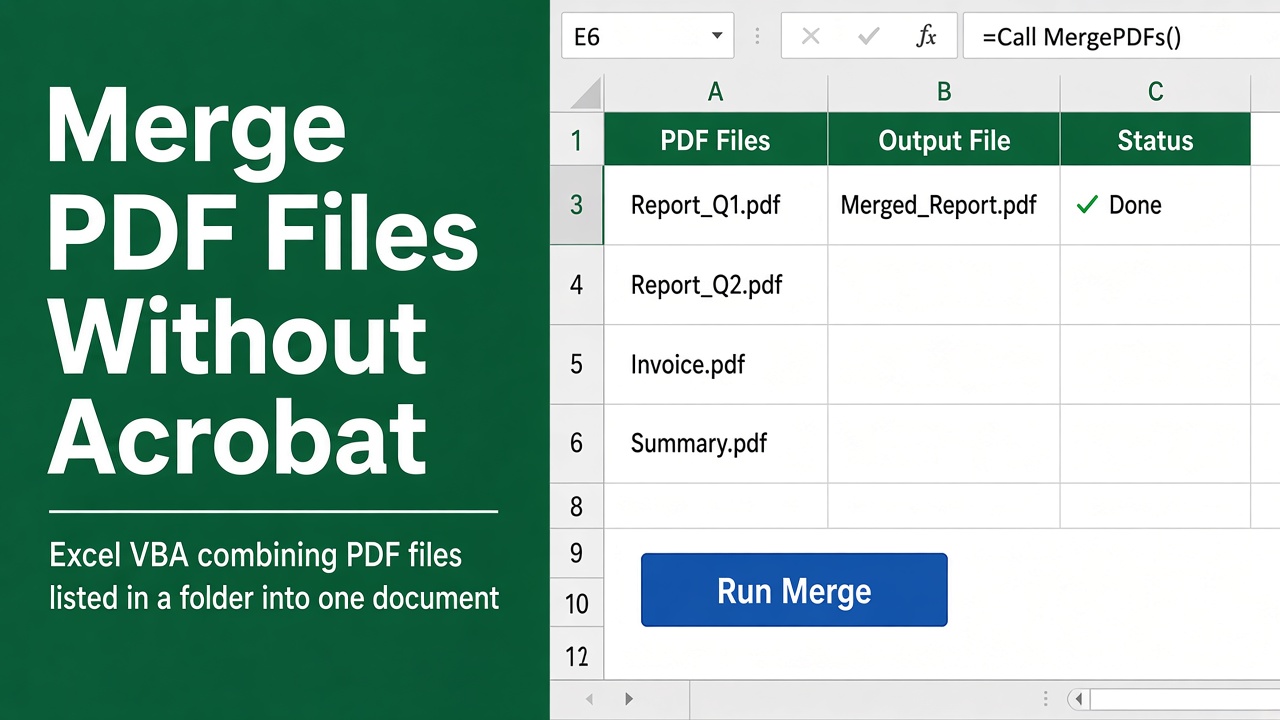
How to Merge PDF Files Using Excel VBA Without Adobe Acrobat?
Easily merge multiple PDF files into one document using Excel VBA, without needing Adobe Acrobat. Save time and effort with this free, customizable macro.
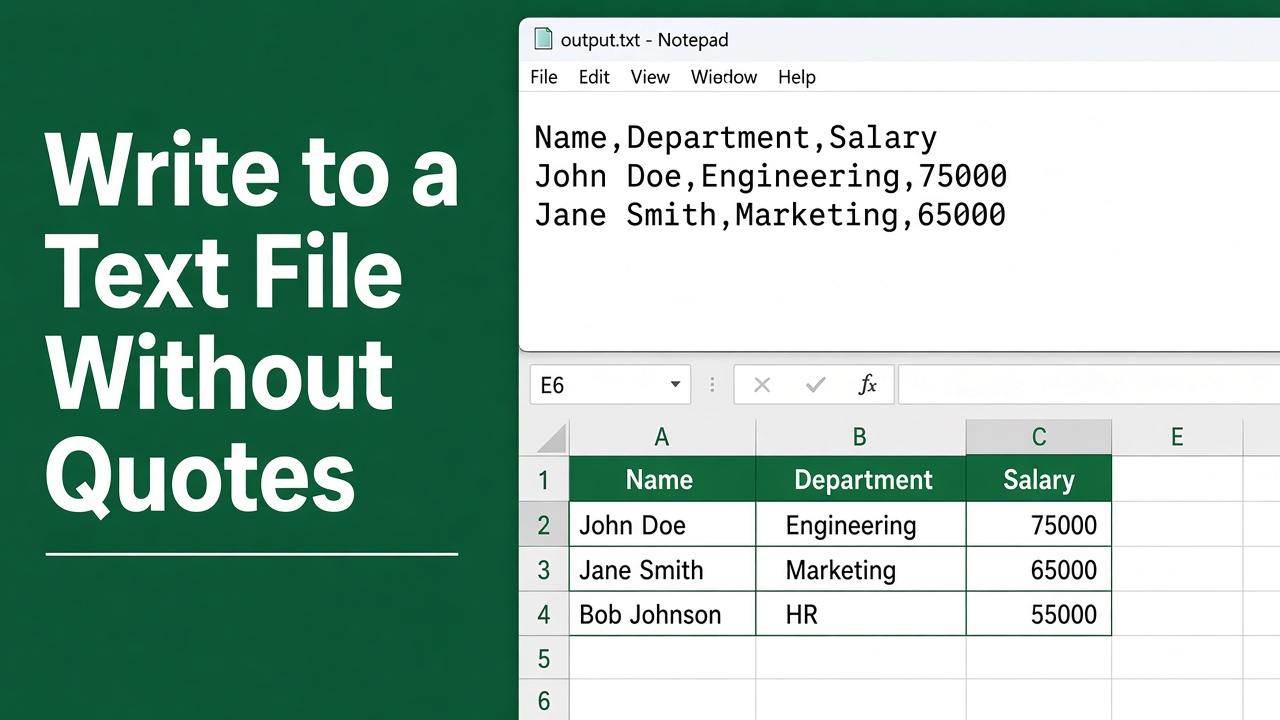
Excel VBA Write to Text File: No Quotes Guide
Master Excel VBA to write to text files seamlessly without quotes. Get the step-by-step guide to streamline your data handling with ease.
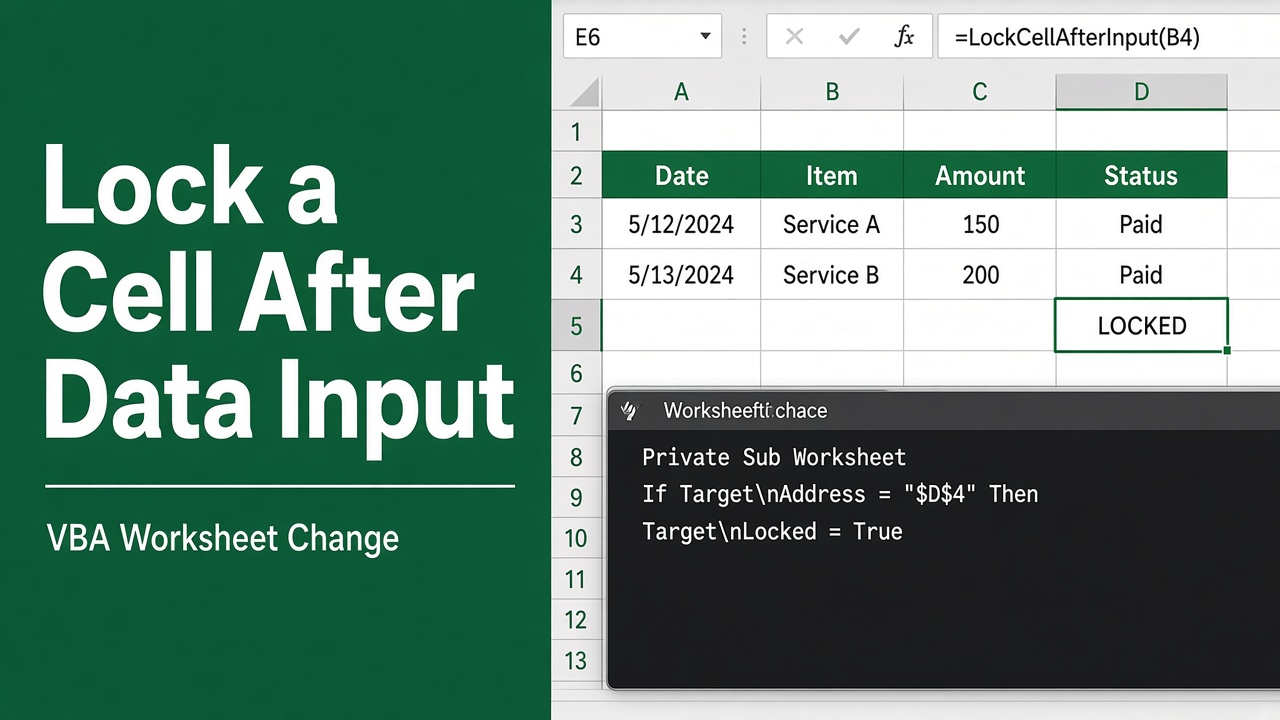
How to Lock a Cell in Excel After Data Input Using VBA?
Learn how to lock cells in Excel after data entry using VBA. Prevent accidental edits, preserve data integrity, and improve usability. Get the code now!
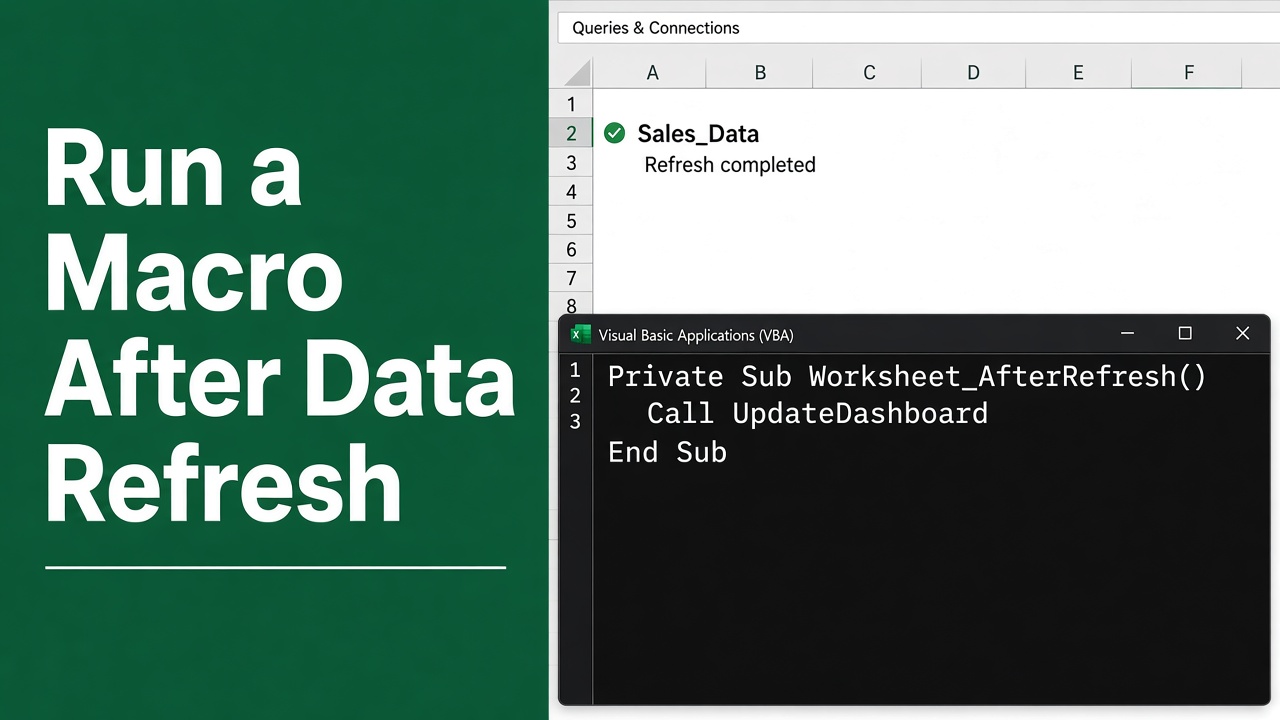
Automate Tasks with Excel VBA After Data Refresh
Streamline your workflow by learning how to excel VBA run macro after data refresh for improved efficiency and accuracy in data management.